
# AWS-CCP(Certified Cloud Practitioner)
# 【01】Basis
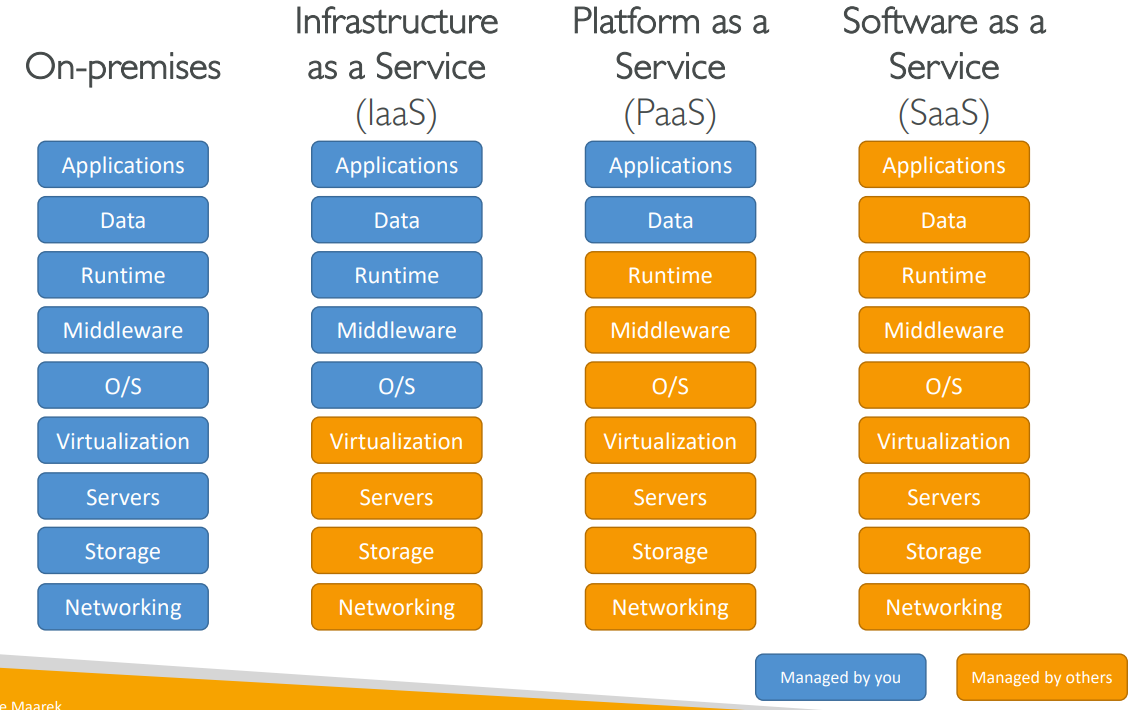
# Types of Cloud Computing
# Pricing of the Cloud

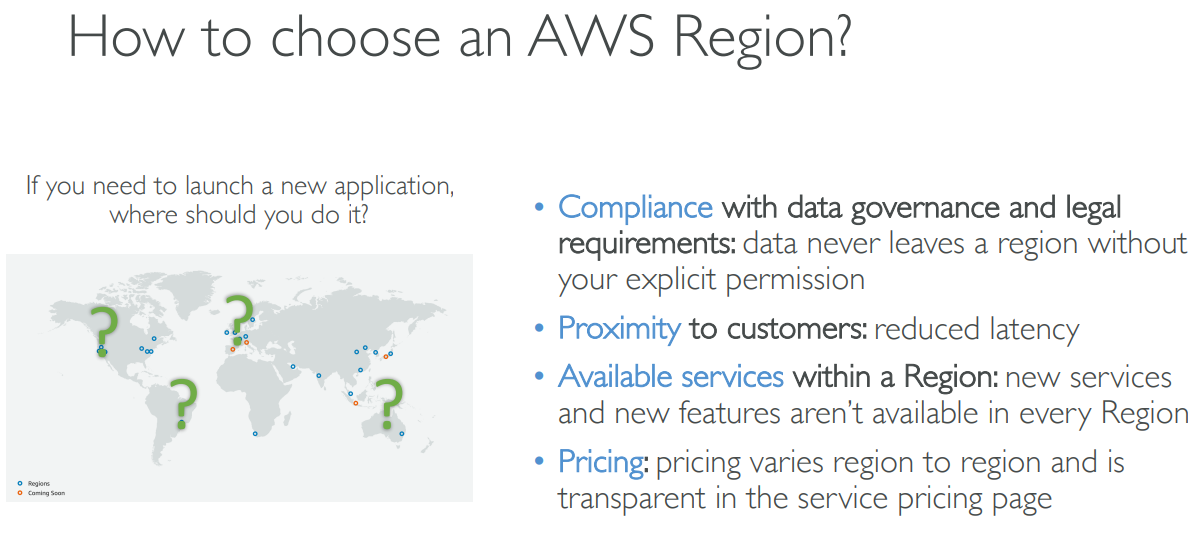
# Regions


region > availability zone > data center
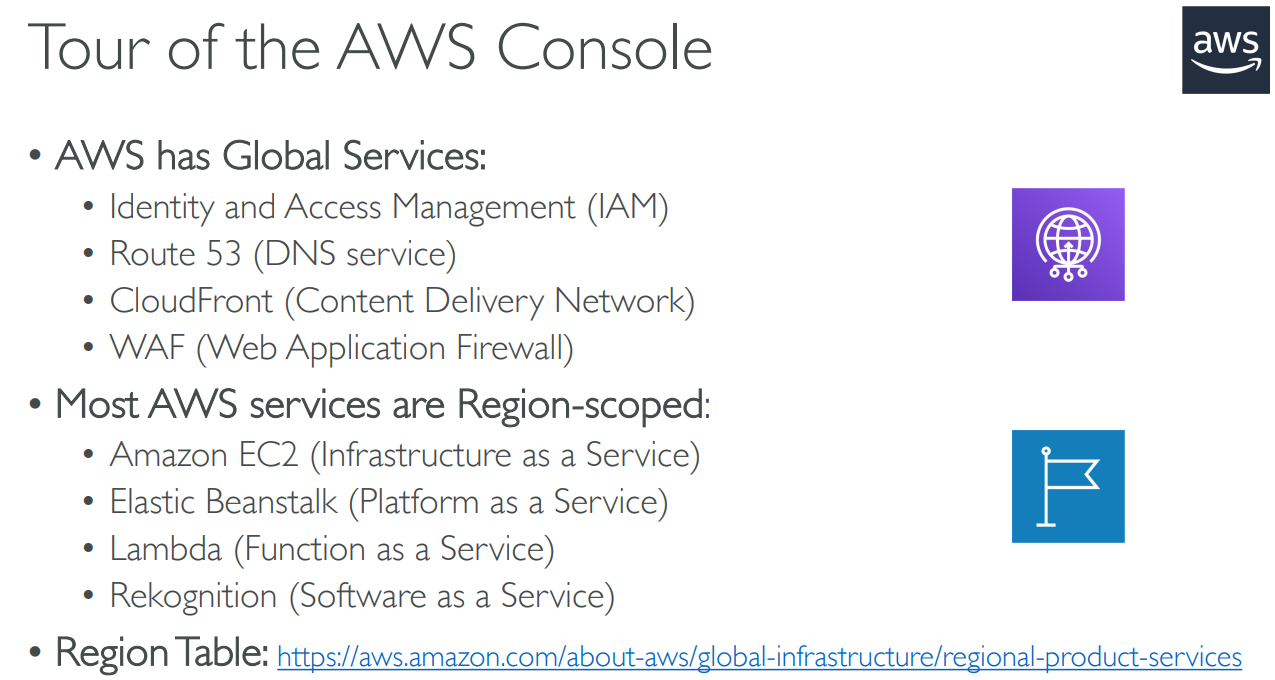
# SRM

# 【02】IAM
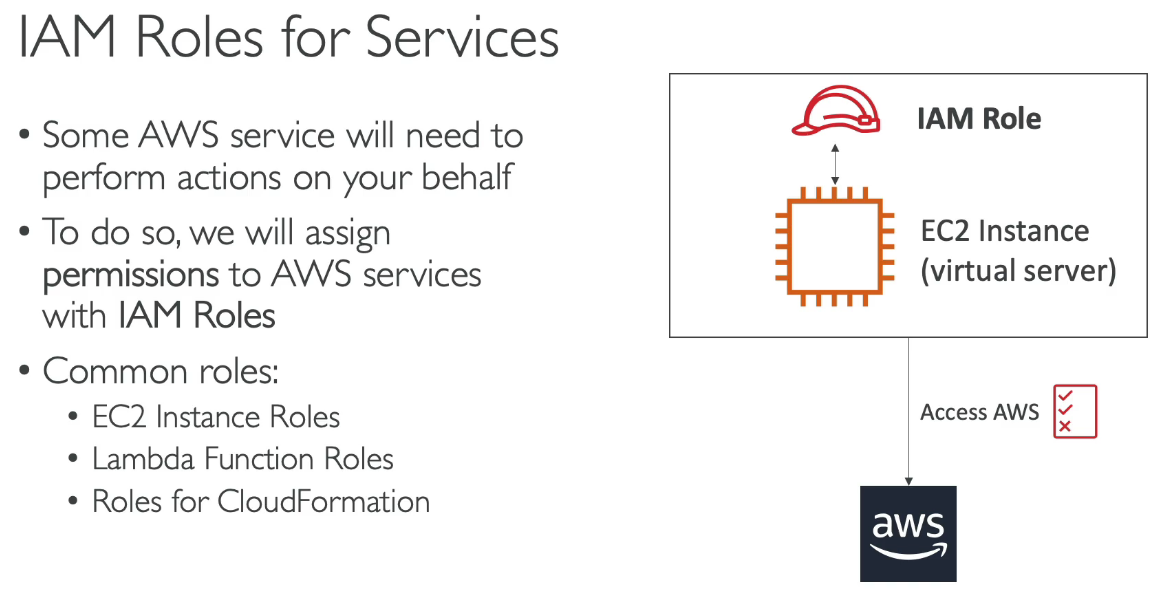
# user & groups
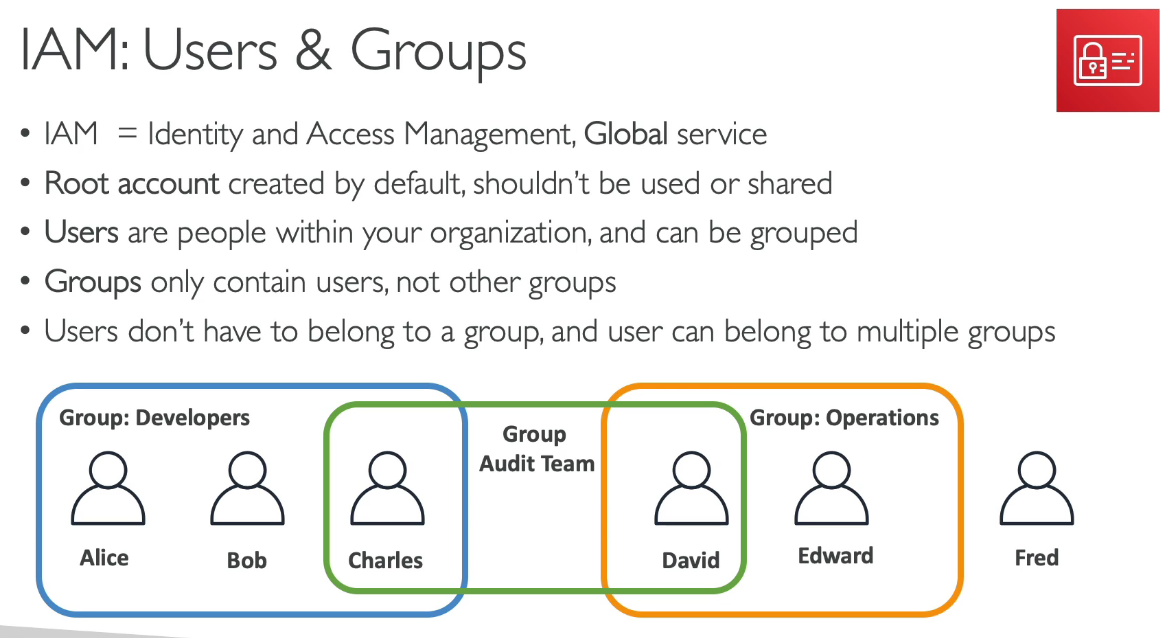
# policies inheritance
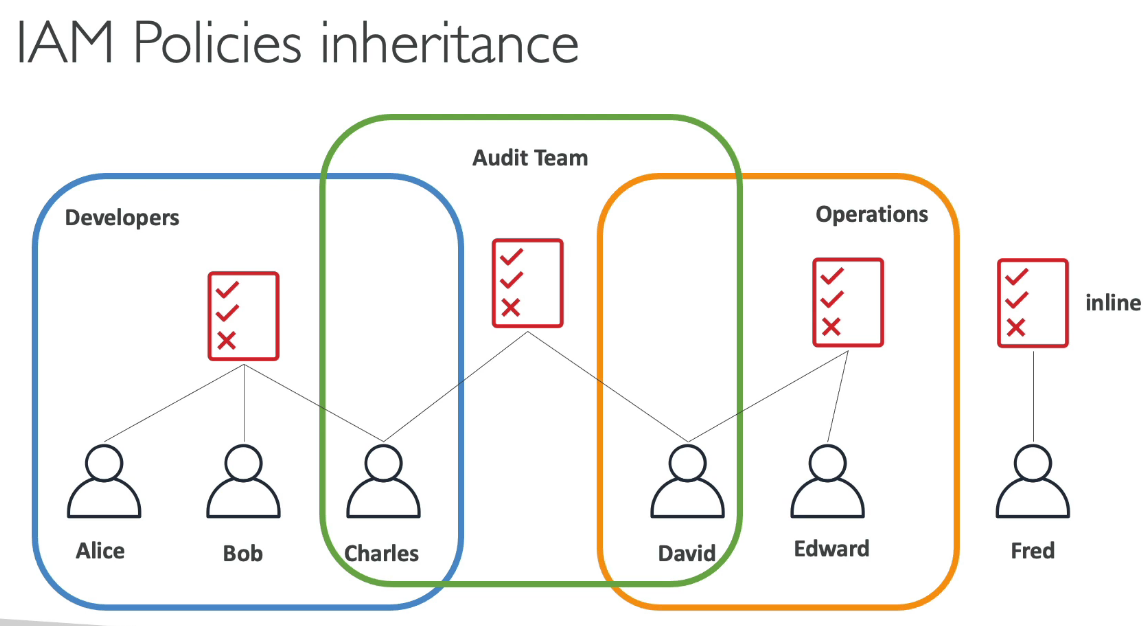
# policies structure(json)
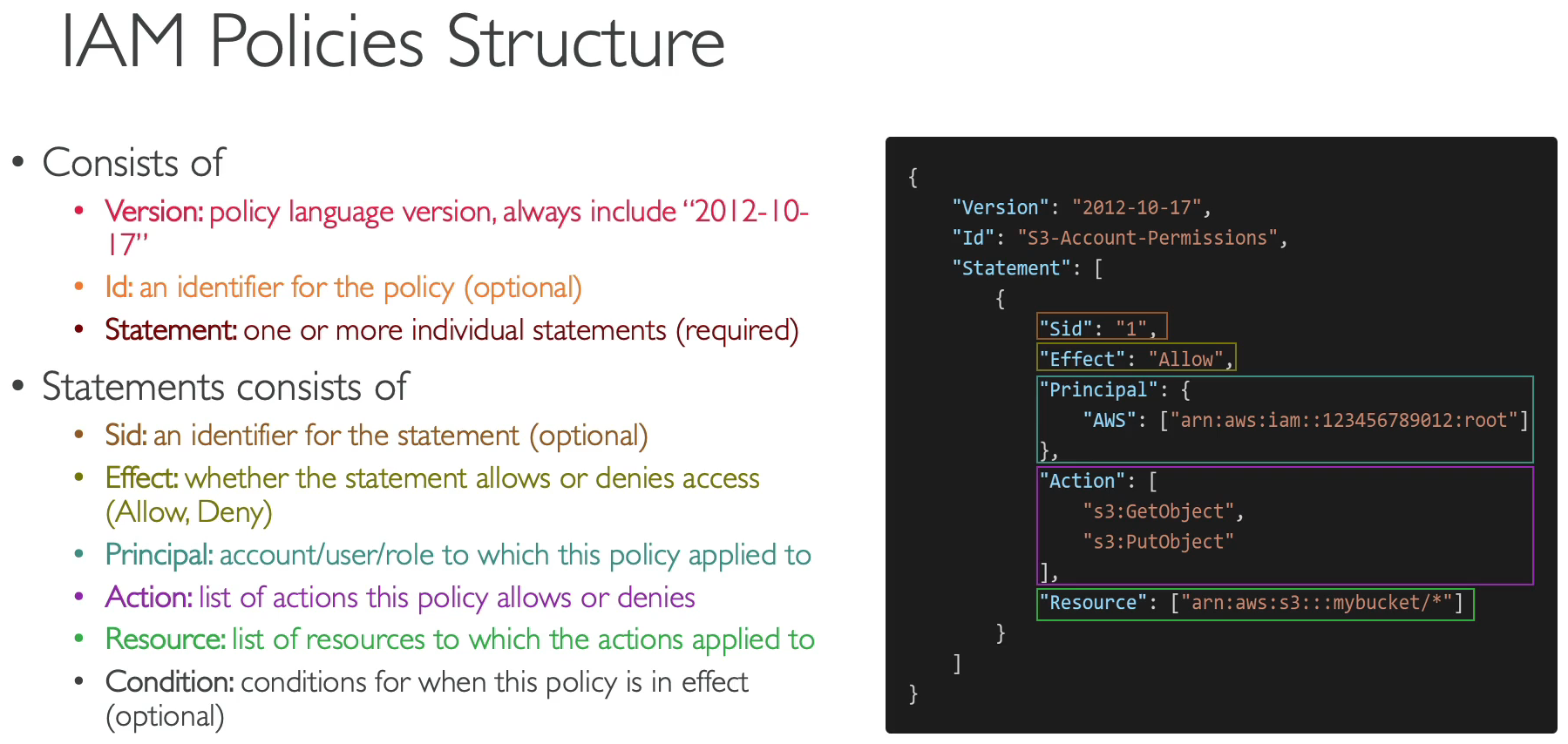
# Roles
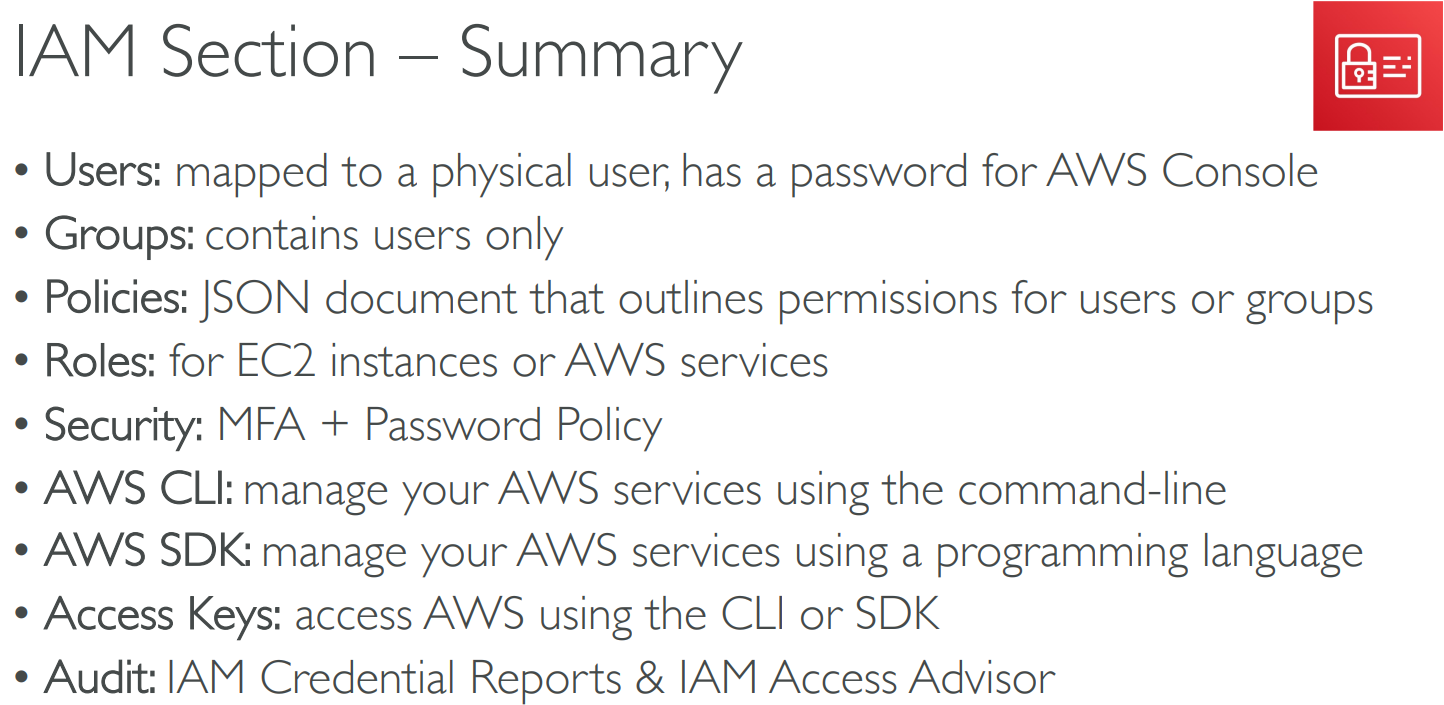
# security tools
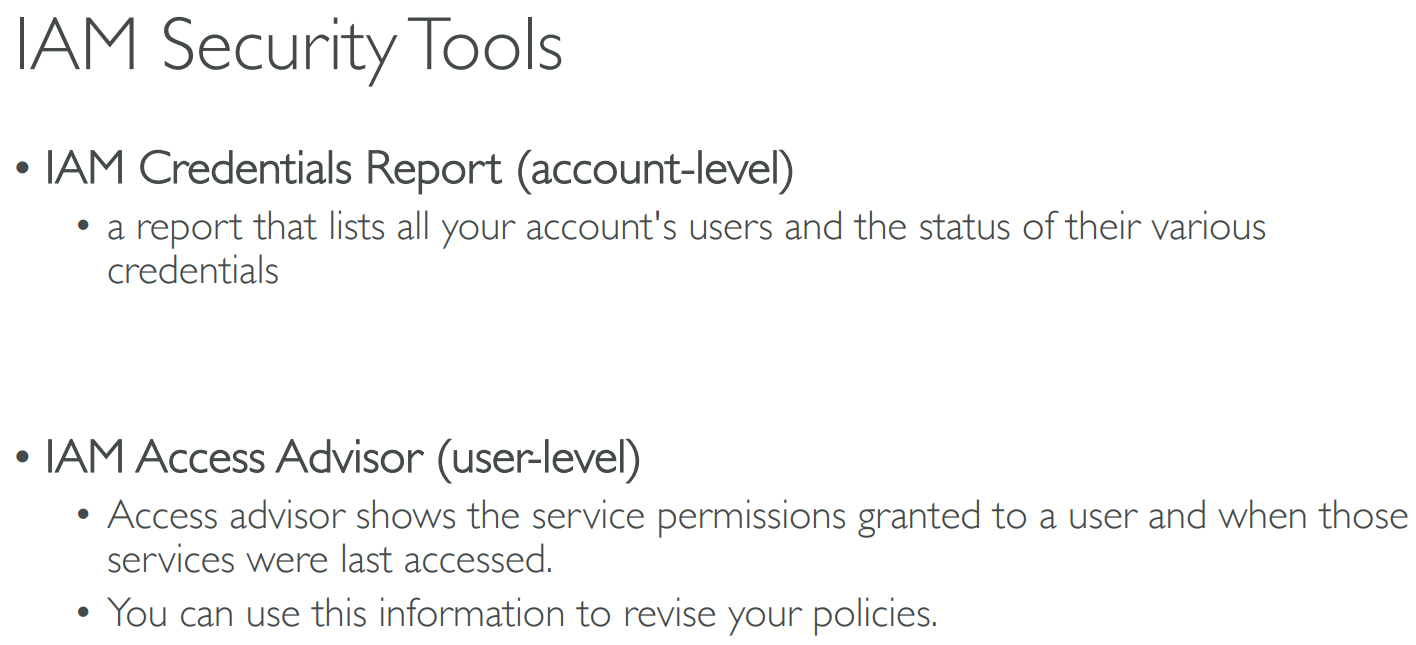
# SRM for IAM
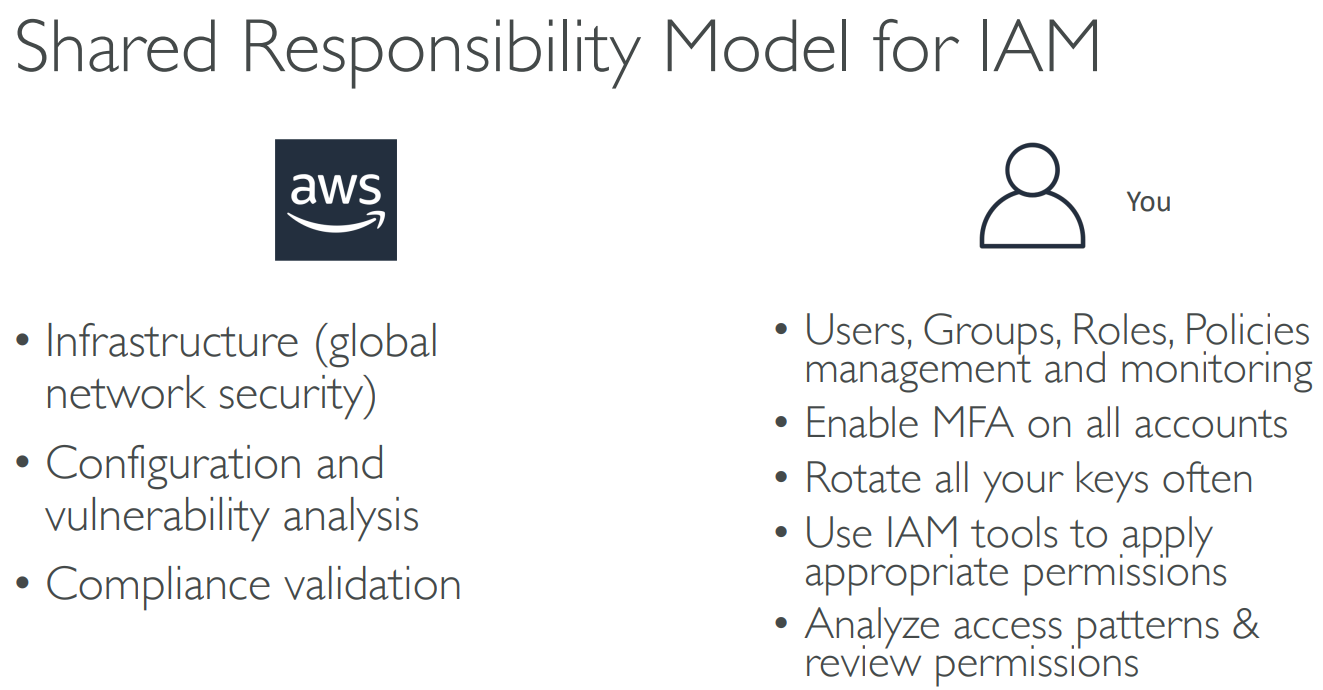
# Summary
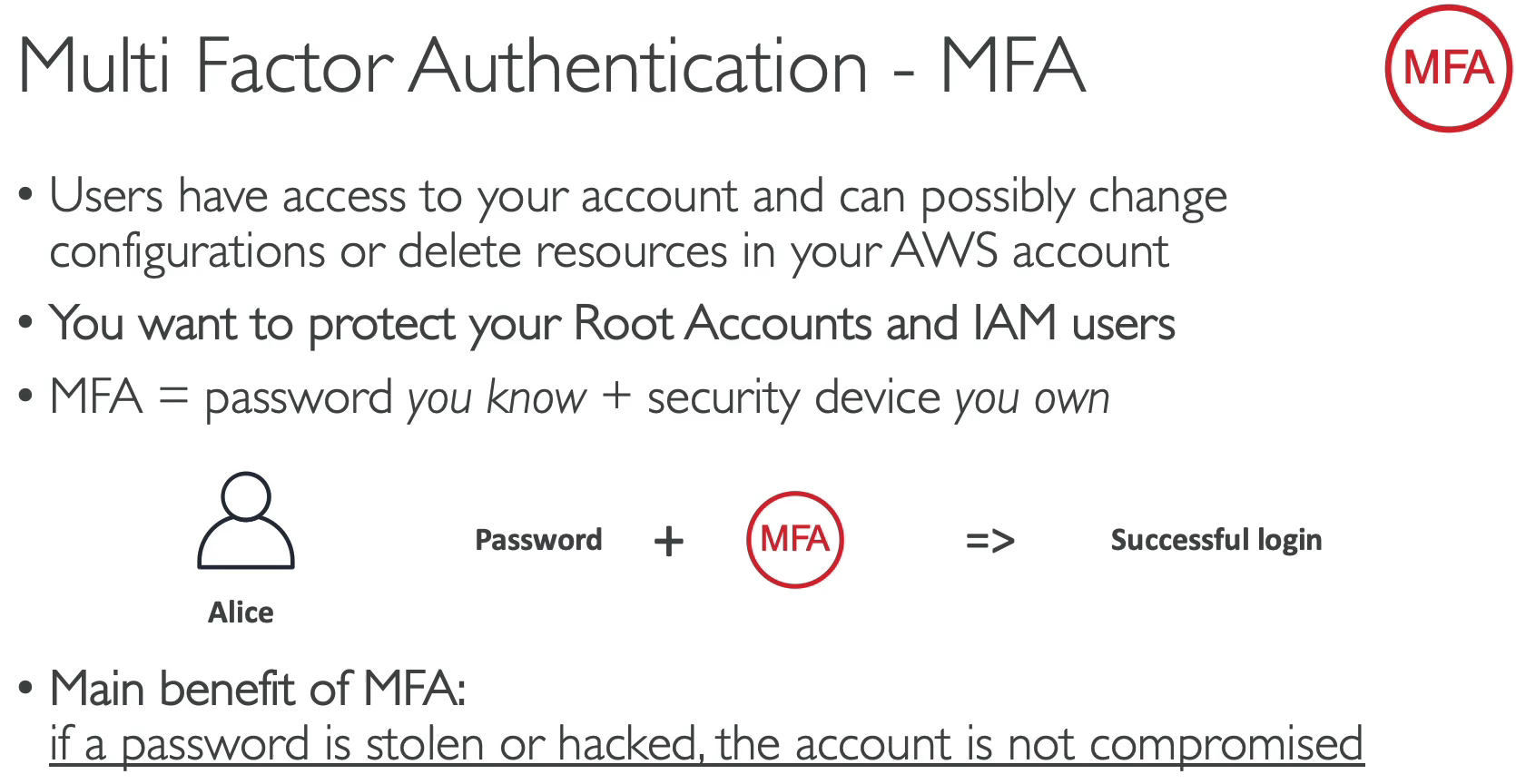
# 【03】MFA
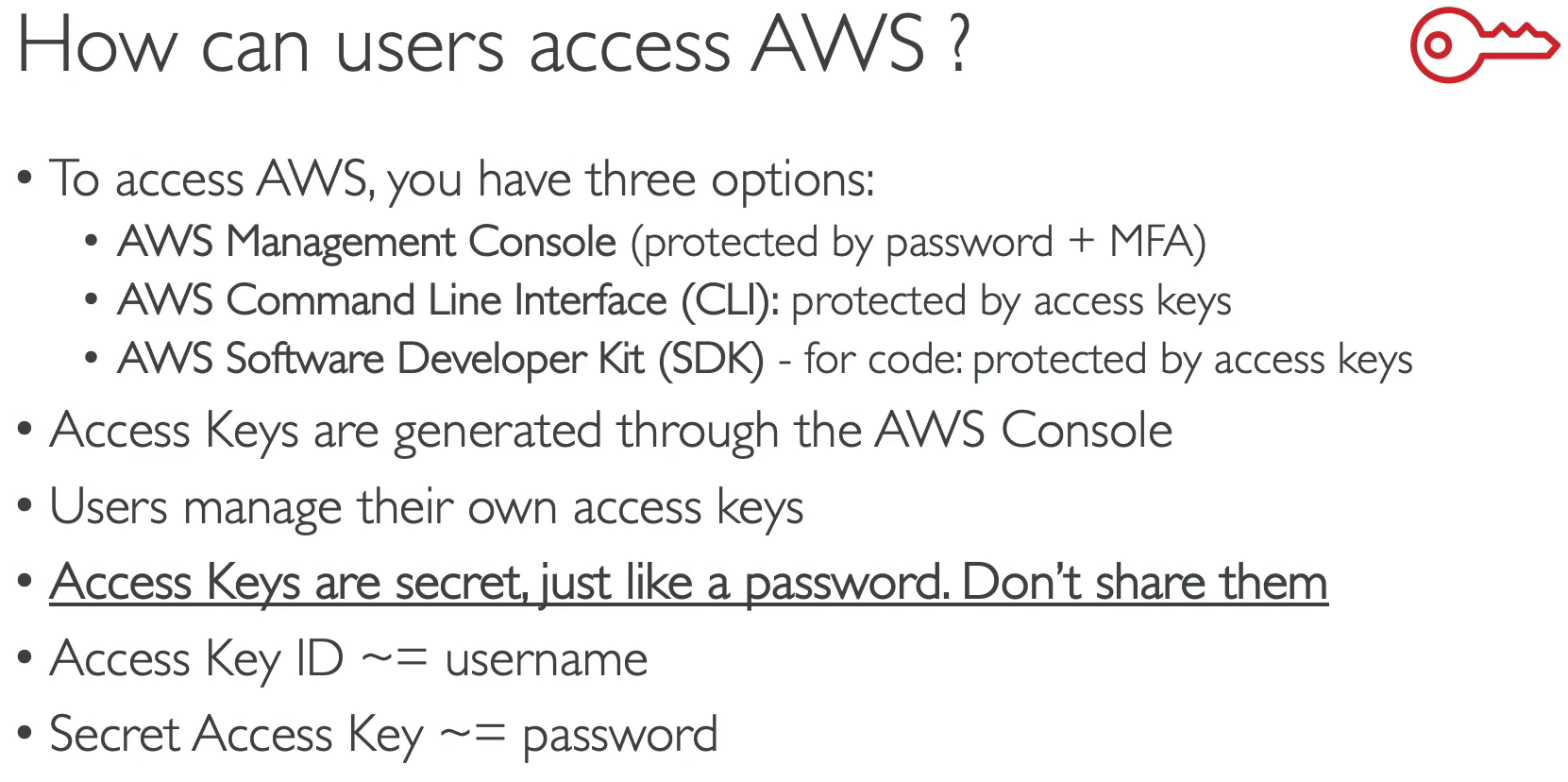
# Access AWS
# CLI(Command Line Interface)
aws --version
aws configure //输入Access key和Secret access key
2
aws iam list-users
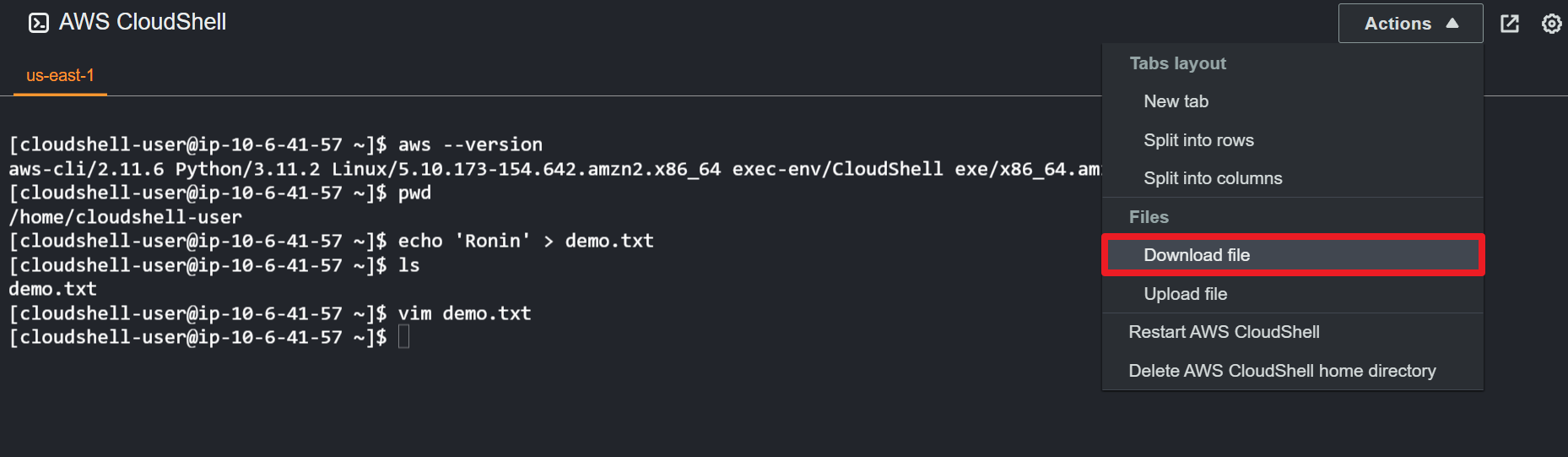
# CloudShell
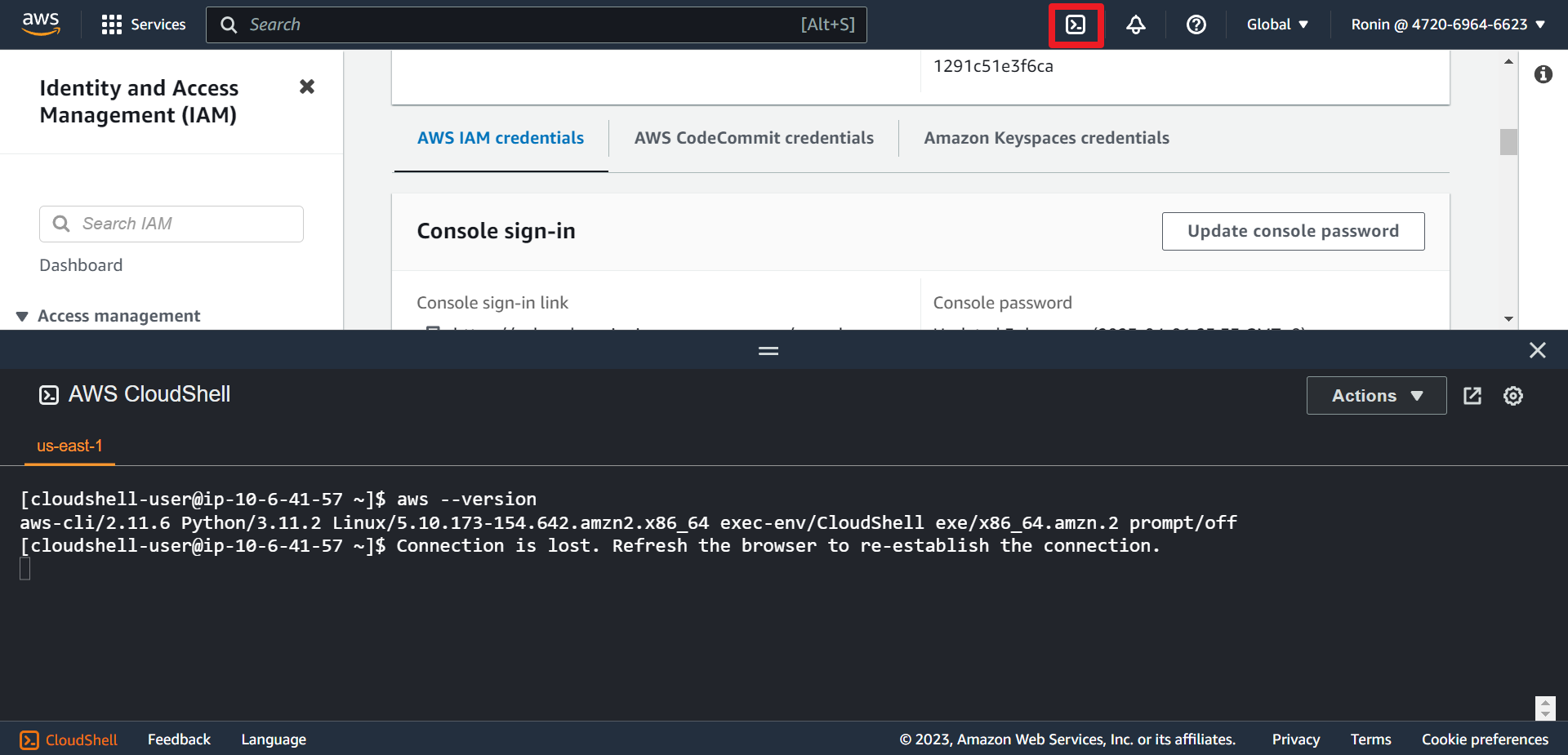
Tips: if you new a file, next time you login, it'll still stay.
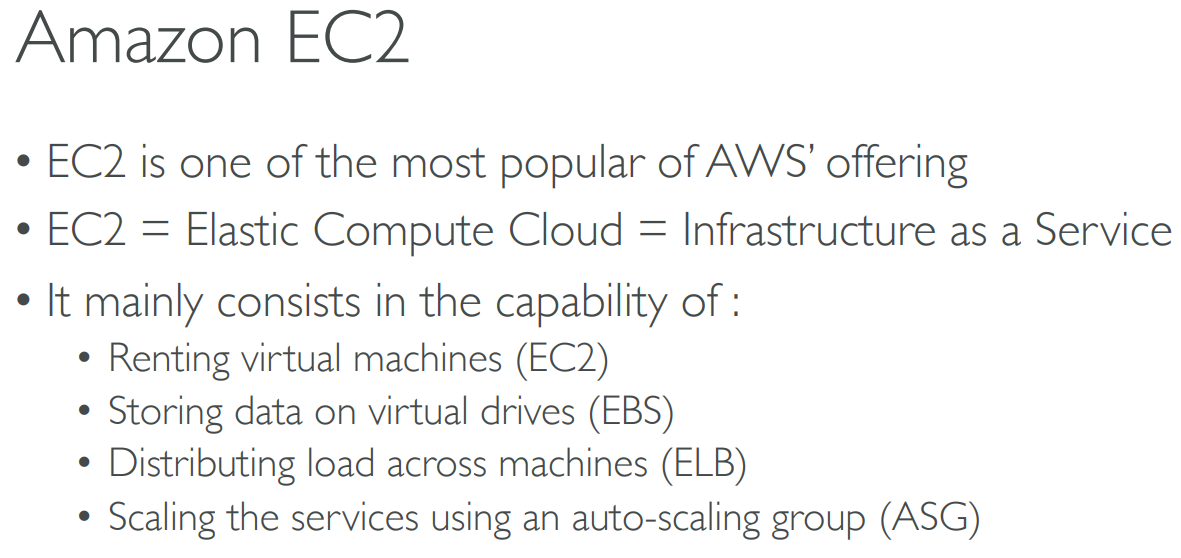
# 【04】EC2(Elastic compute cloud)
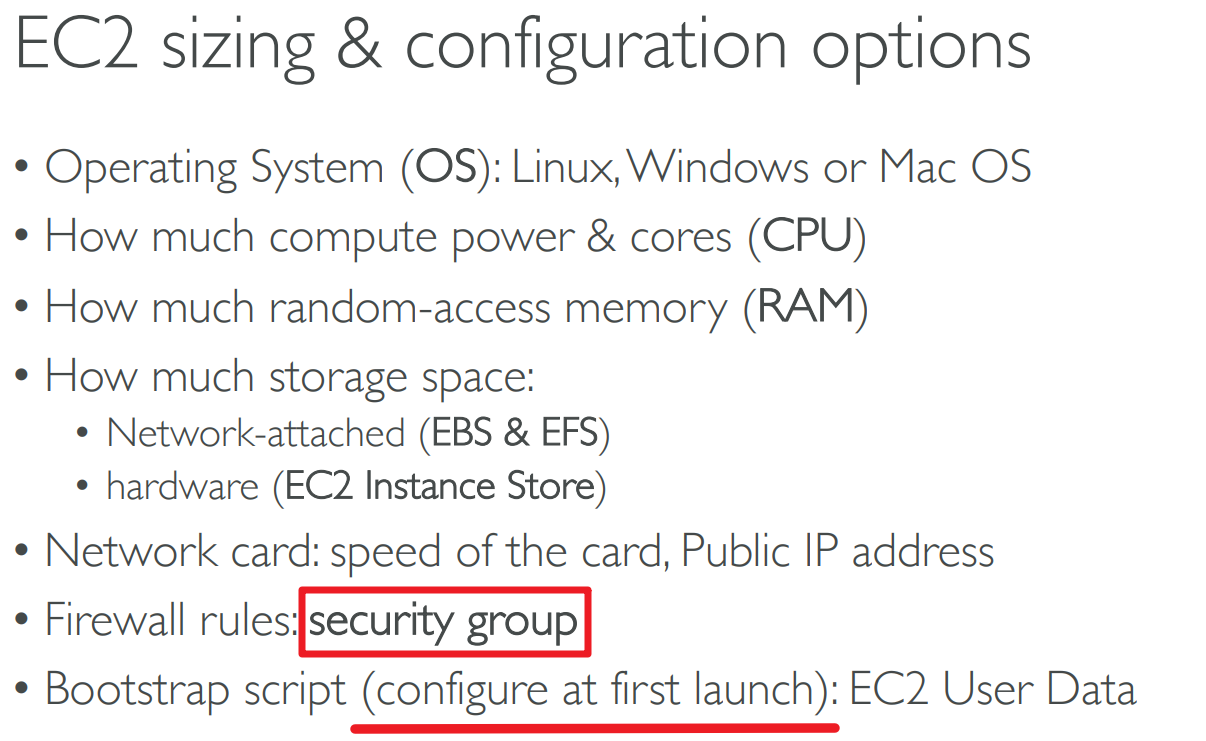
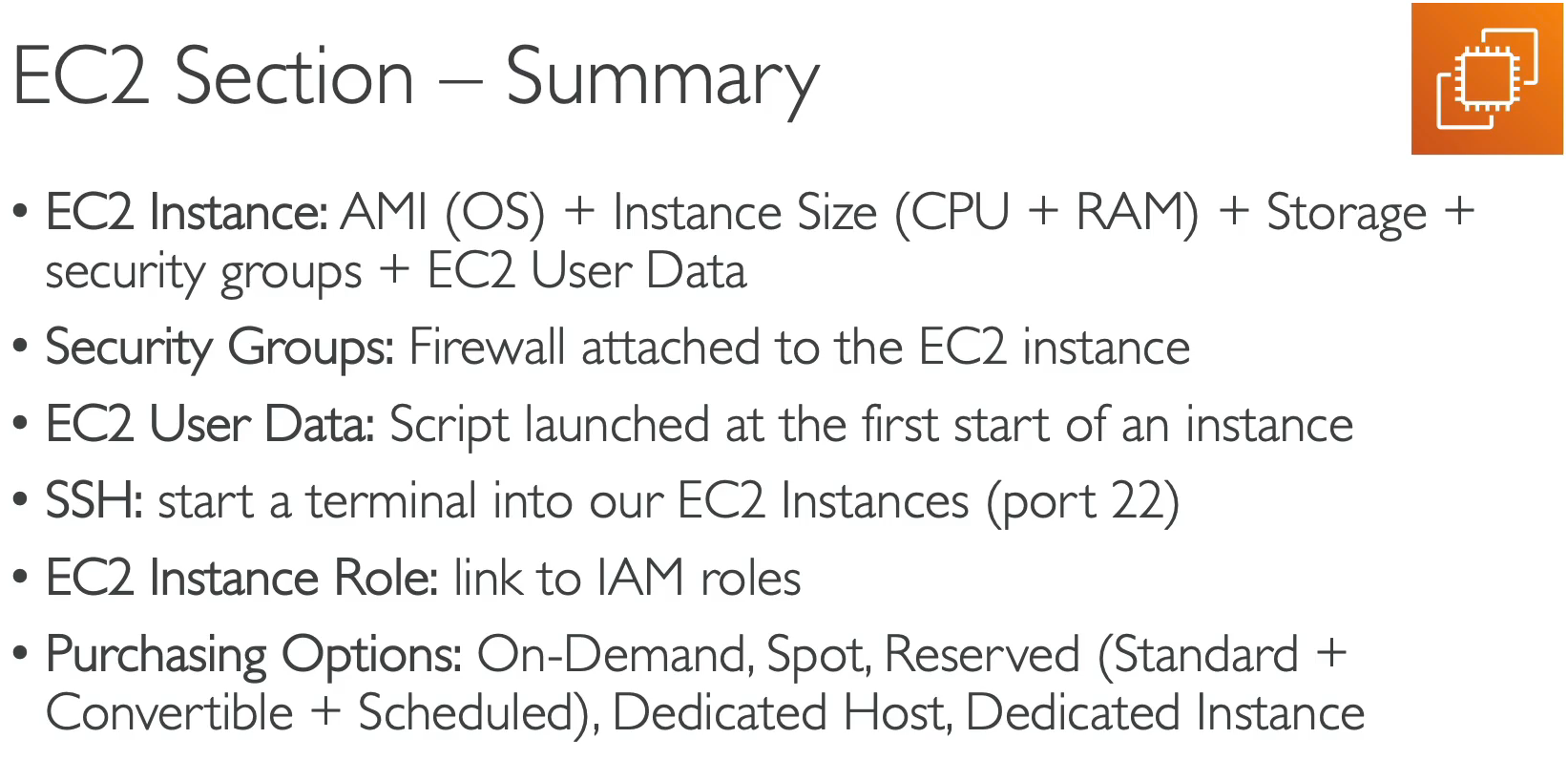
That script is only run once at the instance first start
# Security Groups
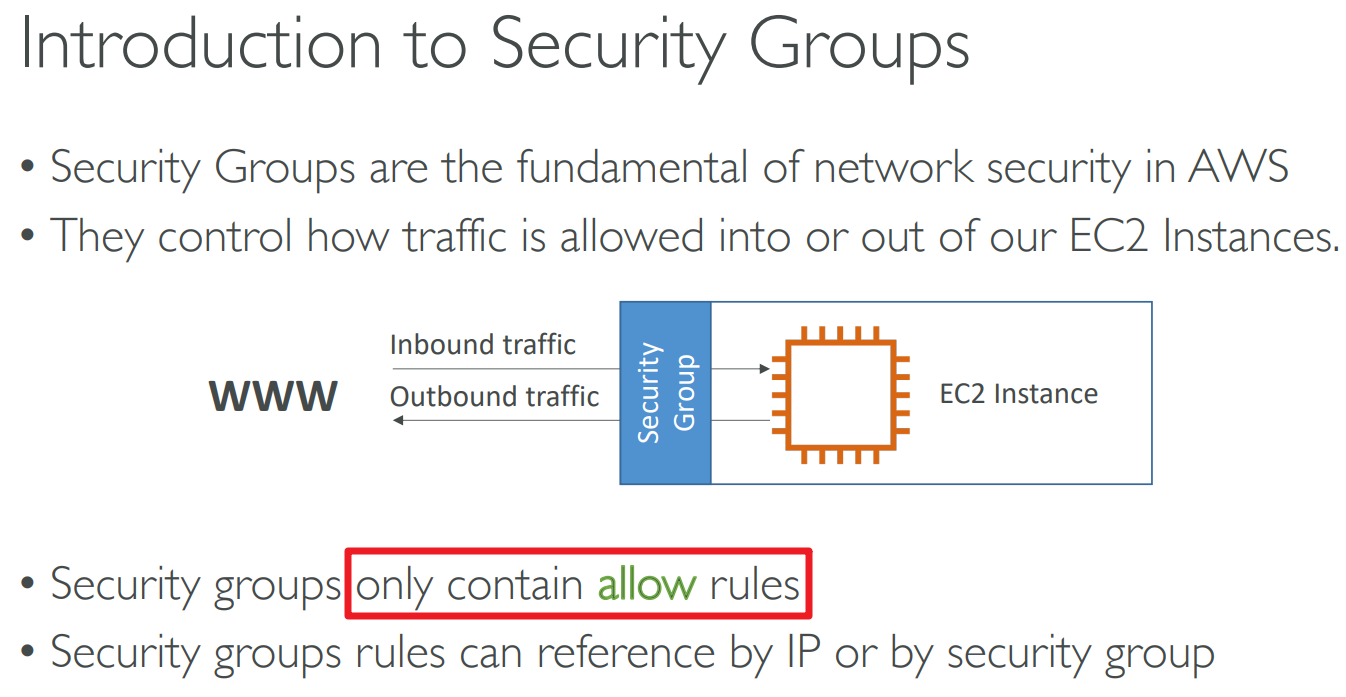
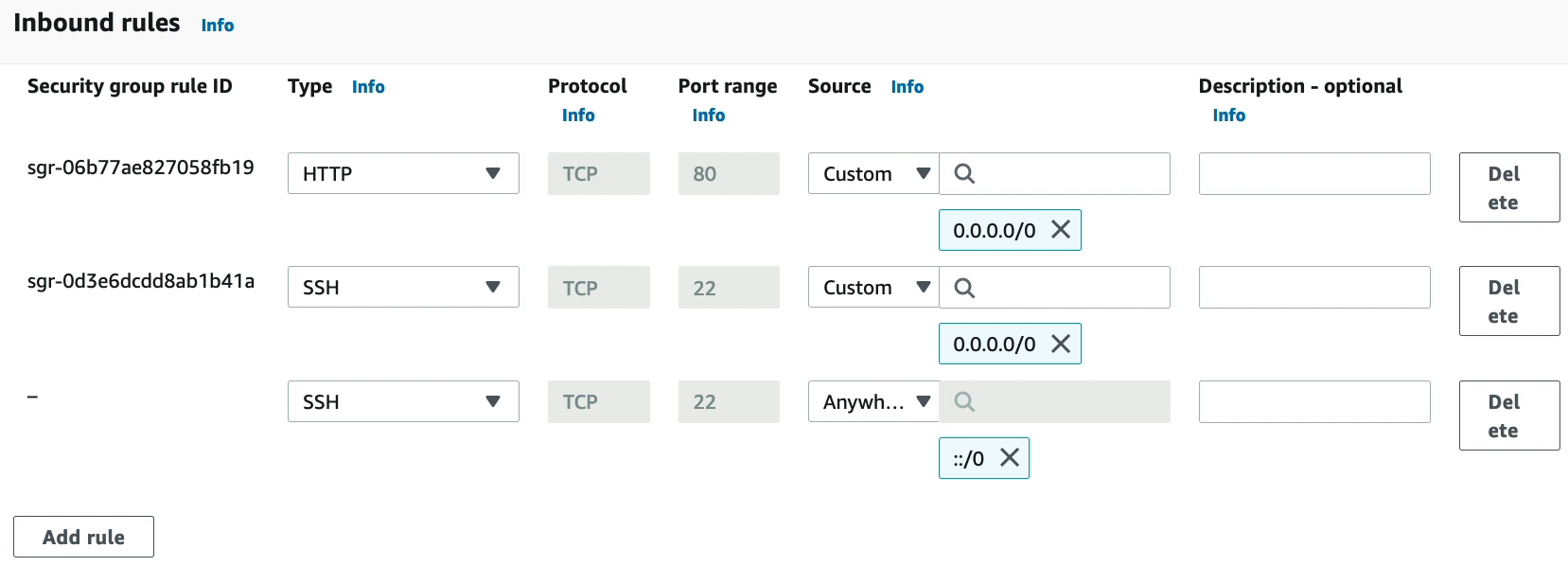
Security groups are acting as a “firewall” on EC2 instances
They regulate:
- Access to Ports
- Authorised IP ranges – IPv4 and IPv6
- Control of inbound network (from other to the instance)
- Control of outbound network (from the instance to other)

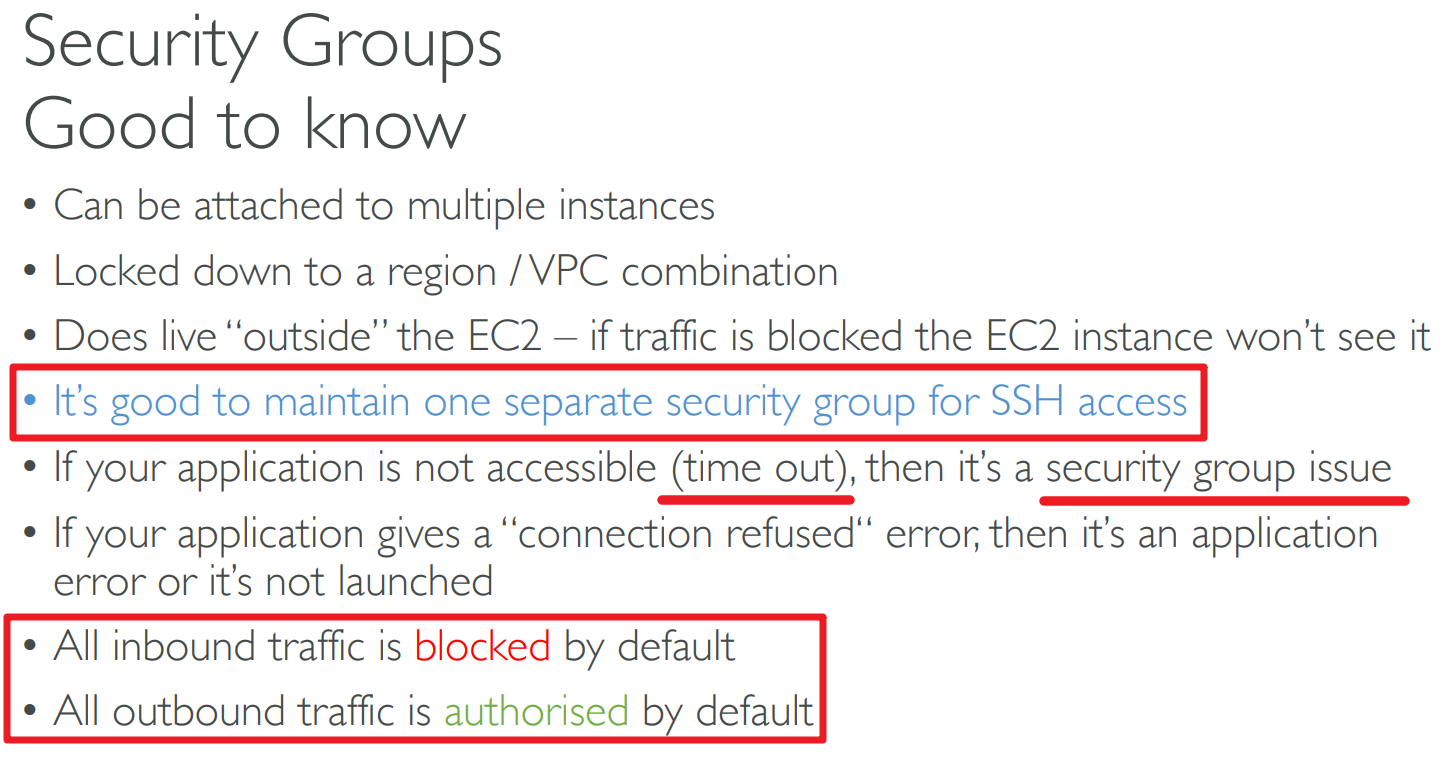
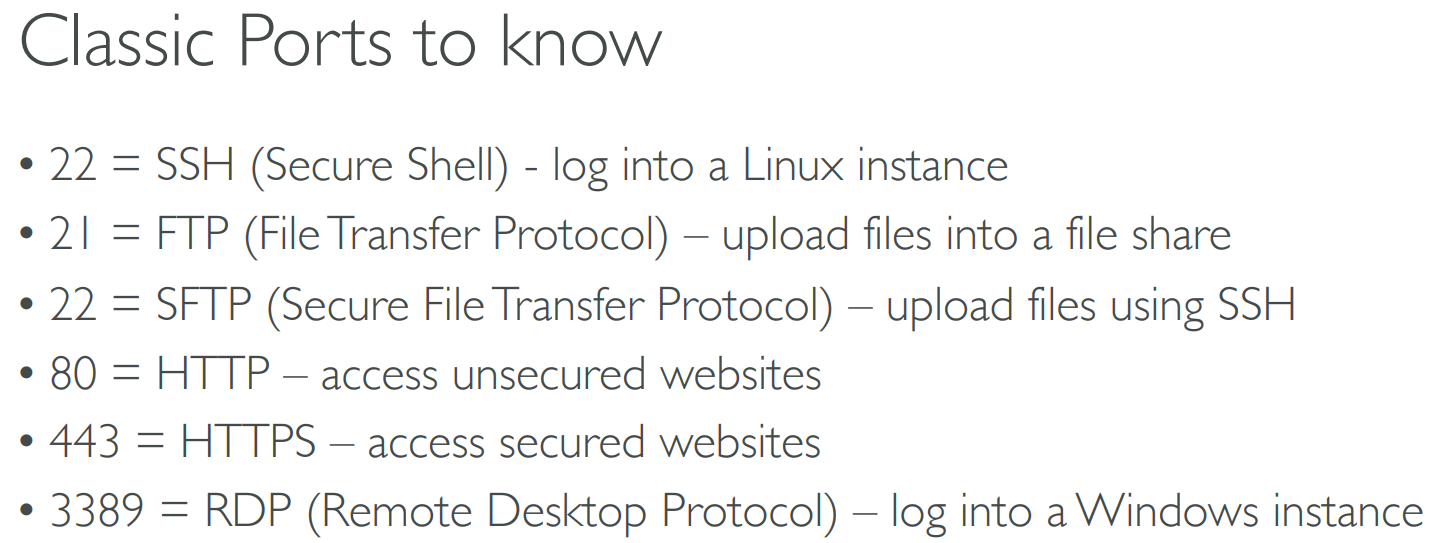
# Classic Ports
# Operating System SSH
SSH is one of the most important function. It allows you to control a remote machine, all using the command line.
# SSH - Windows 10
ssh
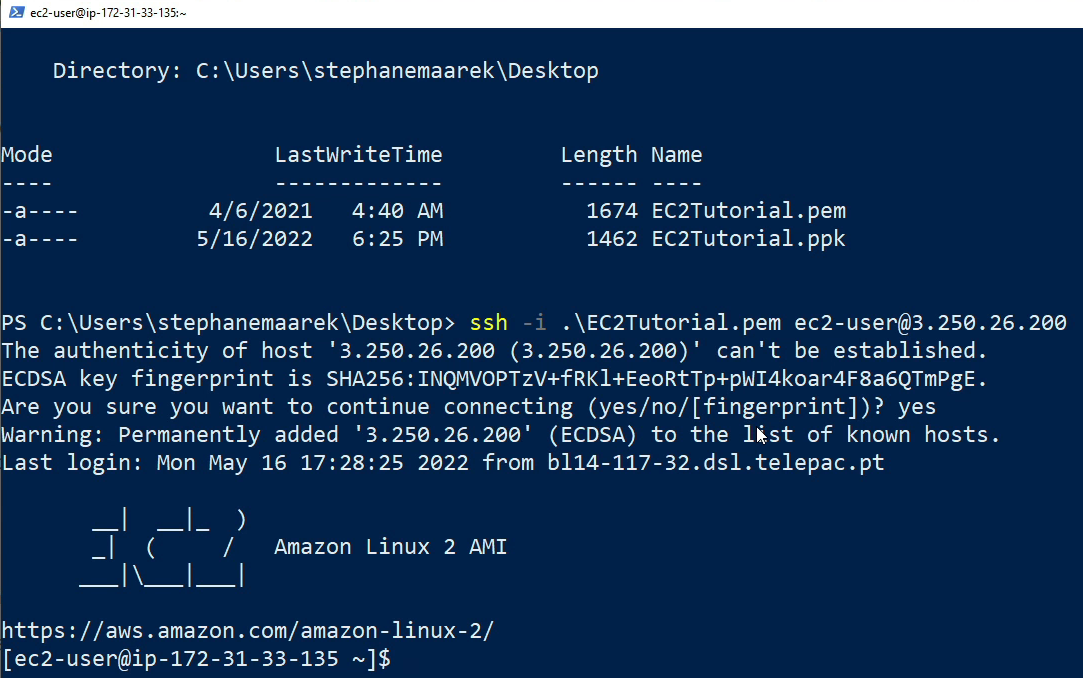
cd ...  //enter the folder which contains XX.pem
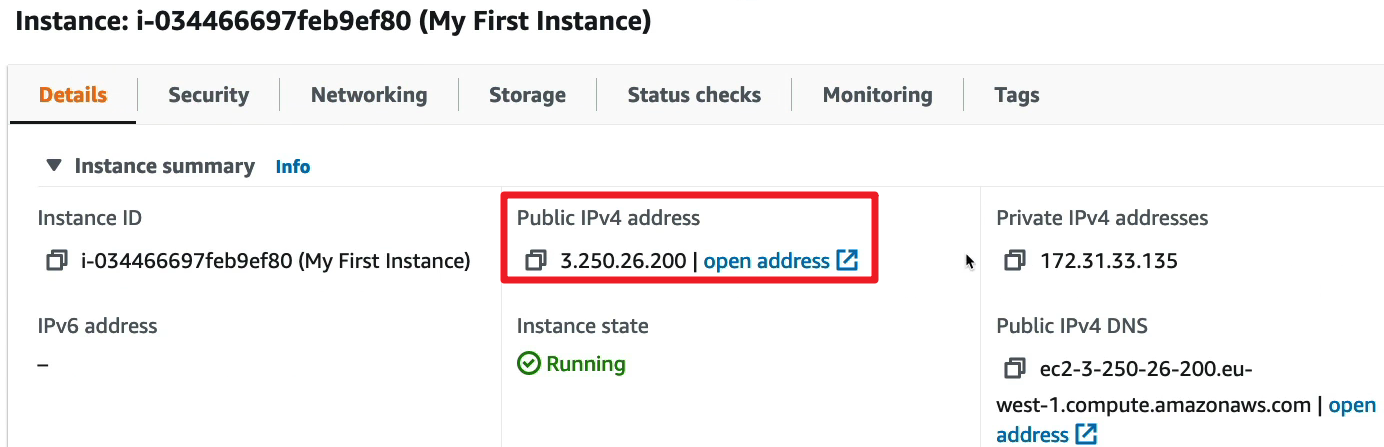
ssh -i  .\XX.pem EC2-user@3.250.26.200
exit
2
3
4
make sure you are the owner of the file
change permission: properties --> Security --> ...
# Browser SSH
# Still needs ssh
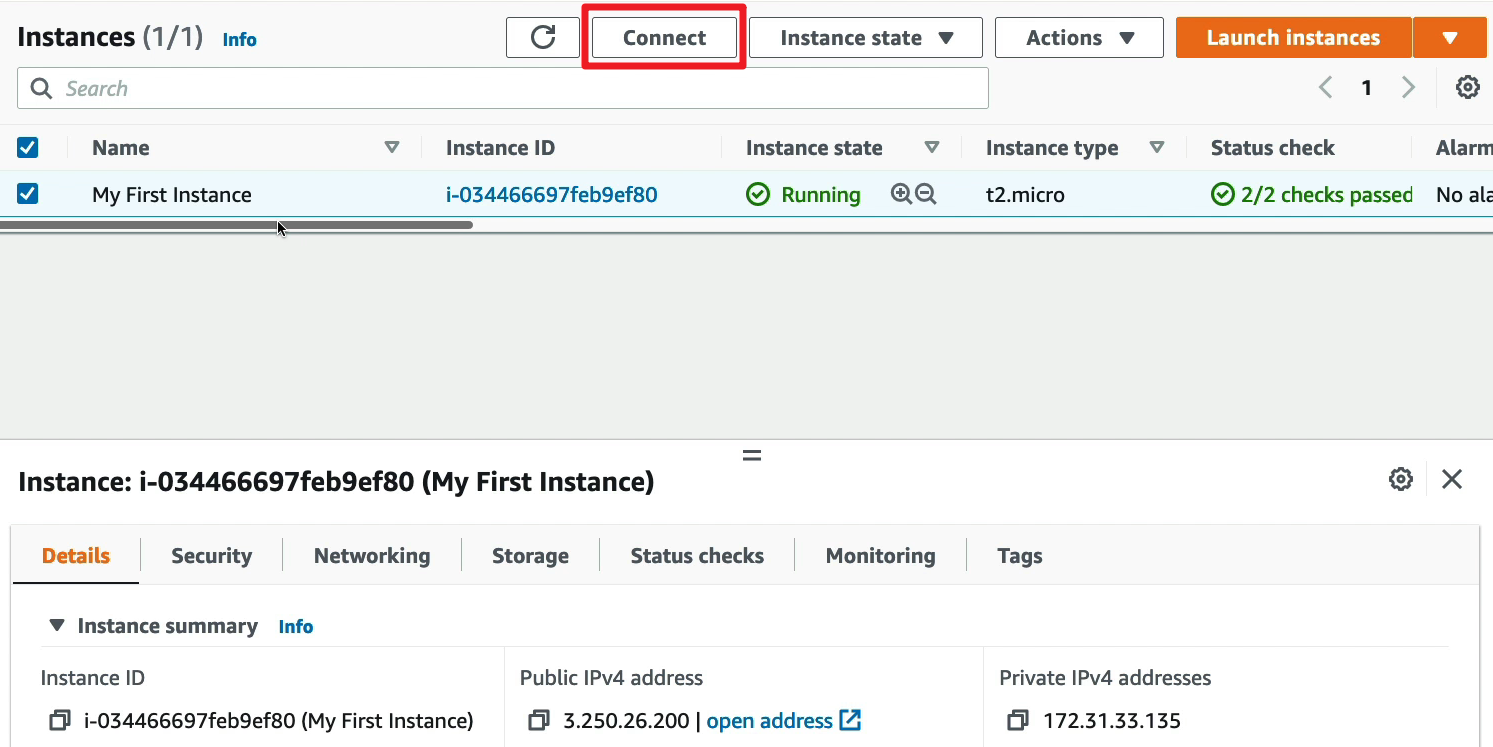
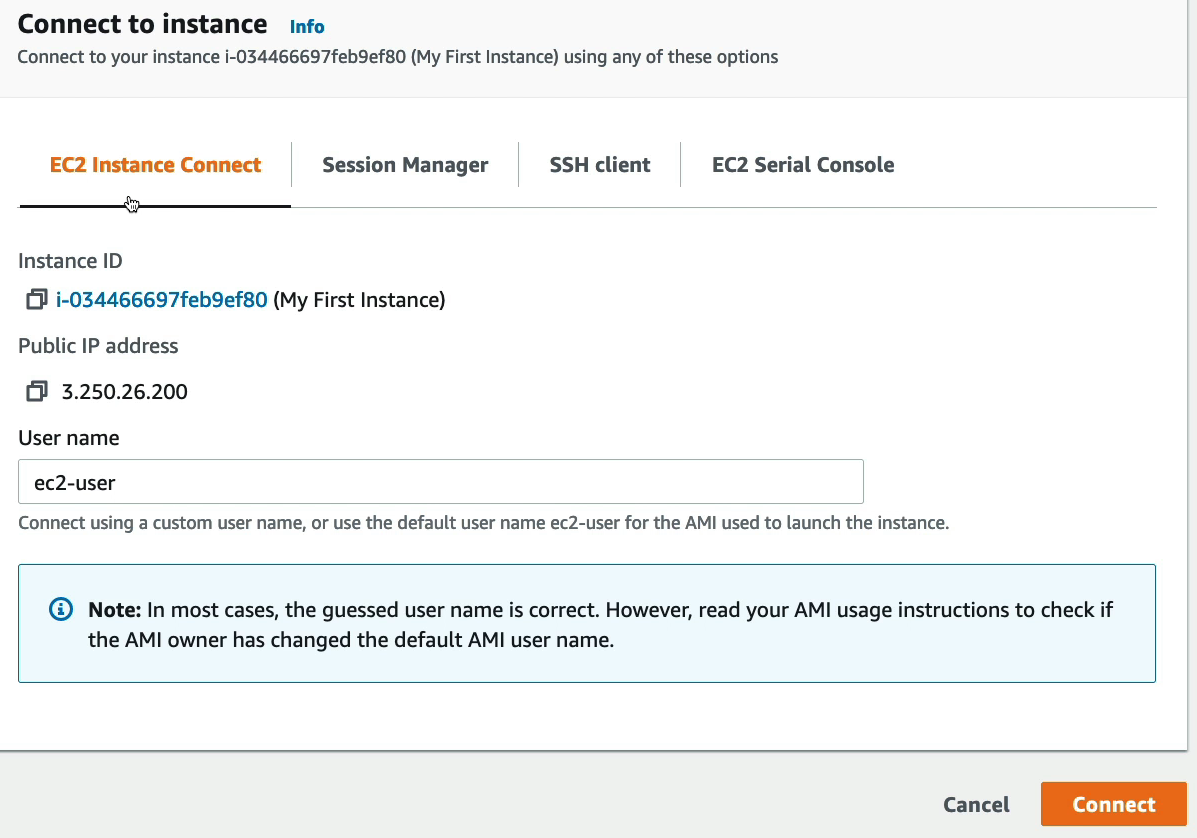
# EC2 Instance Connect
need the port 22
# IAM roles assigned to EC2
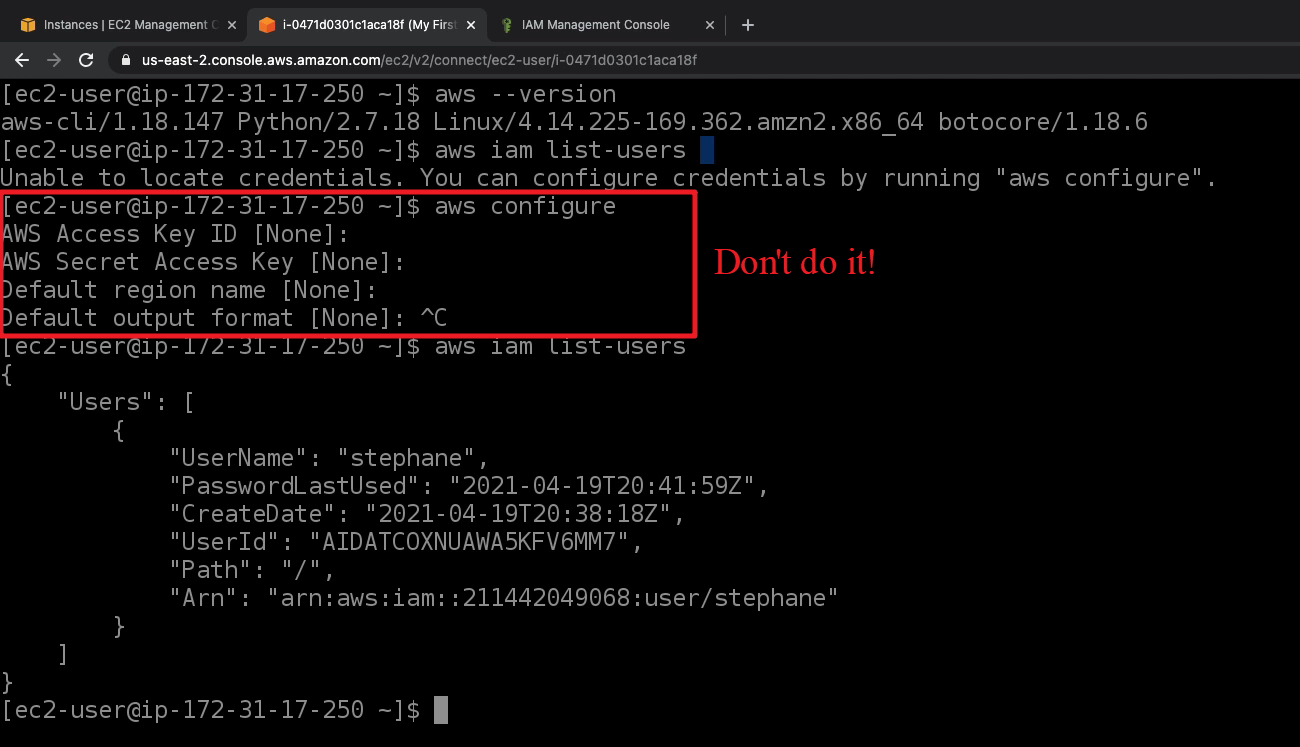
Never enter your accesskey in EC2 instances.
What you need to do is to assign IAM roles to instances.
First to create an IAM role, and then assign to the instance.

# EC2 Instances Purchasing Options
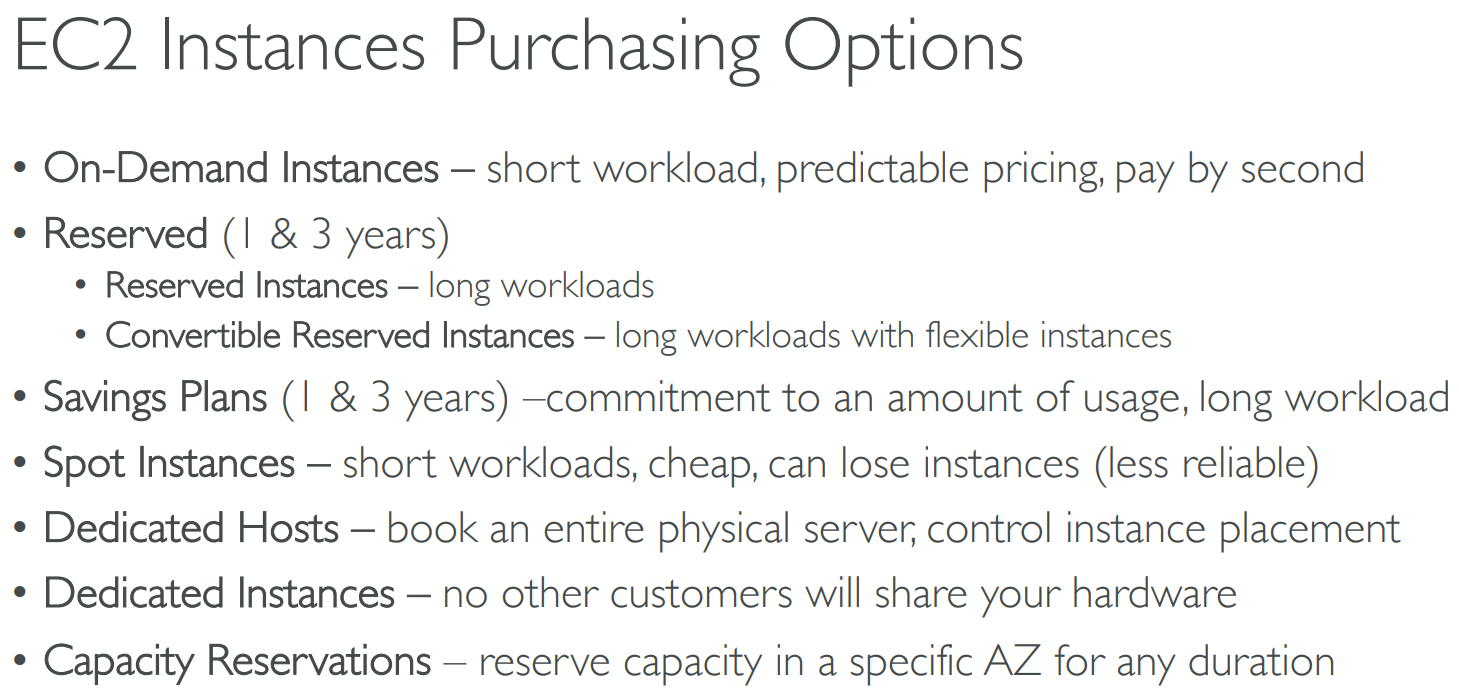
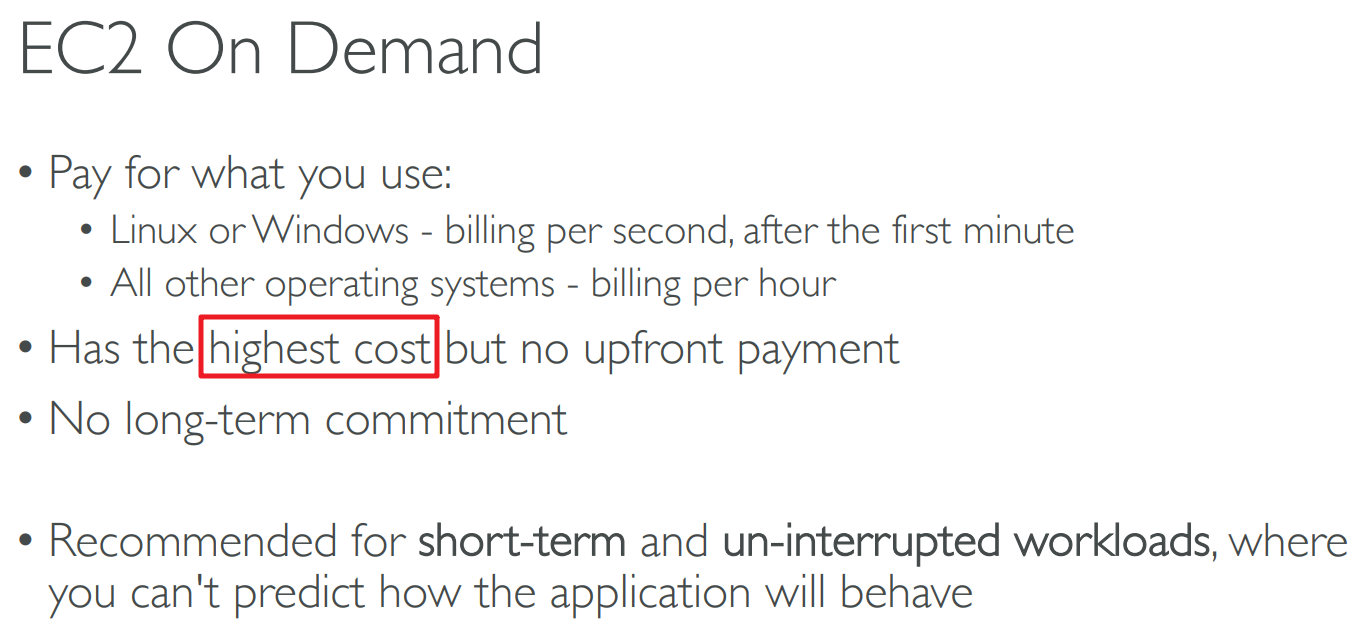
# on demand
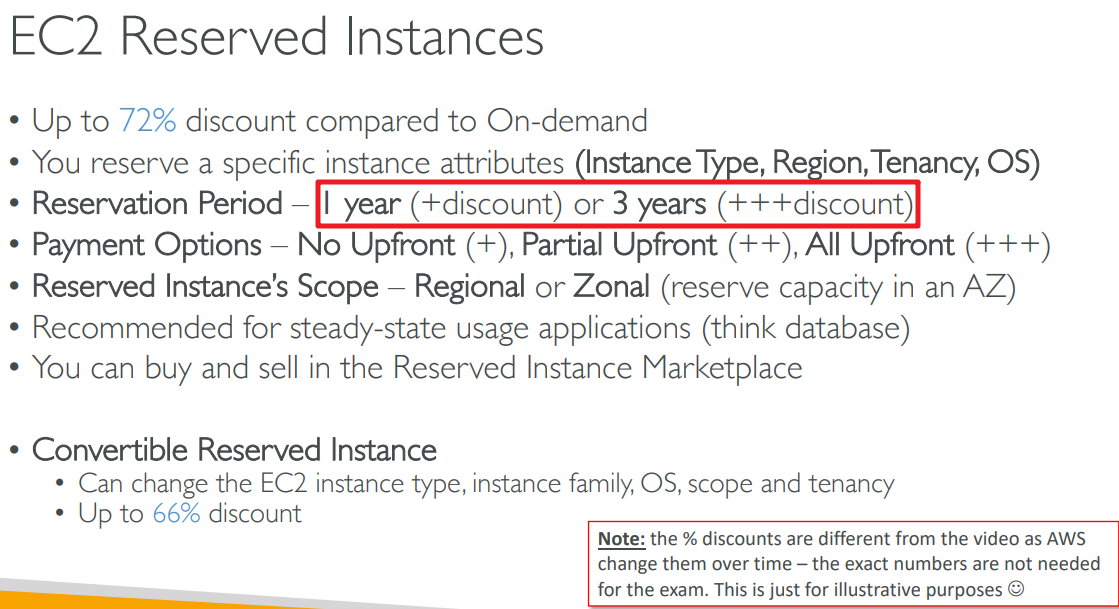
# reserved
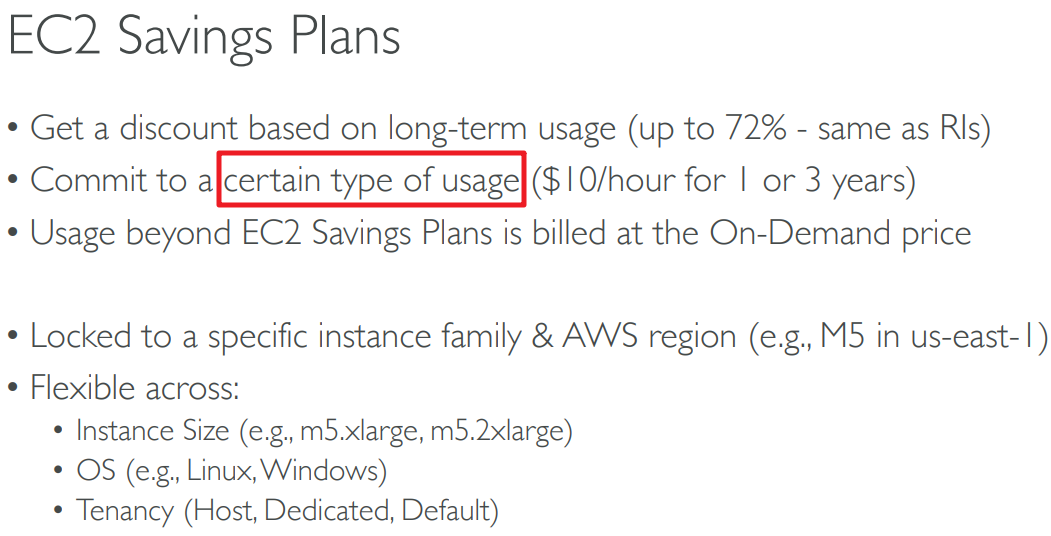
# saving plans
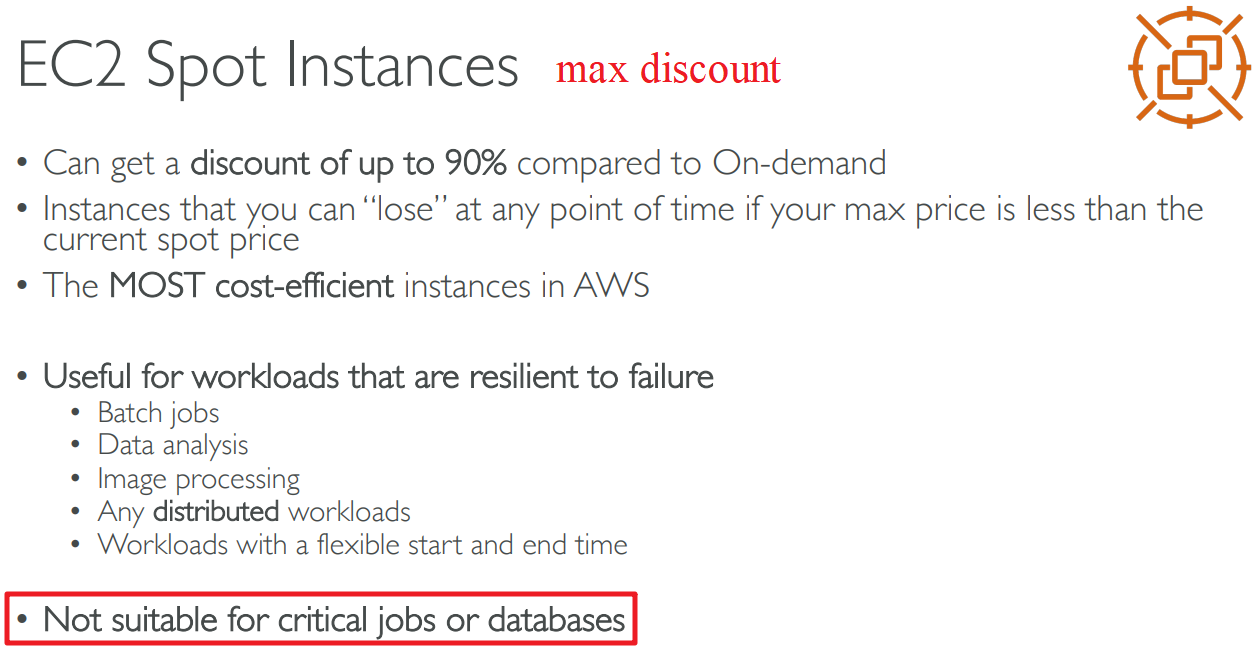
# spot instances
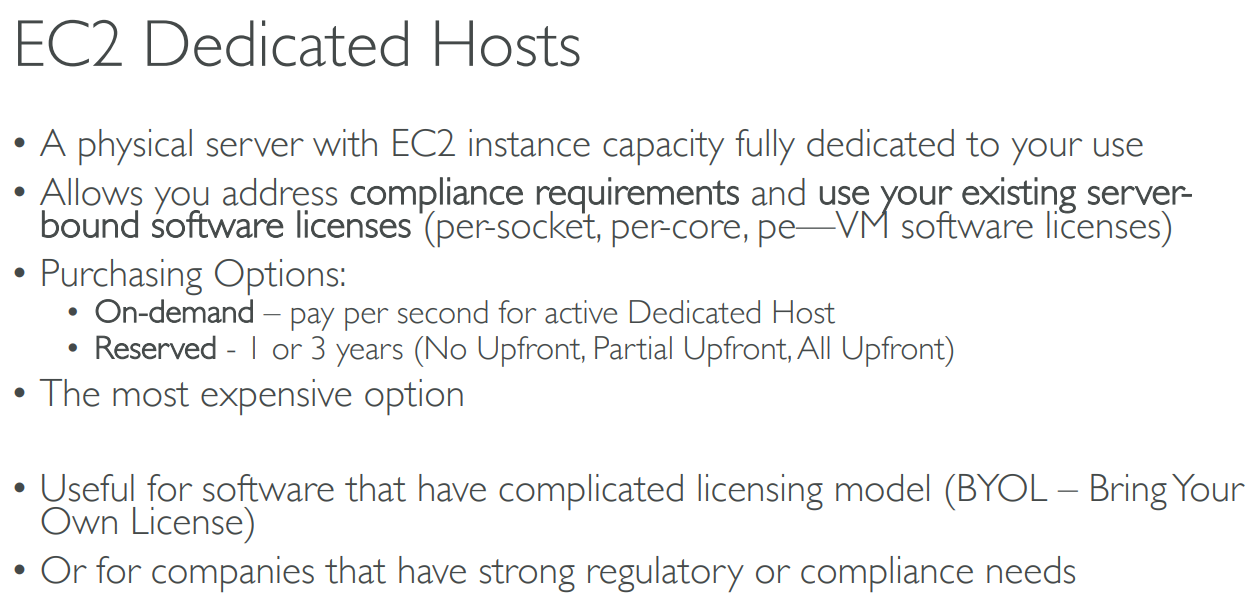
# dedicated hosts
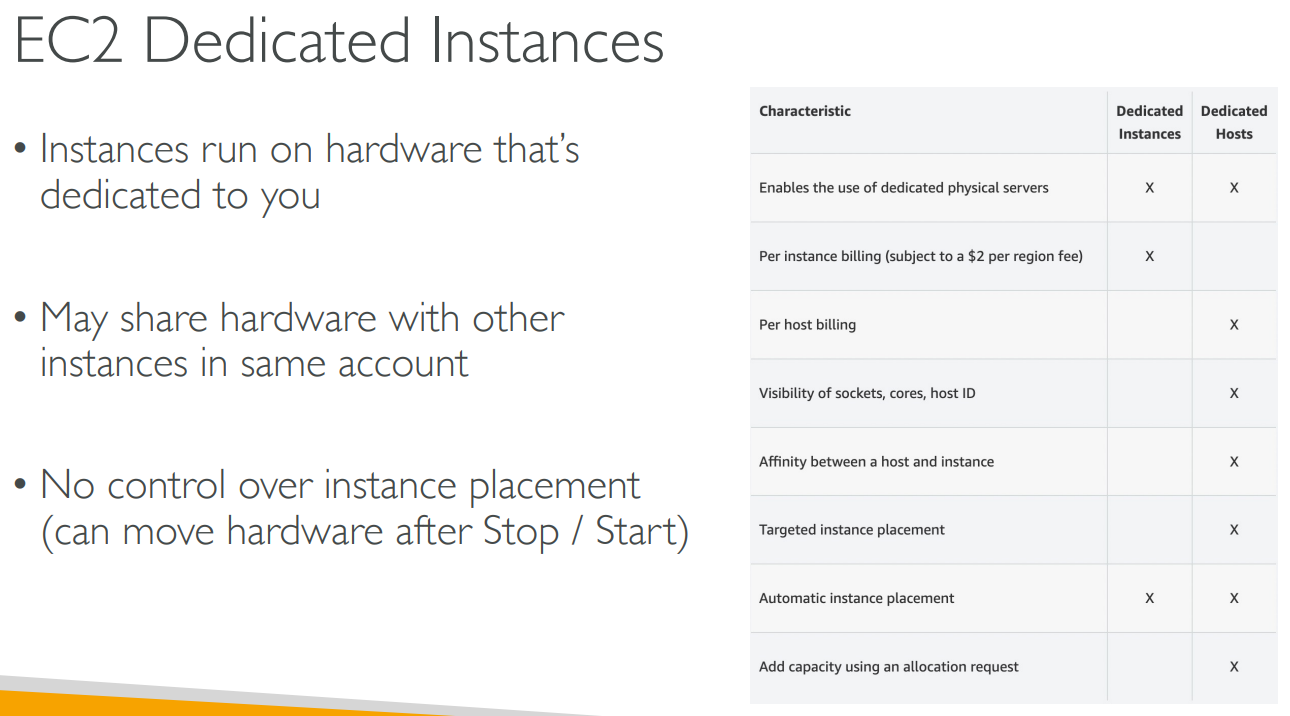
# dedicated instances
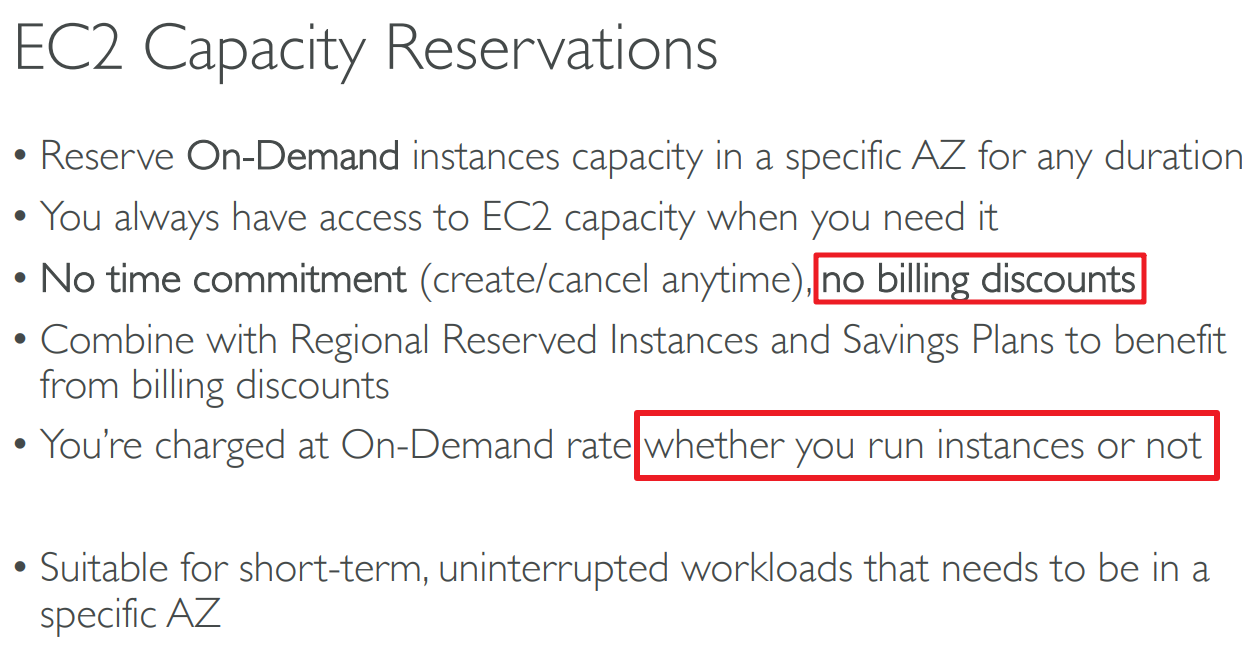
# capacity reservations

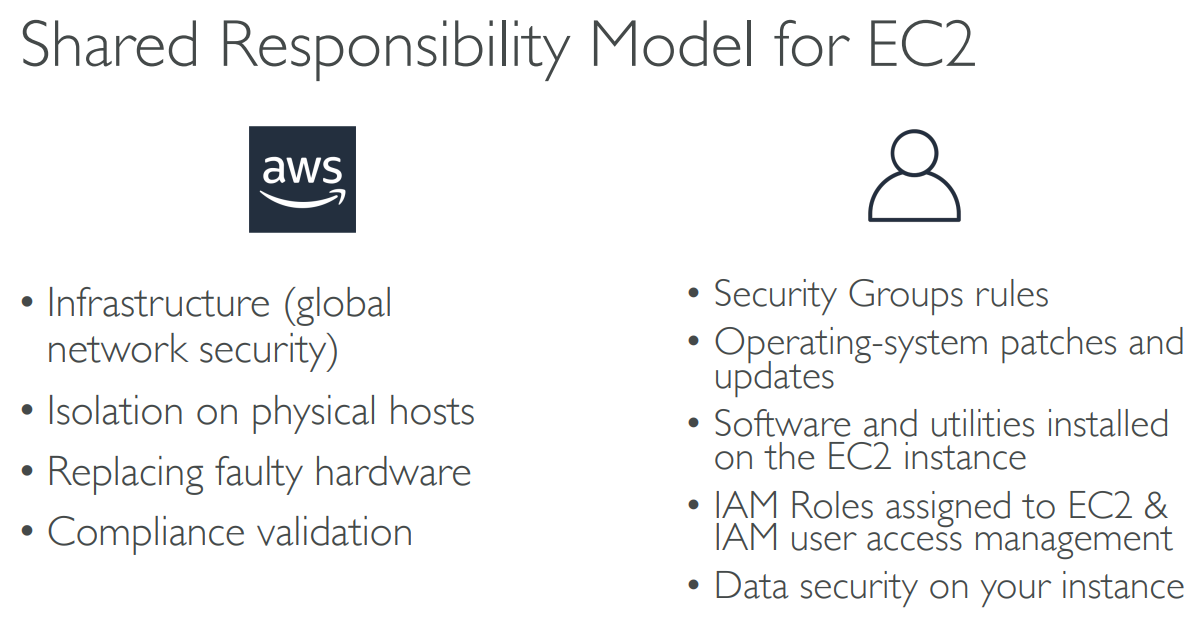
# SRM for EC2
# Summary
# 【05】EC2 Instance Storage
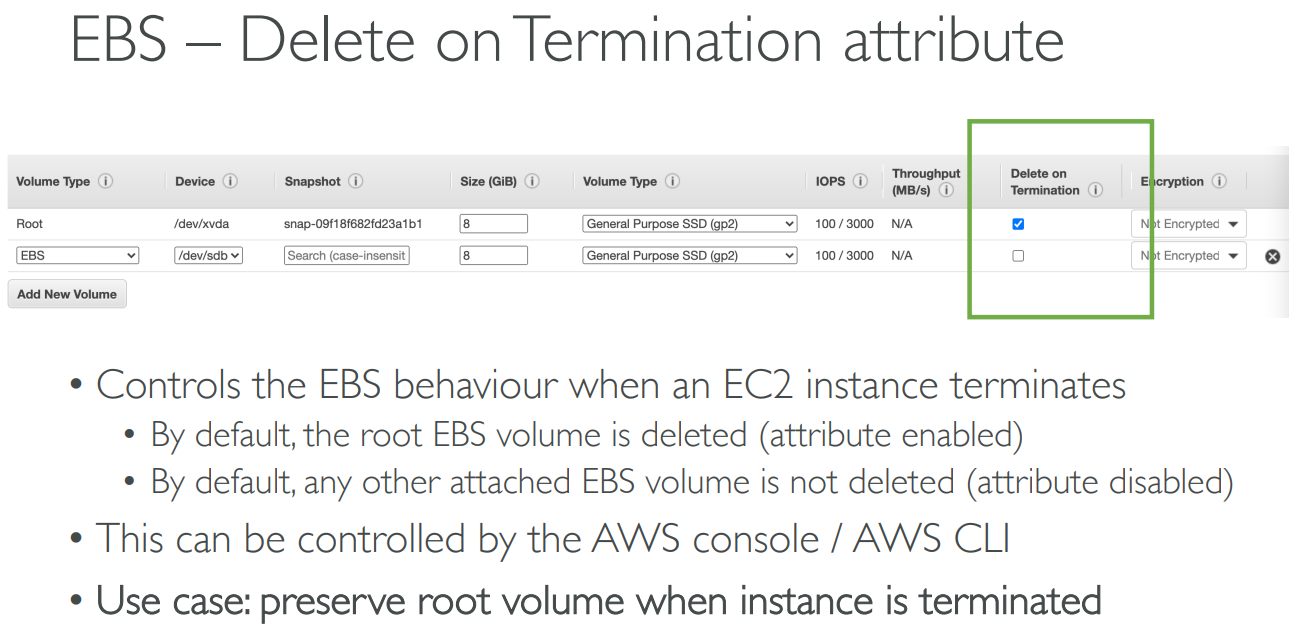
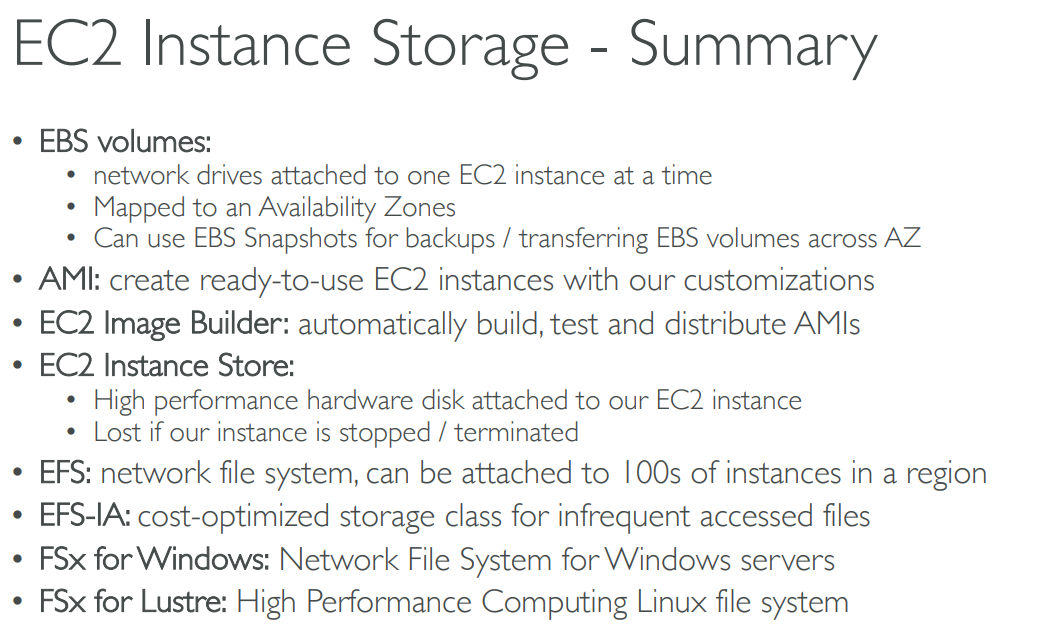
# Elastic Block Store(EBS)
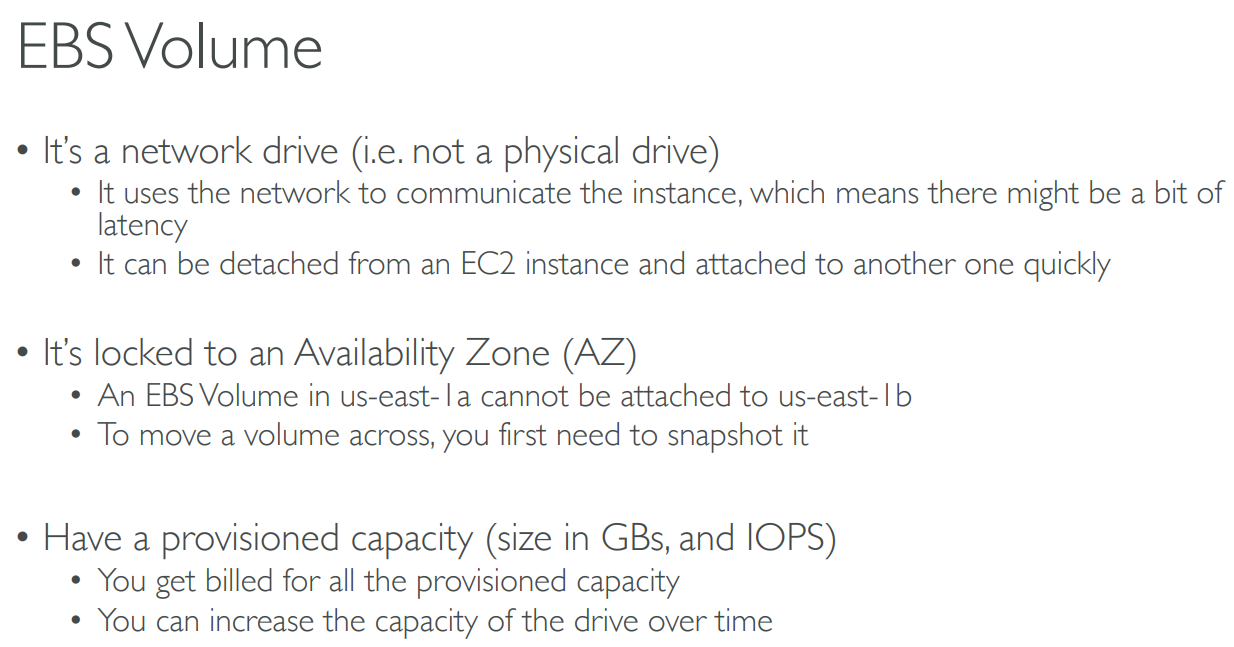
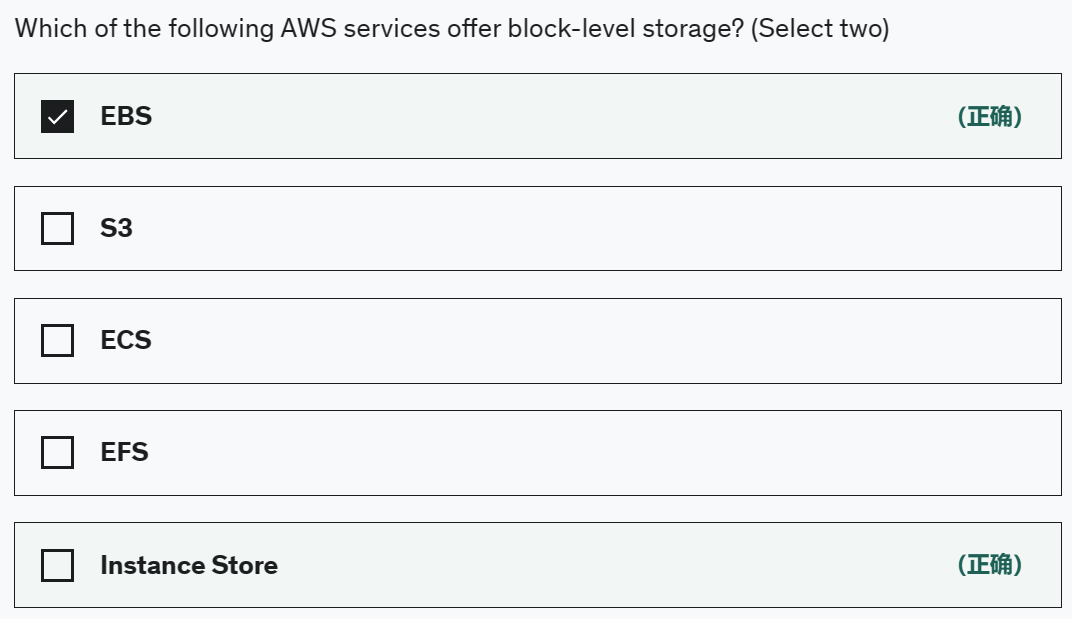
They can only be mounted to one instance at a time (at the CCP level)
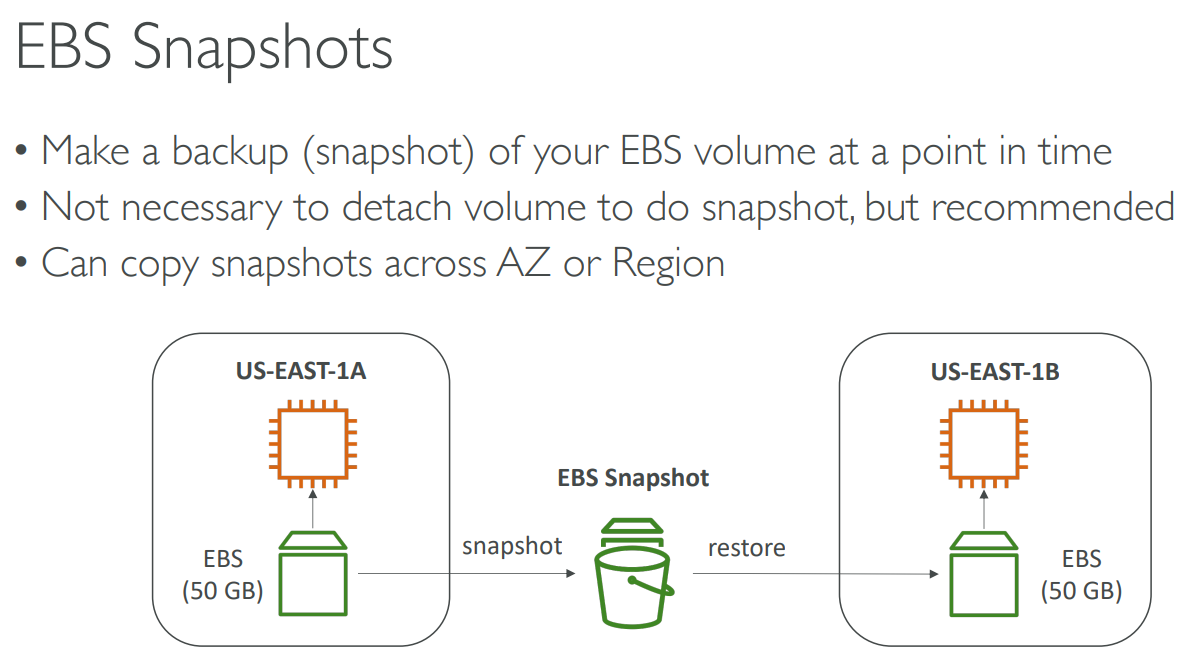
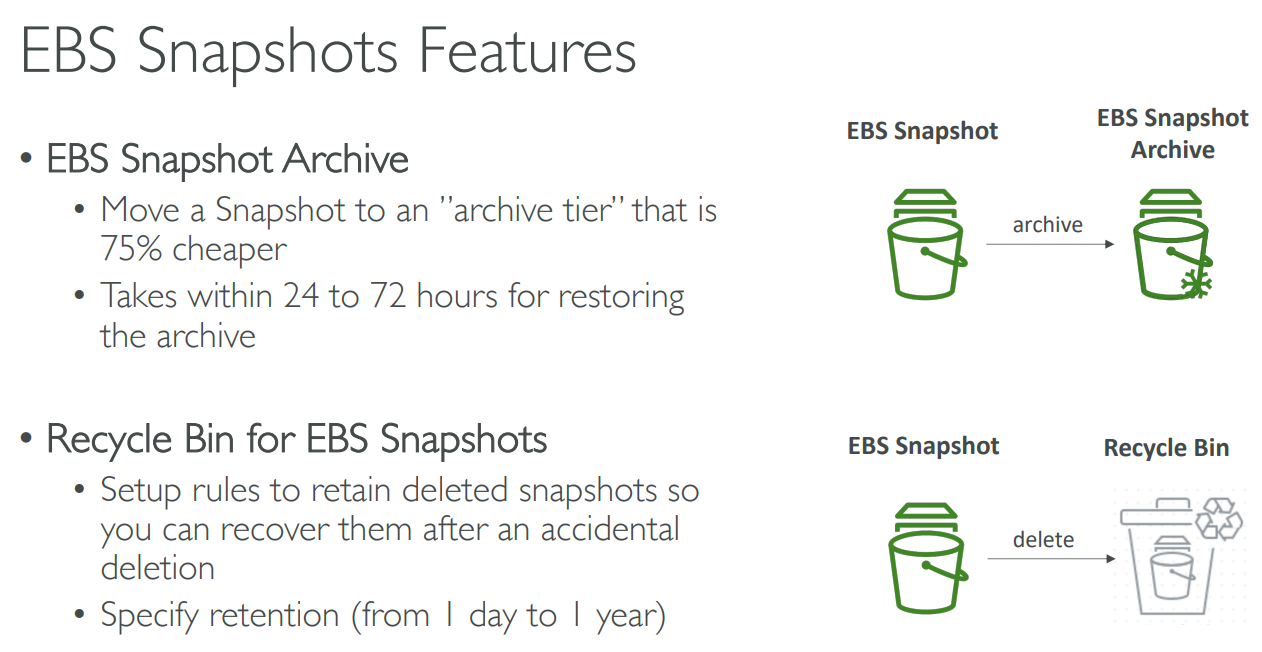
# EBS Snapshots
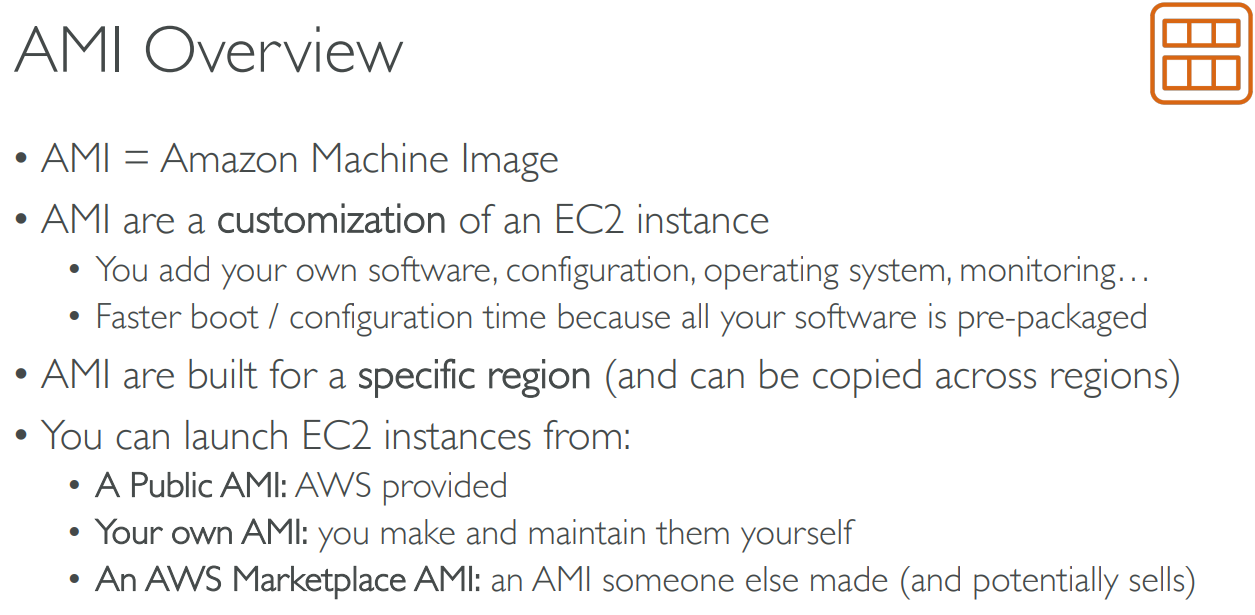
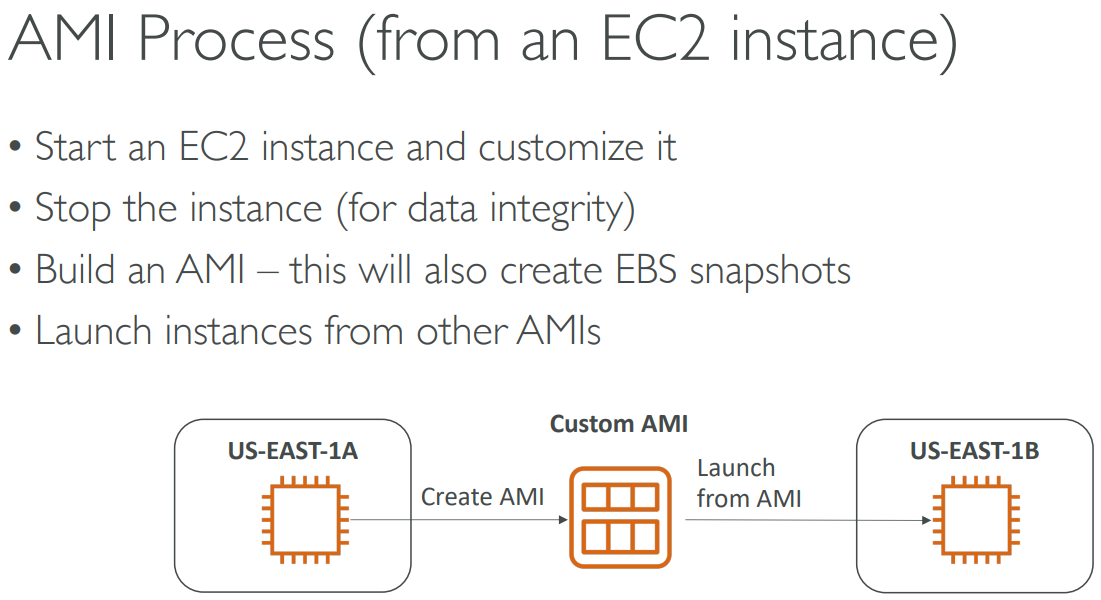
# AMI
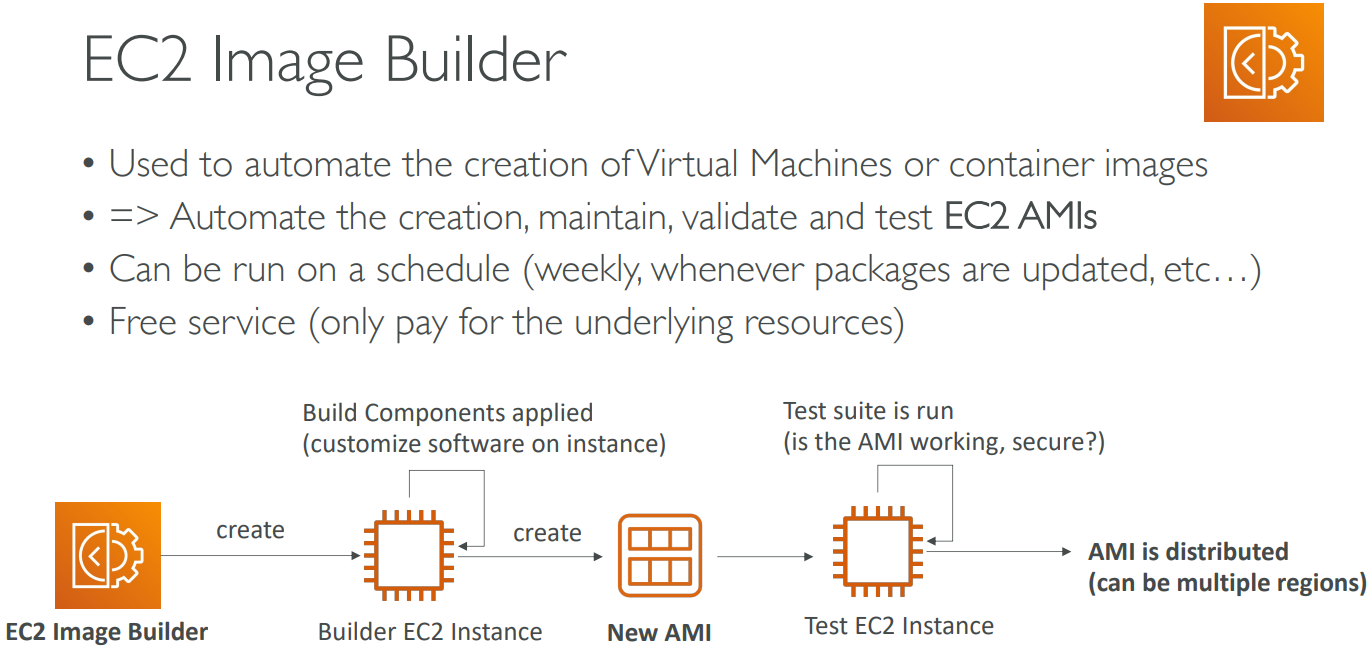
# EC2 Image Builder
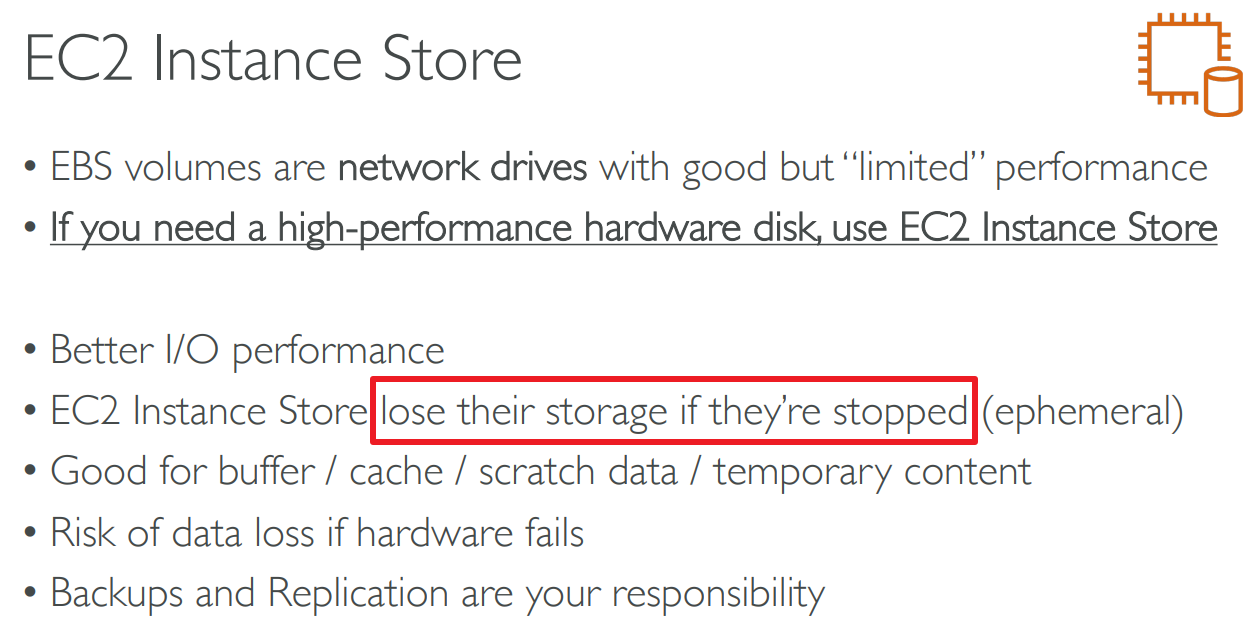
# EC2 Instance Store
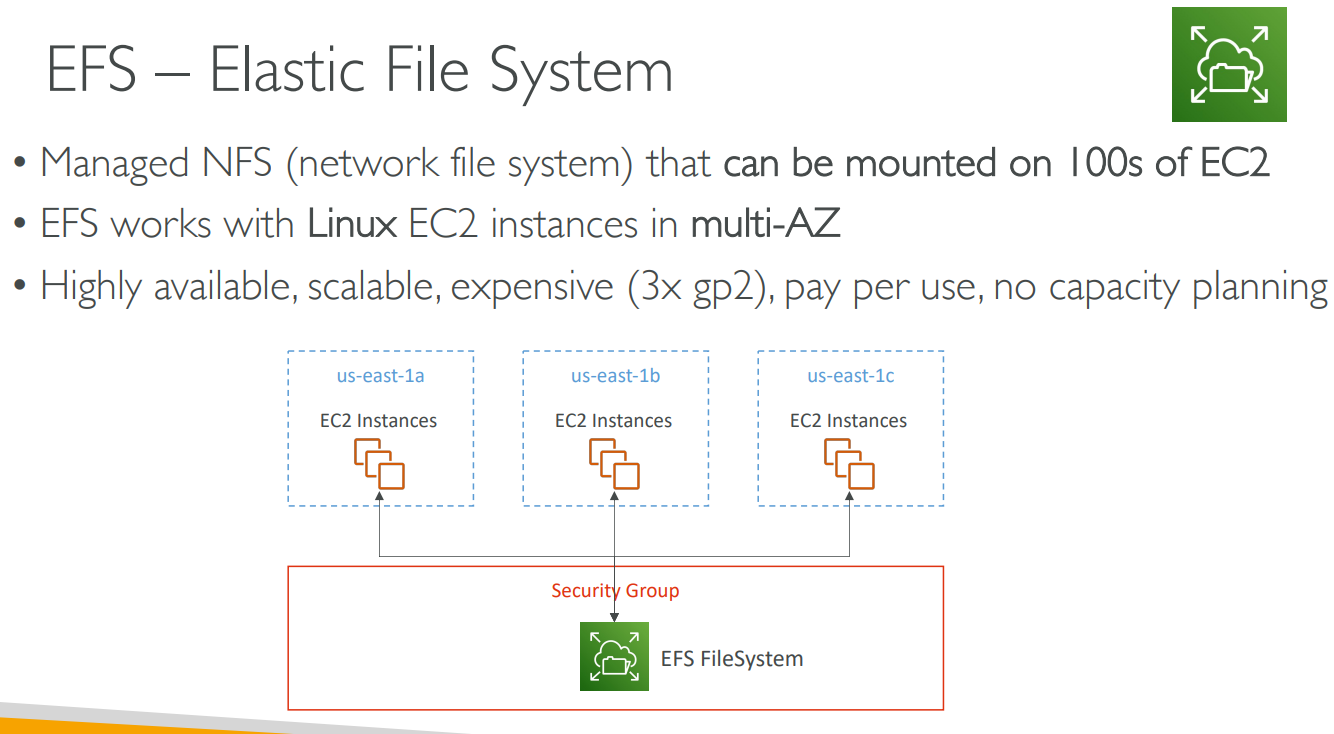
# Elastic File System(EFS)
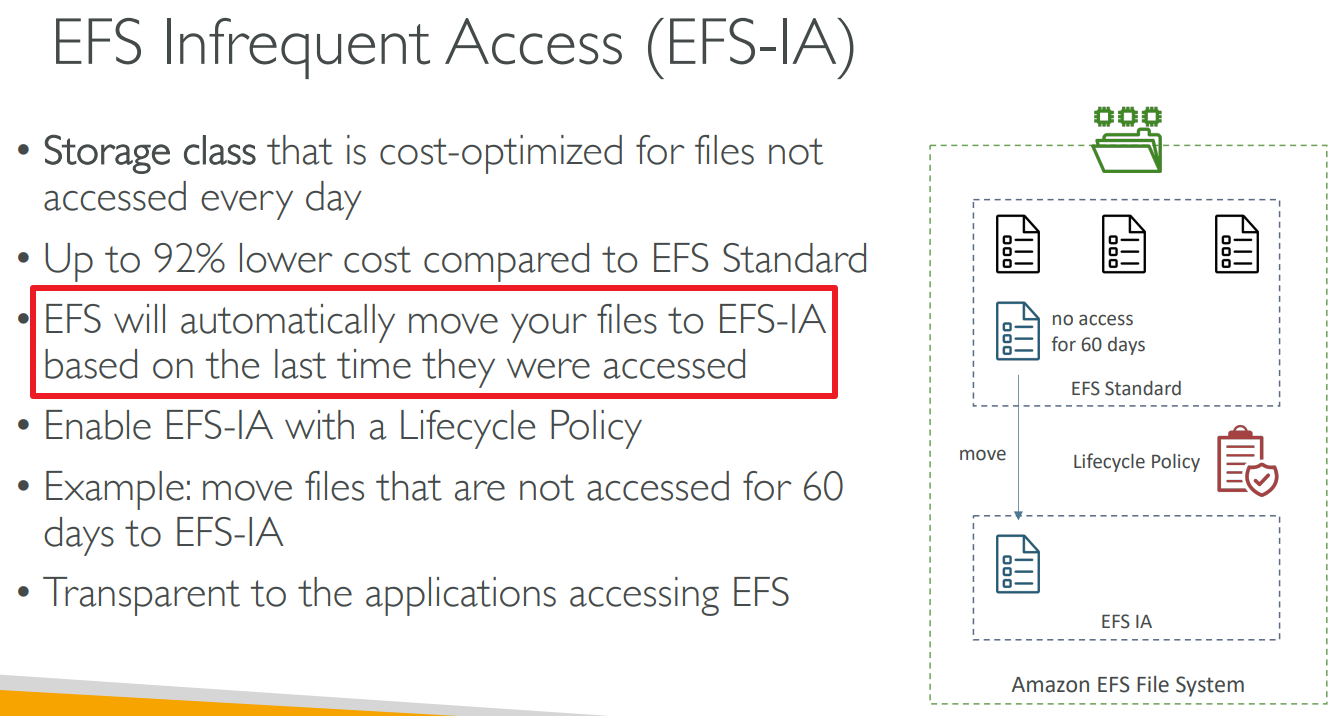
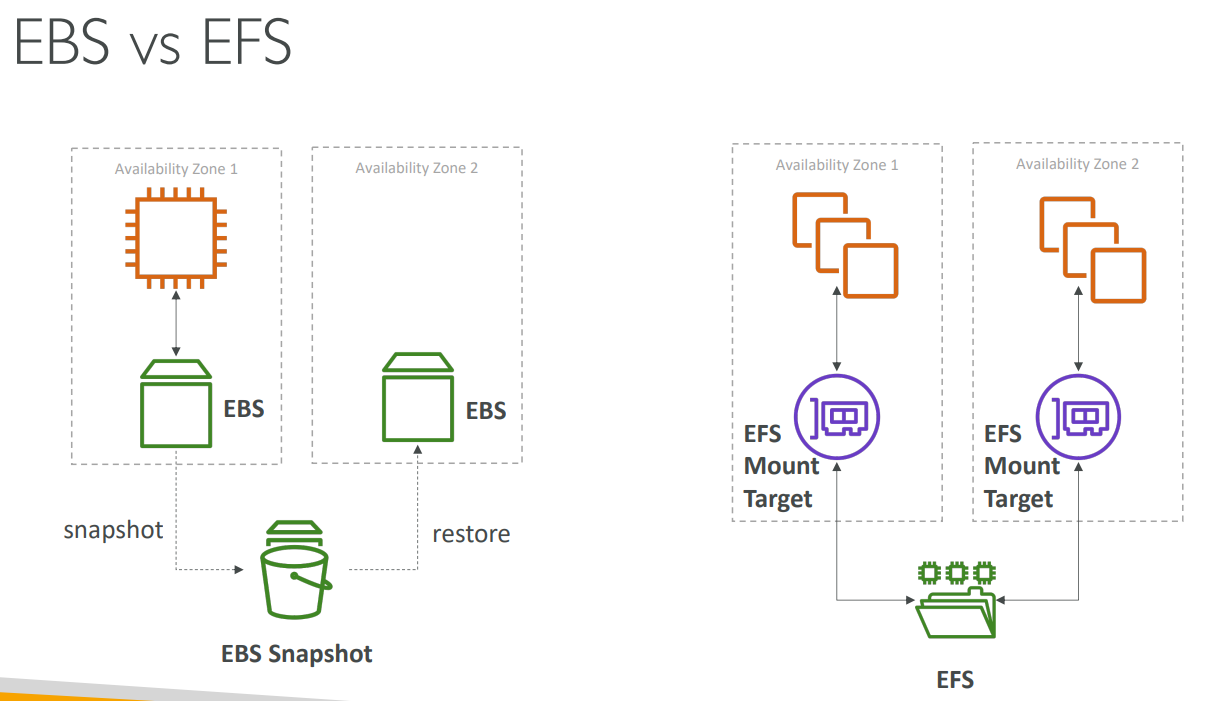
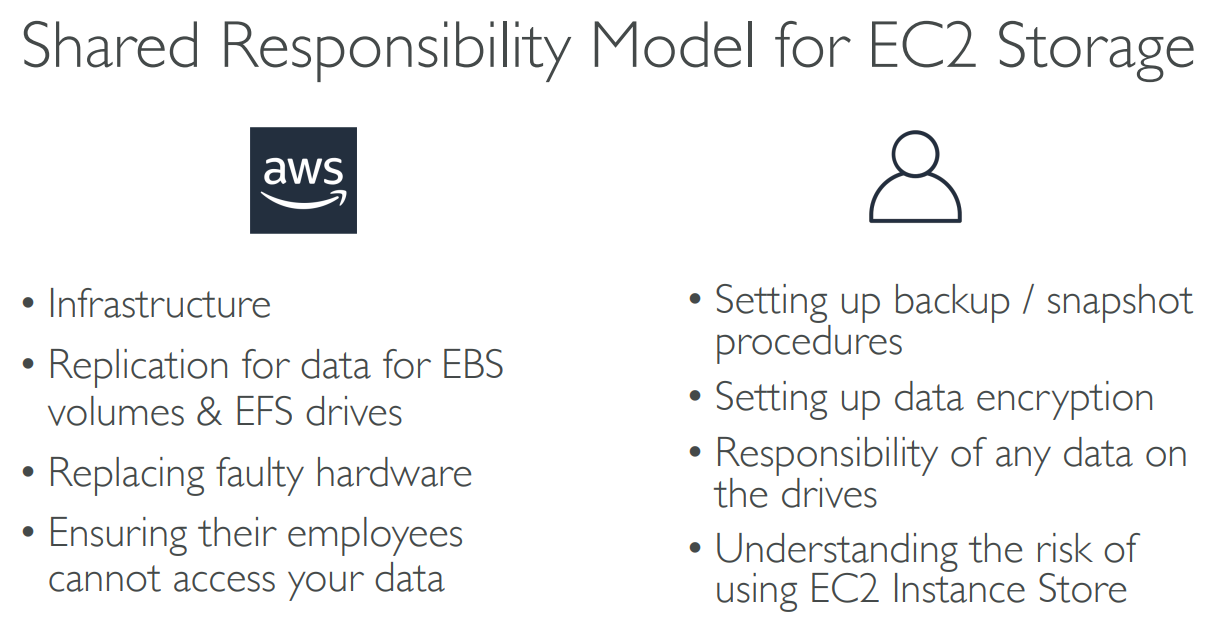
# SRM for EC2 storage
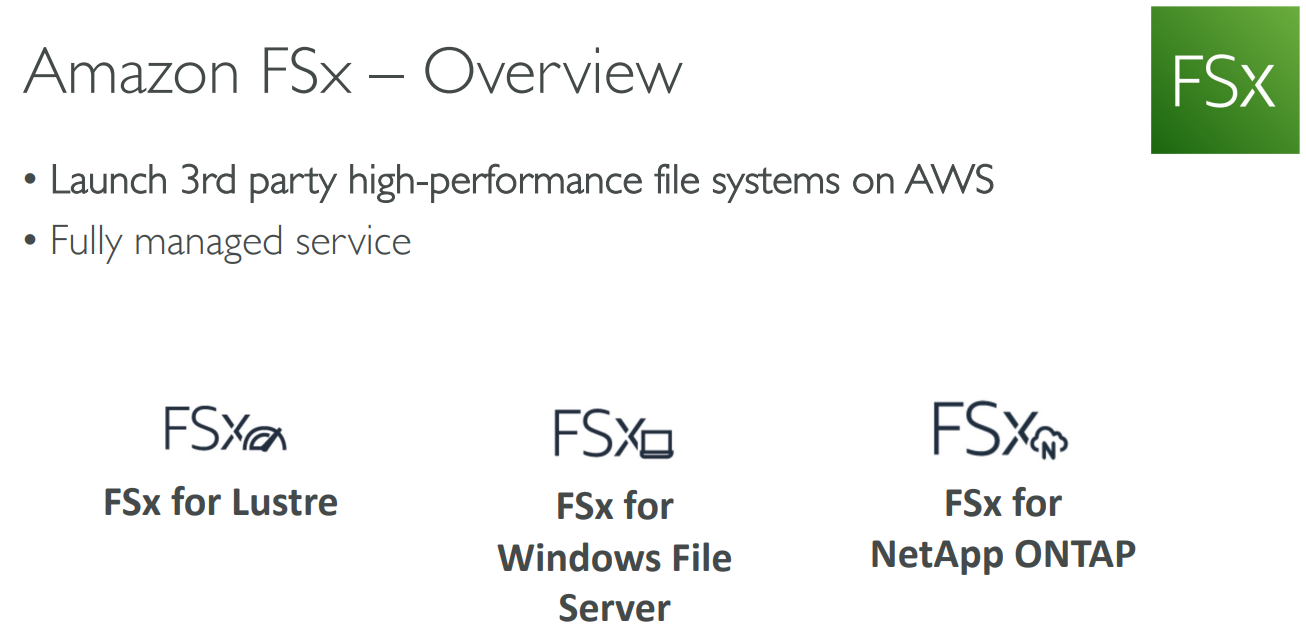
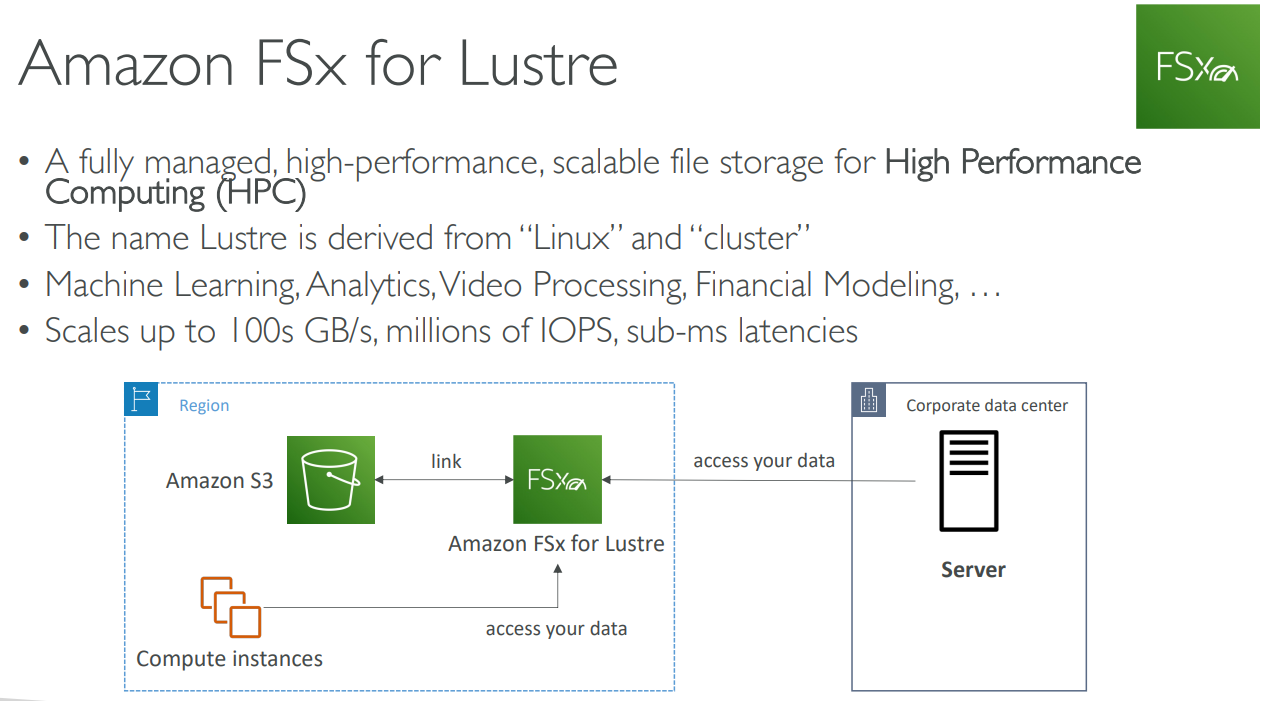
# FSx
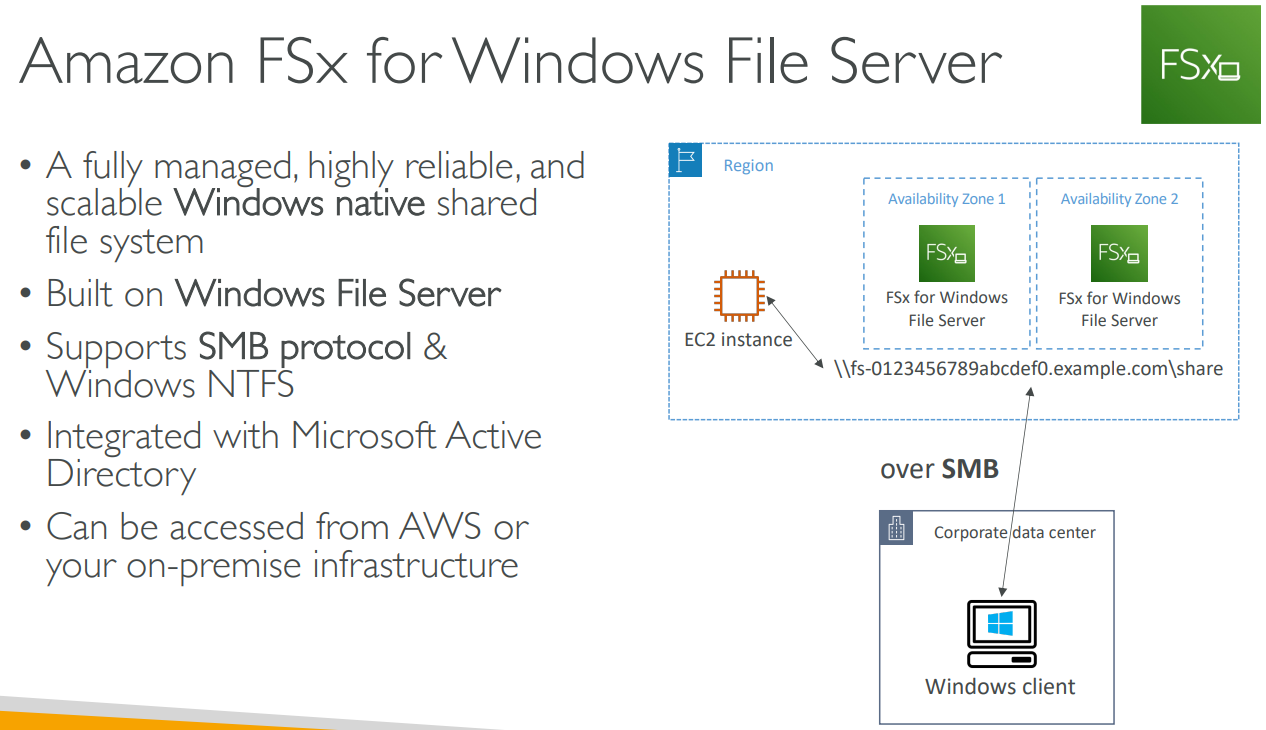
- SMB协议(Server Message Block Protocol)是一种用于在网络上传输文件、打印文档、远程命令等信息的协议。
# Summary
# 【06】Elastic Load Balancing & Auto Scaling Groups
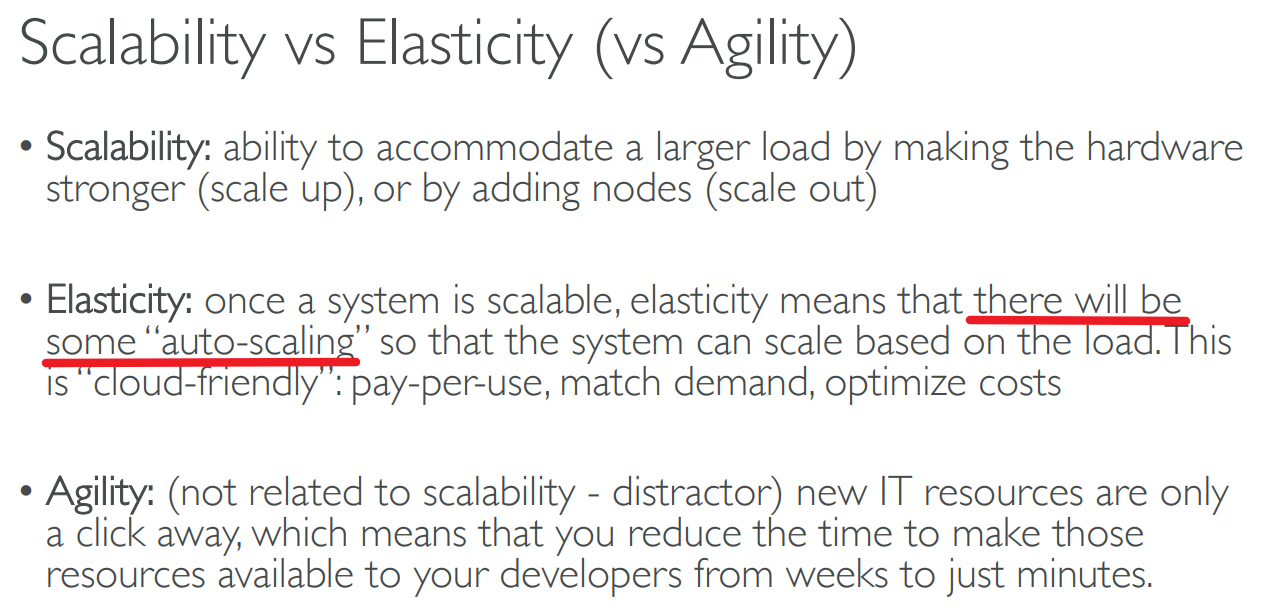
# Scalability & Availability & Elasticity & Agility
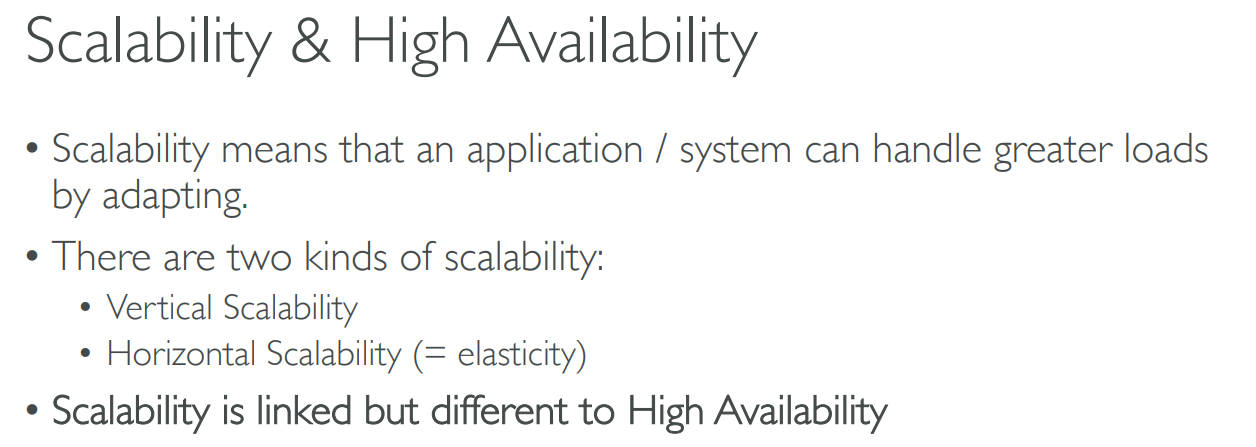
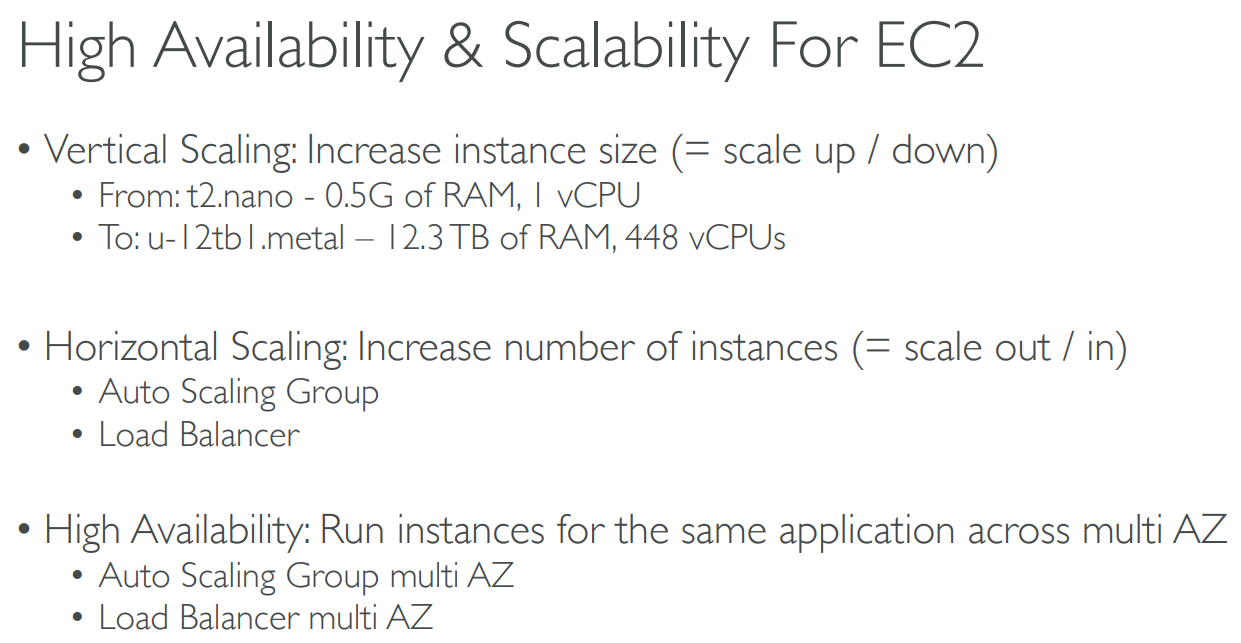
Vertical Scalability
Vertical Scalability means increasing the size of the instance
Vertical scalability is very common for non distributed systems, such as a database
Horizontal Scalability
- Horizontal Scalability means increasing the number of instances / systems for your application
- Horizontal scaling implies distributed systems
- This is very common for web applications / modern applications
High Availability
- High Availability usually goes hand in hand with horizontal scaling
- High availability means running your application / system in at least 2 Availability Zones
- The goal of high availability is to survive a data center loss (disaster)
# Elastic Load Balancer(ELB)
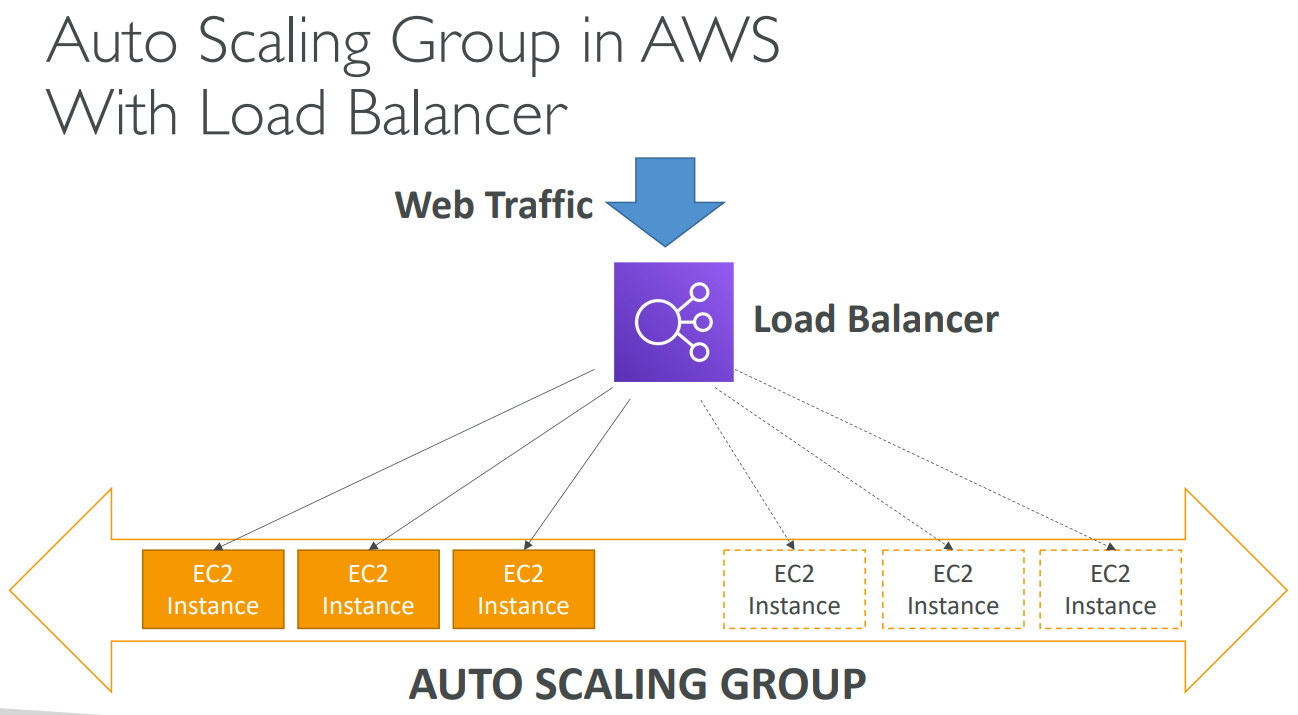
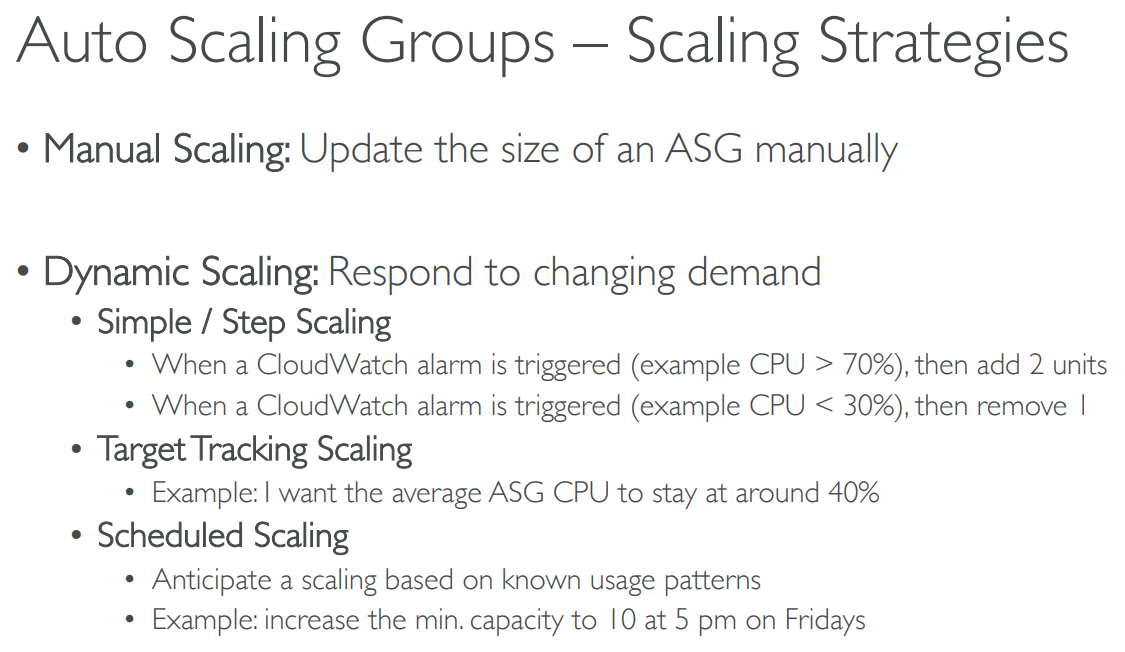
# Auto Scaling Group(ASG)
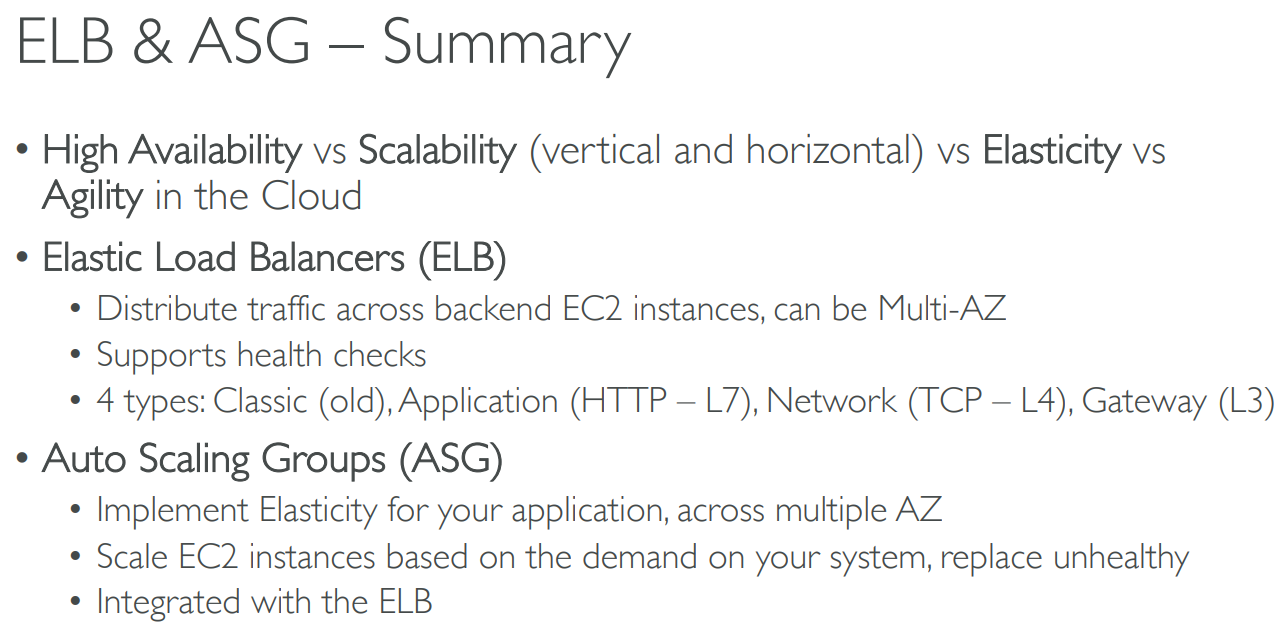
# Summary
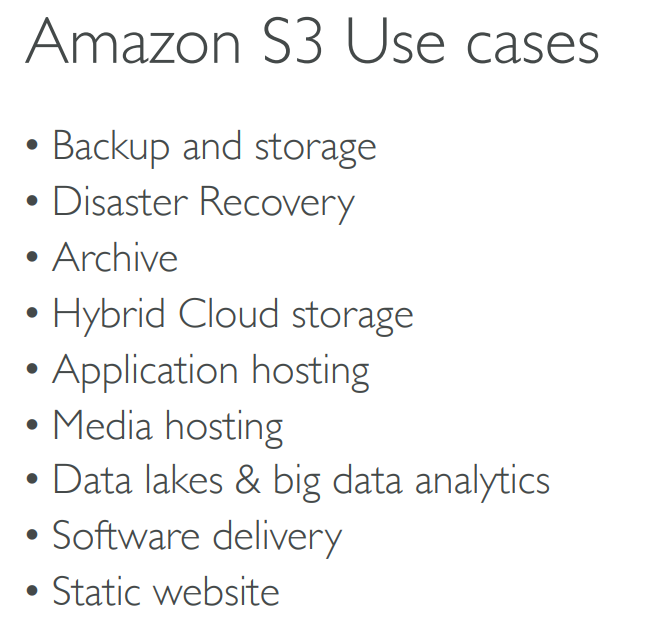
# 【07】Amazon S3
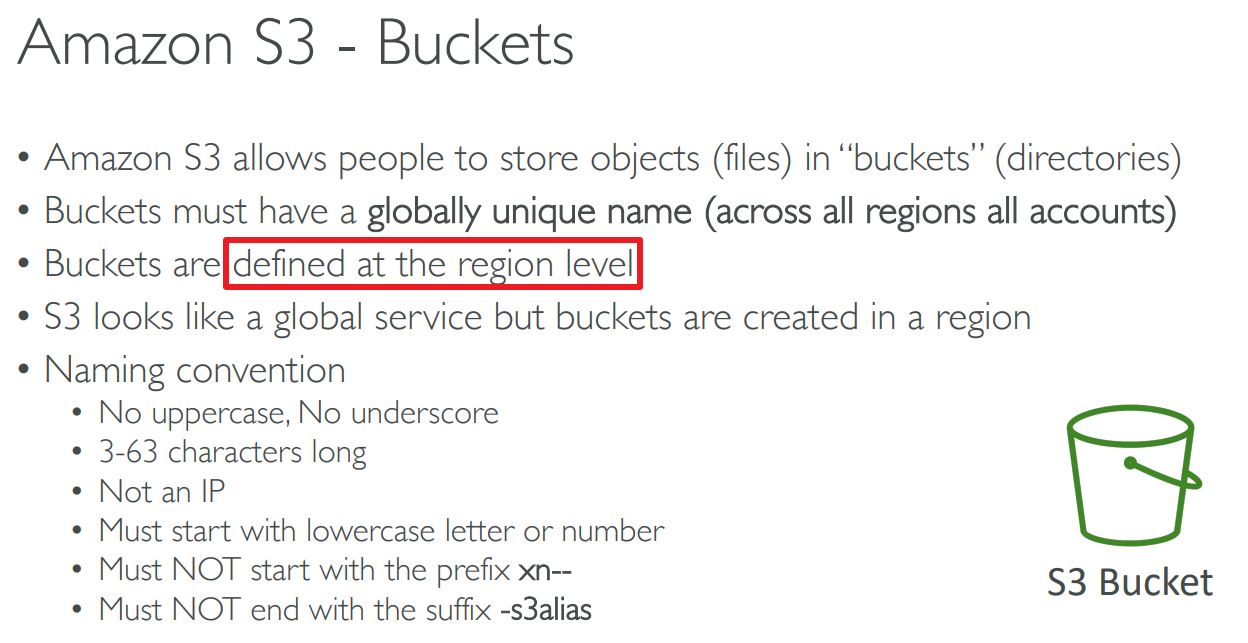
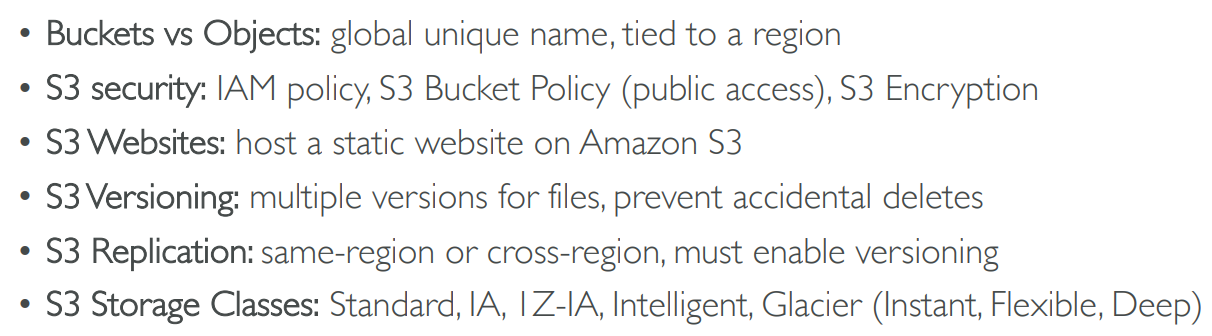
# Buckets
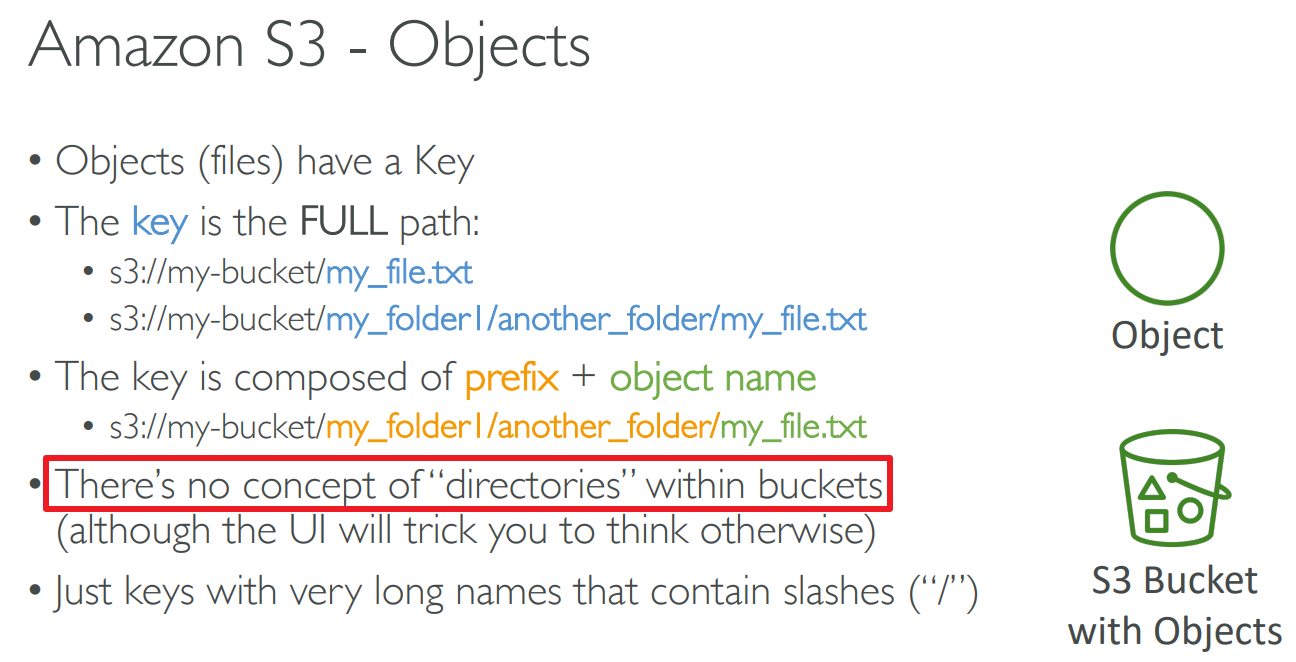
# Objects
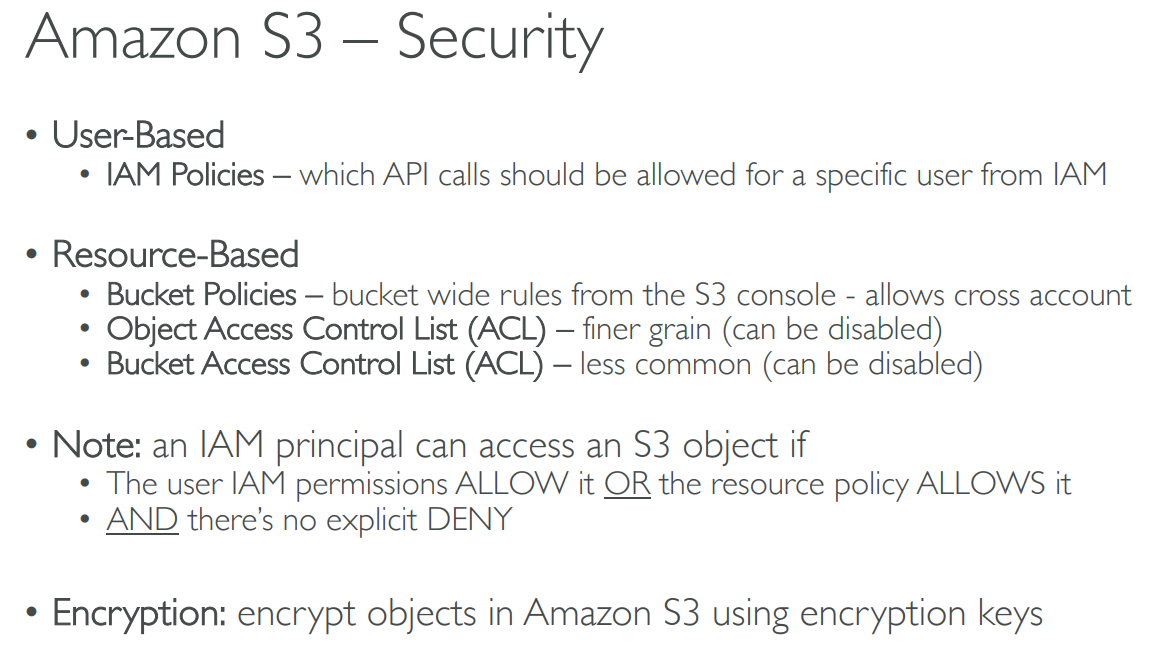
# Security
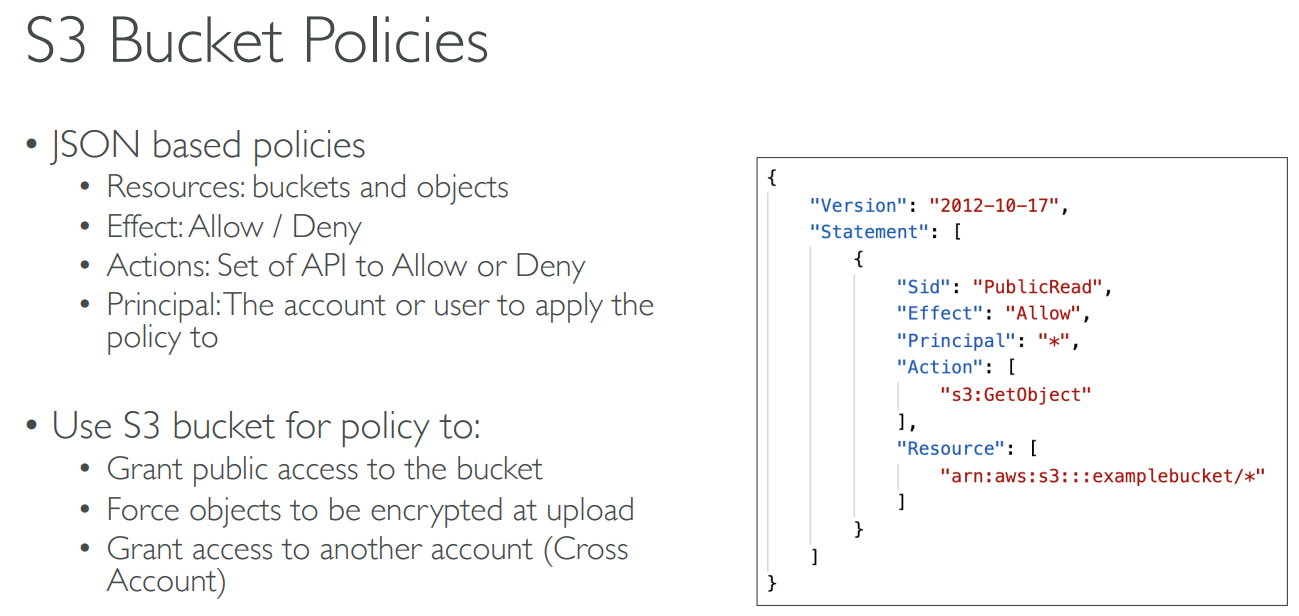
# Policies
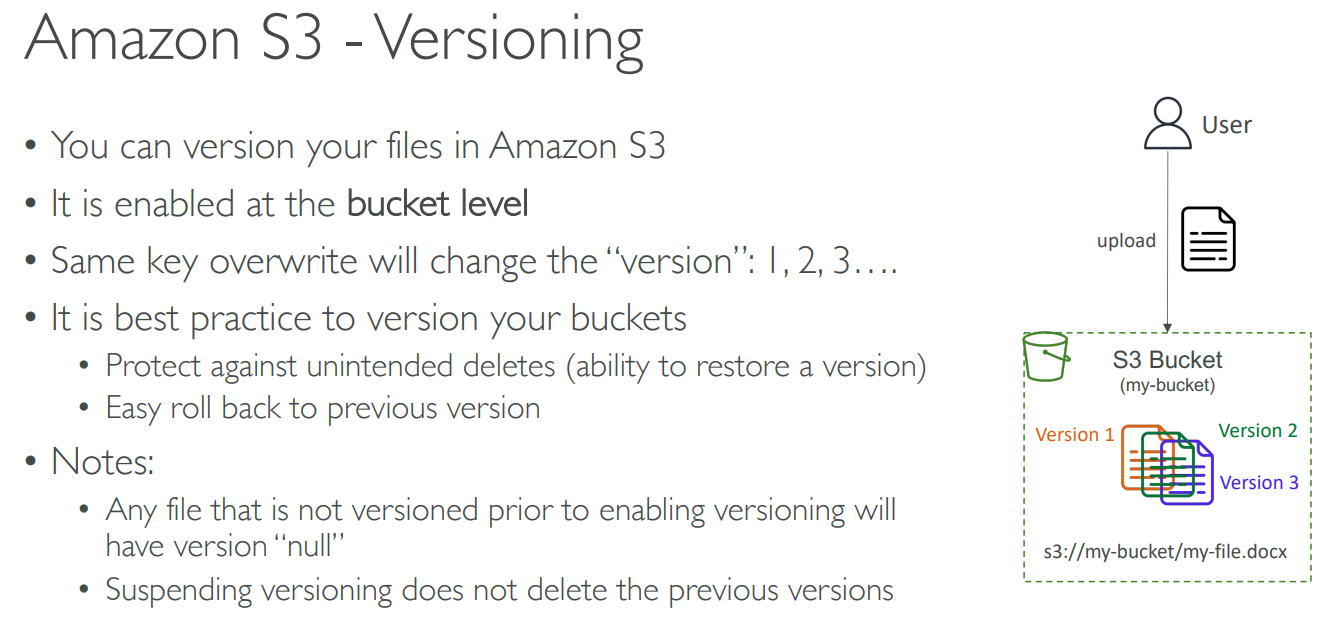
# Versioning
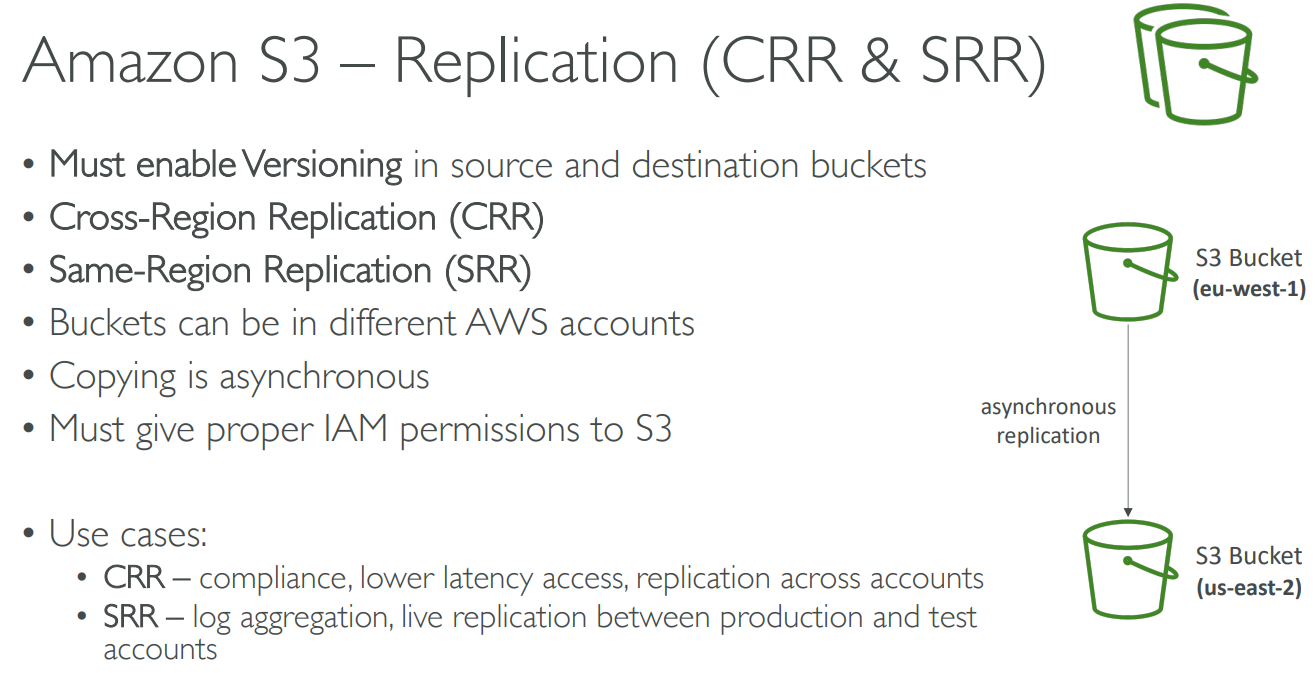
# Replication
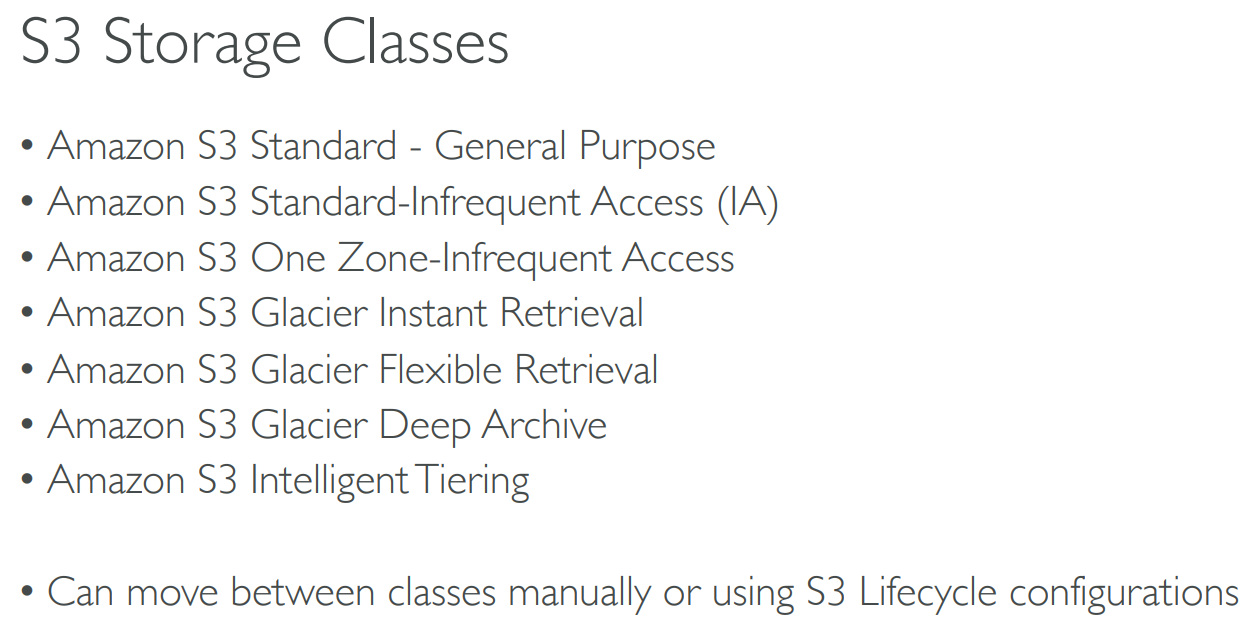
# Classes
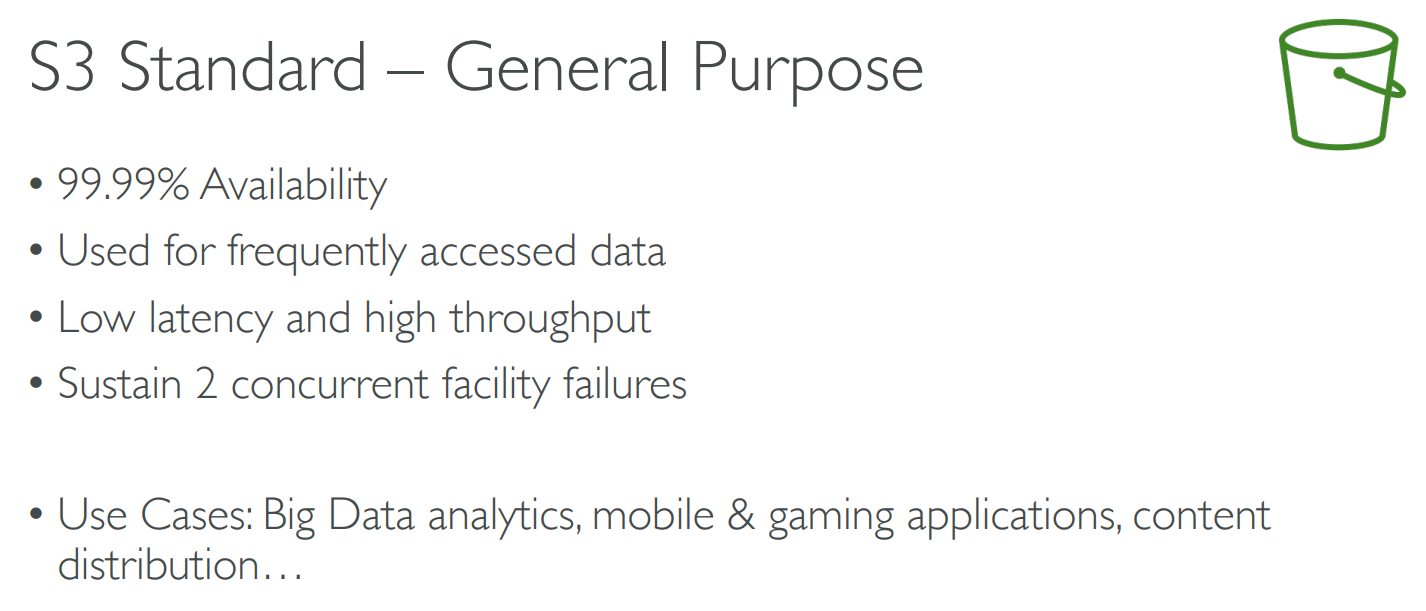
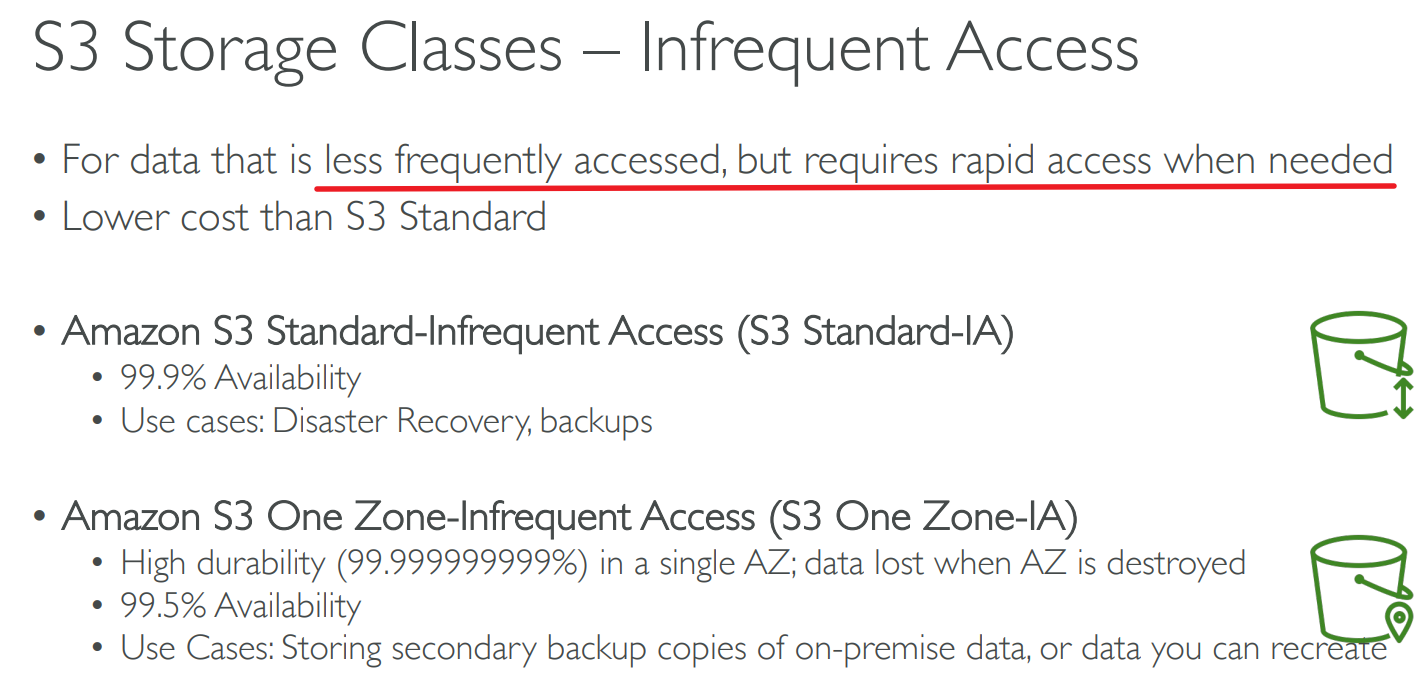
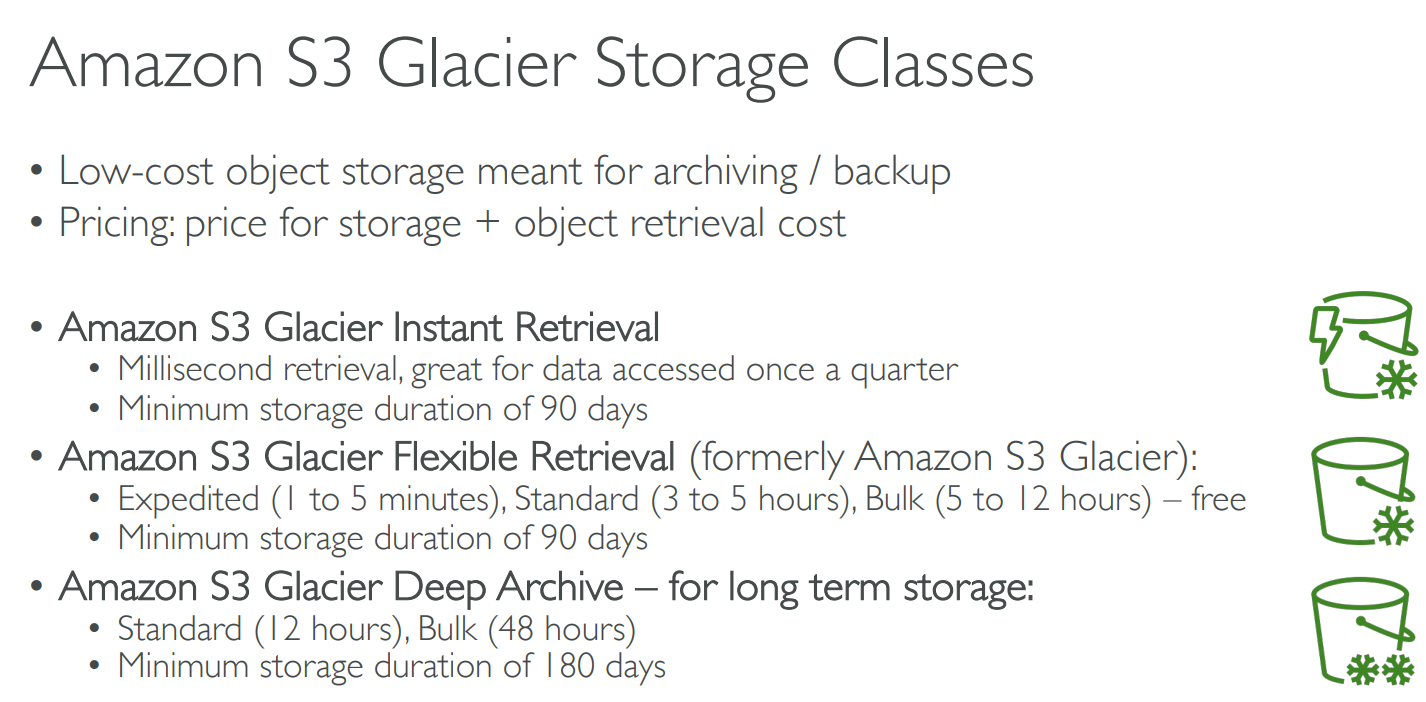
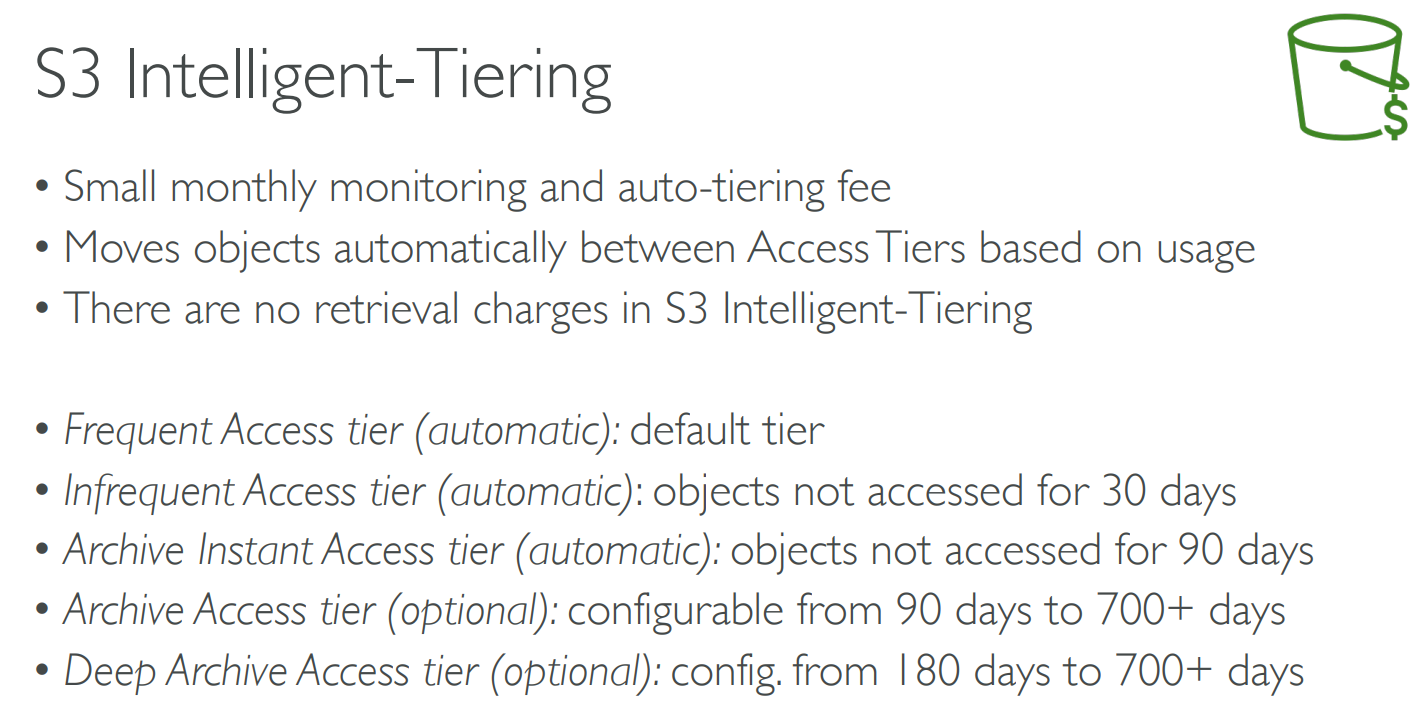
# Durability & Availability

# Encryption
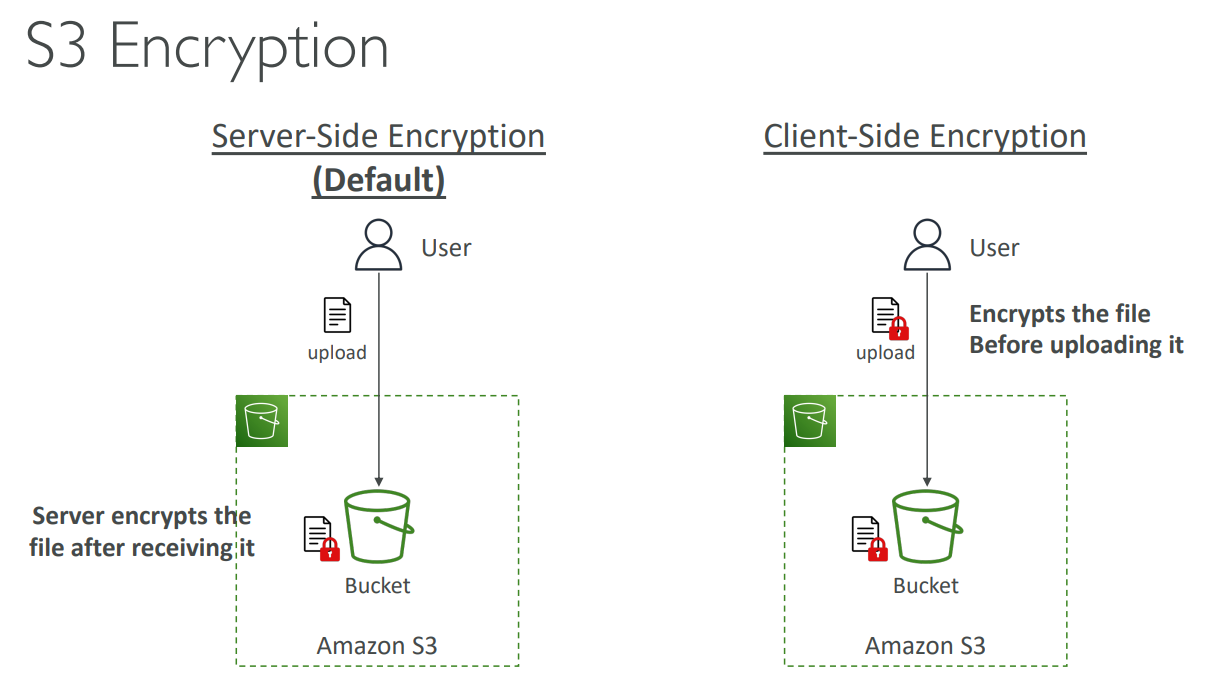
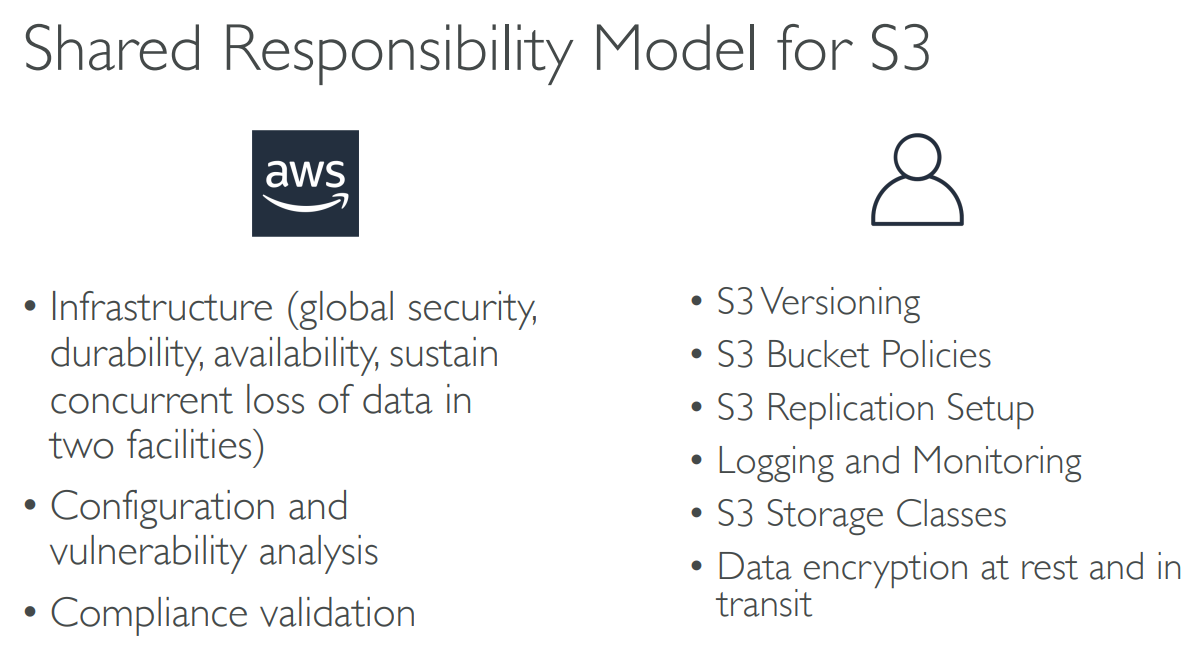
# SRM for S3
# Summary
# 【08】Snow Family
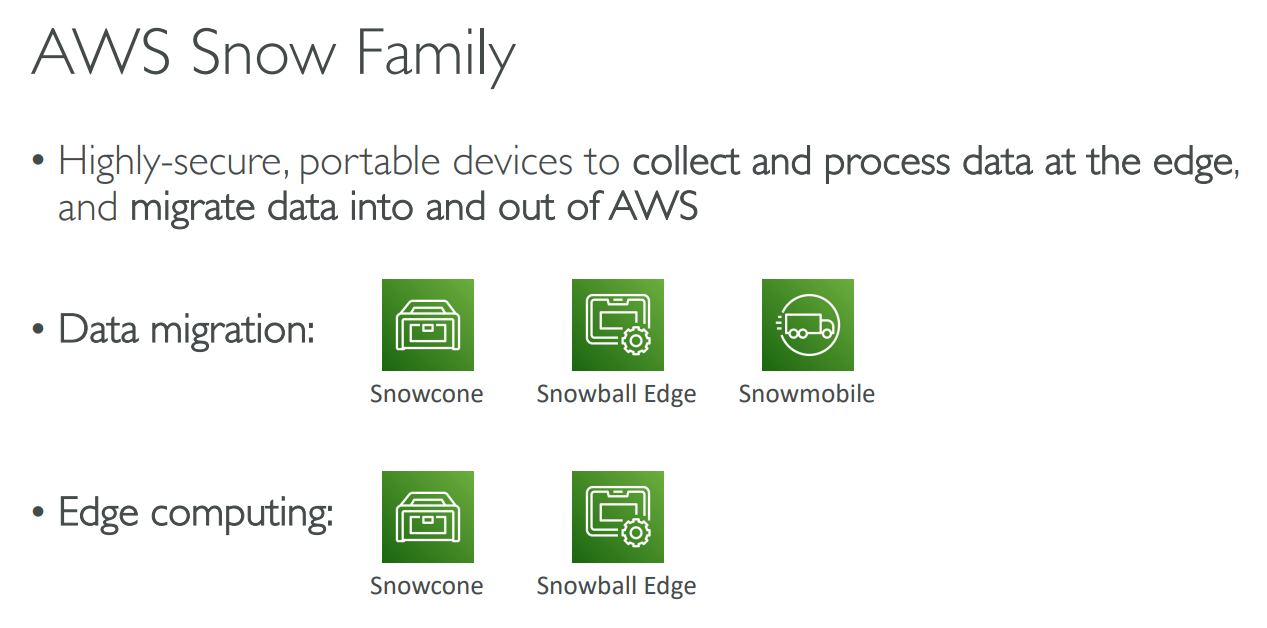
# Data migration
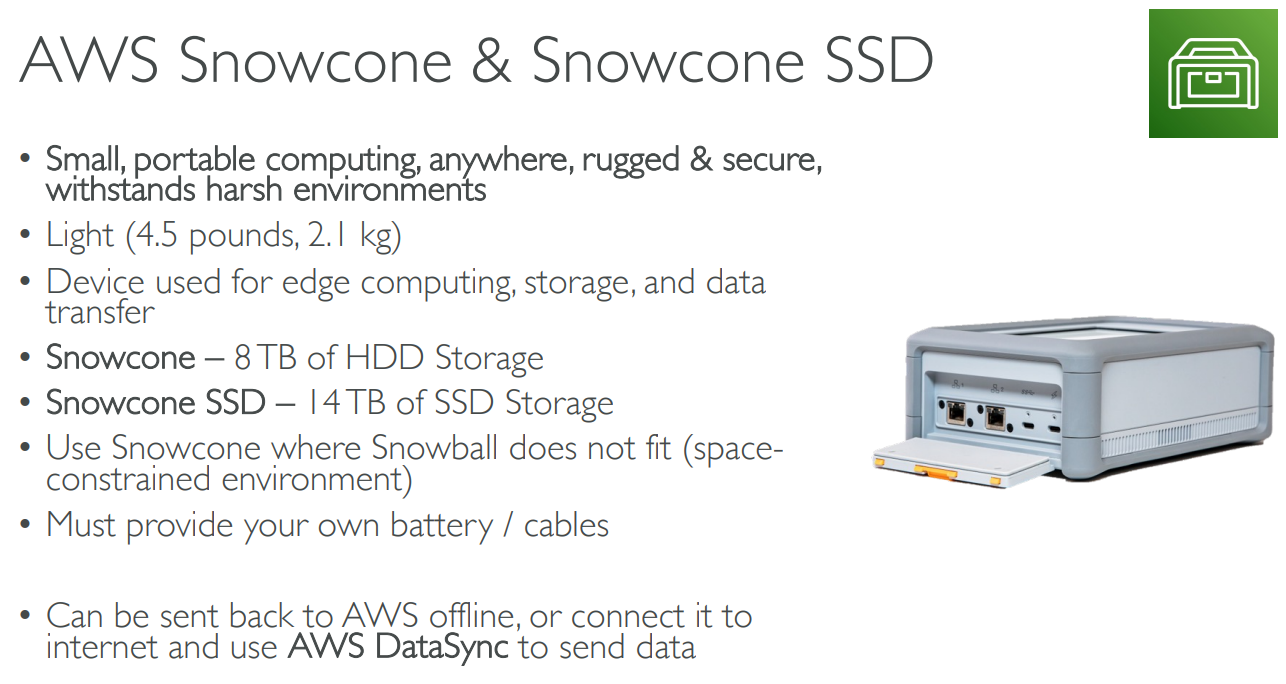
# Snowcone
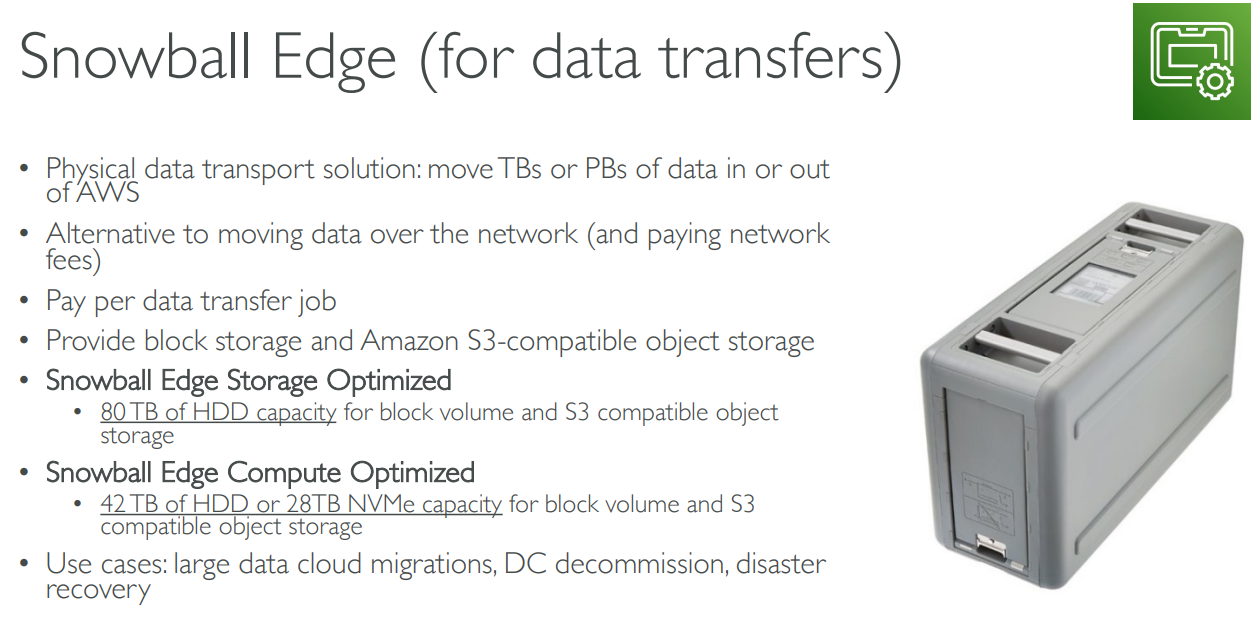
# SnowBall Edge
TB
# snowmobile
PB

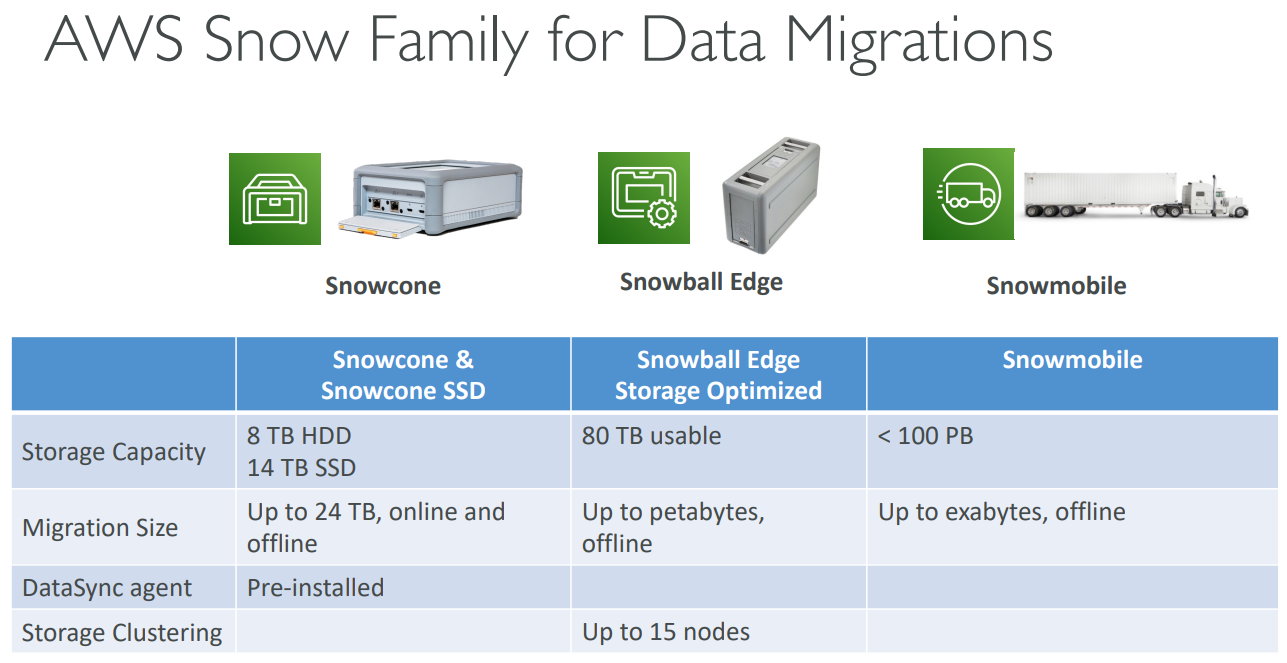
# Comparison
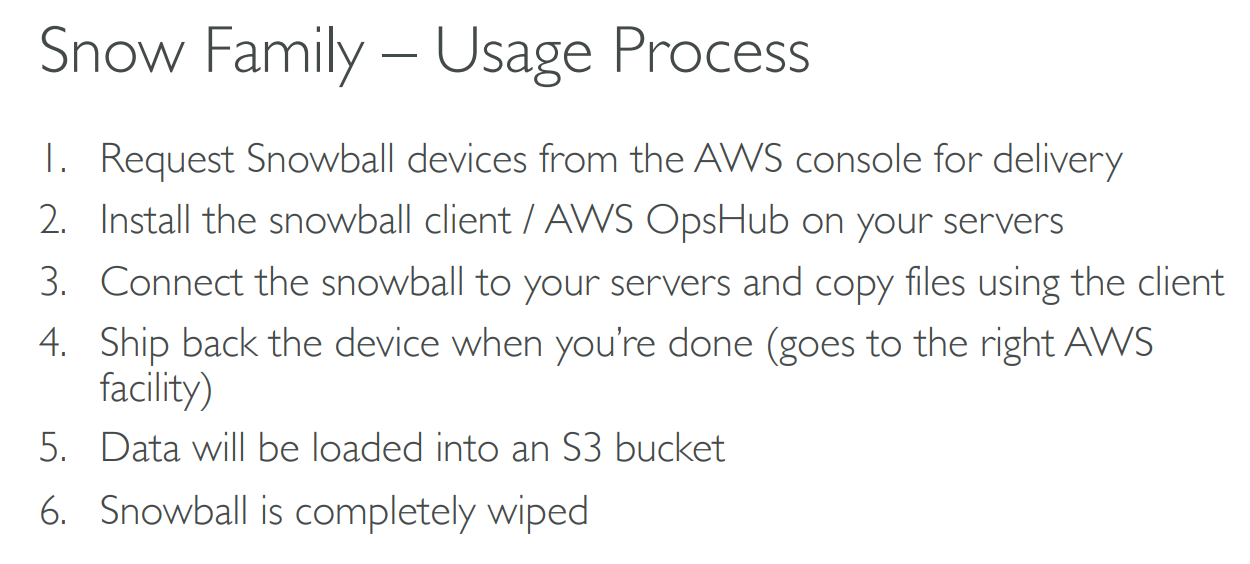
# Usage Process
# Edge Computing

# AWS OpsHub

# Hybrid Cloud
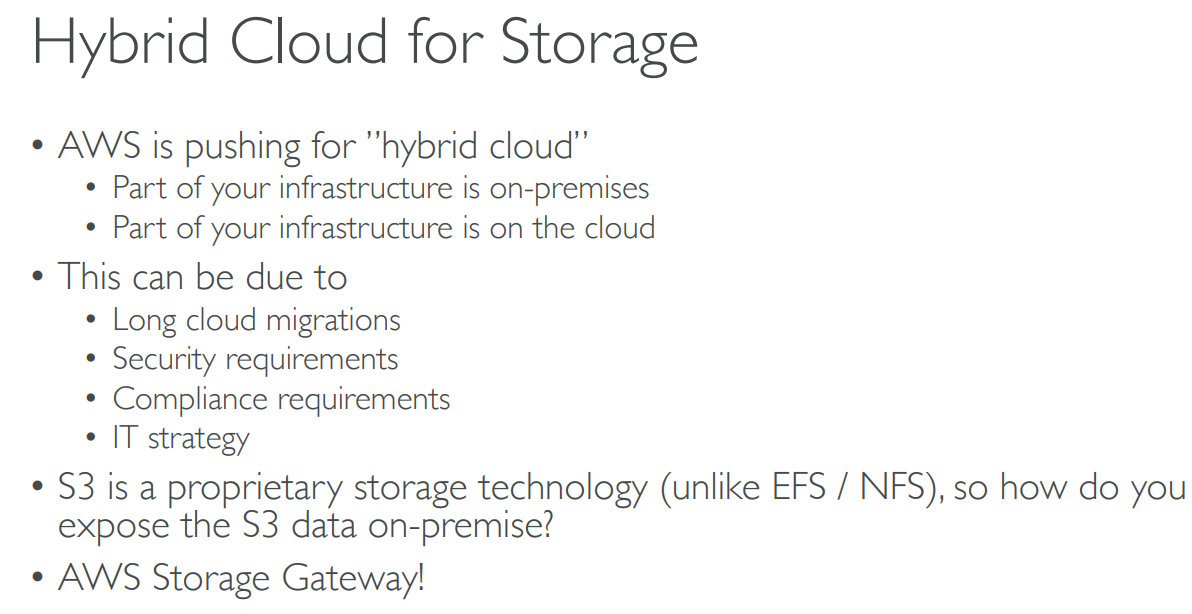

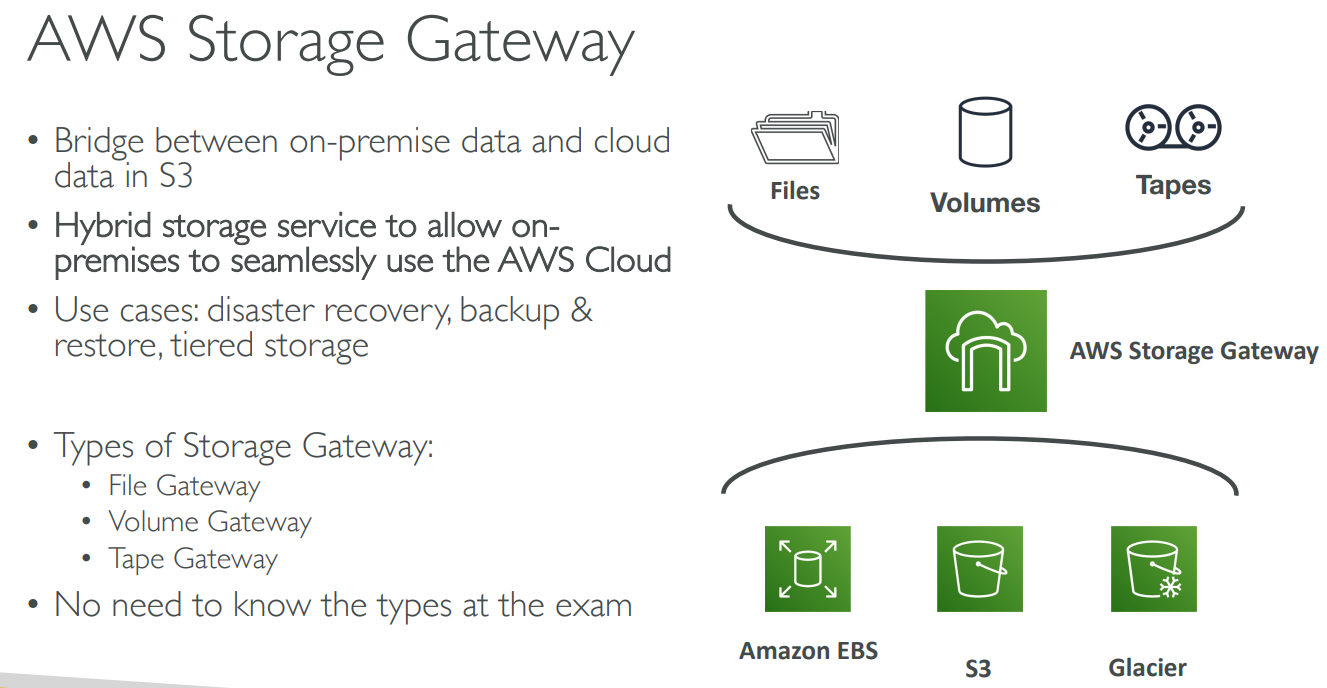
# Storage Gateway
# Summary

# 【09】Databases

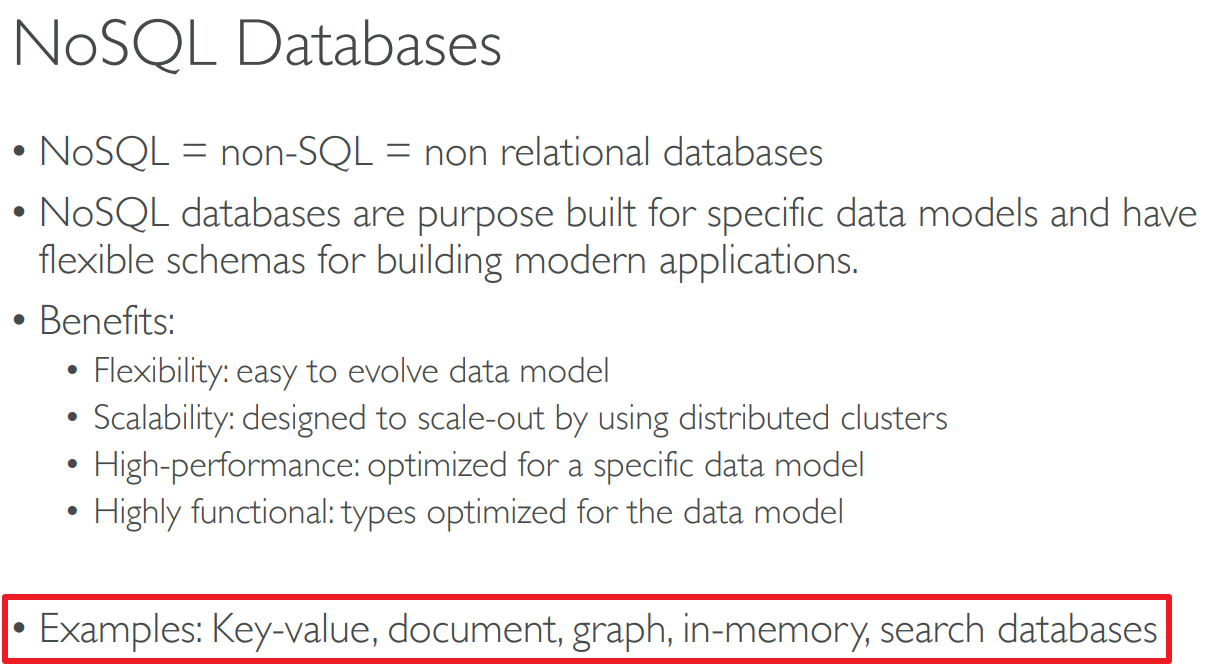
# Relational Databases & NoSQL Databases
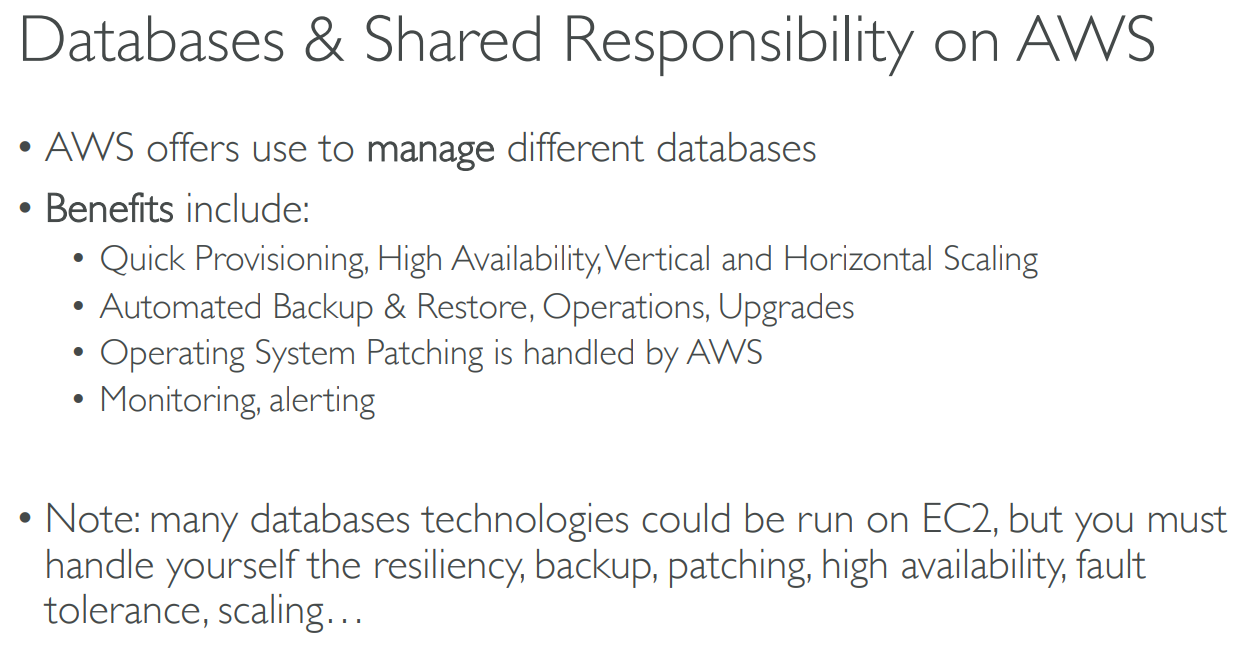
# DB & Shared Responsibility
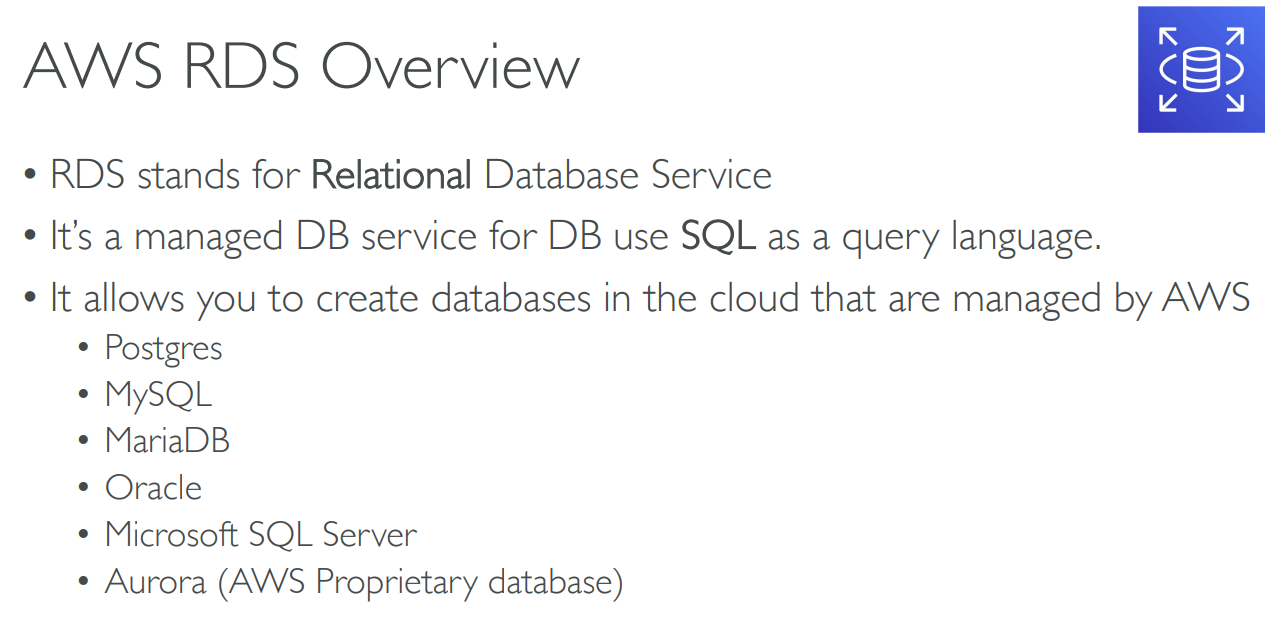
# Relational DB Service(RDS)
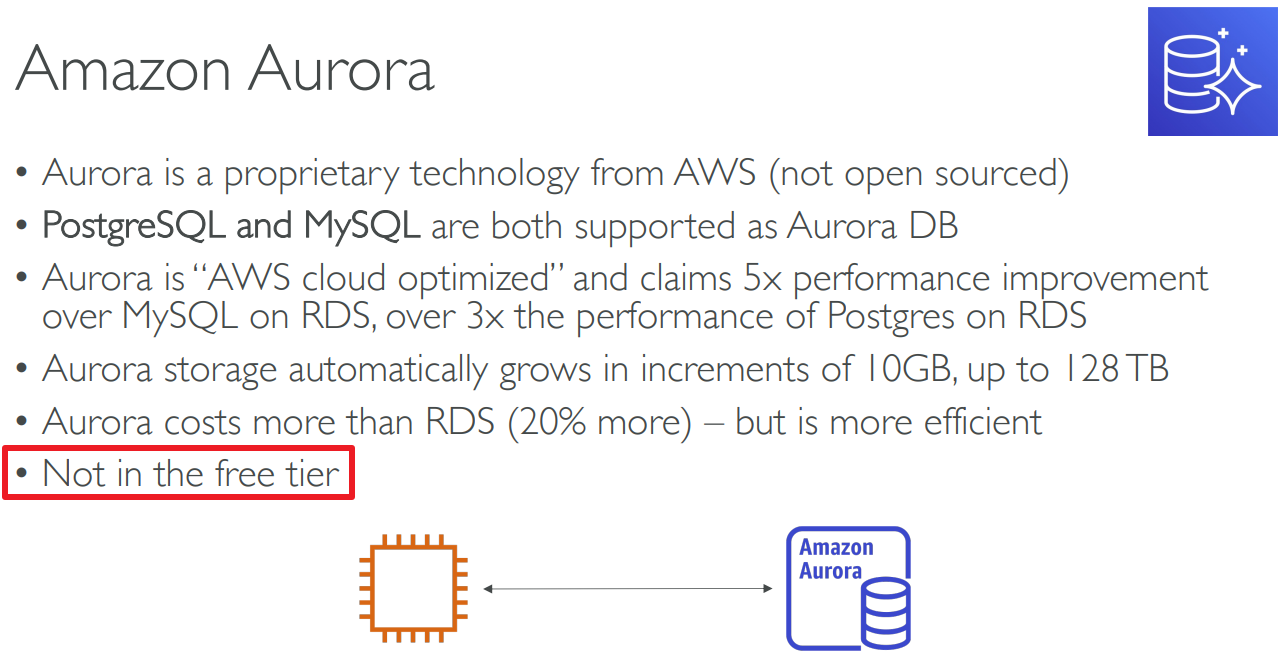
# Aurora
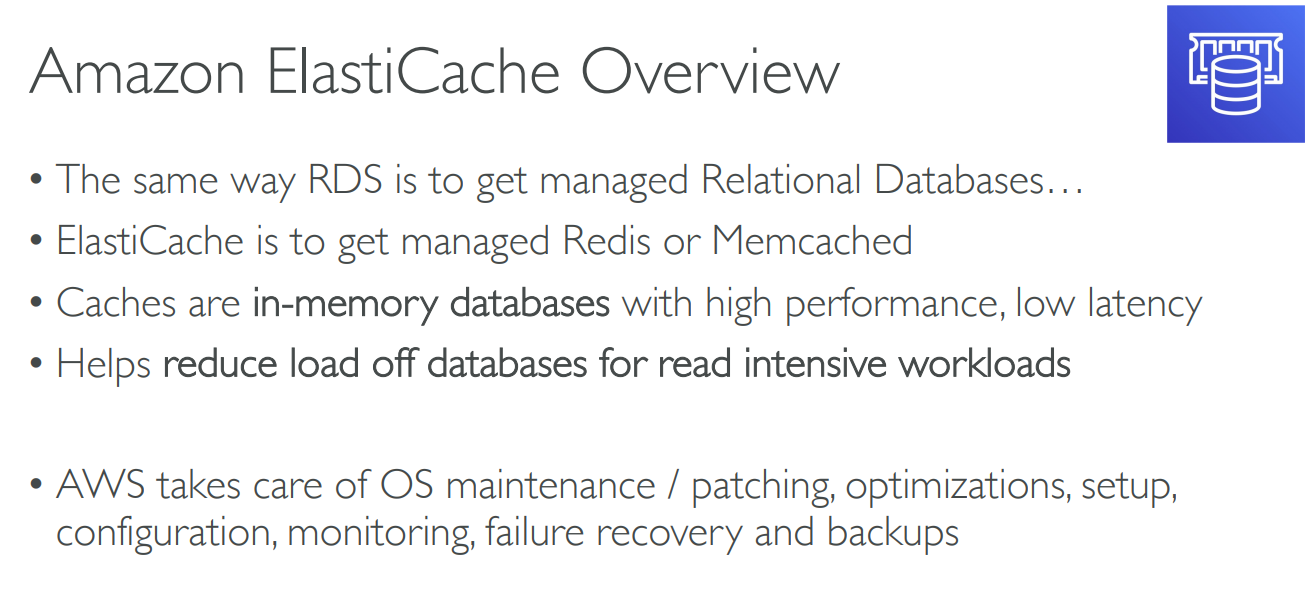
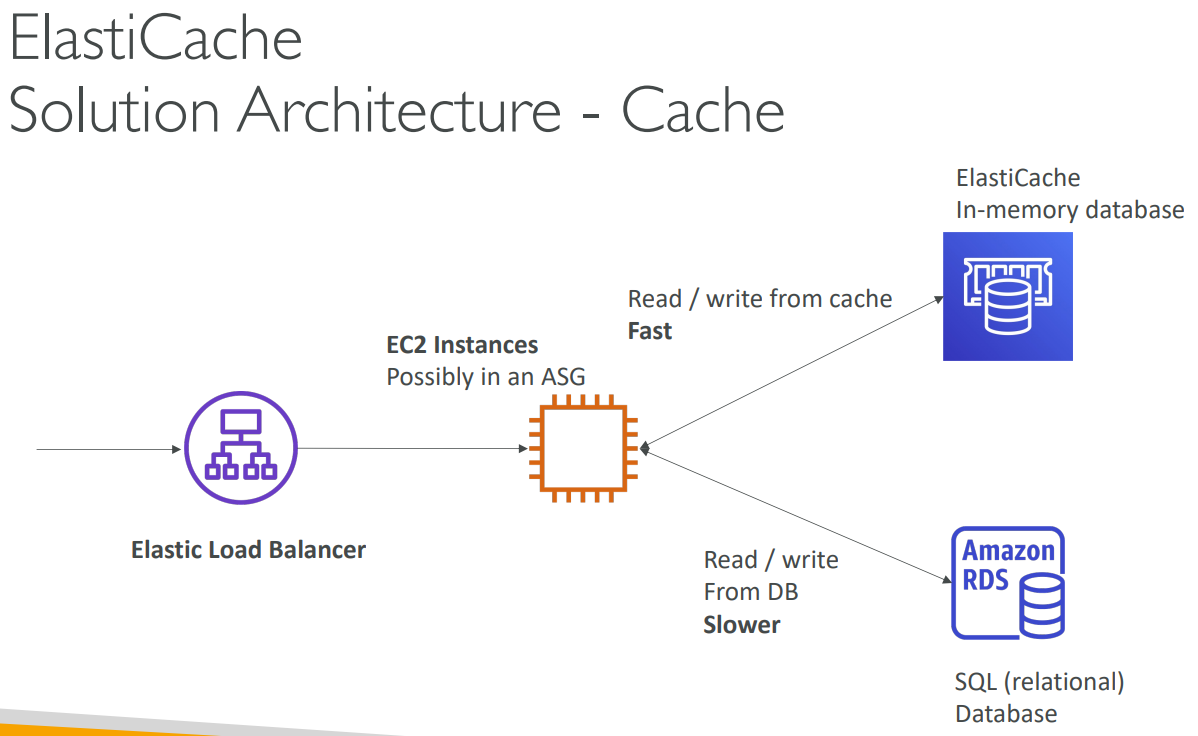
# ElastiCache
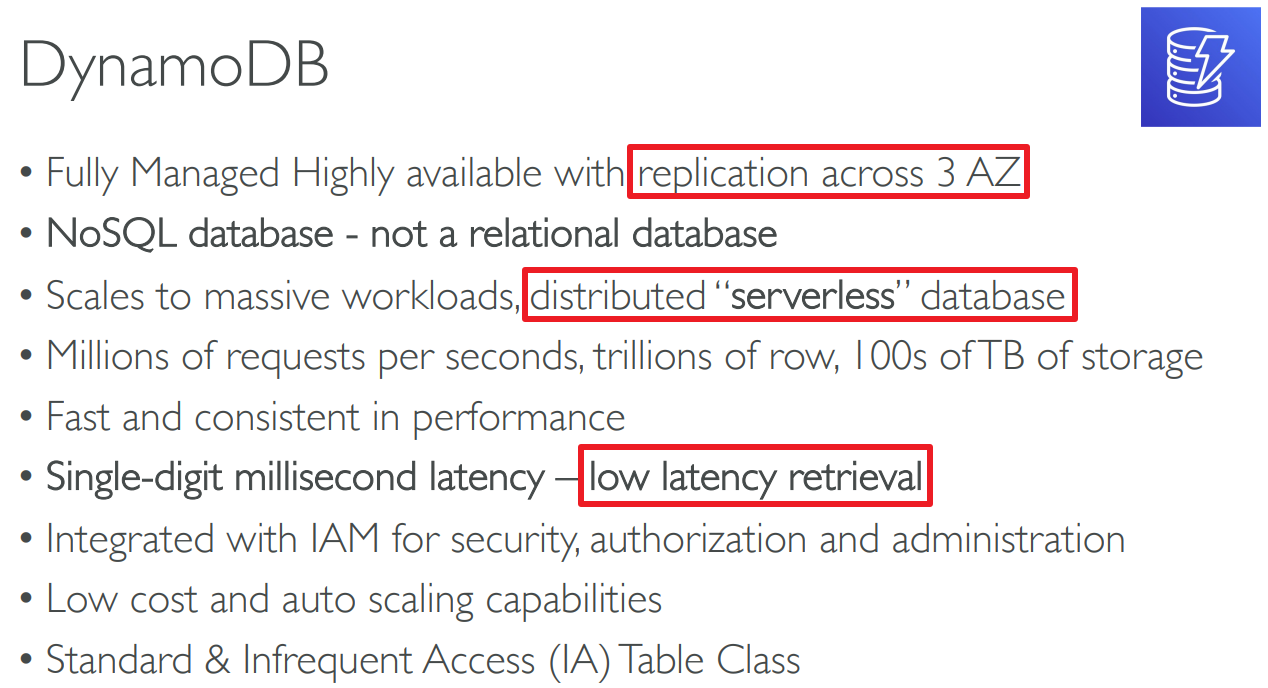
# DynamoDB
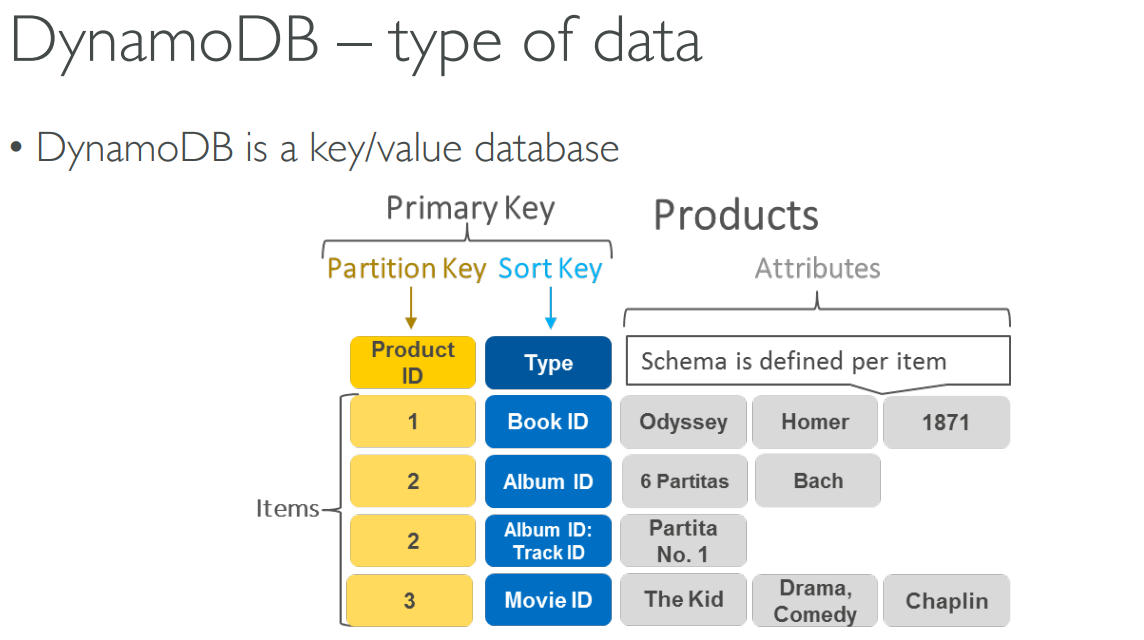

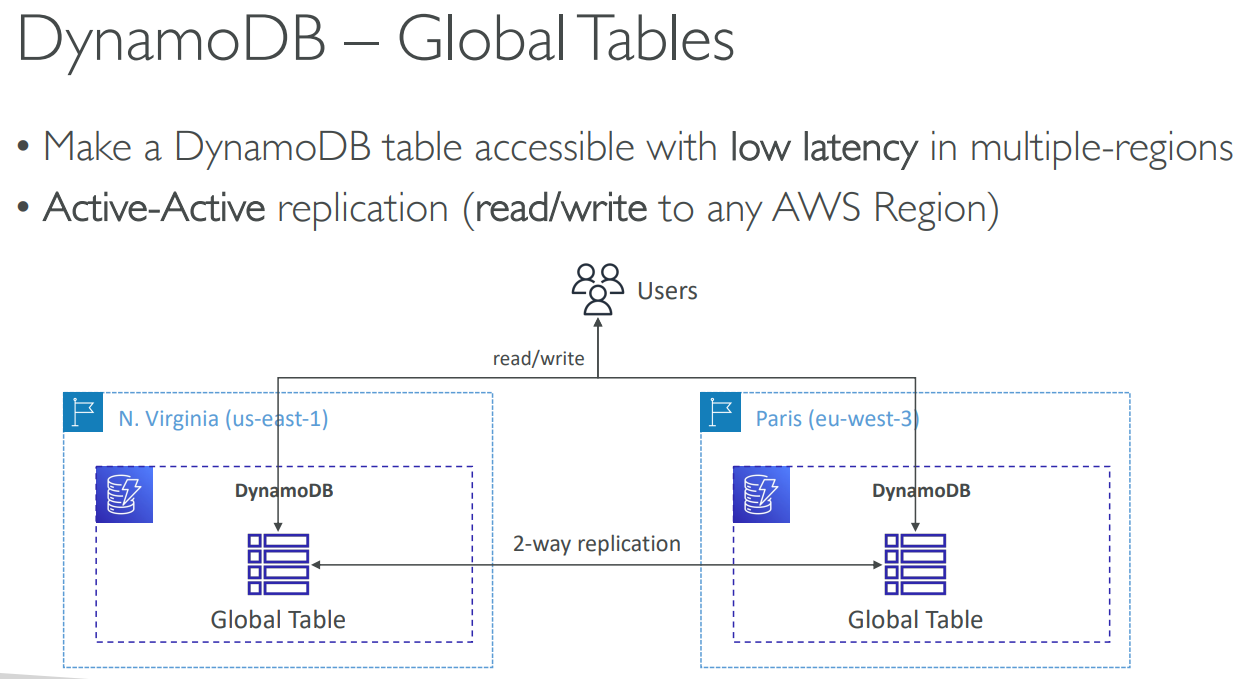
# Redshift
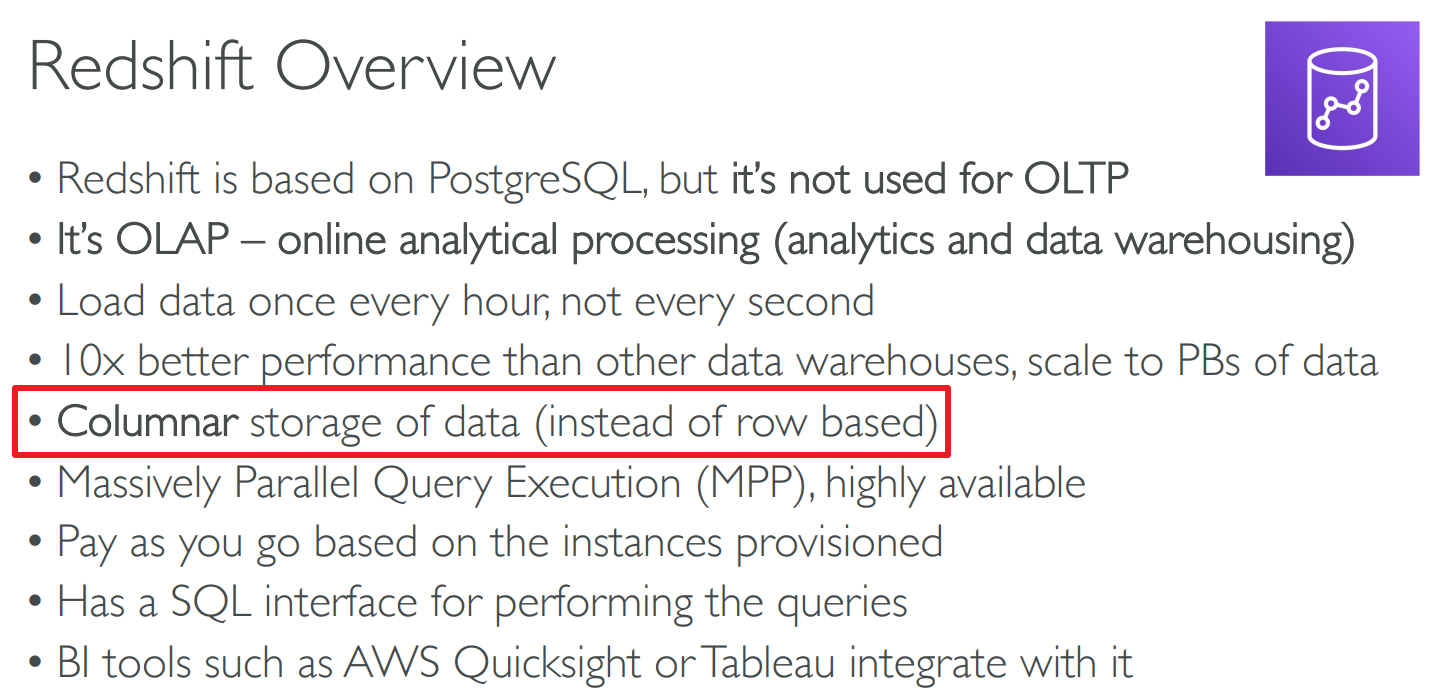
# Elastic MapReduce(EMR)
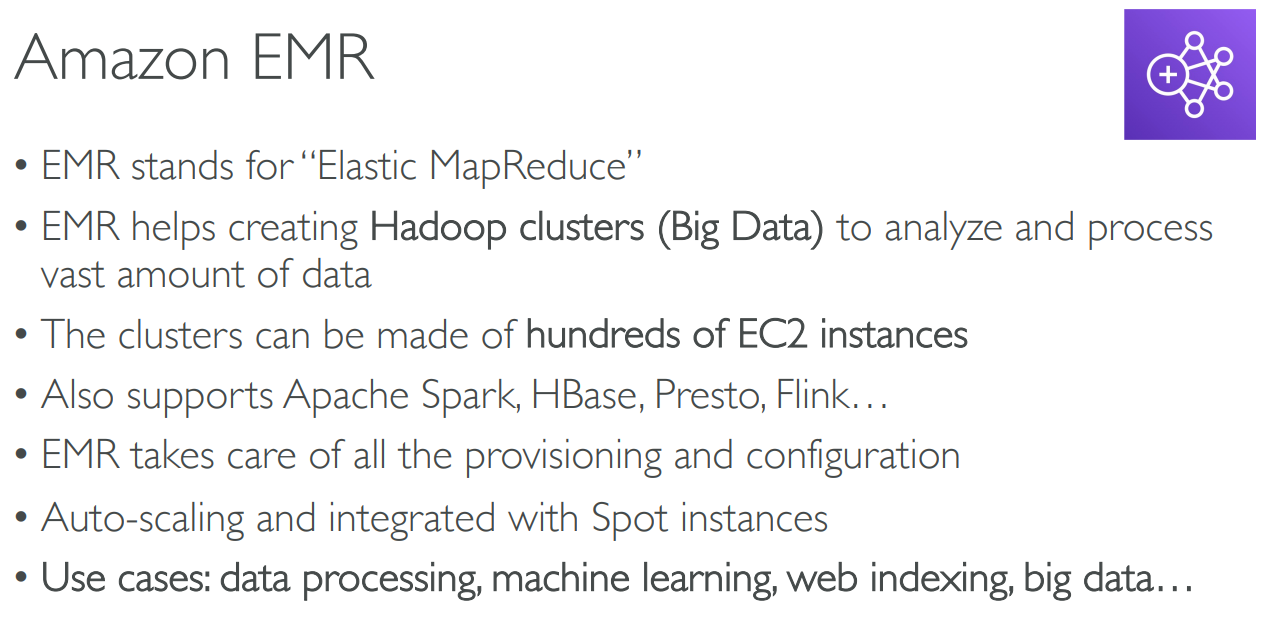
# Athena
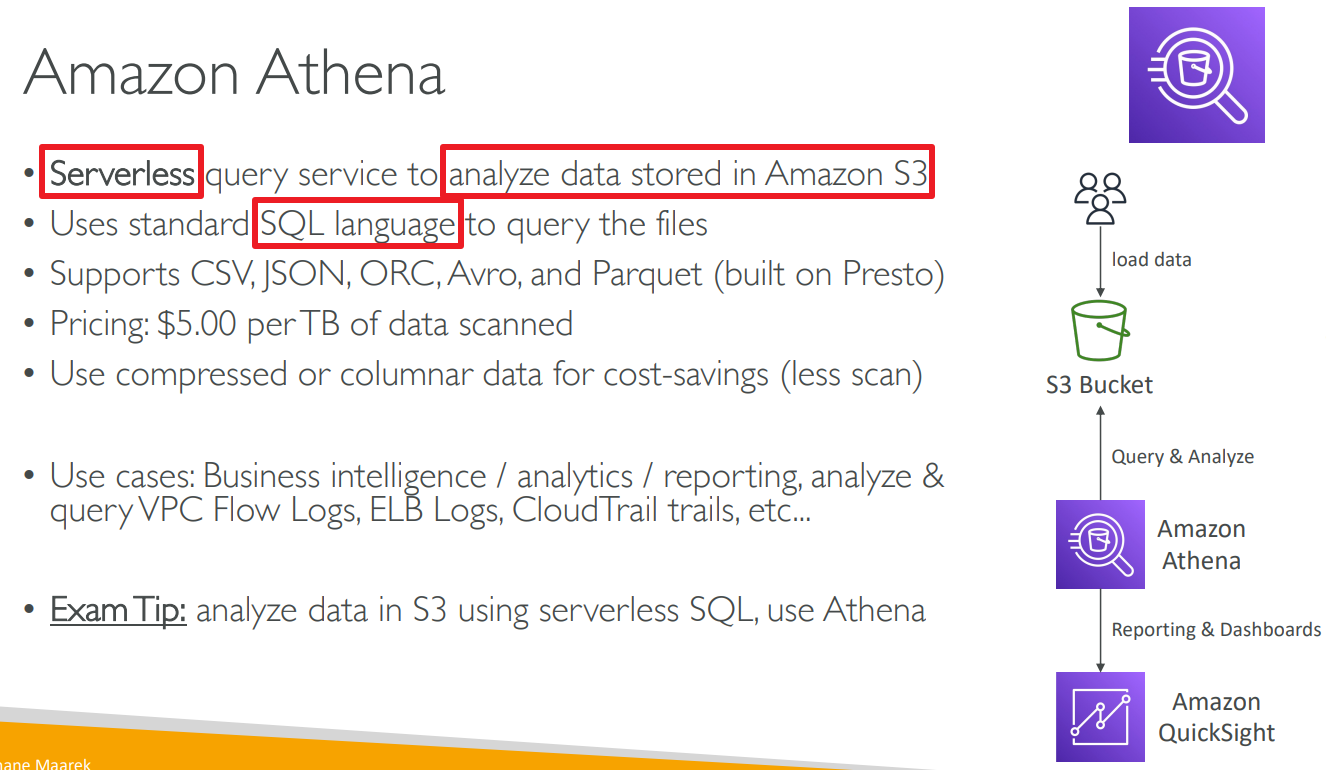
# QuickSight

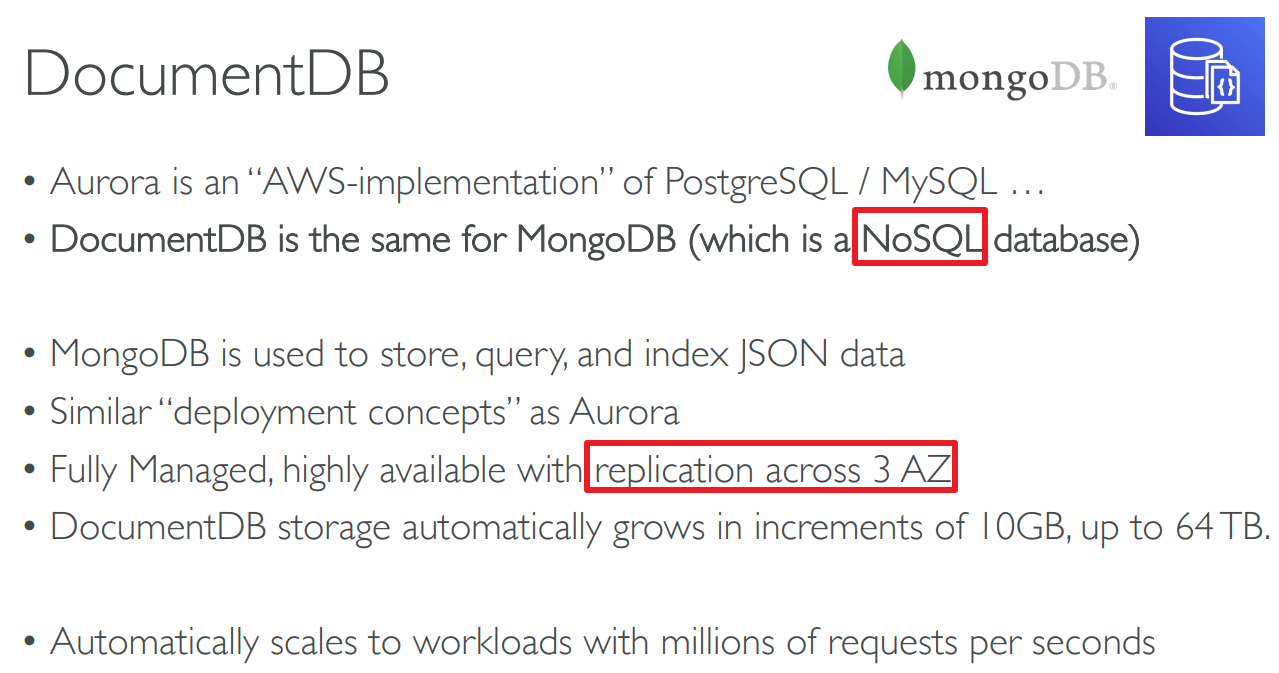
# DocumentDB
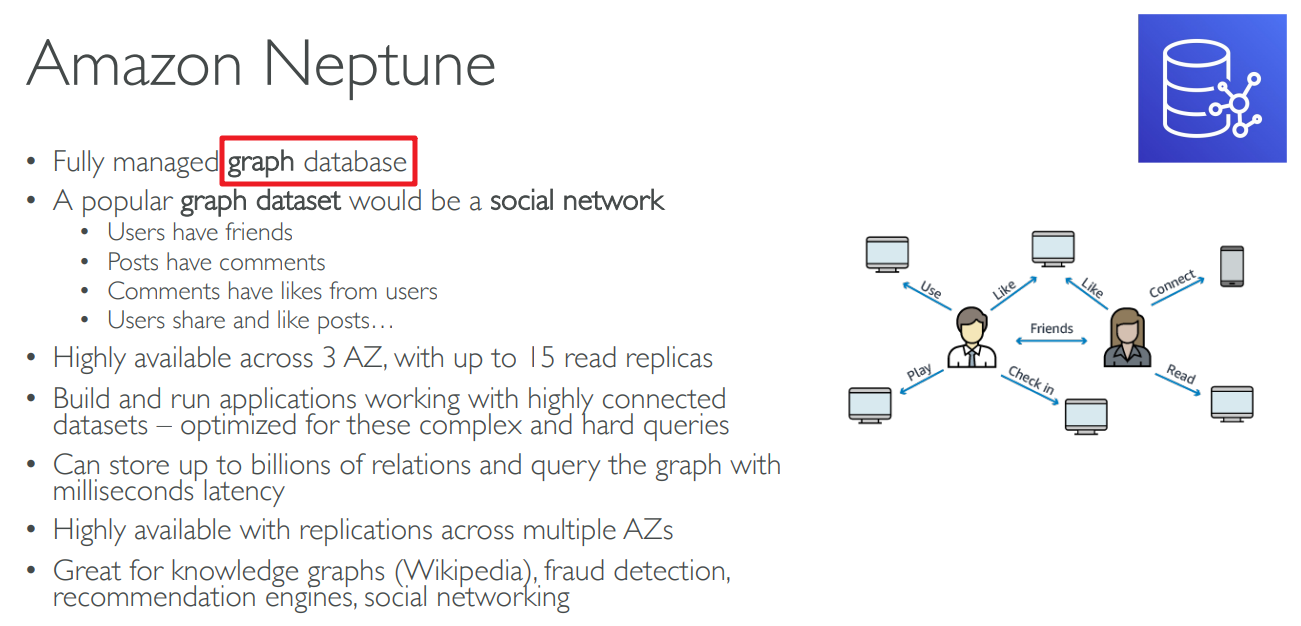
# Neptune
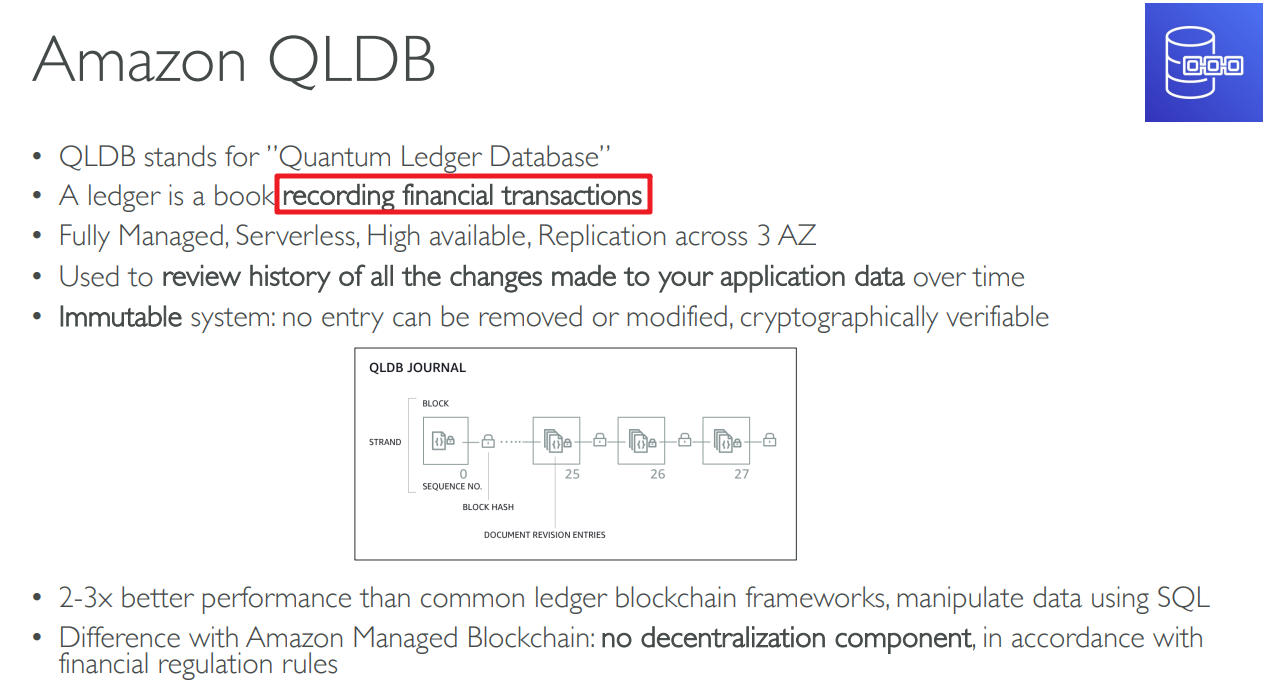
# Quantum Ledger DB(QLDB)
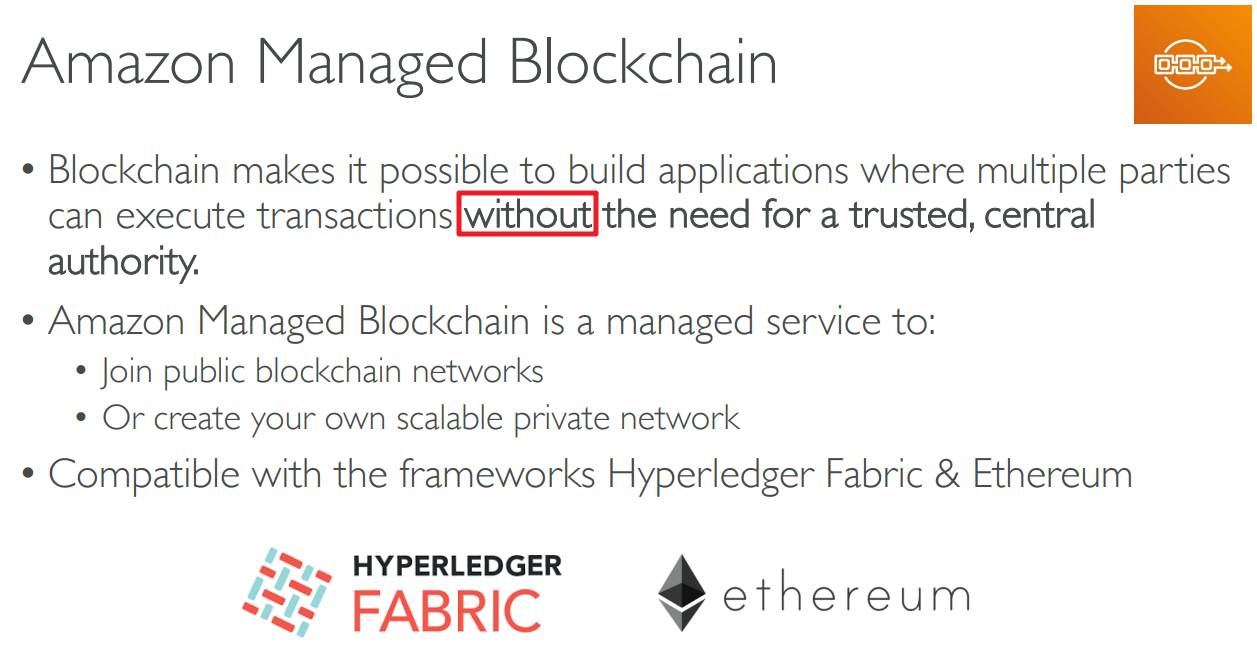
# Managed Blockchain
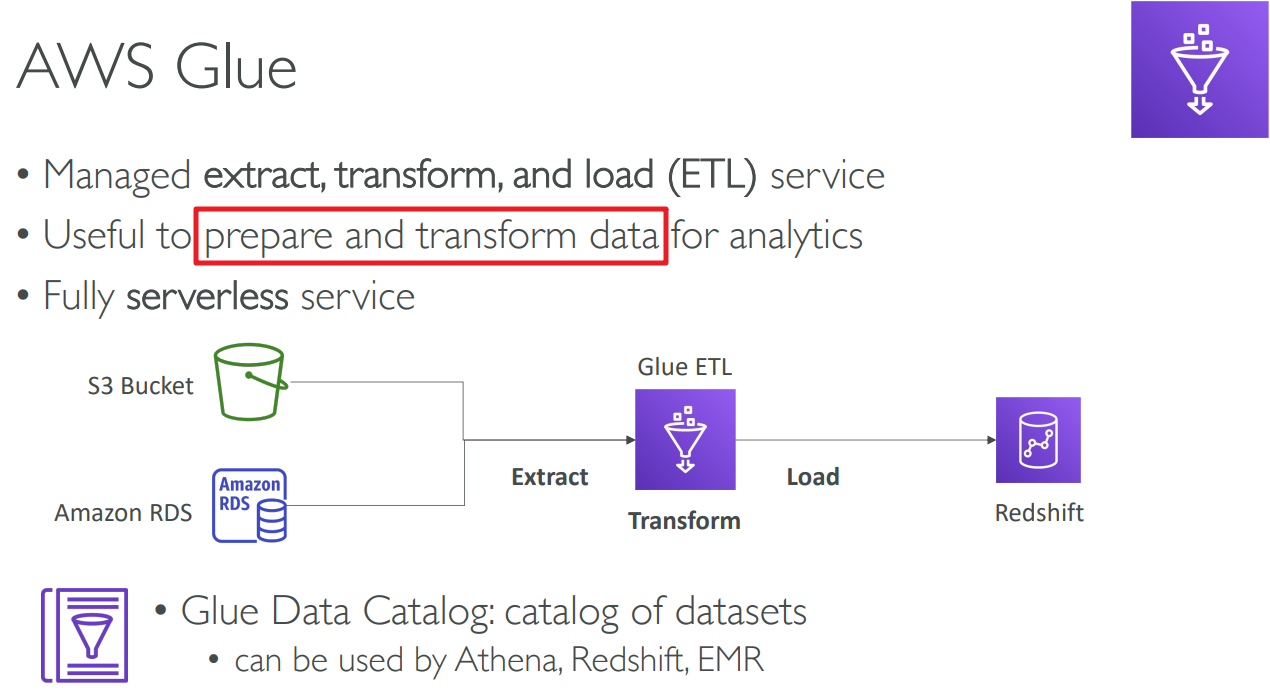
# Glue
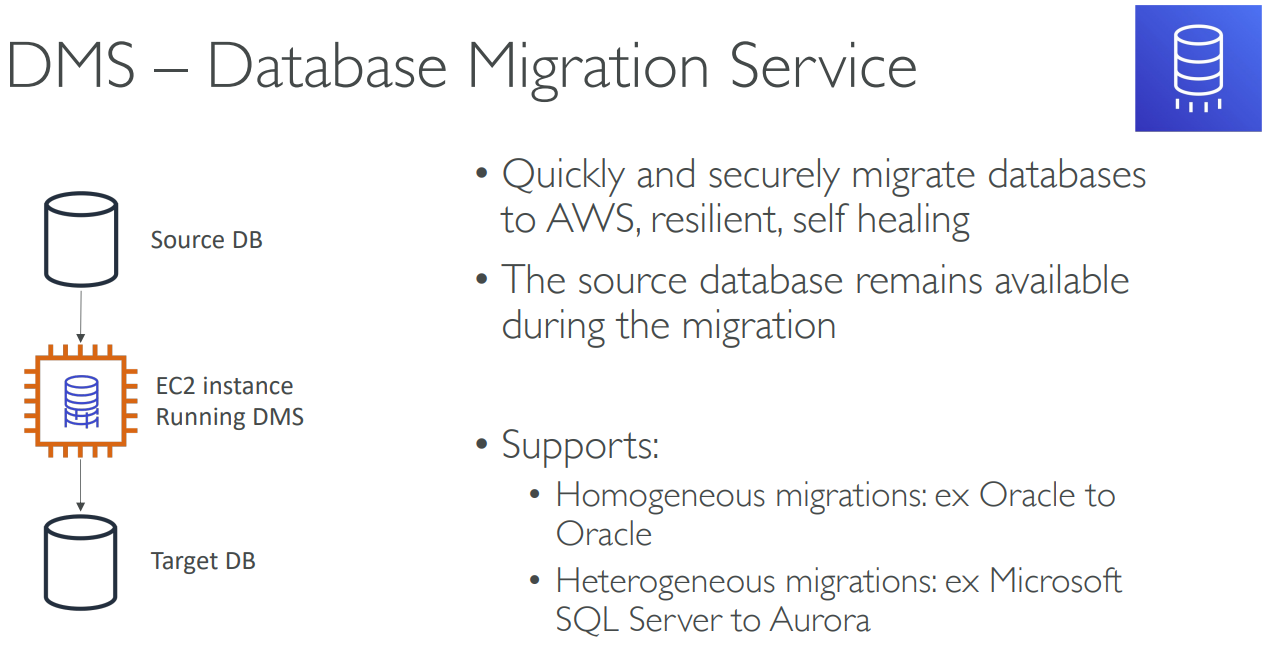
# DB Migration Service(DMS)
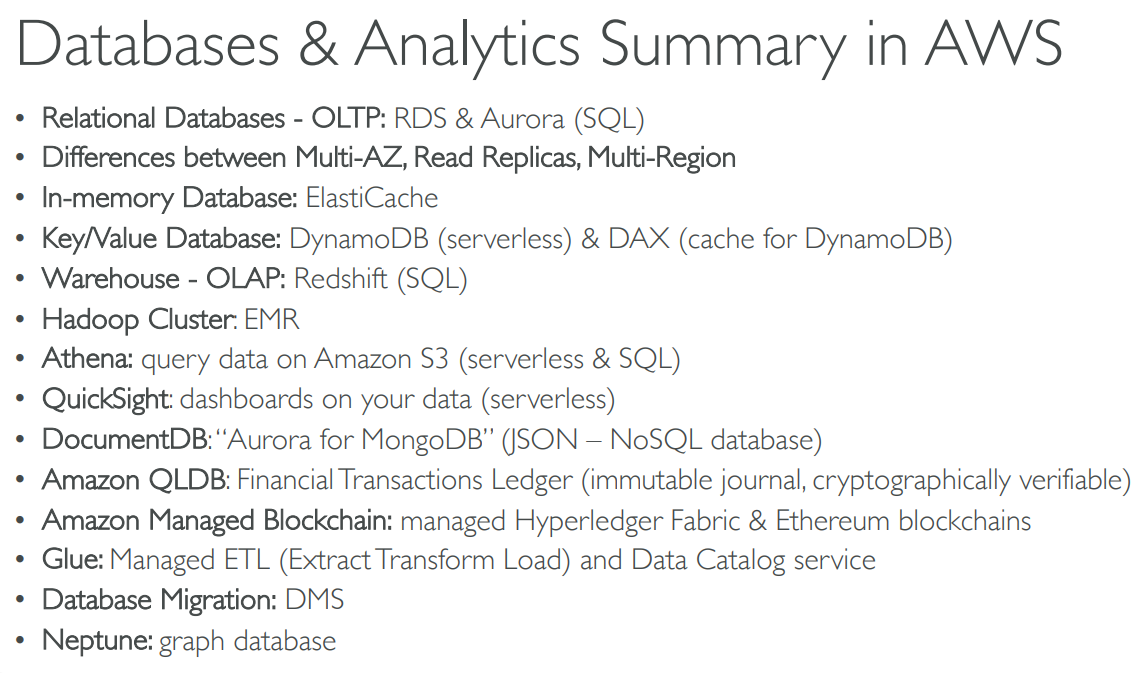
# Summary
# 【10】Other Compute Services
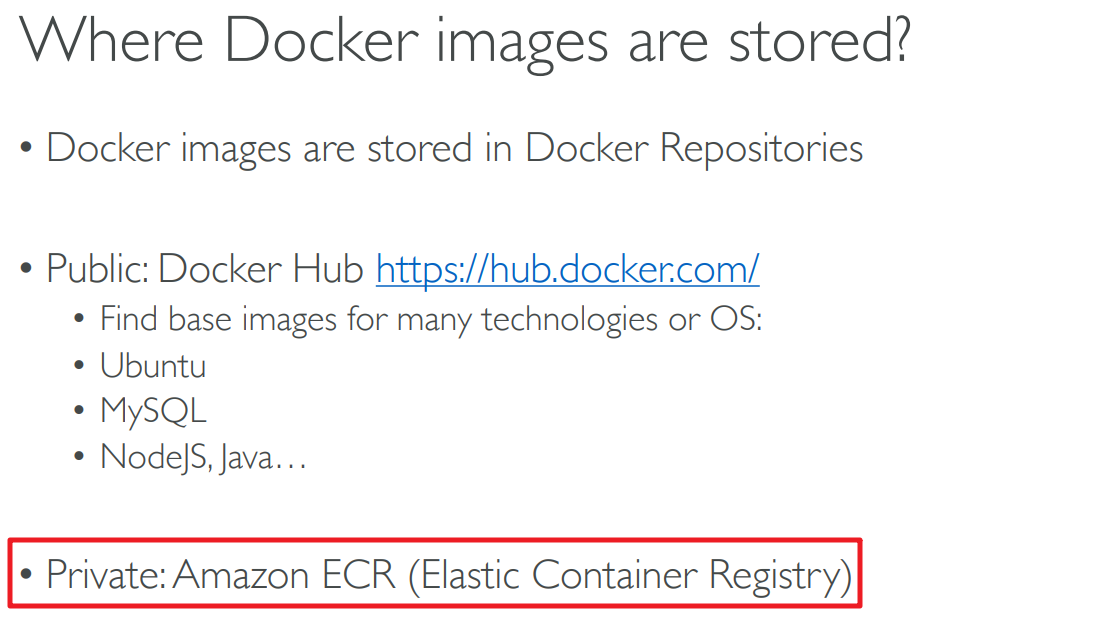
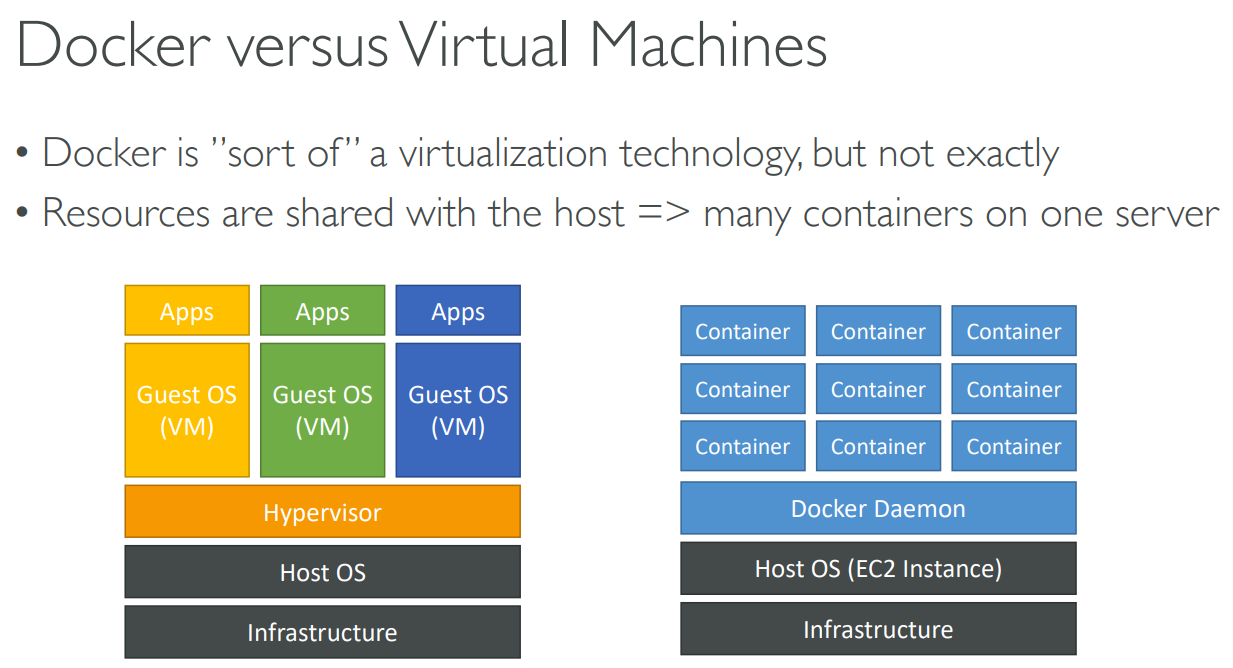
# Docker

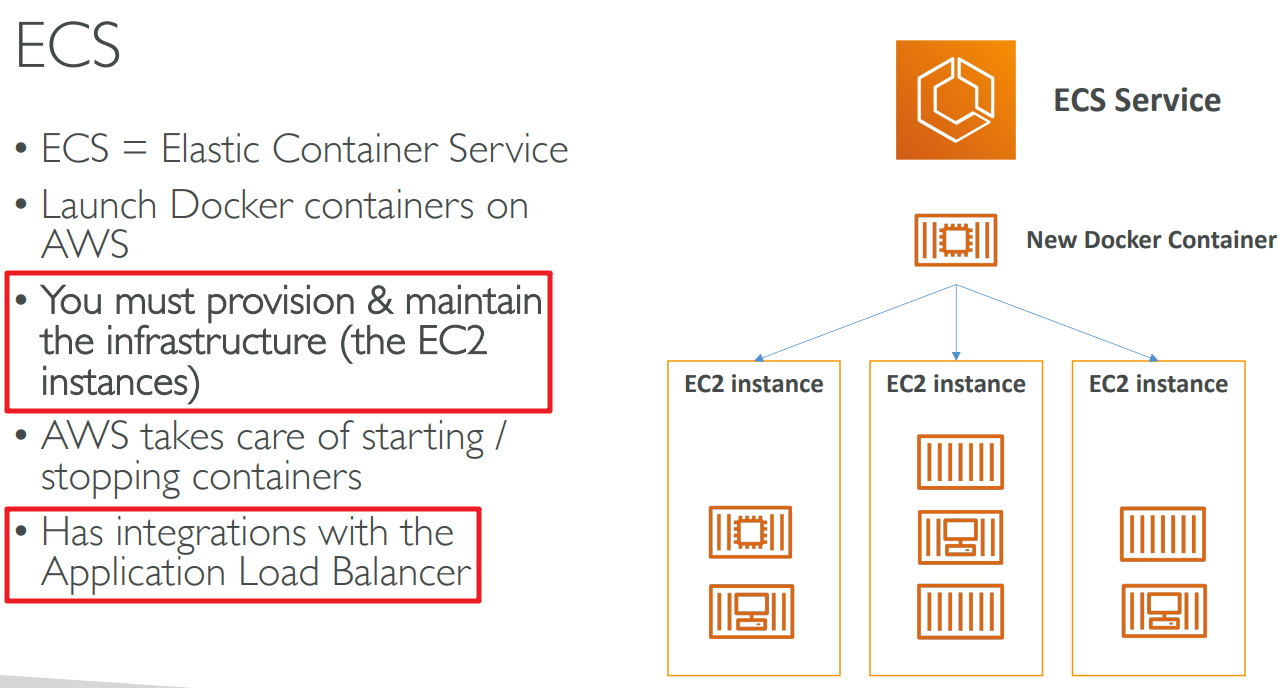
# Elastic Container Service
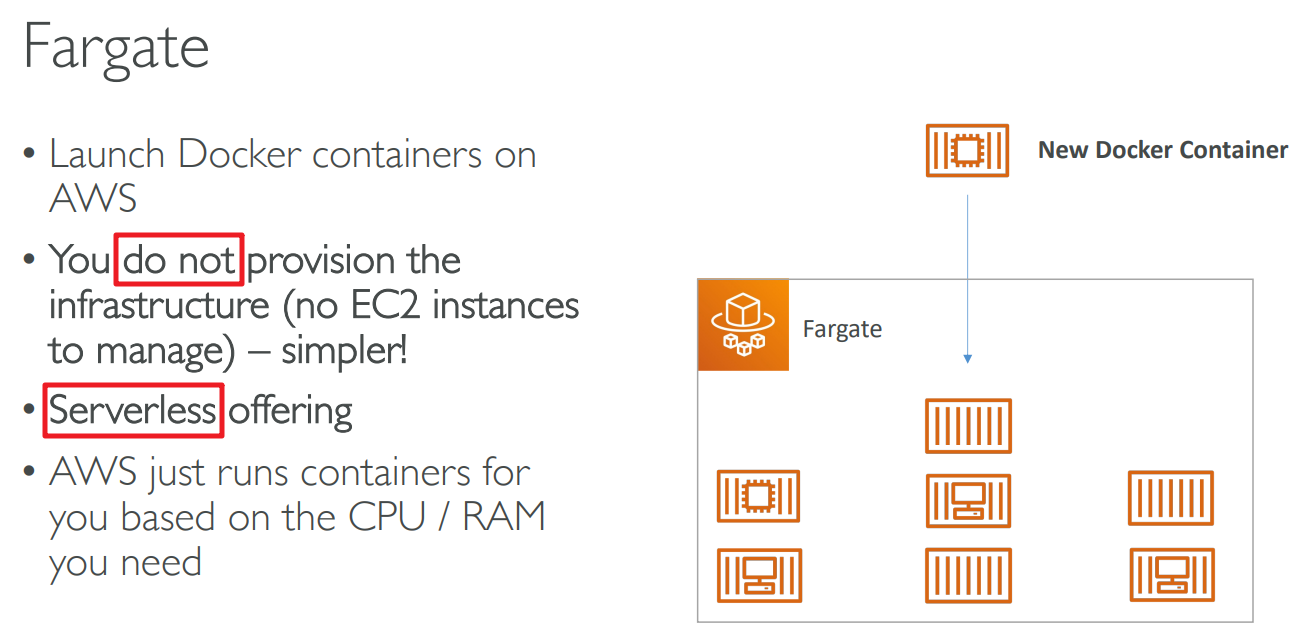
# Fargate
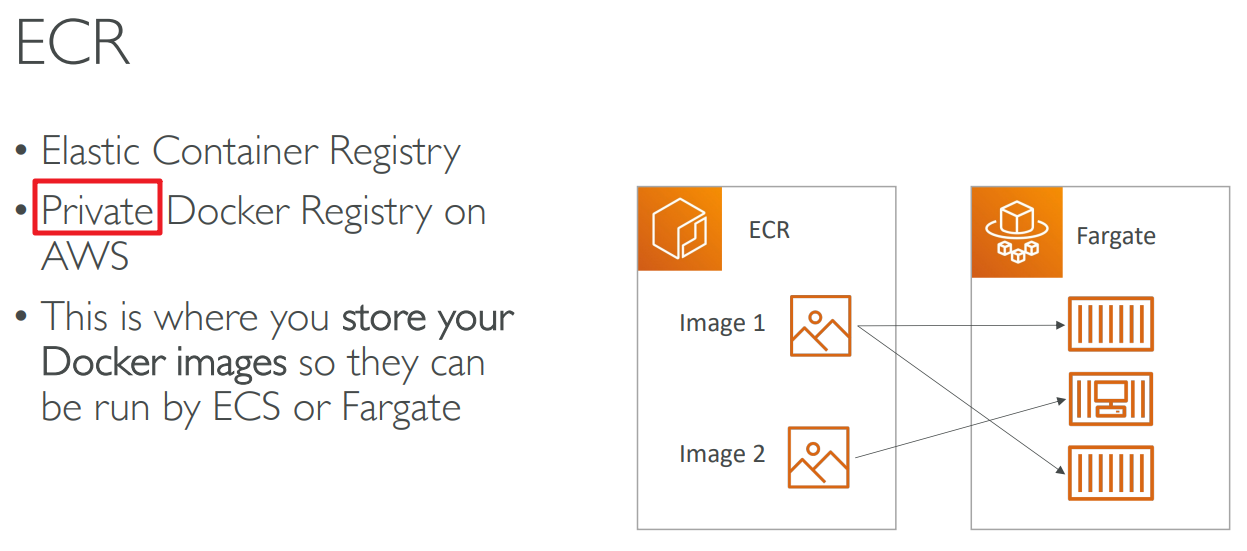
# Elastic Container Registry
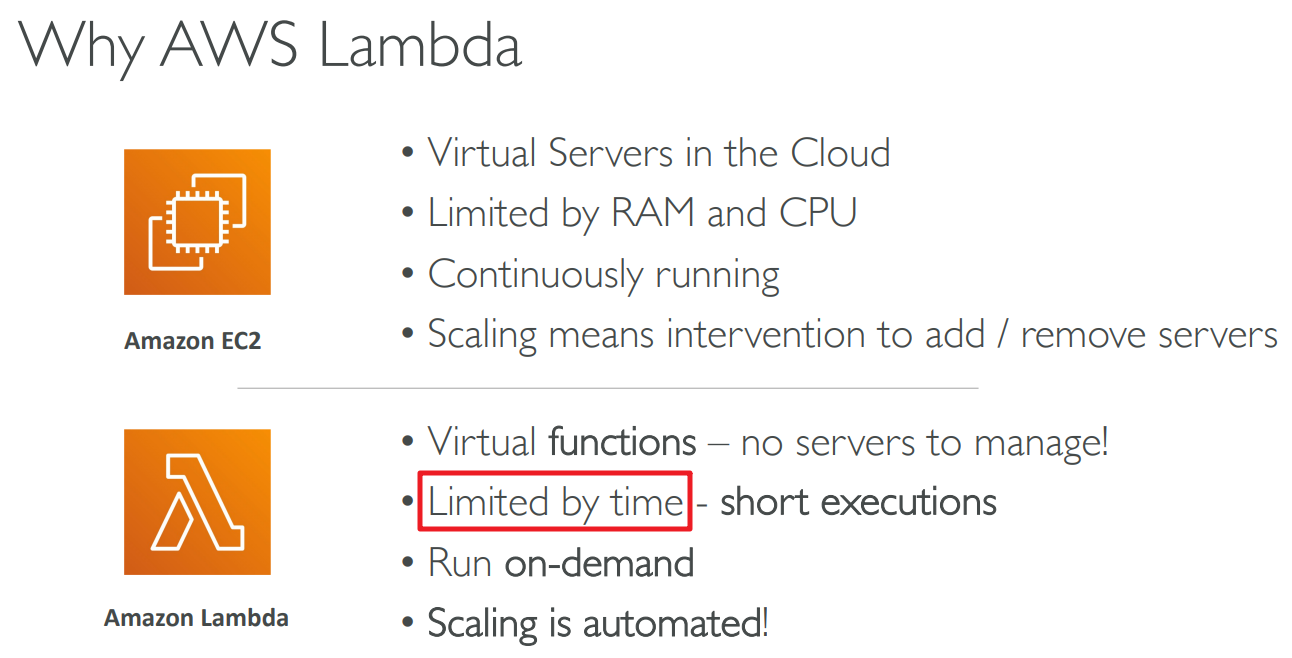
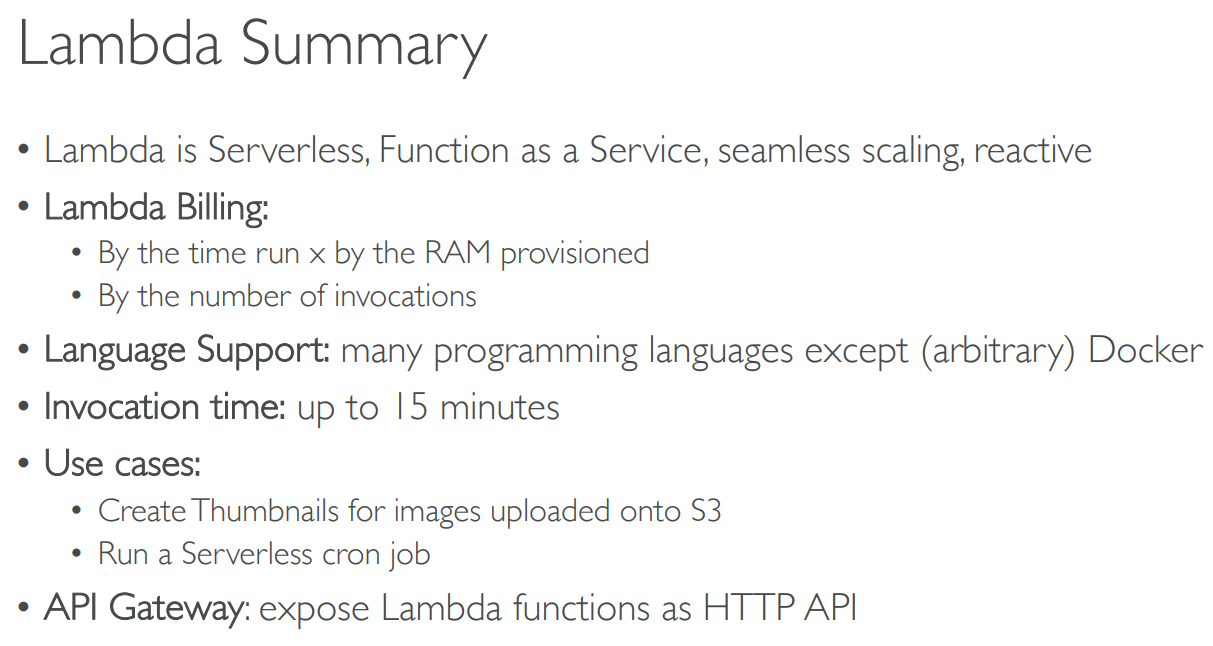
# Lambda
# Benefits
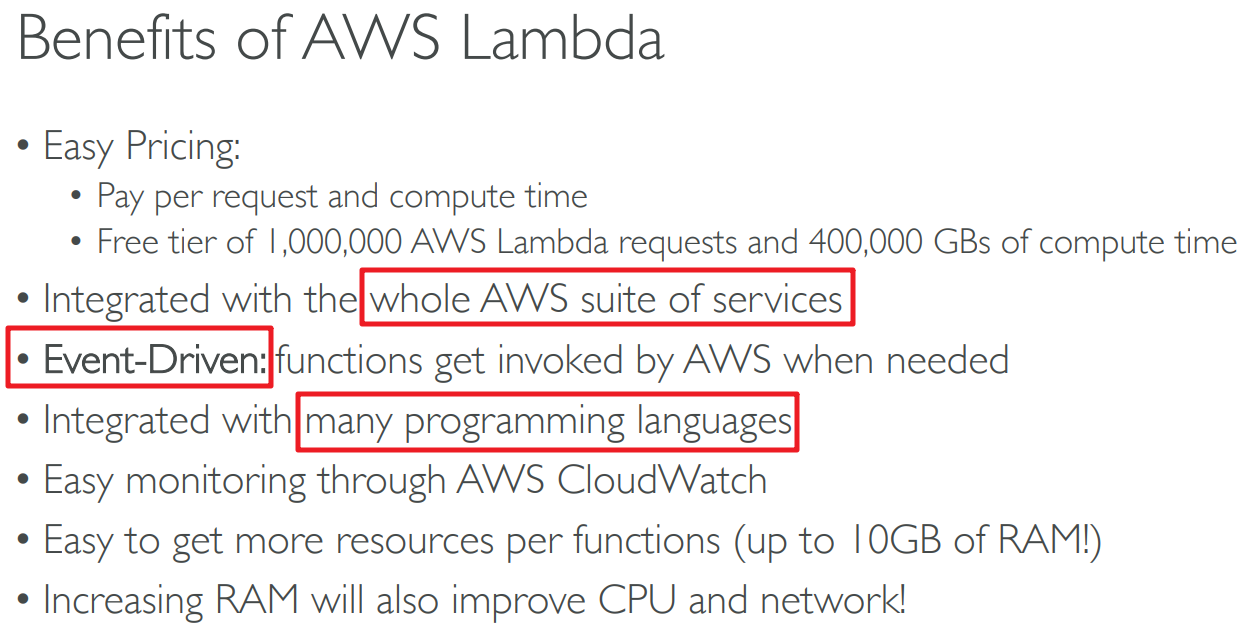
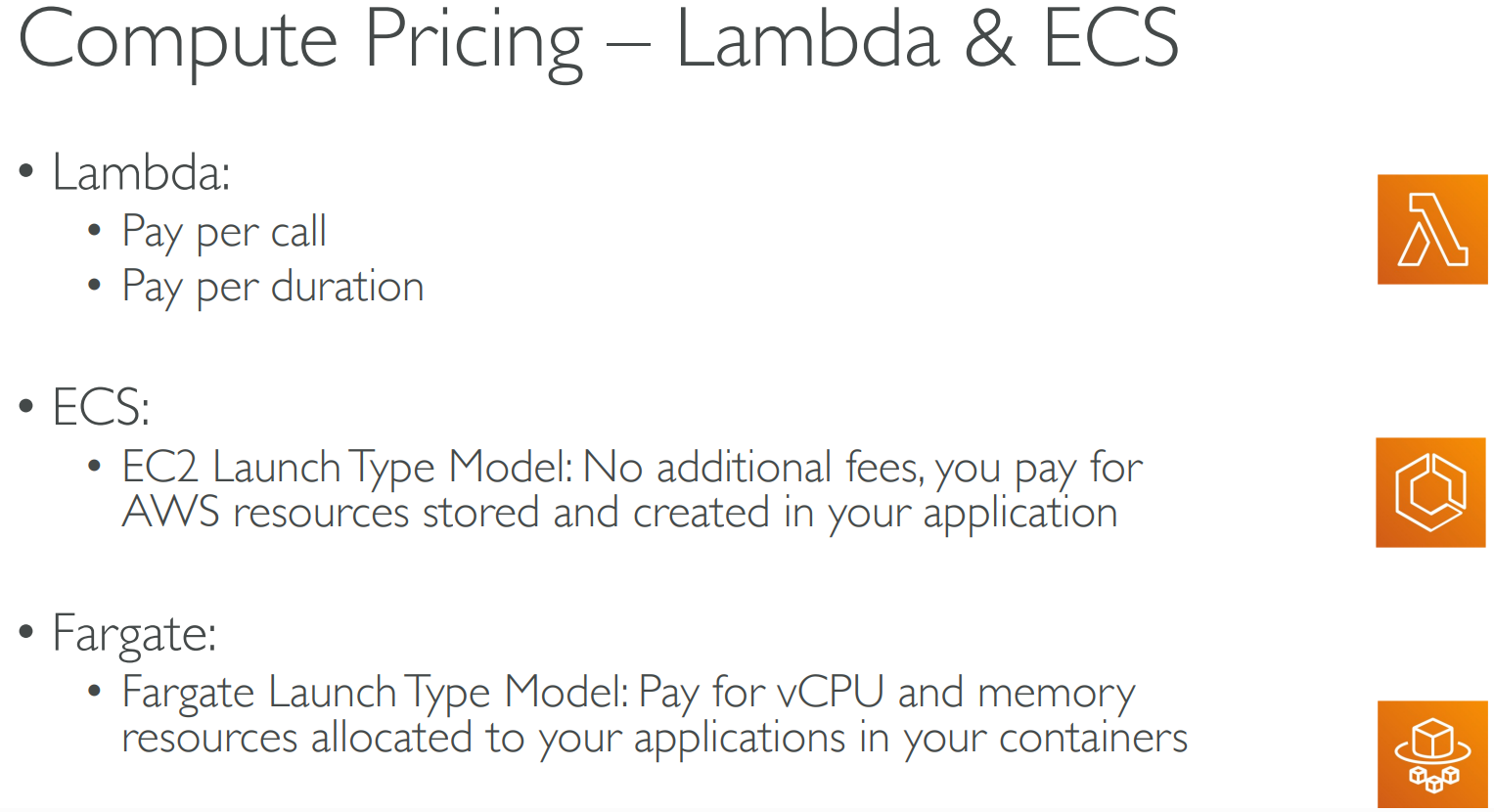
# Pricing
per call
per duration
# API Gateway
- expose Lambda functions as HTTP API
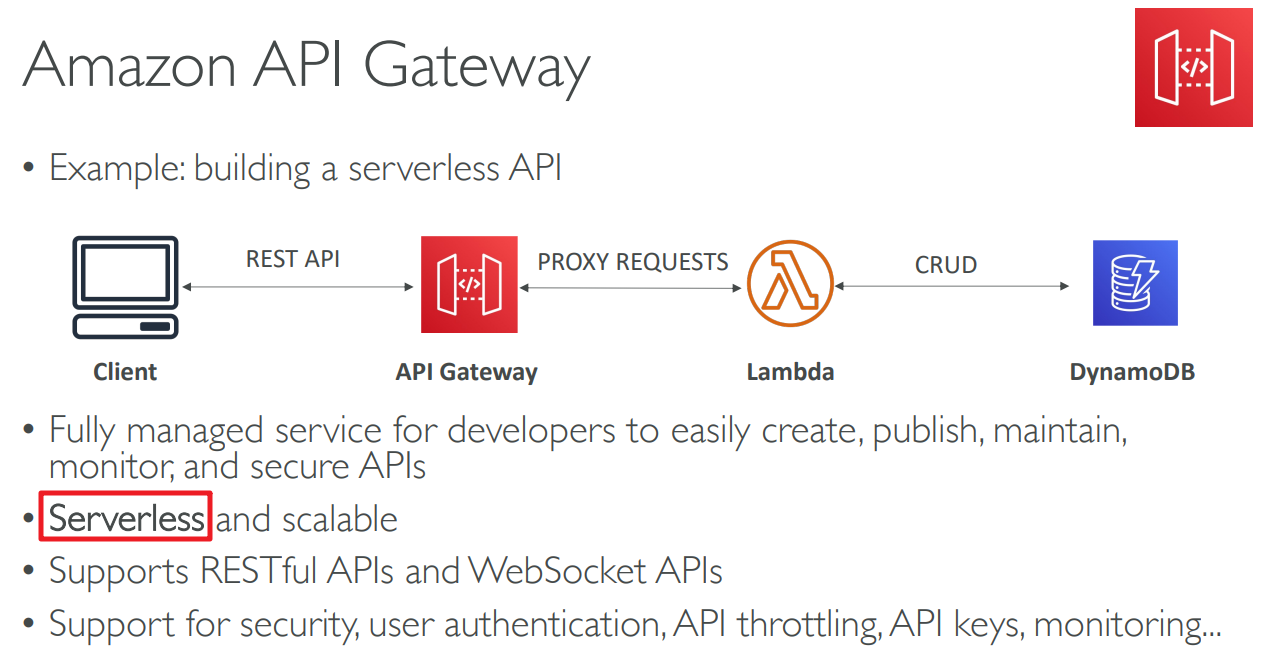
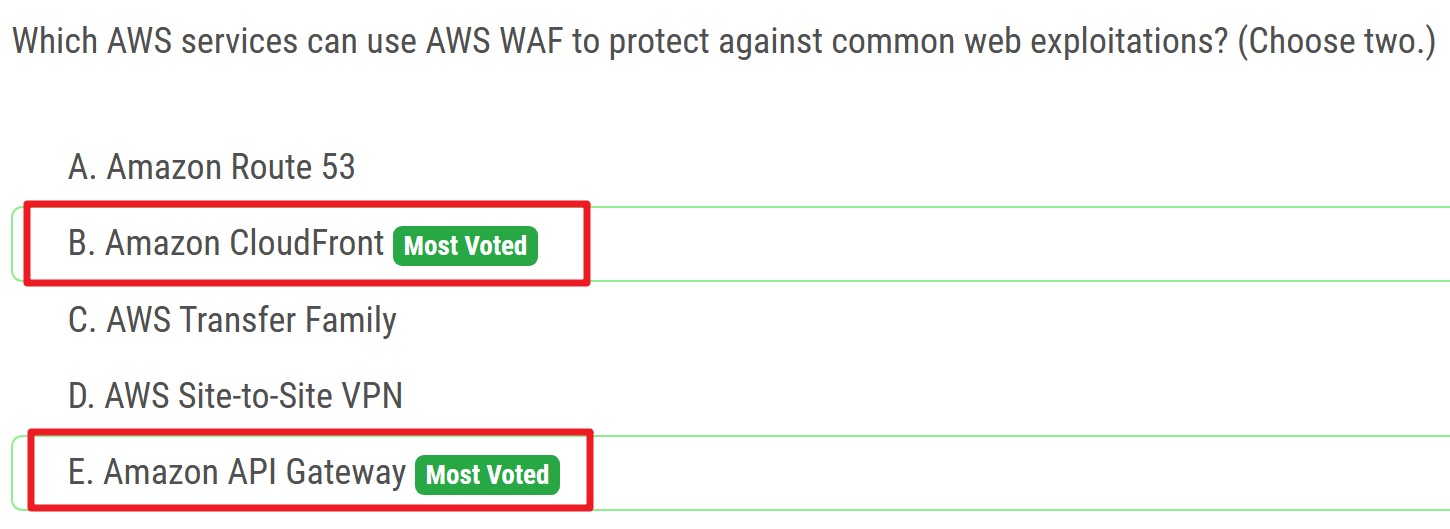
- use AWS WAF
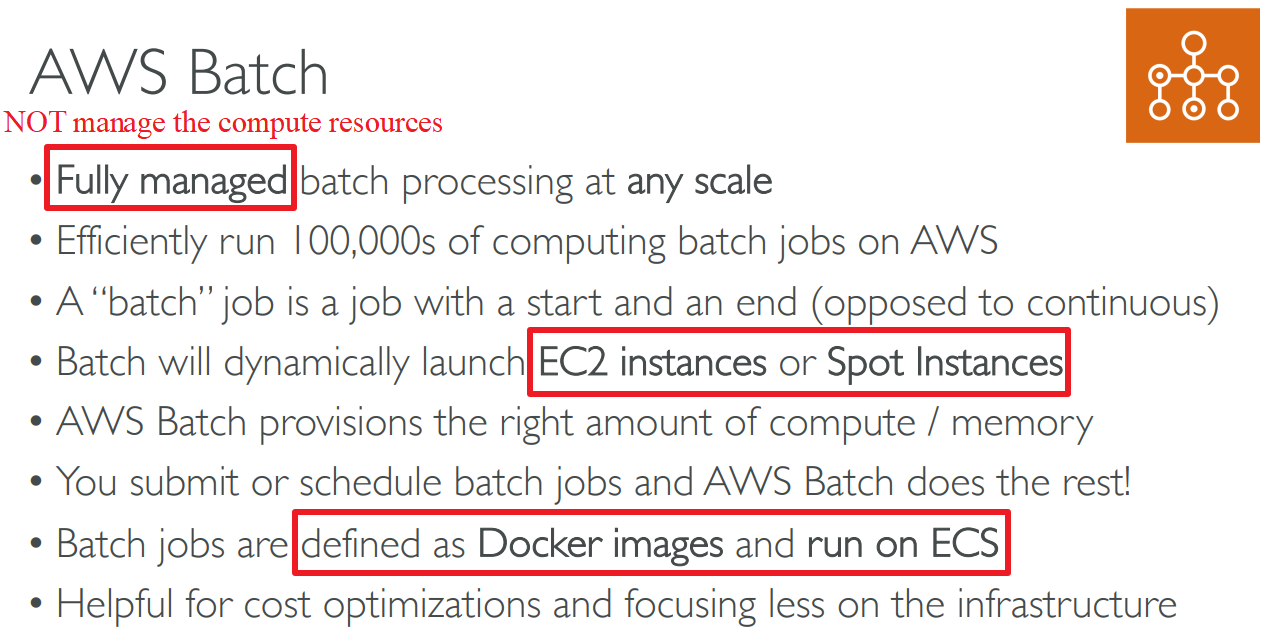
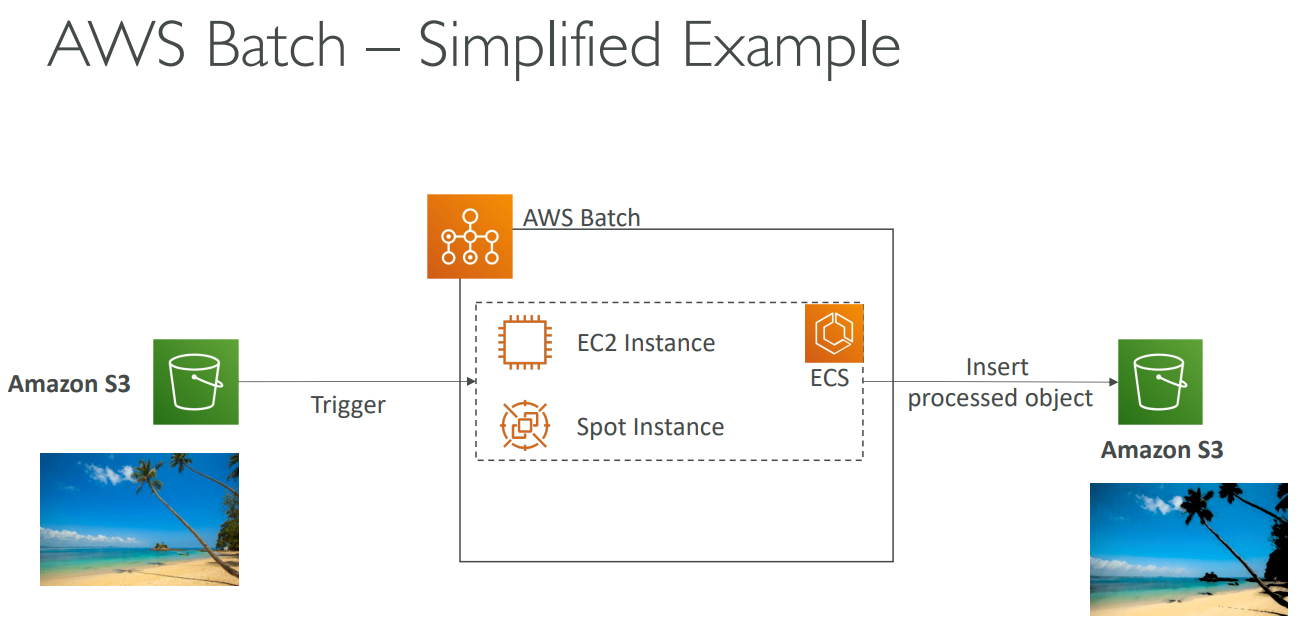
# Batch
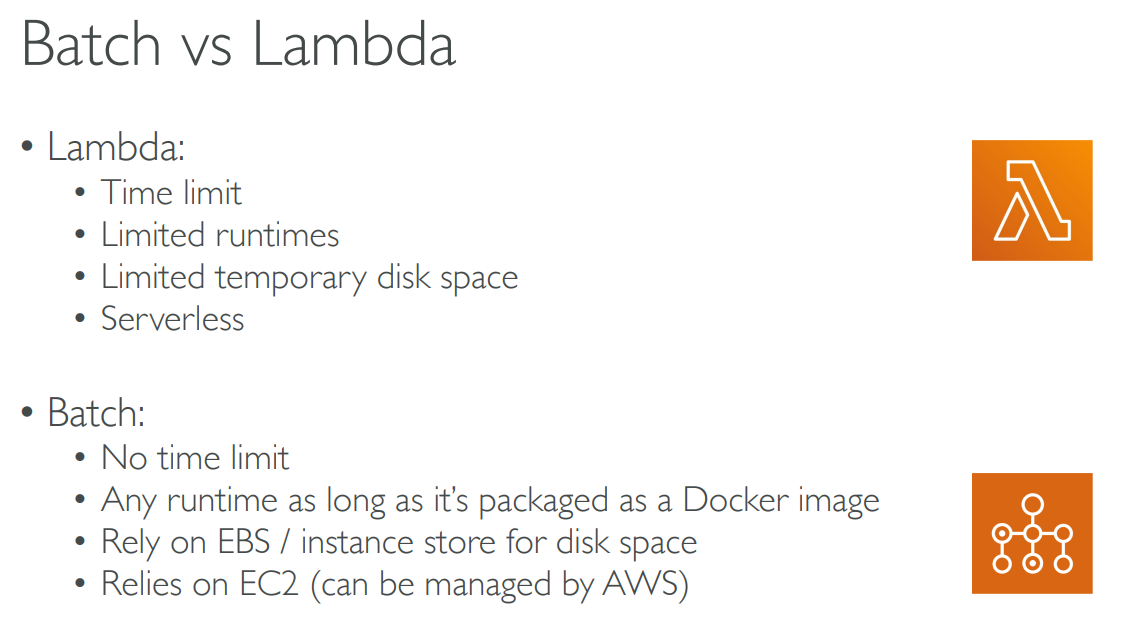
# Batch VS Lambda
# Lightsail

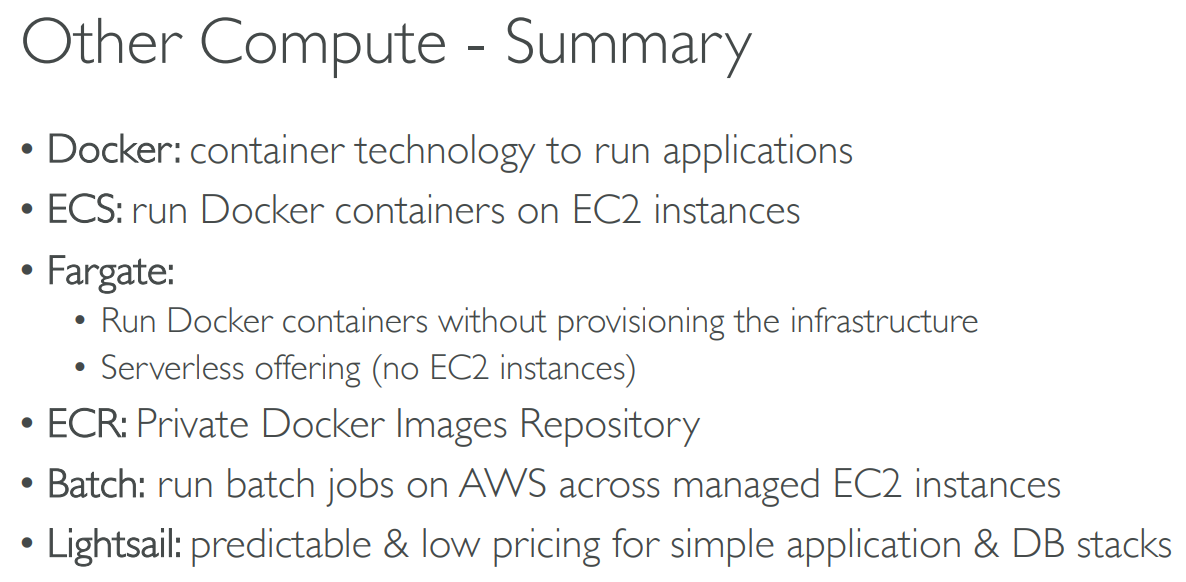
# Summary
# 【11】Deploying and Managing Infrastructure at Scale
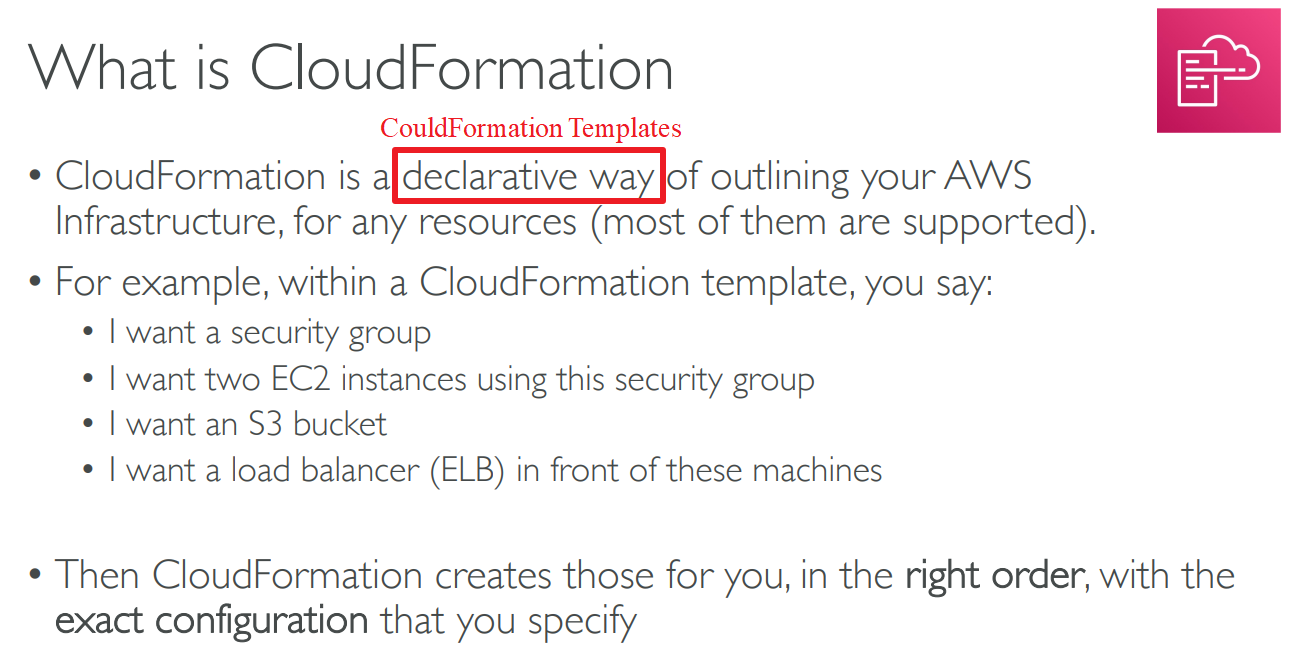
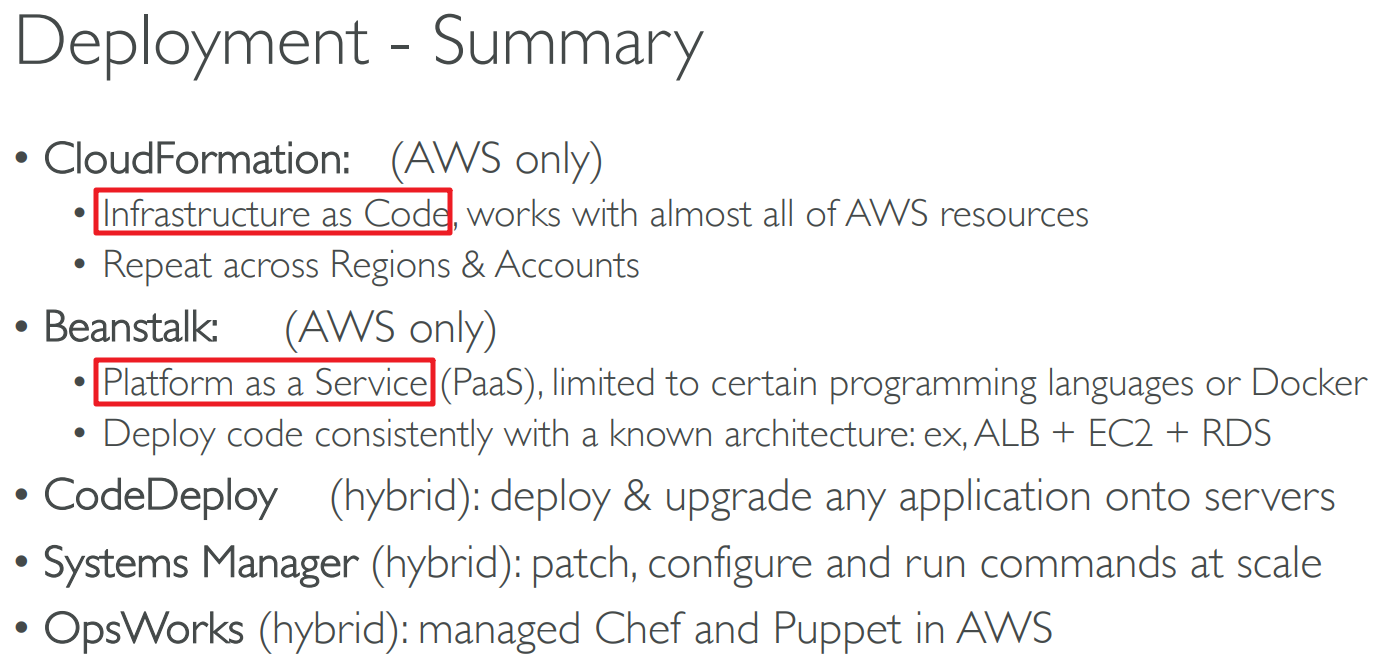
# CloudFormation
# Benefits
- Infrastructure as a code
- No resources are manually created
- Supports (almost) all AWS resources
- Cost
- Each resources within the stack is tagged with an identifier so you can easily see how much a stack costs you
- You can estimate the costs of your resources using the CloudFormation template
- Savings strategy
- Productivity
- Ability to destroy and re-create
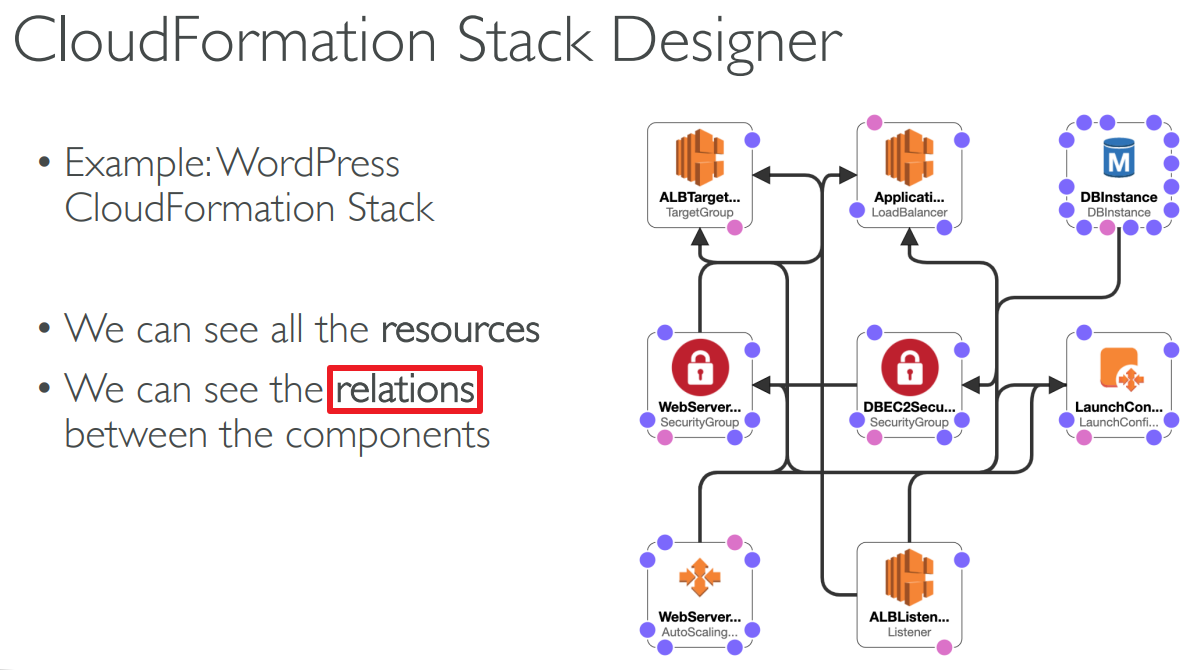
- Automated generation of Diagram for your templates
- Declarative programming
- Don’t re-invent the wheel
# CloudFormation Stack Designer
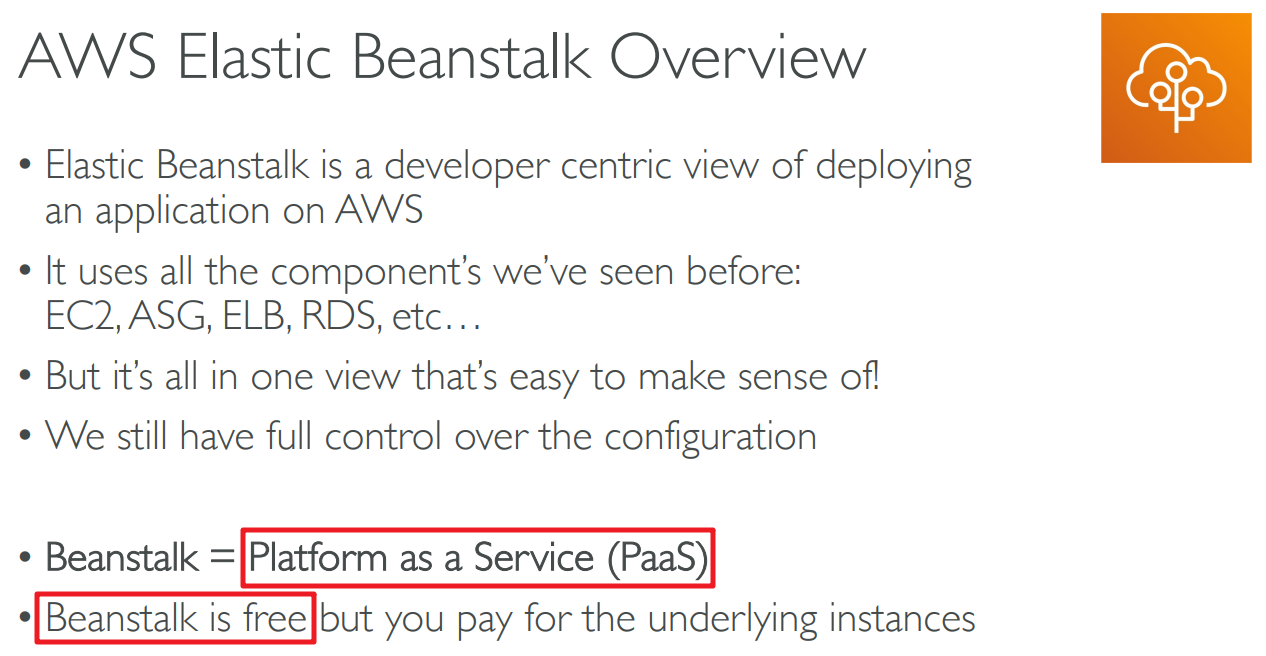
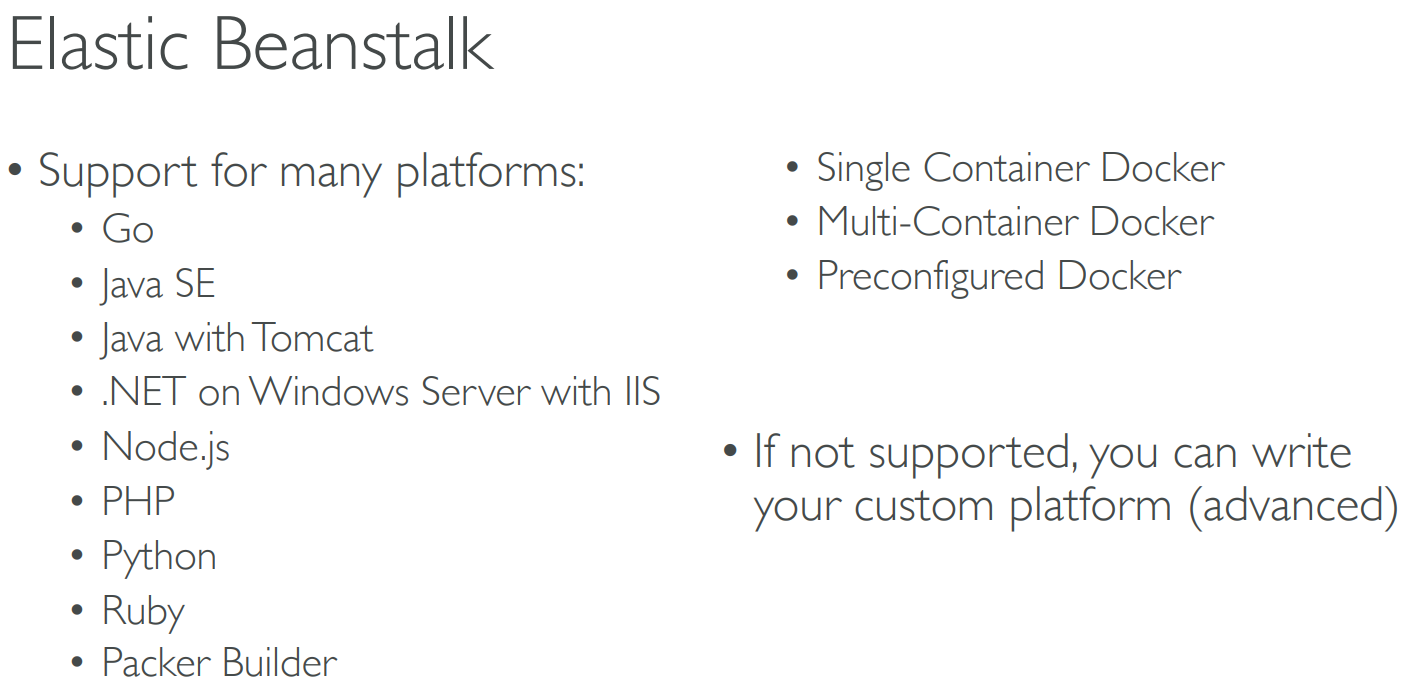
# Elastic Beanstalk
- It uses CloudFormation to create resources.
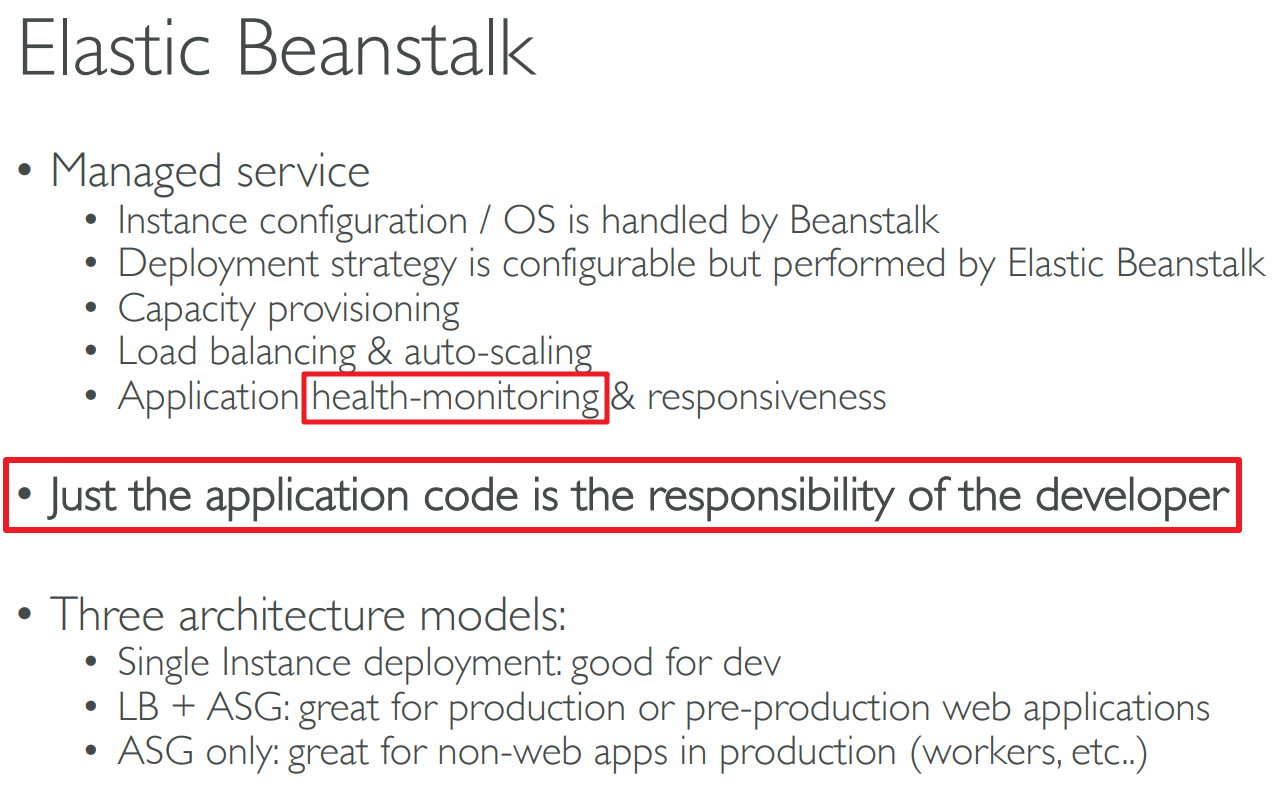
Health-monitoring
- Health agent pushes metrics to CloudWatch
- Checks for app health, publishes health events
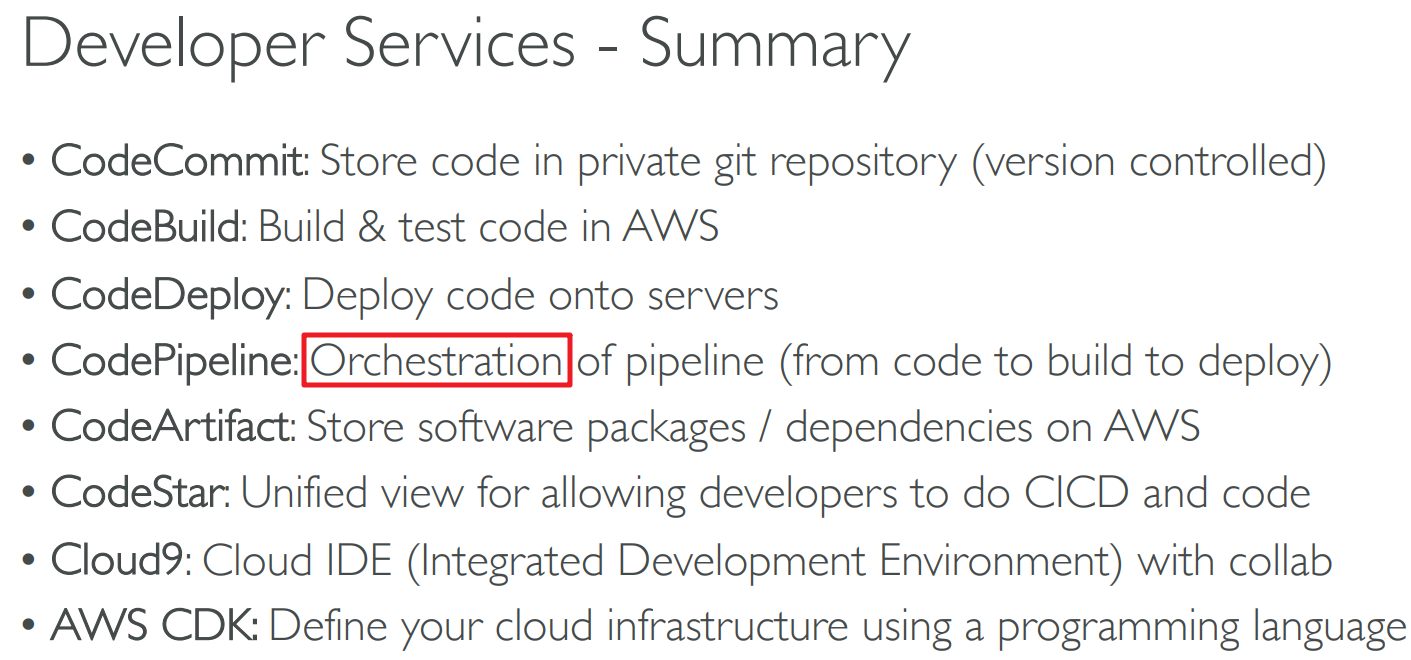
# Cloud Development Kit (CDK)

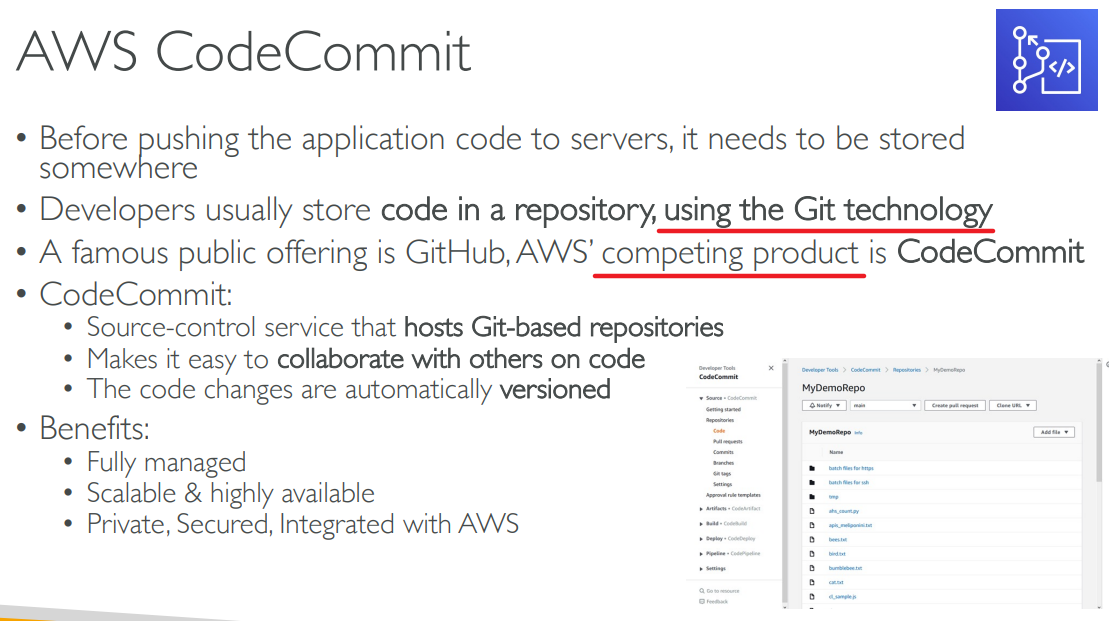
# CodeCommit
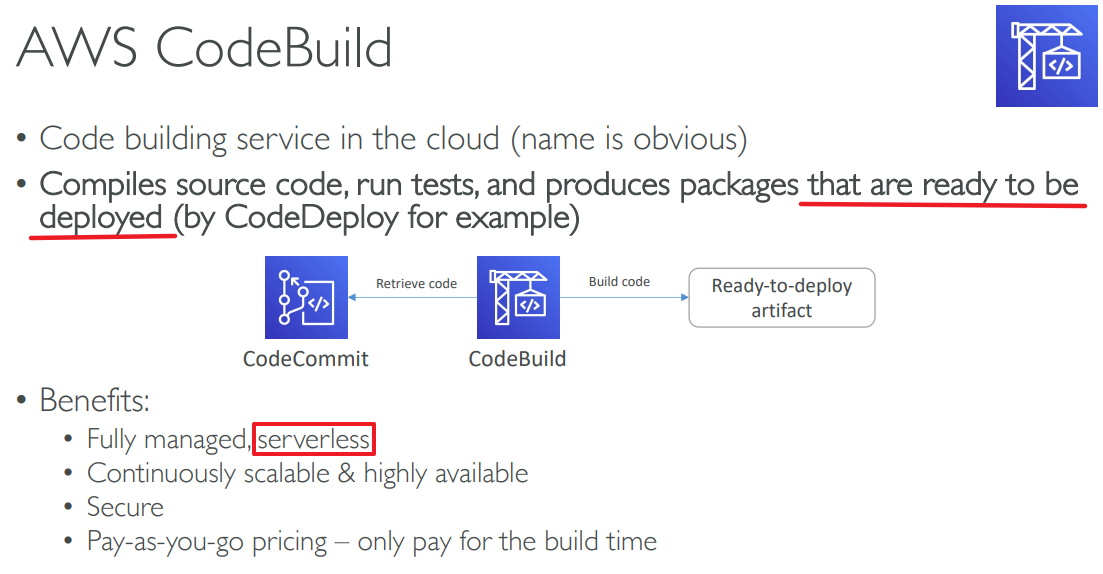
# CodeBulid
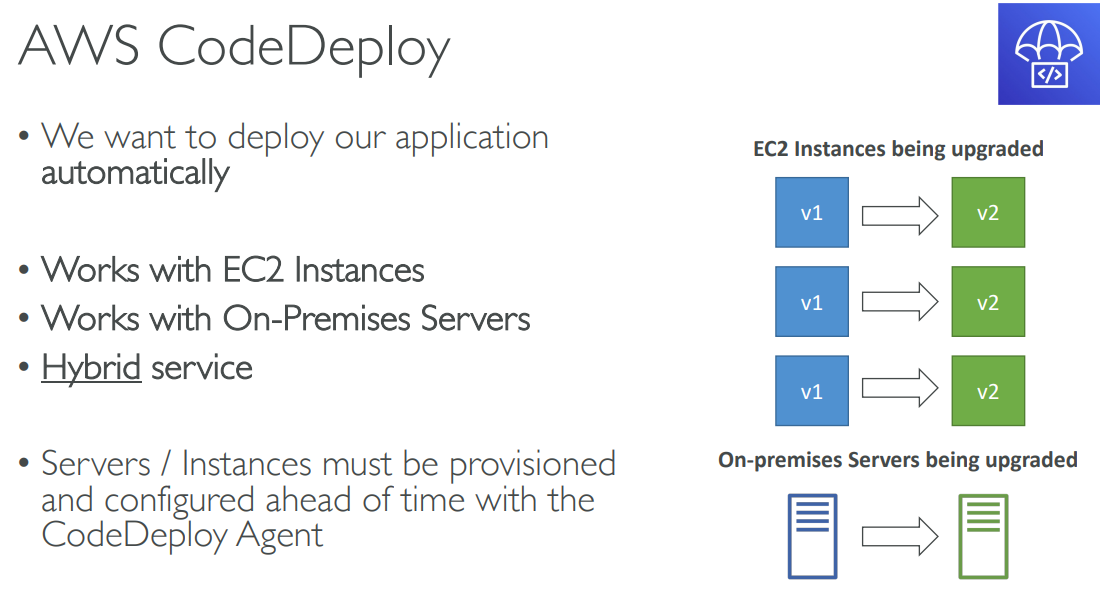
# CodeDeploy
# CodePipeline

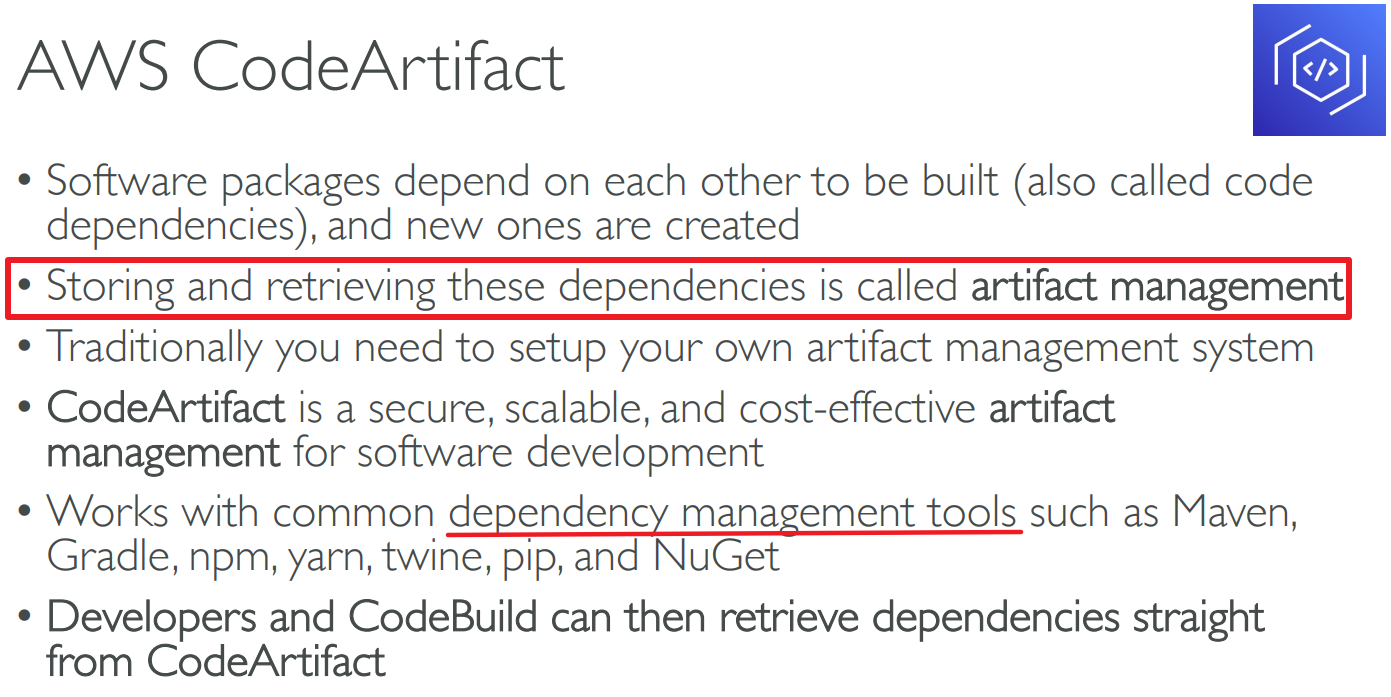
# CodeArtifact
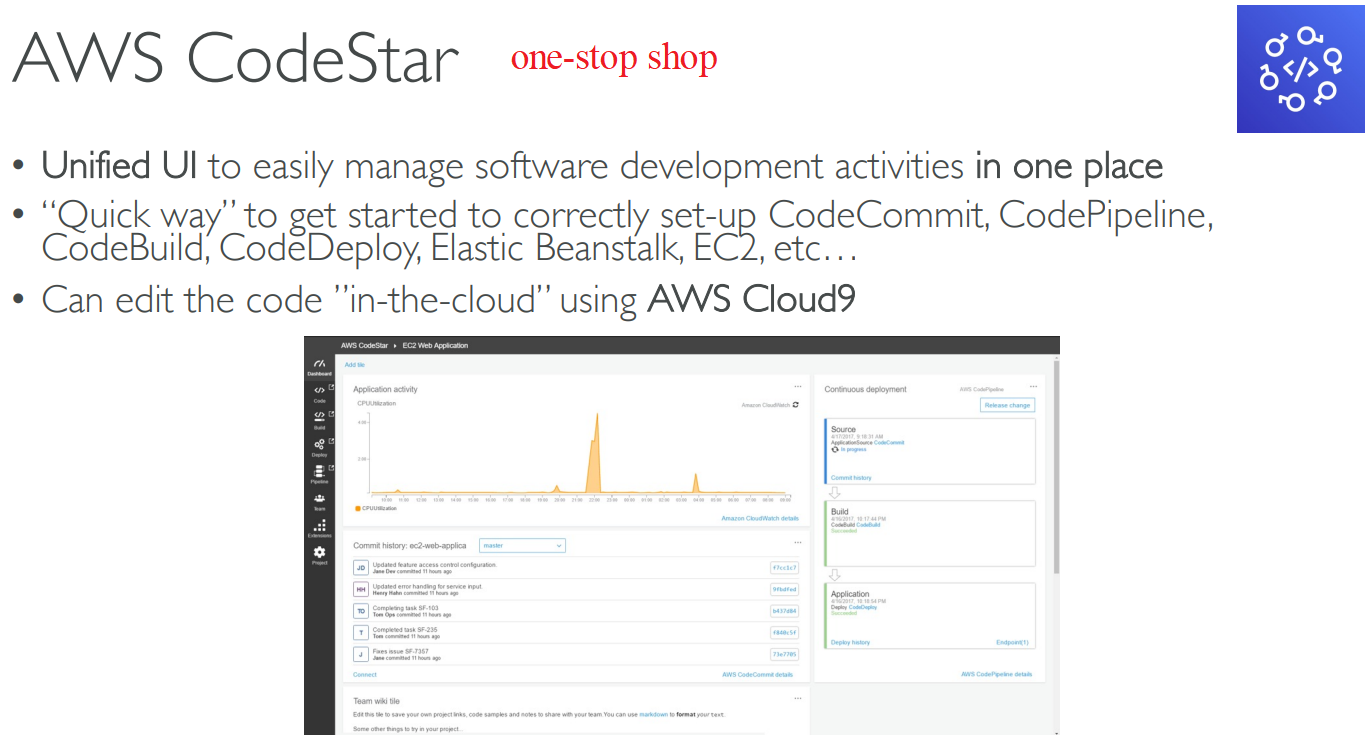
# CodeStar
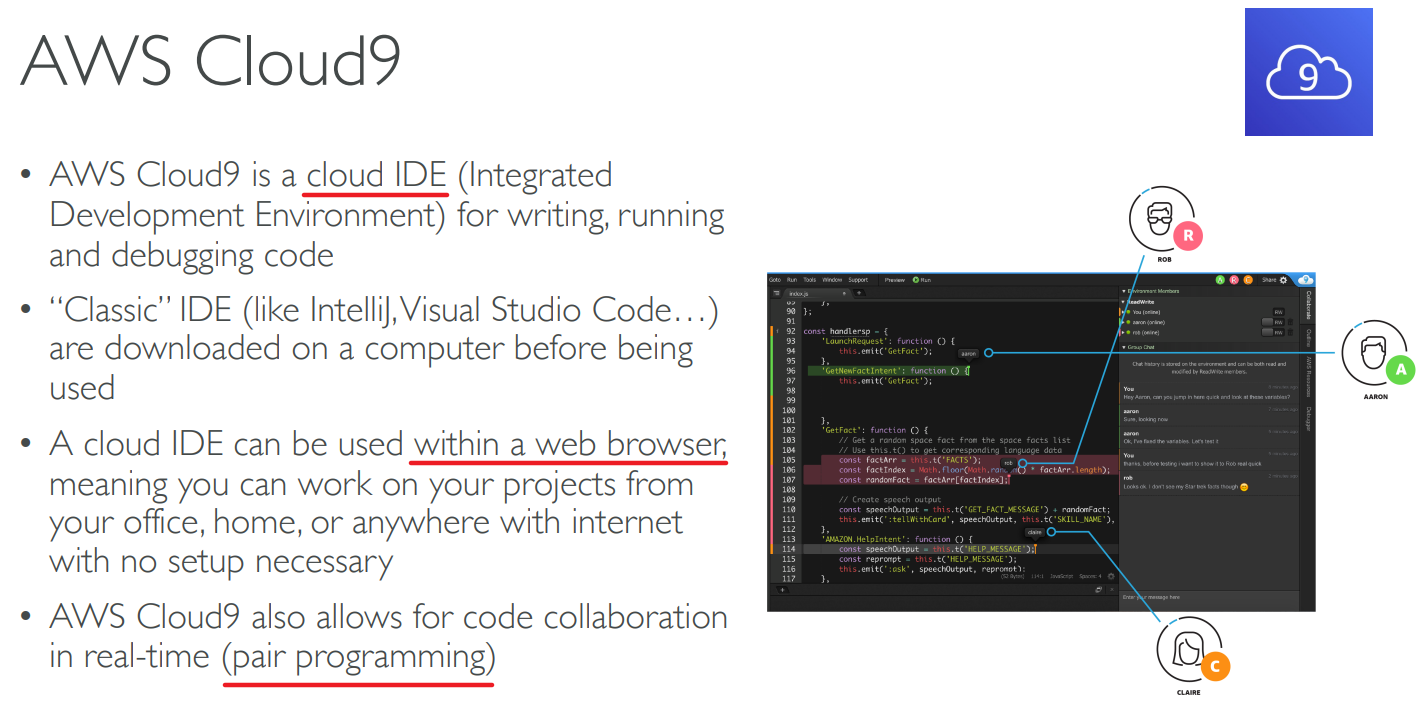
# Cloud9
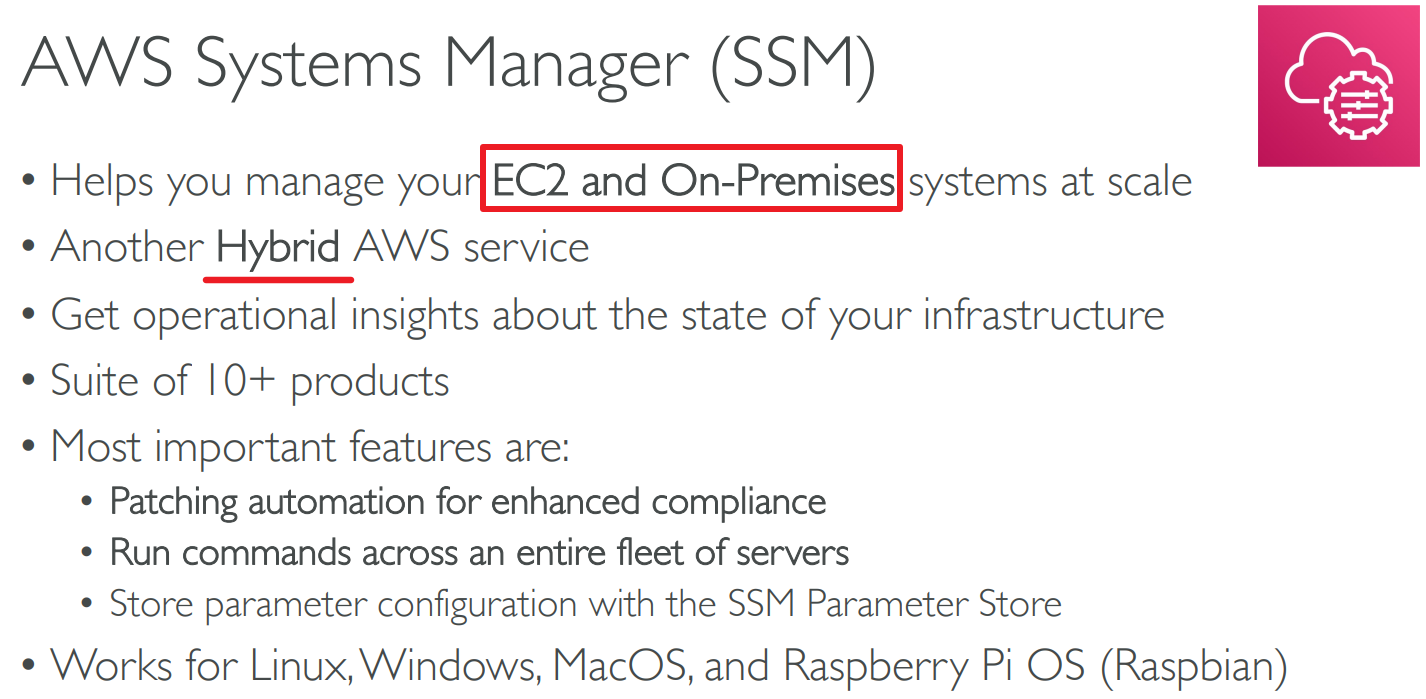
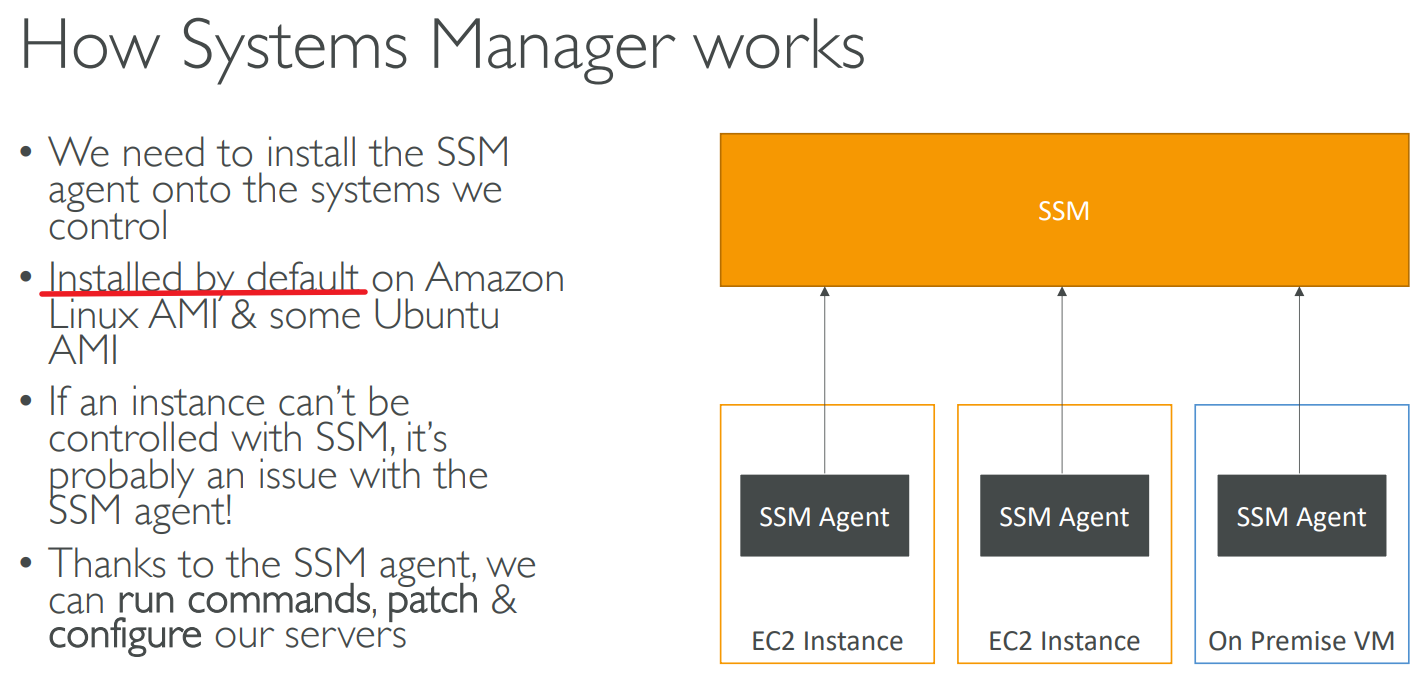
# Systems Manager(SSM)
# SSM Session Manager
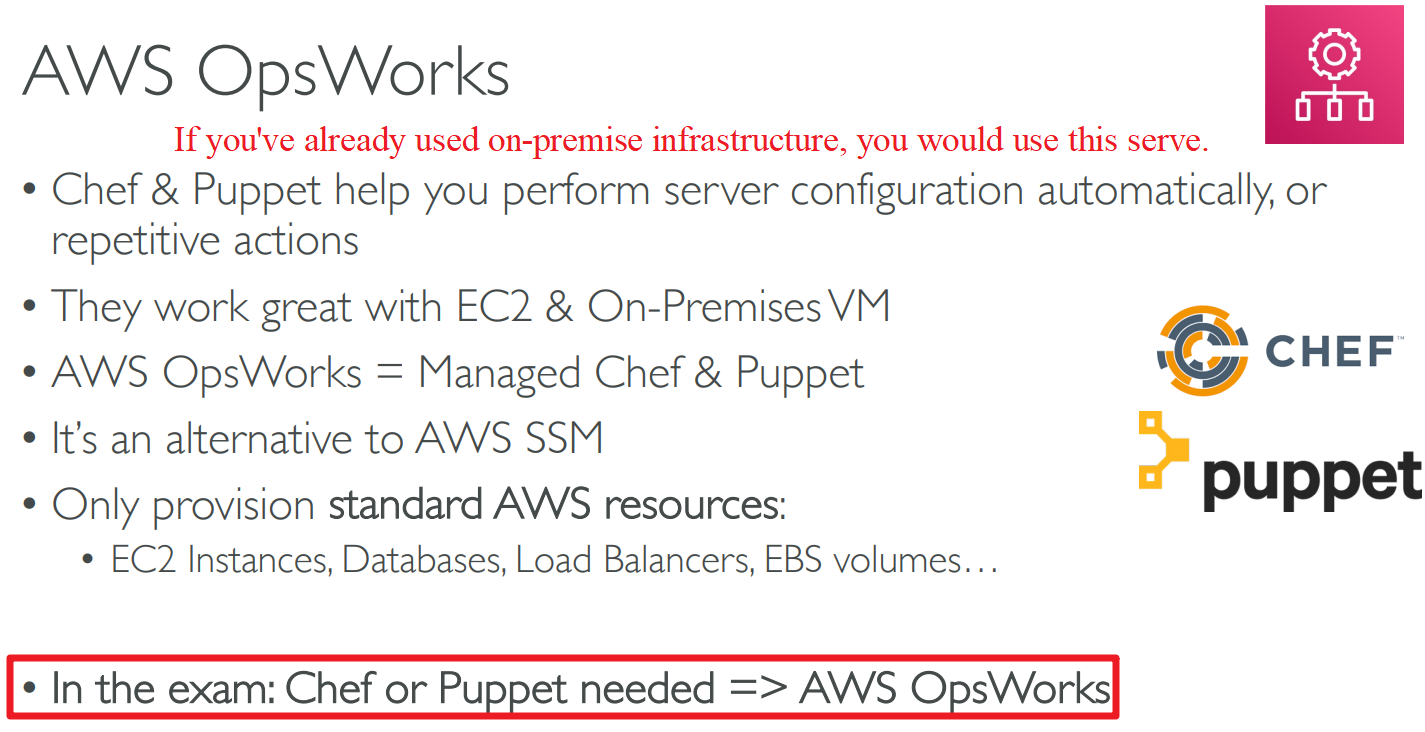
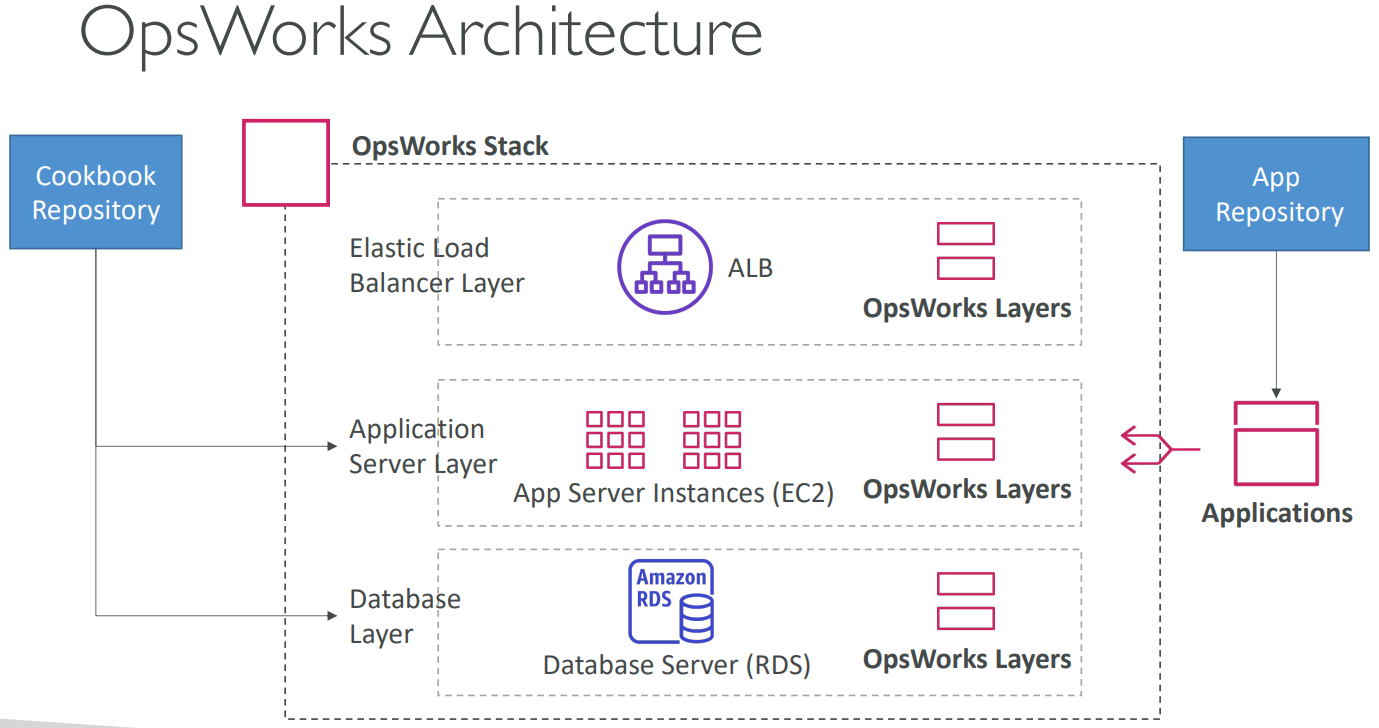
# OpsWorks
# Summary
# 【12】Global Infrastructure

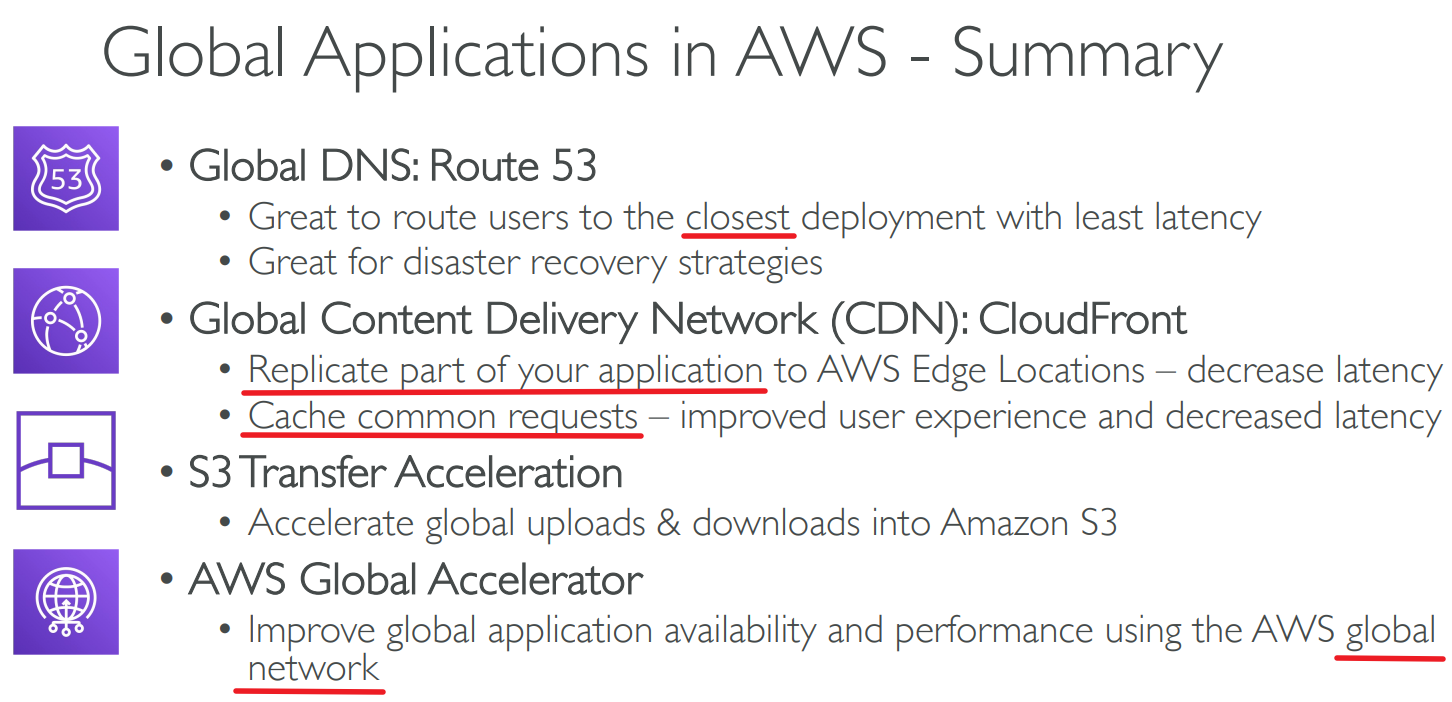
# Route 53
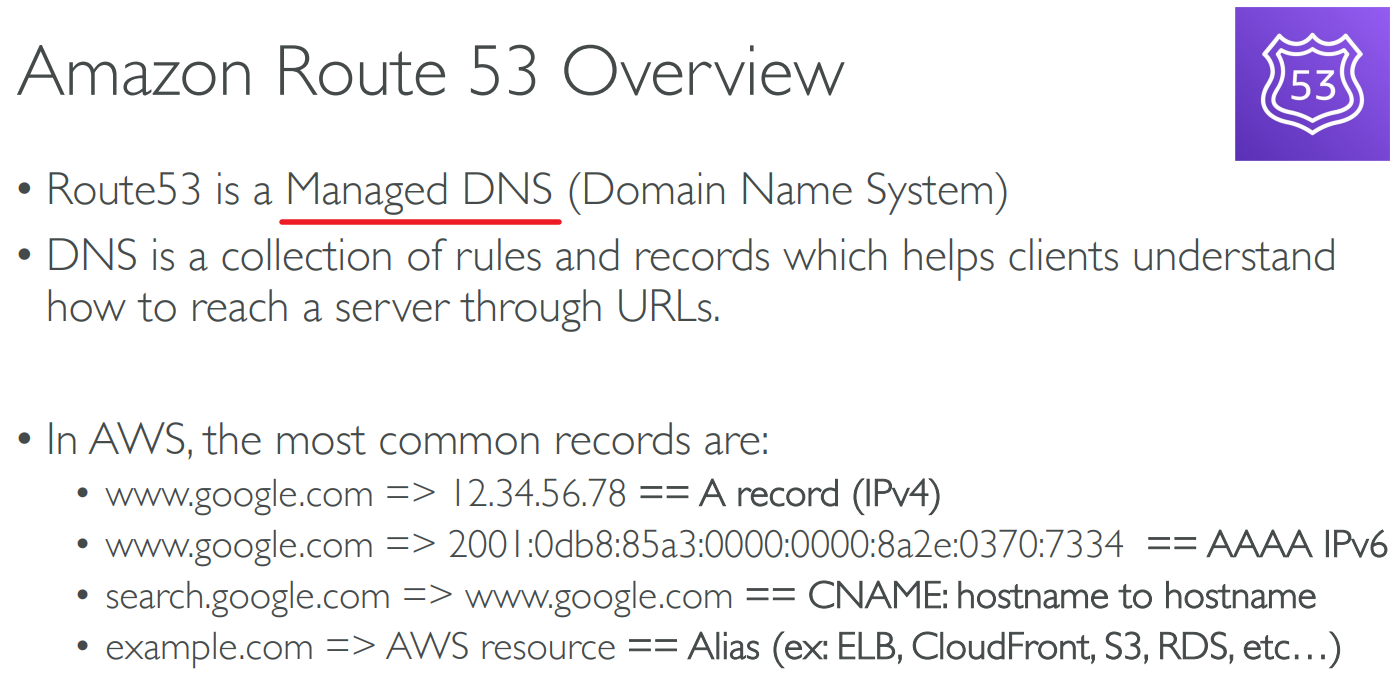
an example for A record
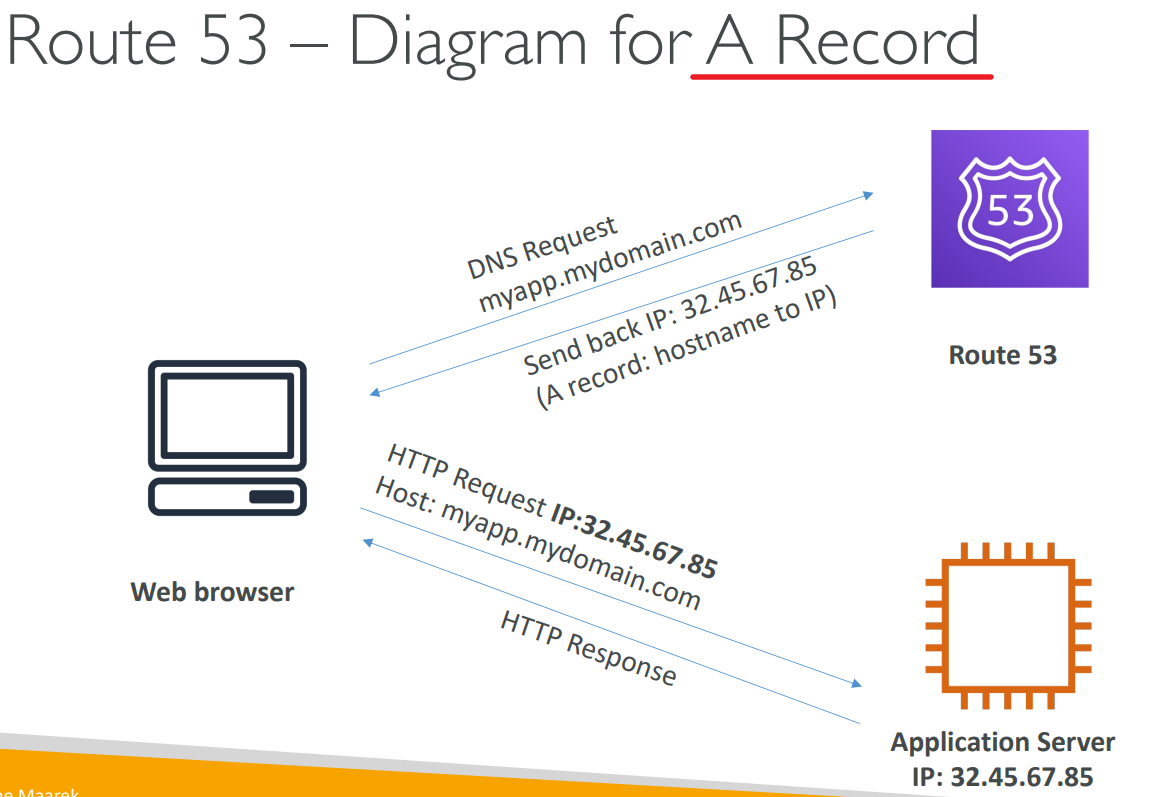
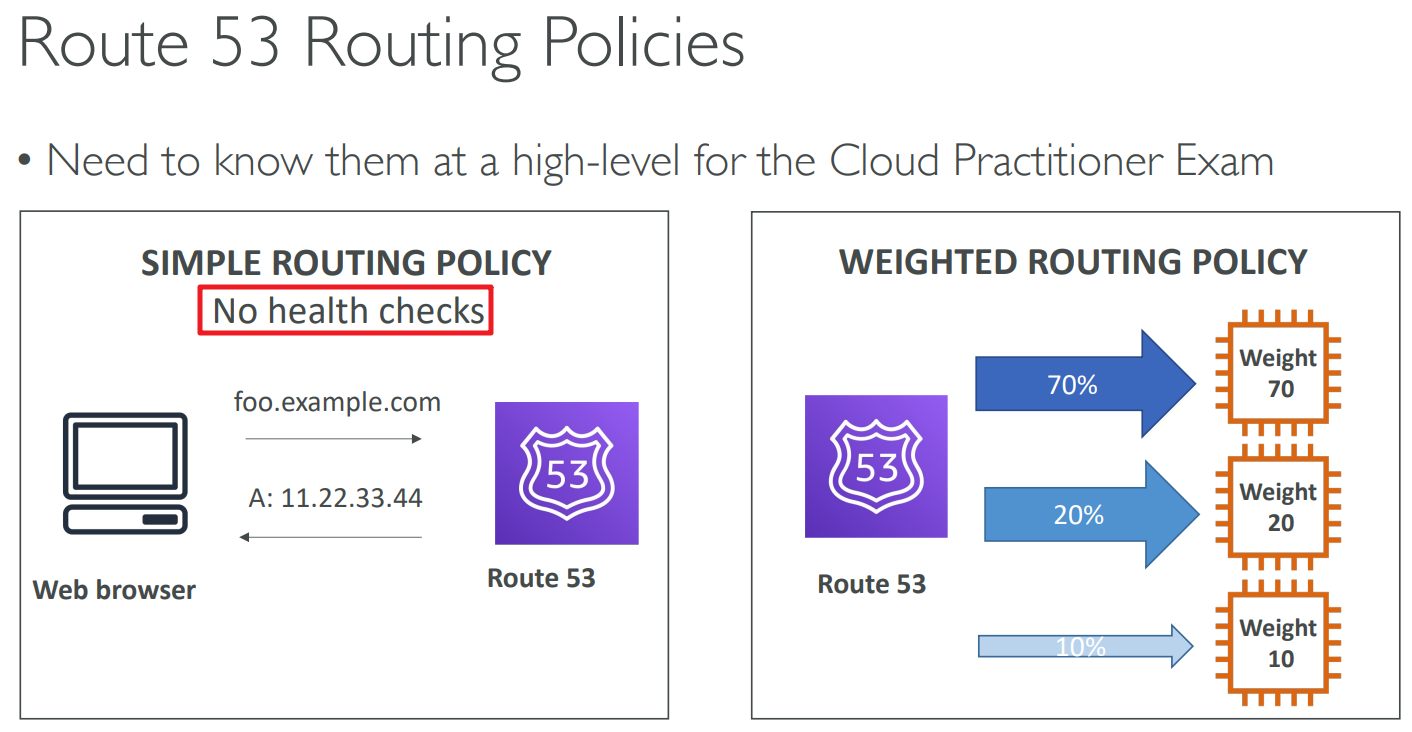
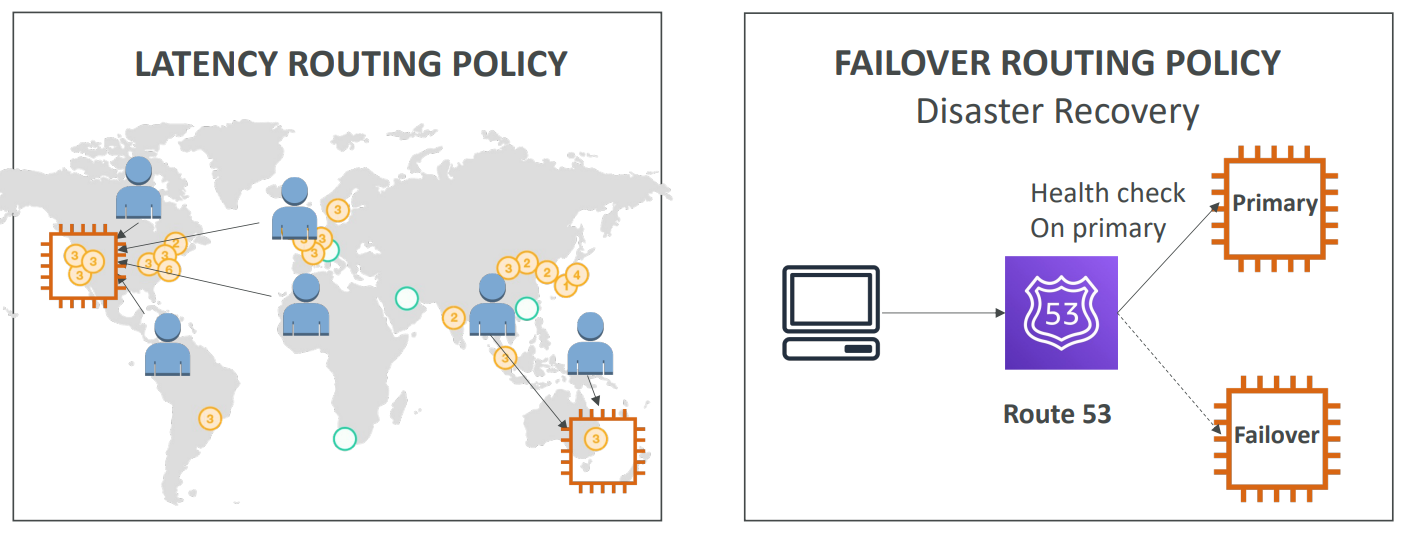
# Routing Policies
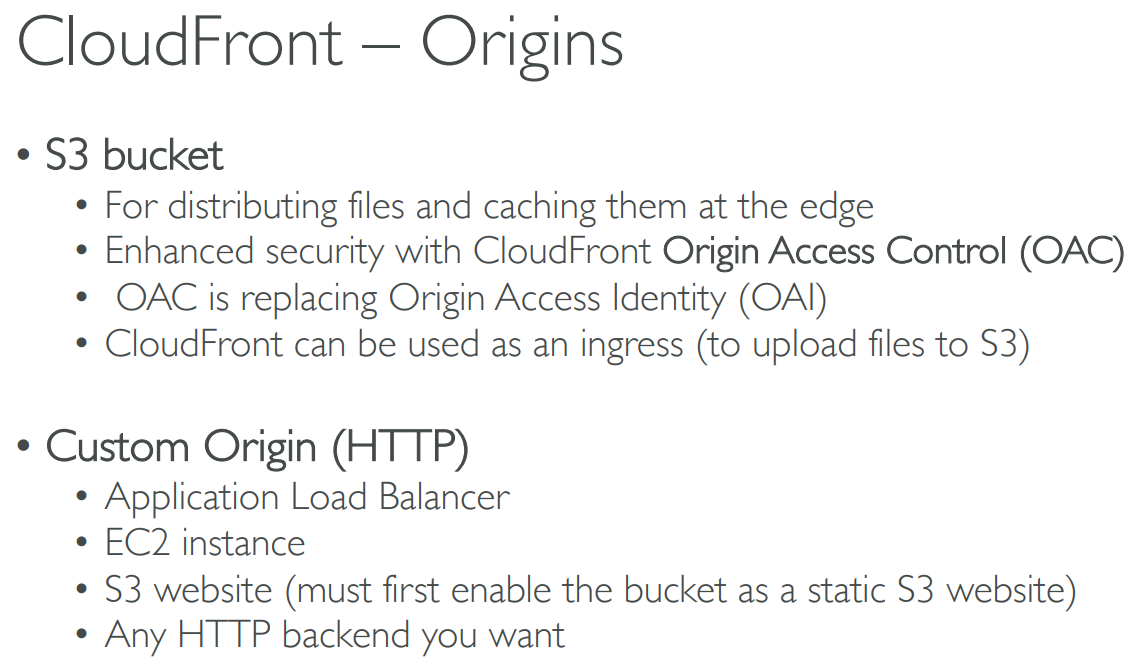
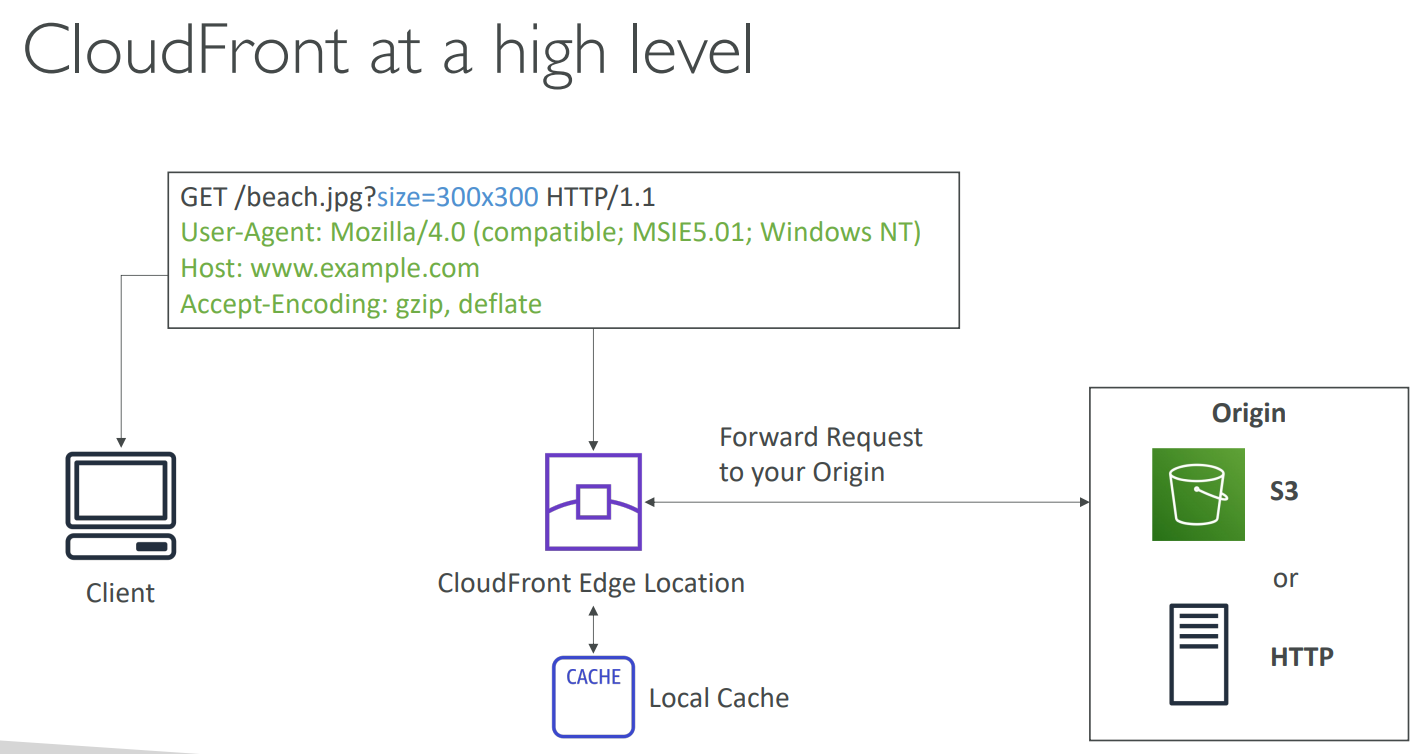
# CloudFront

# CloudFront VS S3 Cross Region Replication

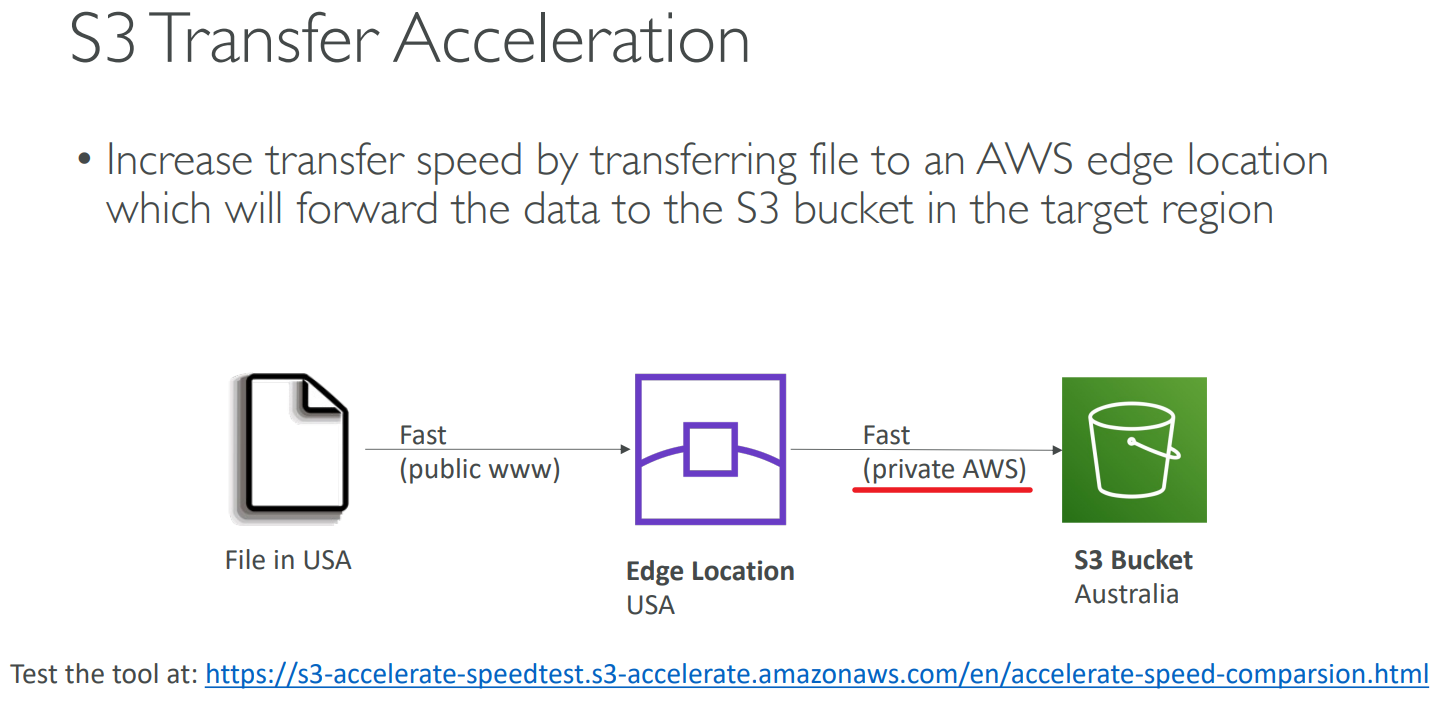
# S3 Transfer Acceleration
# Global Accelerator
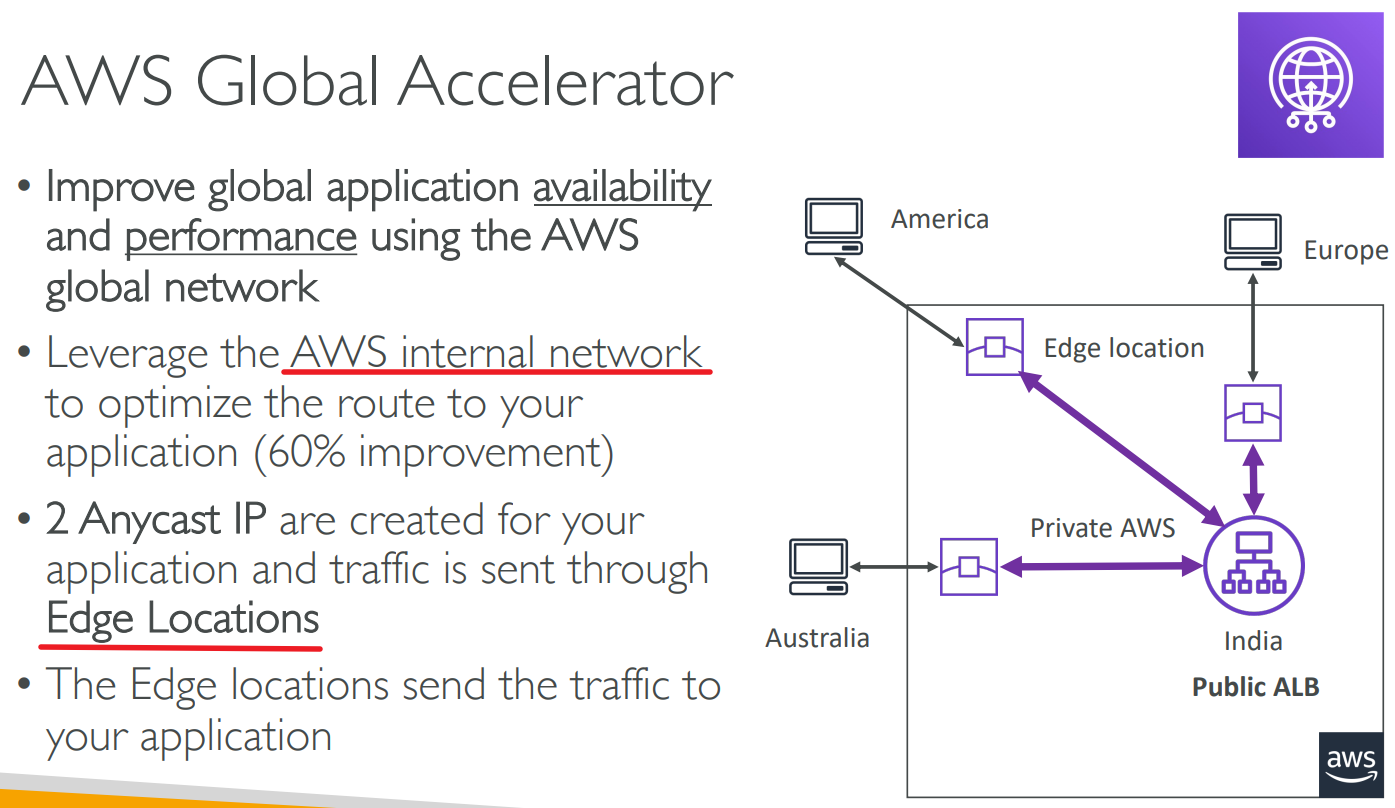
comparison
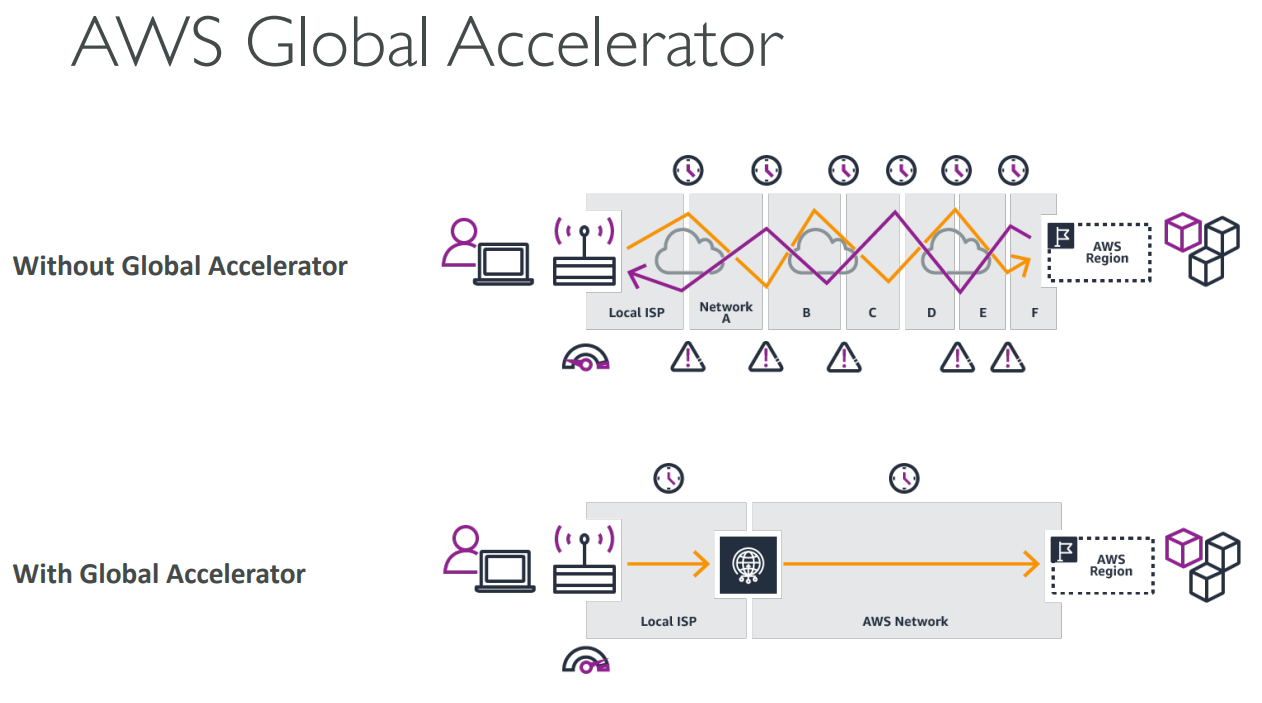 AWS Global Accelerator Speed Comparison (opens new window)
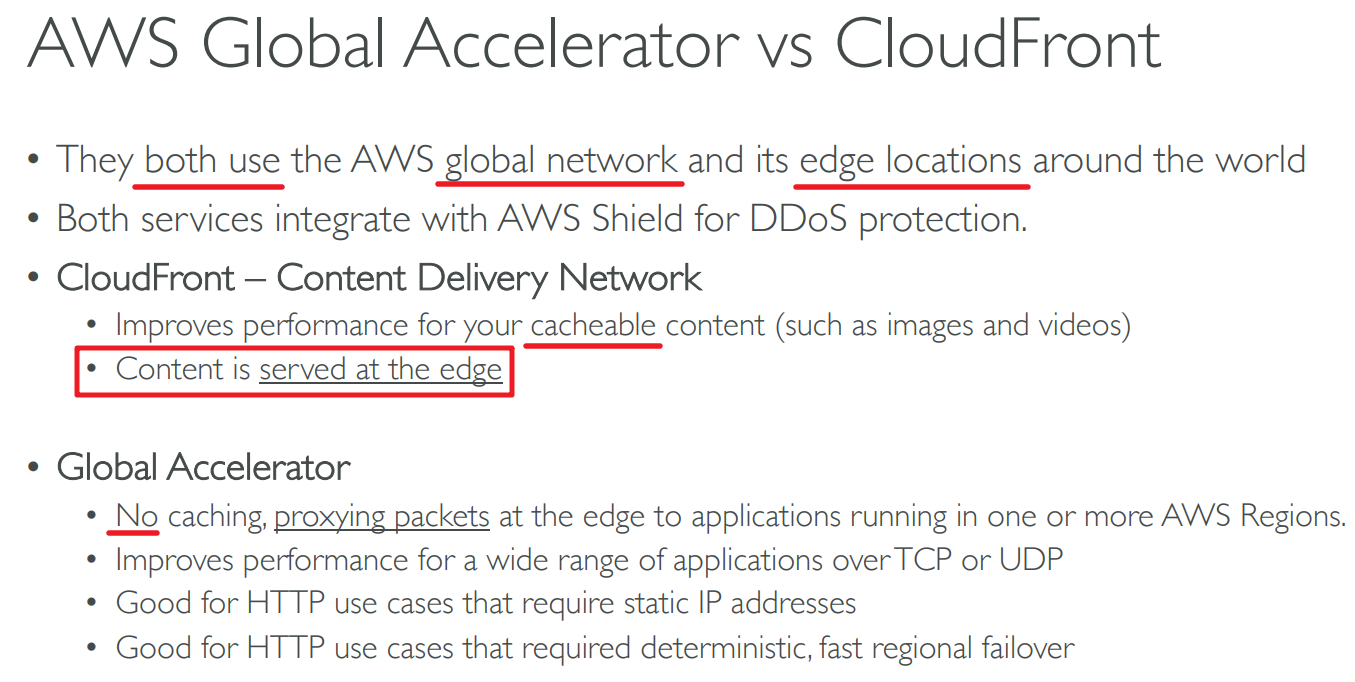
# Global Accelerator VS CloudFront
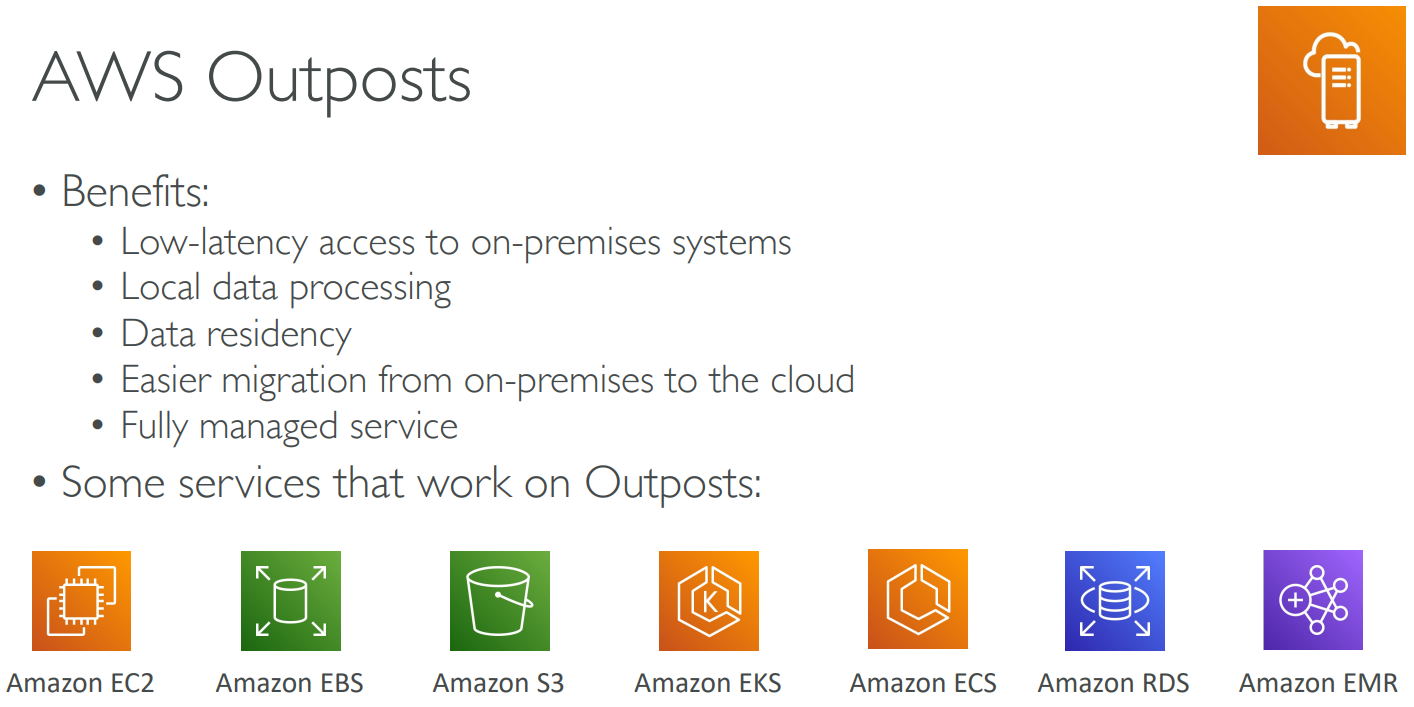
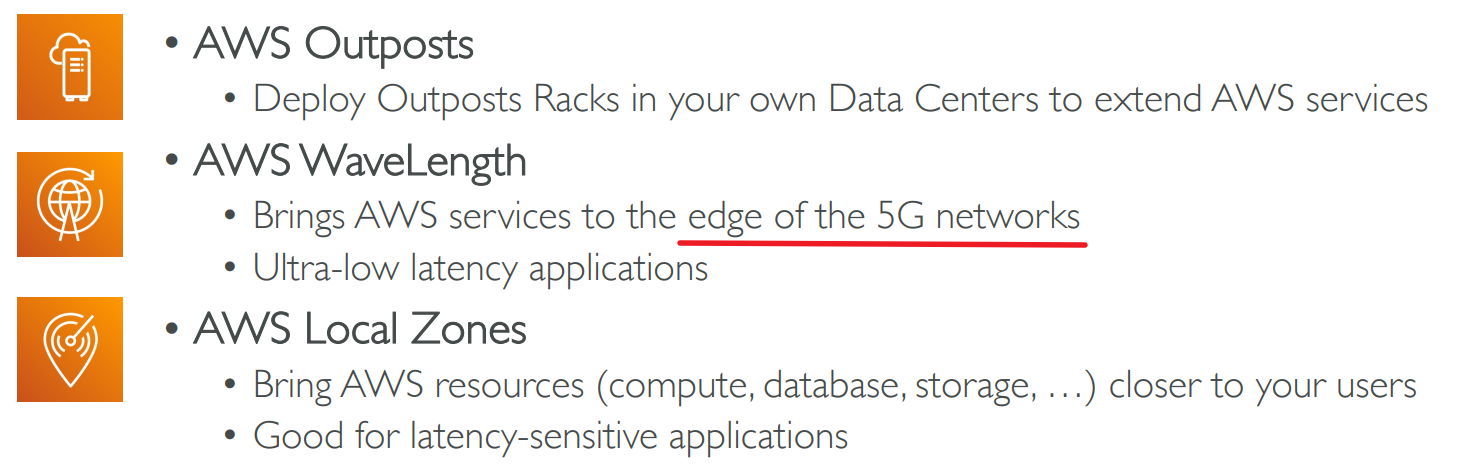
# Outposts
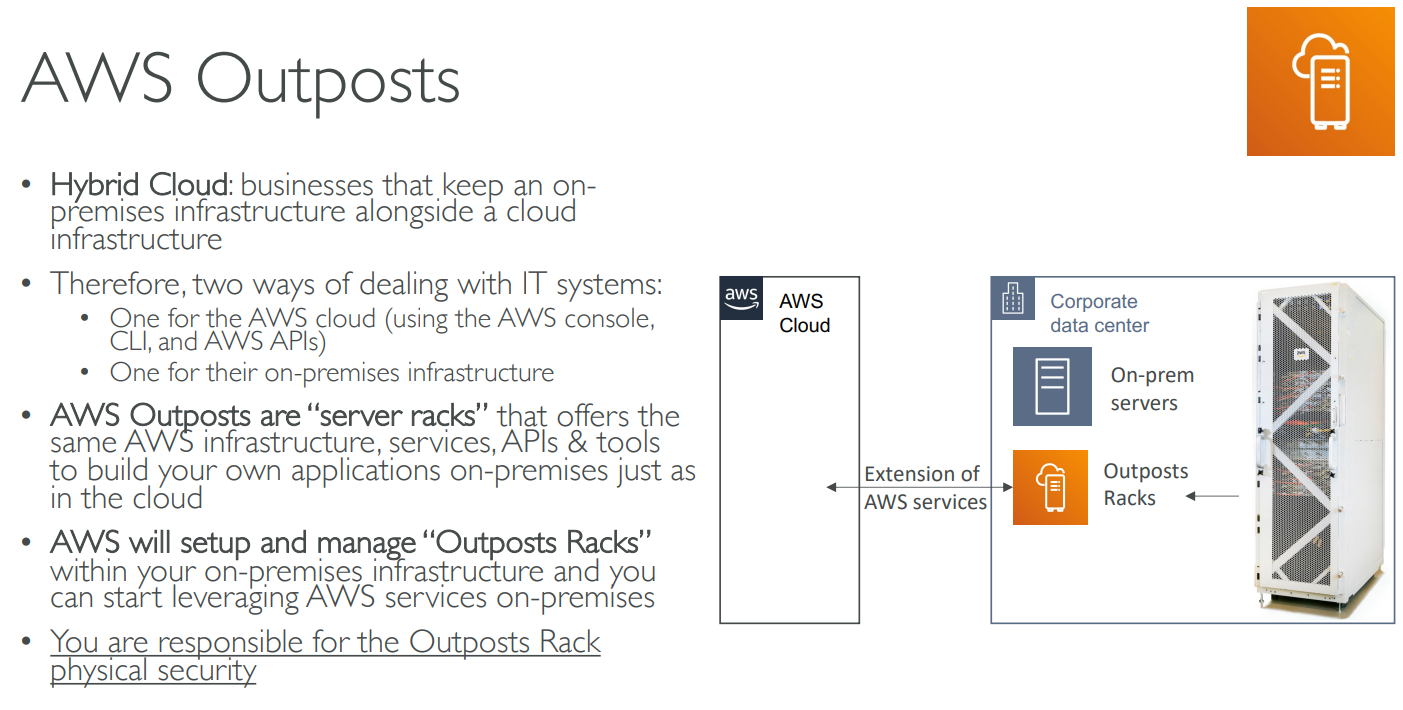
"server racks" 服务器货架(如图)
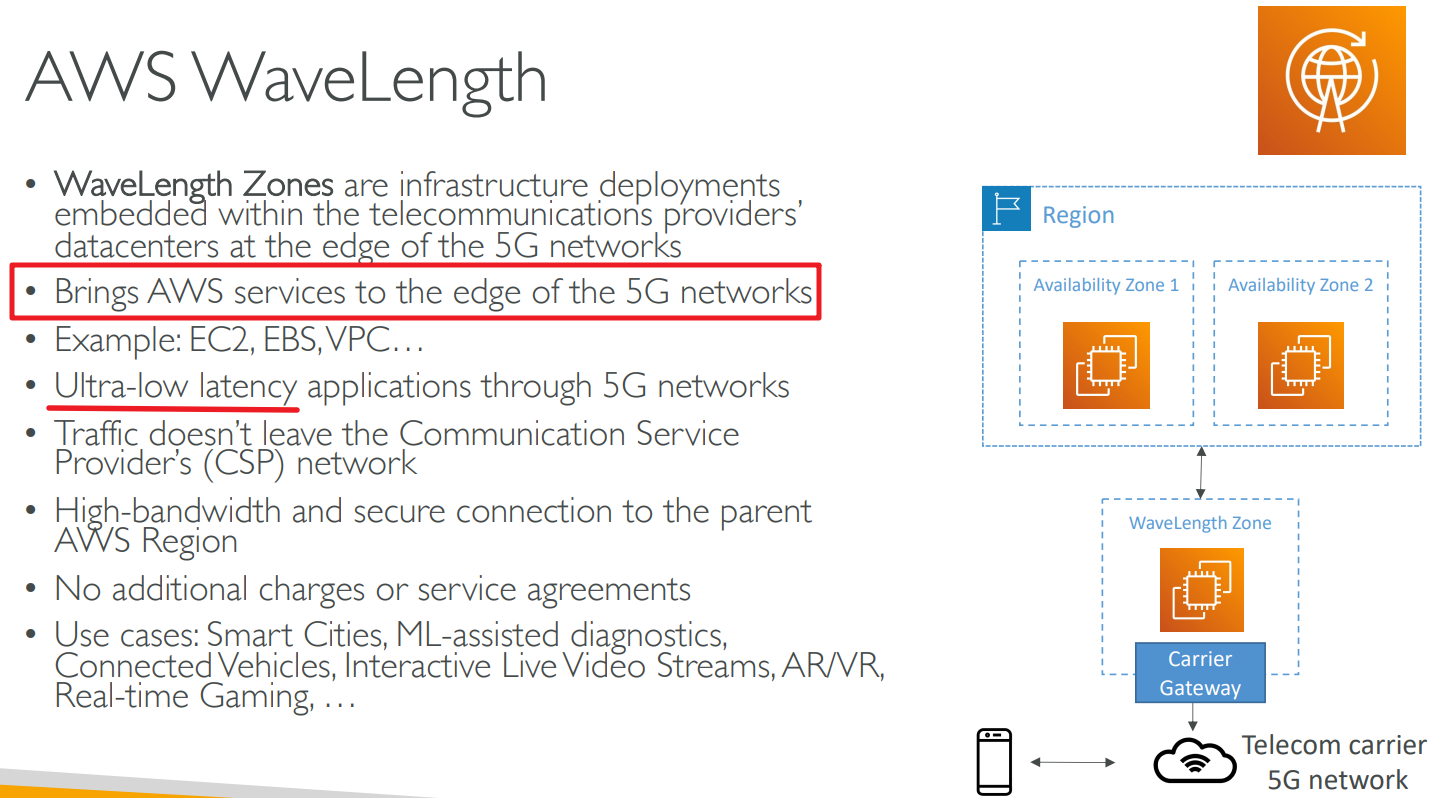
# WaveLength
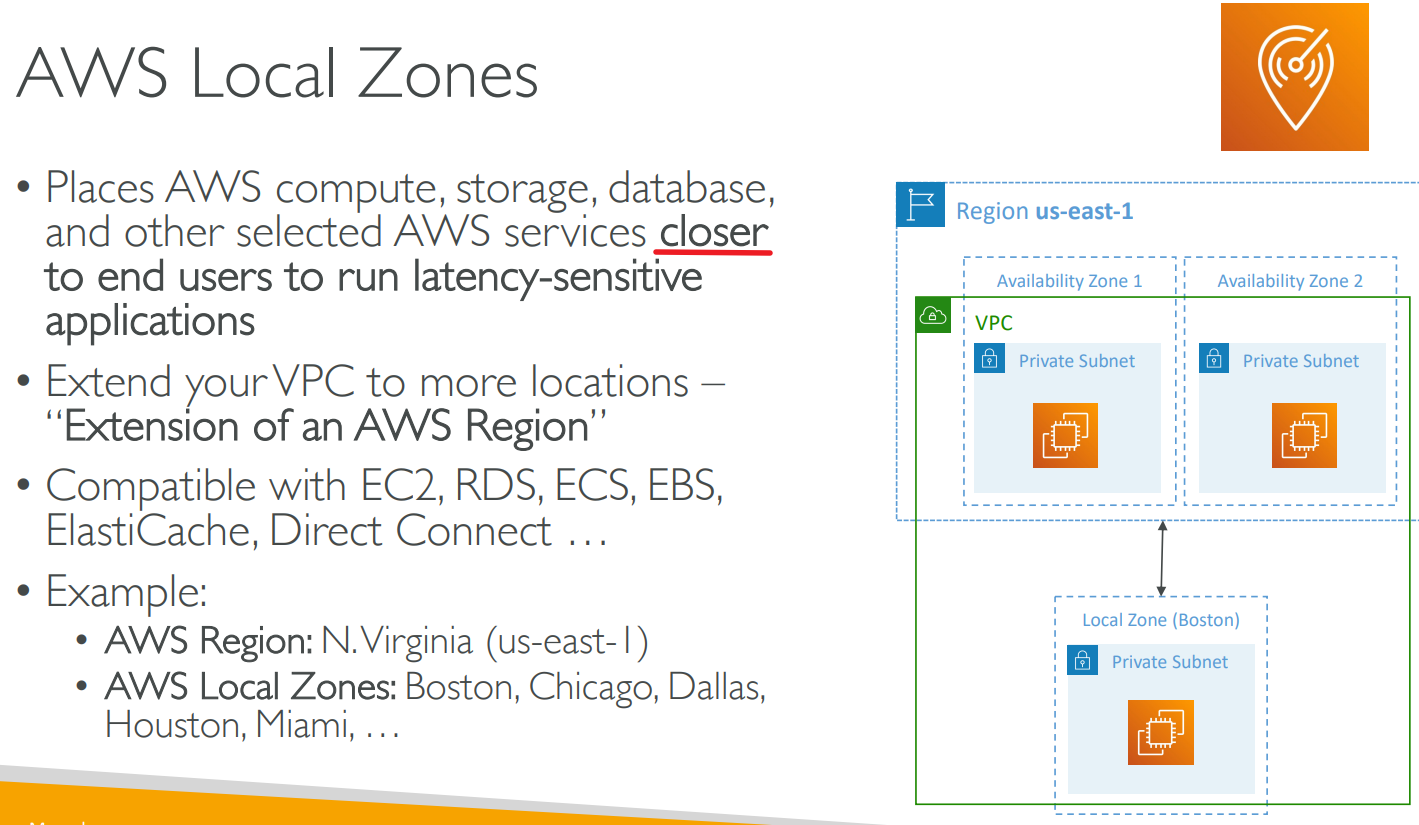
# Local Zones
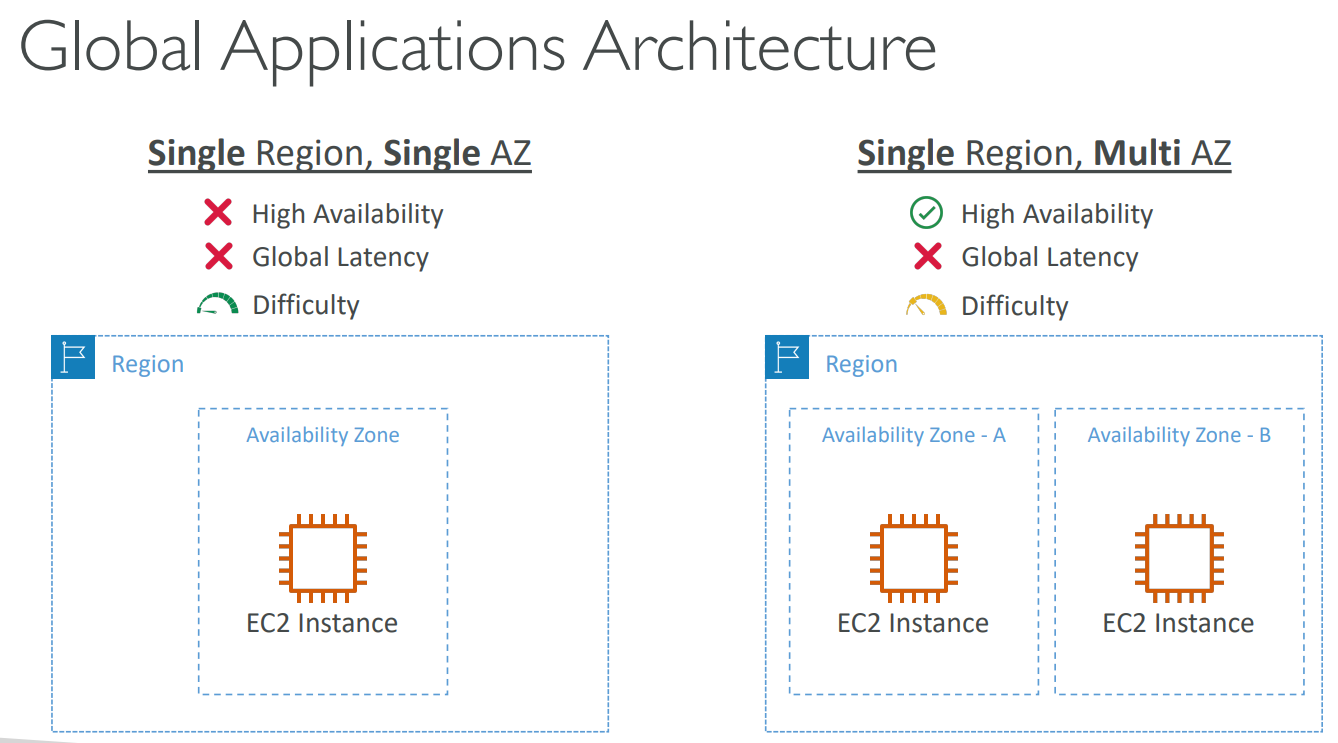
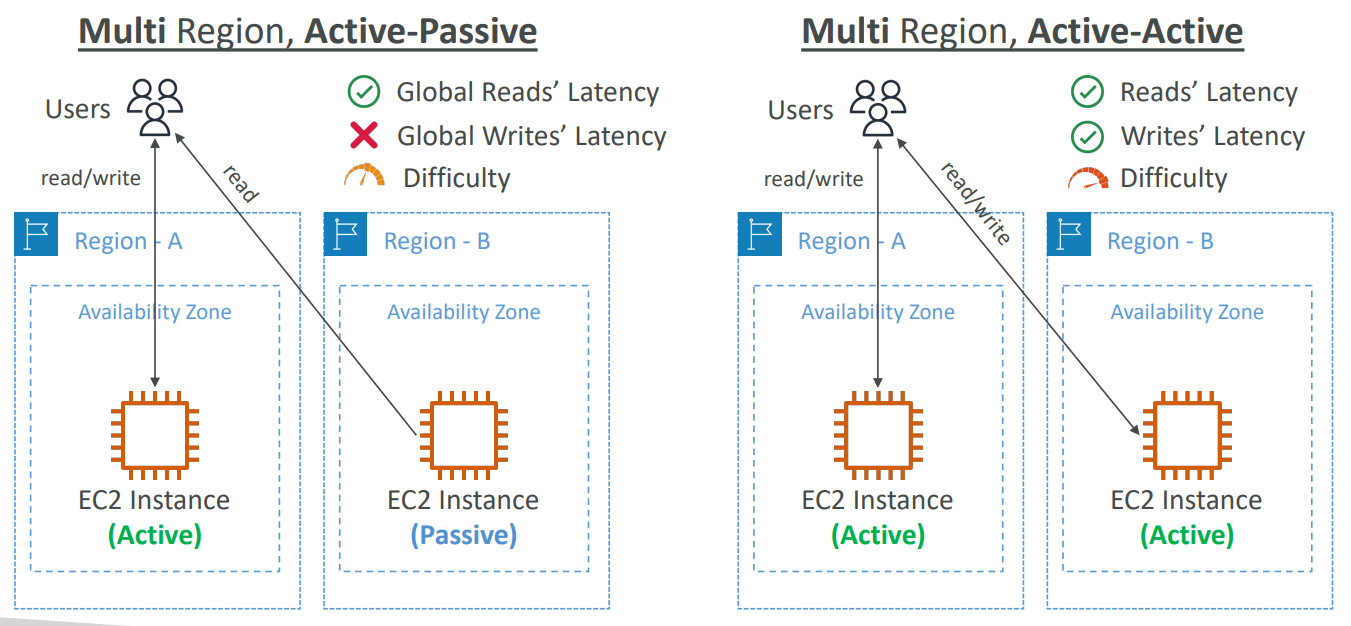
# Global Applications Architecture
# Summary
# 【13】Cloud Integration
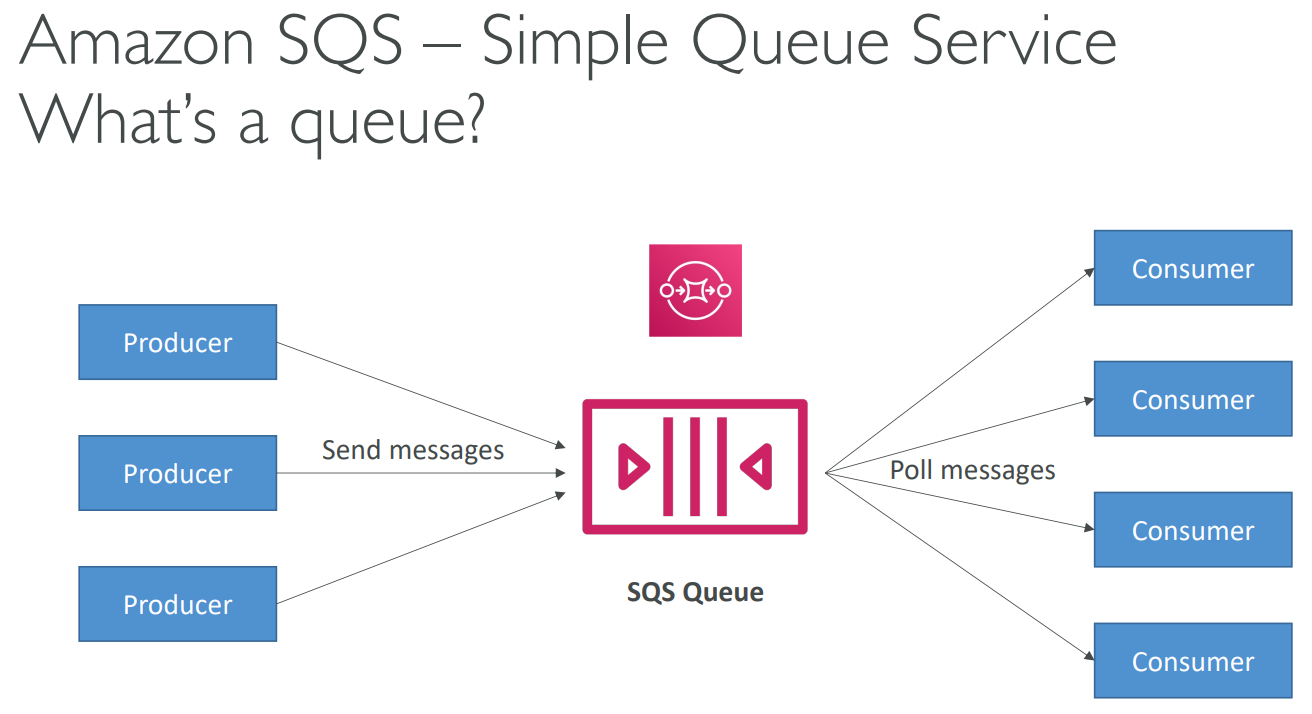
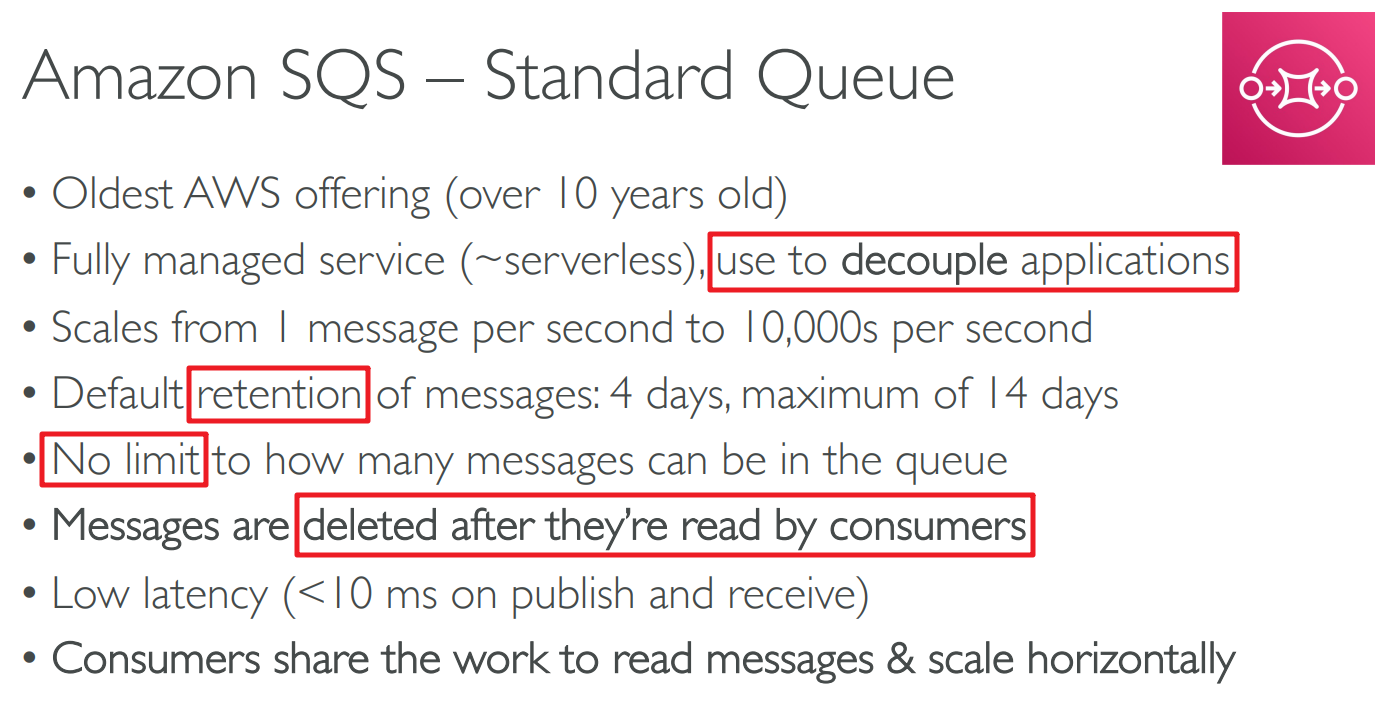
# Simple Queue Service(SQS)

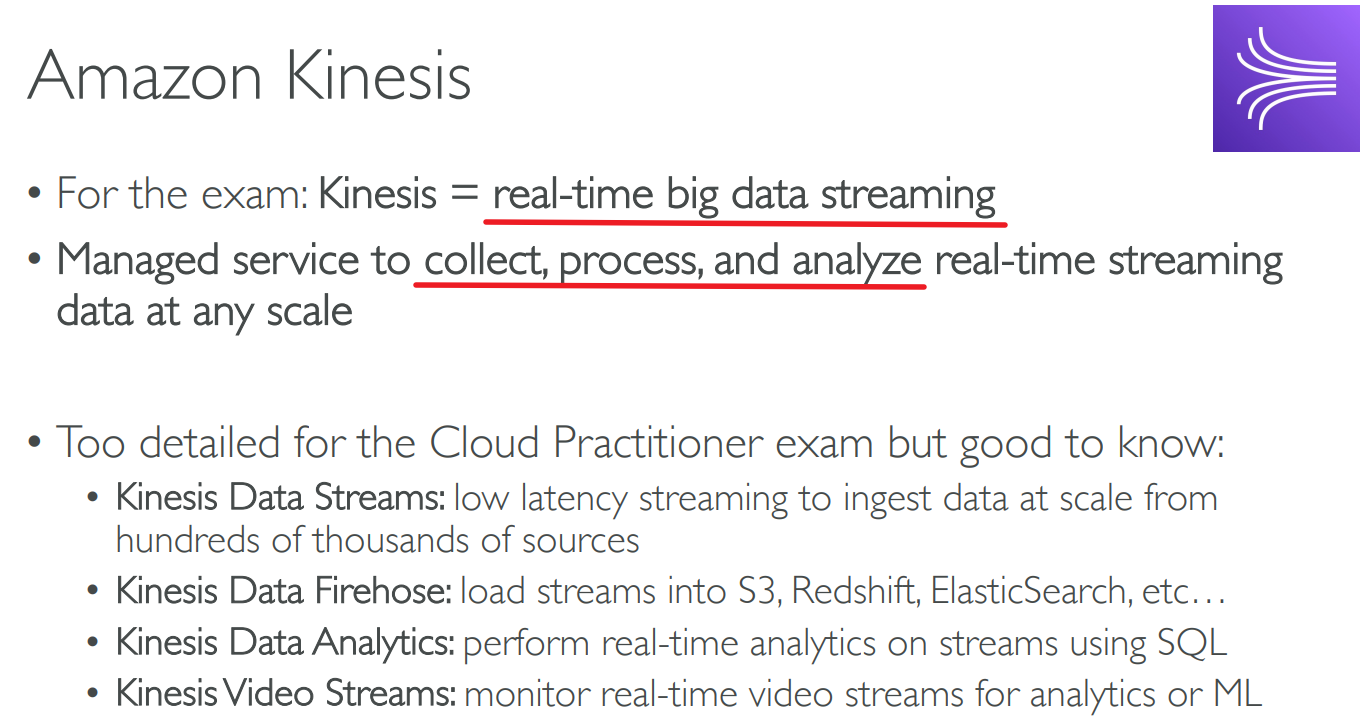
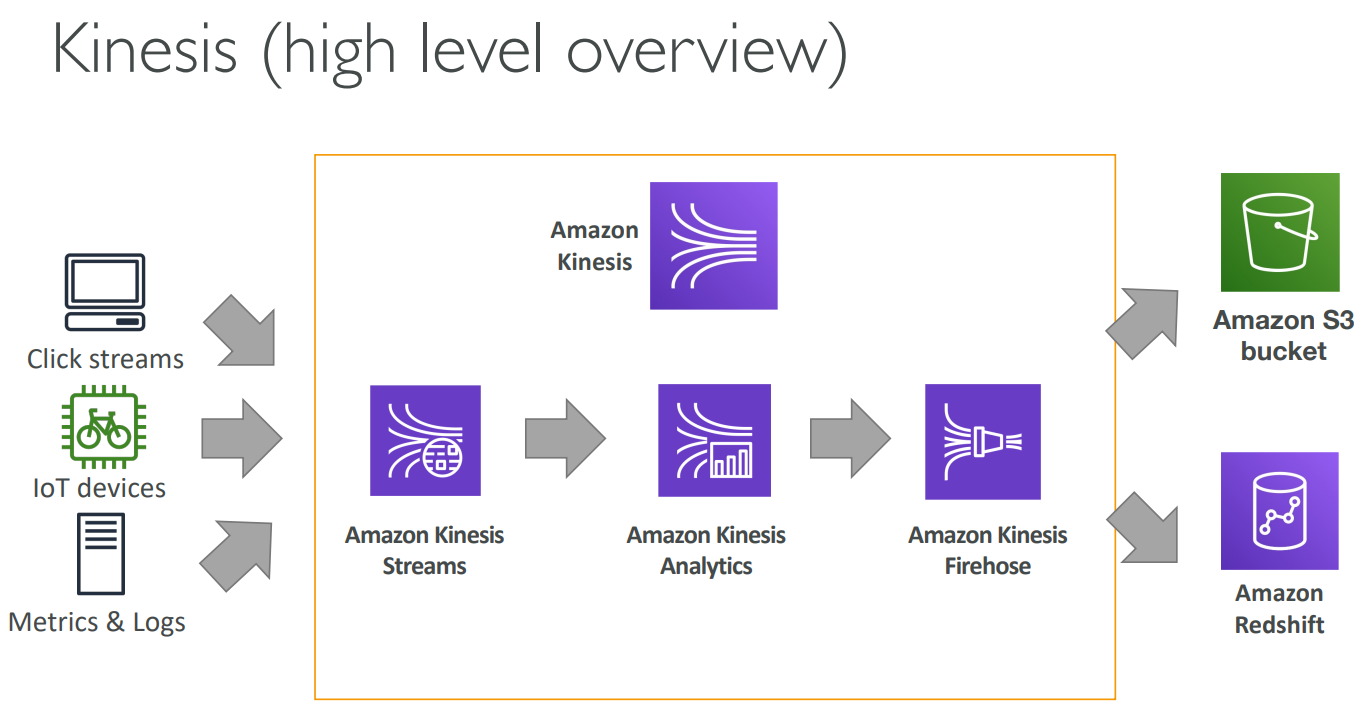
# Kinesis
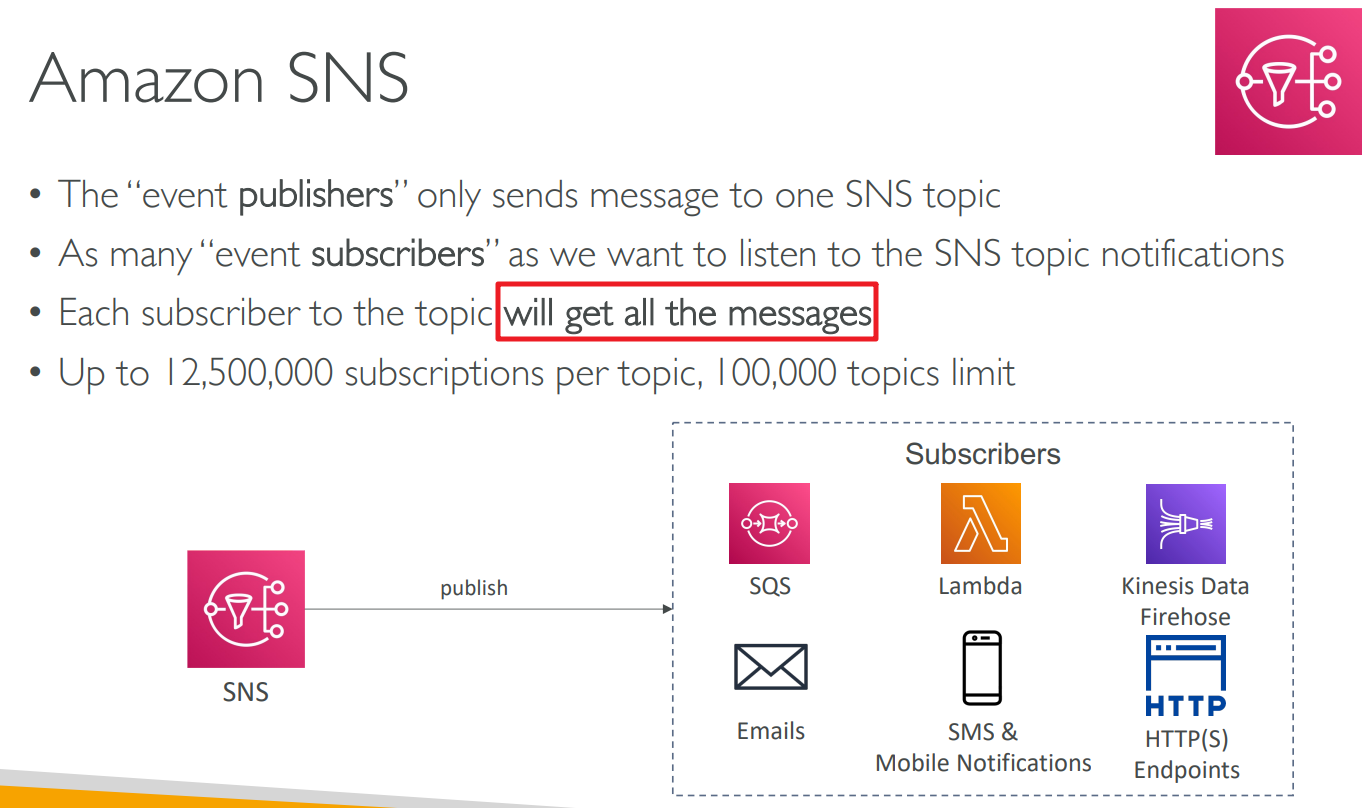
# Simple Notification Service(SNS)

# MQ
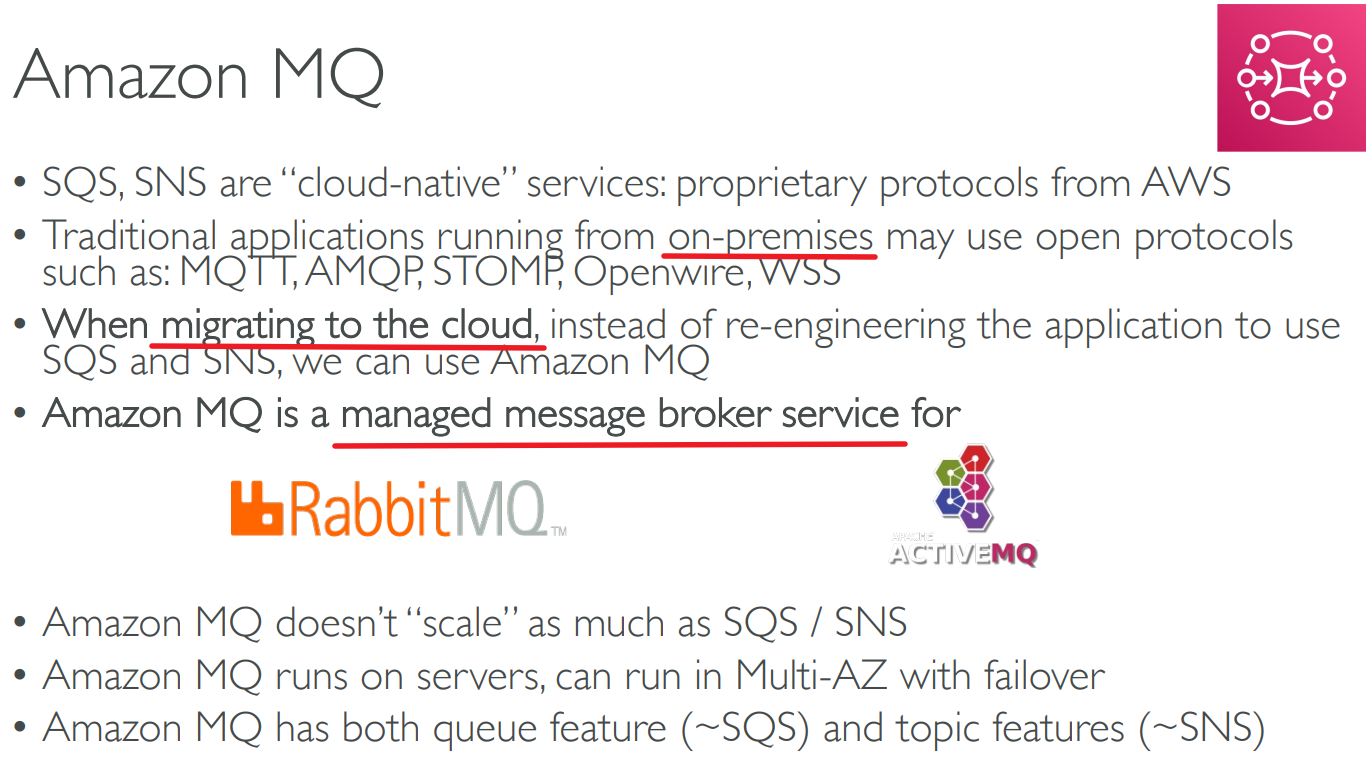
broker 代理人、中间人
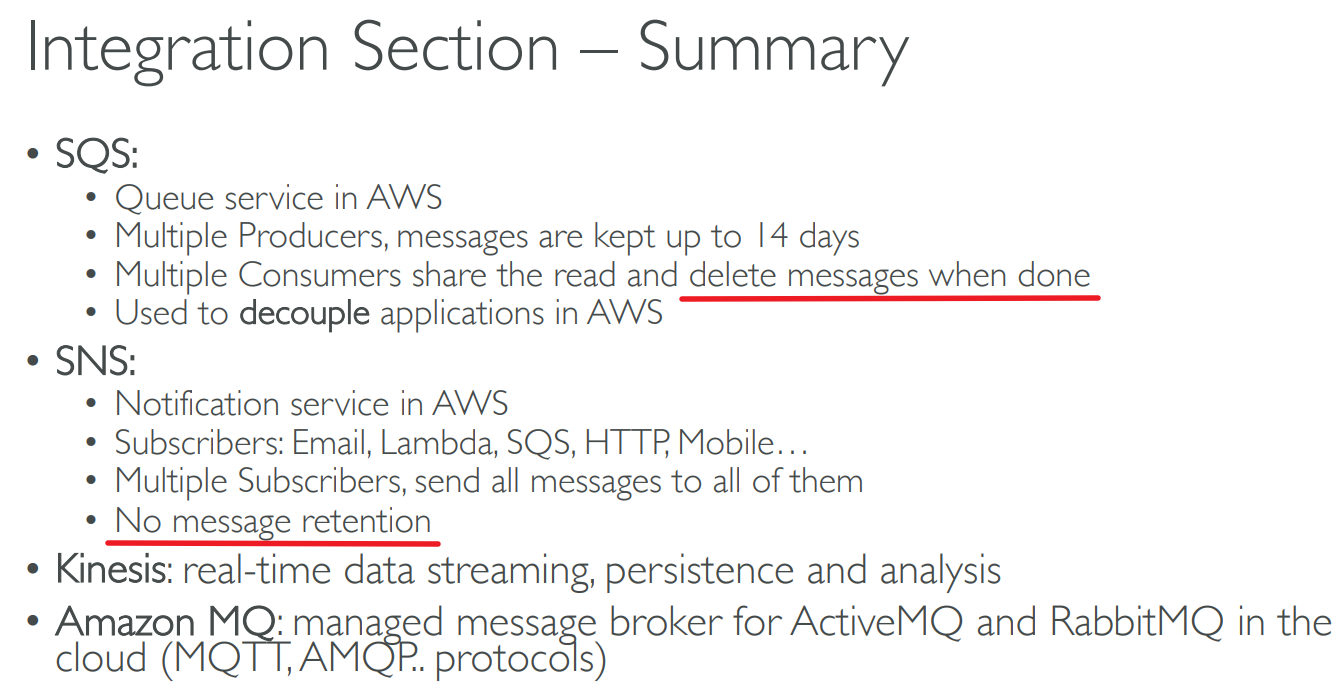
# Summary
# 【14】Cloud Monitoring
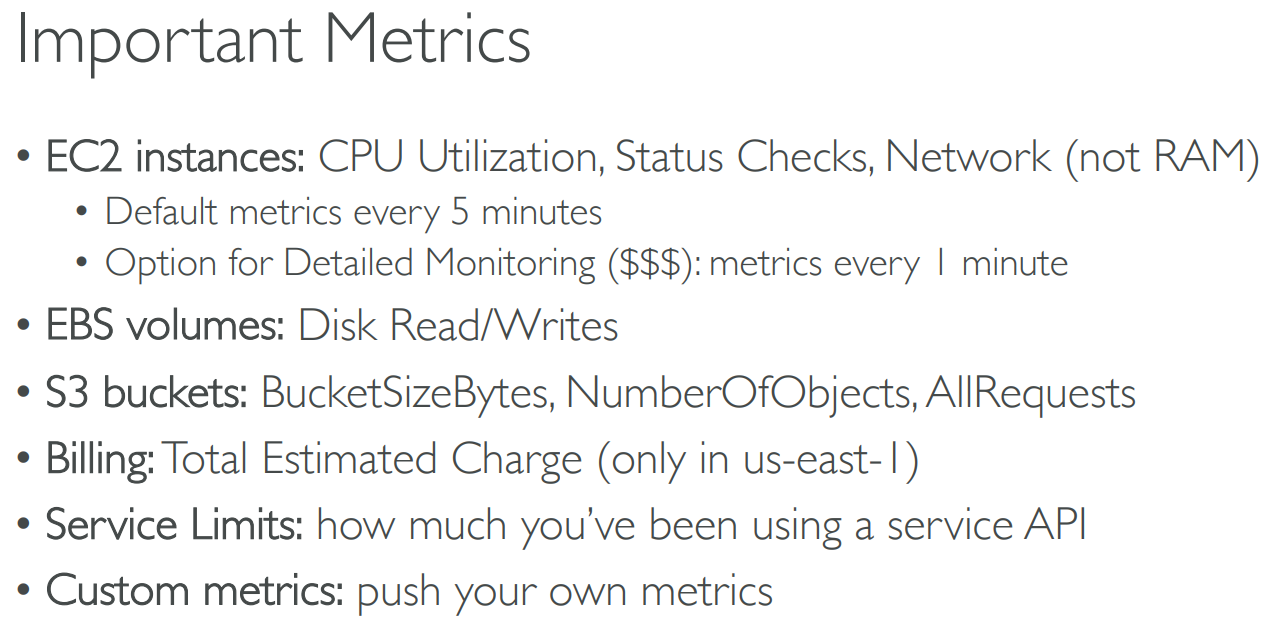
# CloudWatch Metrics

# CloudWatch Alarms

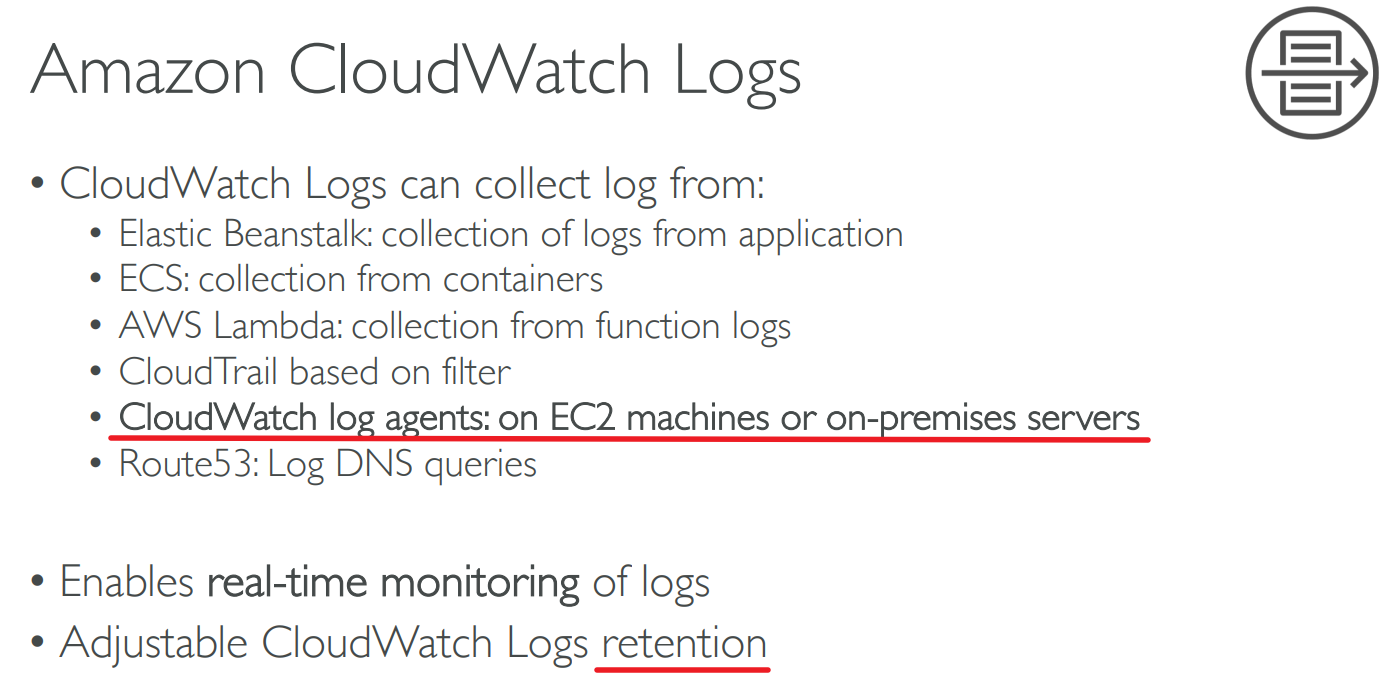
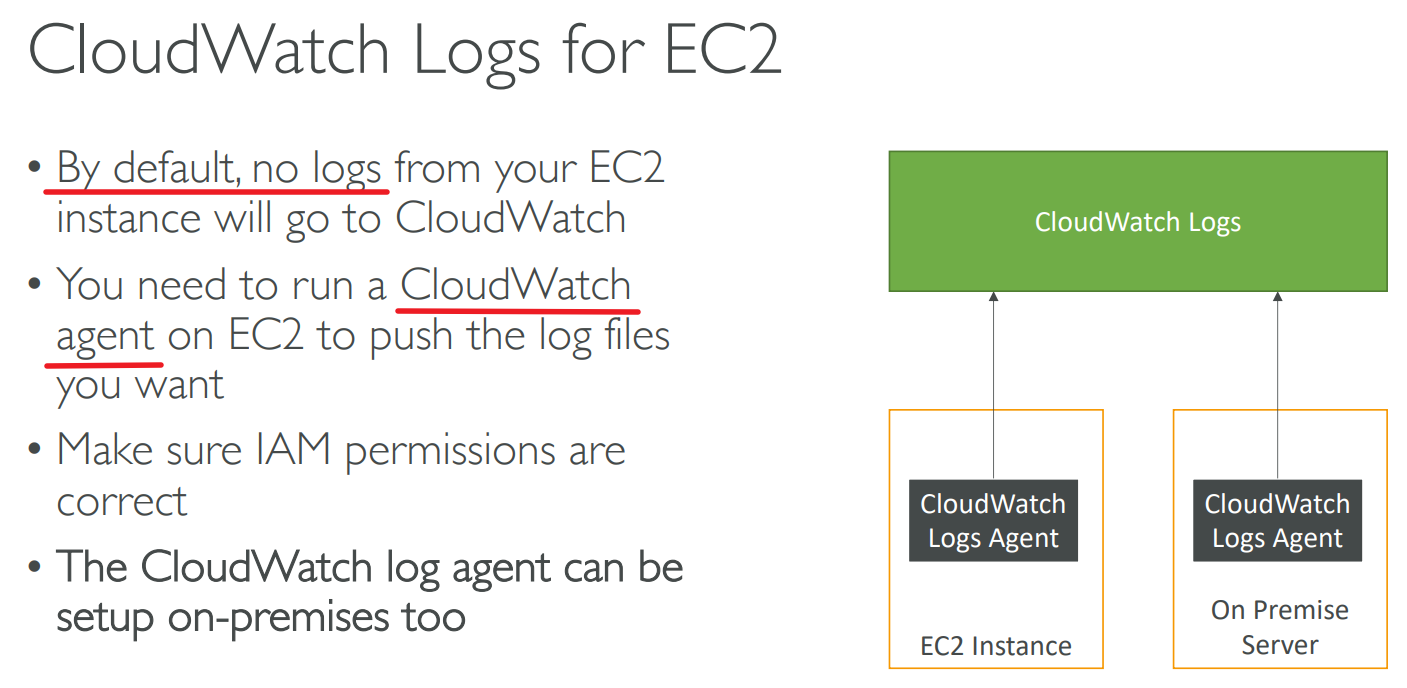
# CloudWatch Logs
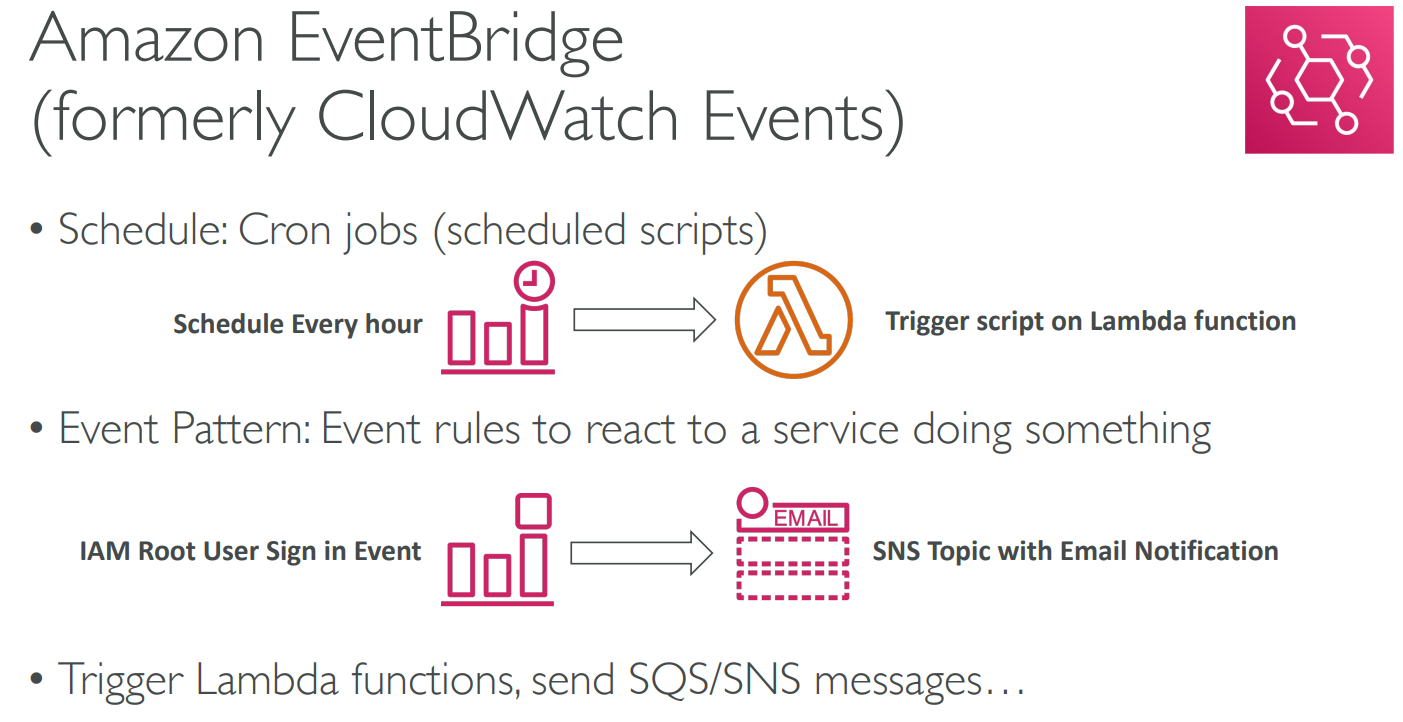
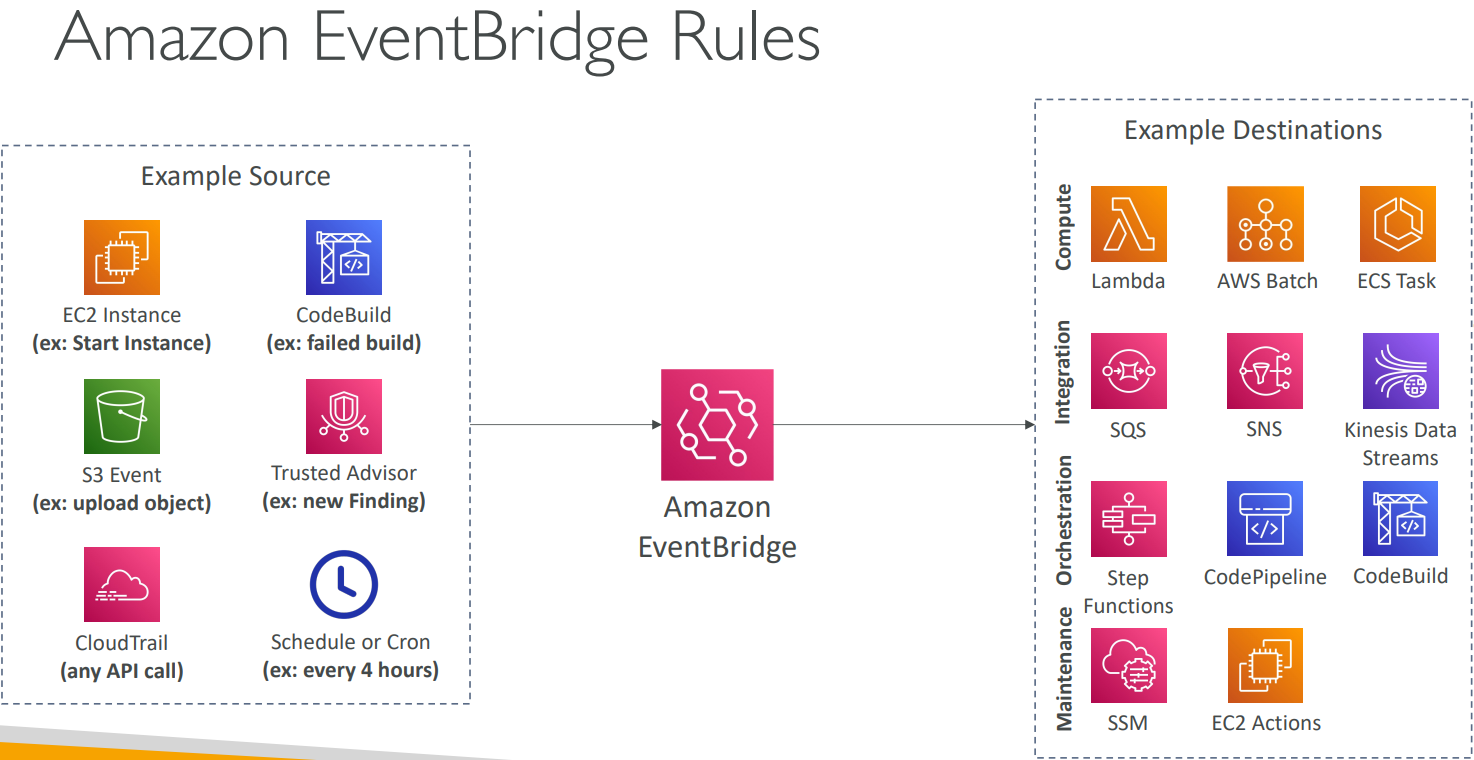
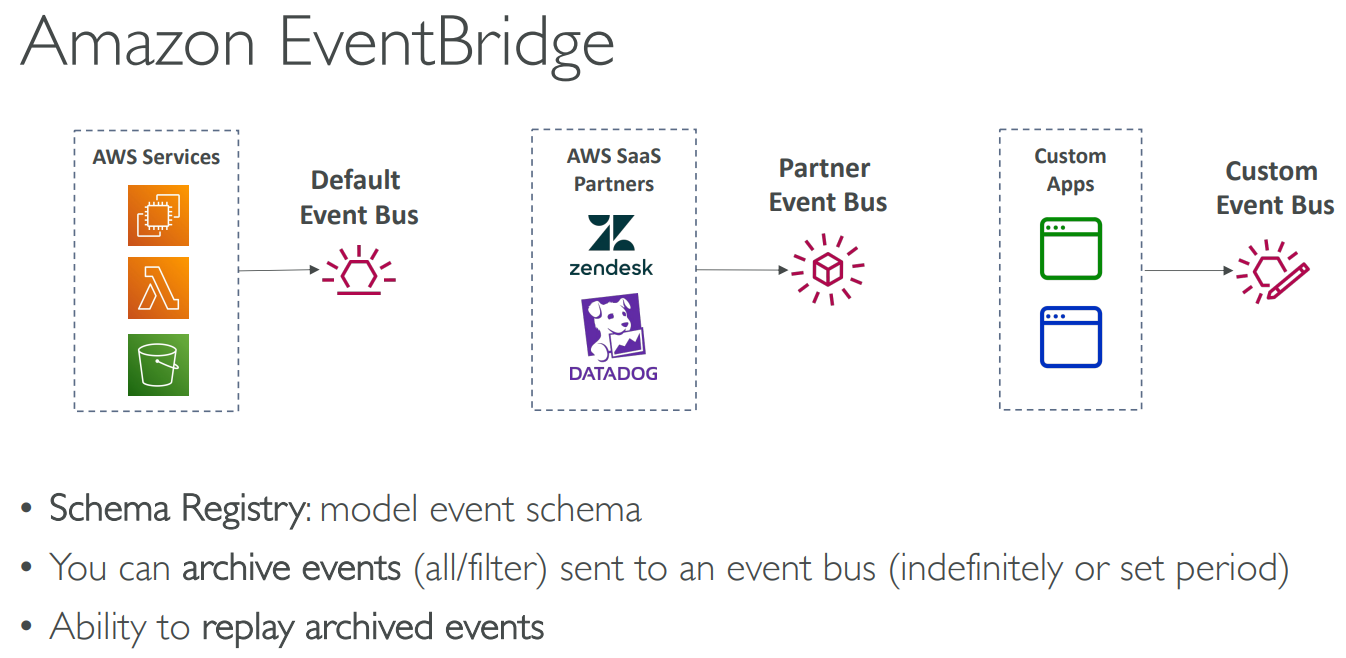
# EventBridge
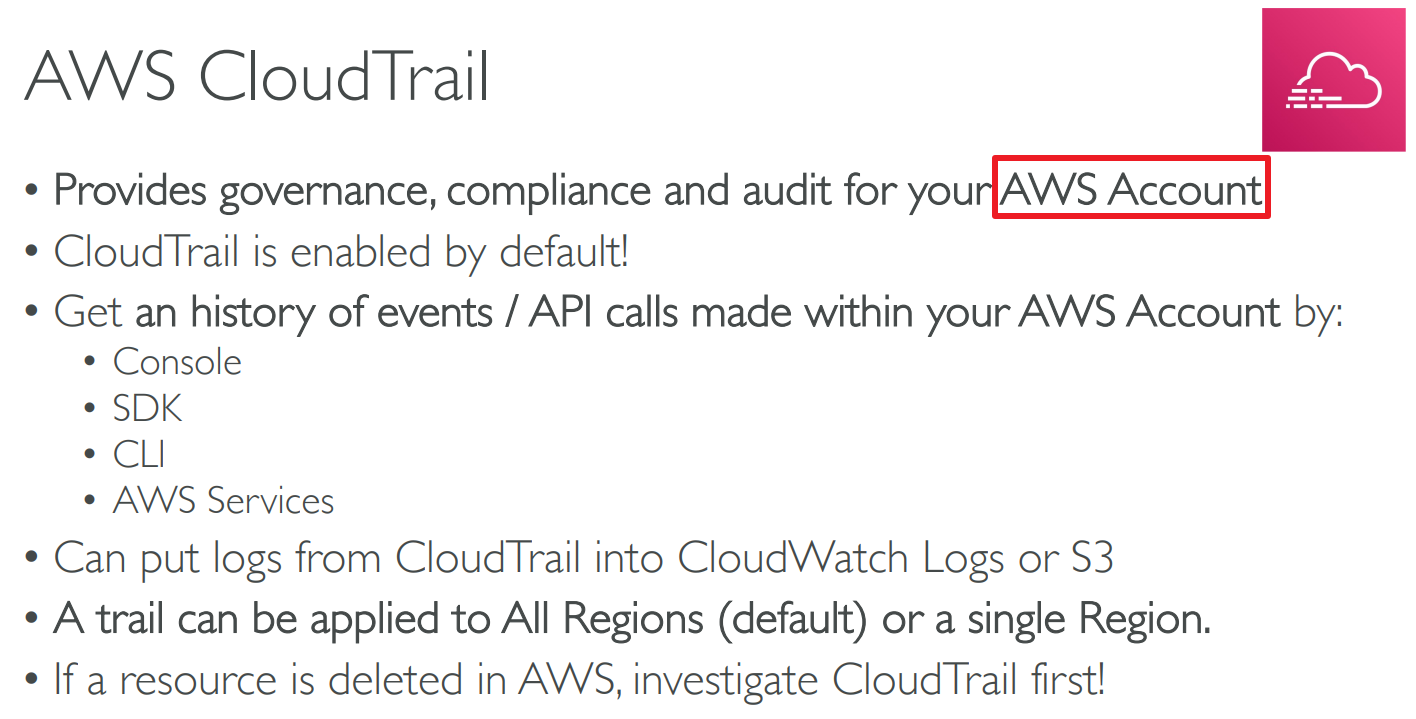
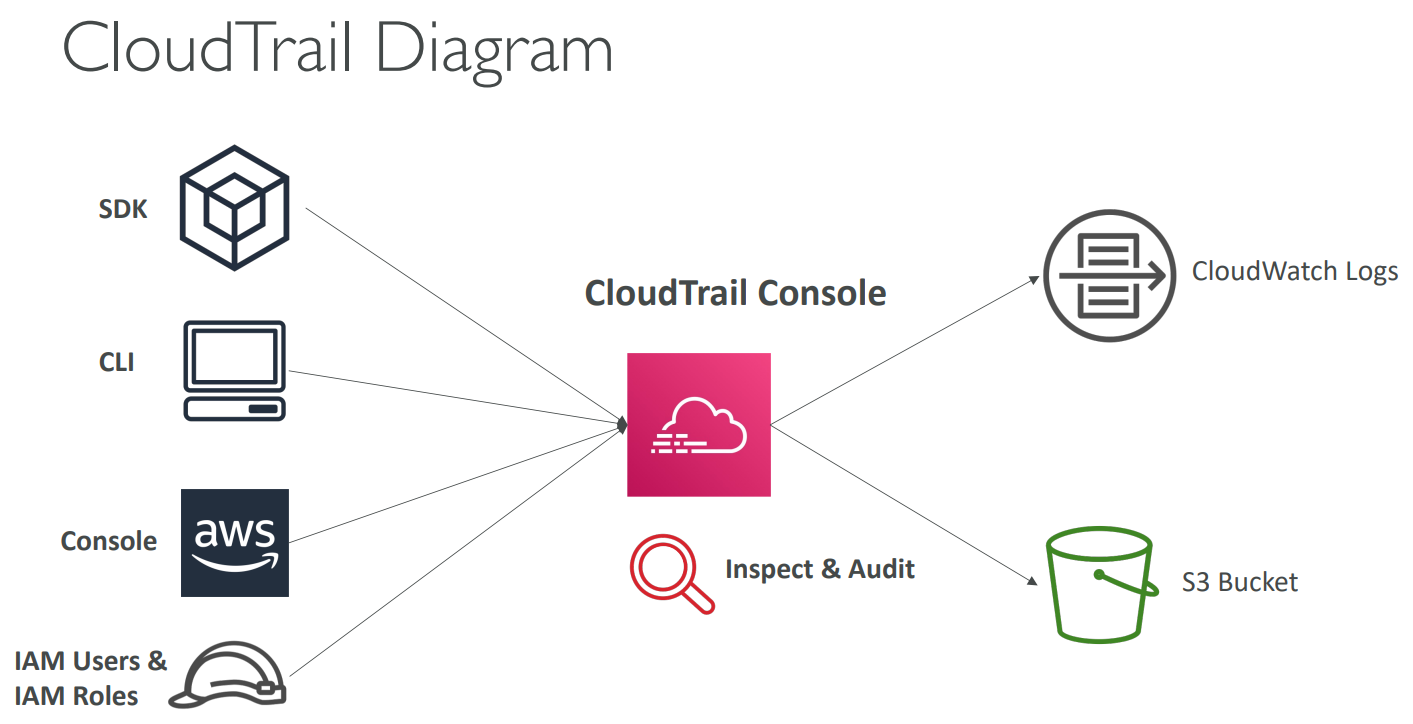
# CloudTrail
# X-Ray
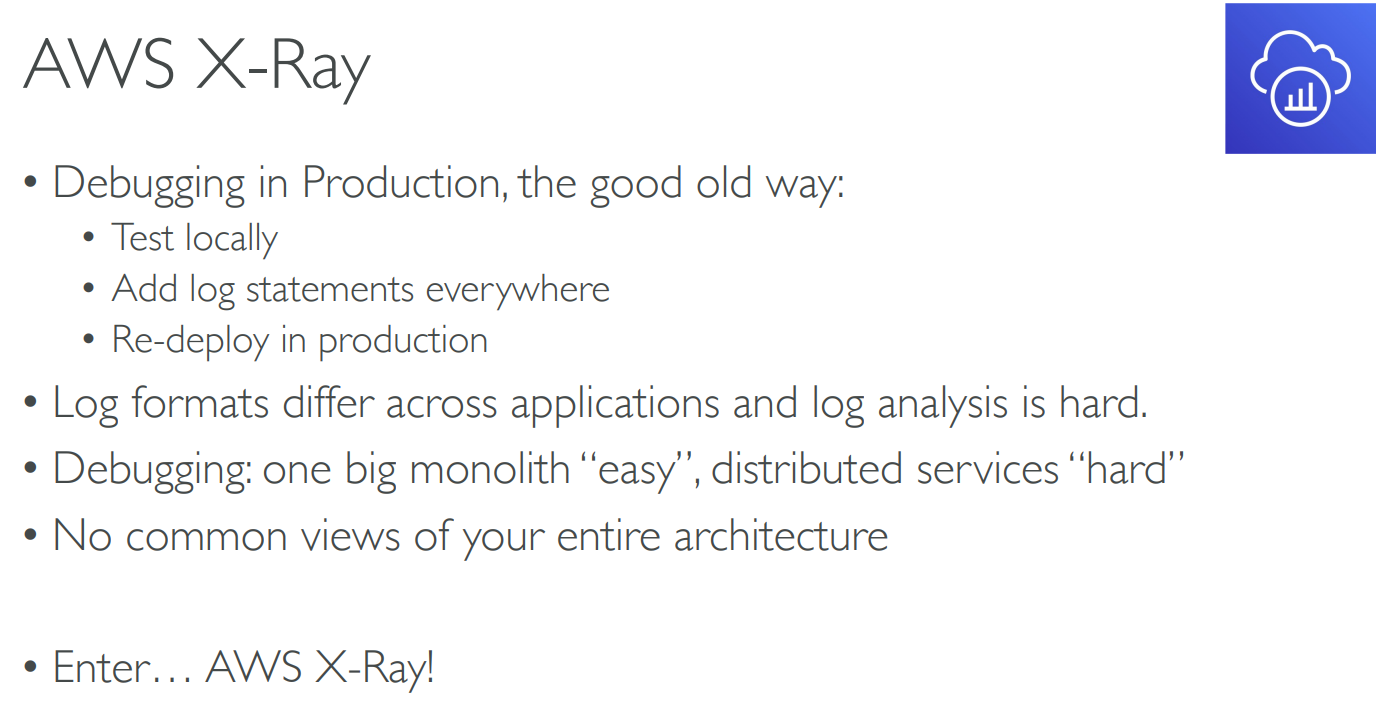
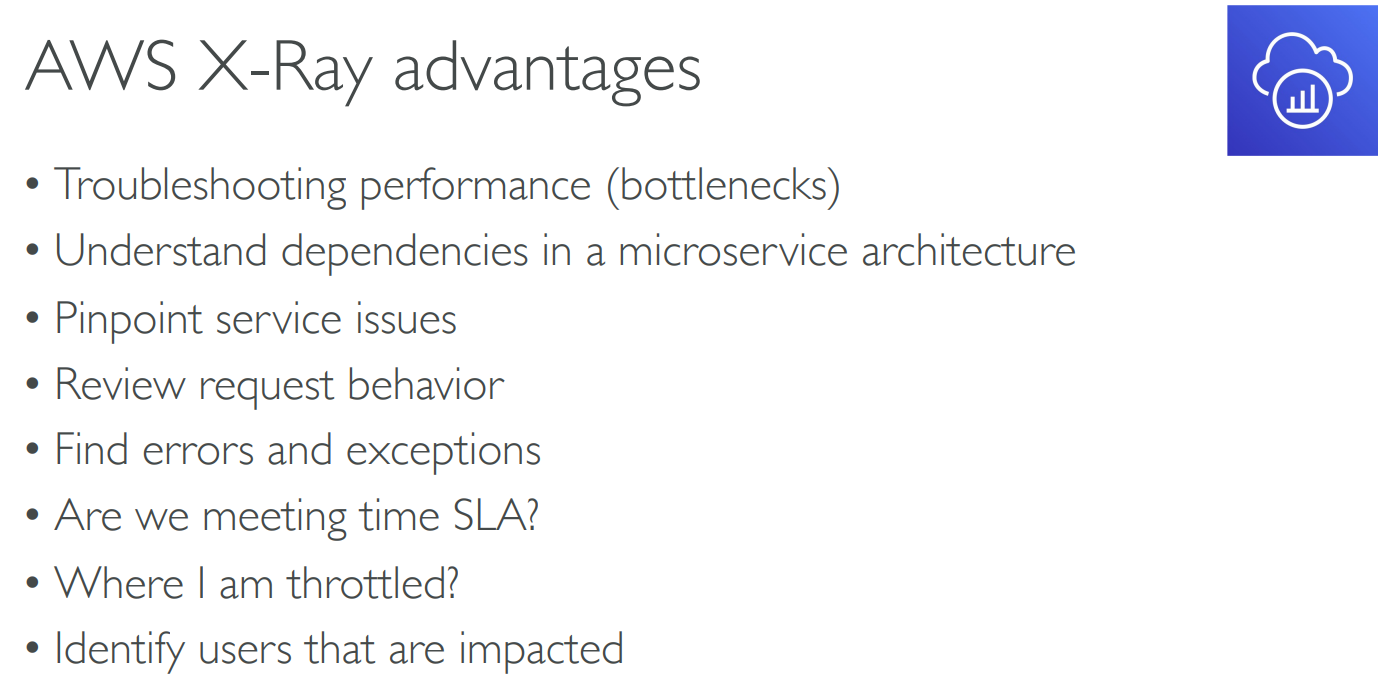
- Trace user requests through your application
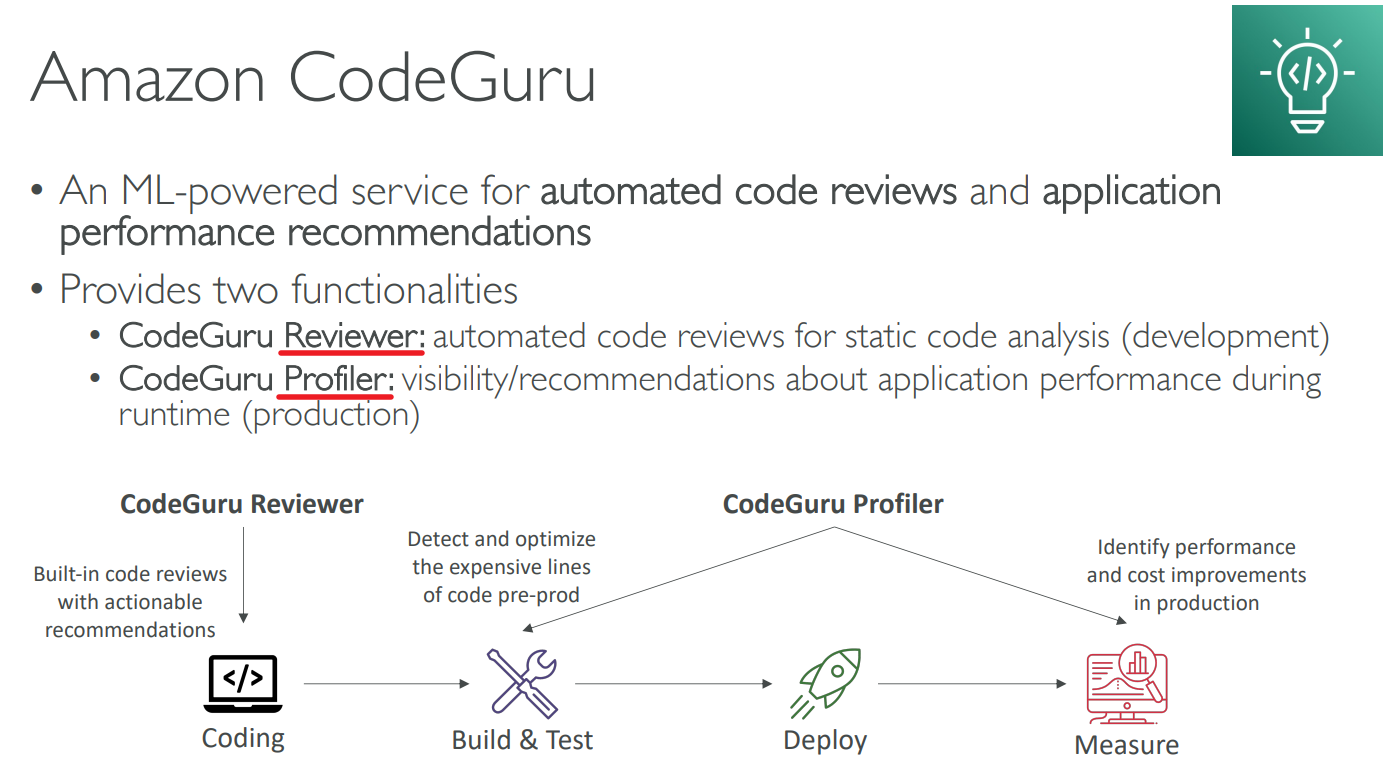
# CodeGuru
# Health Dashboard
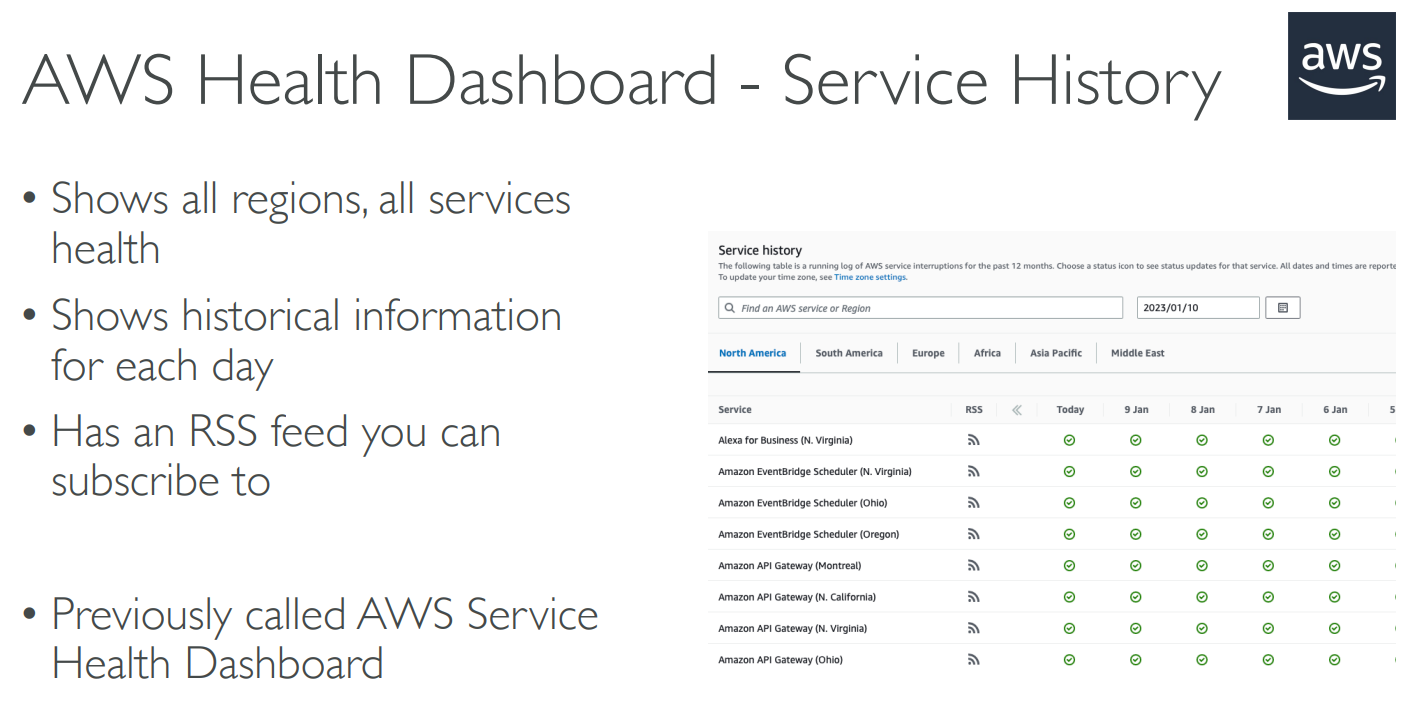
- Global service
# Summary
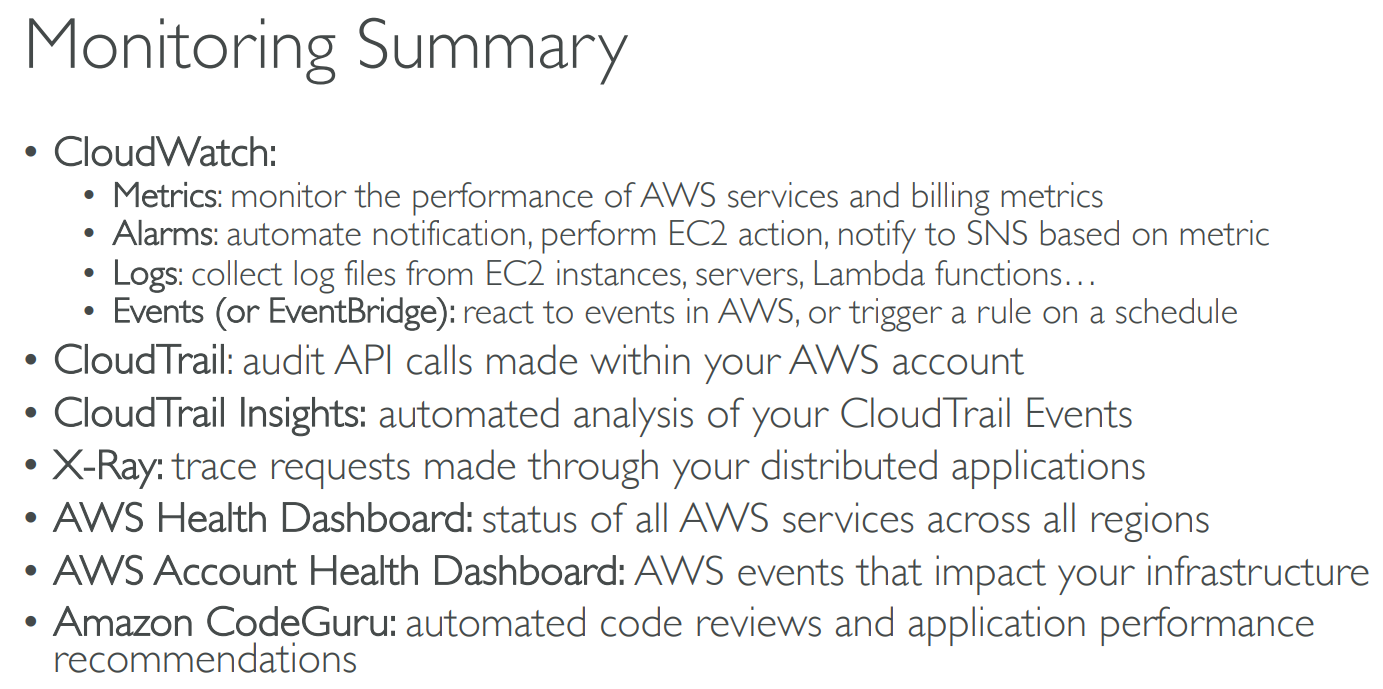
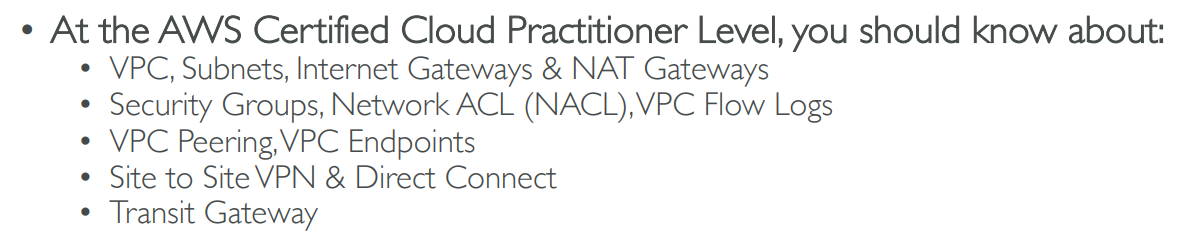
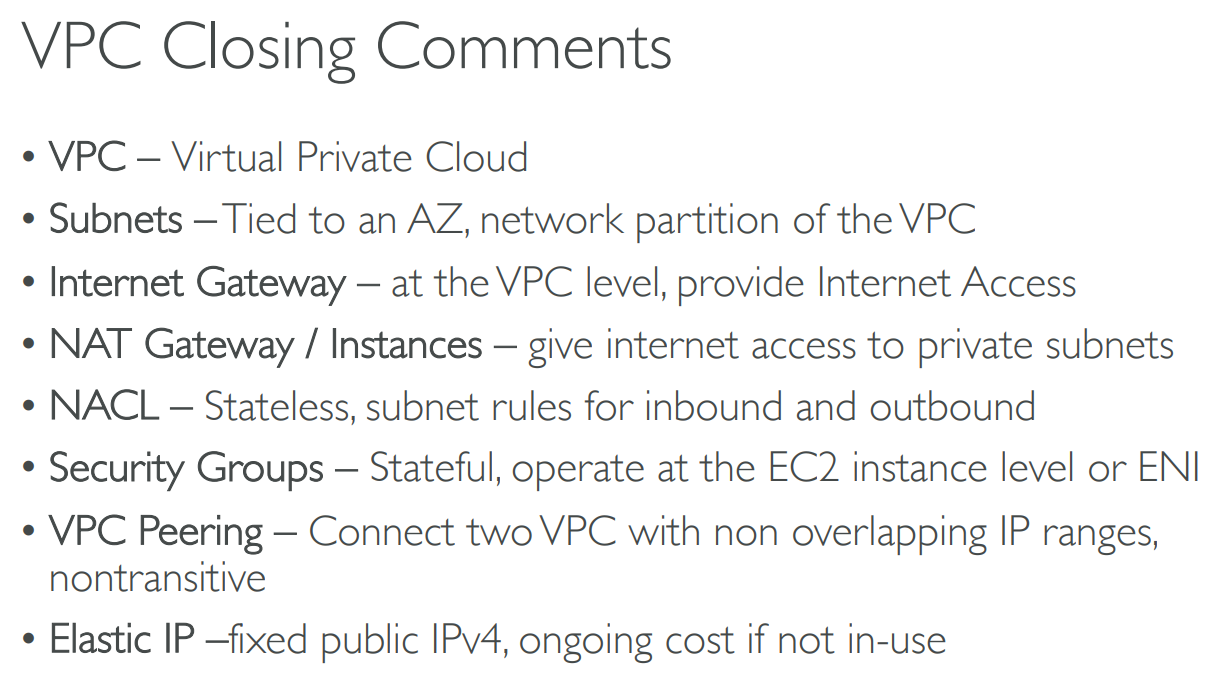
# 【15】Virtual Private Cloud(VPC)
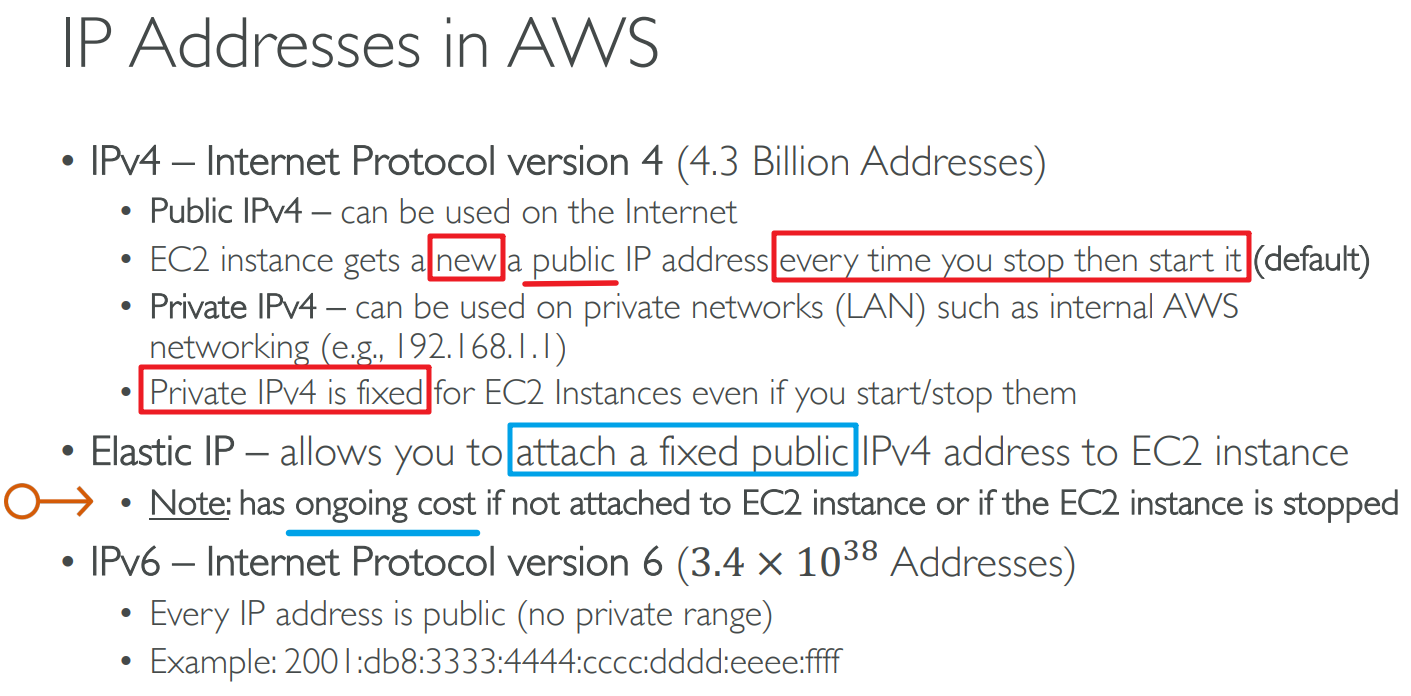
# IP Address
# VPC & Subnets
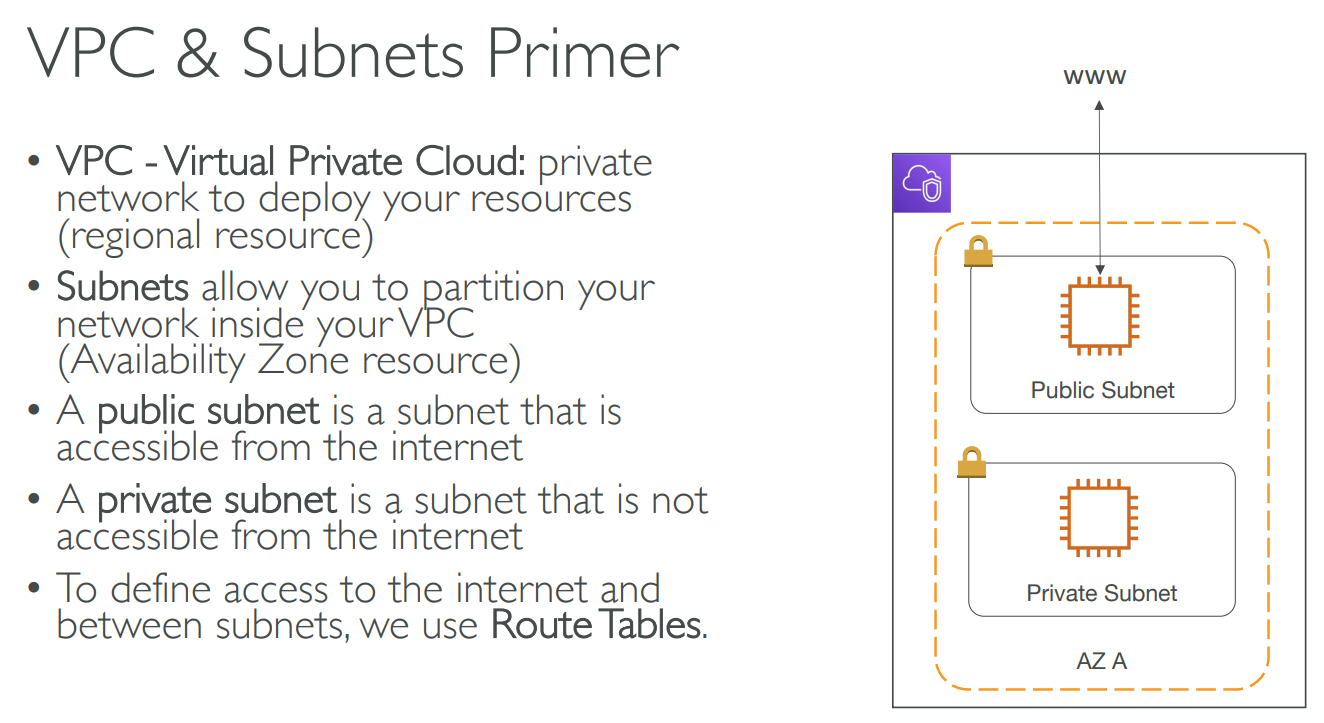
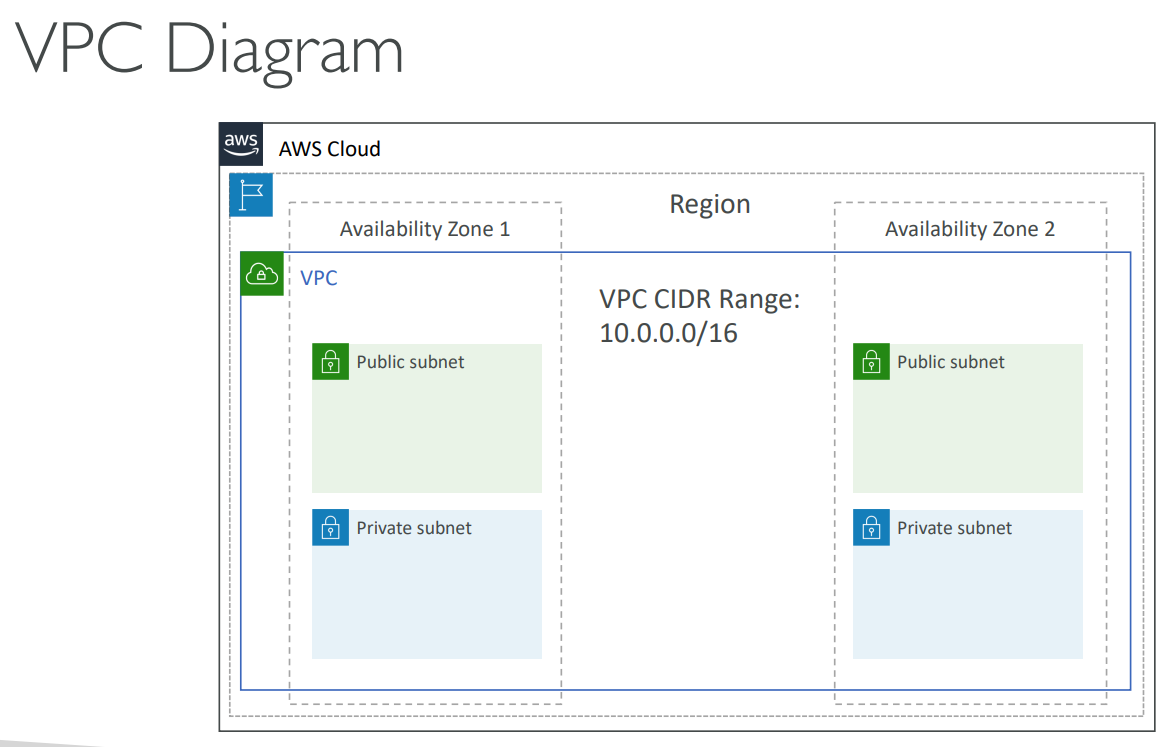
- A VPC can span all Availability Zones within an AWS Region.
# Internet / NAT Gateways
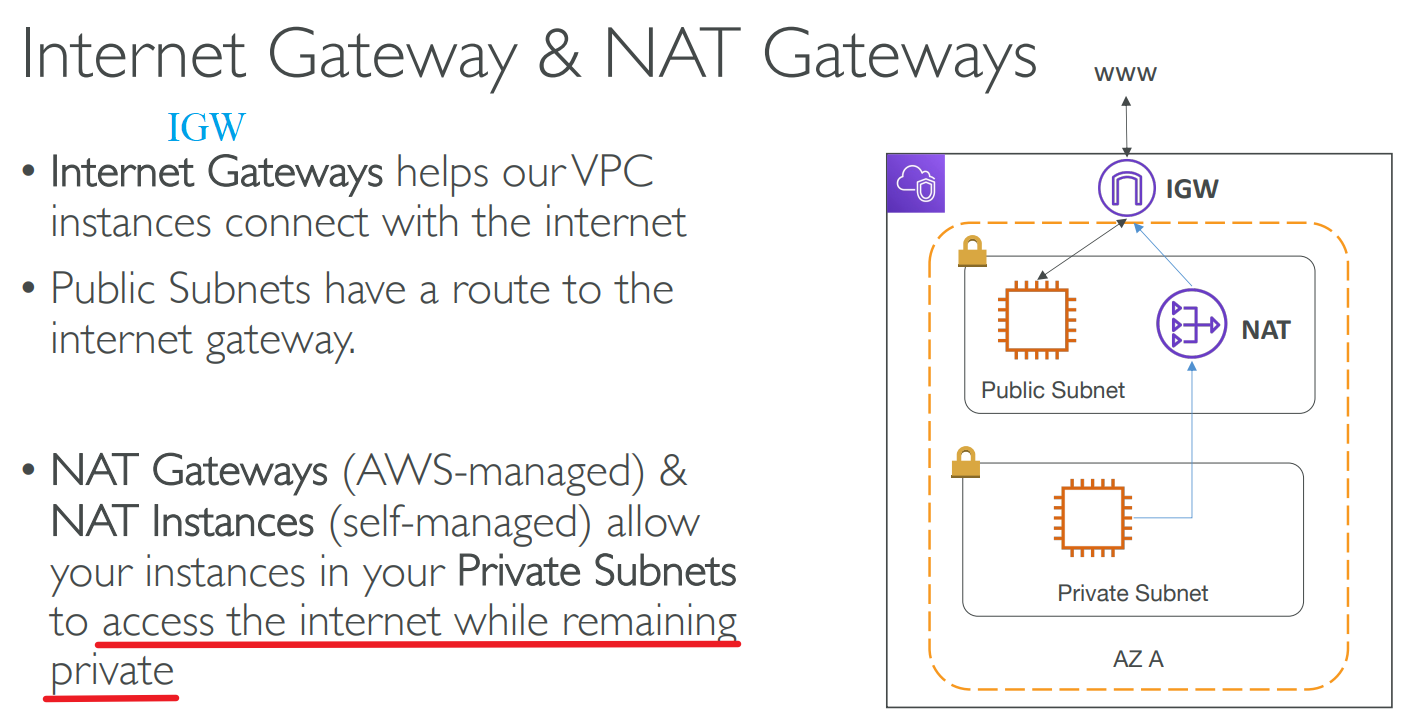
Network Address Translation (NAT)
# Network Access Control List(NACL) & Security Groups
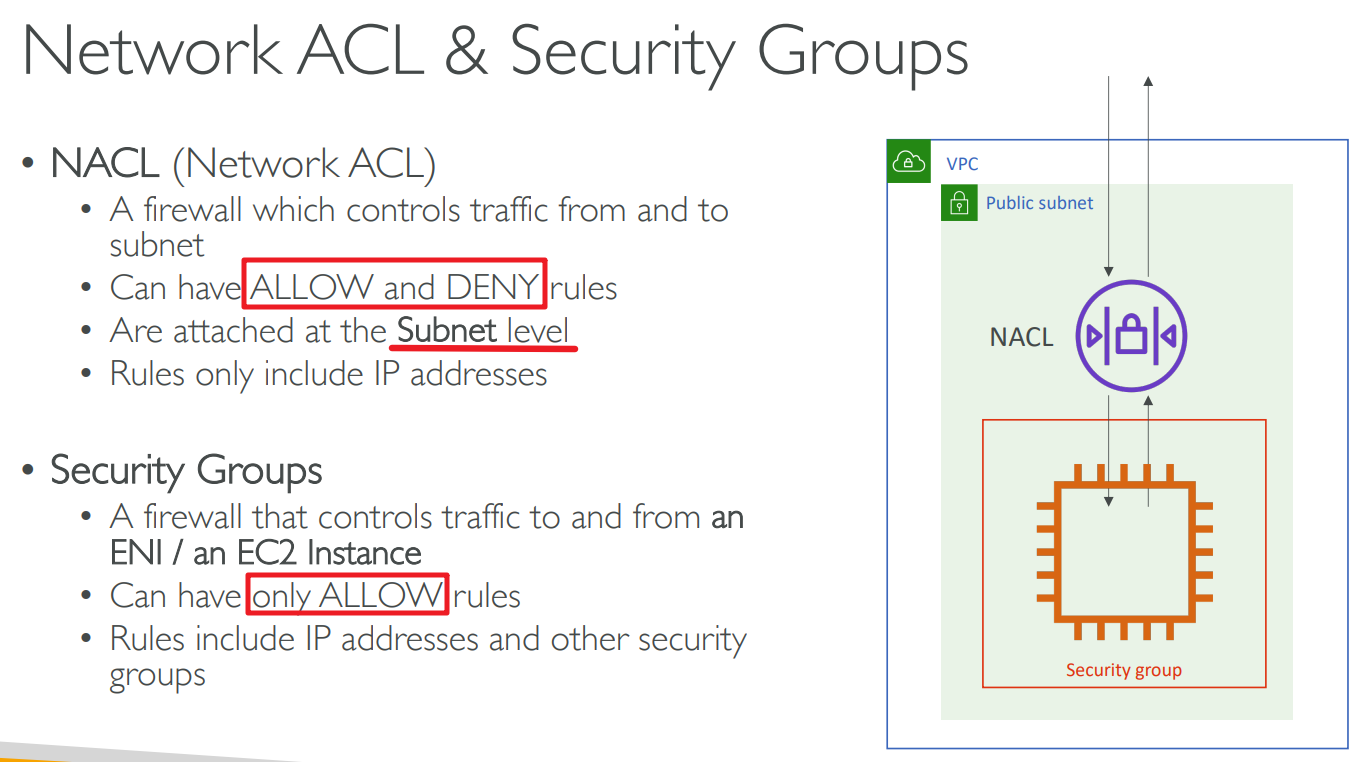
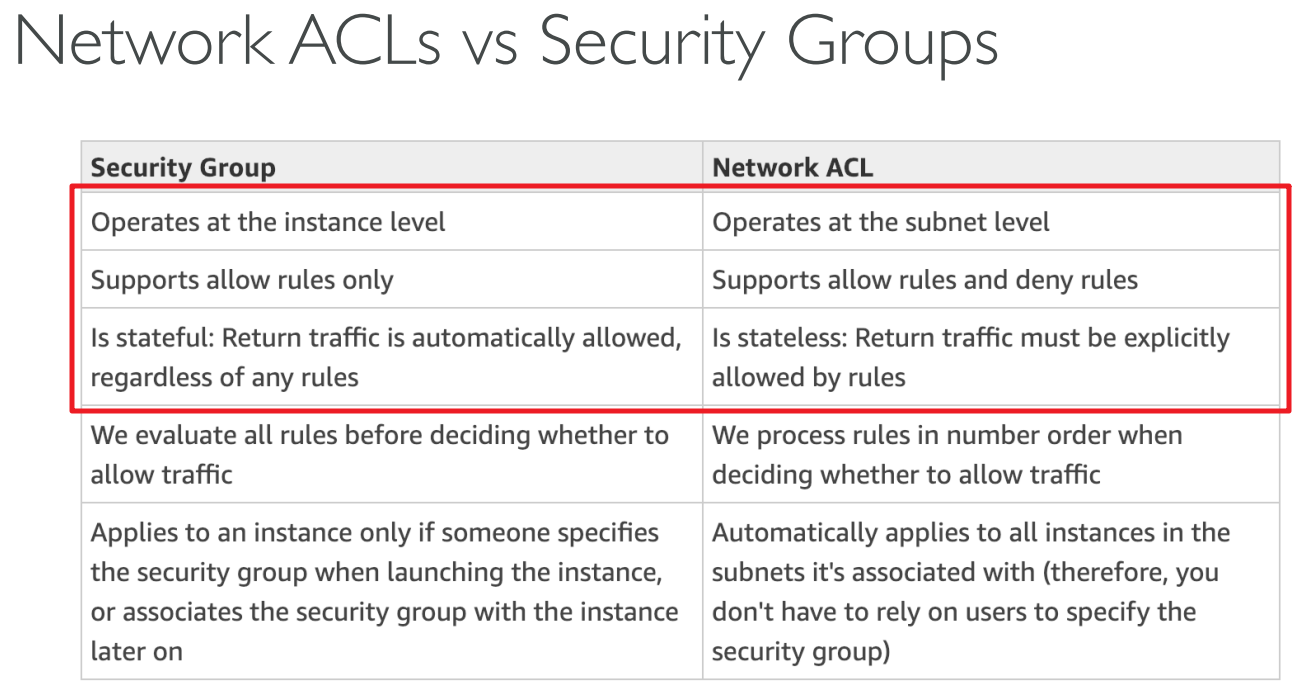
NACL:
They process rules in order, starting with the lowest numbered rule, when deciding whether to allow traffic.
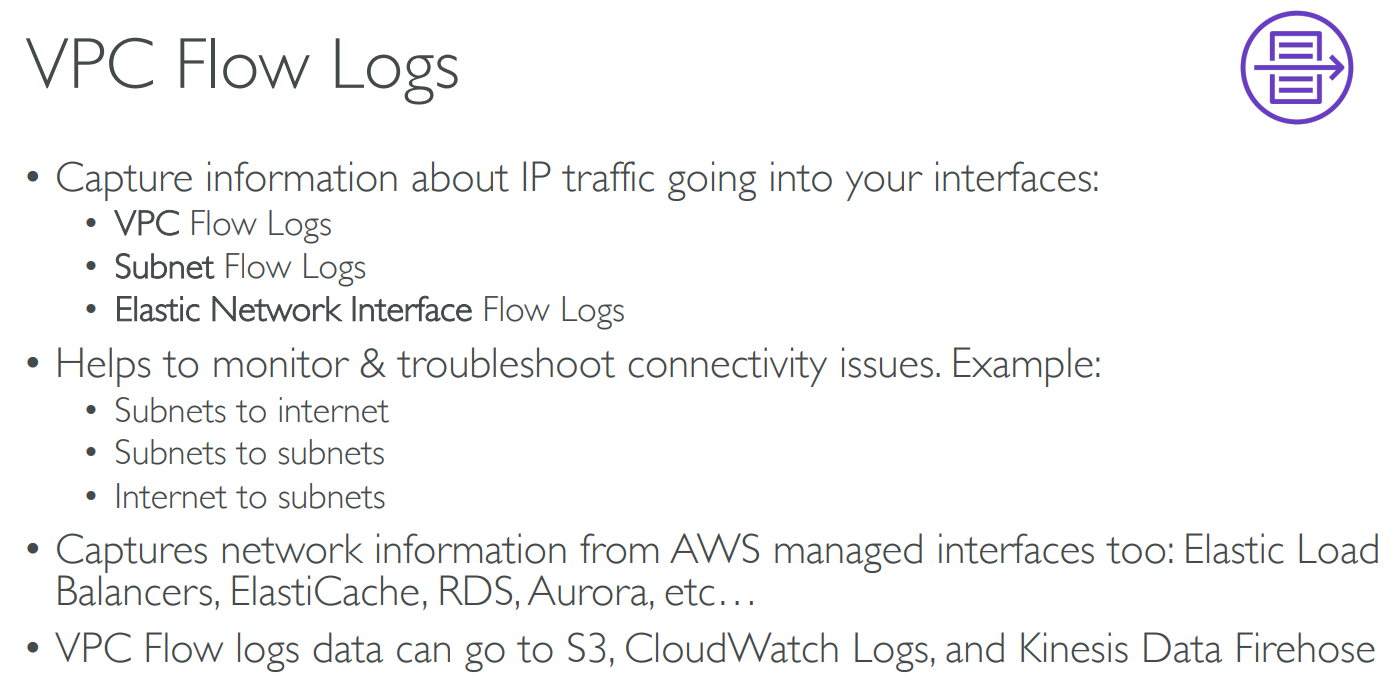
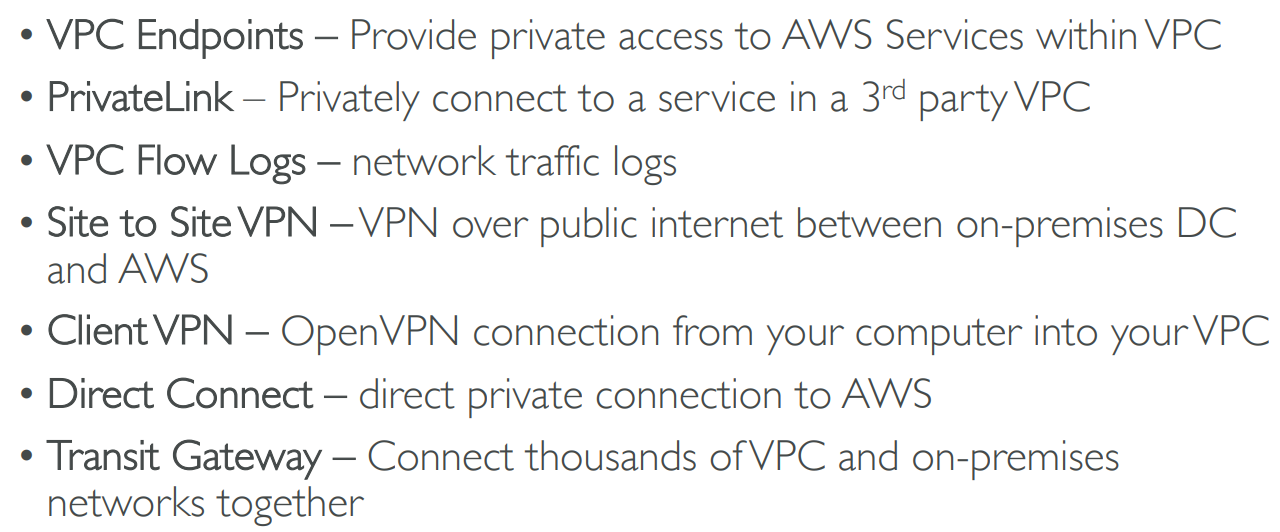
# VPC Flow Logs
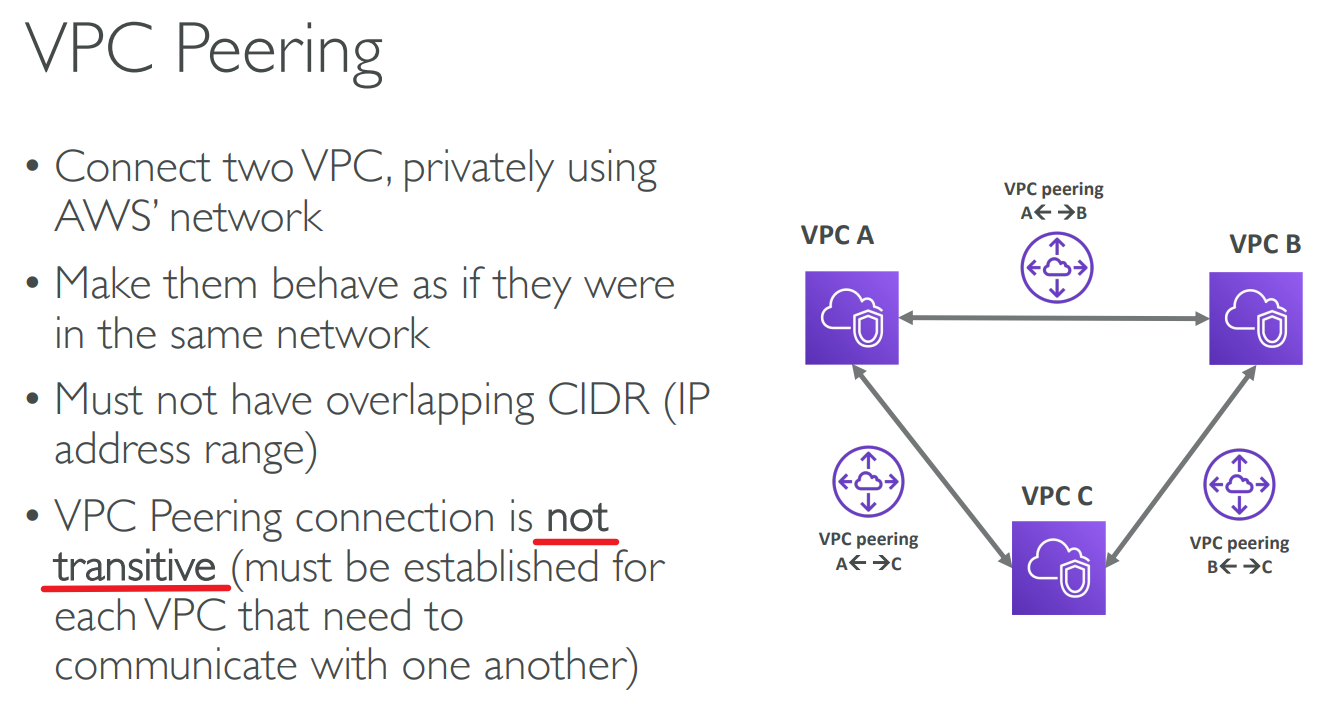
# VPC Peering
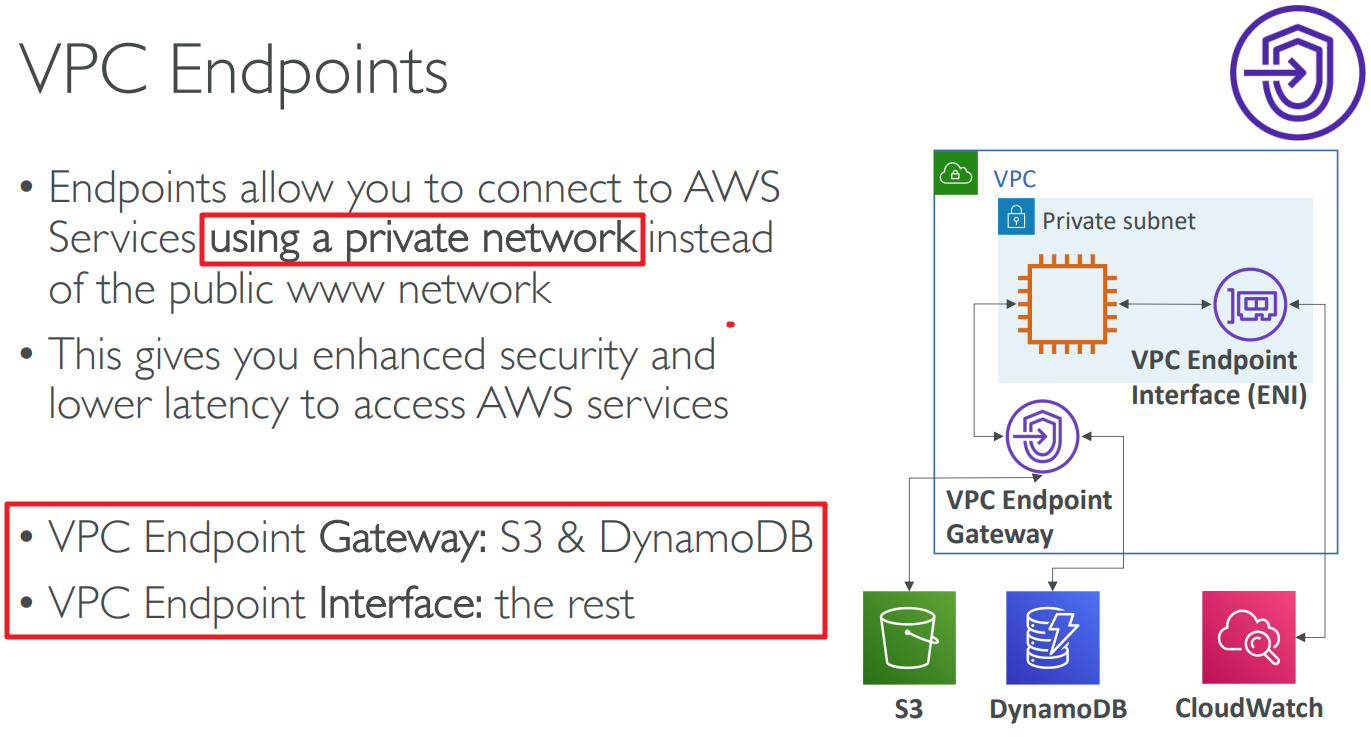
# VPC Endpoints
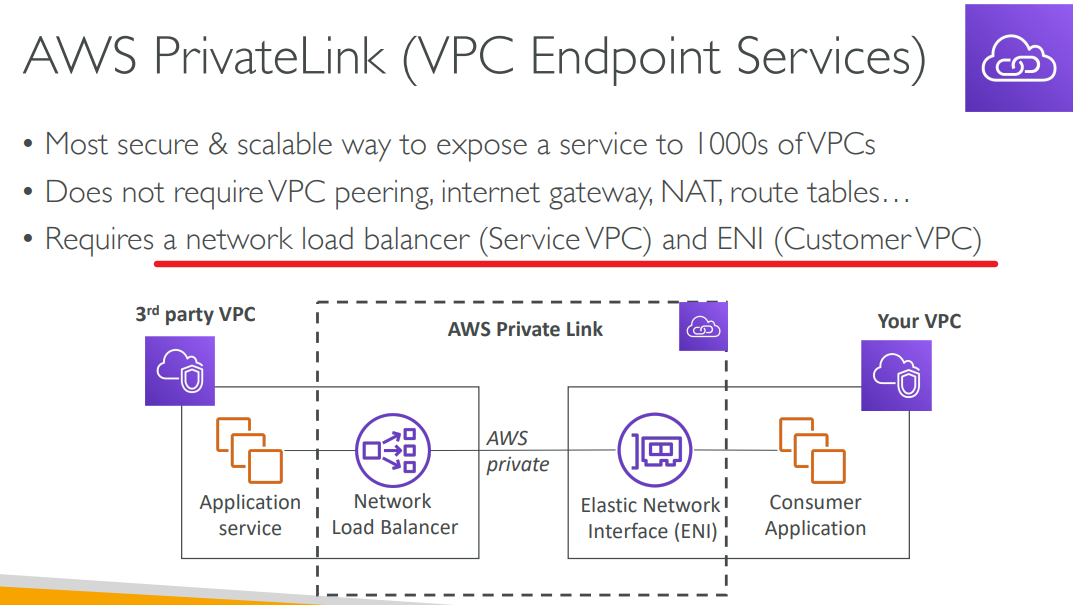
# PrivateLink
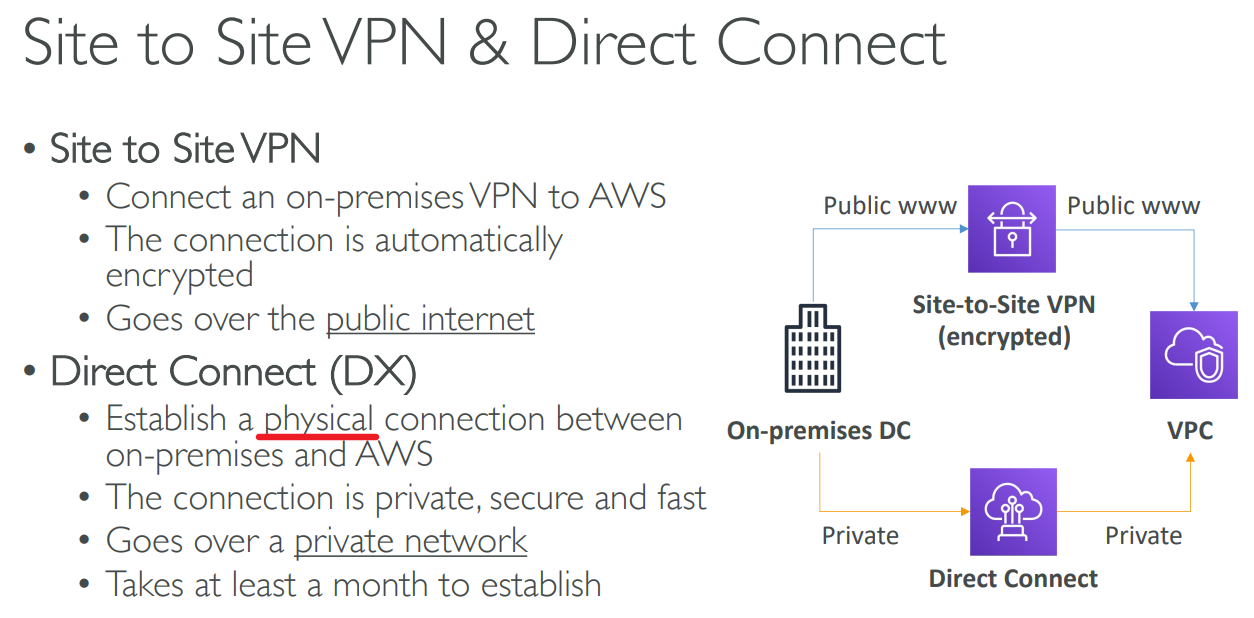
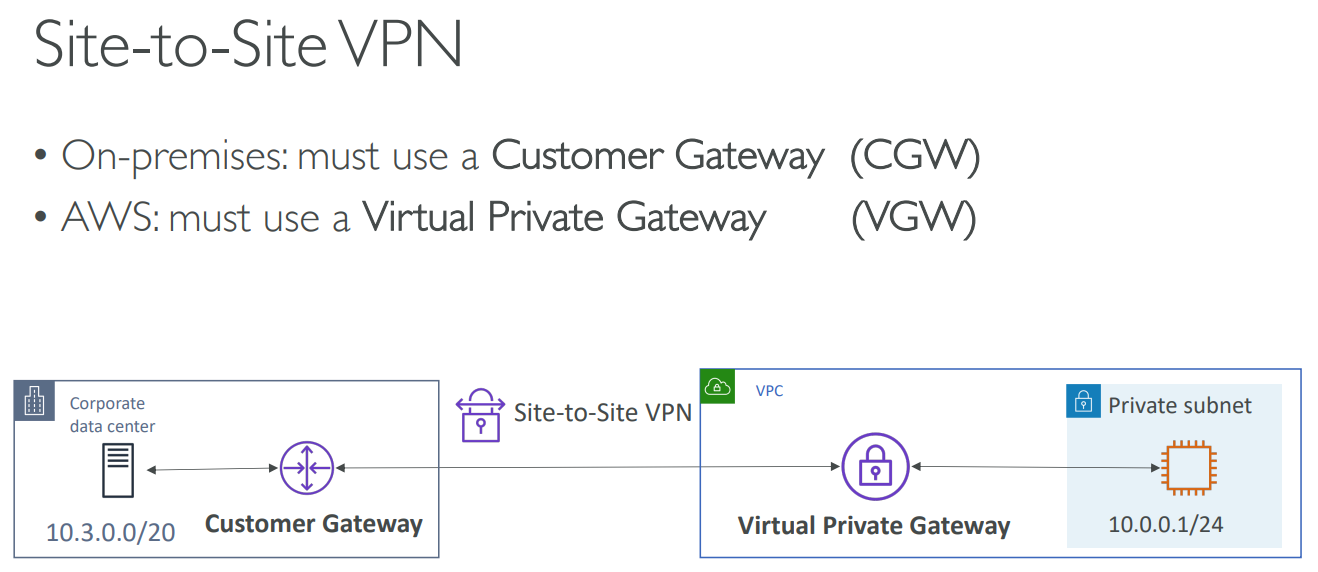
# Site to Site VPN & Direct Connect
# Client VPN
# Transit Gateway
# Summary
# 【16】Security & Compliance
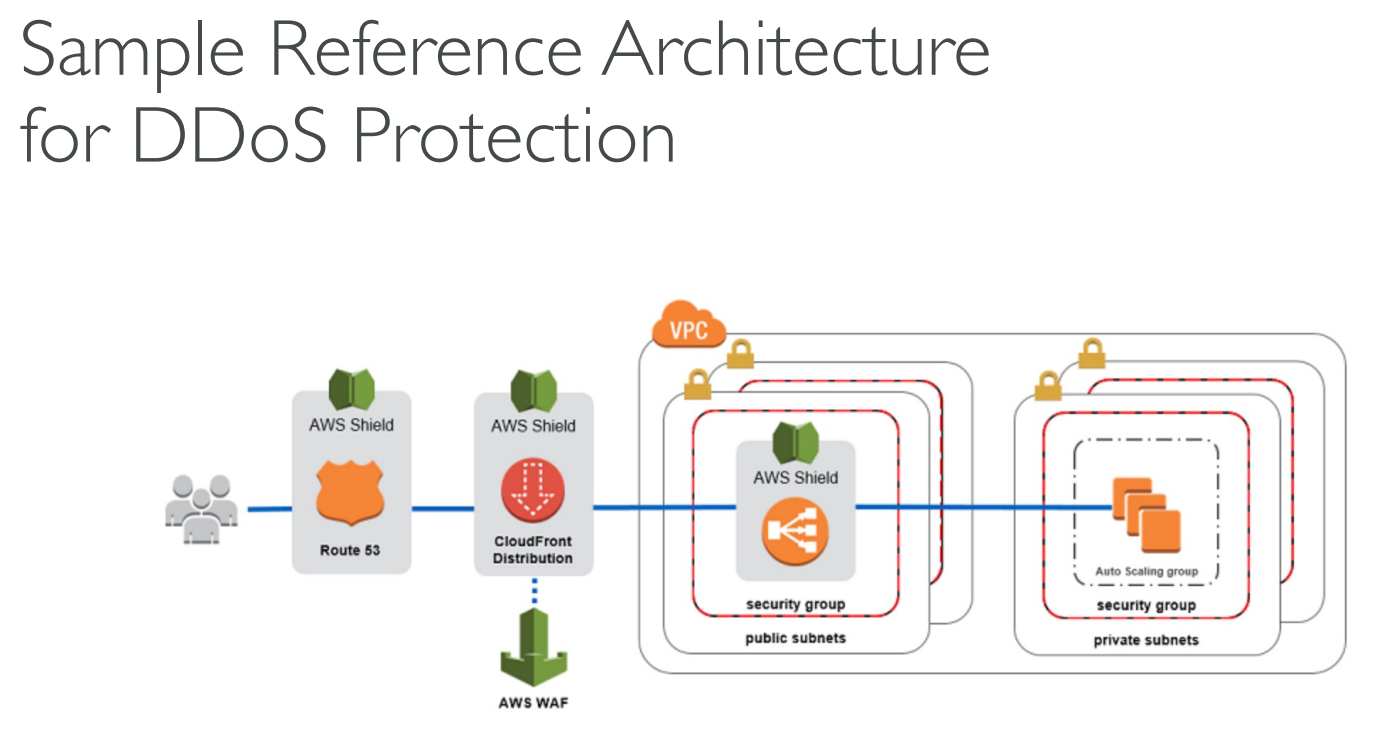
# DDOS Protection

DDOS(Distributed Denial-of-Service)
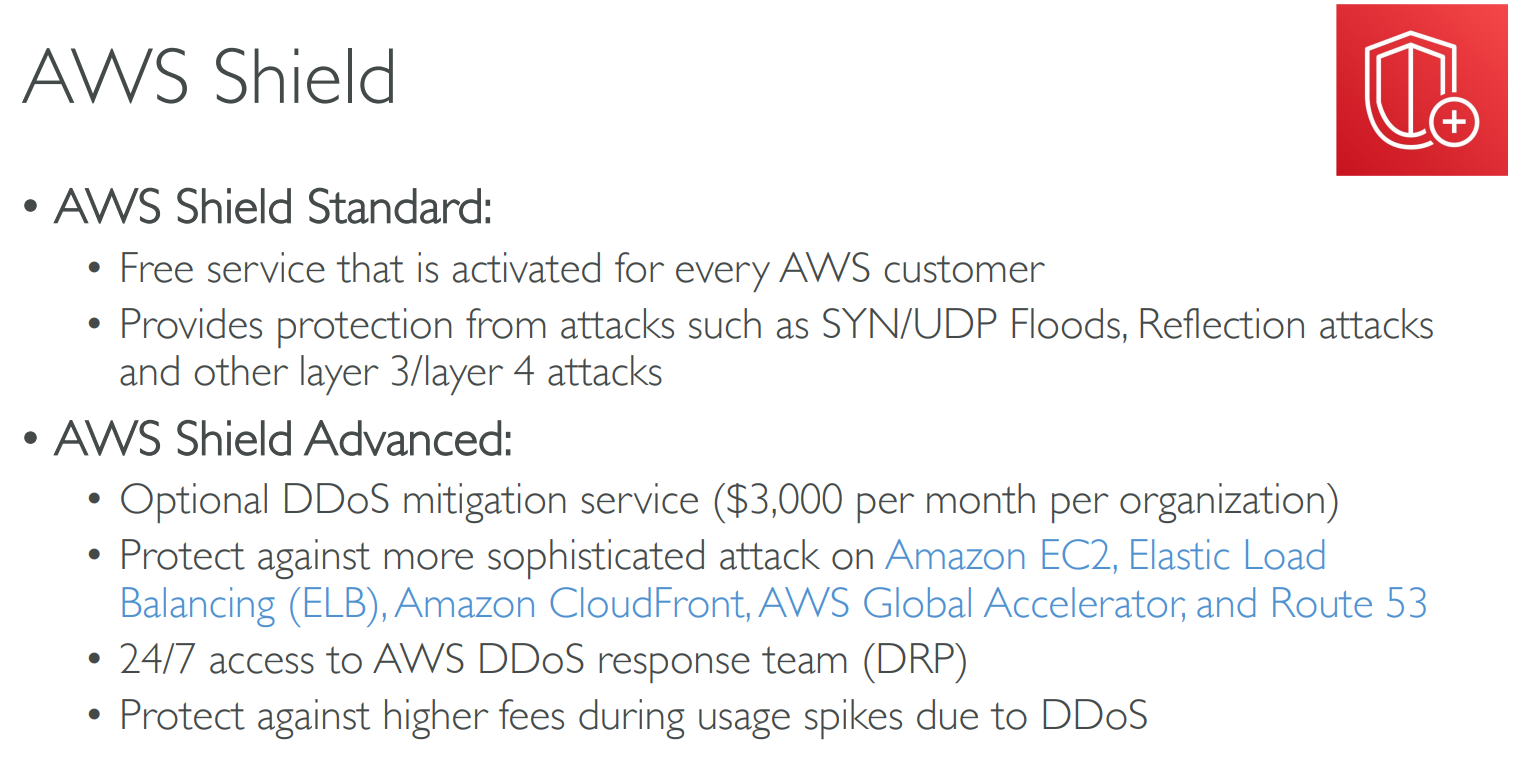
# Shield
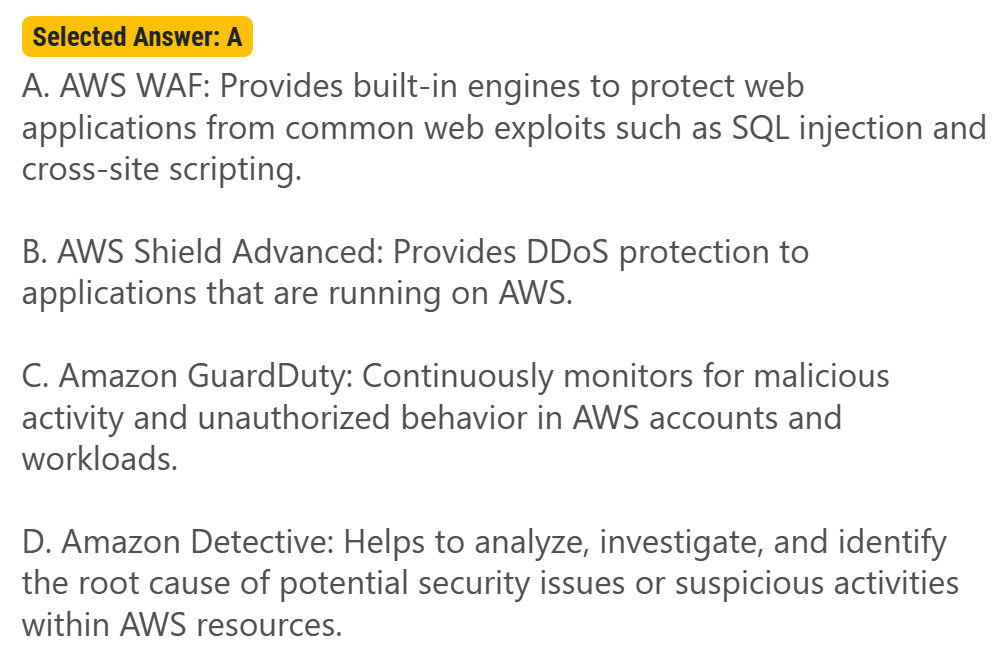
# Web Application Firewall(WAF)
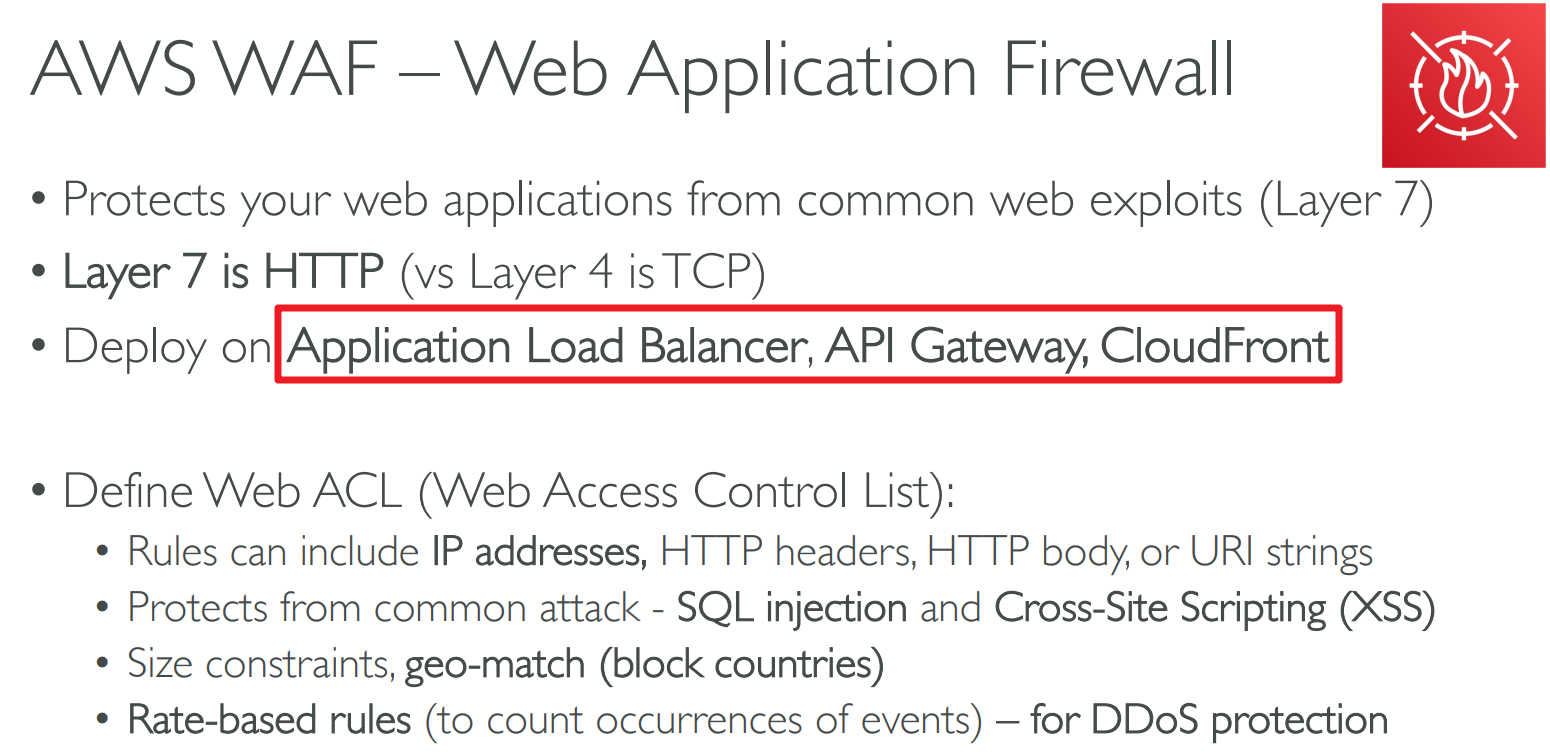
- AWS WAF helps protect web applications from attacks by allowing you to configure rules that allow, block, or monitor (count) web requests based on conditions that you define. These conditions include IP addresses, HTTP headers, HTTP body, URI strings, SQL injection and cross-site scripting.
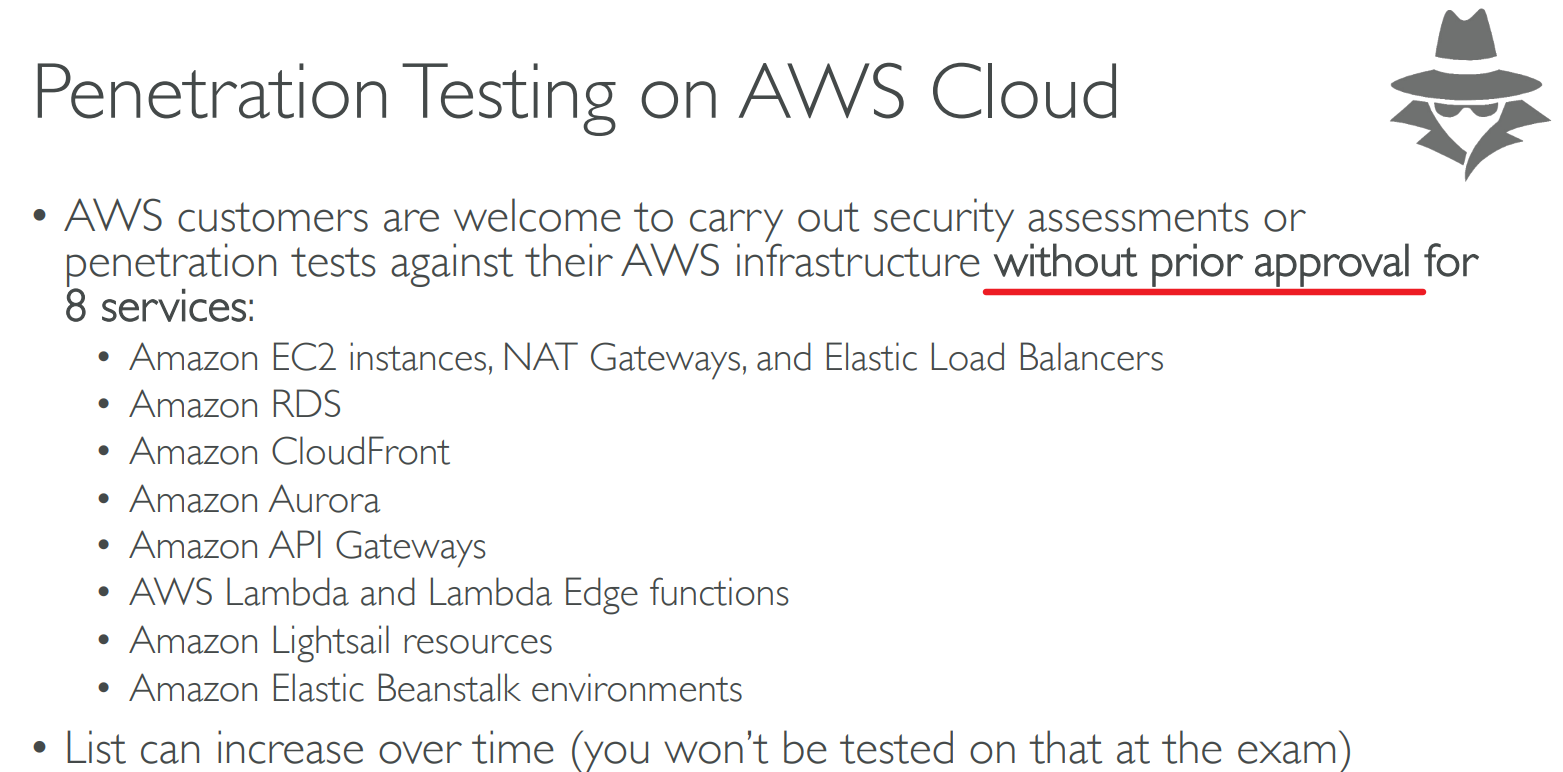
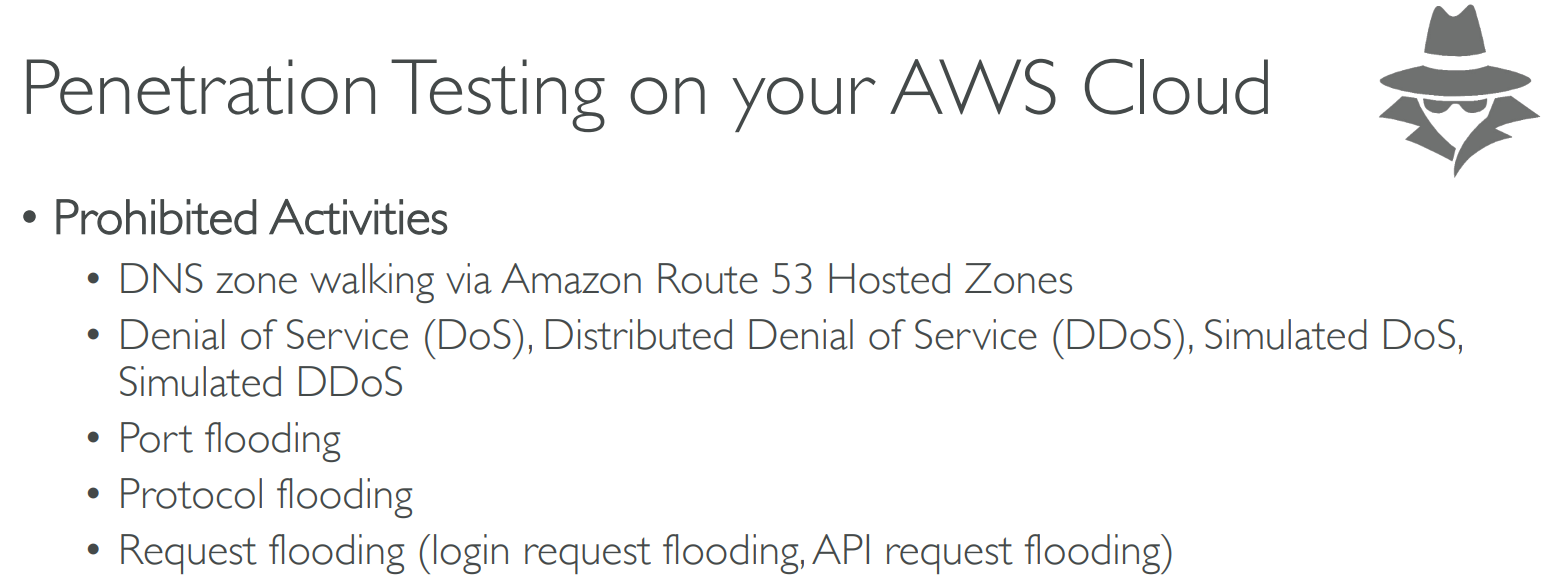
# Penetration Testing
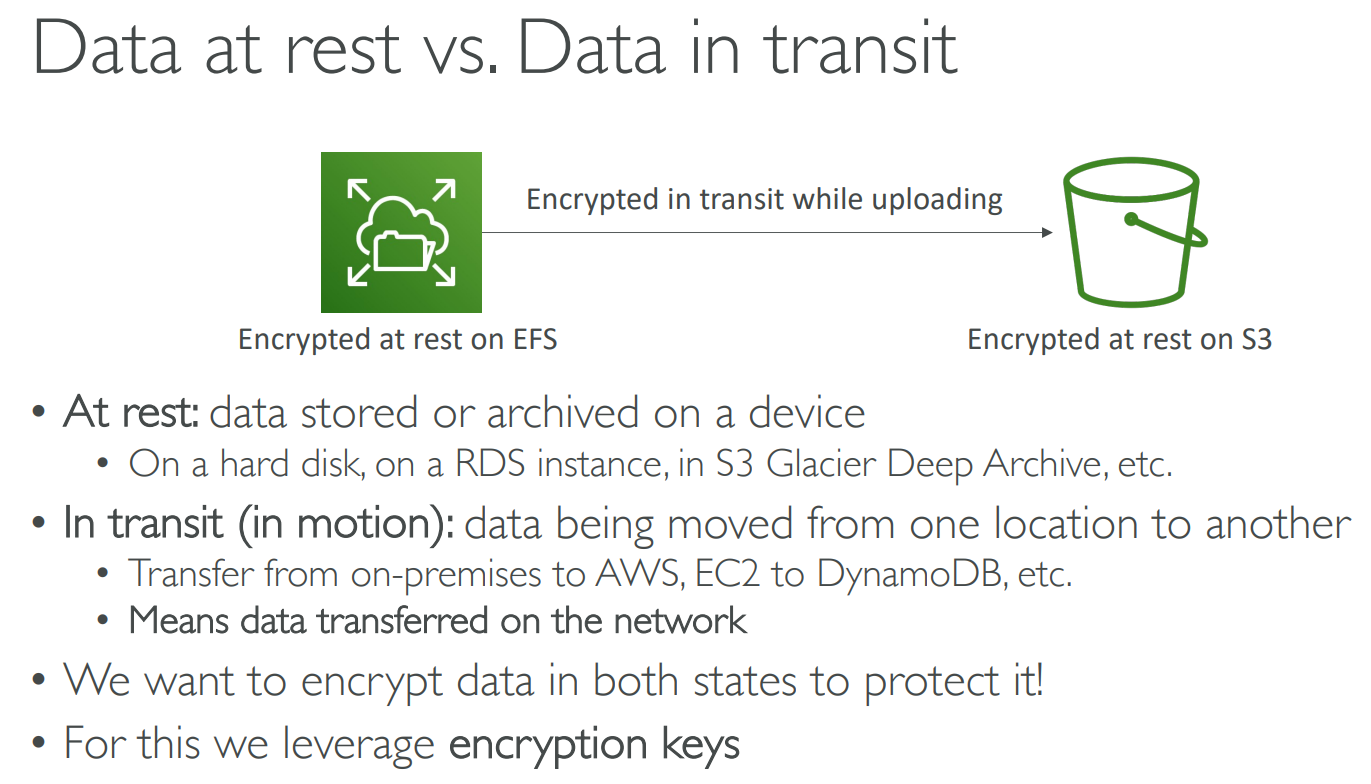
# Data at rest / in transit
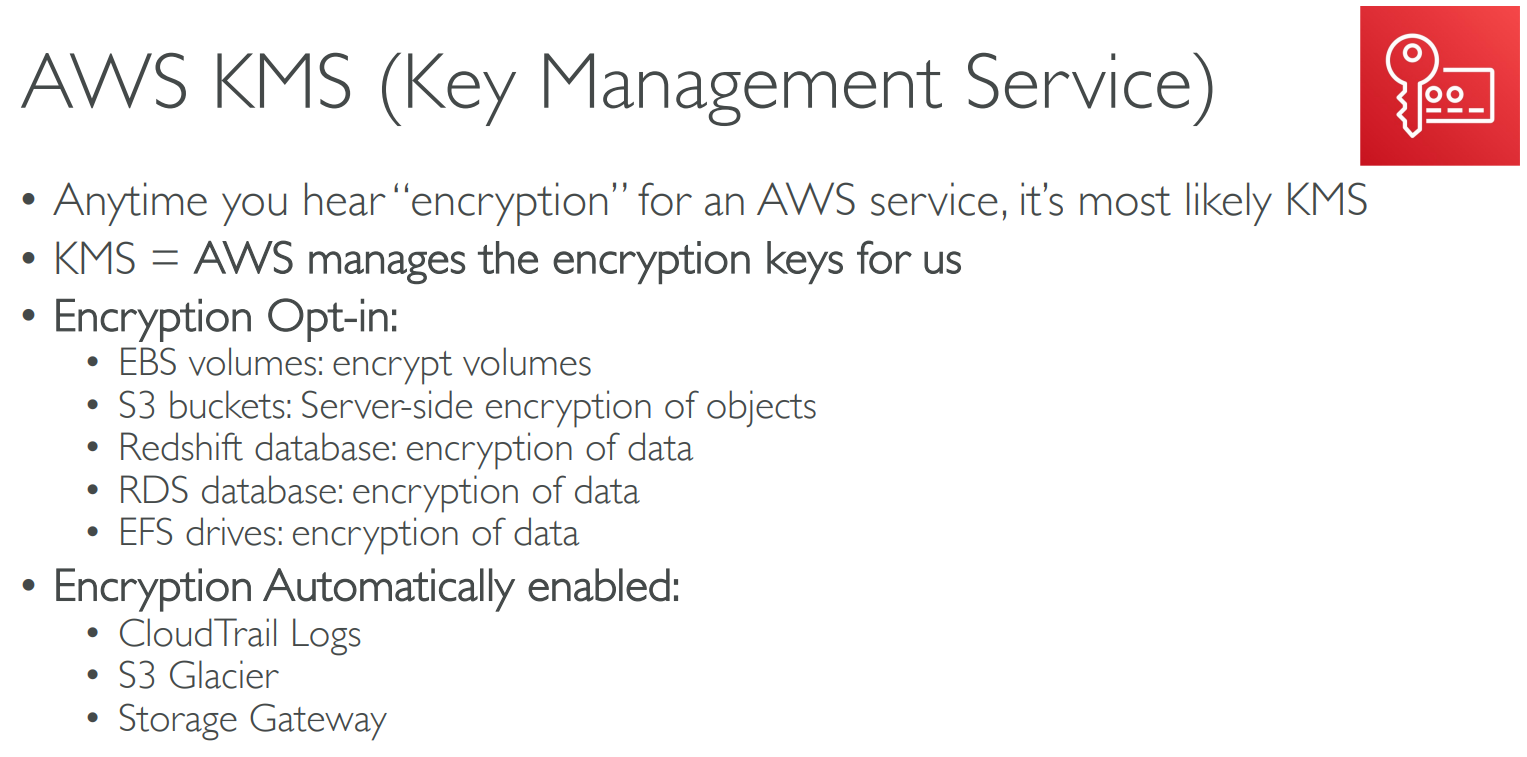
# Key Management Service(KMS)
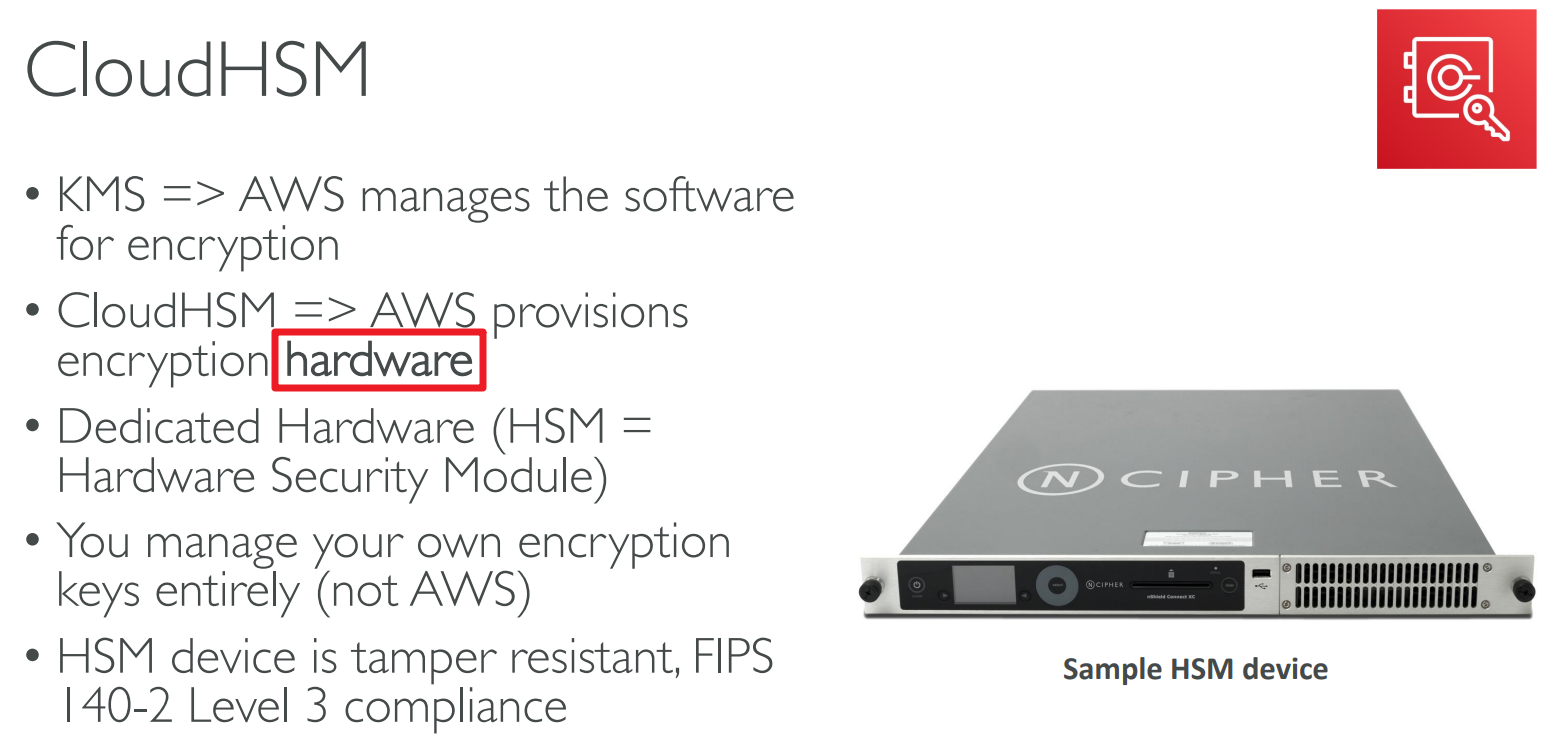
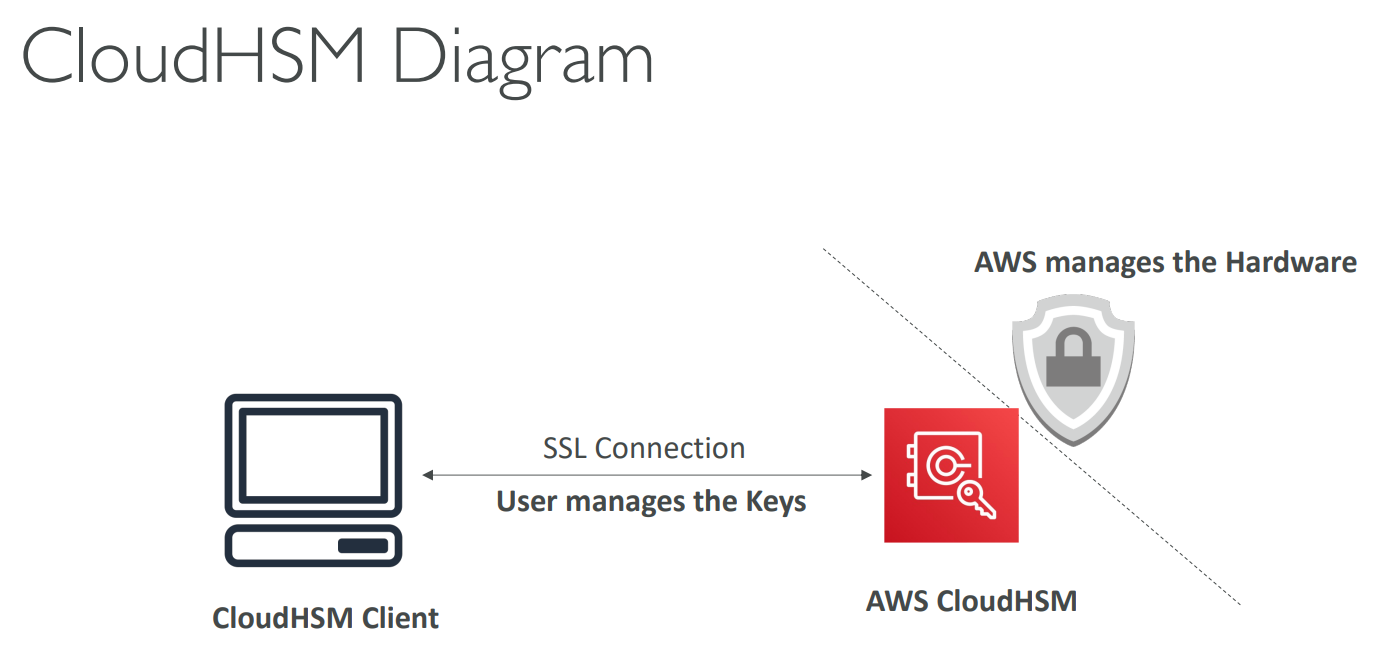
# CloudHSM
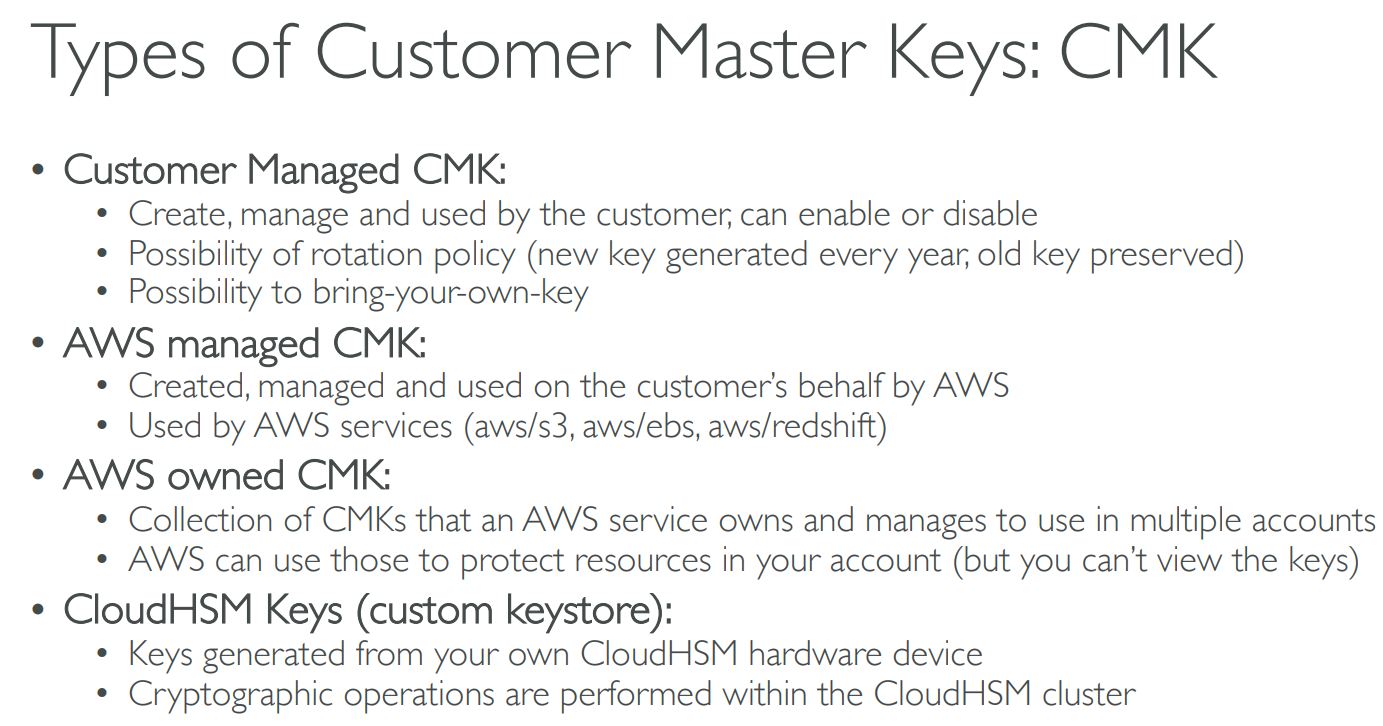
# Customer Master Keys(CMK)
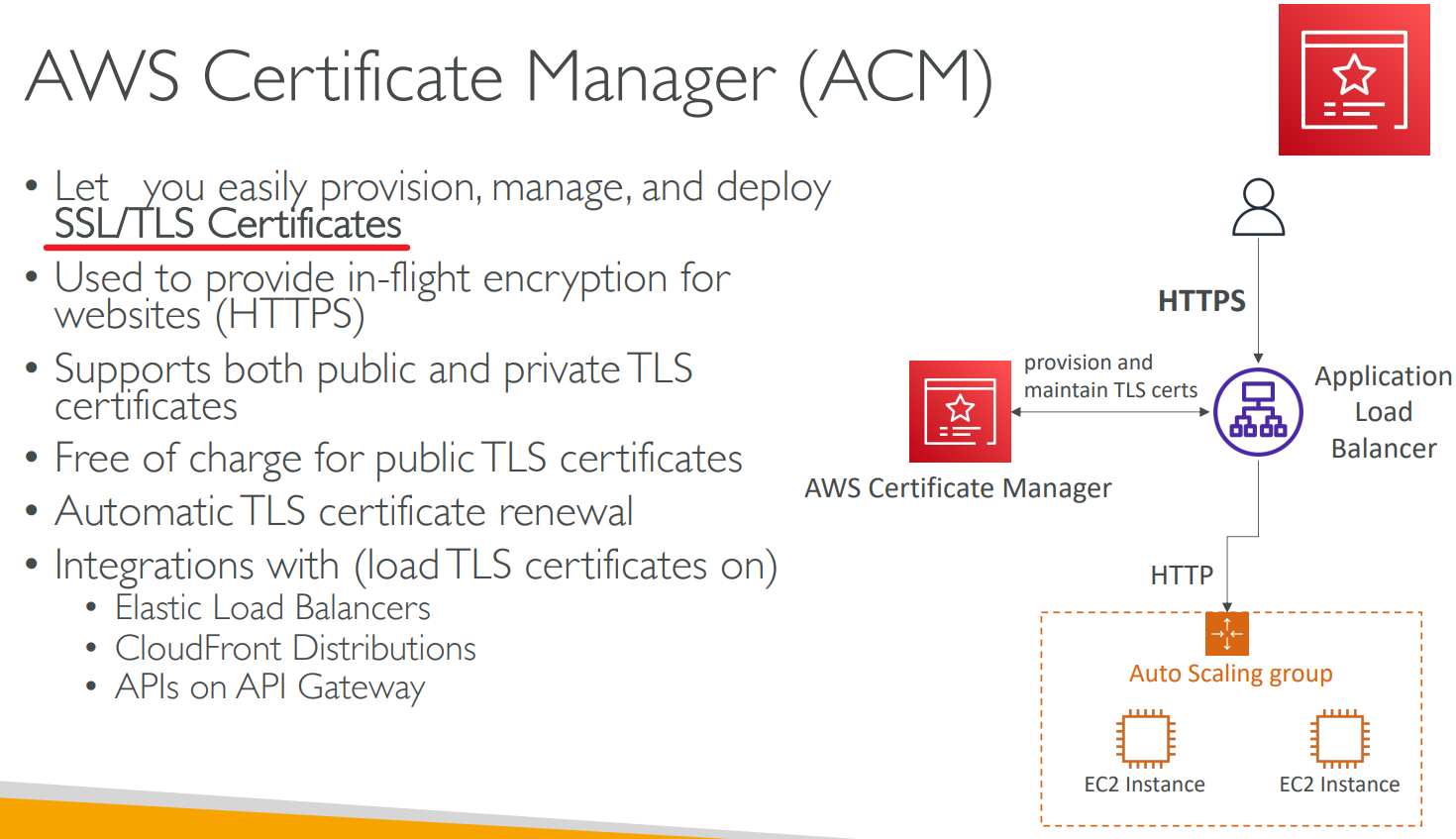
# Certificate Manager
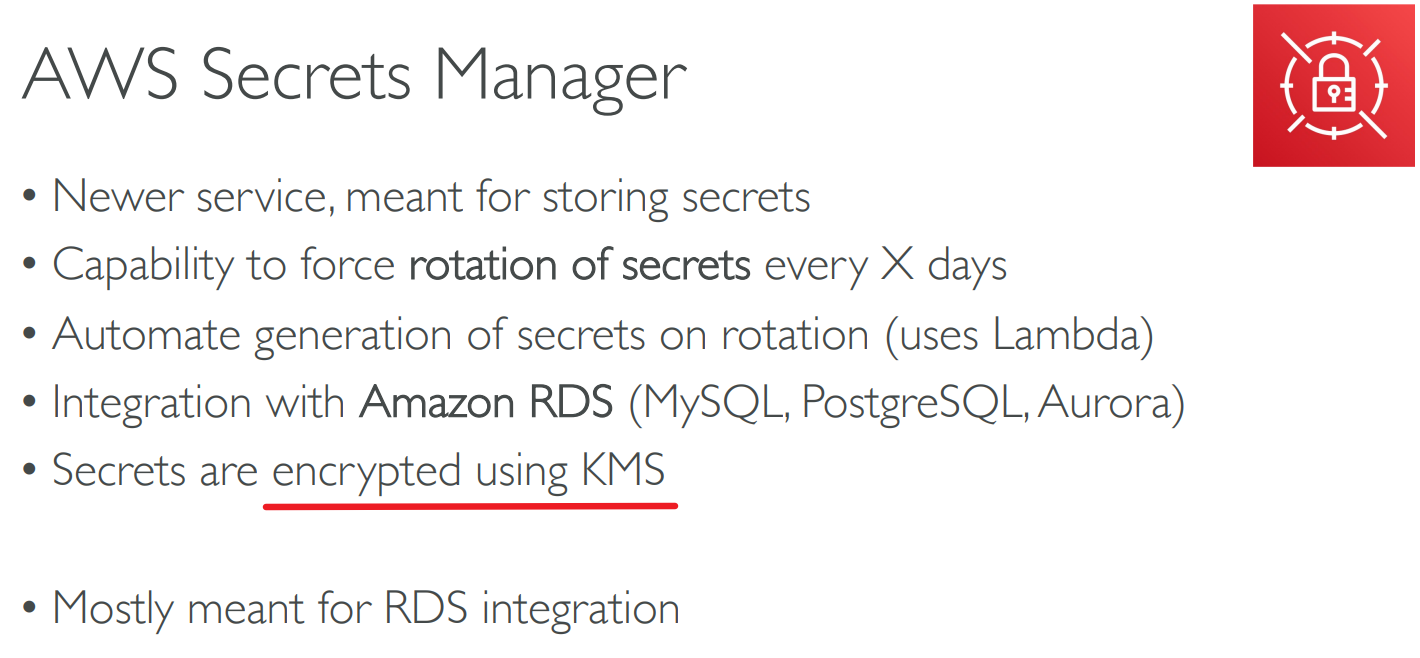
# Secrets Manager
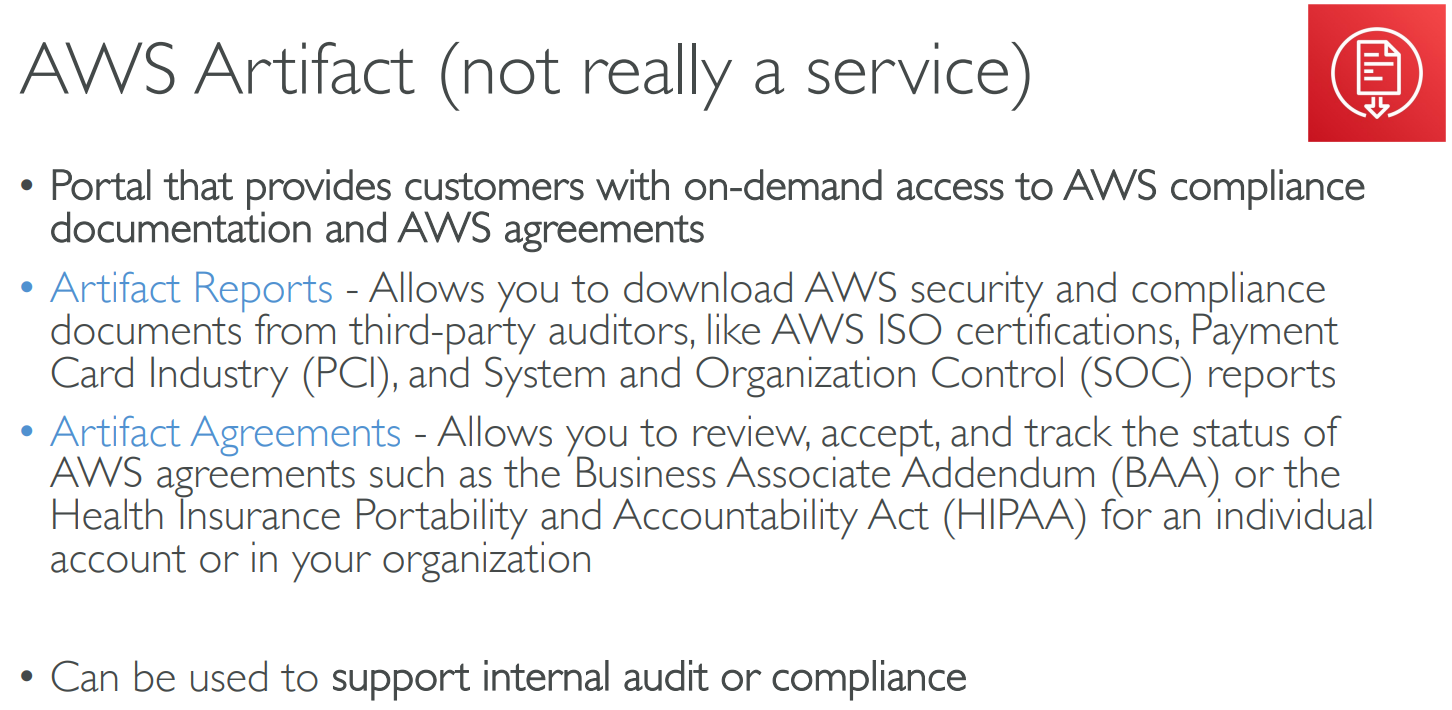
# Artifact
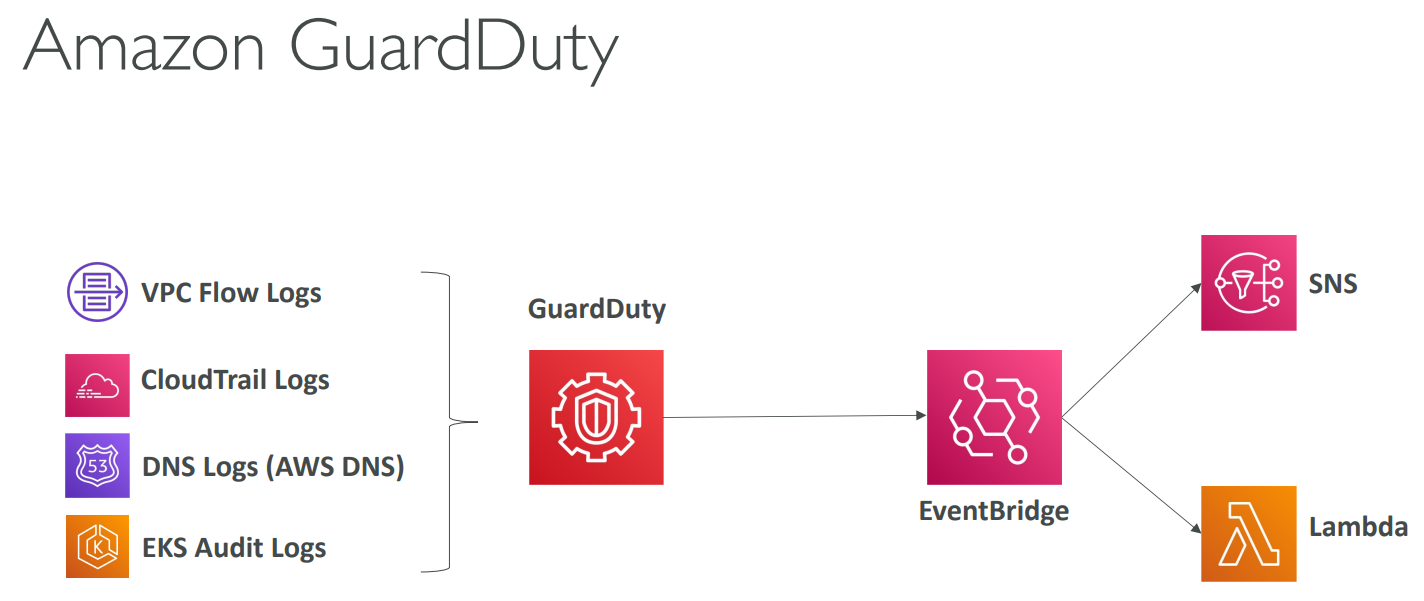
# GuardDuty

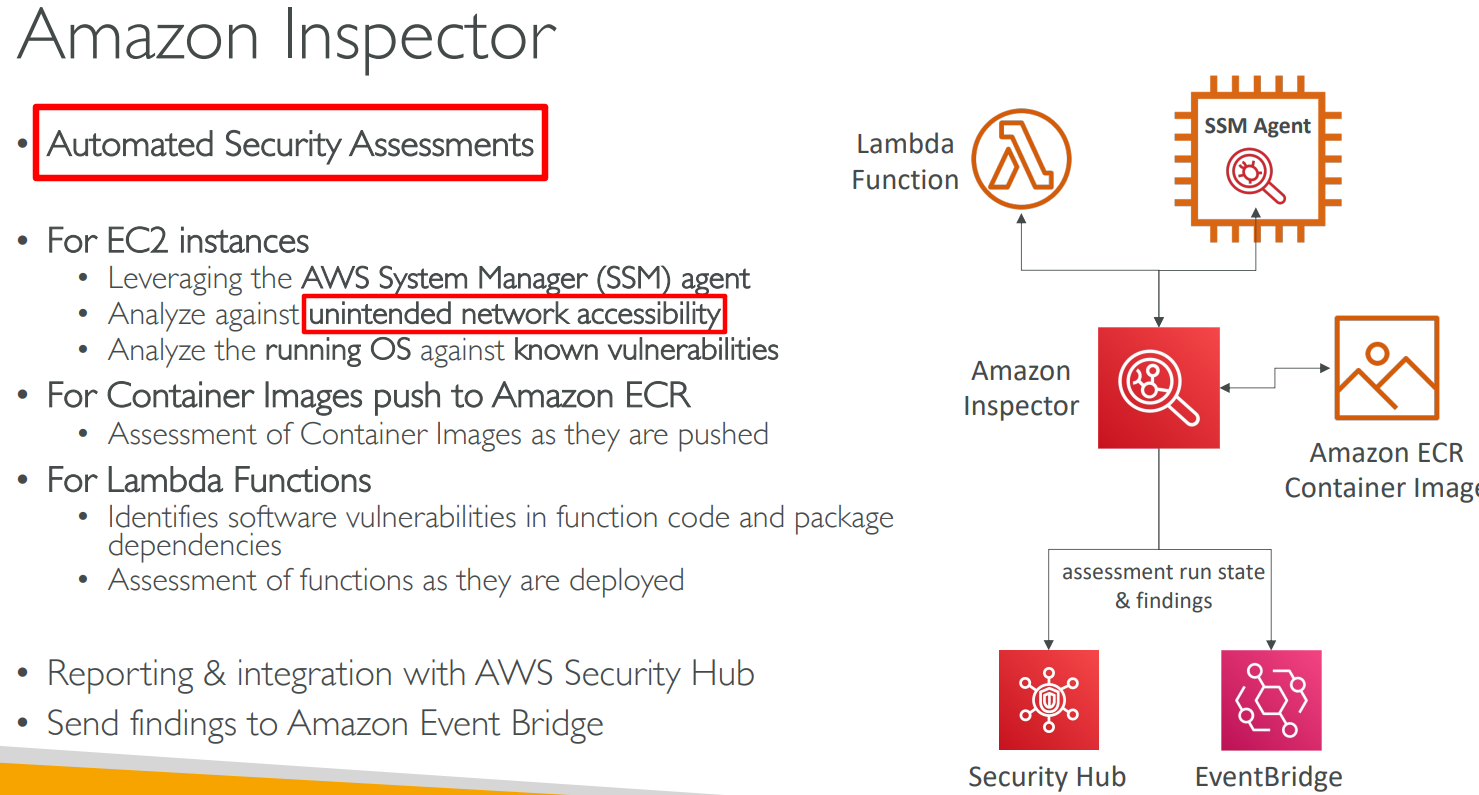
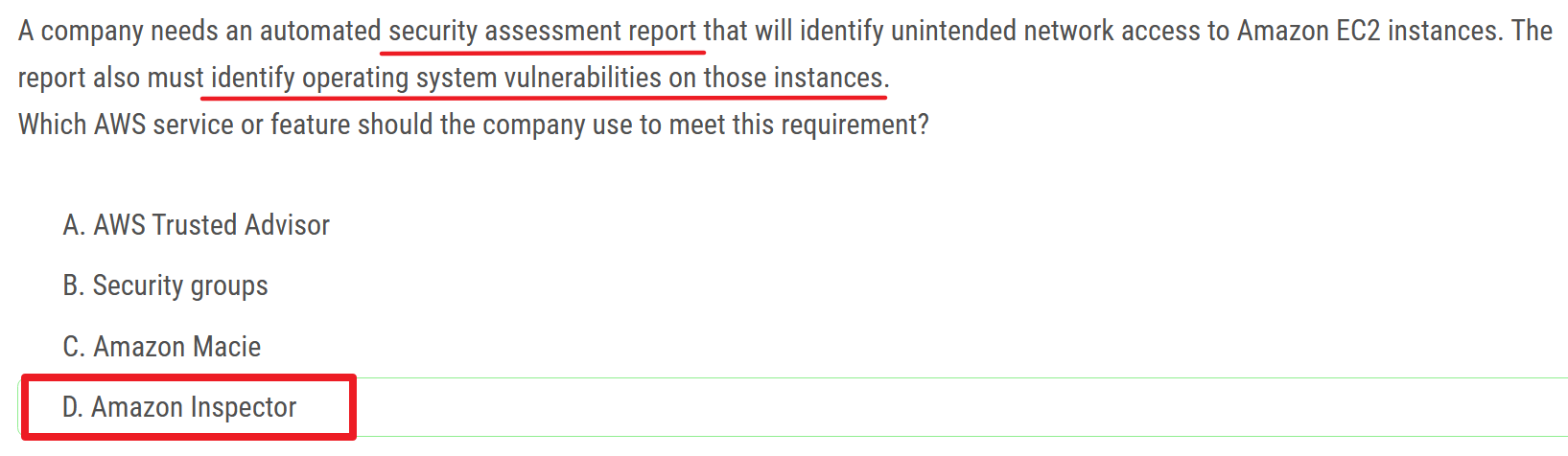
# Inspector

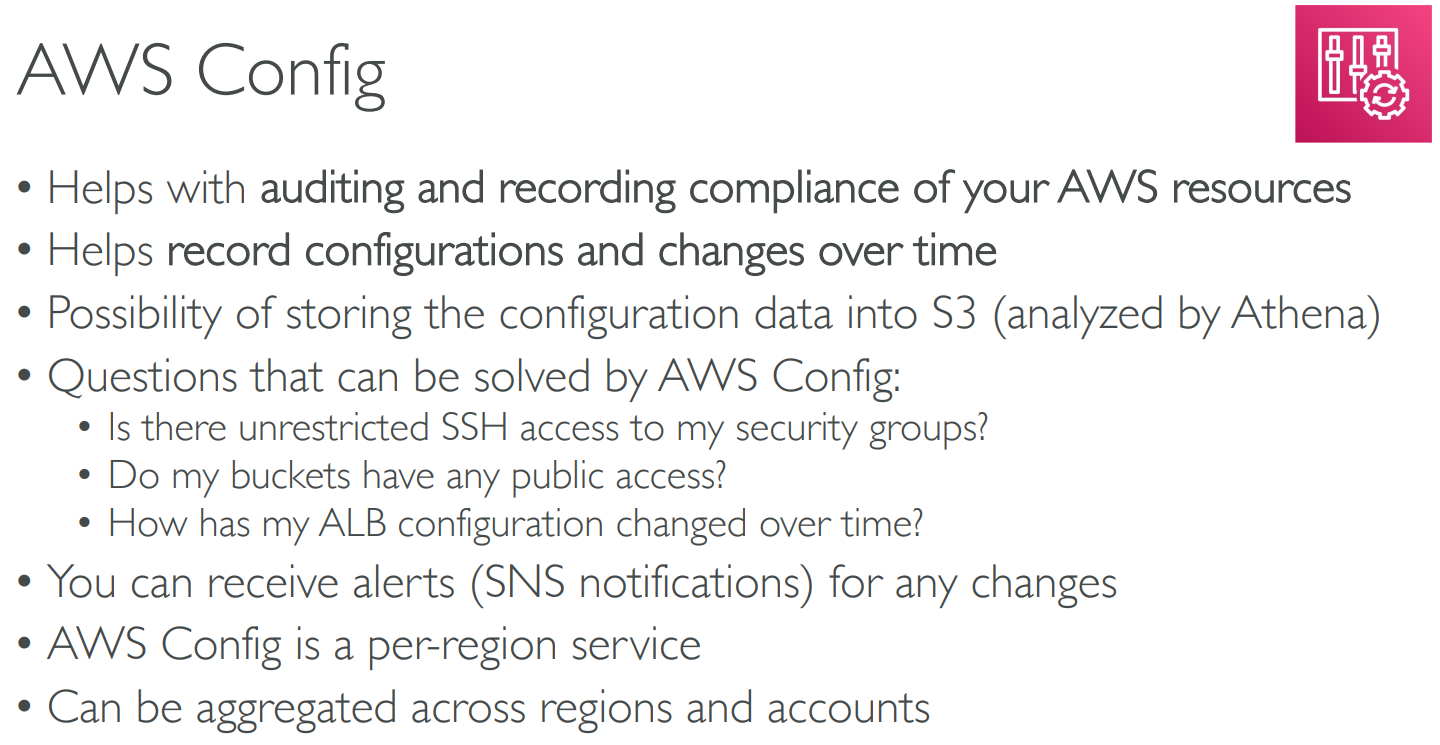
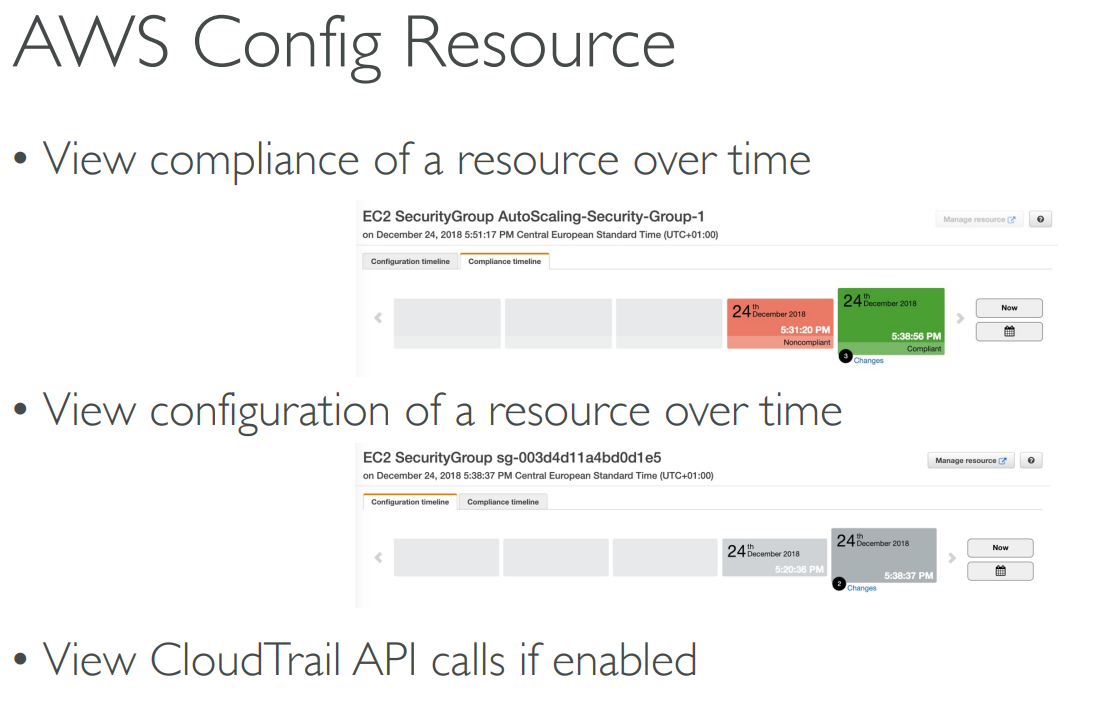
# AWS Config
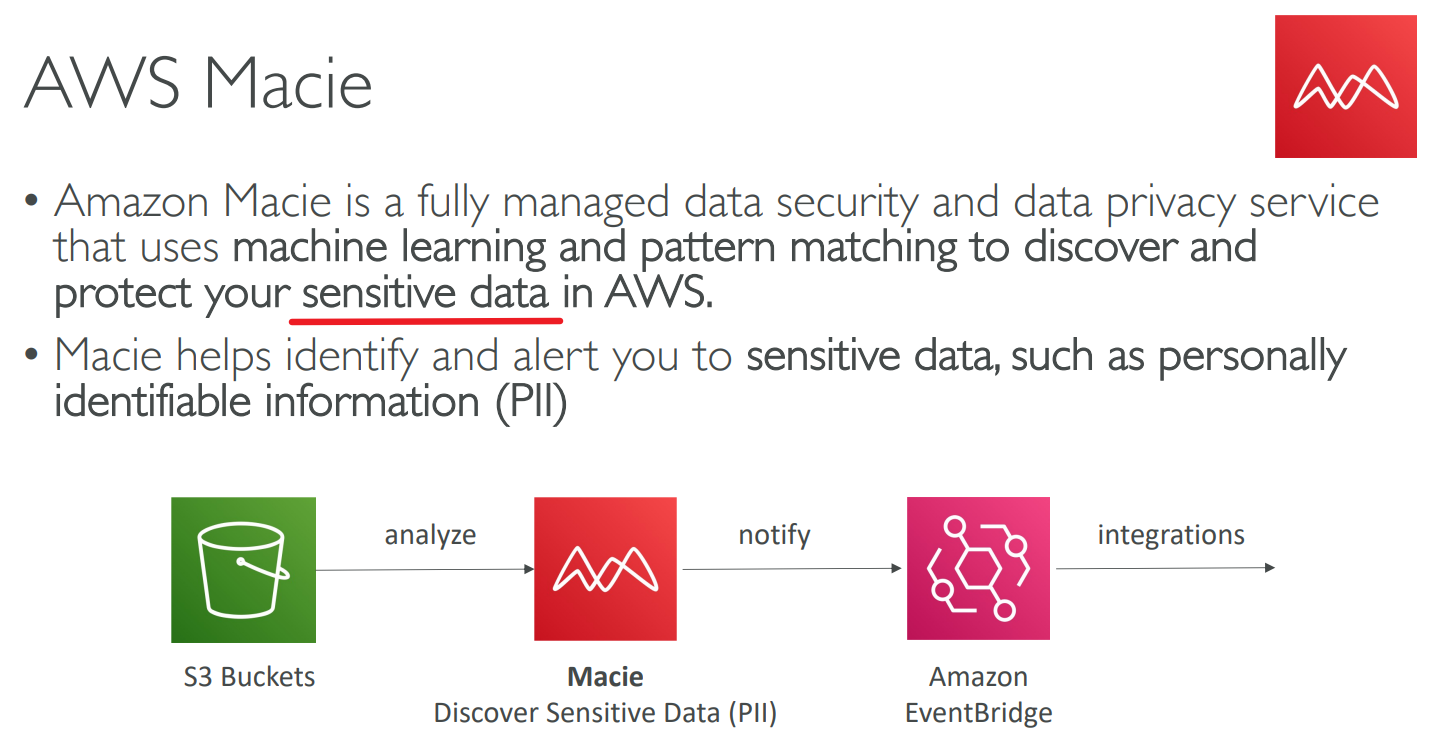
# Macie
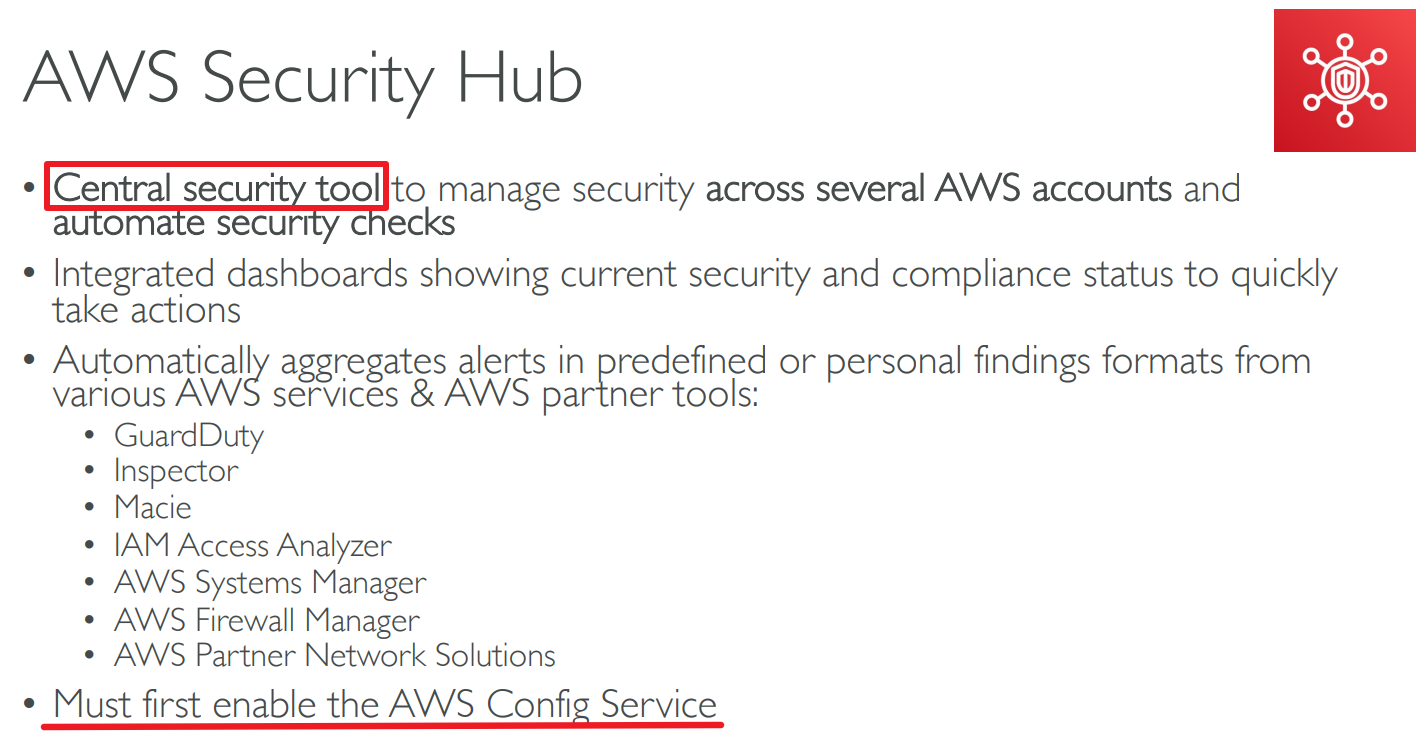
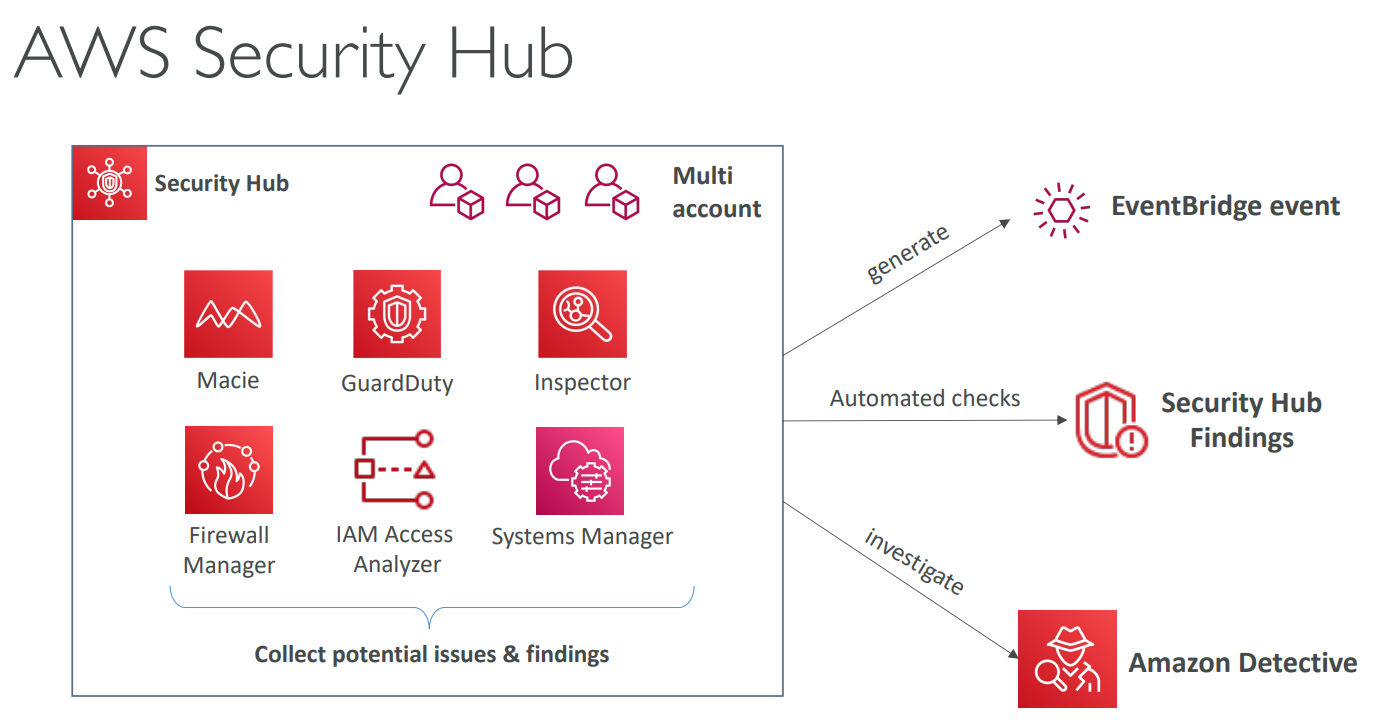
# Security Hub
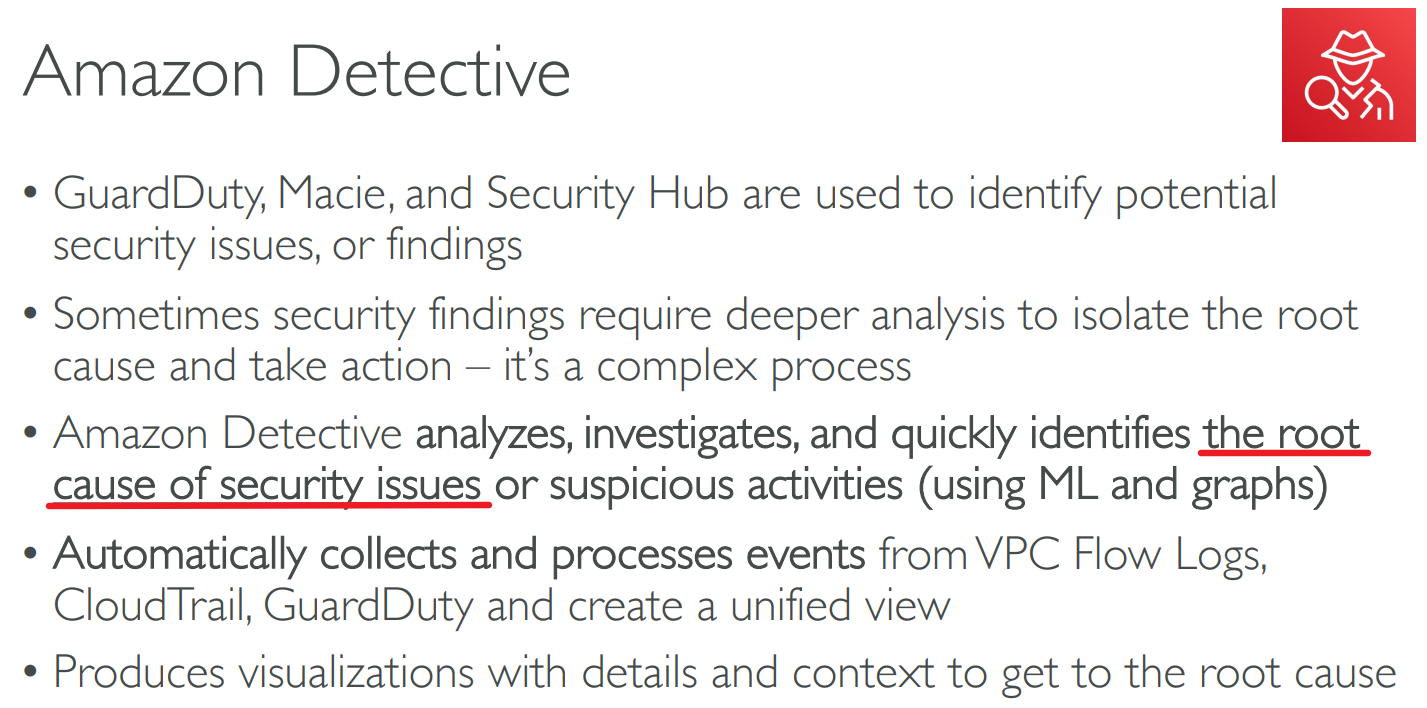
# Detective
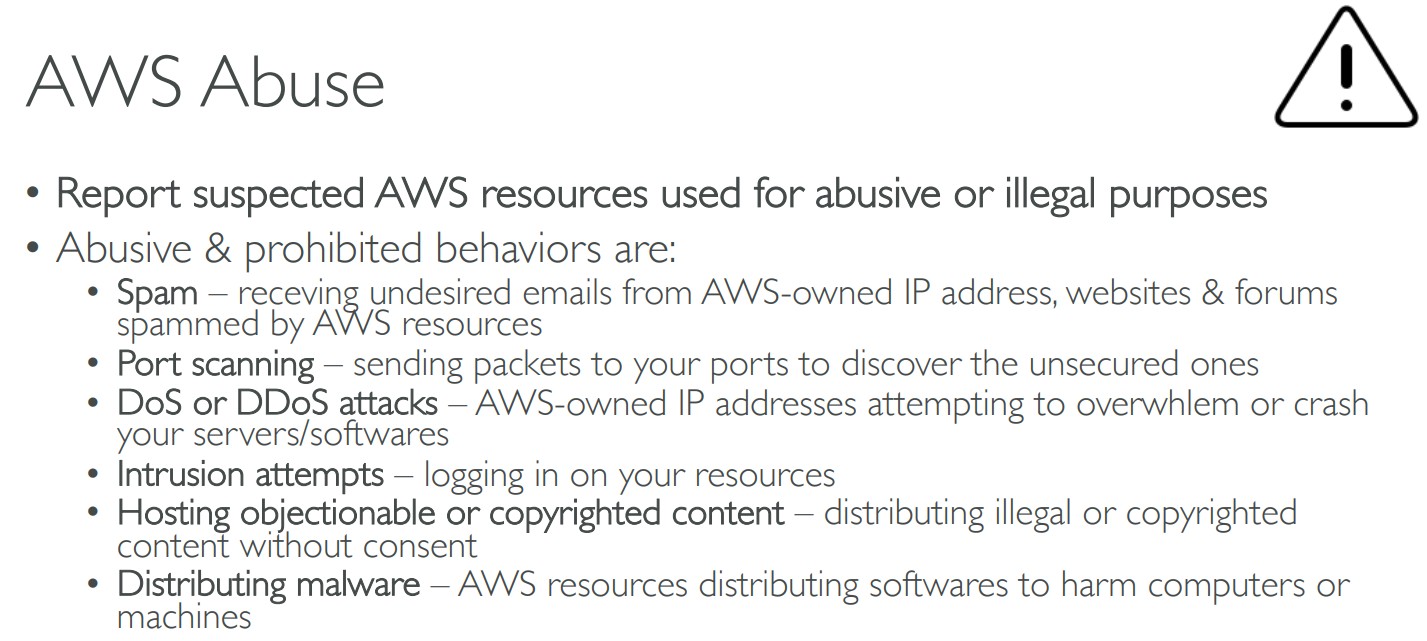
# Abuse
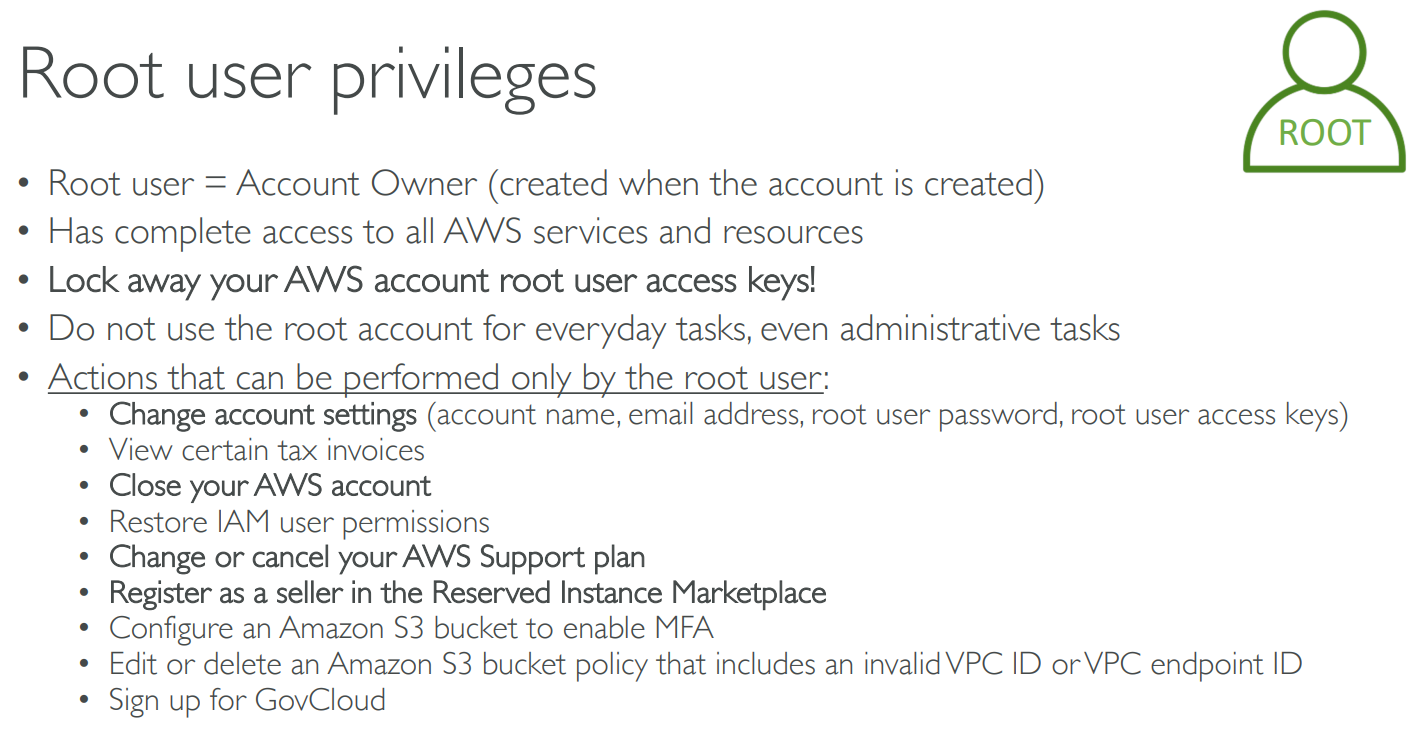
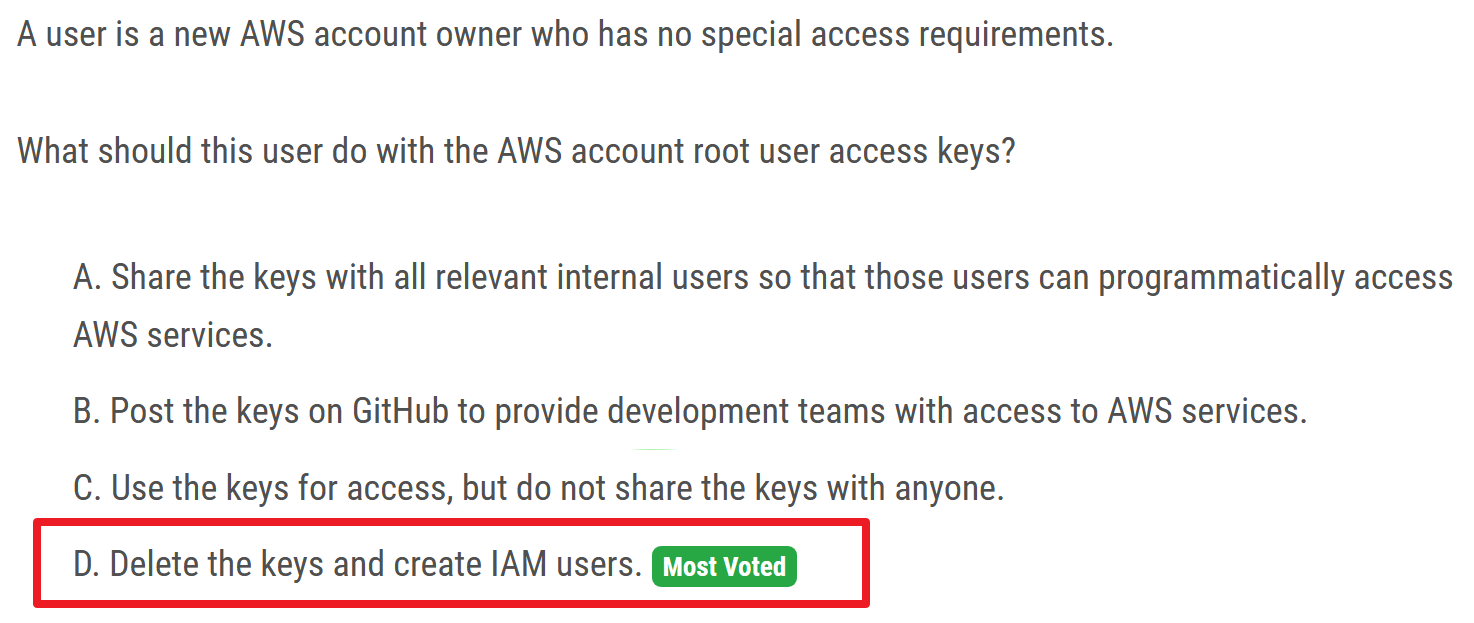
# Root User Privileges
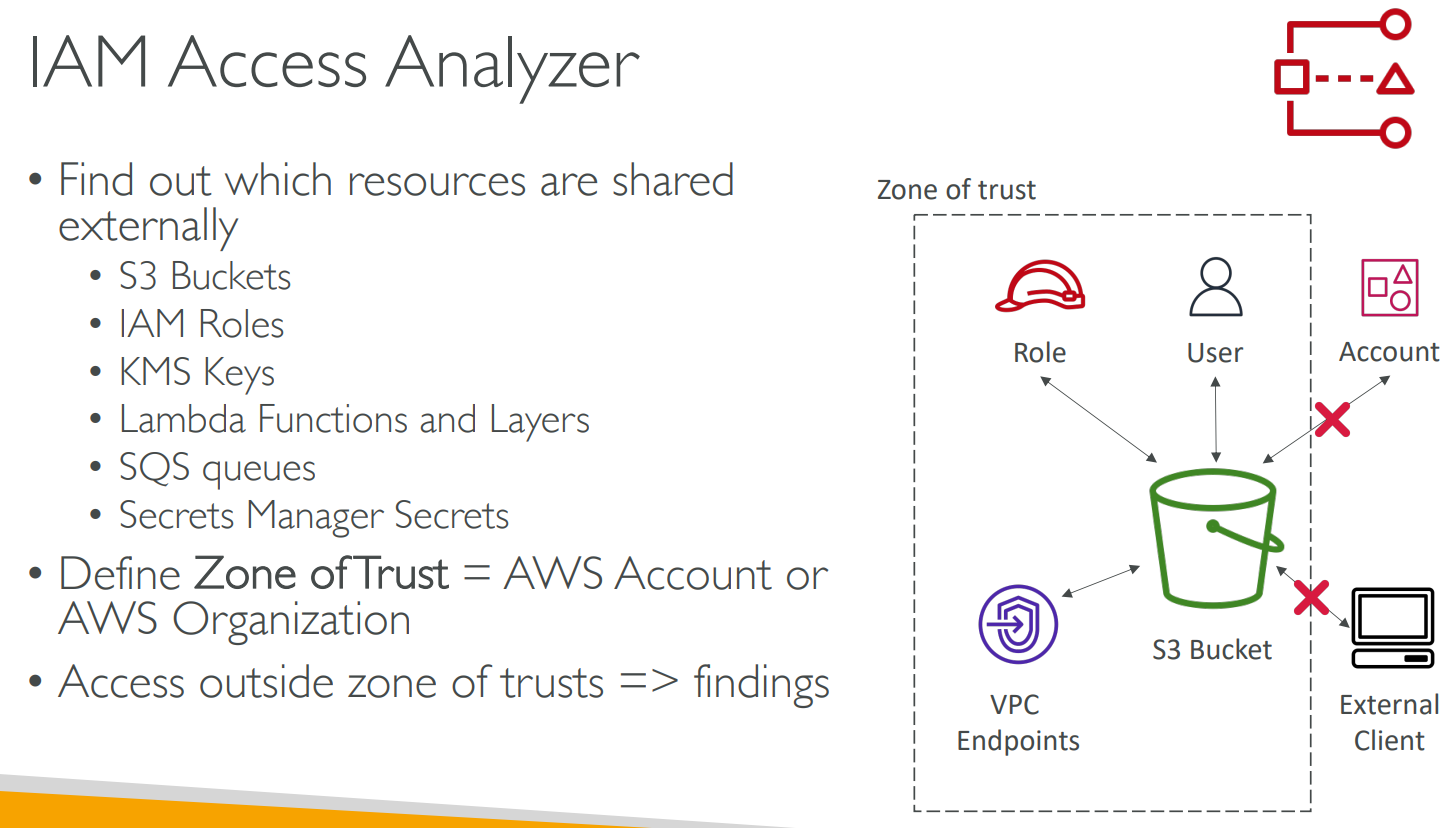
# IAM Access Analyzer
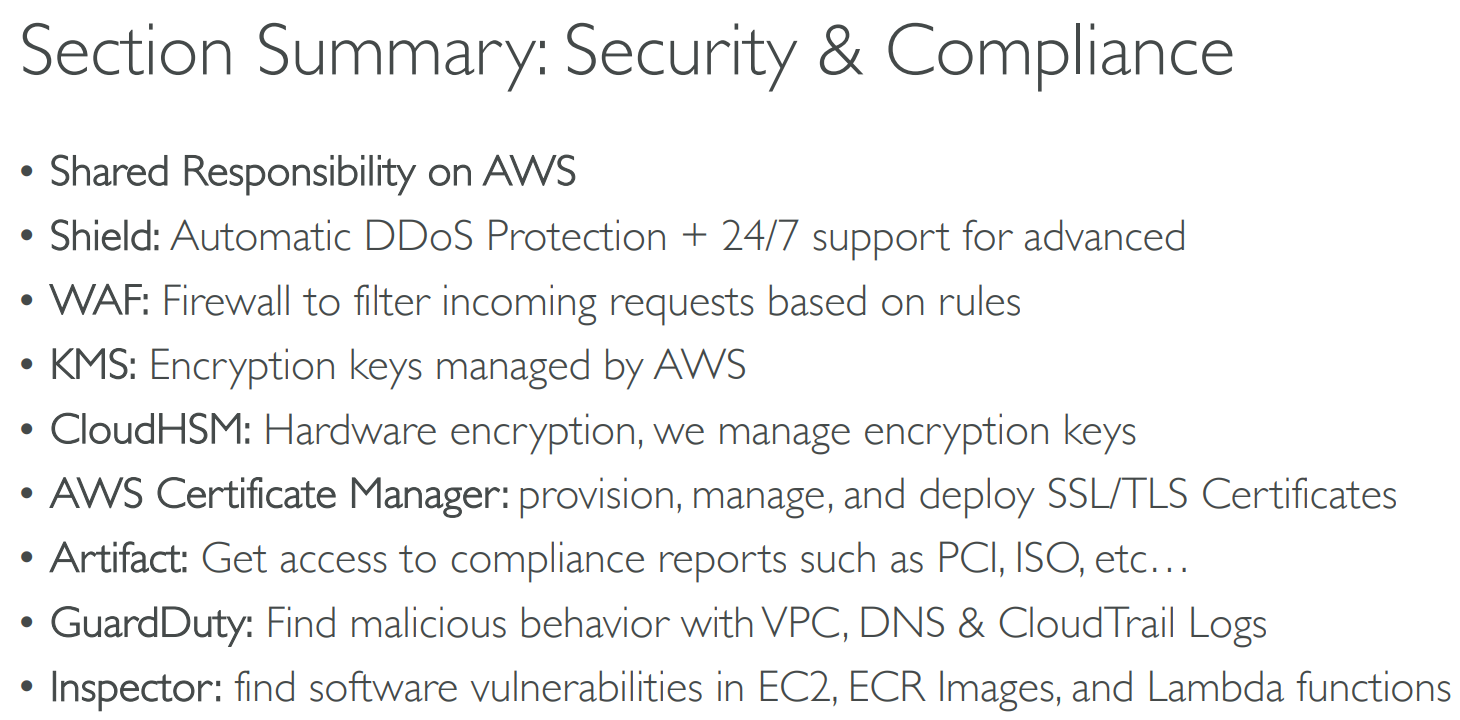
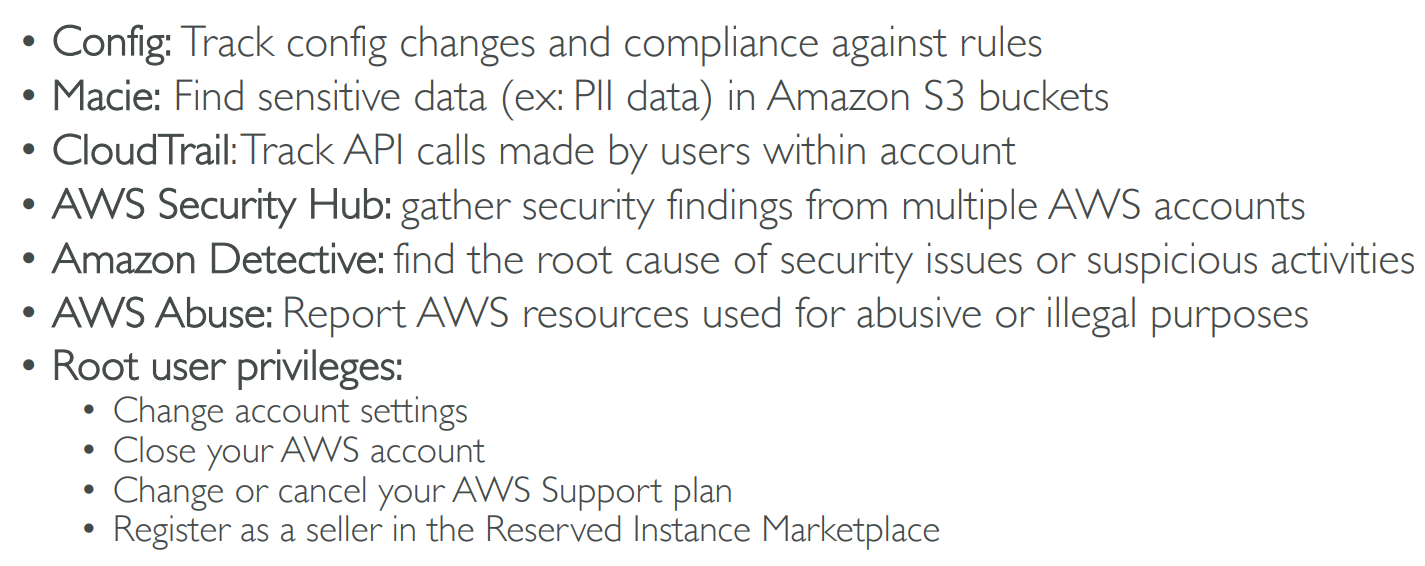
# Summary
# 【17】Machine Learning
# Rekognition
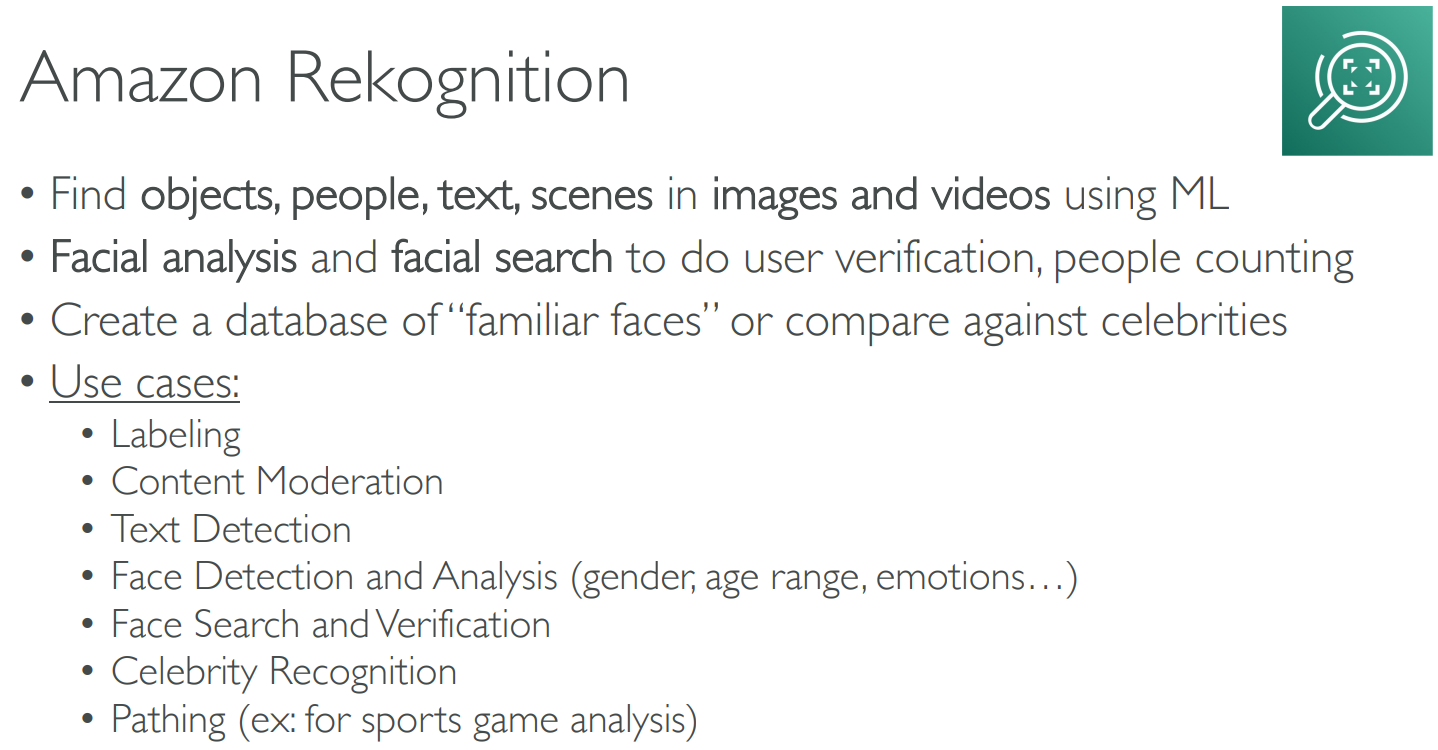
- organize, characterize, and search large numbers of images
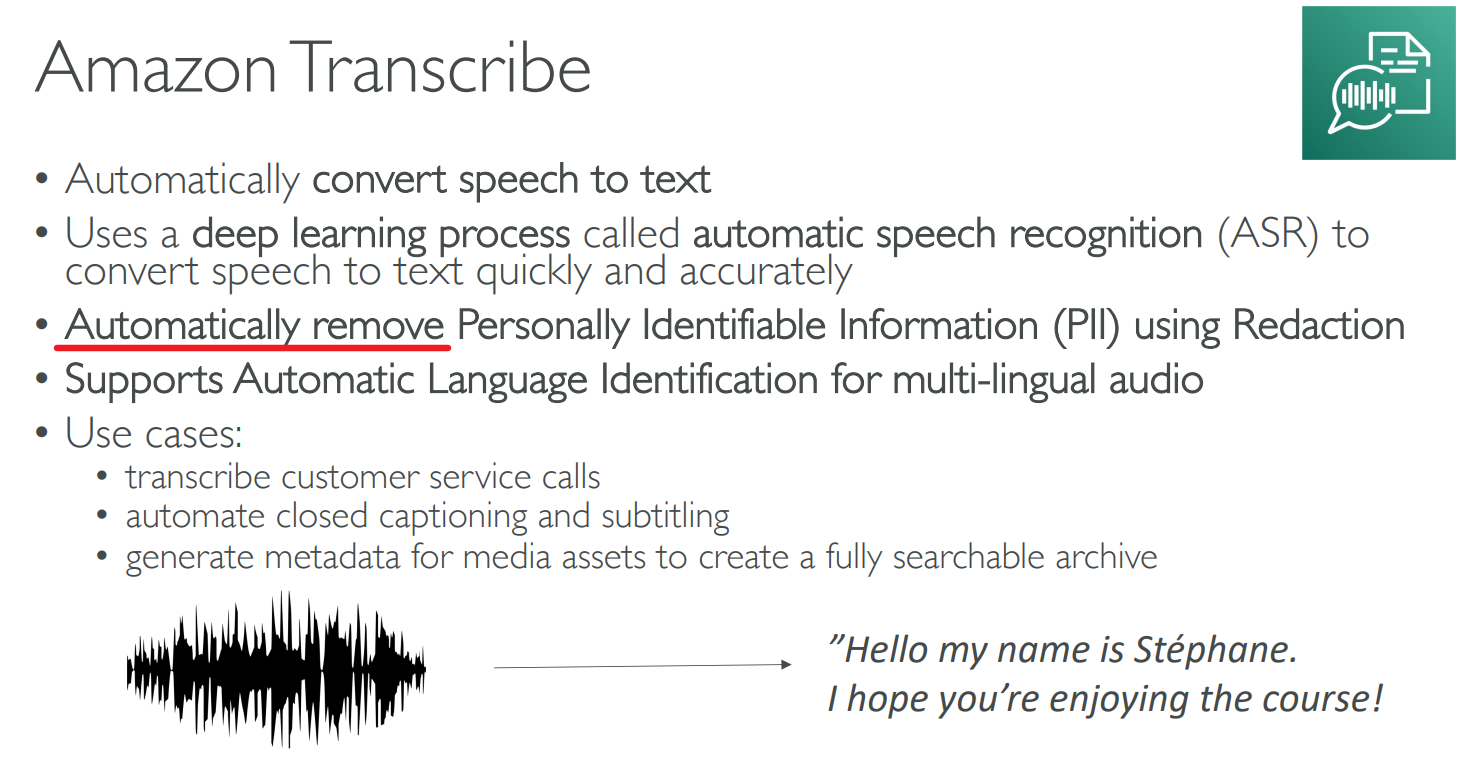
# Transcribe
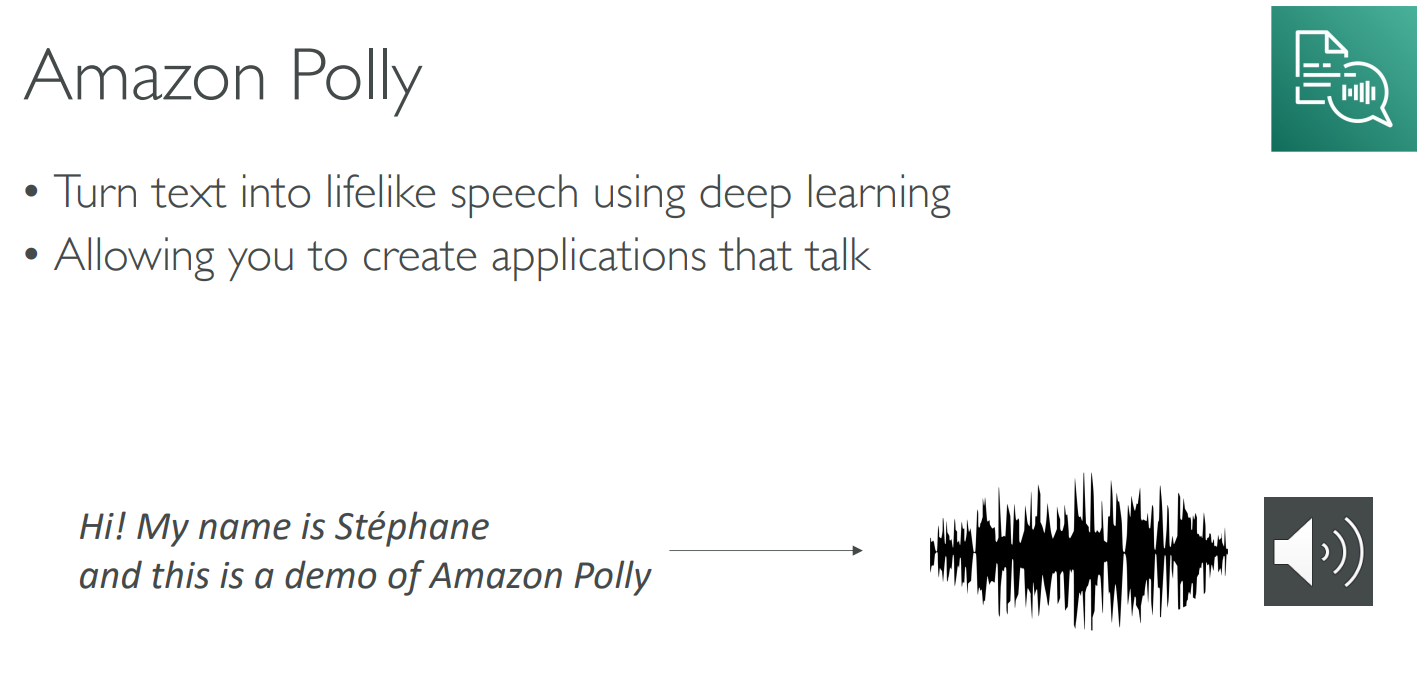
# Polly
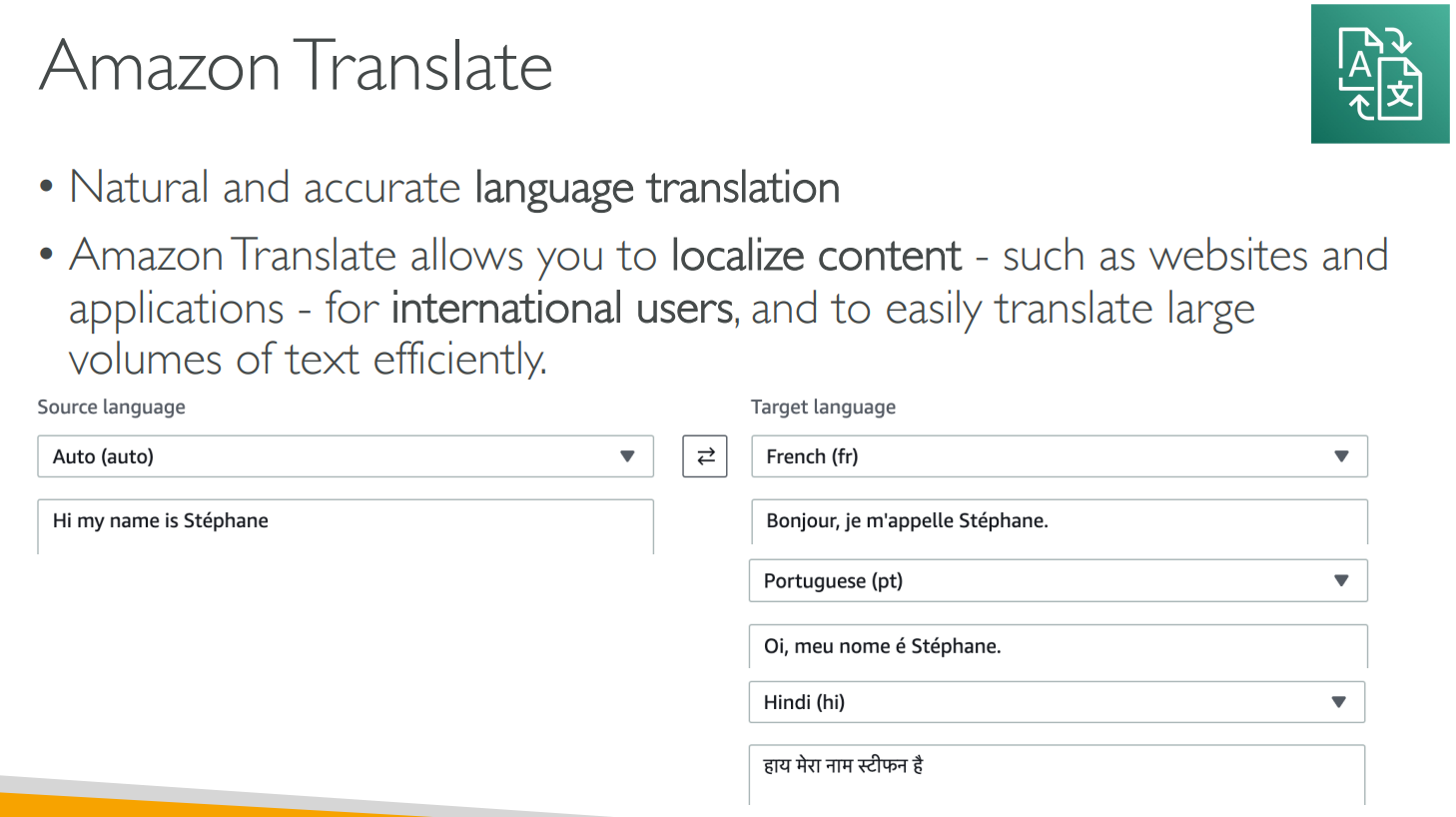
# Translate
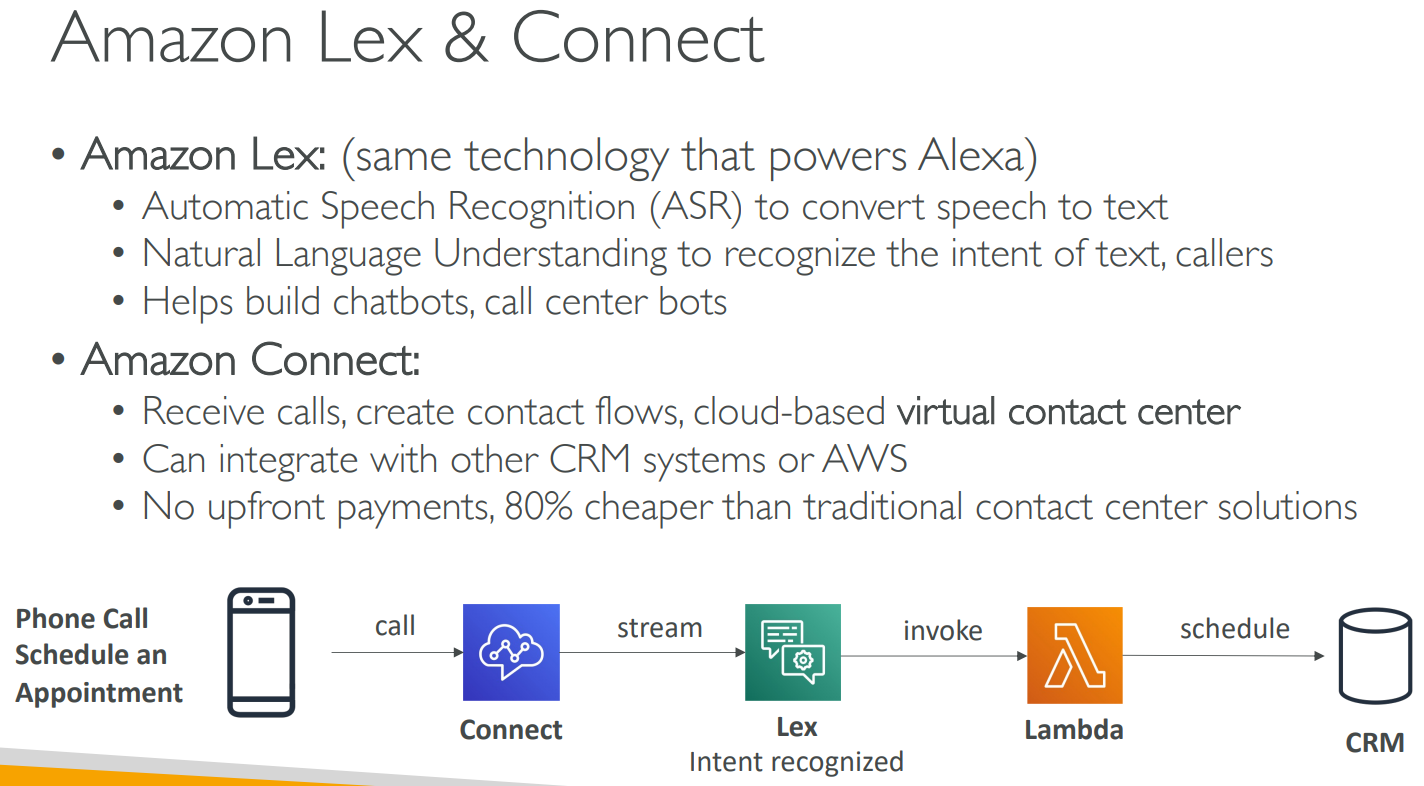
# Lex & Connect
# Comprehend
# SageMaker
# Forecast
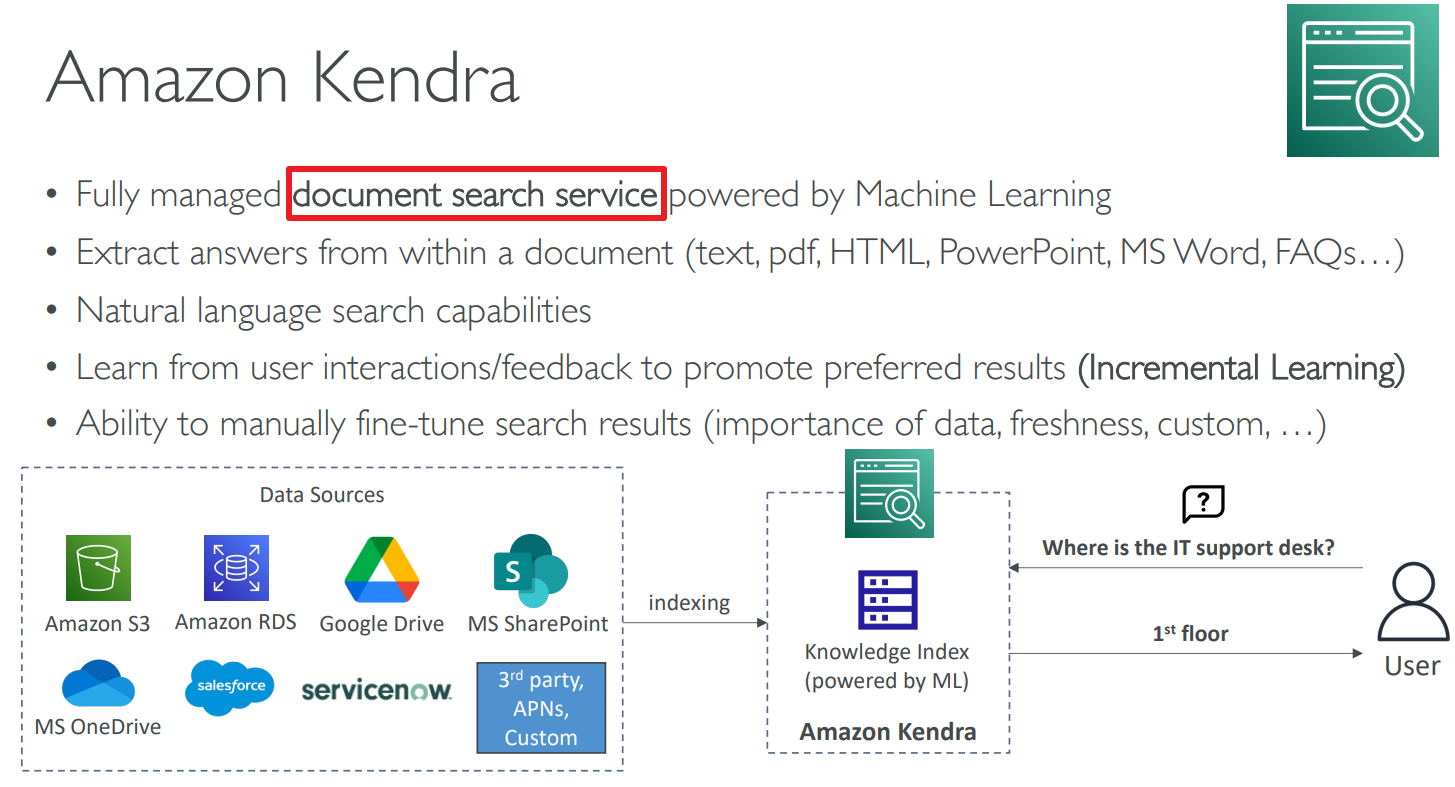
# Kendra
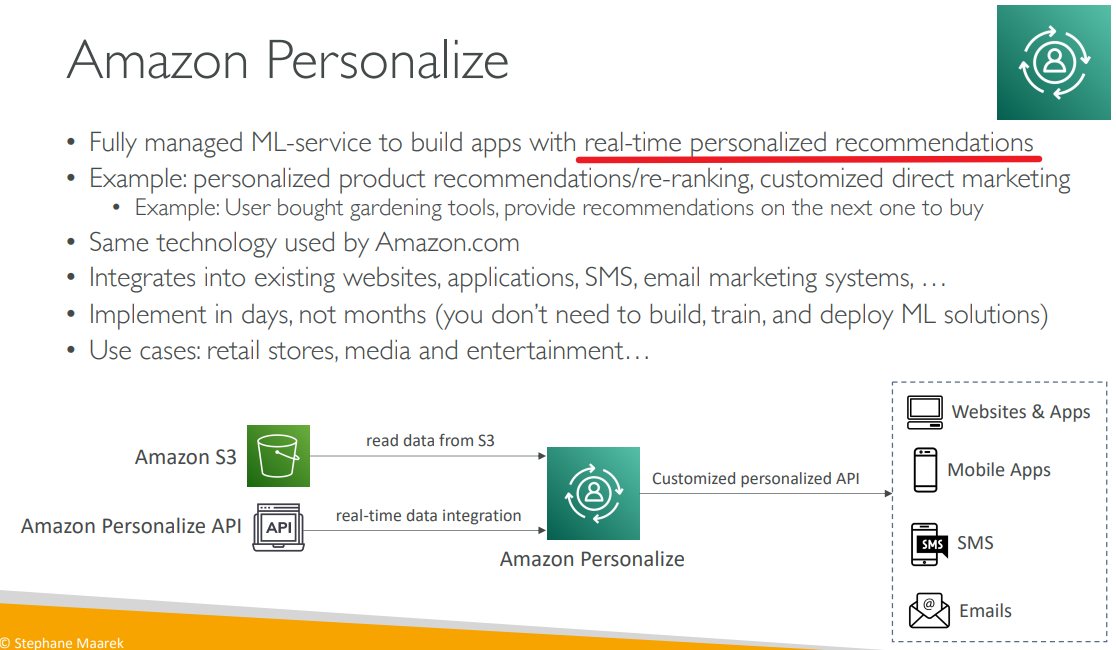
# Personalize
# Textract

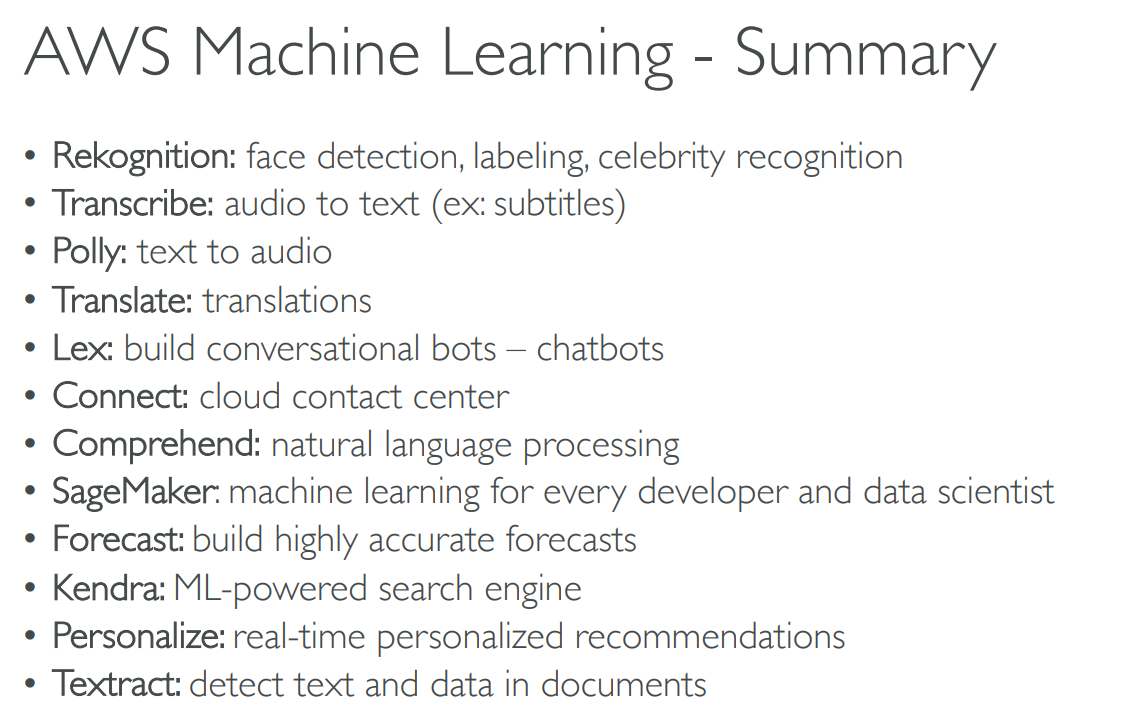
# Summary
# 【18】Account Management, Billing & Support
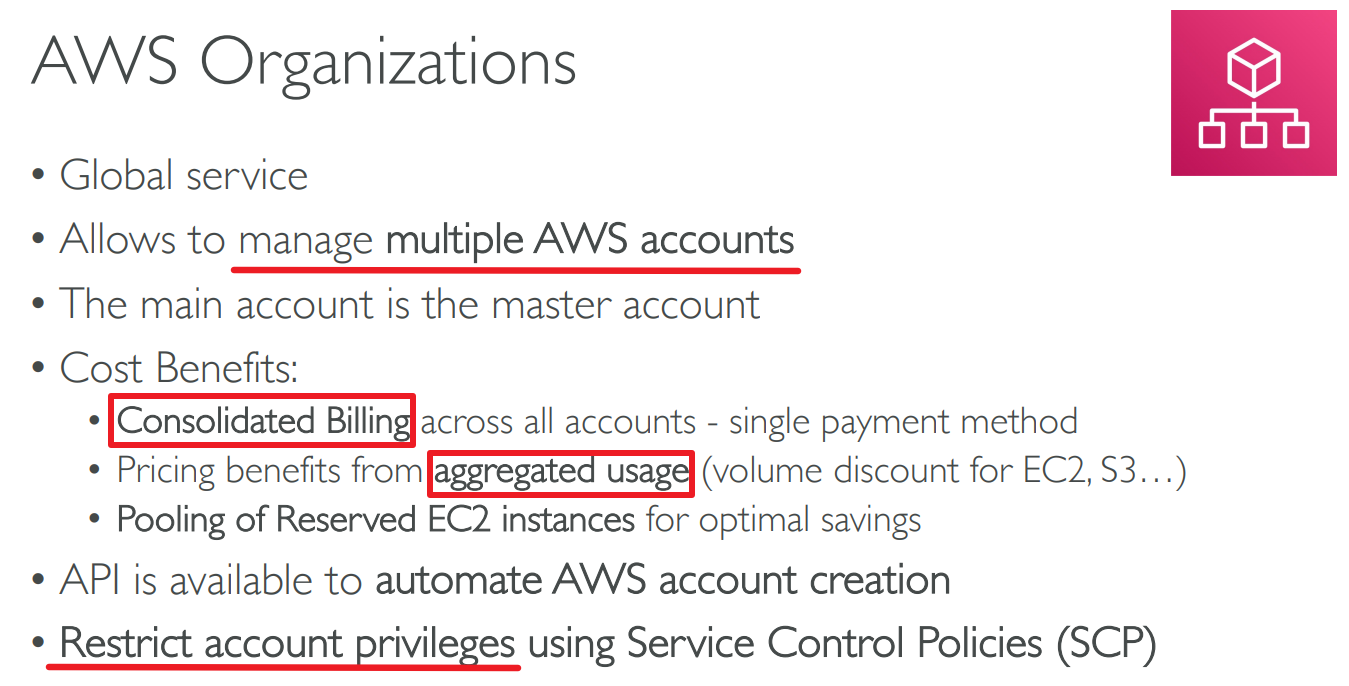
# Organizations
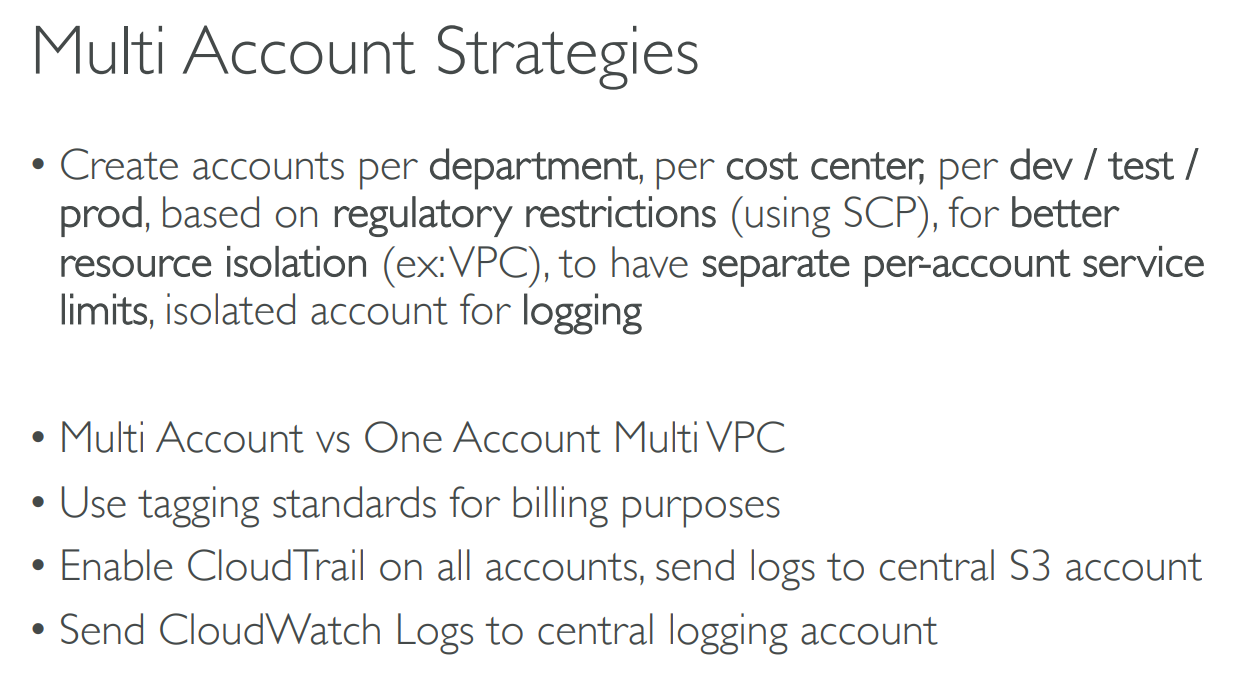
# Multi Account Strategies
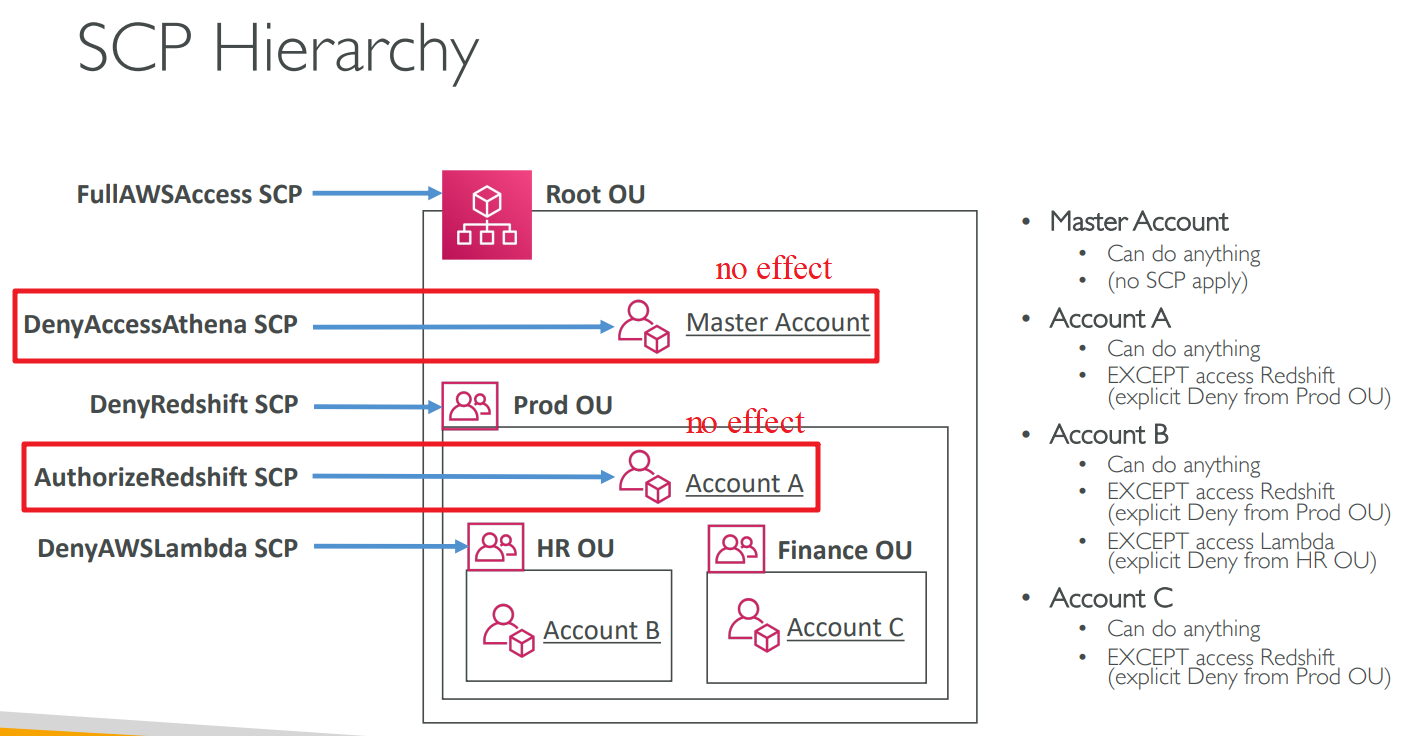
# Service Control Policies(SCP)
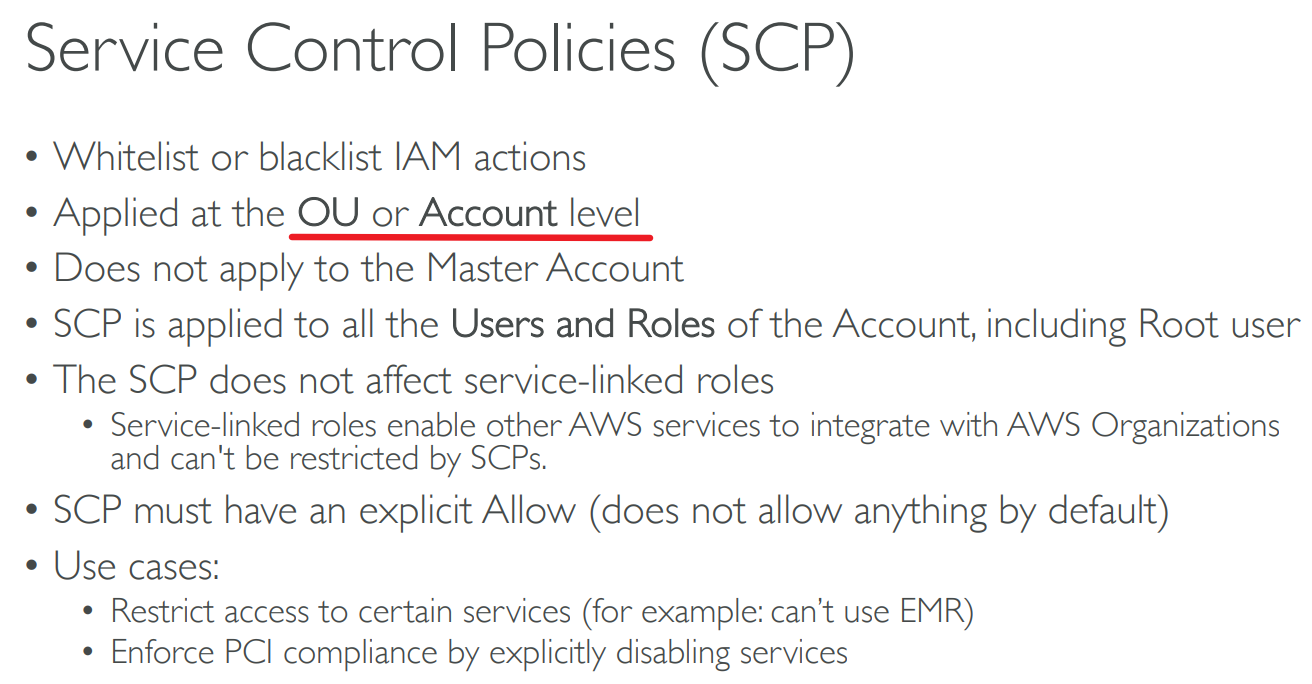
OU: Organization Unit
# Control Tower

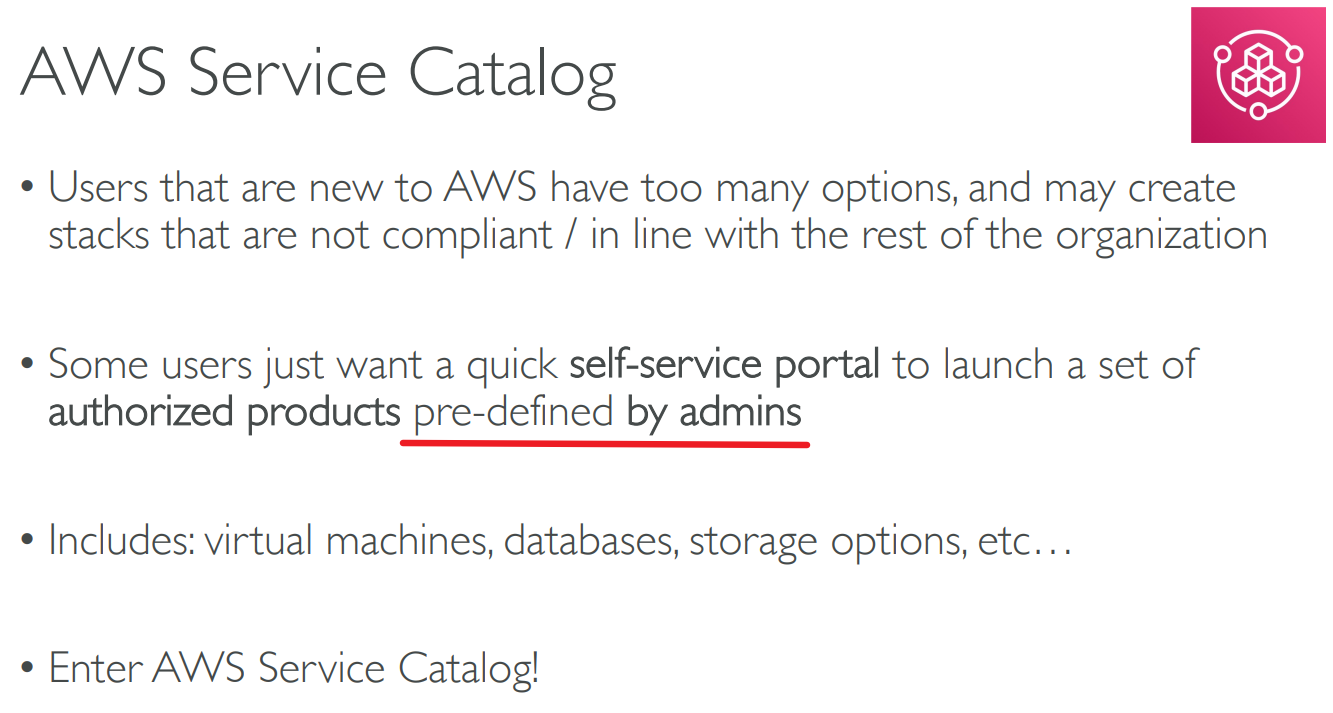
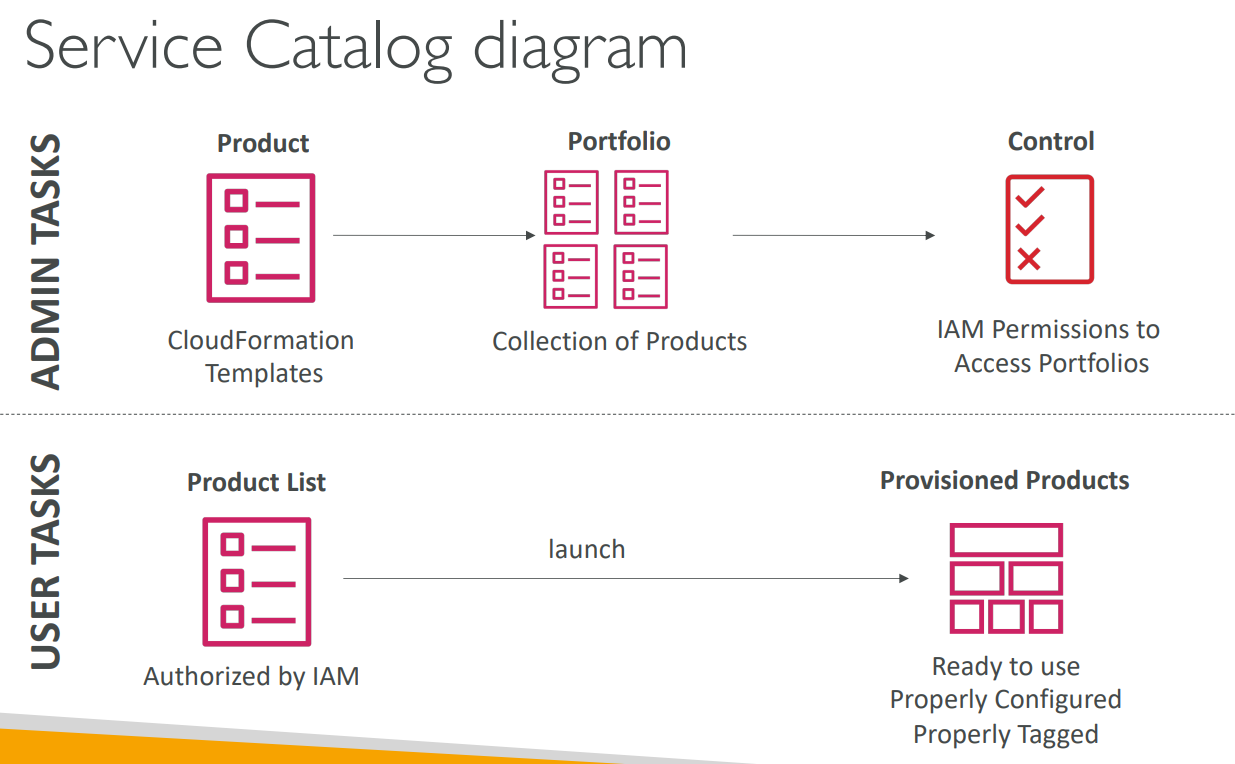
# Service Catalog
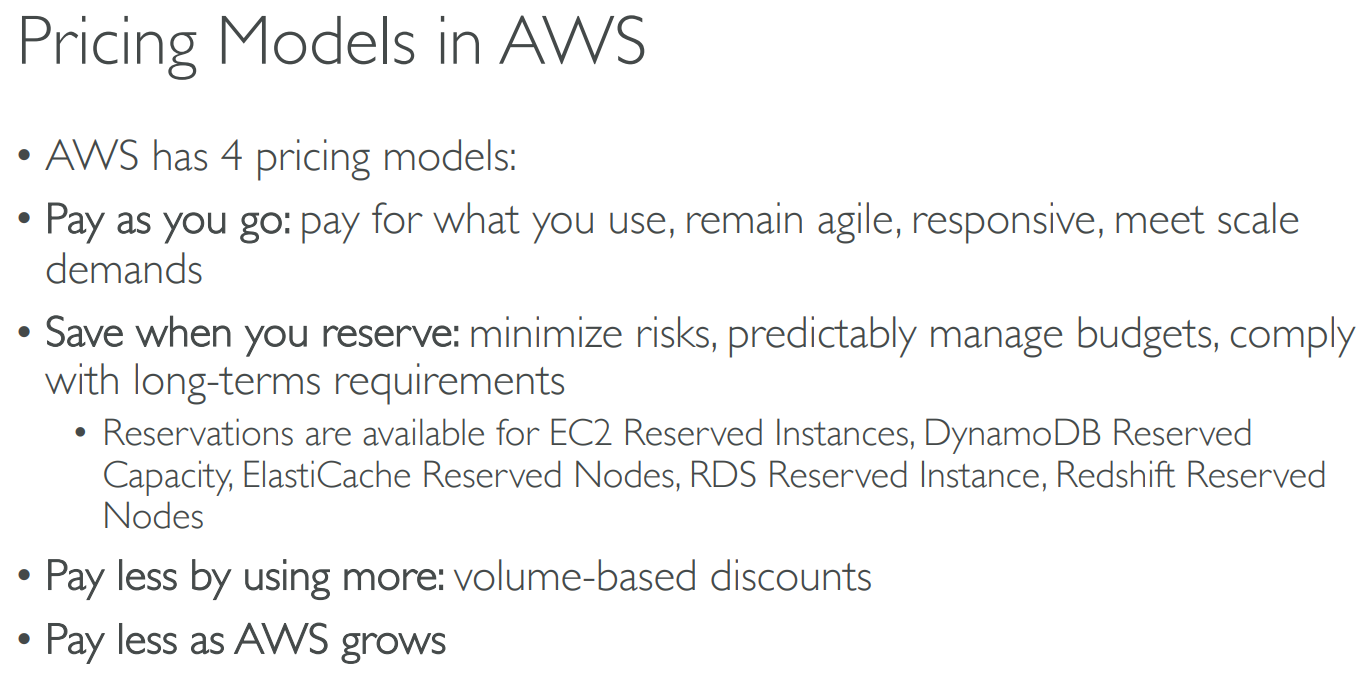
# Pricing Models
# free services & tier

# [+]Pricing
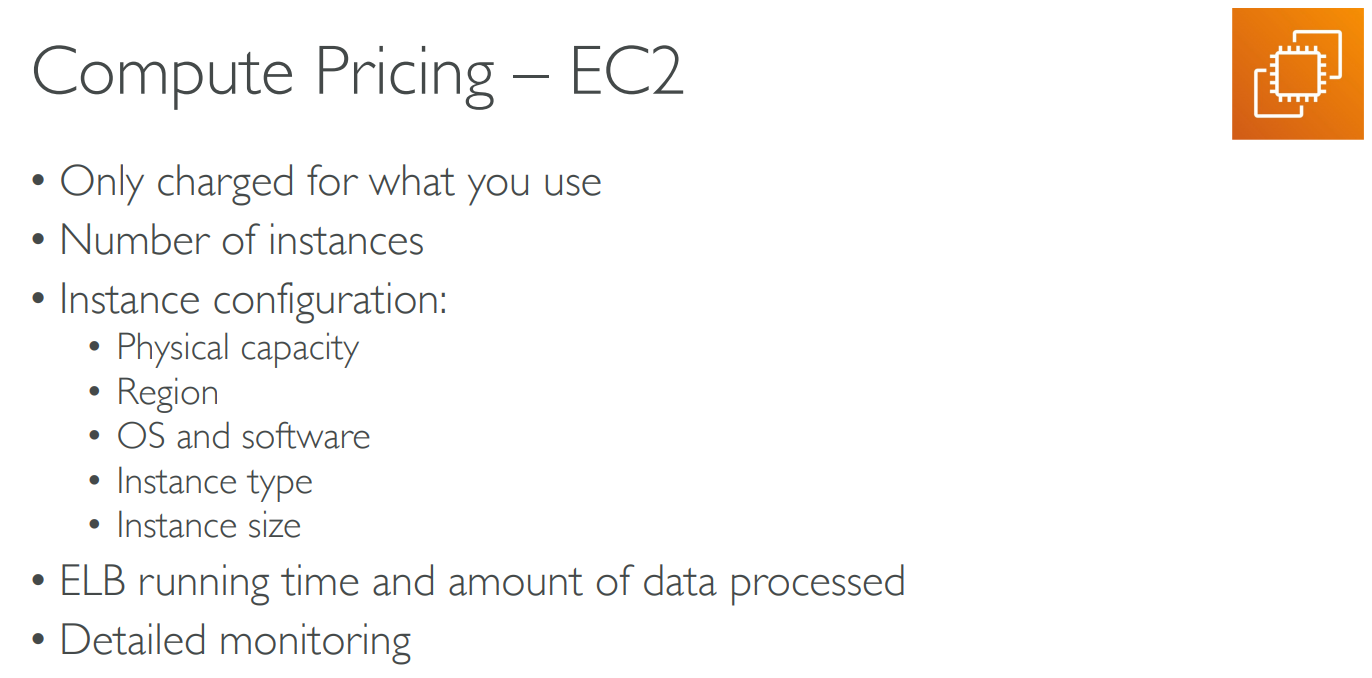
# EC2

# Lambda & ECS
# S3

# EBS

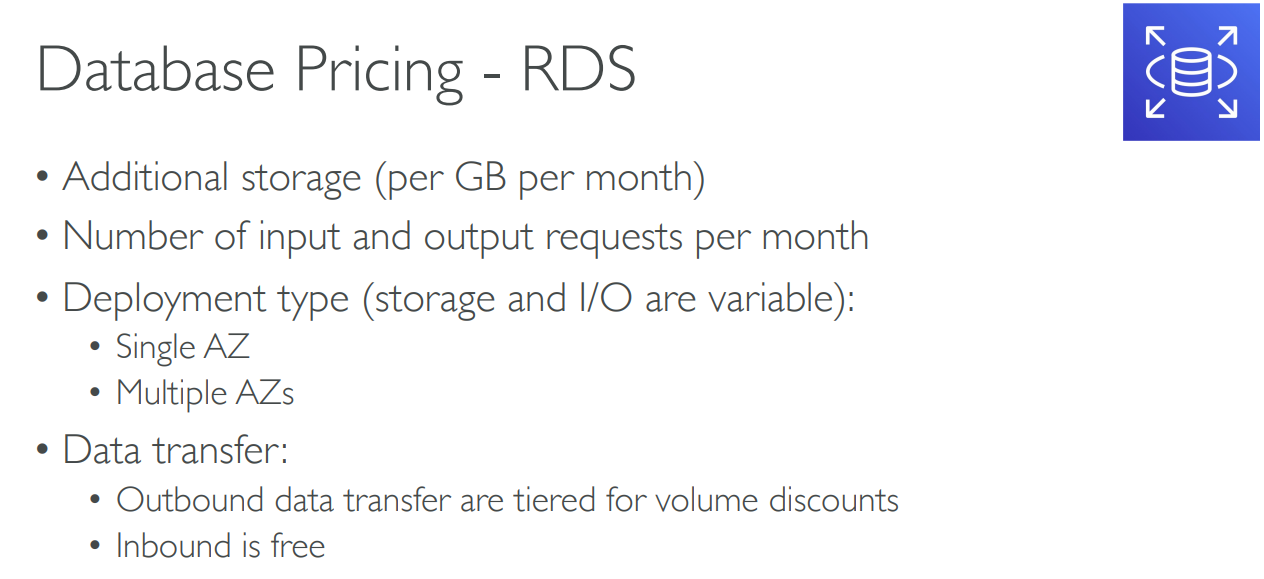
# RDS

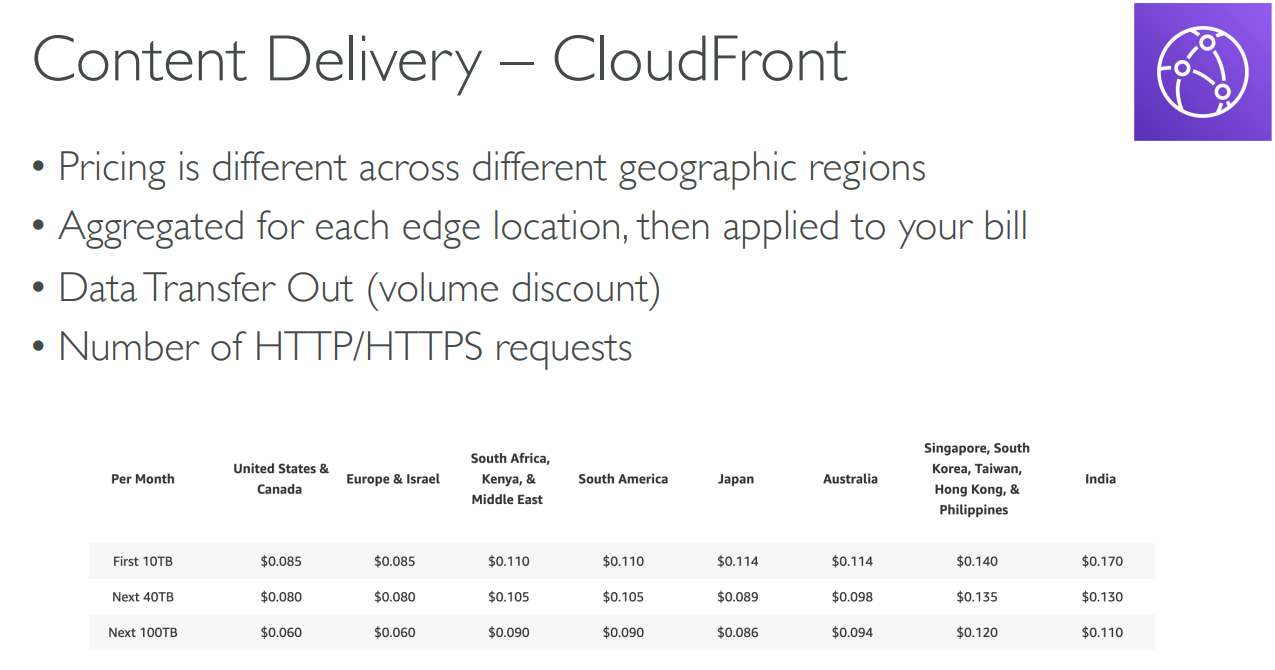
# CloudFront
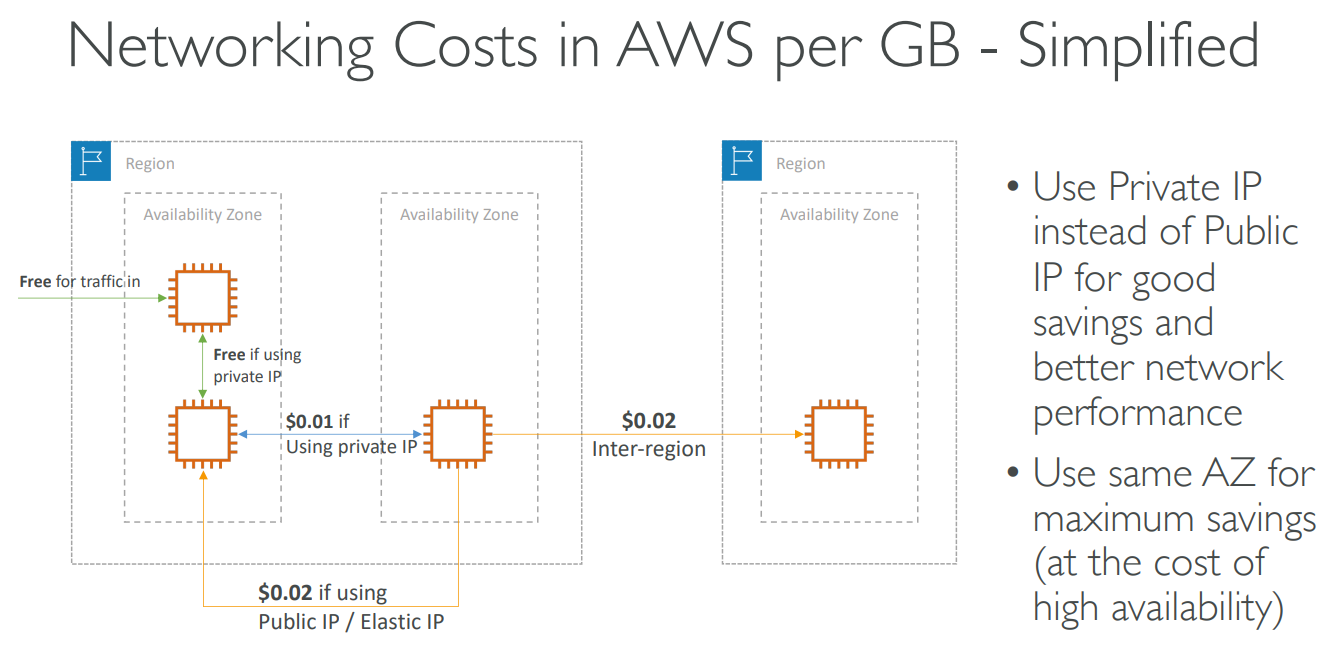
# Networking Costs
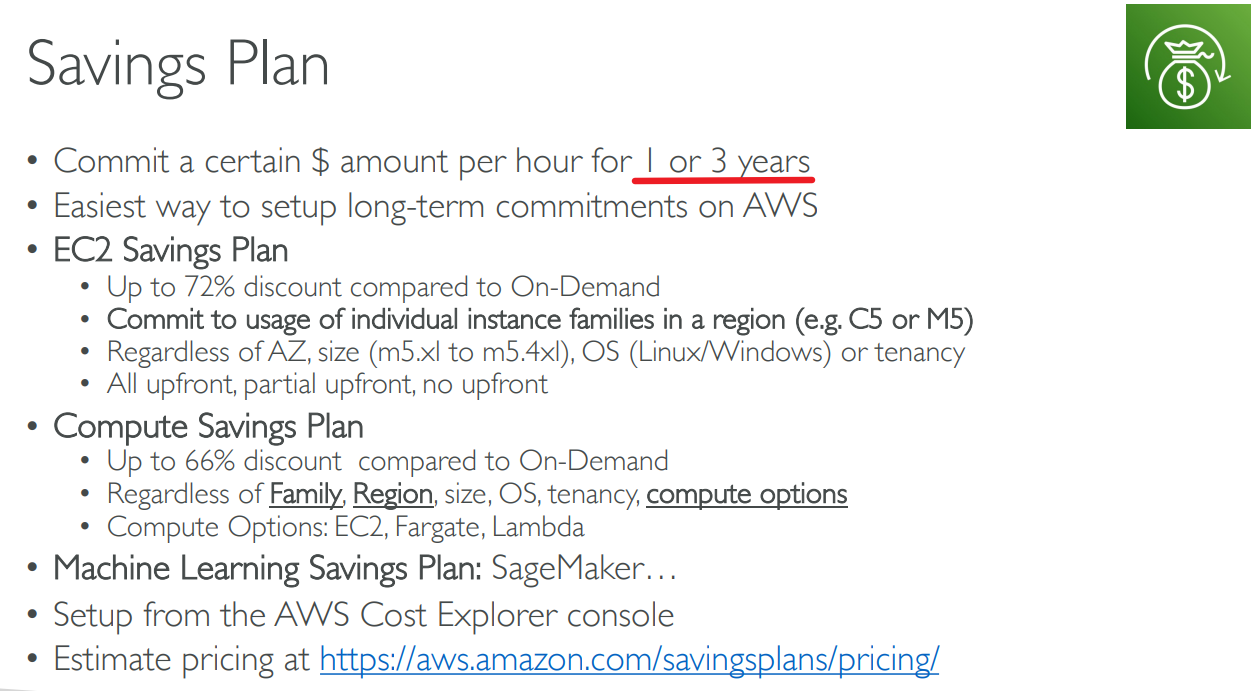
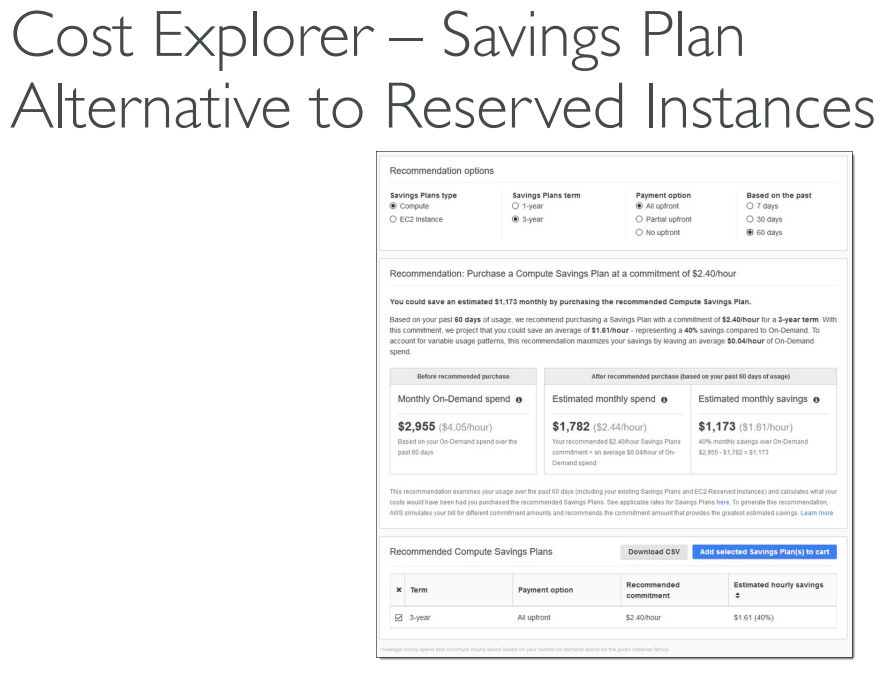
# Savings Plan
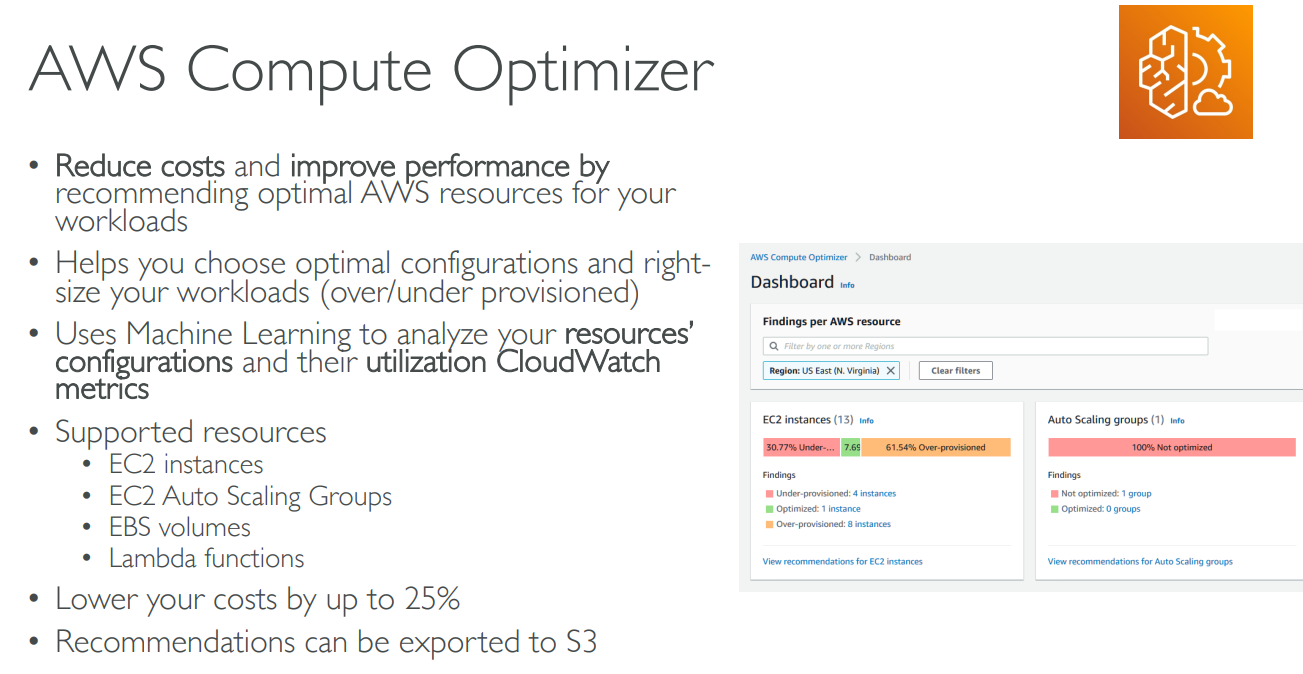
# Compute Optimizer
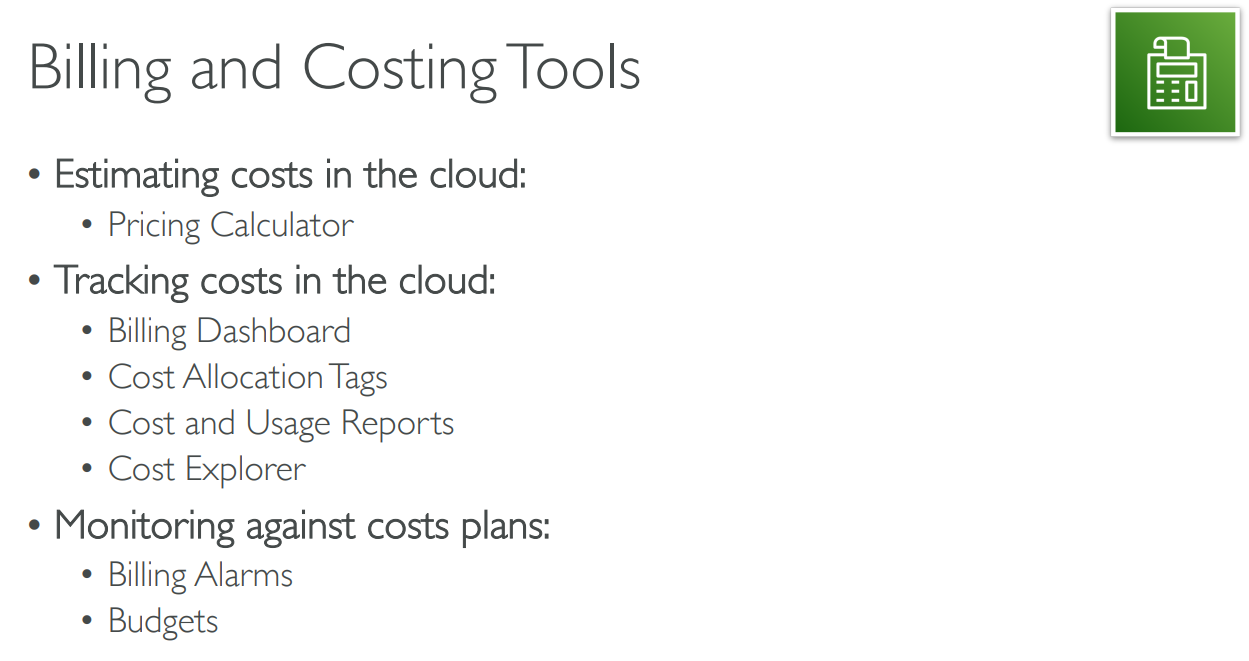
# [+]Billing and Costing Tools
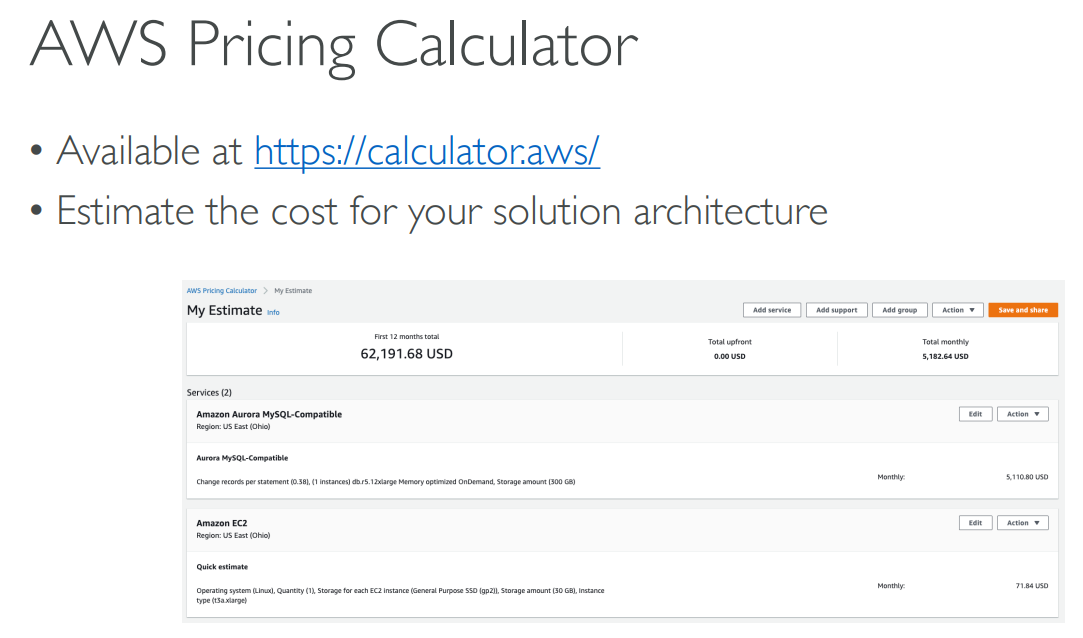
# Pricing Calculator
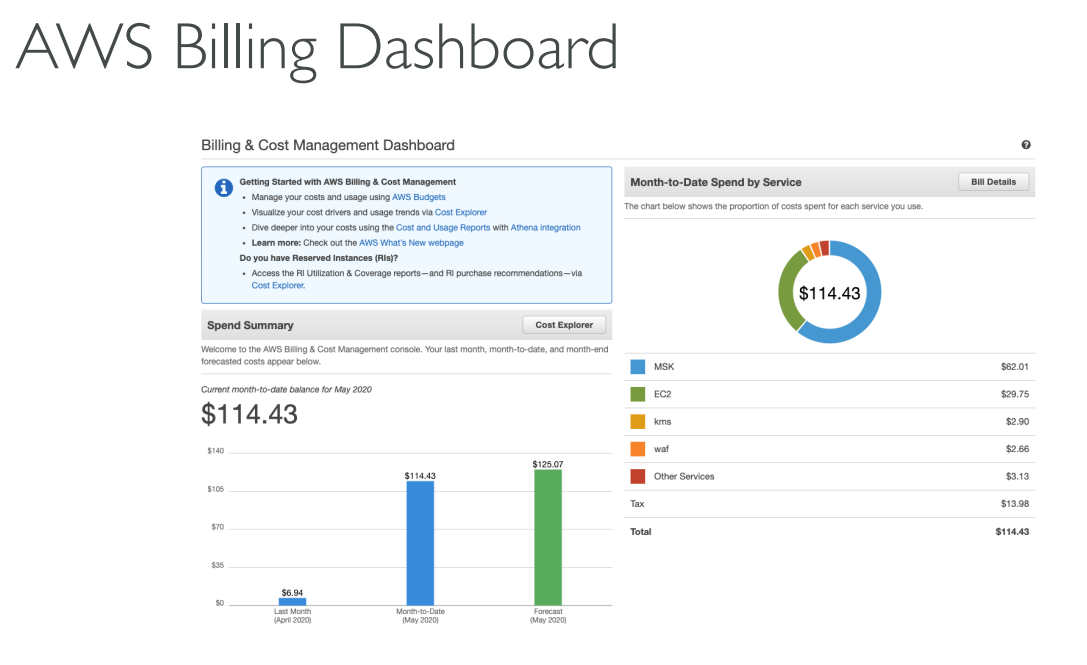
# Billing Dashboard
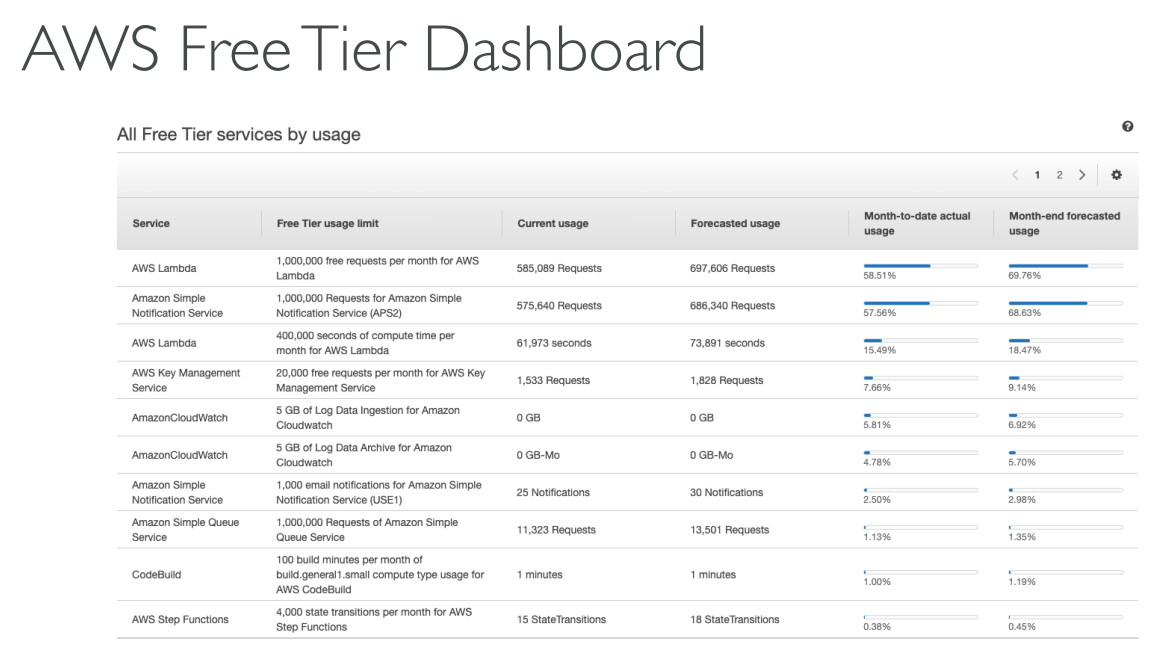
# Free Tier Dashboard
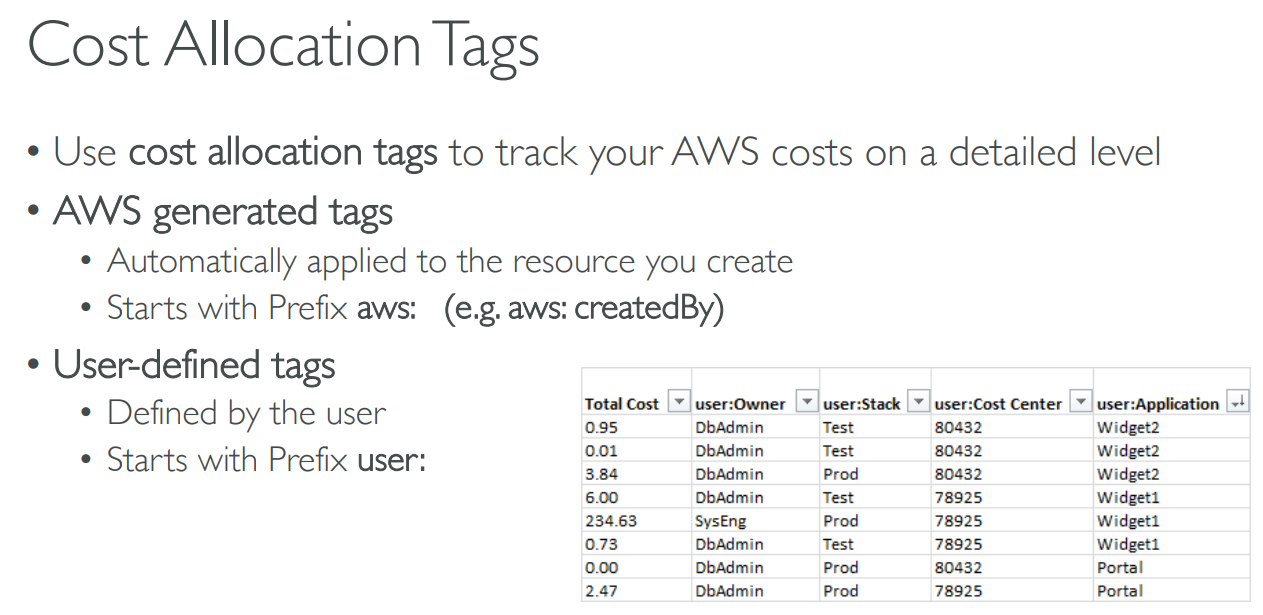
# Cost Allocation Tags
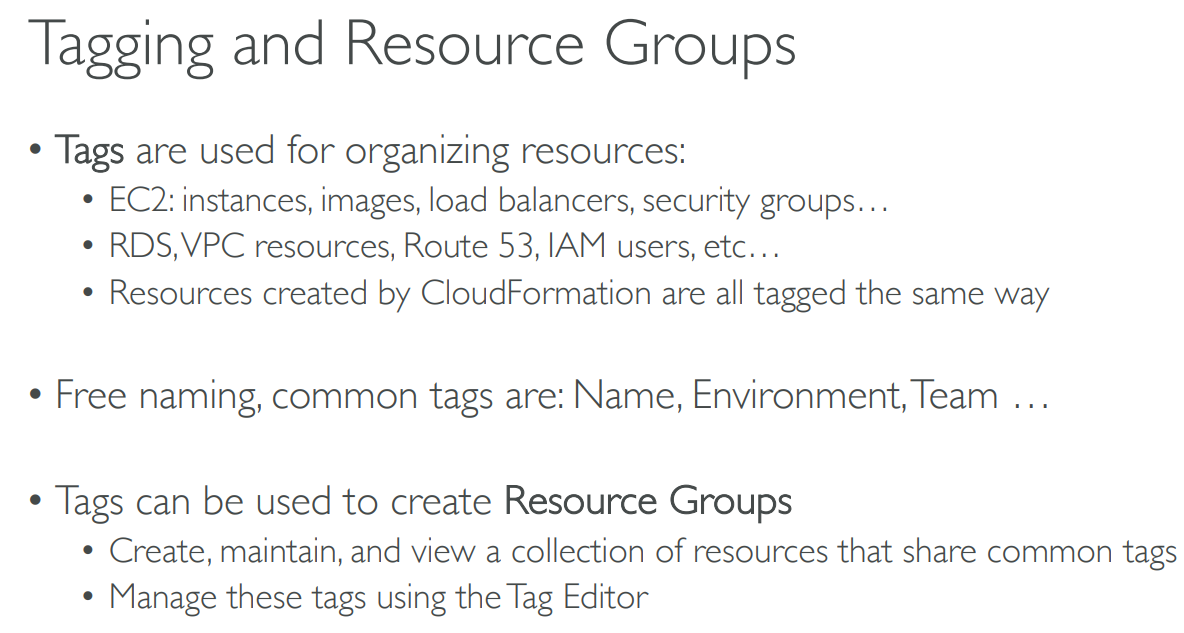
# Tagging and Resource Groups
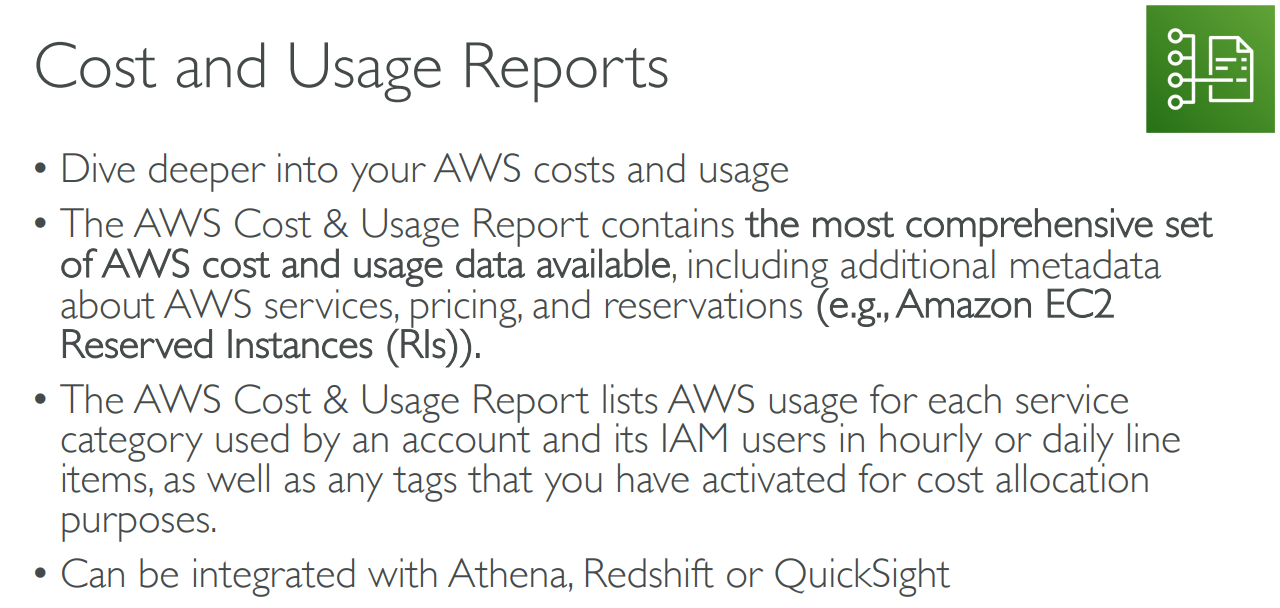
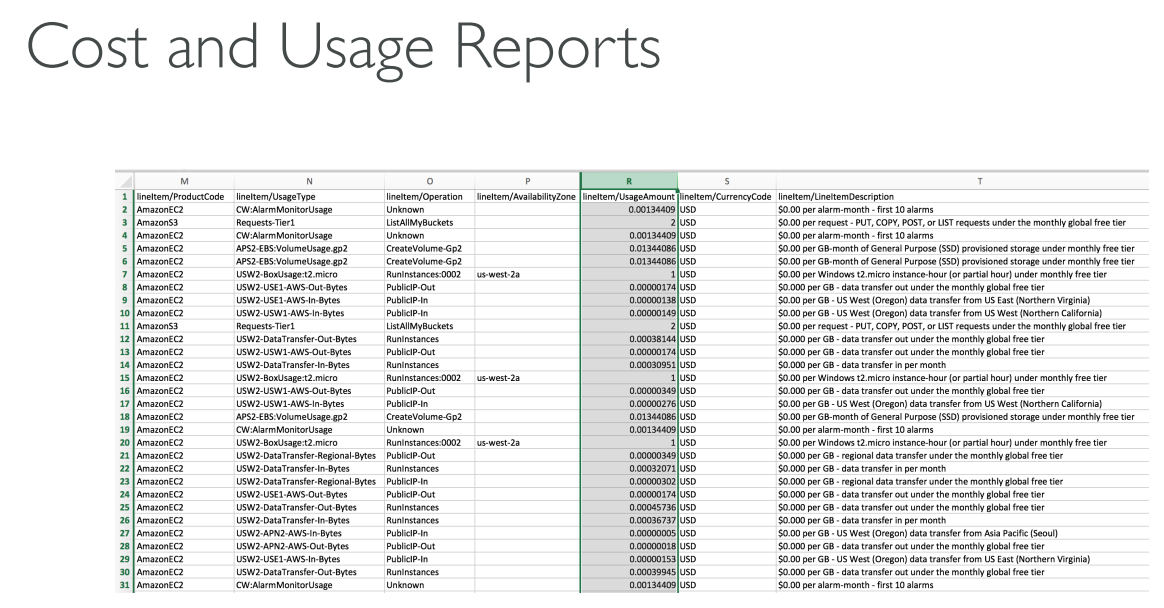
# Cost and Usage Reports
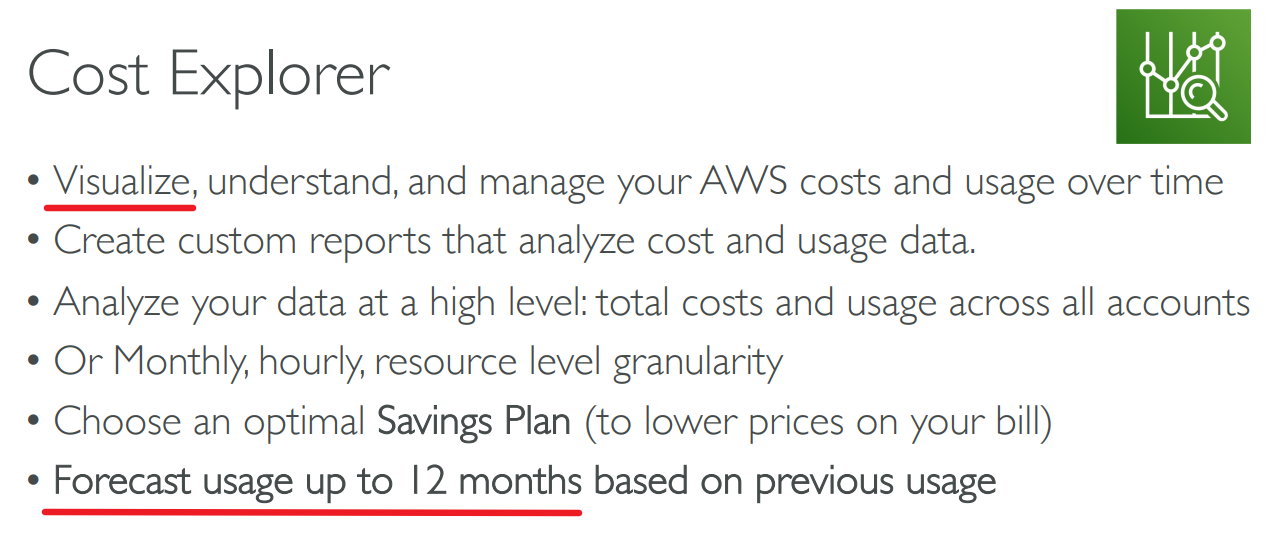
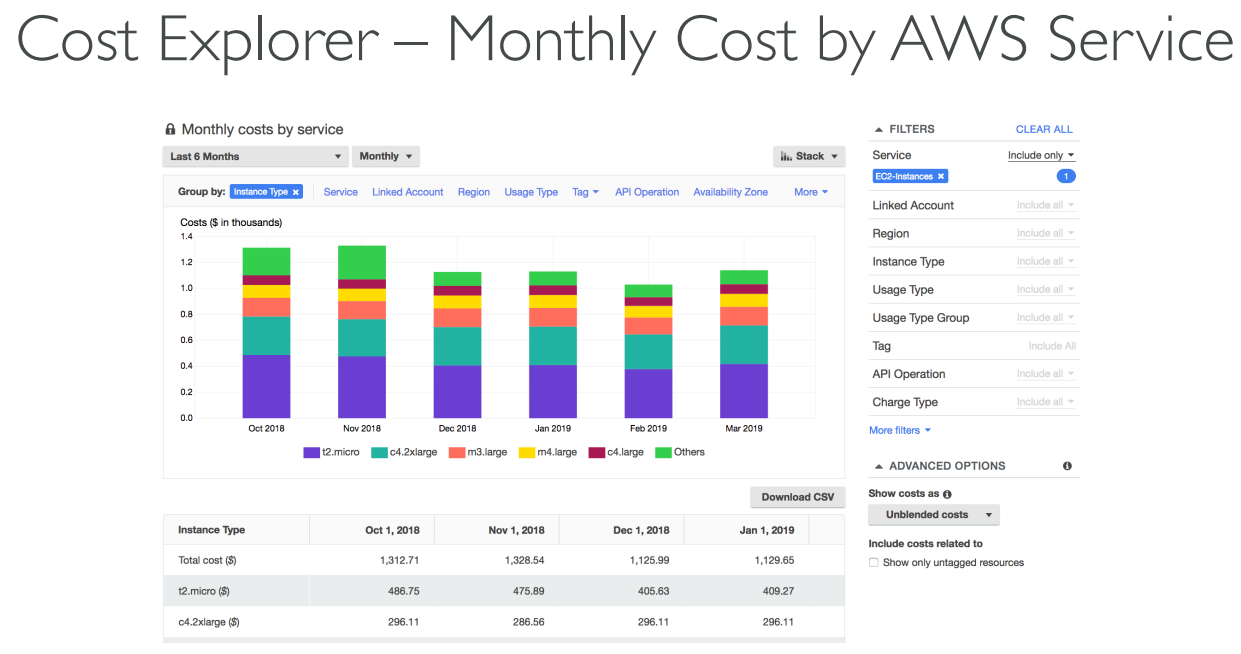
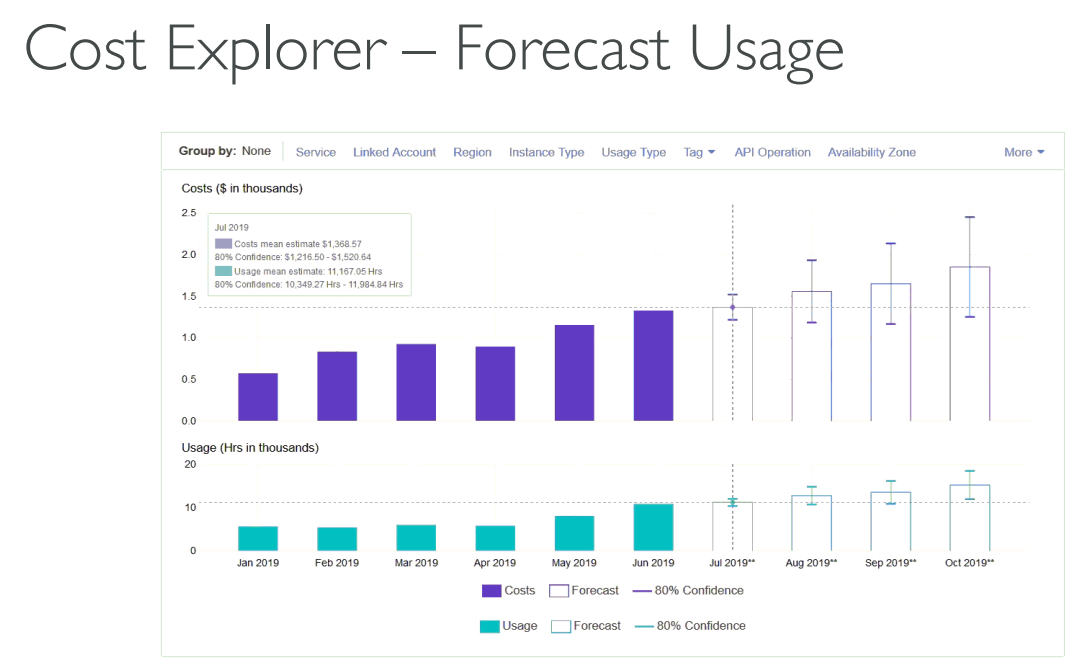
# Cost Explorer

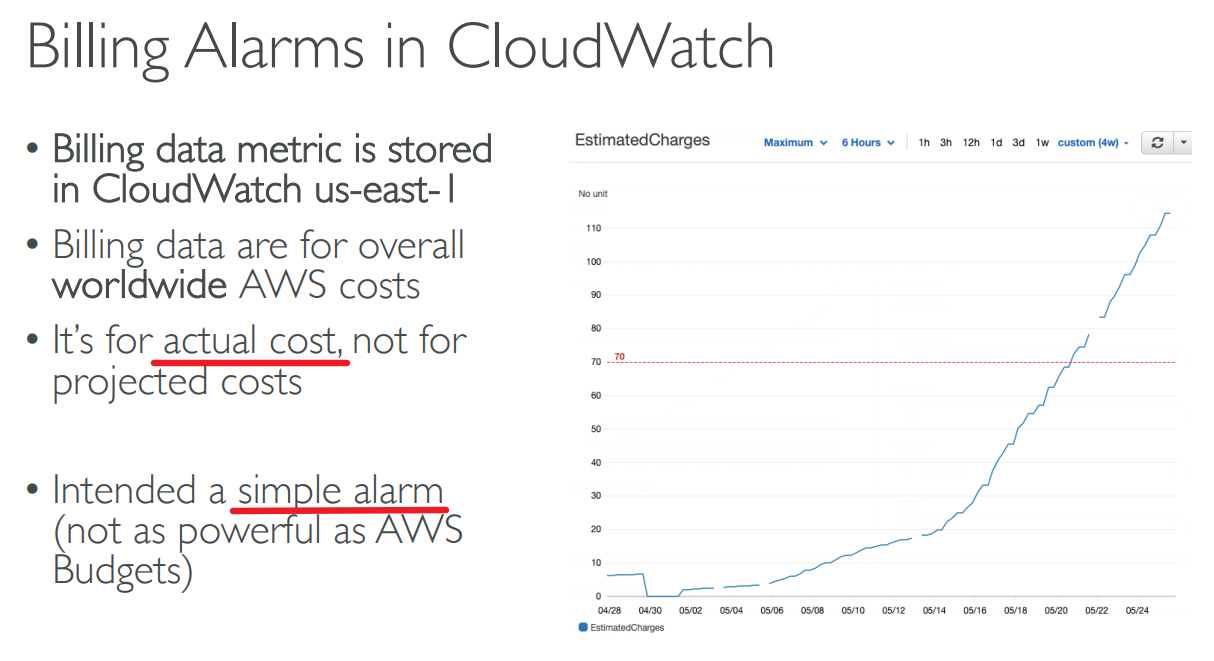
# Billing Alarms in CloudWatch
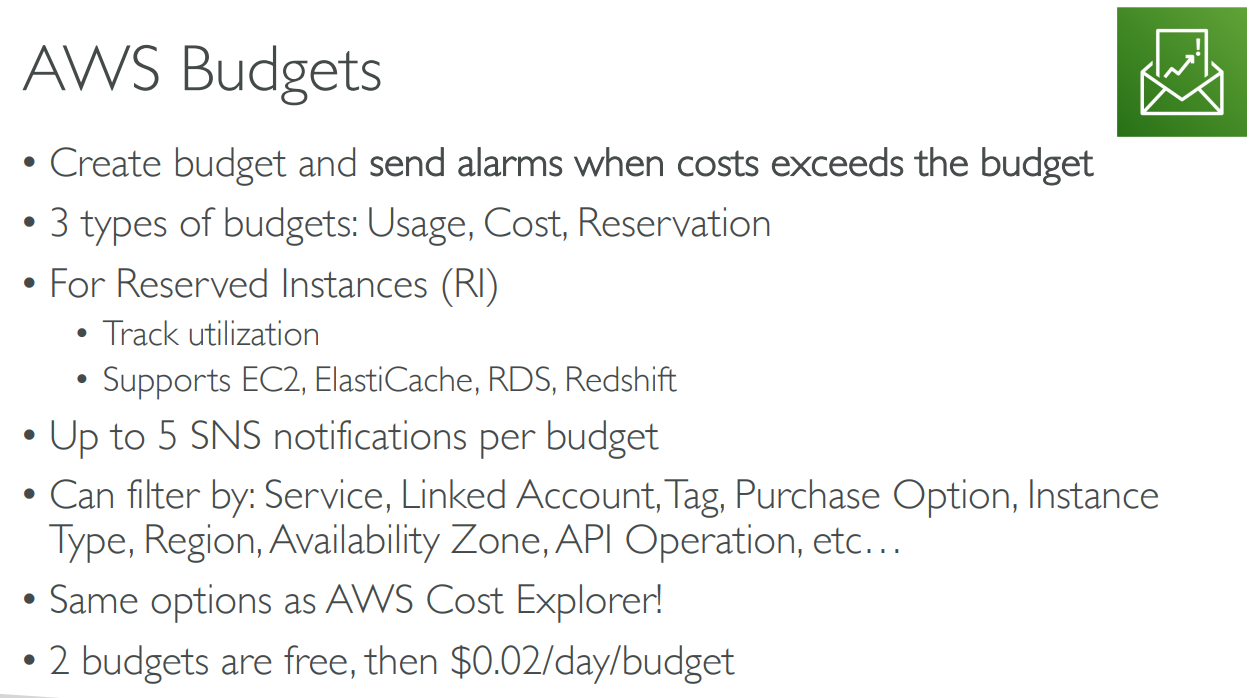
# Budgets
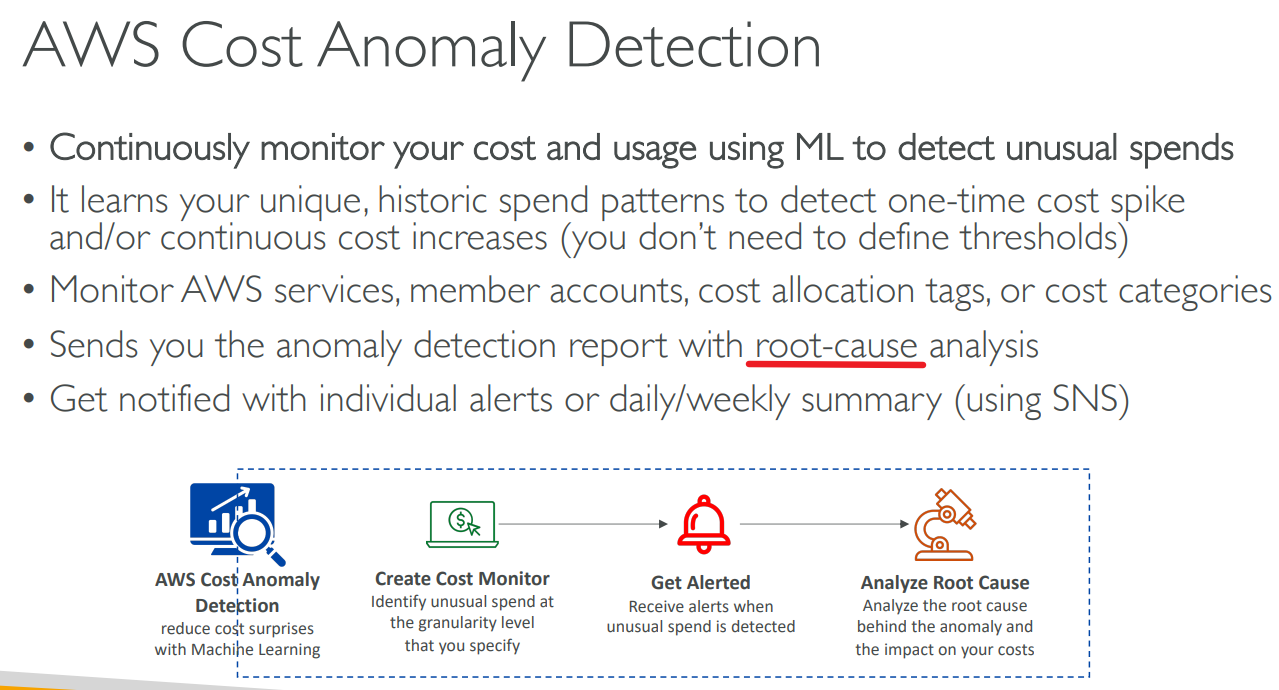
# Cost Anomaly Detection
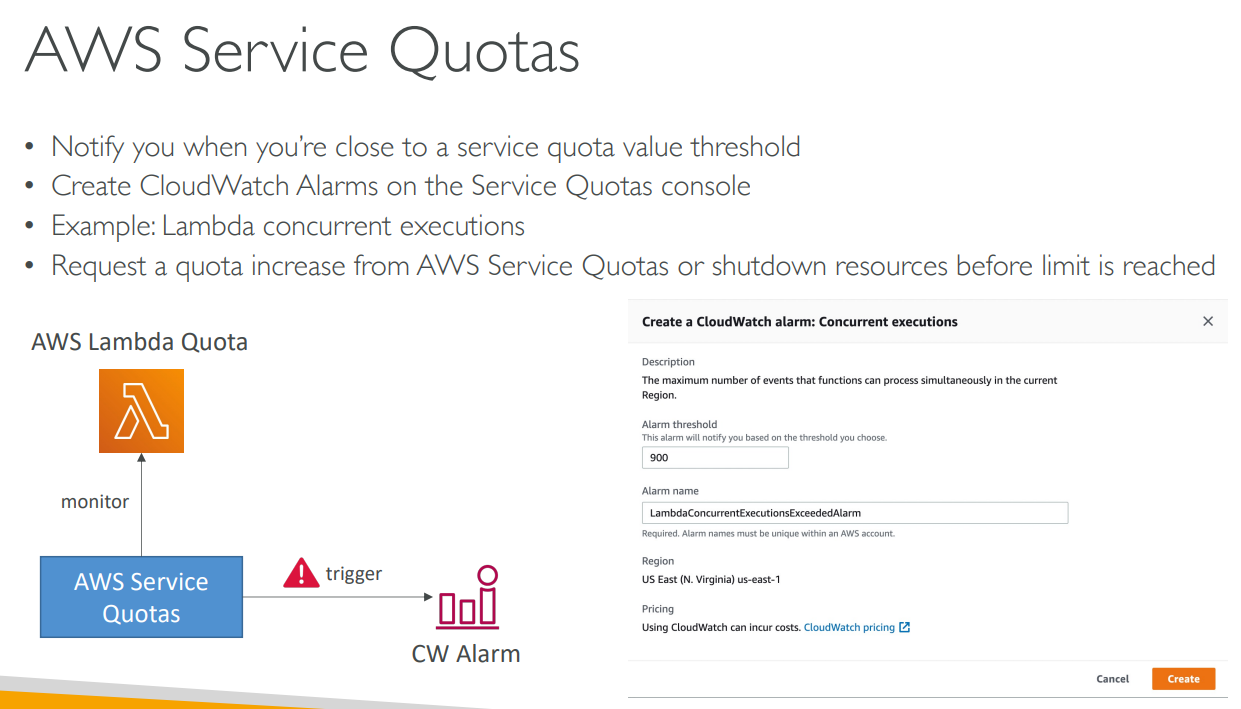
# Service Quotas
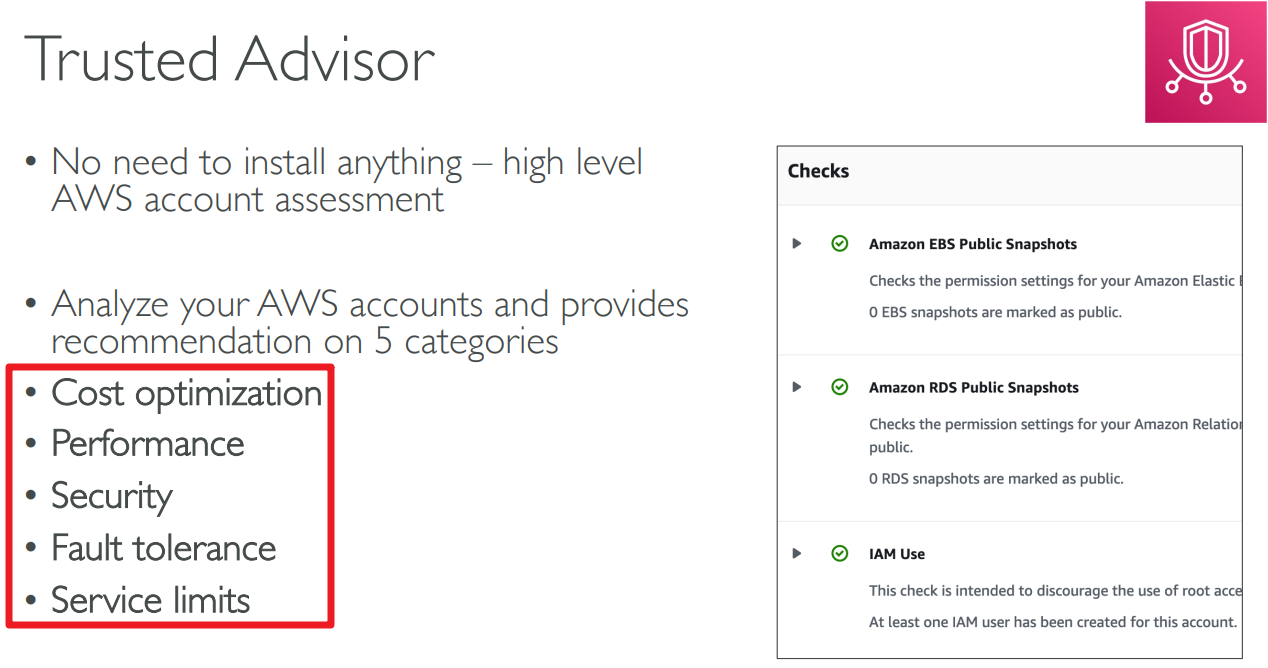
# Trusted Advisor
# Trusted Advisor - Support Plans

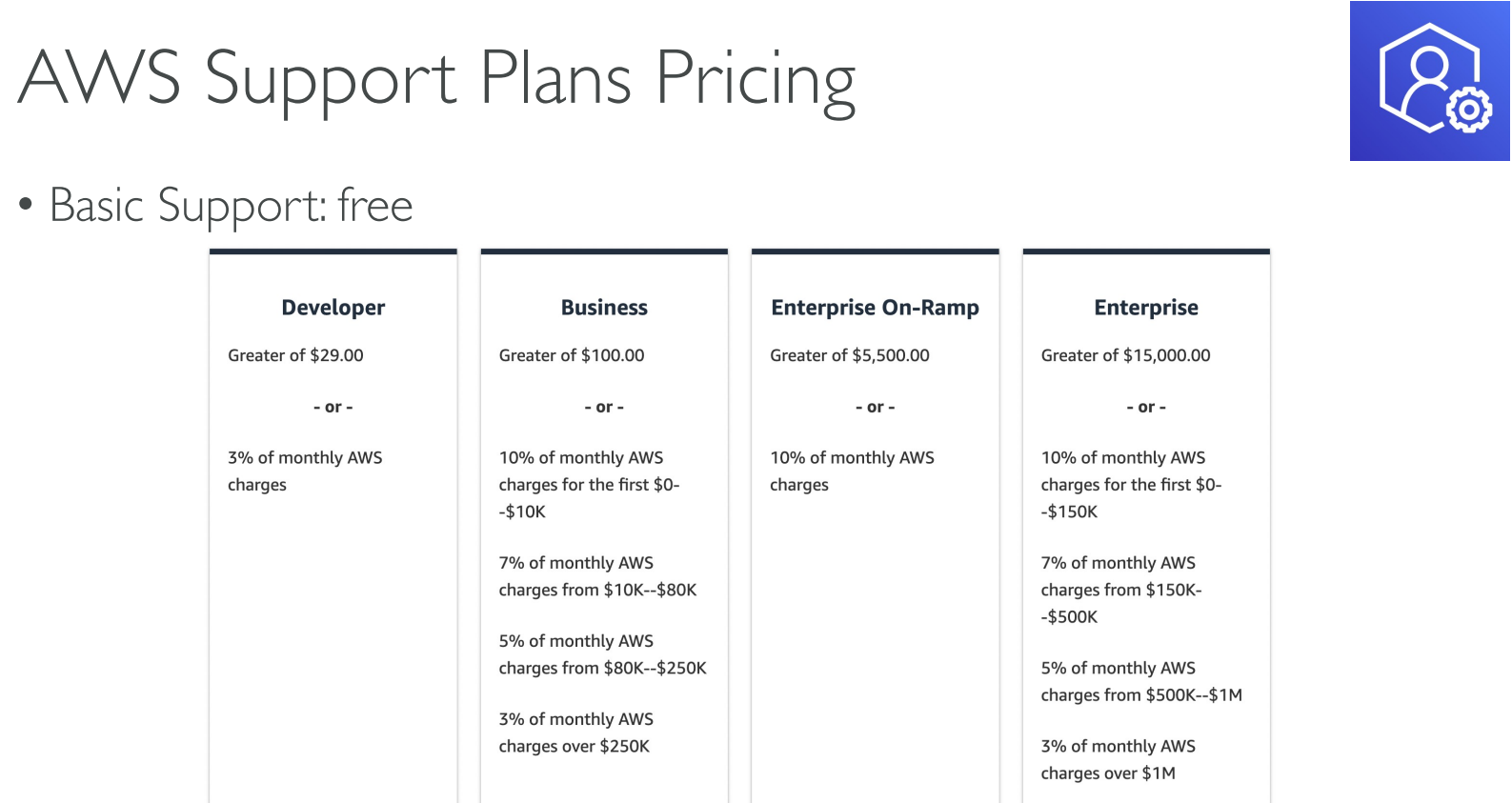
# Support Plans Pricing
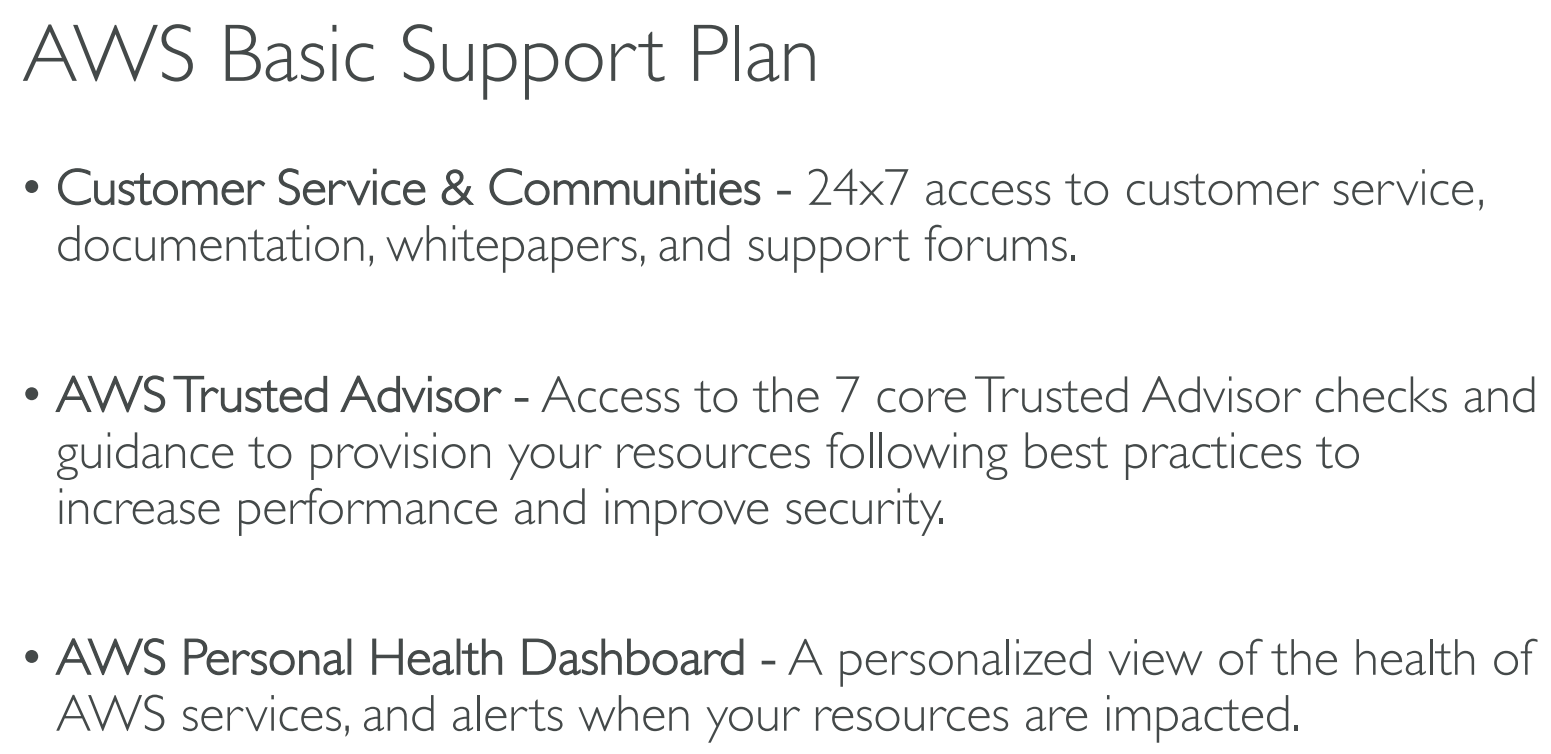
# Basic
# Developer

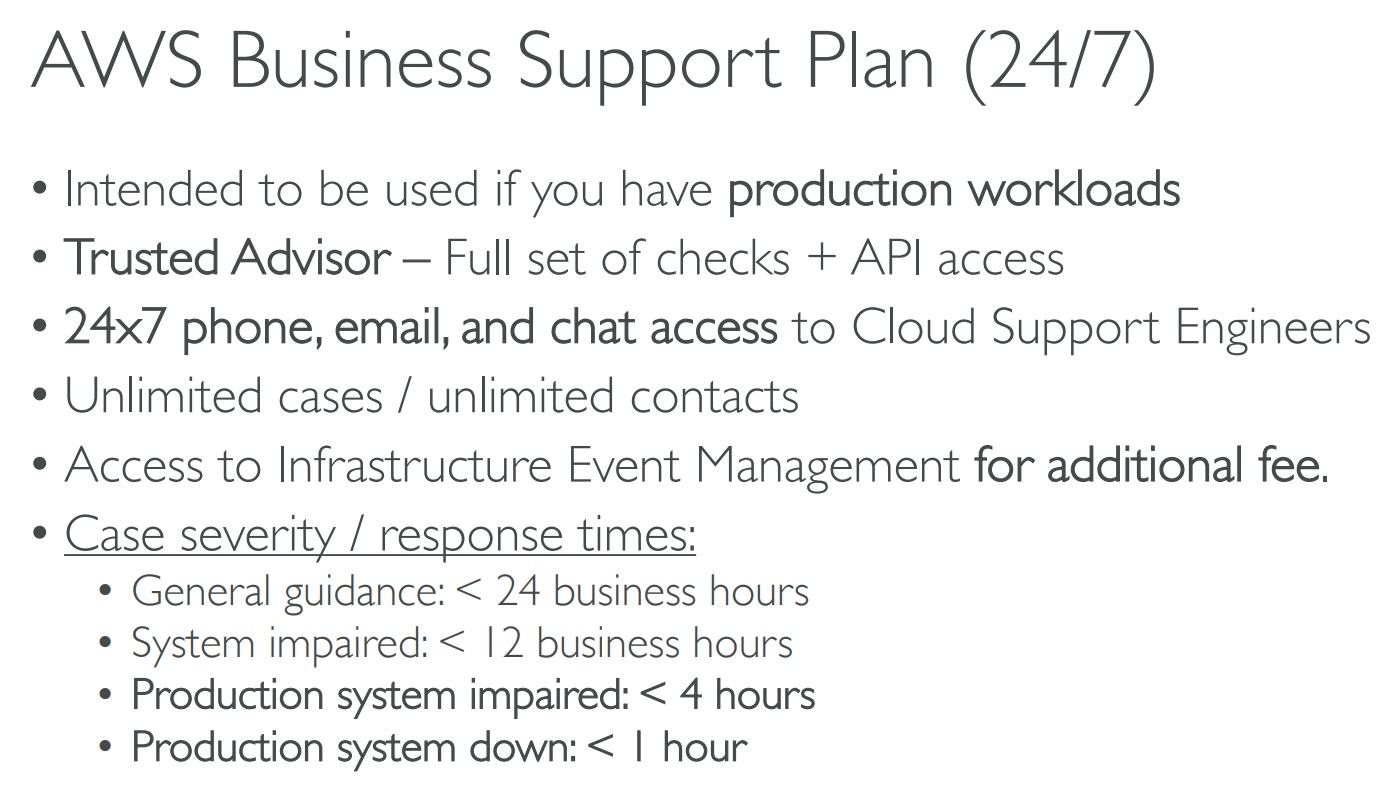
# Business
# Enterprise On-Ramp

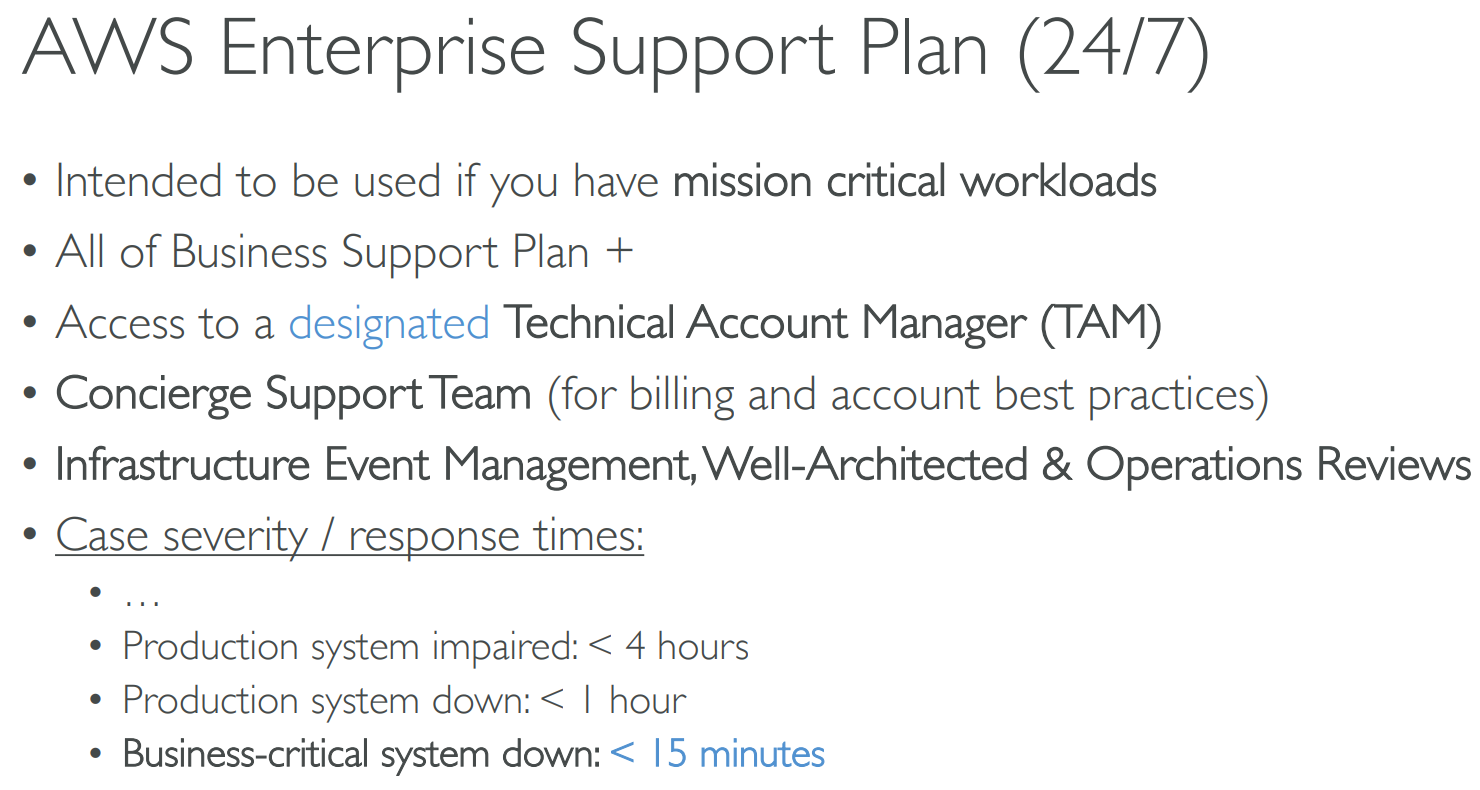
# Enterprise
# Summary
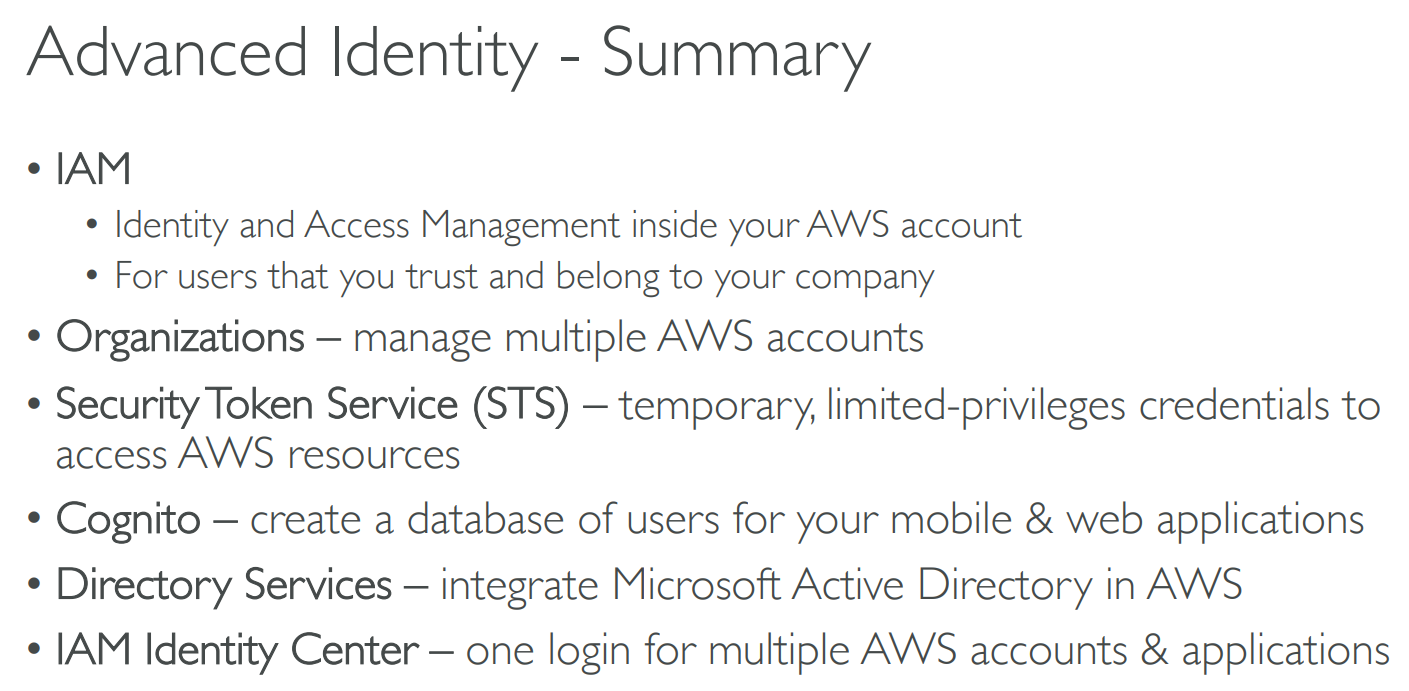
# 【19】Advanced Identity
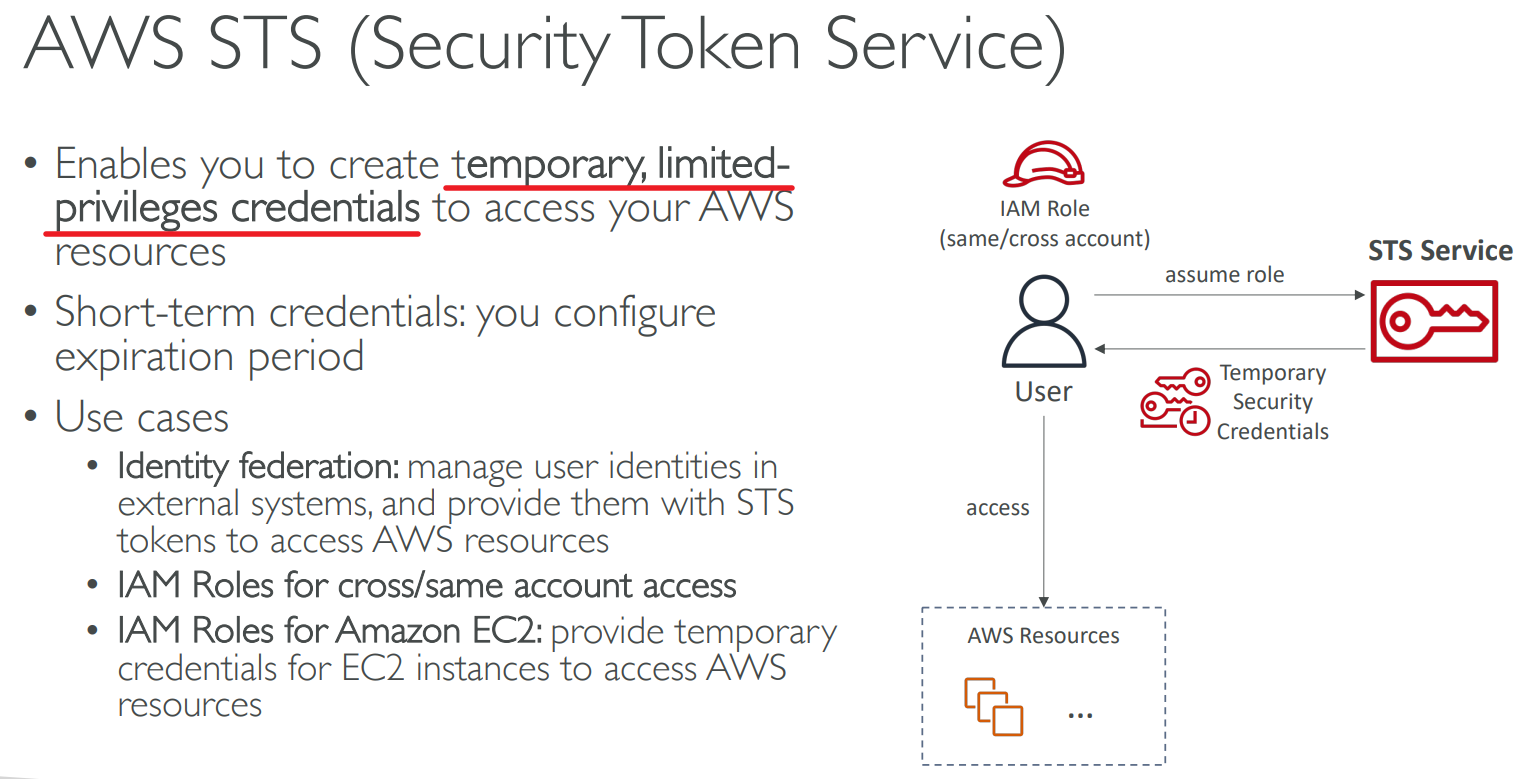
# Security Token Service(STS)
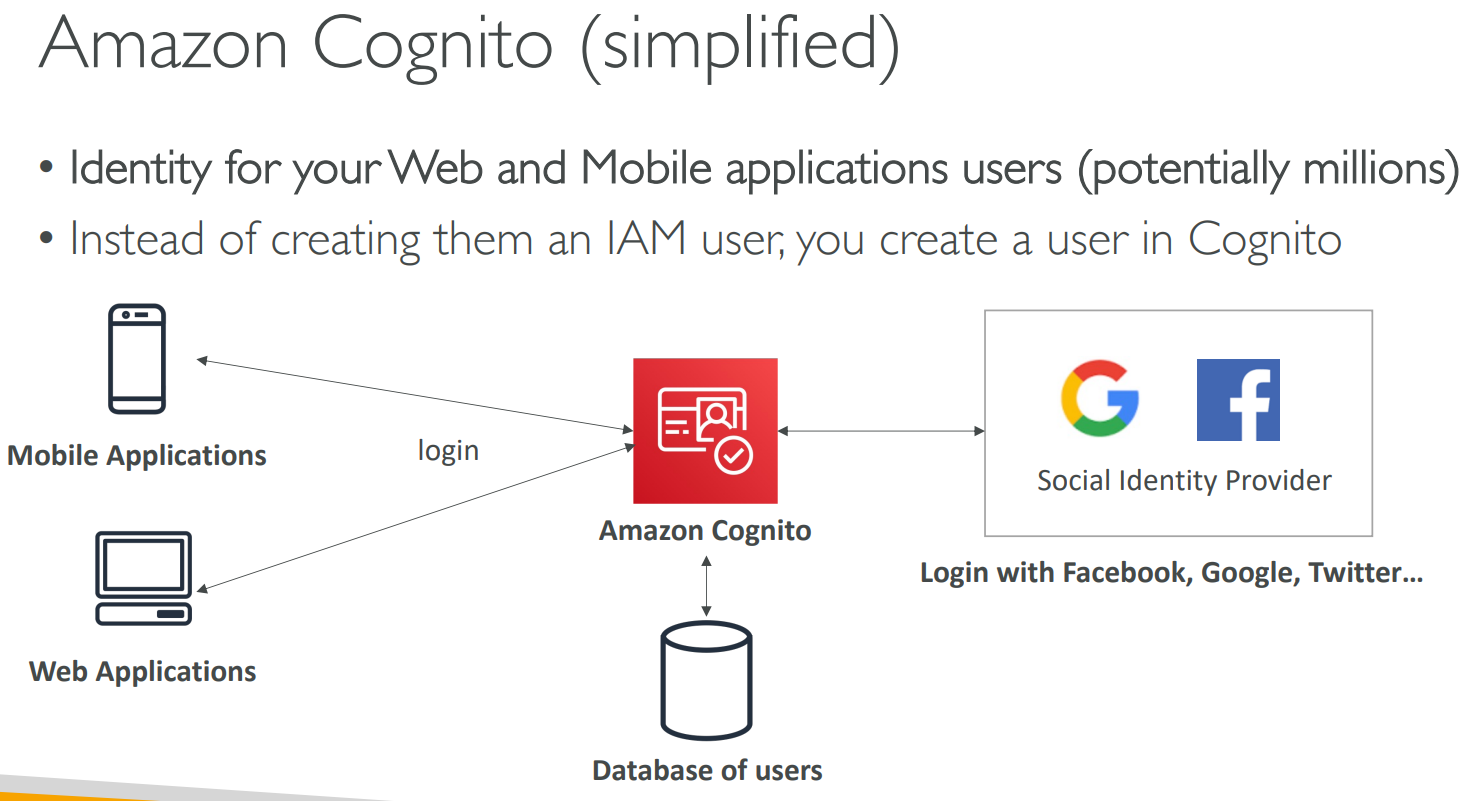
# Cognito
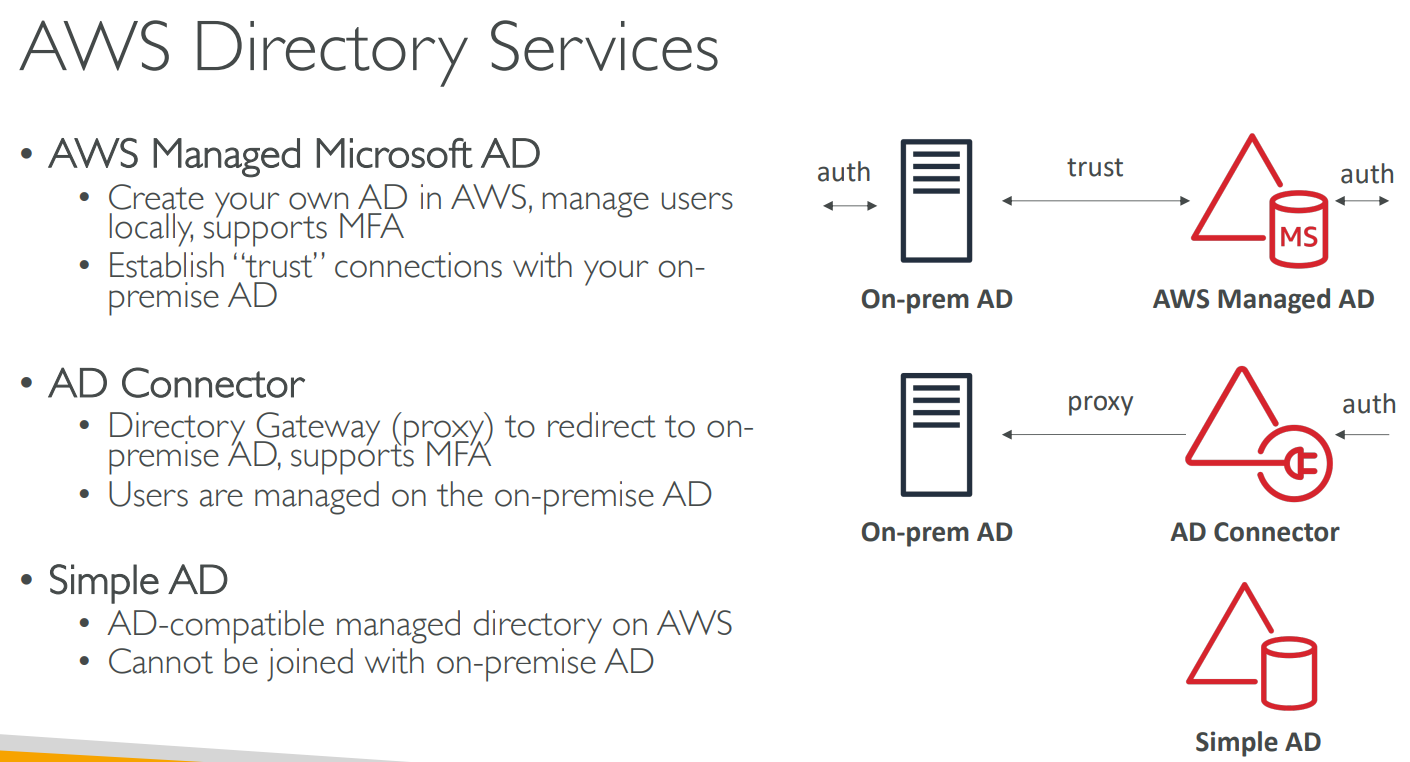
# Directory Services
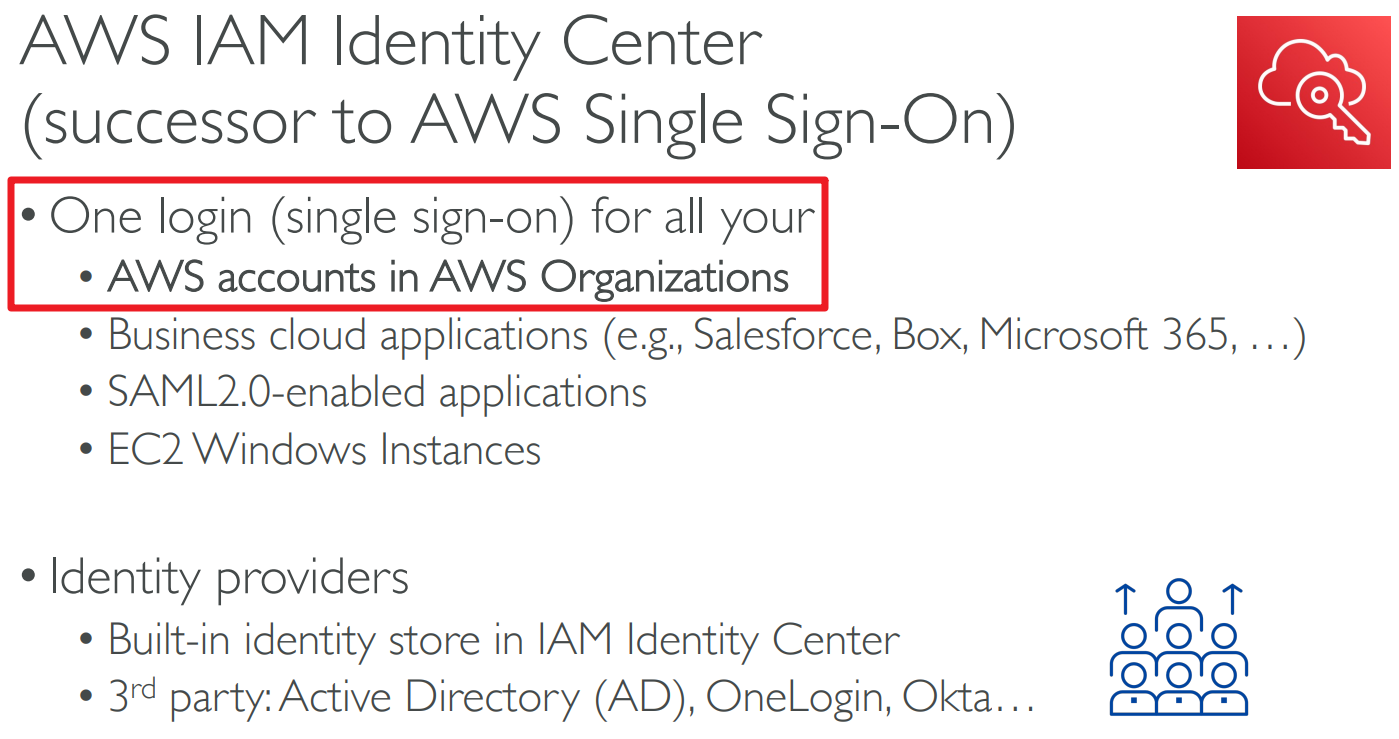
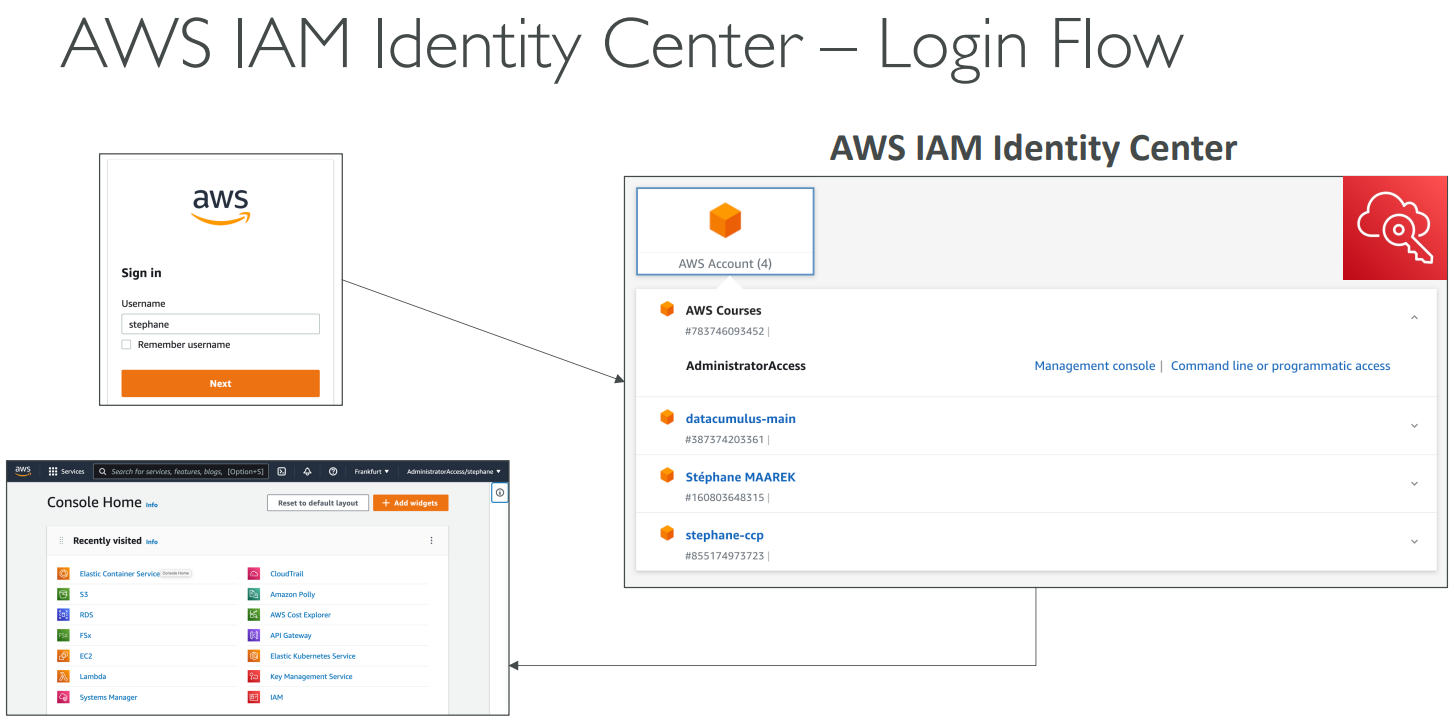
# IAM Identity Center(Single Sign-On)
# Summary
# 【20】Other AWS Services
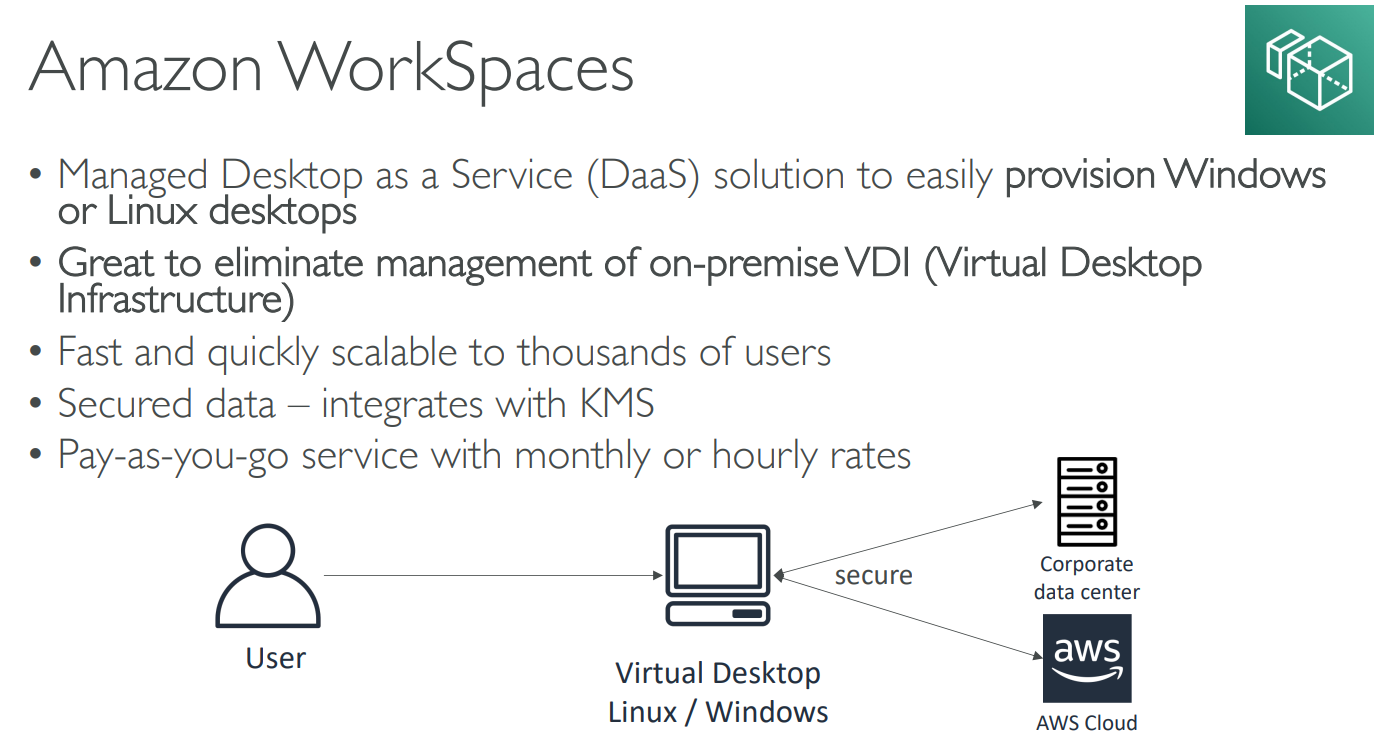
# WorkSpaces
- multiple regions
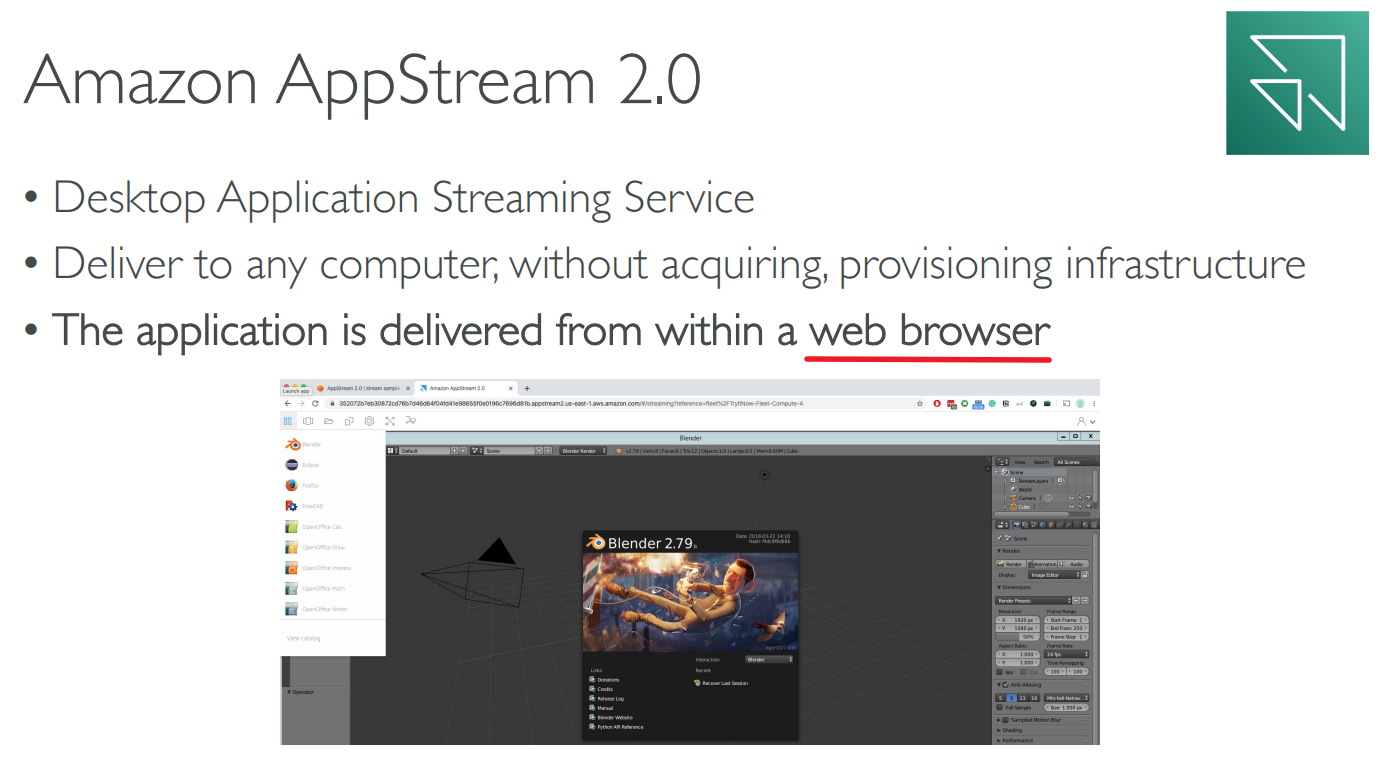
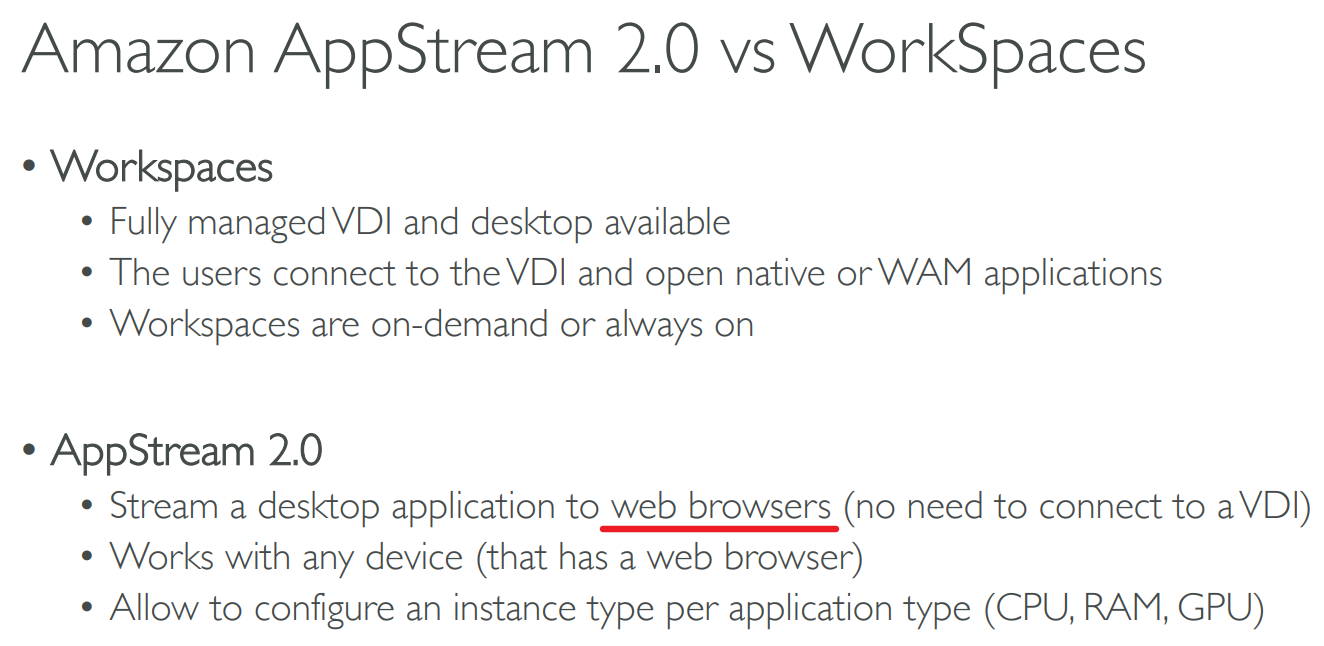
# AppStream 2.0
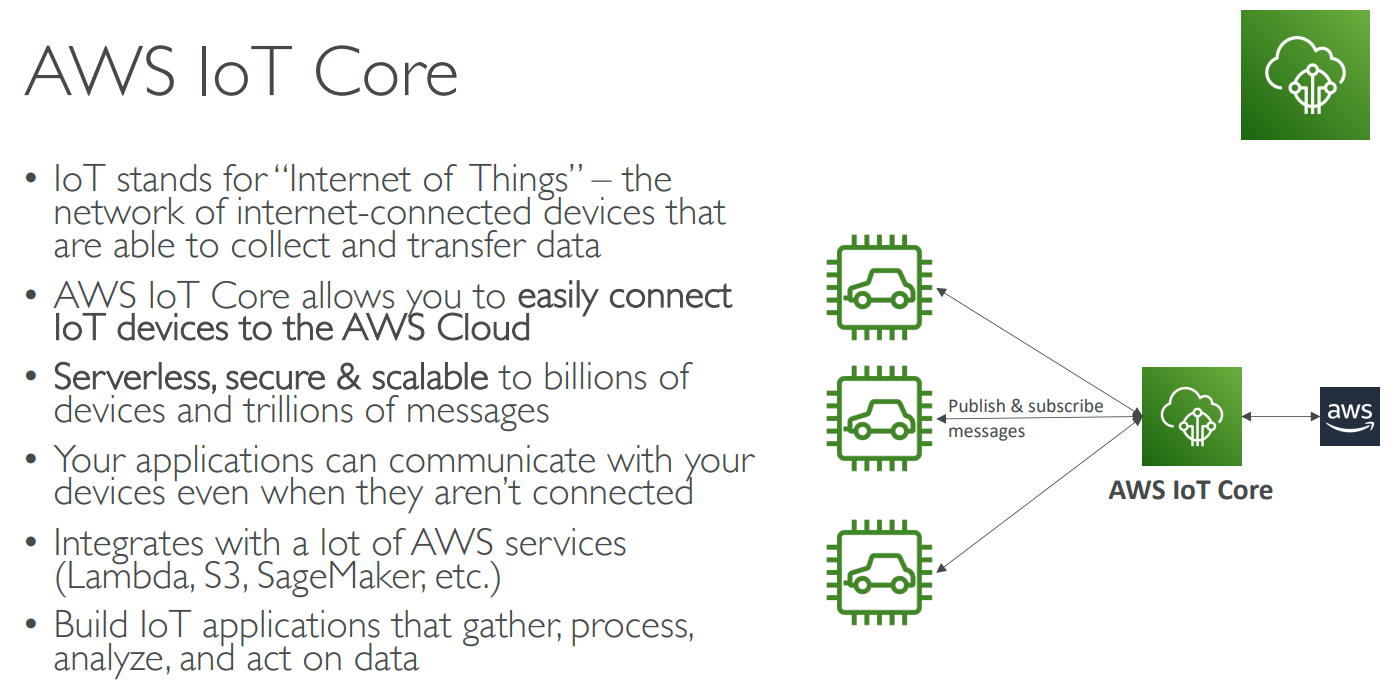
# IoT Core
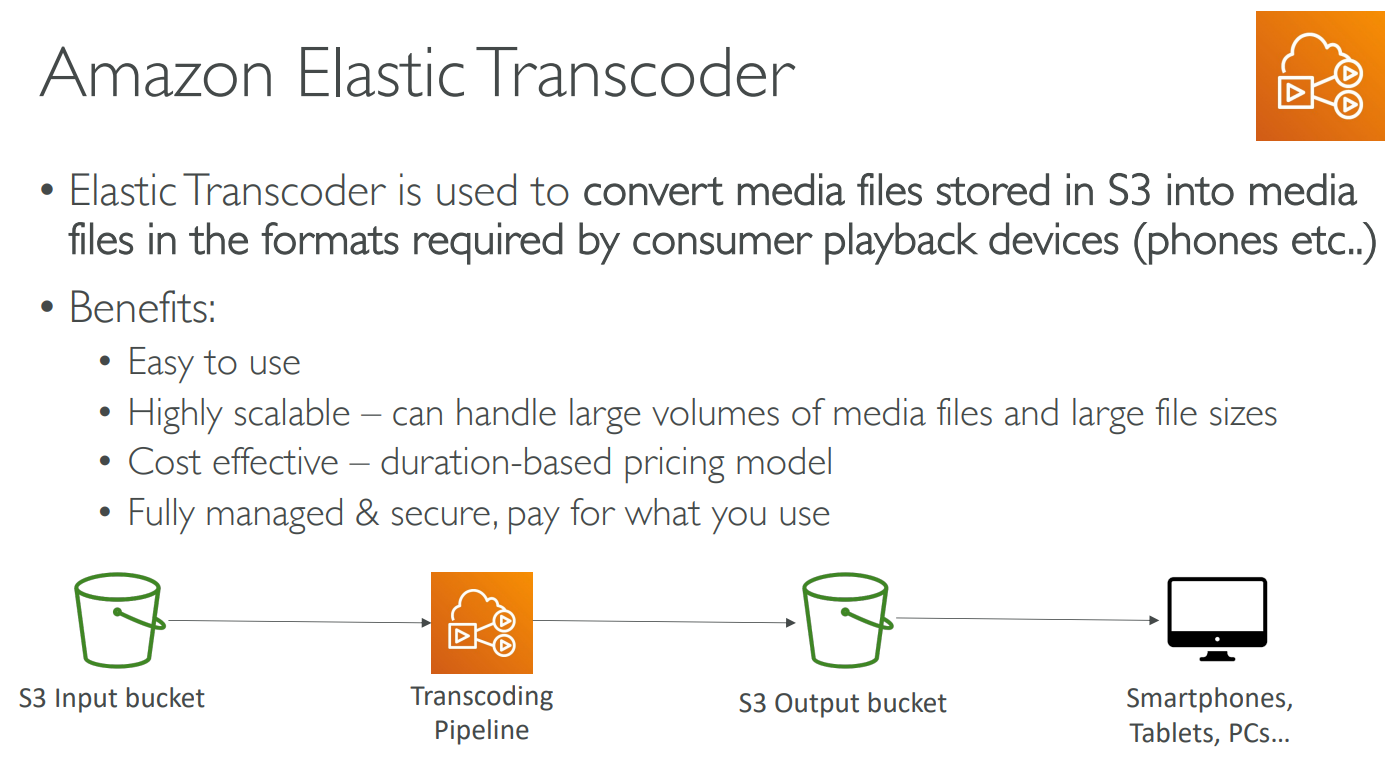
# Elastic Transcoder
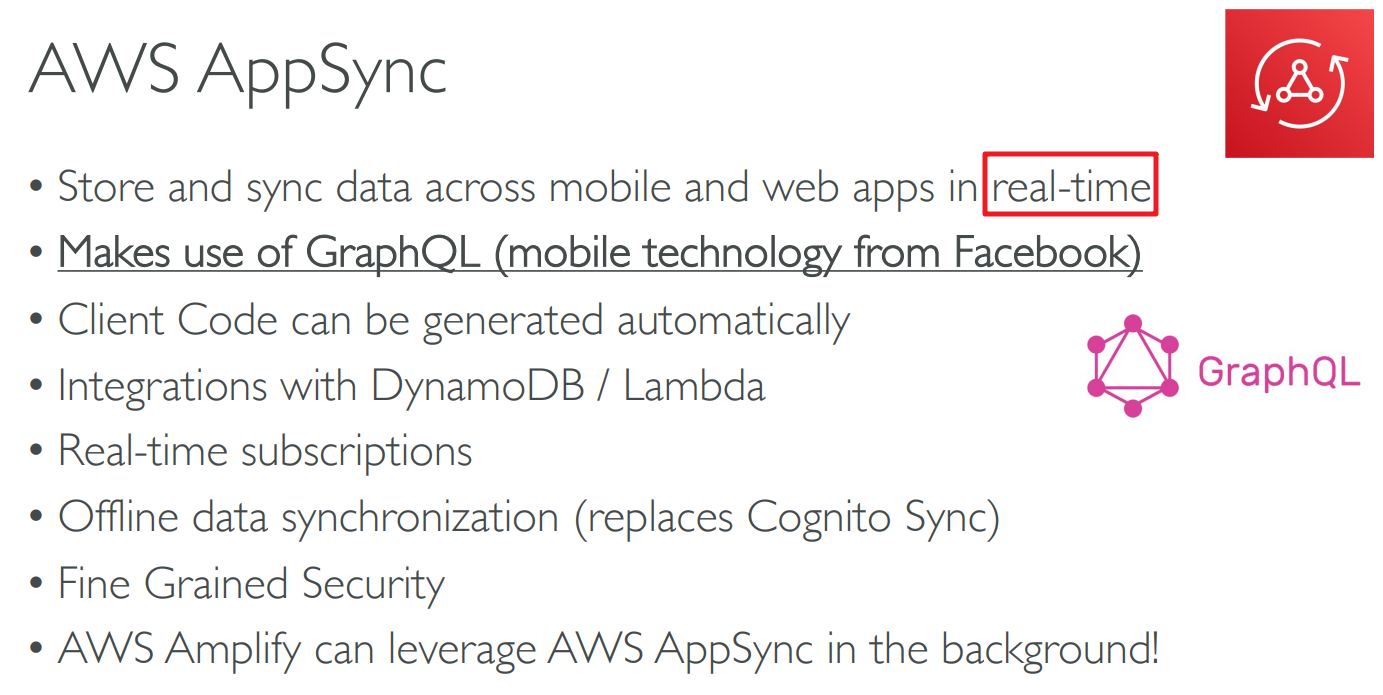
# AppSync
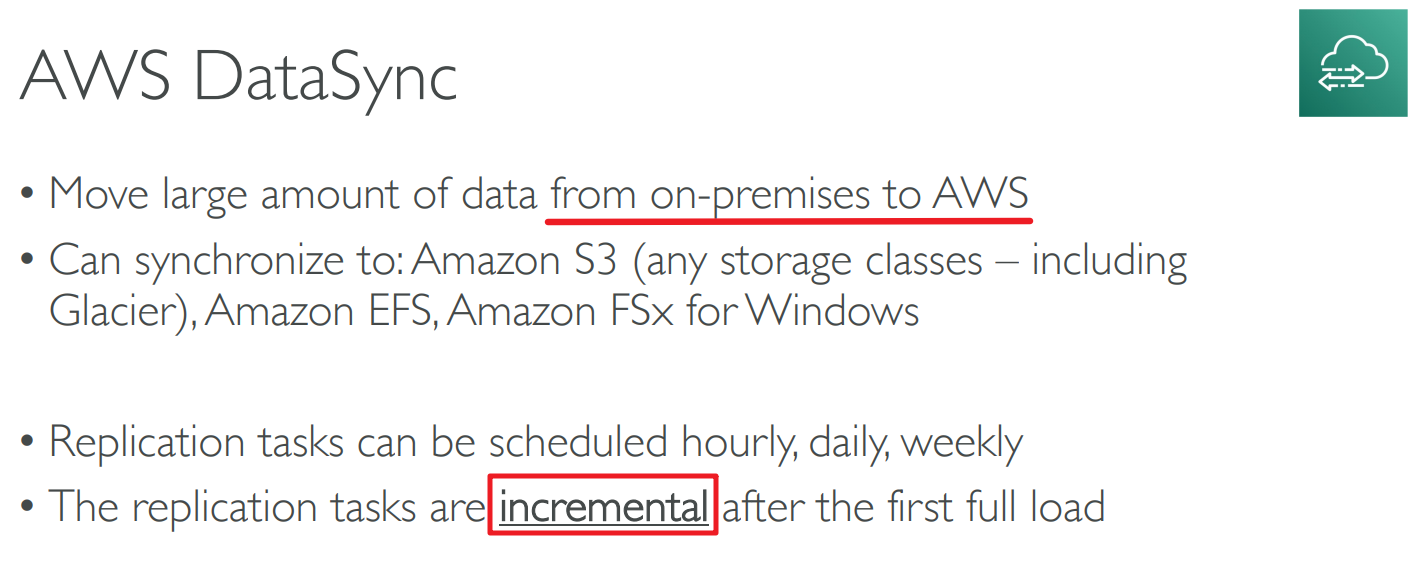
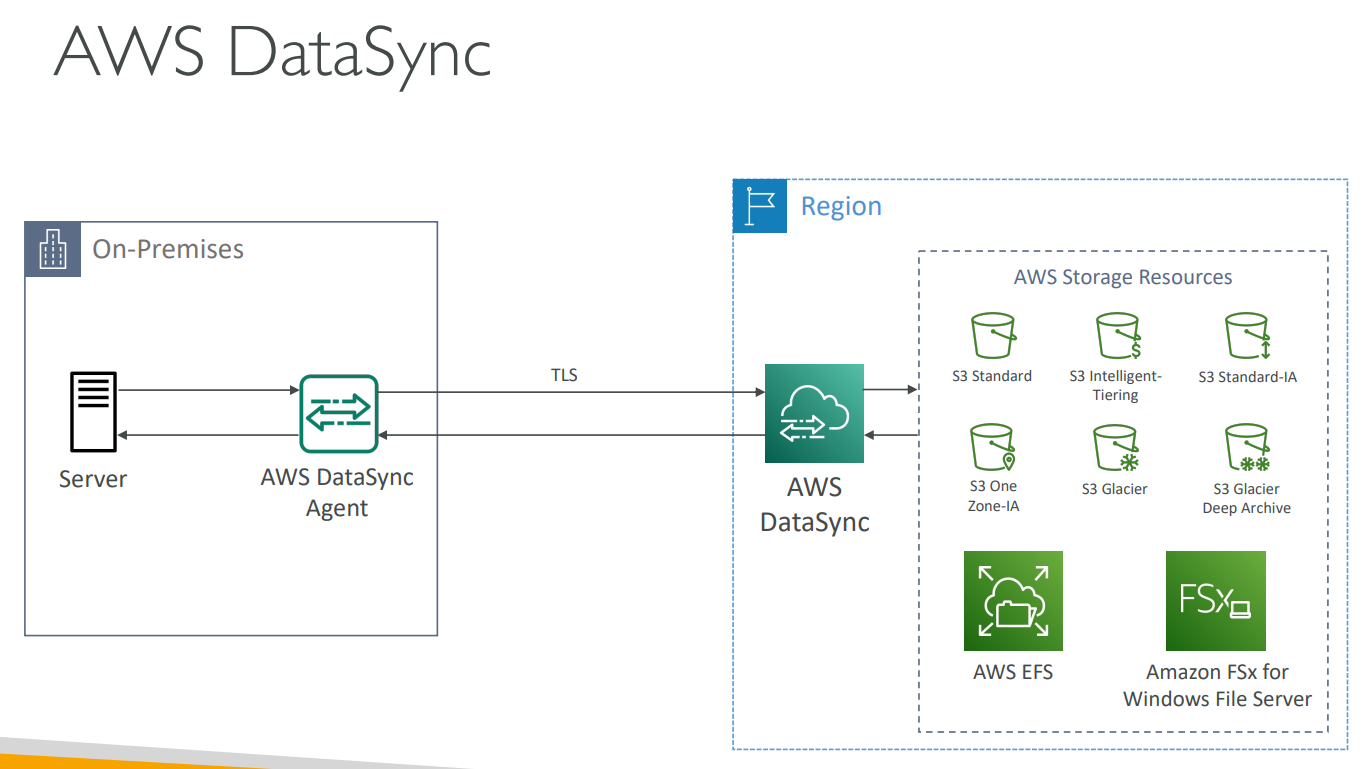
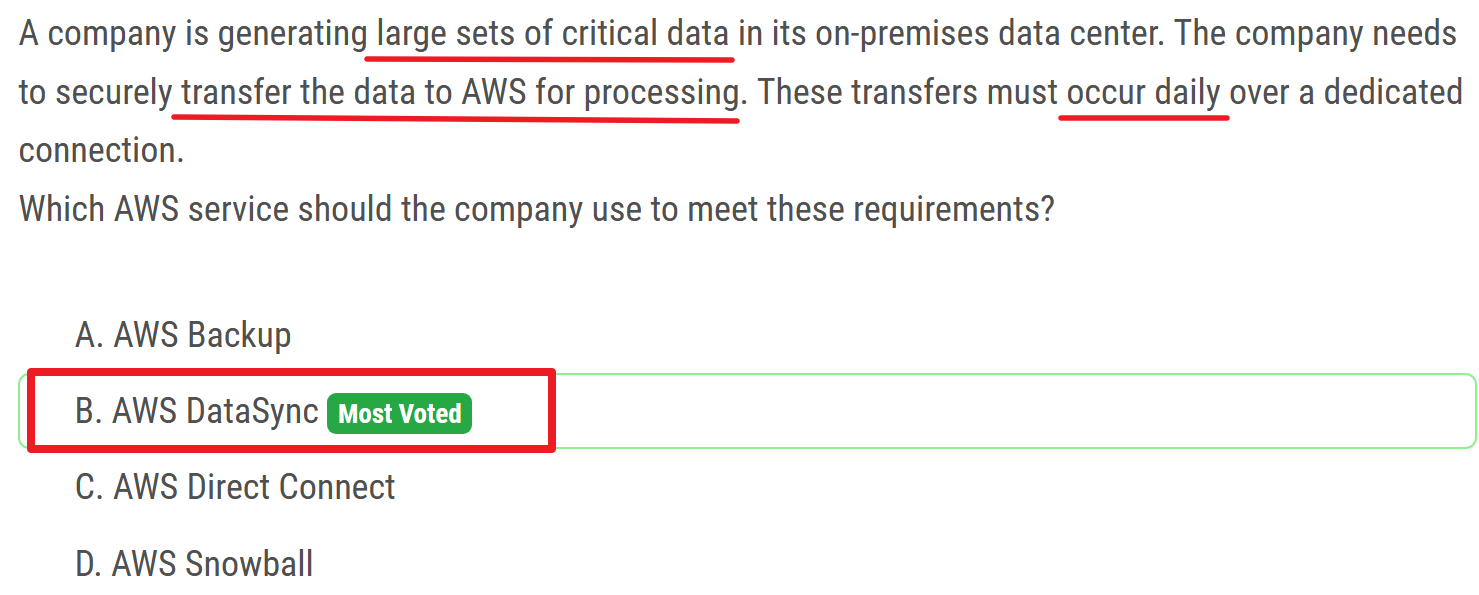
# DataSync
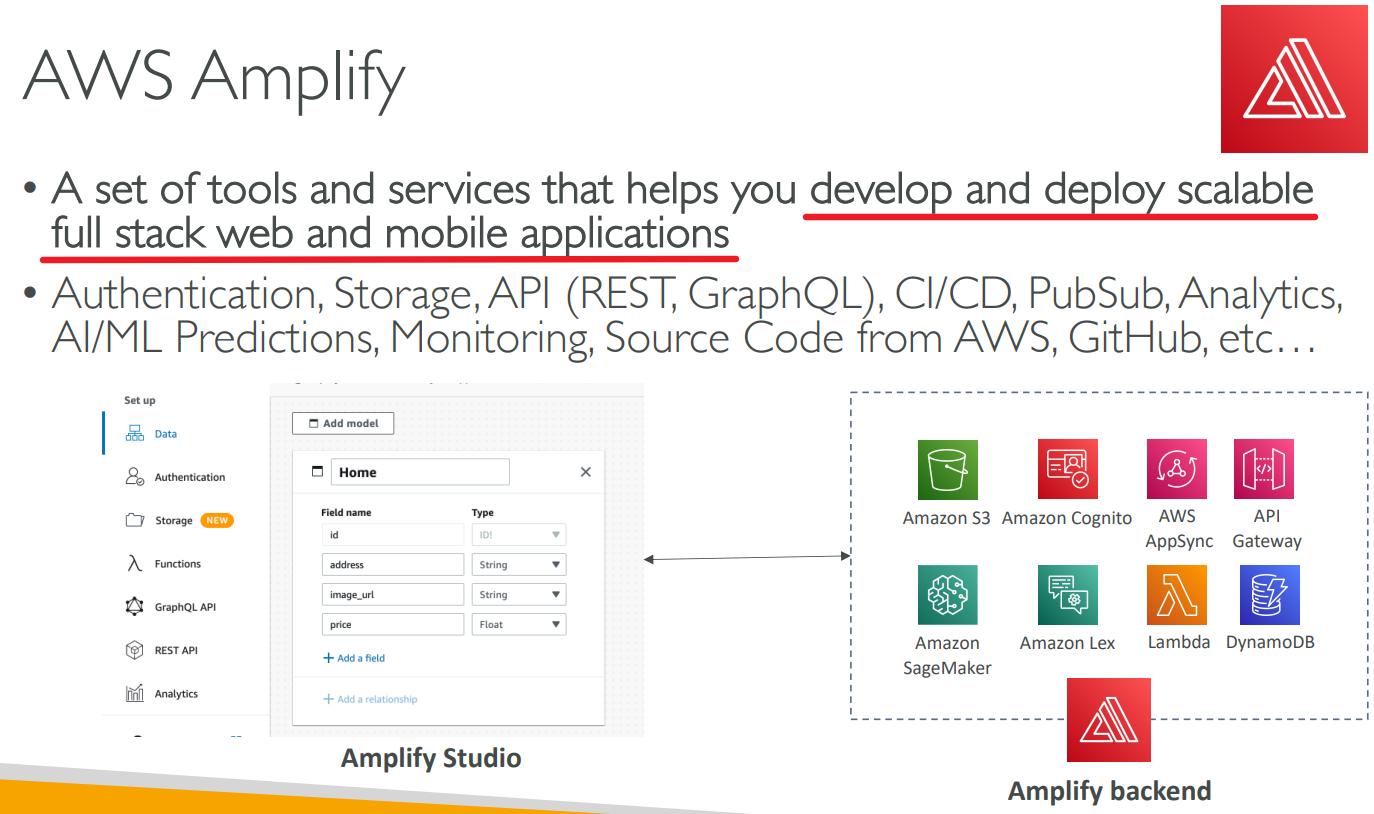
# Amplify
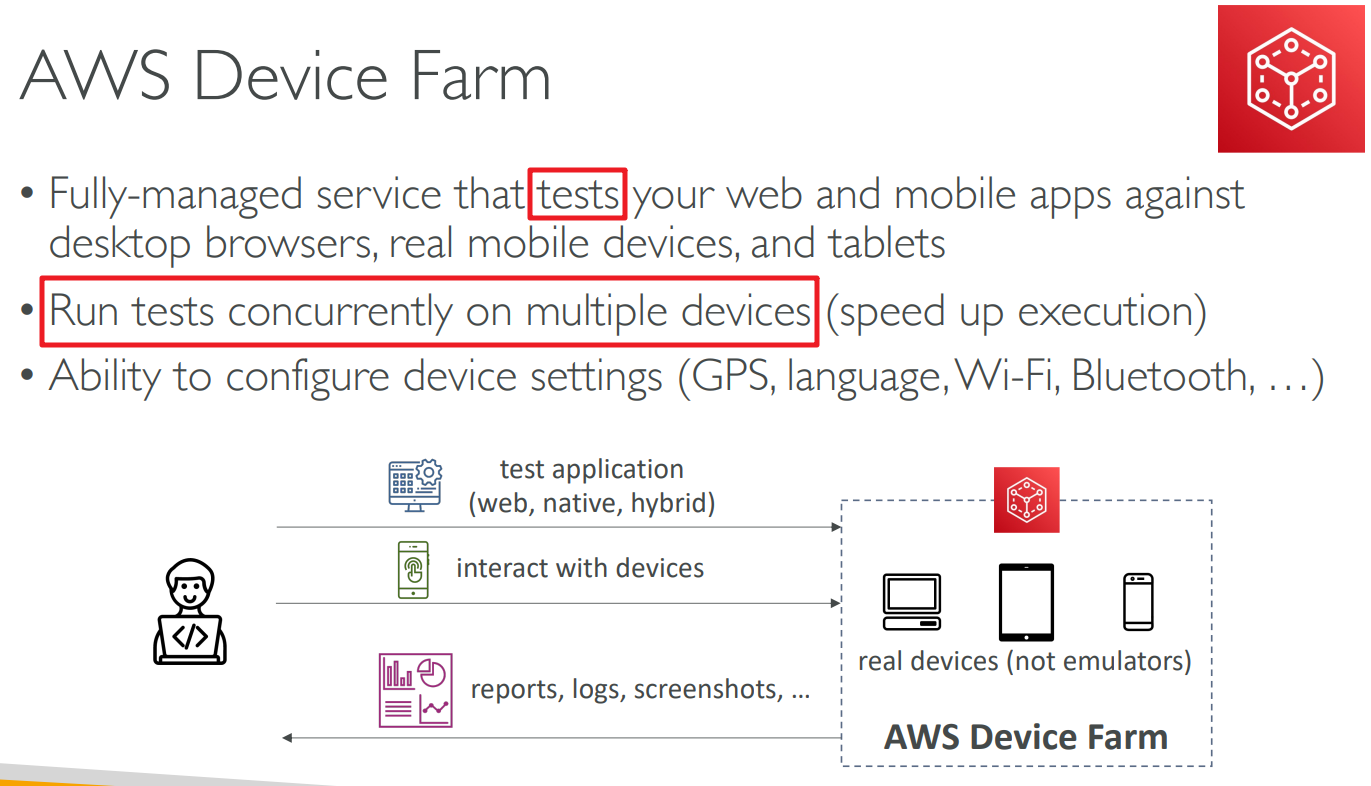
# Device Farm
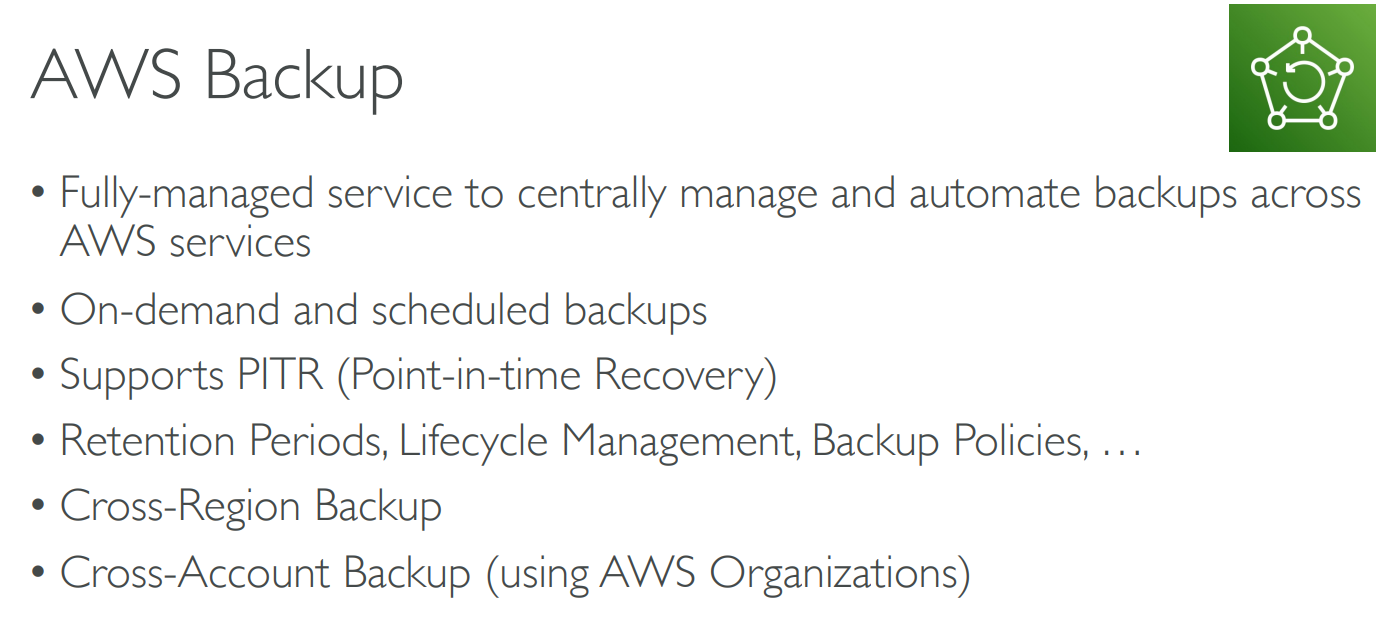
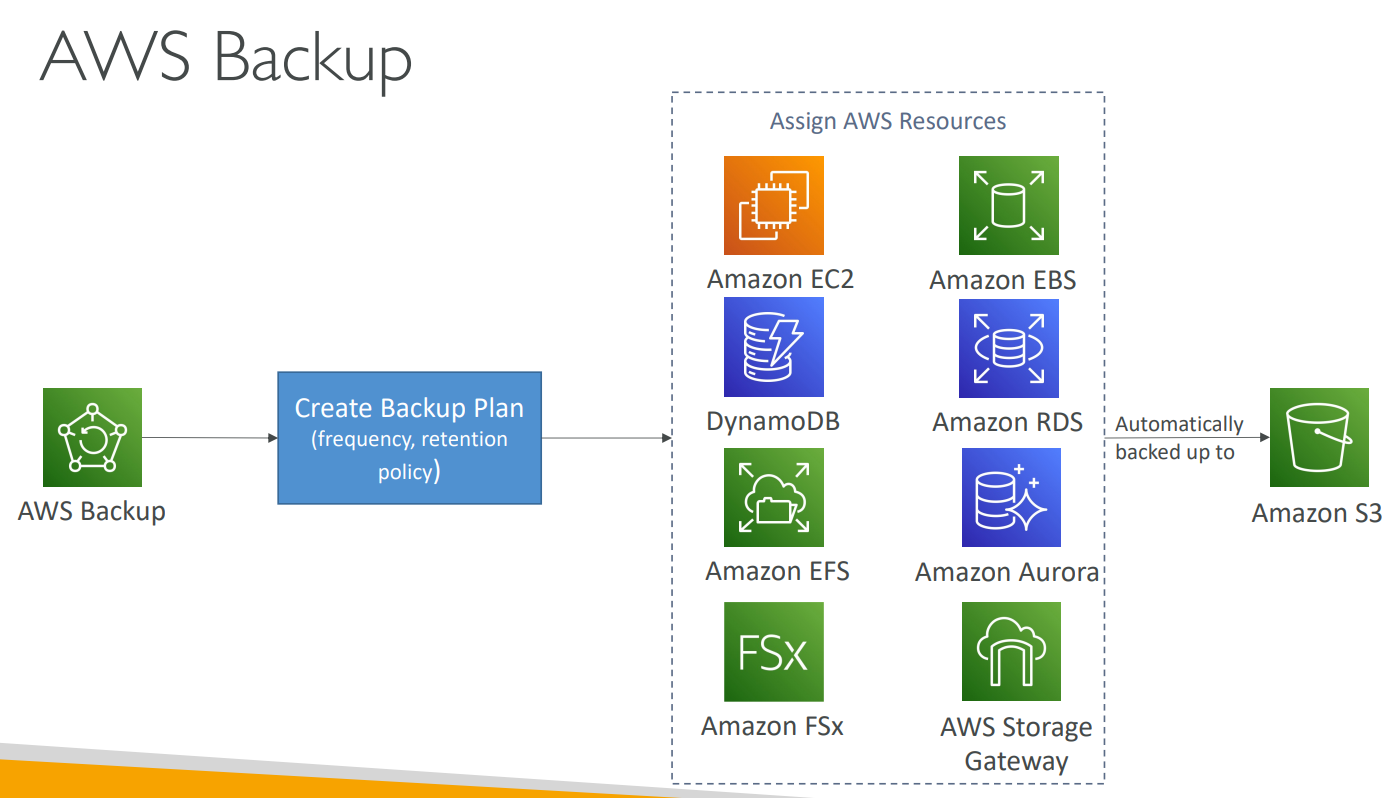
# Backup
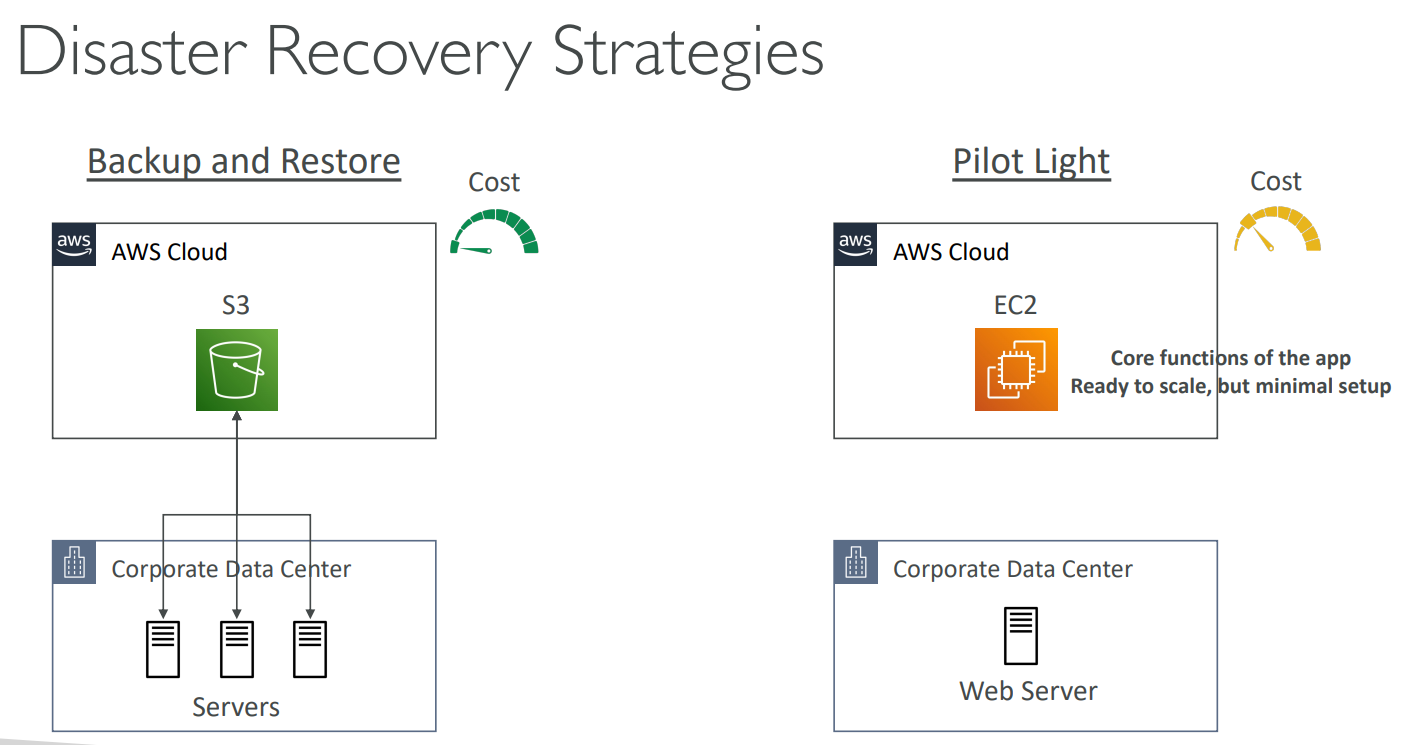
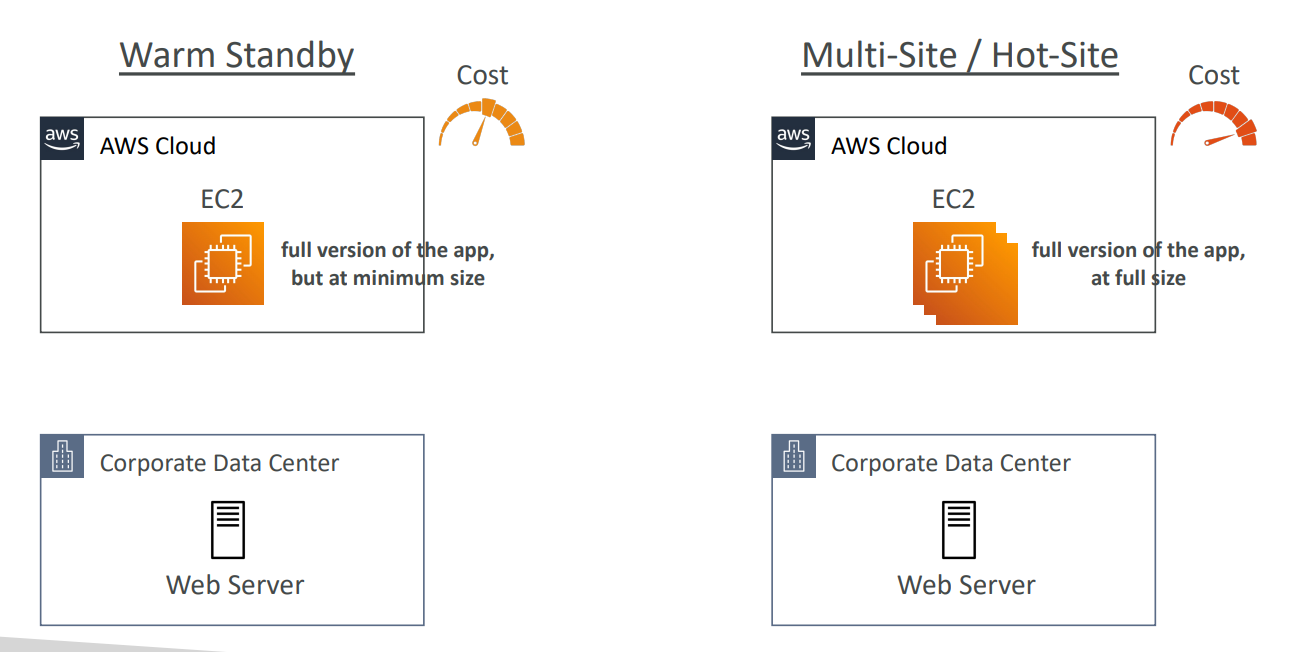
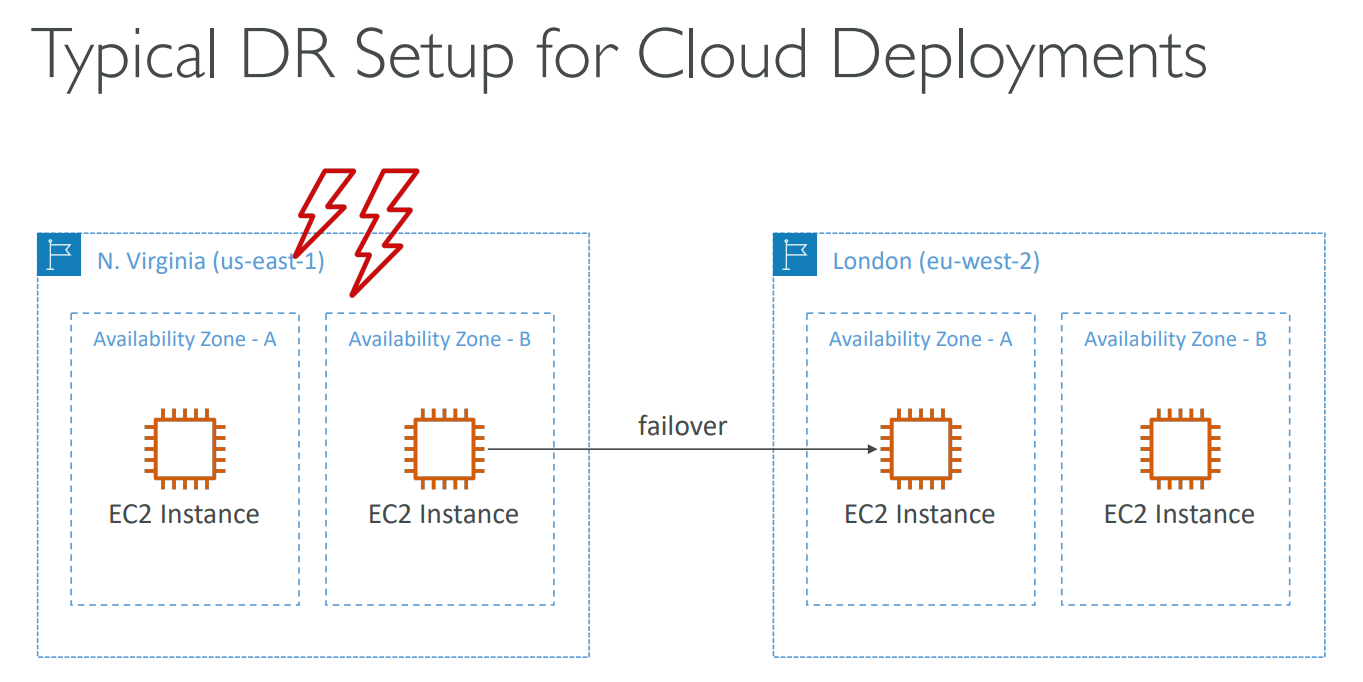
# Disaster Recovery Strategies
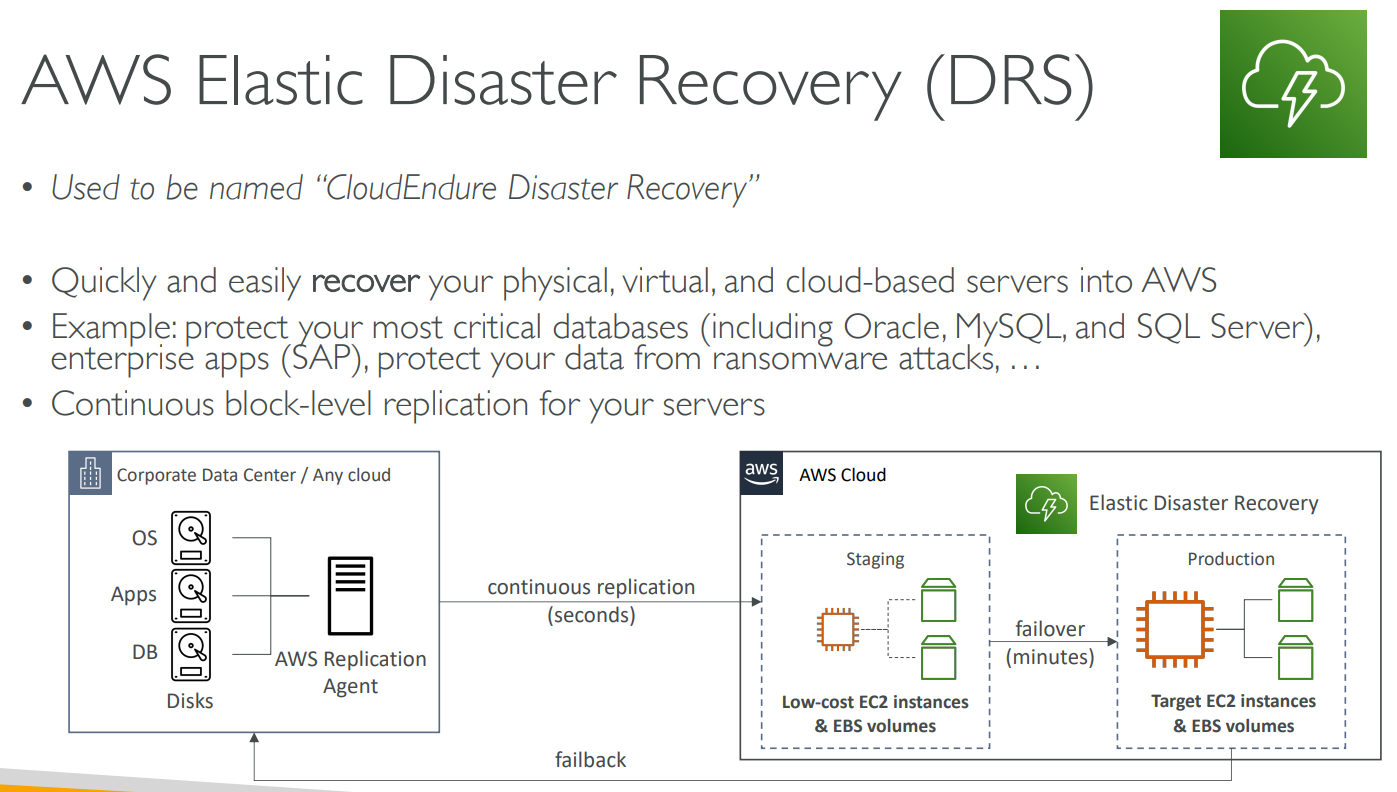
# Elastic Disaster Recovery(DRS)
# Application Discovery Service

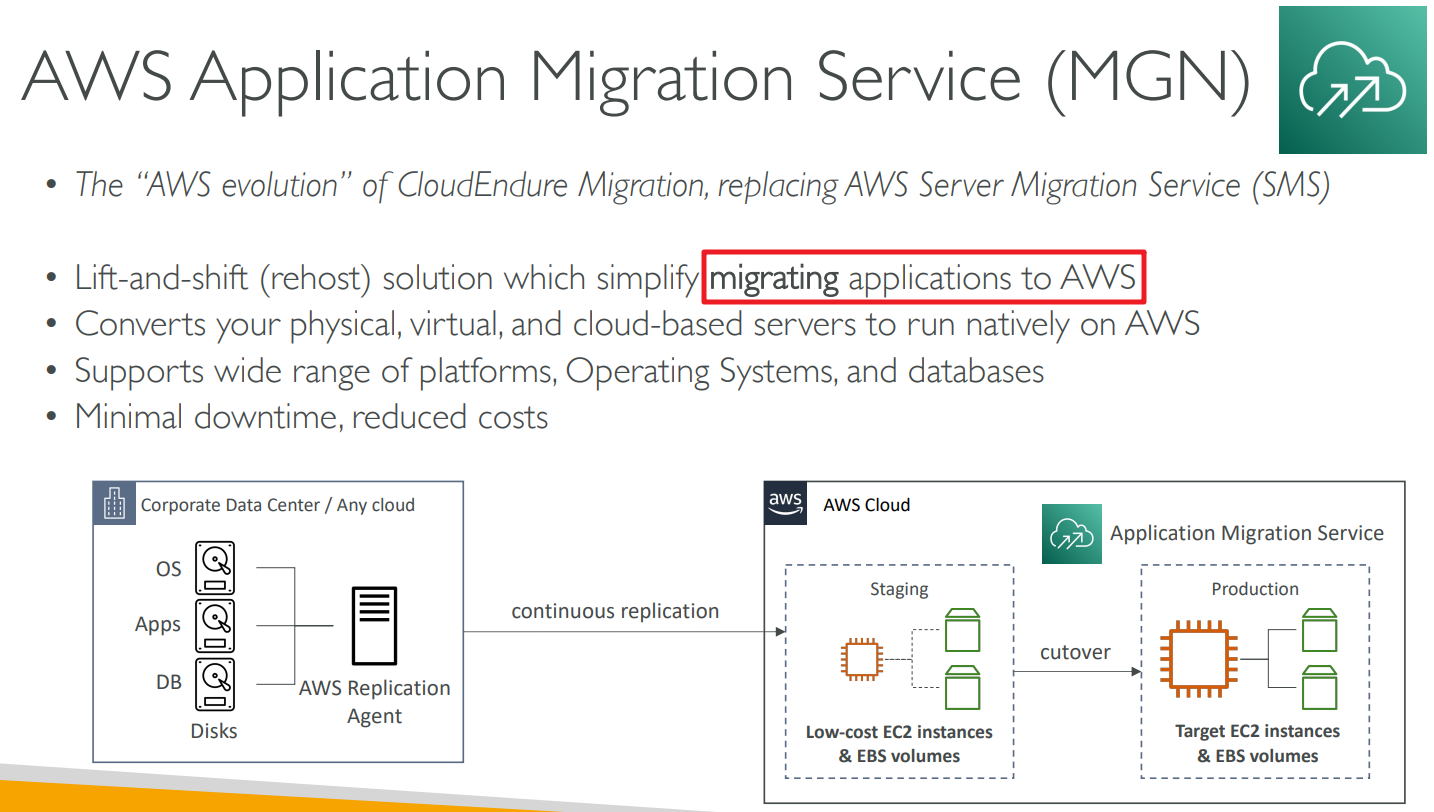
# Application Migration Service
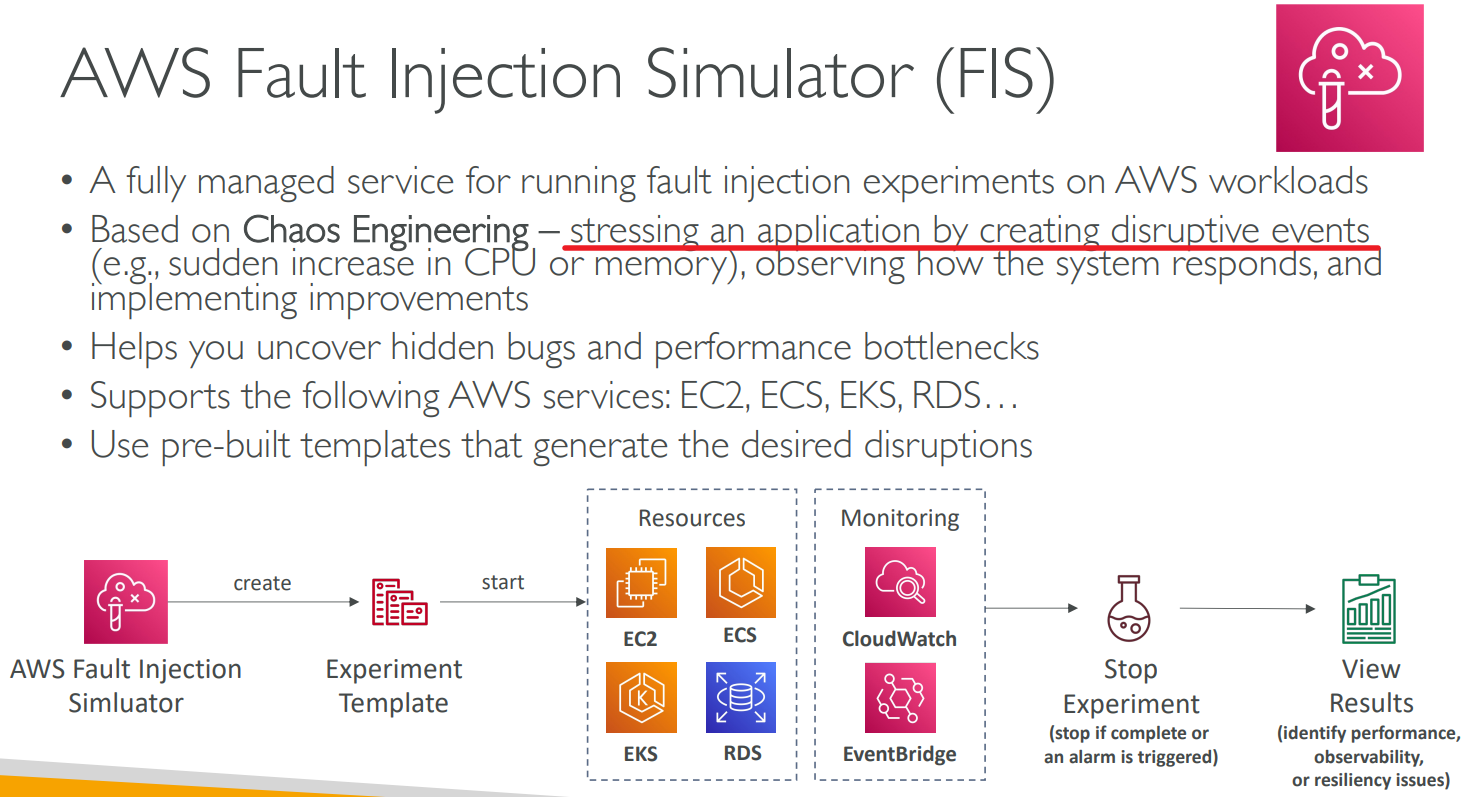
# Fault Injection Simulator(FIS)
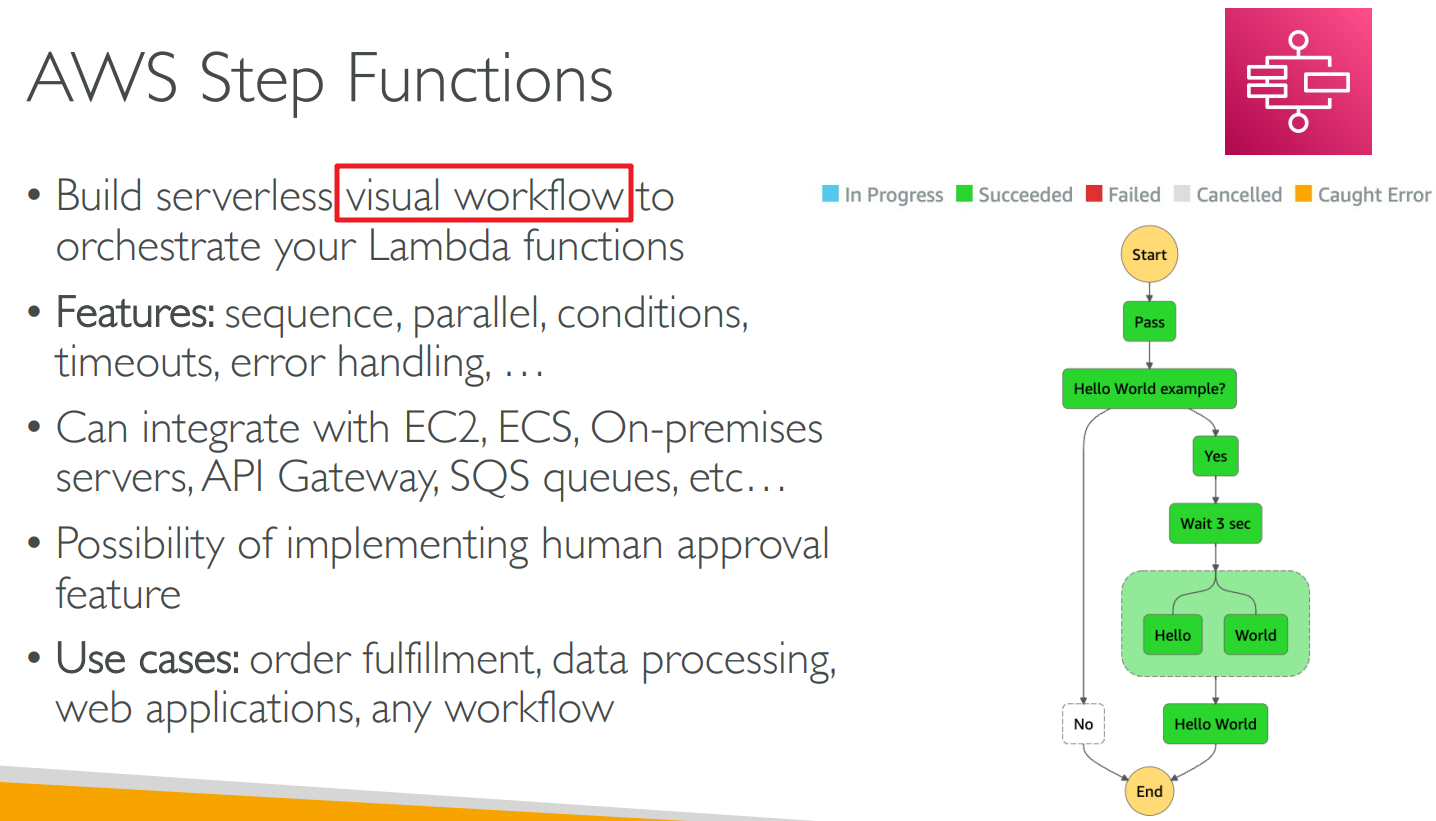
# Step Functions
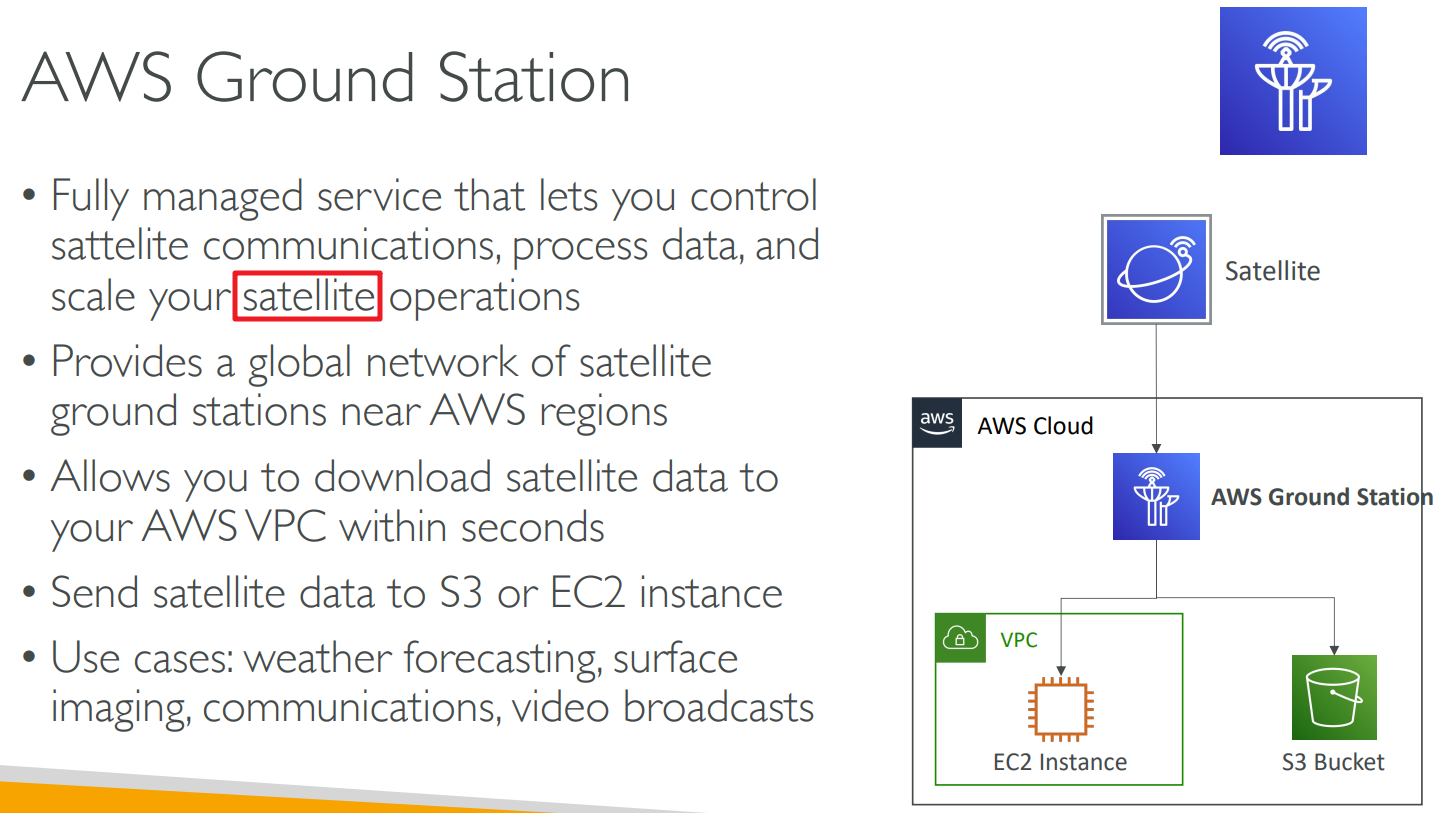
# Ground Station
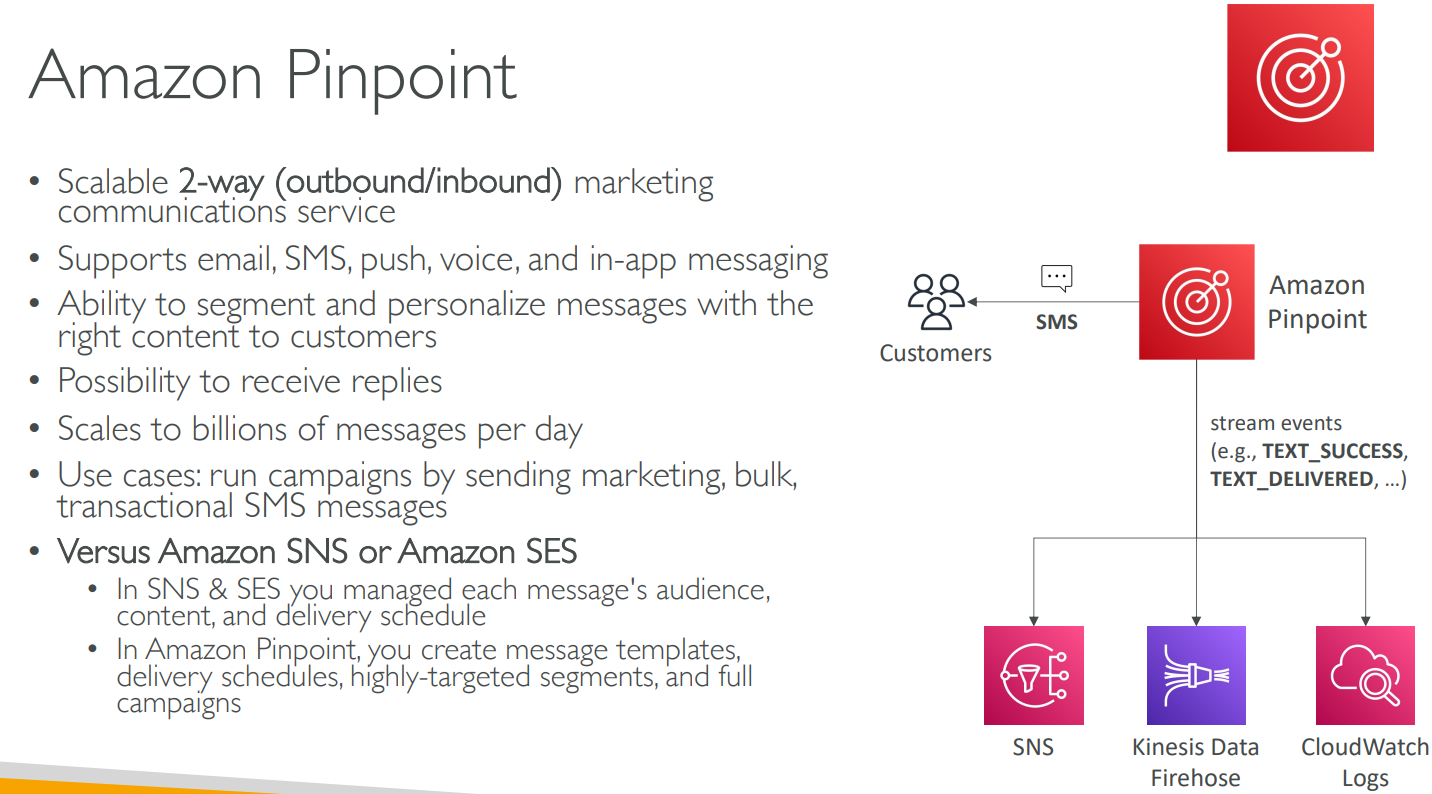
# Pinpoint
# 【21】AWS Architecting & Ecosystem Section
# 6 Pillars
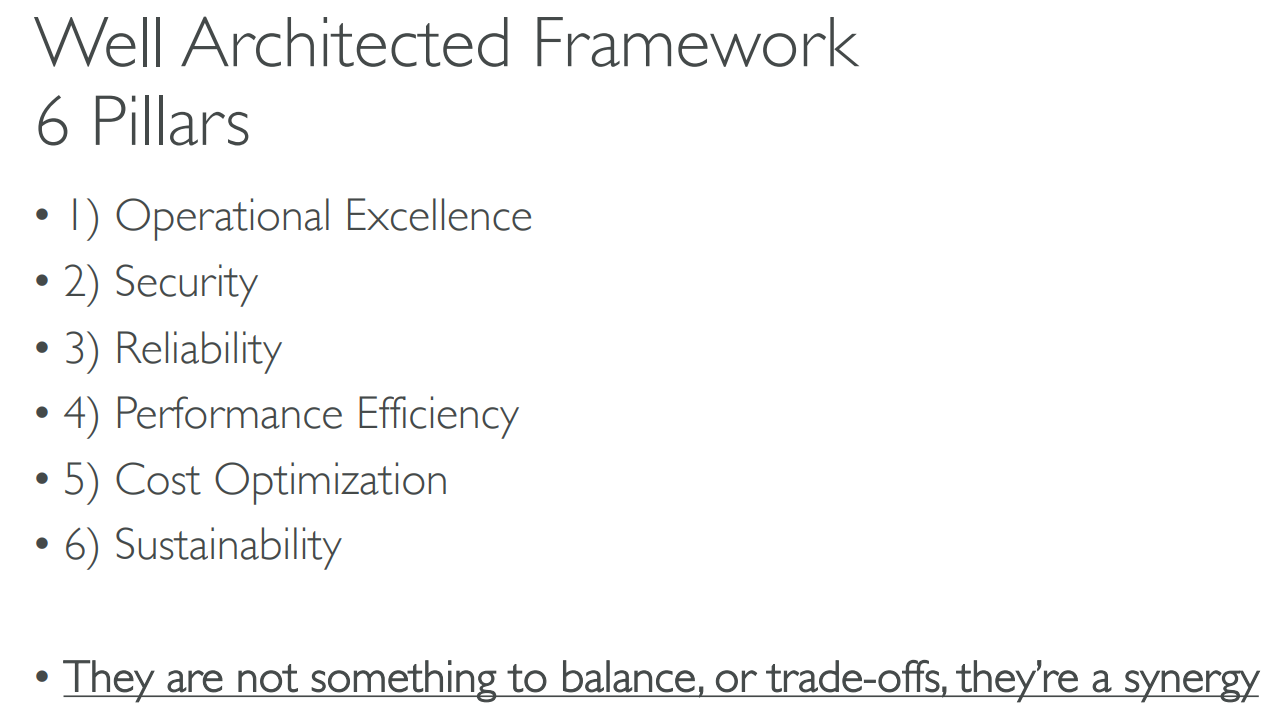
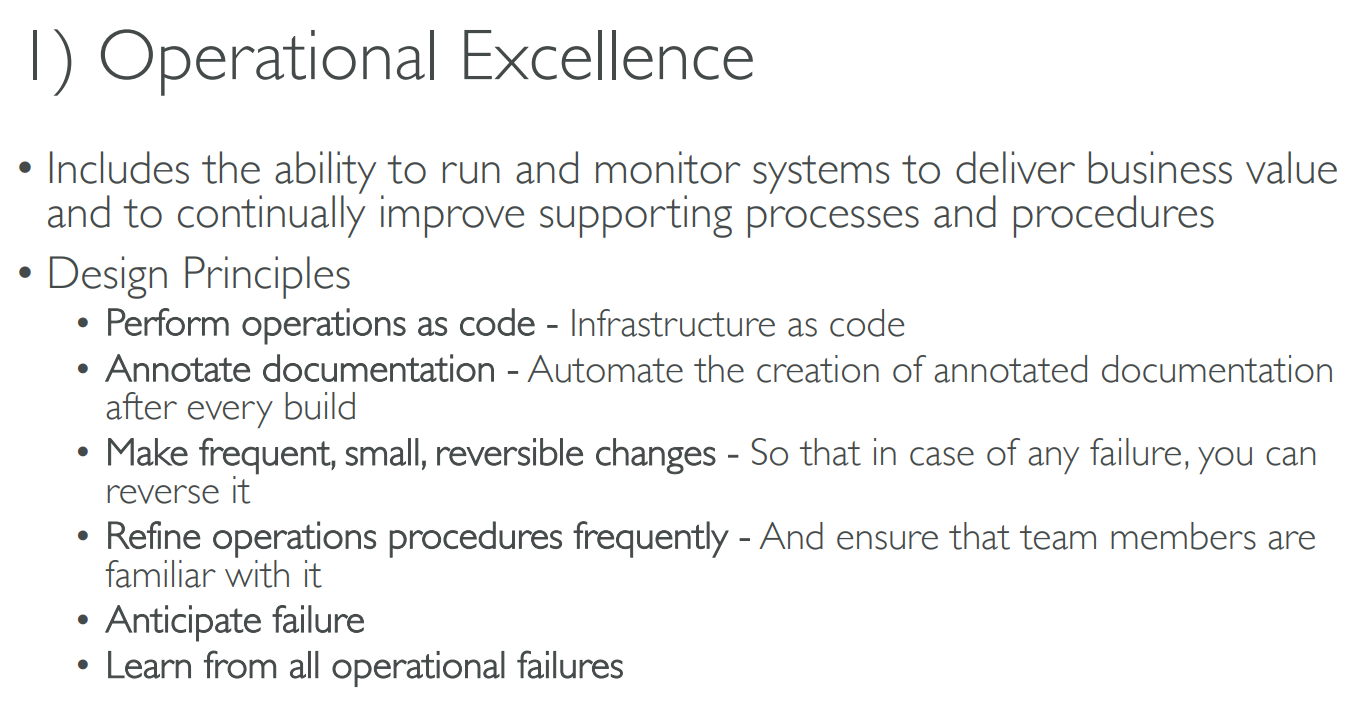
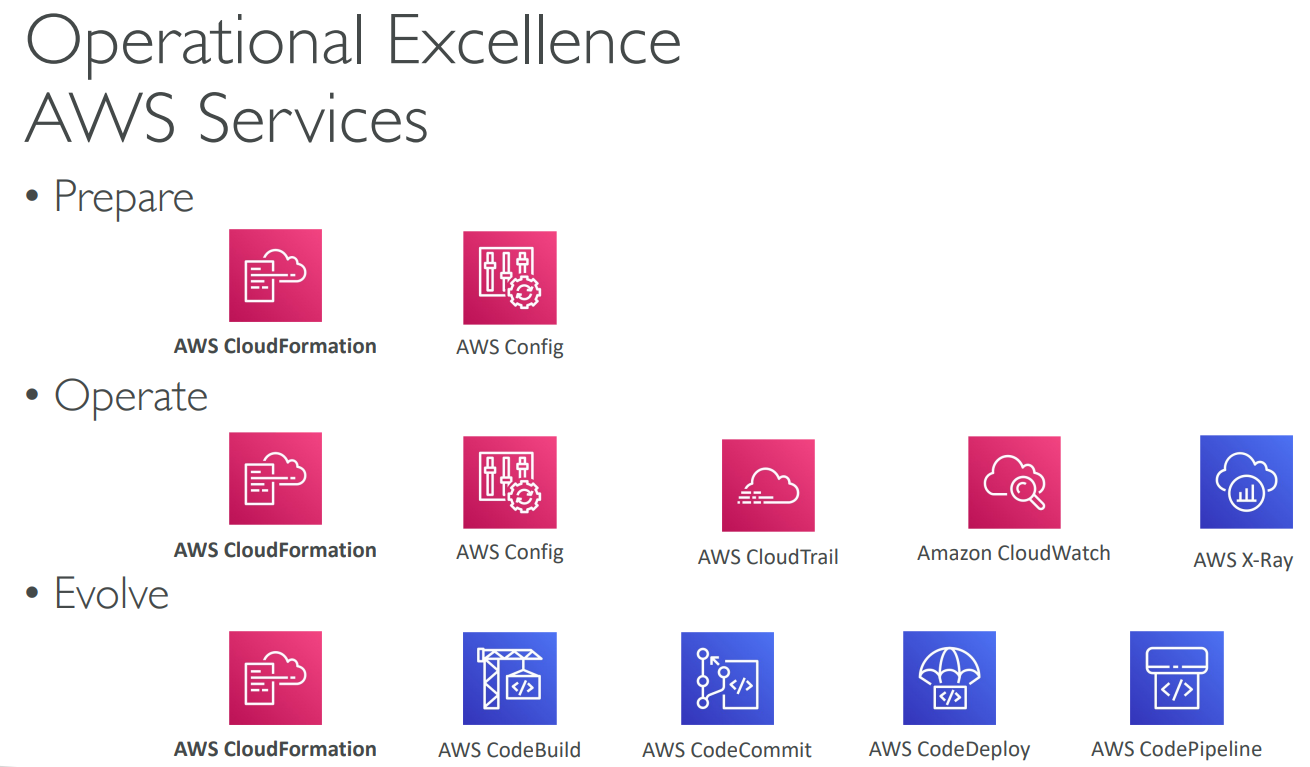
# 1) Operational Excellence
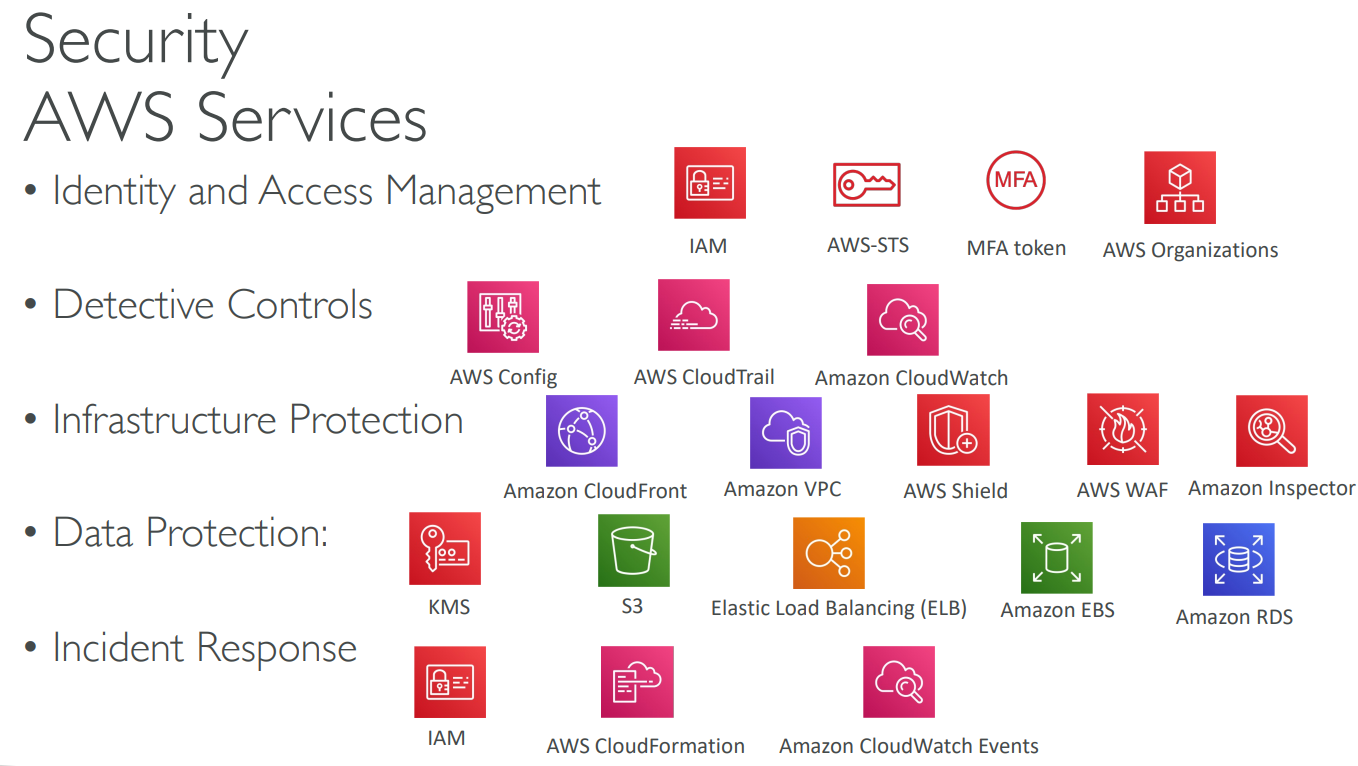
# 2) Security

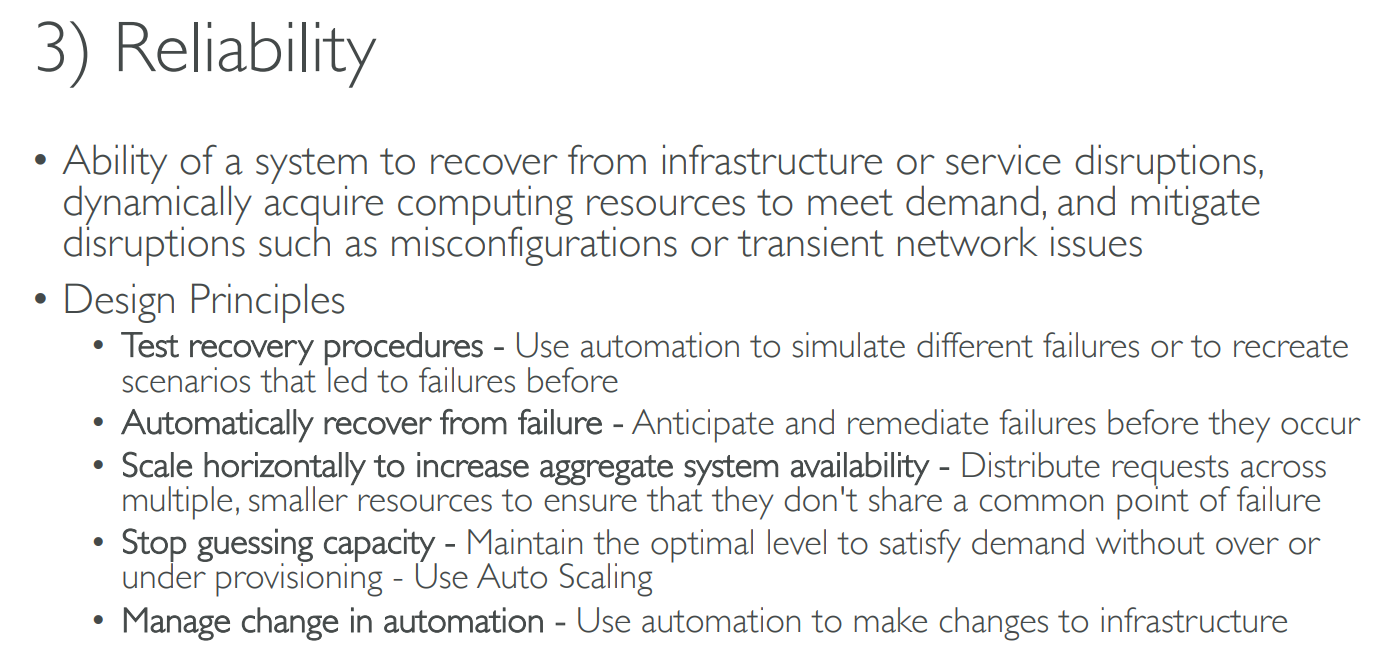
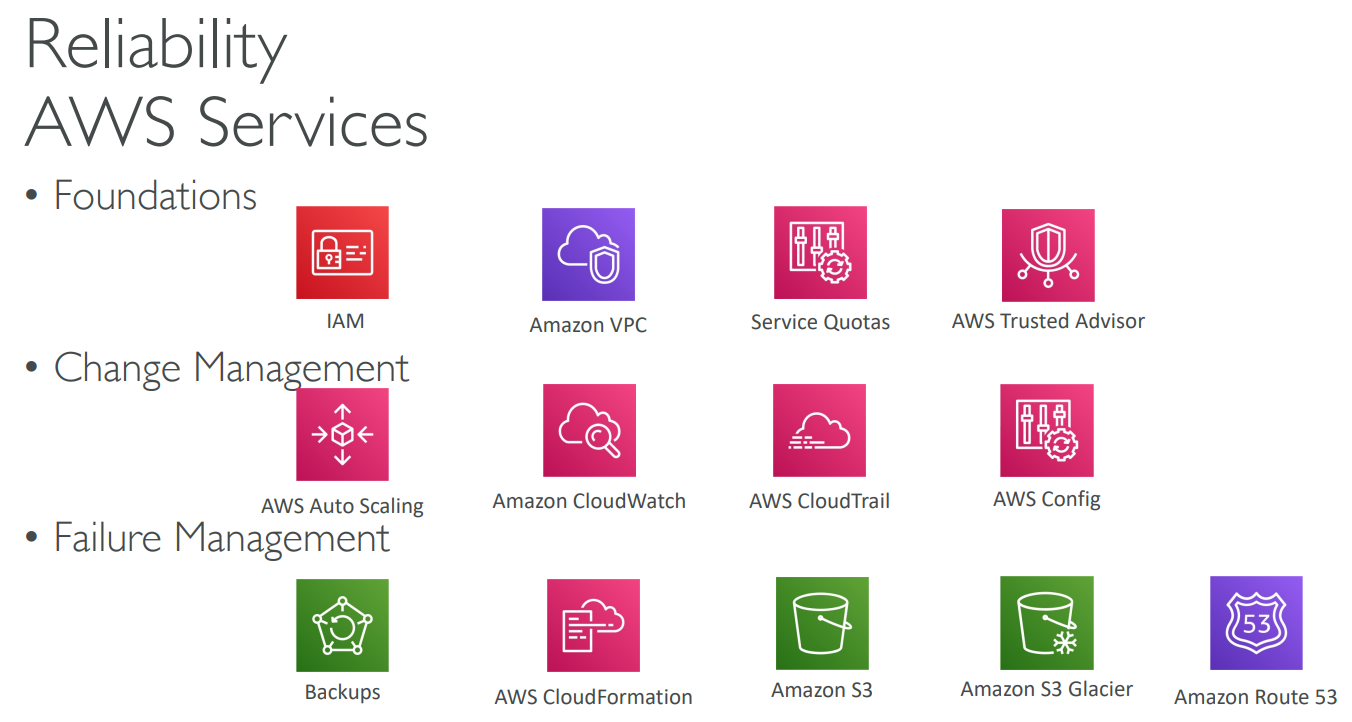
# 3) Reliability
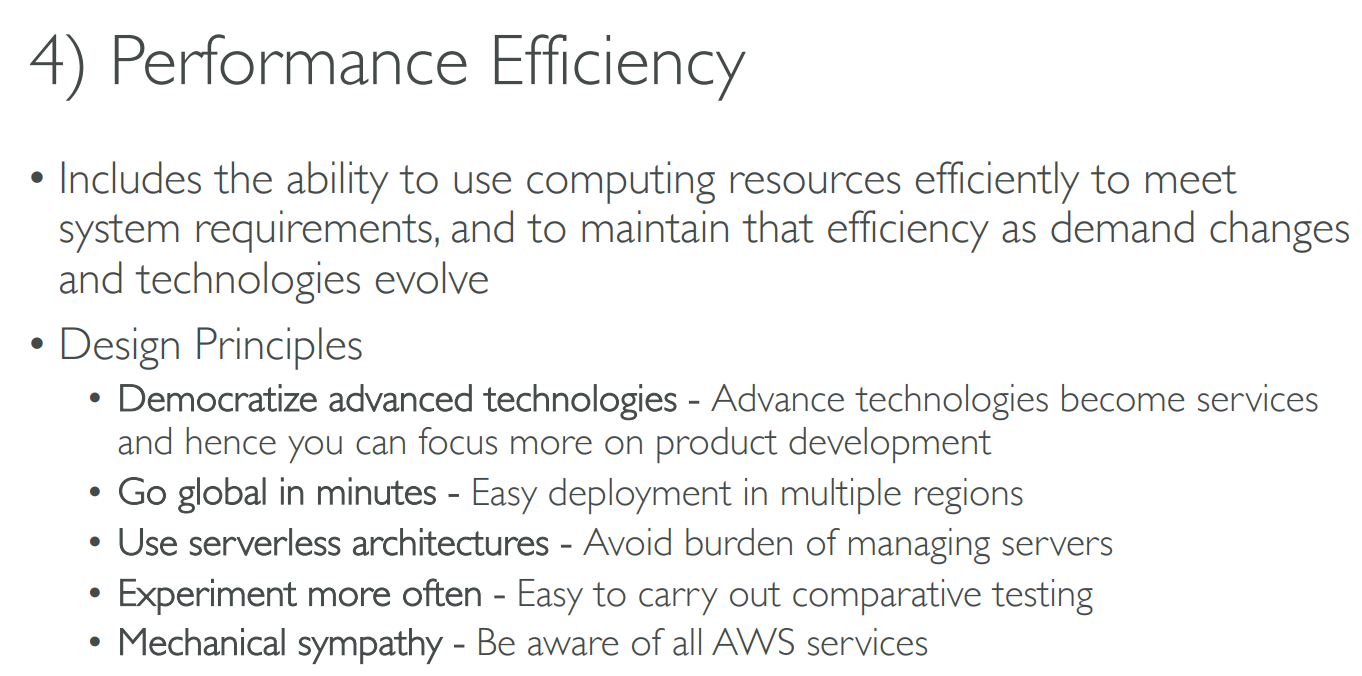
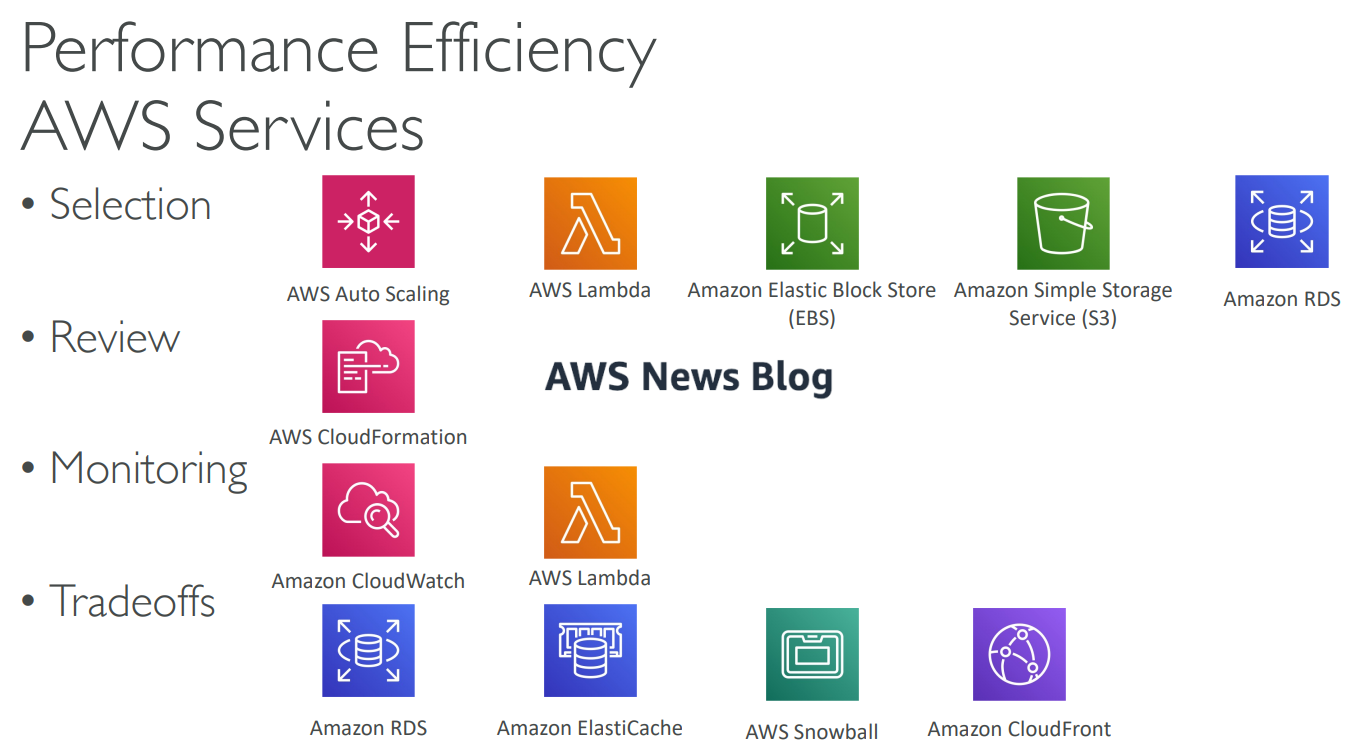
# 4) Performance Efficiency
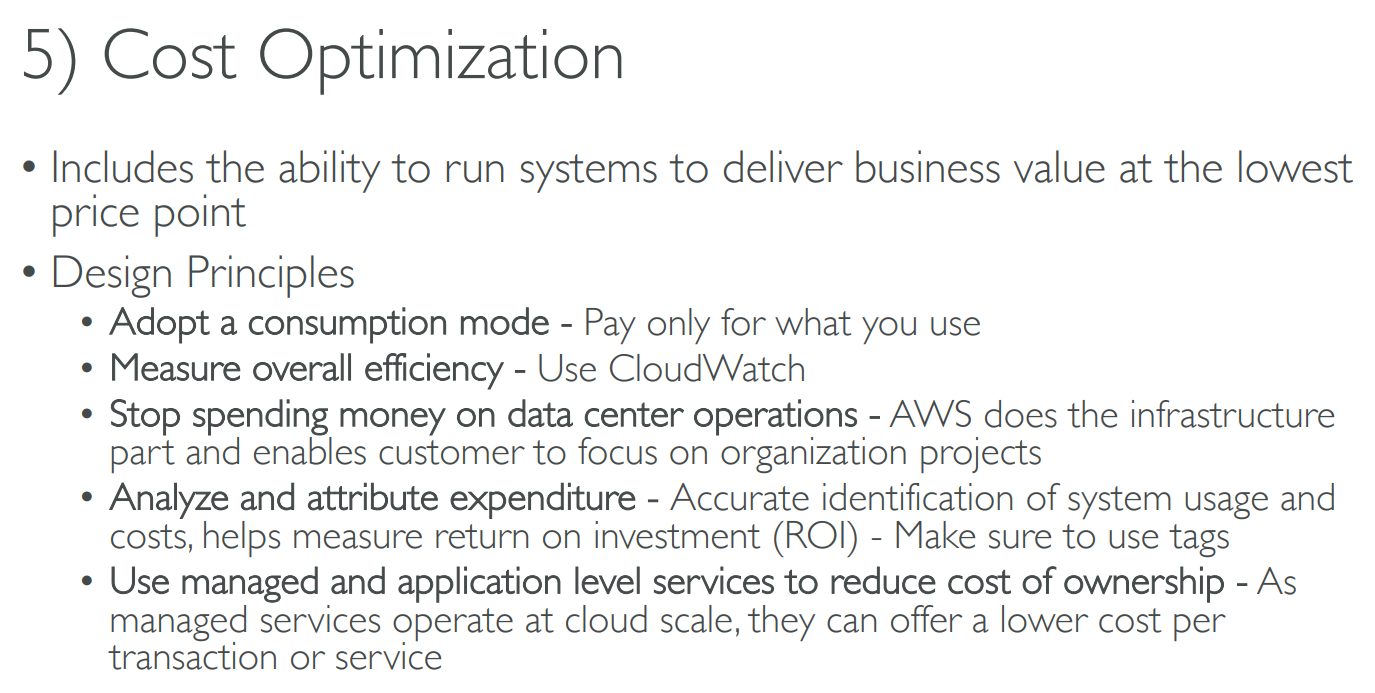
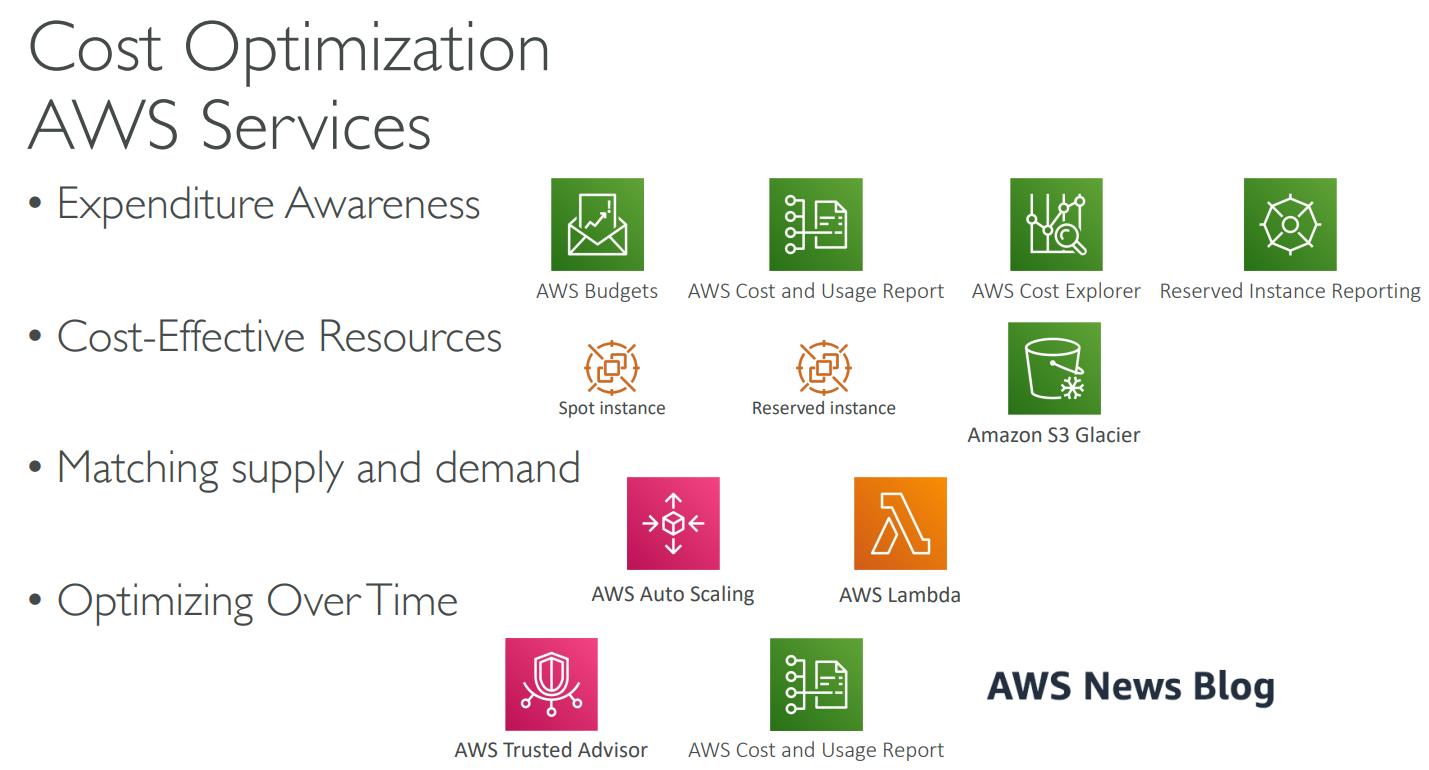
# 5) Cost Optimization
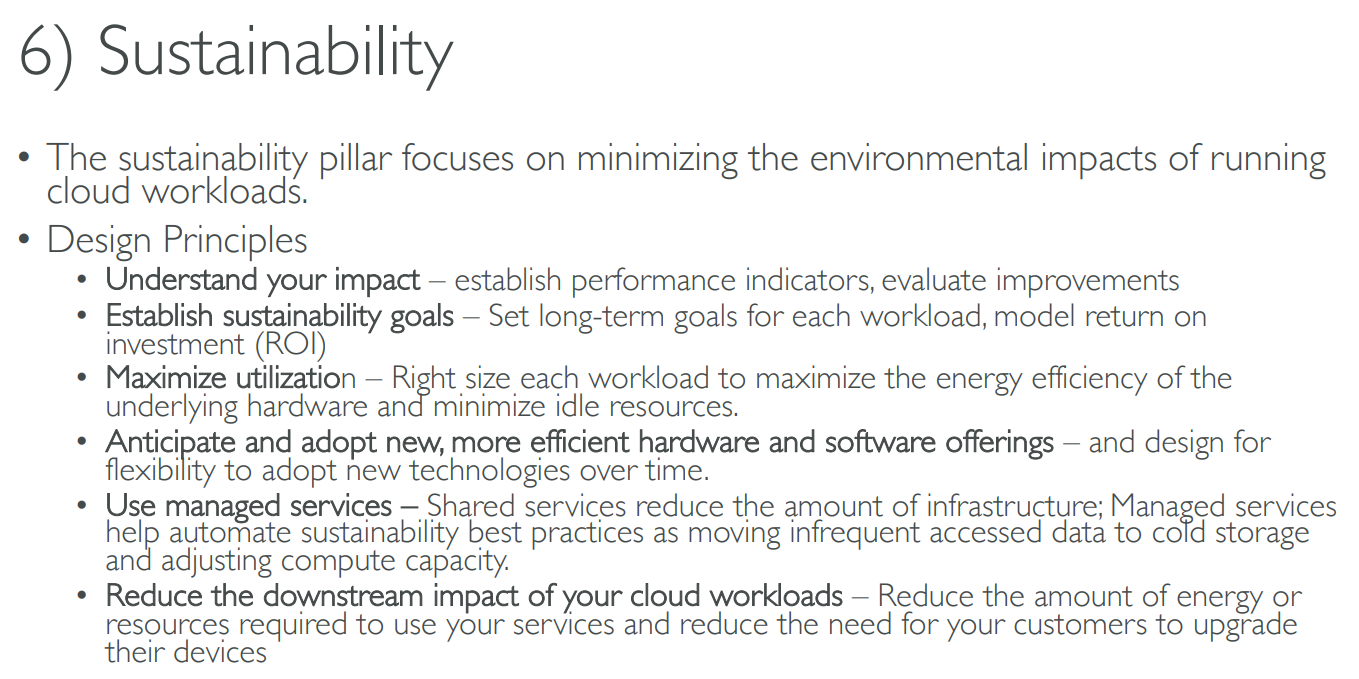
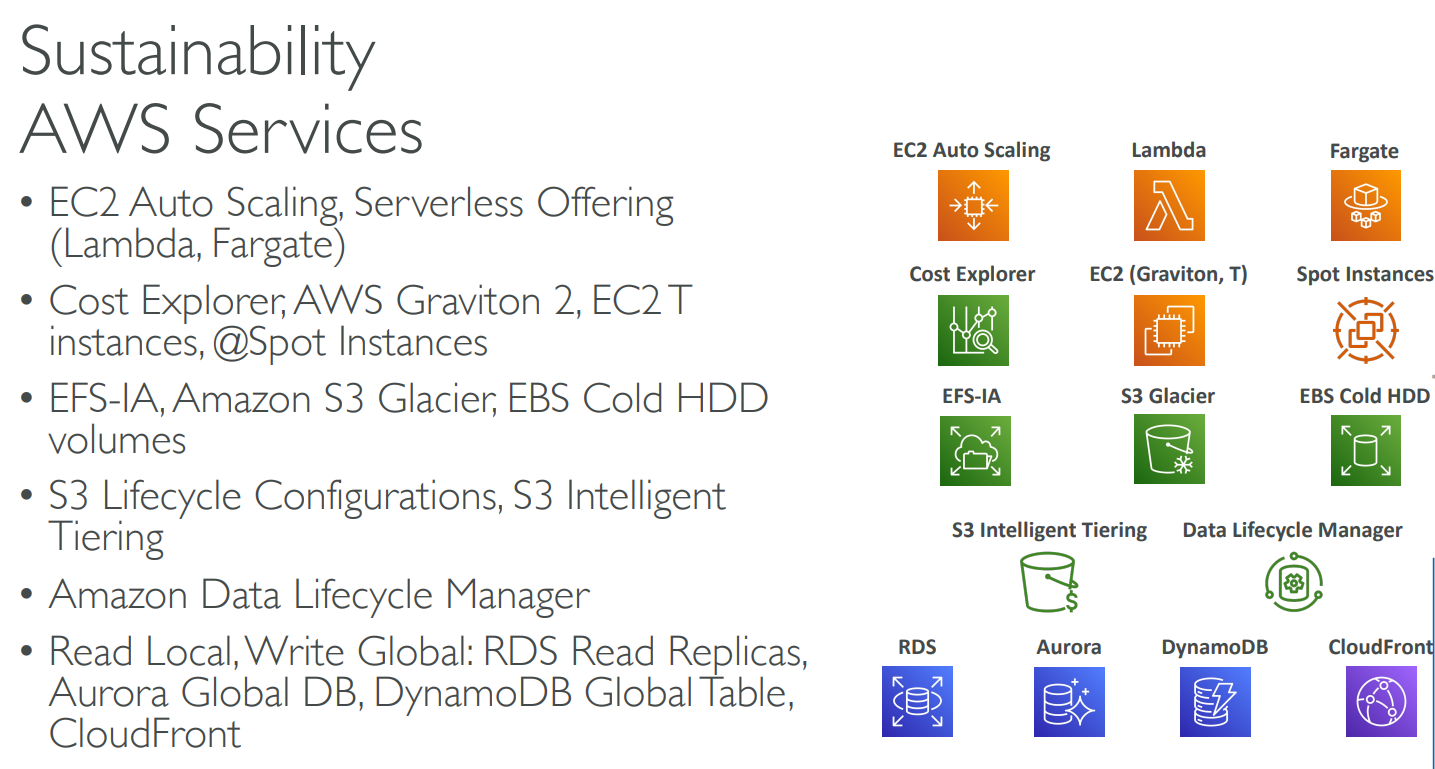
# 6) Sustainability
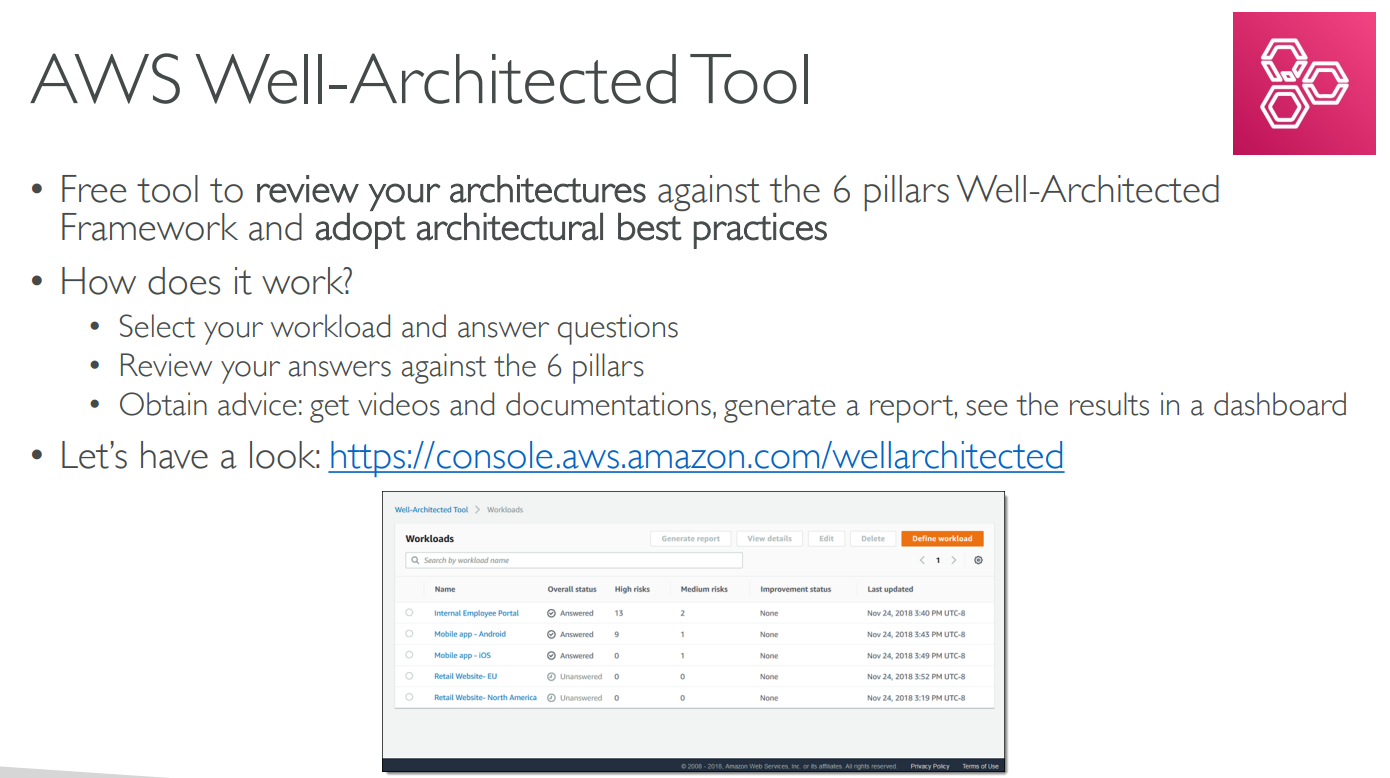
# Well-Architected Tool
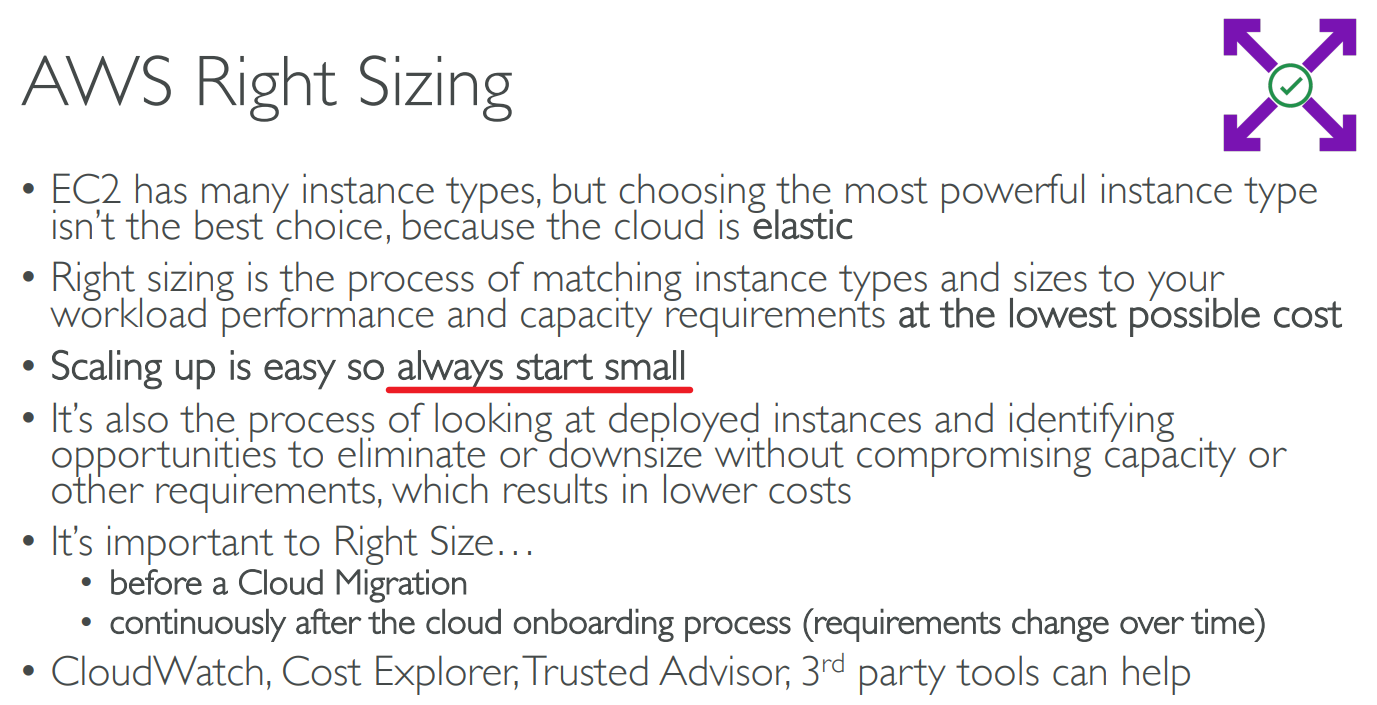
# Right Sizing
# AWS Ecosystem – Free resources
AWS Blogs: https://aws.amazon.com/blogs/aws/
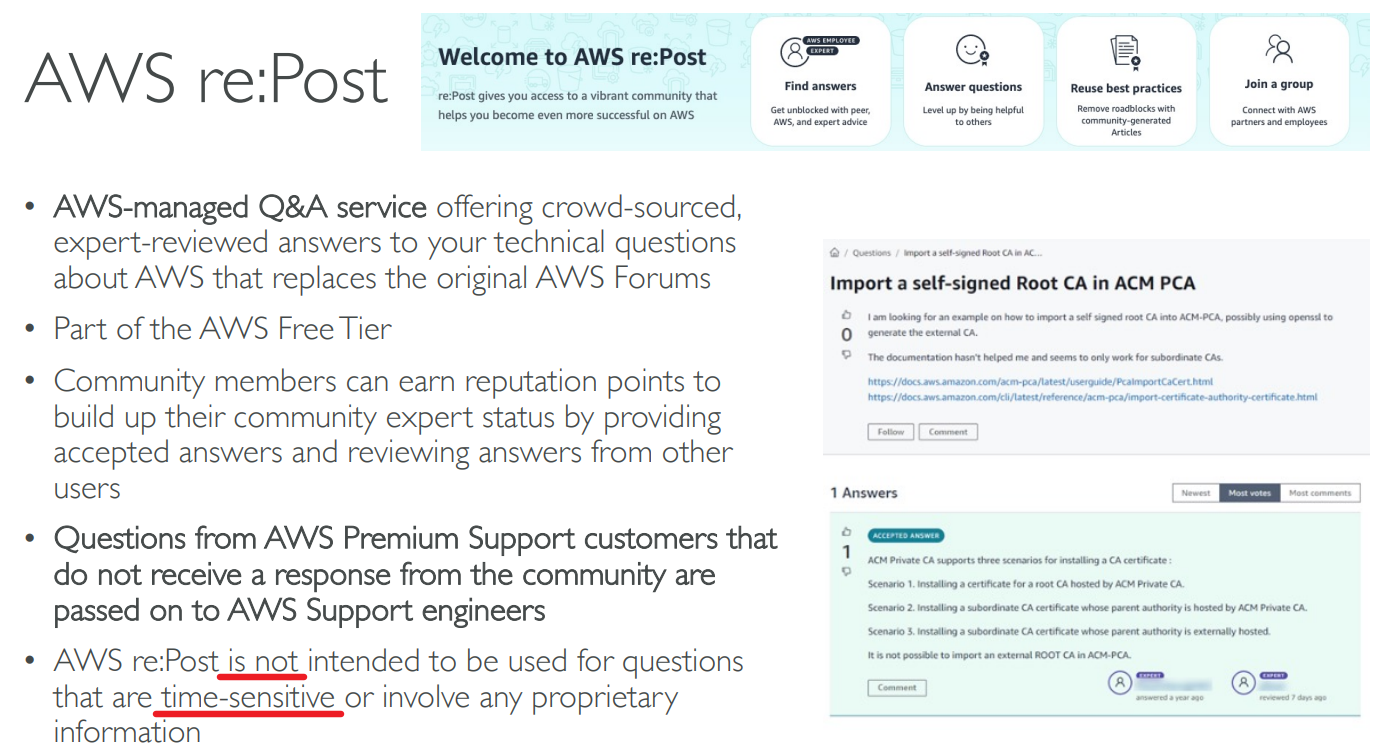
AWS Forums (community): https://forums.aws.amazon.com/index.jspa
AWS Whitepapers & Guides: https://aws.amazon.com/whitepapers
AWS Quick Starts: https://aws.amazon.com/quickstart/
Automated, gold-standard deployments in the AWS Cloud
Build your production environment quickly with templates
Example: WordPress on AWS https://fwd.aws/P3yyv?did=qs_card&trk=qs_card
Leverages CloudFormation
AWS Solutions: https://aws.amazon.com/solutions/
Vetted Technology Solutions for the AWS Cloud
Example - AWS Landing Zone: secure, multi-account AWS environment
https://aws.amazon.com/solutions/implementations/aws-landing-zone/
“Replaced” by AWS Control Tower
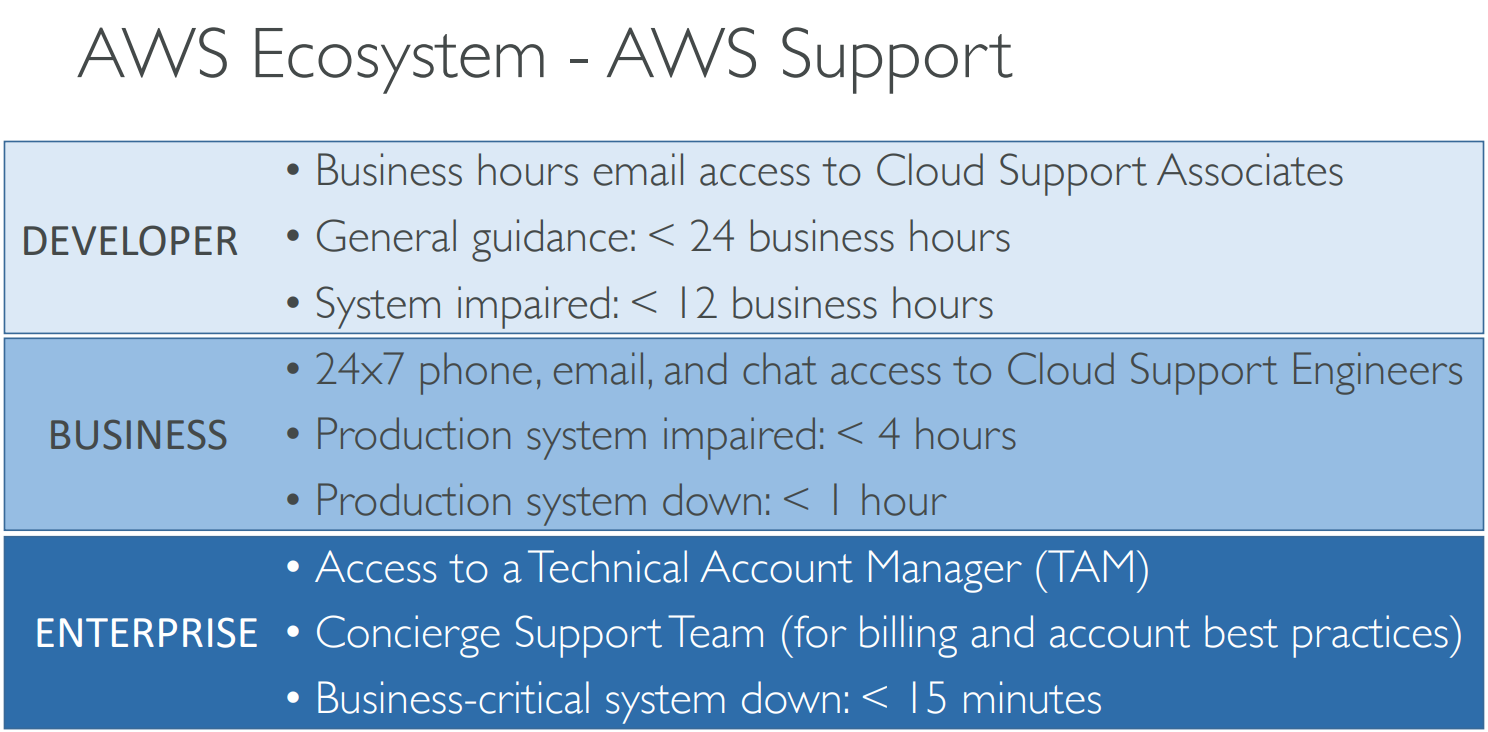
# AWS Support
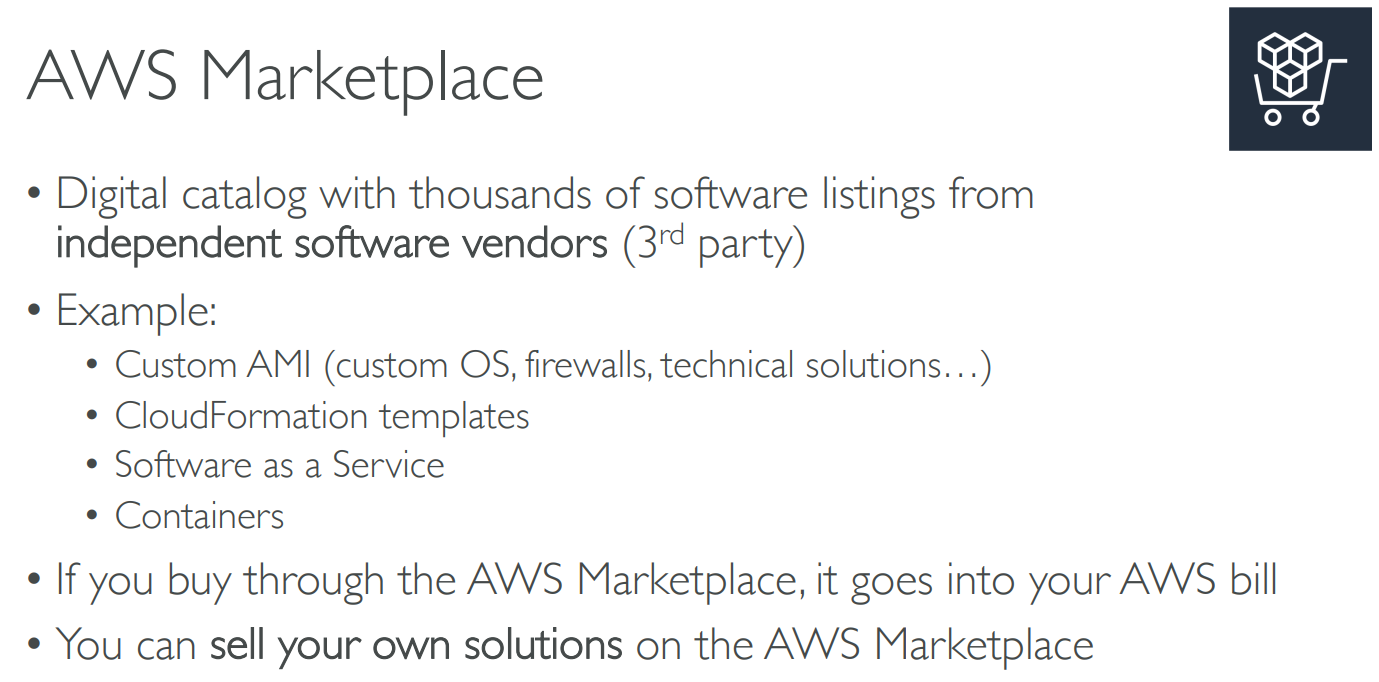
# Marketplace
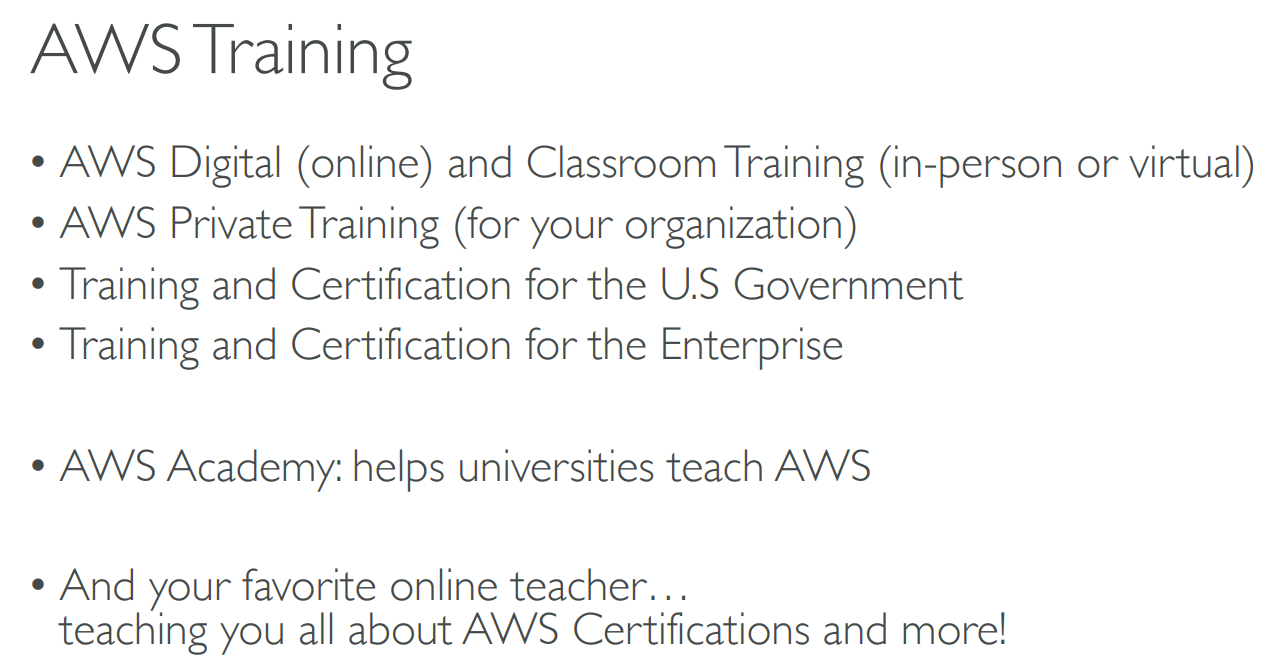
# Training
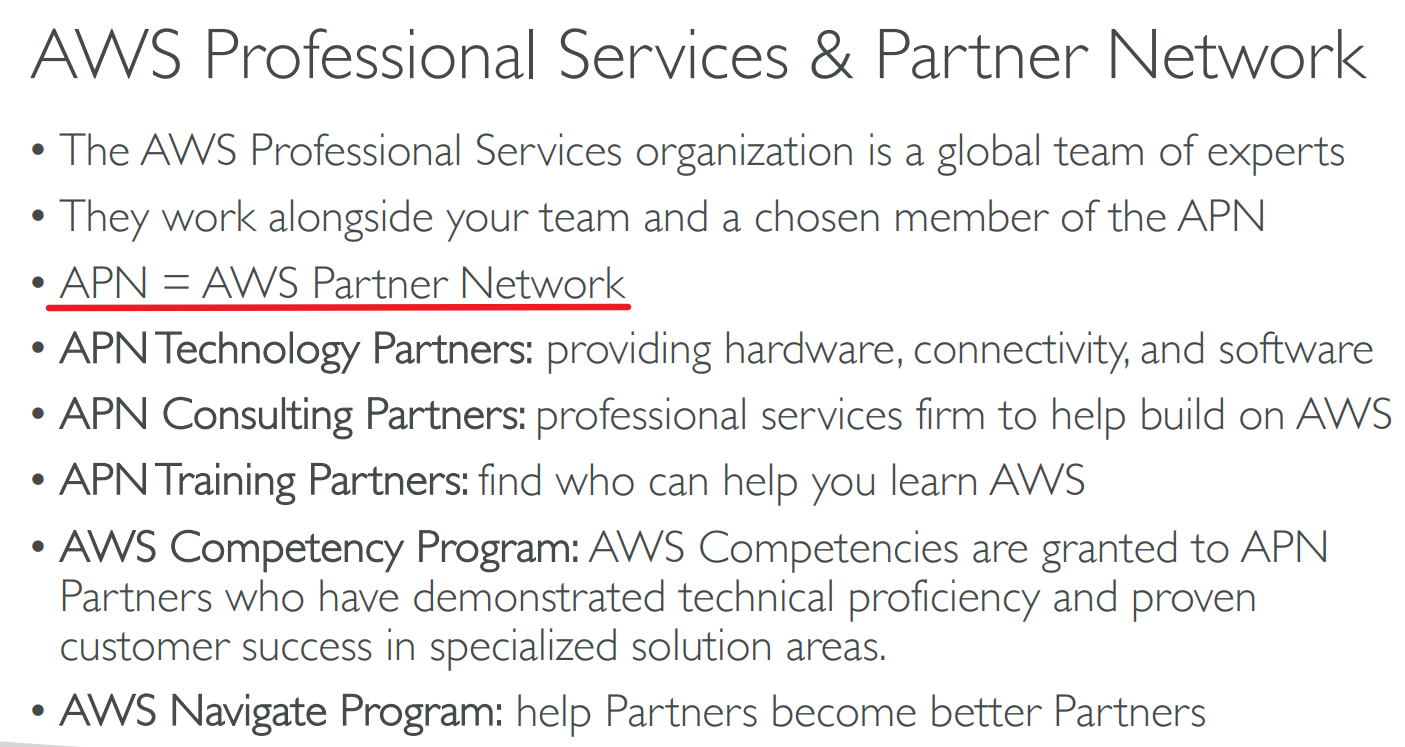
# Professional Services & Partner Network
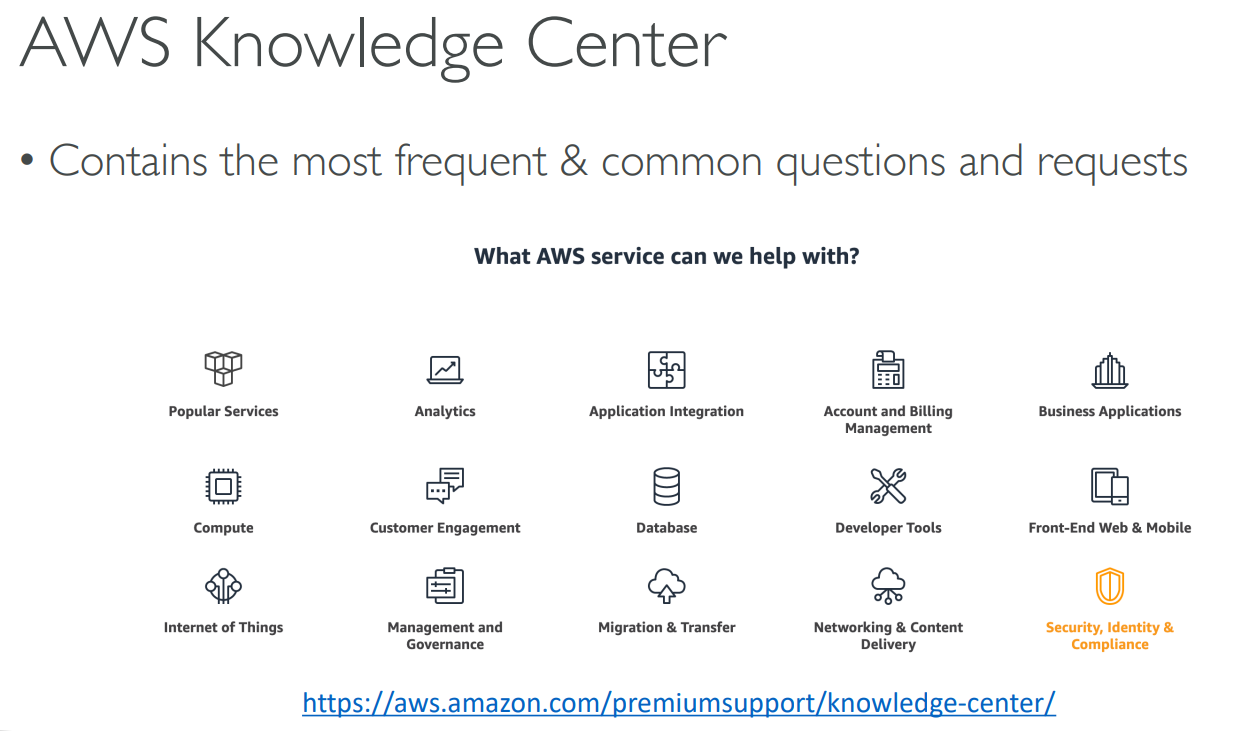
# Knowledge Center
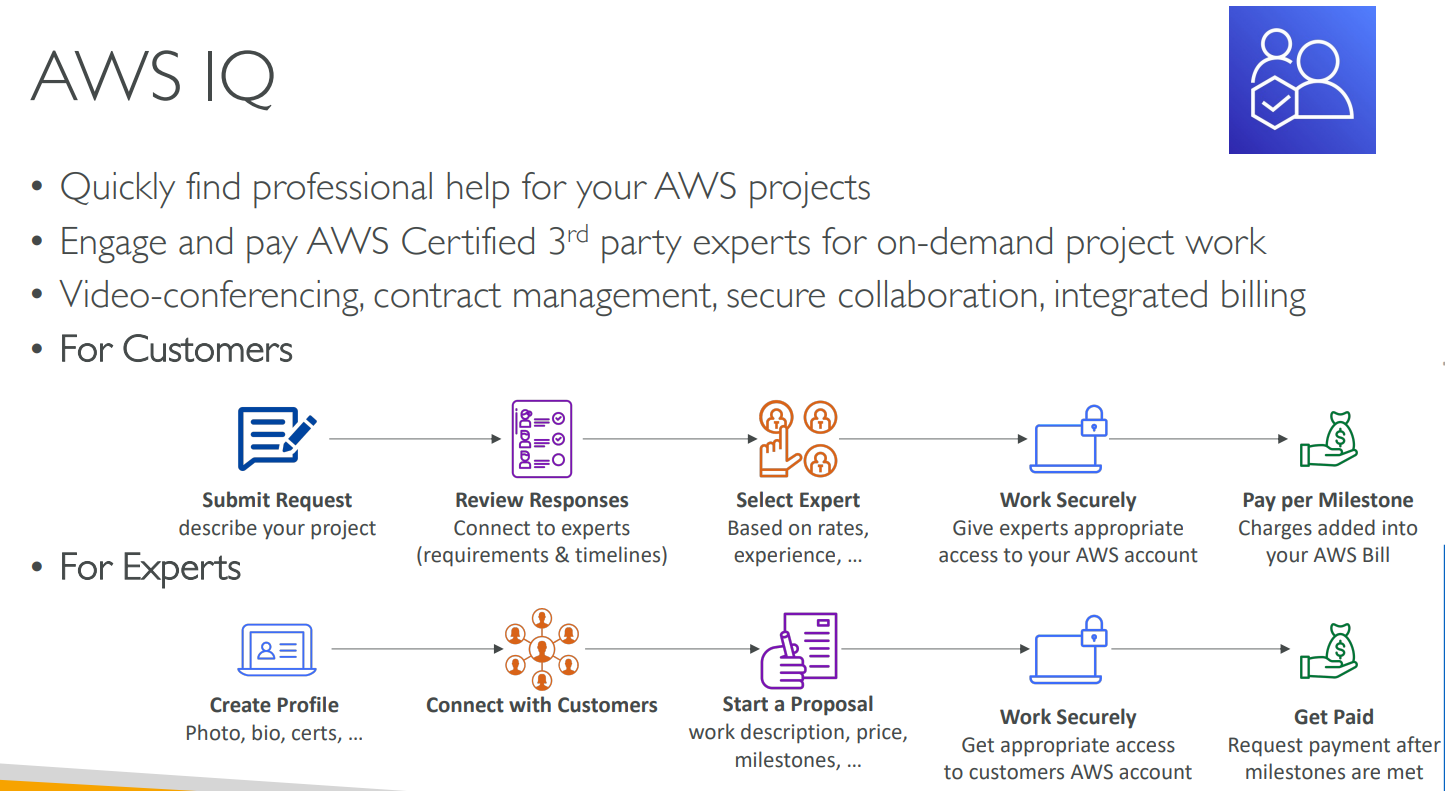
# IQ
# re:Post
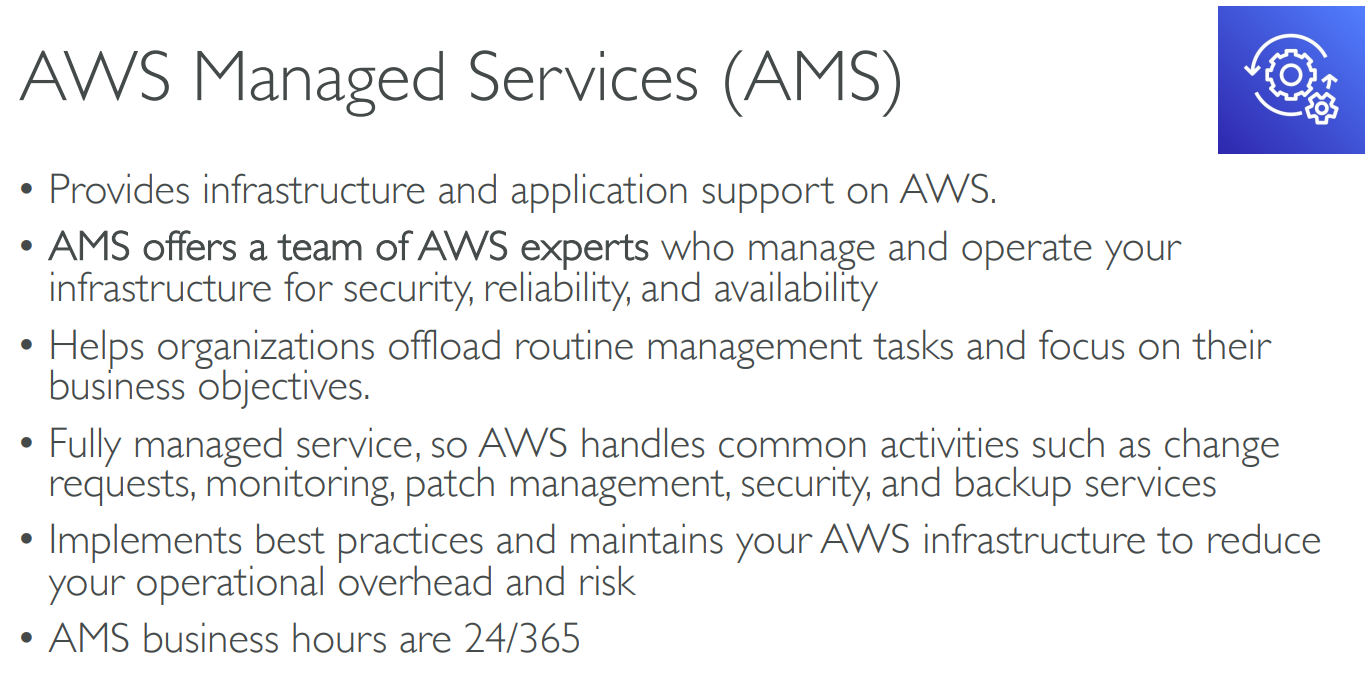
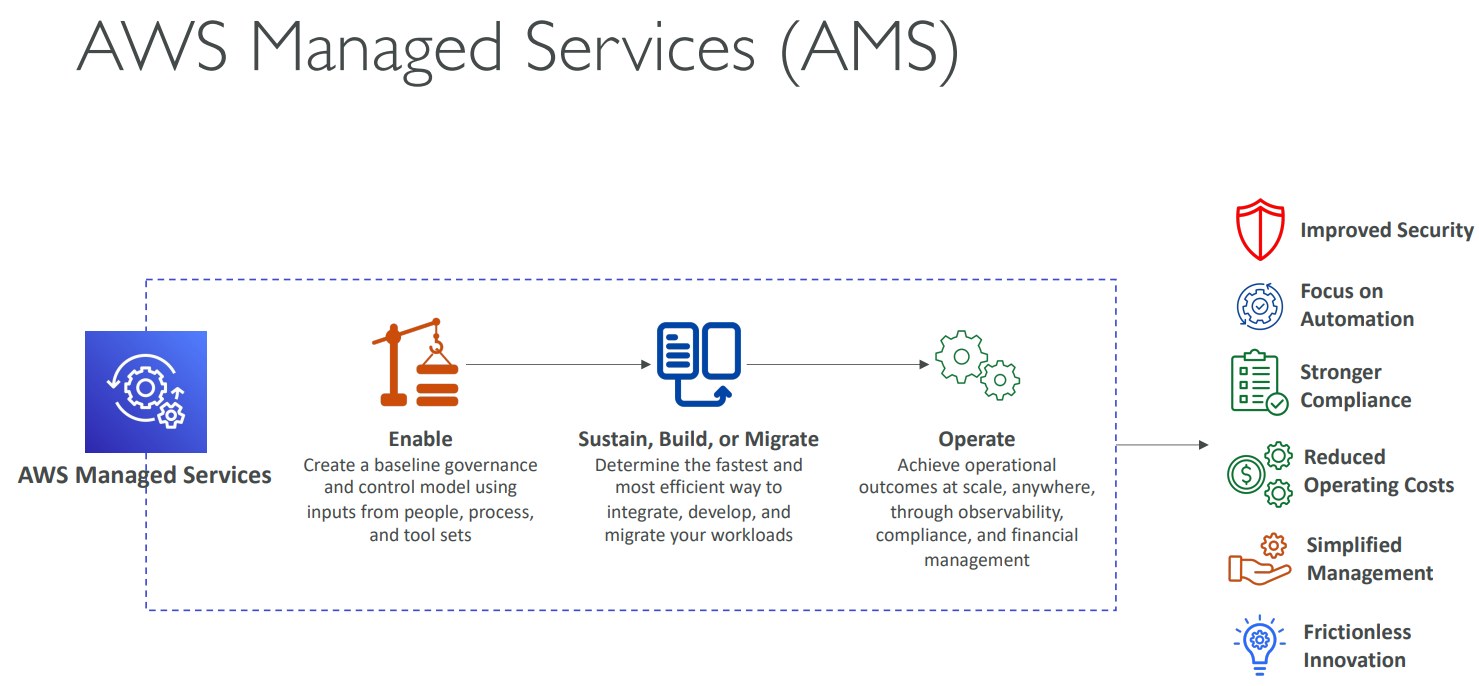
# AWS Managed Service(AMS)
# Practice Exam
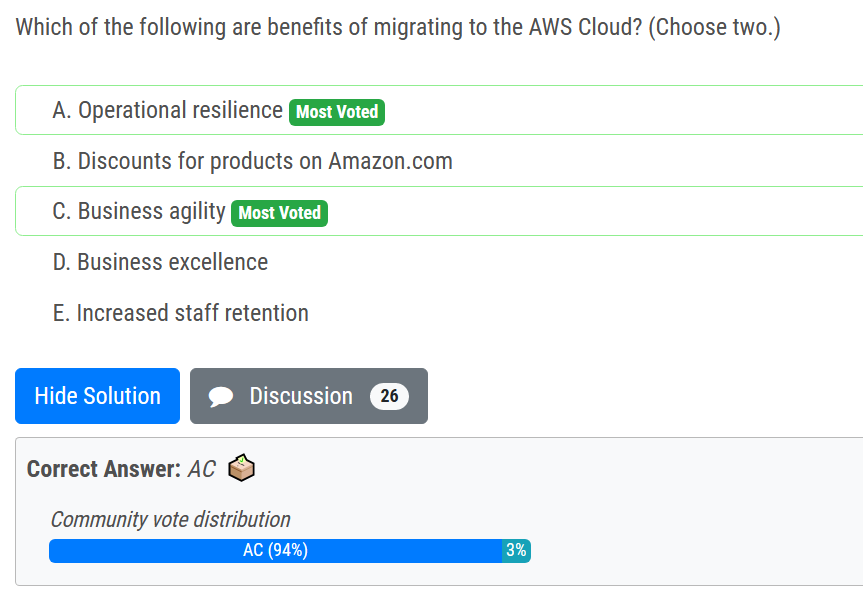
# Benefits of migrating to / using AWS
Top 10 Benefits of Migrating to AWS Cloud | easydeploy.io (opens new window)
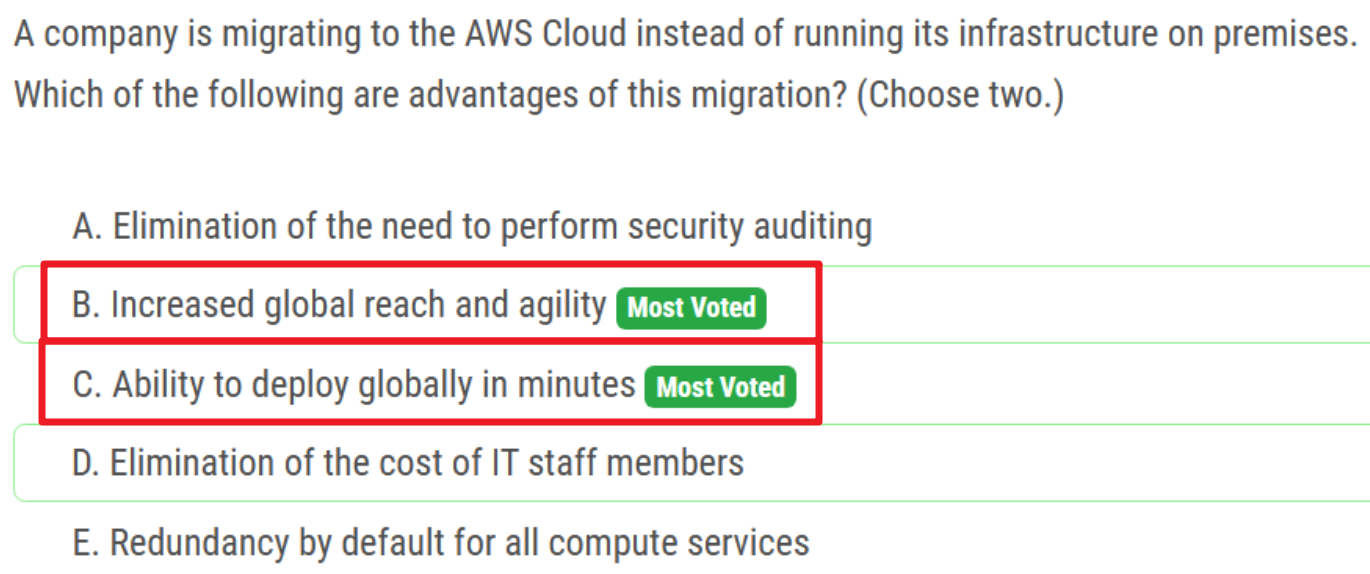
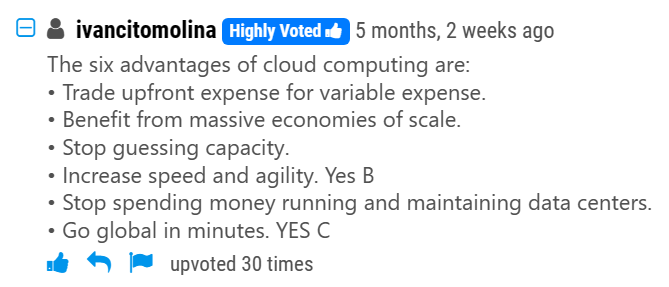
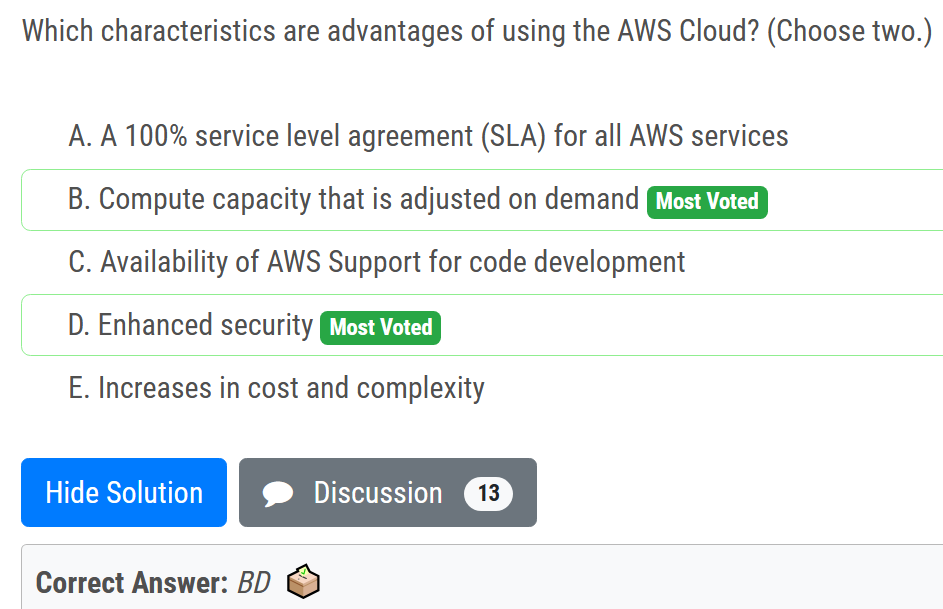
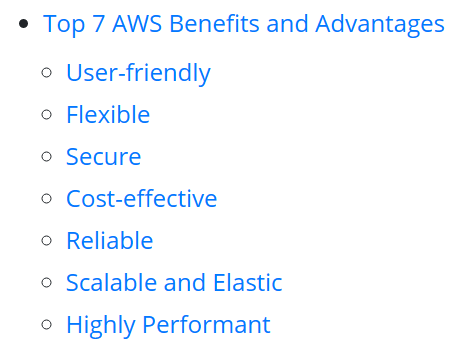
# advantages of using AWS
# economies of scale
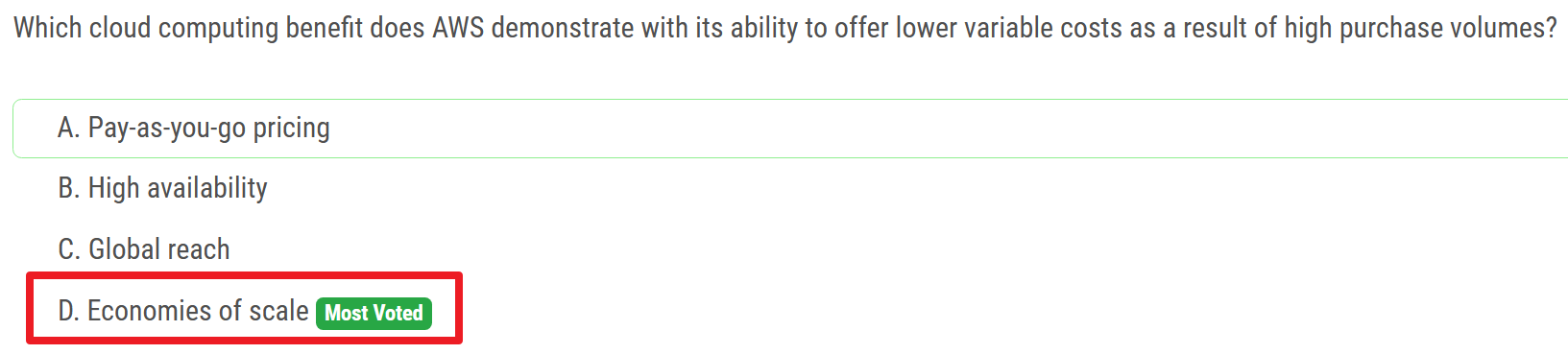
买的越多,平均价格越低
# benefit of using serverless computing
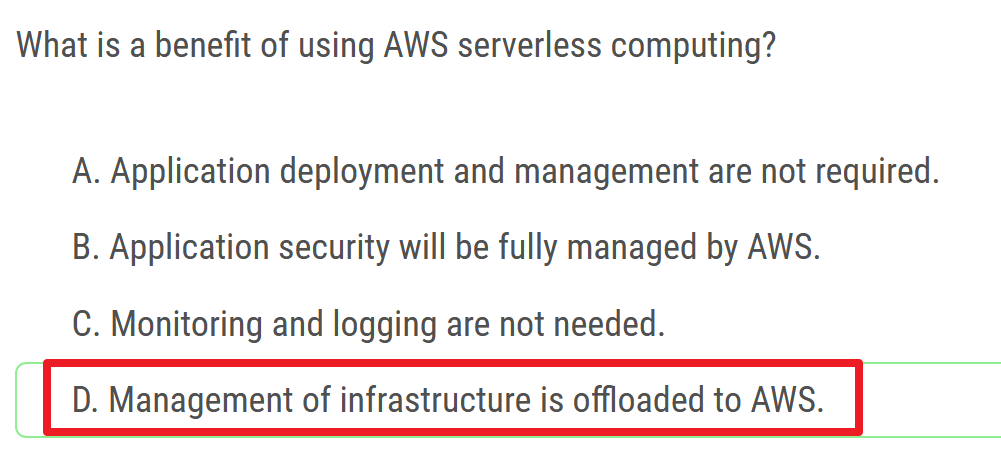
Management of infrastructure is offloaded to AWS.
基础设施的管理被转移到AWS。
# EC2
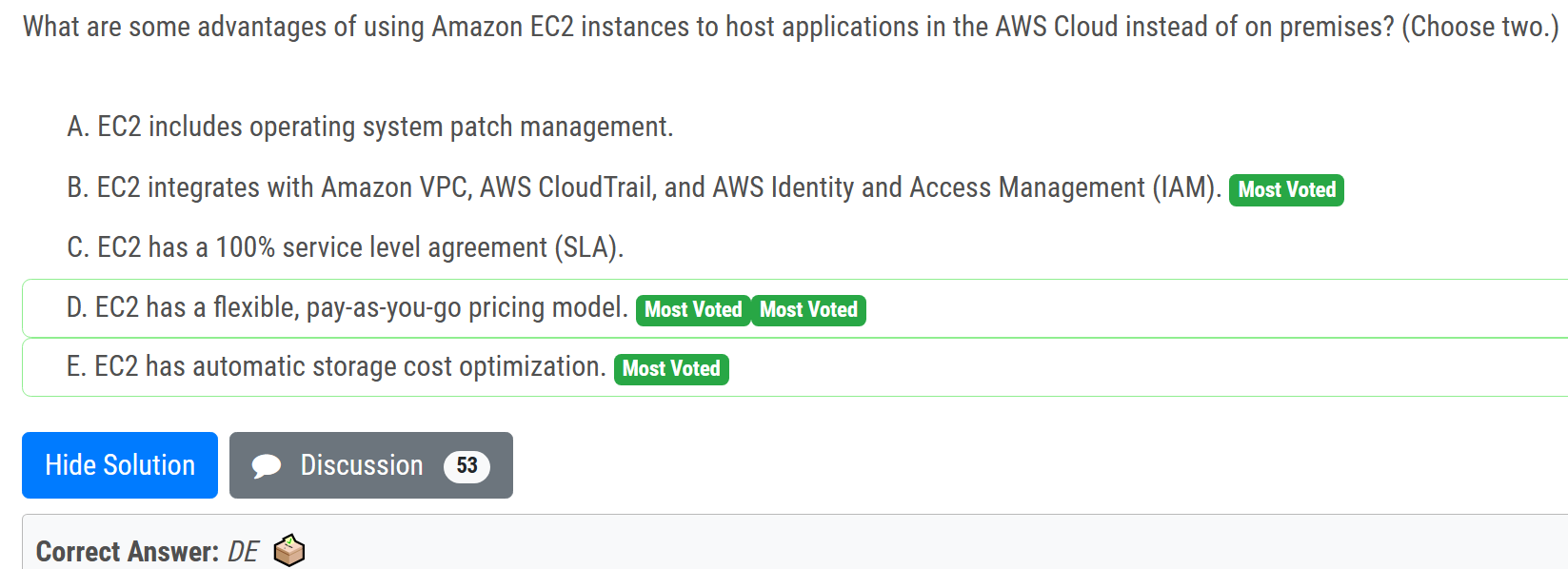
# advantages of using EC2 to host apps
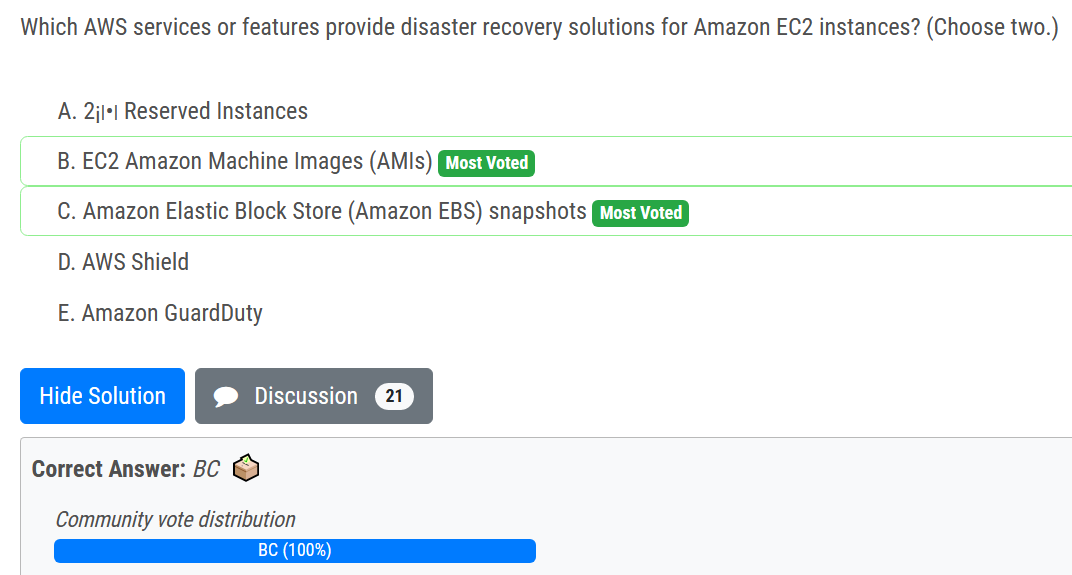
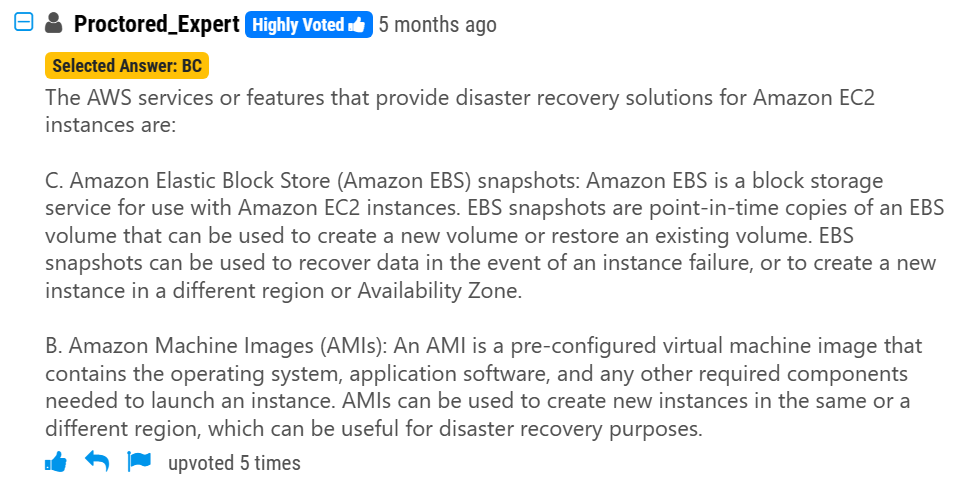
# disaster recovery for EC2
# CloudWatch initiates EC2 auto scaling
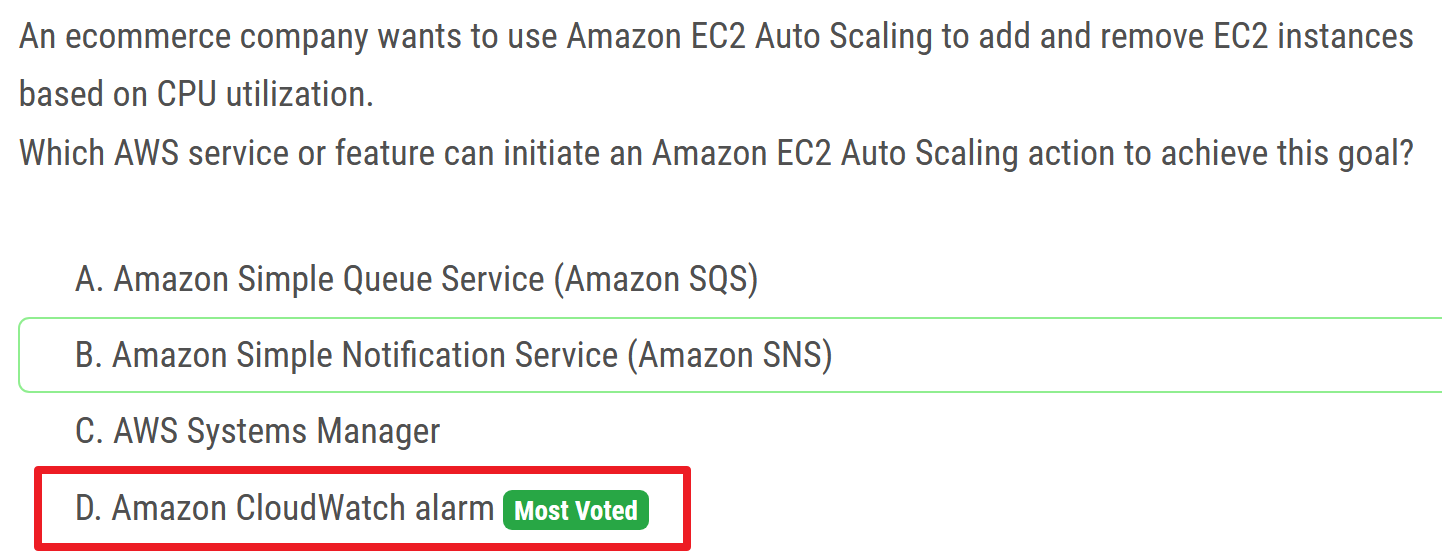
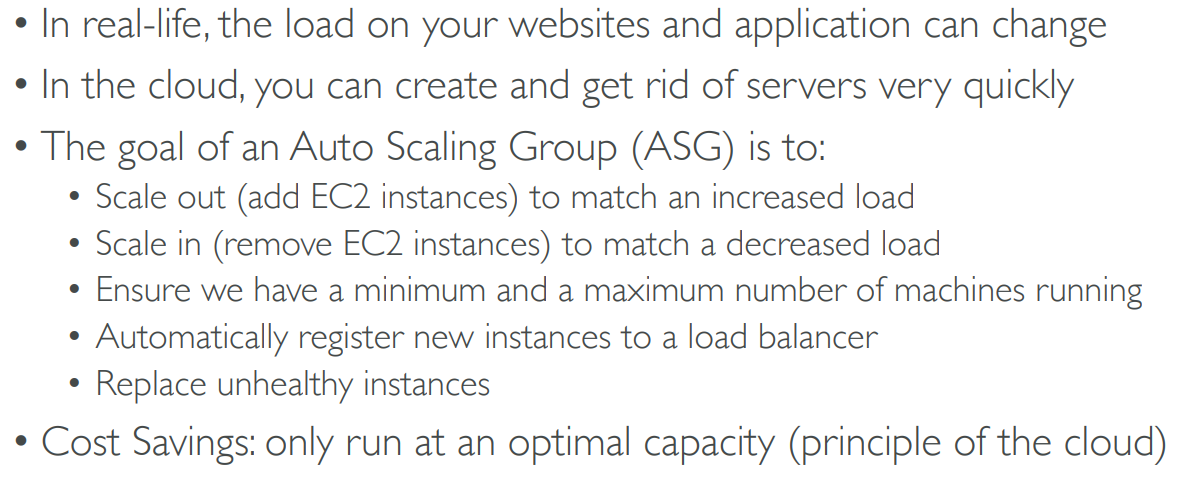
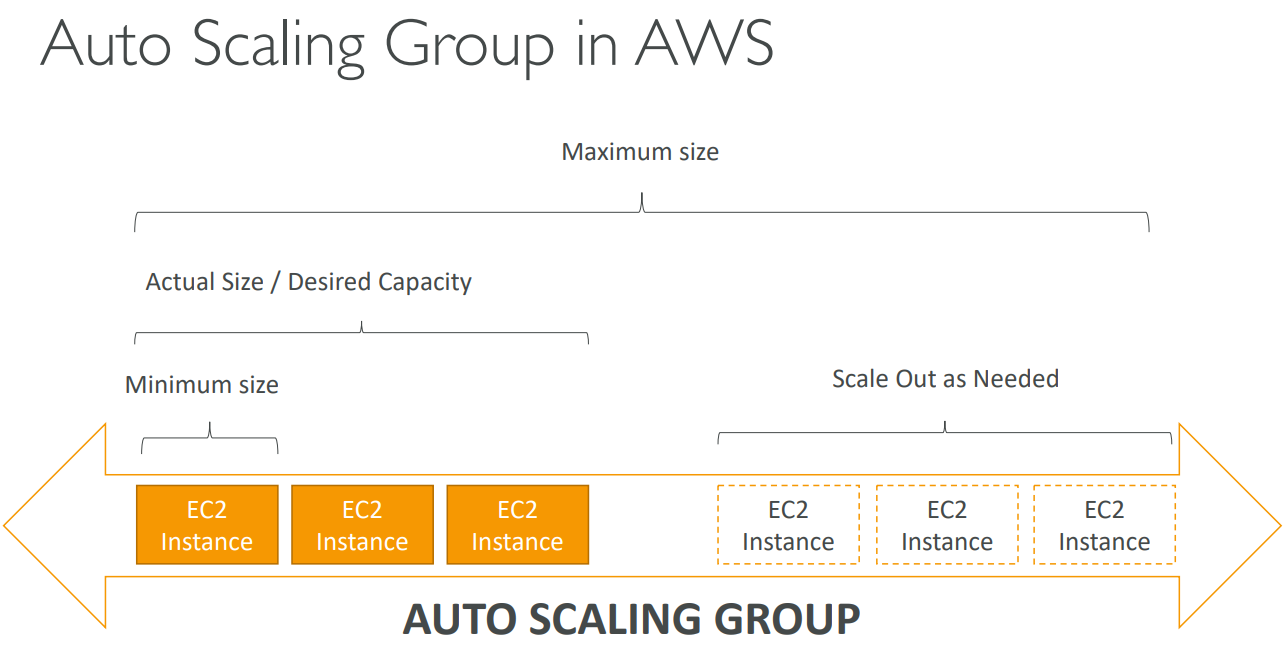
- Amazon EC2 Auto Scaling enables you to automatically launch or terminate Amazon EC2 instances based on user-defined policies, health status checks, and schedules. You can use a CloudWatch alarm with Amazon EC2 Auto Scaling to scale your EC2 instances based on demand. For more information, see Dynamic Scaling (opens new window) in the Amazon EC2 Auto Scaling User Guide.
# applying latest security updates and patches

# AWS Management Console
AWS Management Console is a web-based graphical user interface (GUI) that allows users to access and manage AWS services using a web browser.
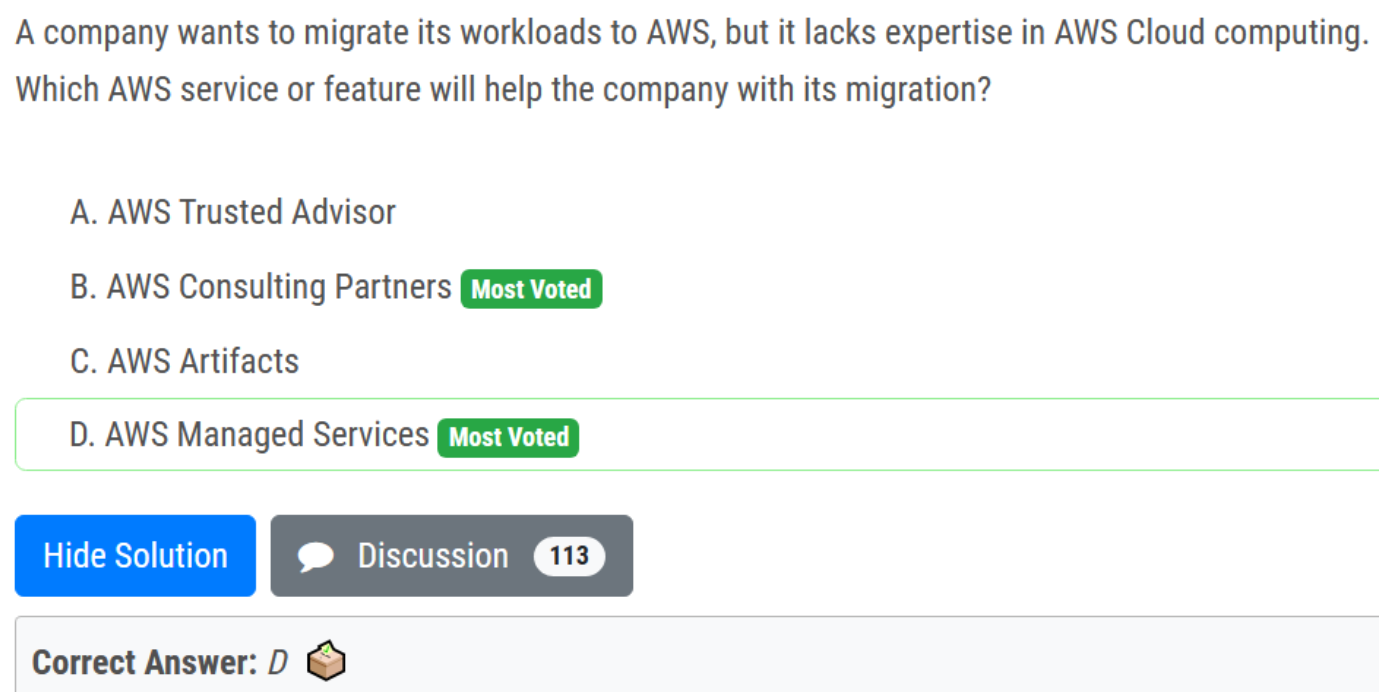
# Lacks expertise
# Service Quotas
Service Quotas enables you to manage your AWS service quotas from one central location. In addition to viewing service quota values, you can easily request and track quota increases. For supported services, you can proactively manage your quotas by configuring Amazon CloudWatch alarms that monitor usage and alert you to approaching quotas.
# AWS Artifact
AWS Artifact is a web service that enables you to download AWS security and compliance documents such as AWS ISO certifications, Payment Card Industry (PCI), and Service Organization Control (SOC) reports.
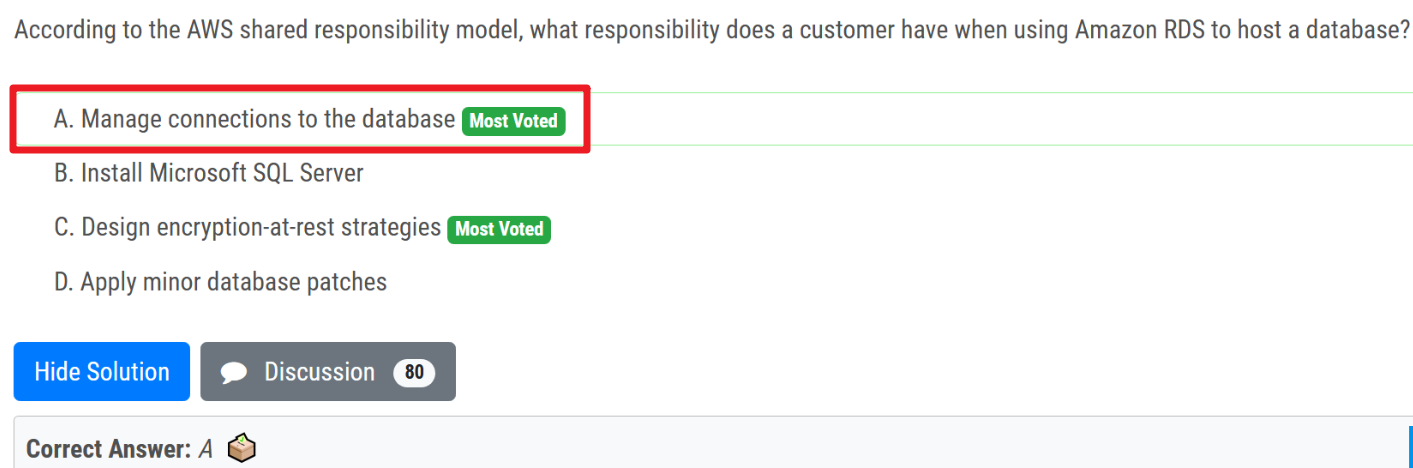
# Responsibility
# responsibility of customer
# responsibility of AWS
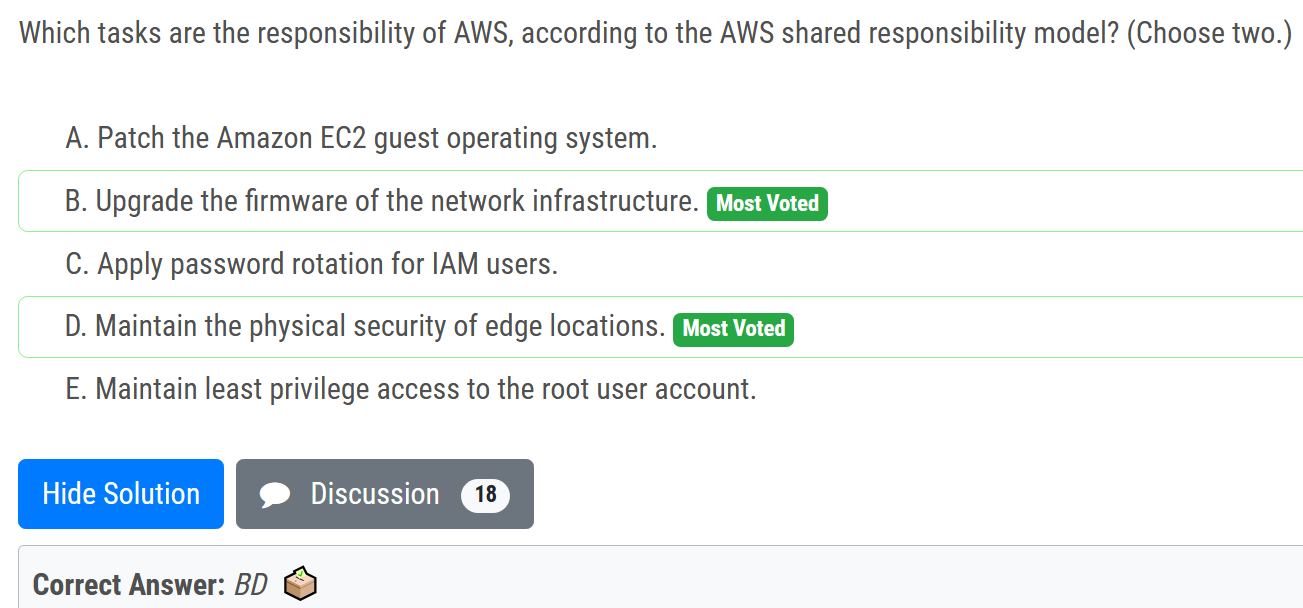
firmware - 固件
# shared responsibility
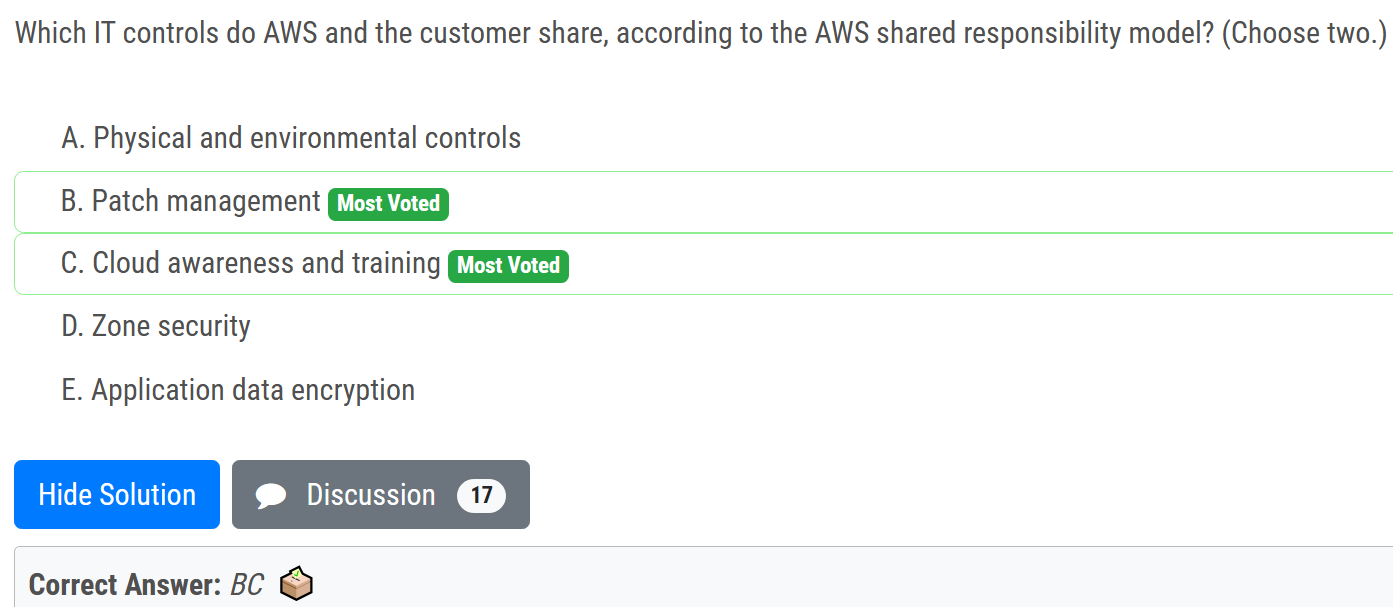
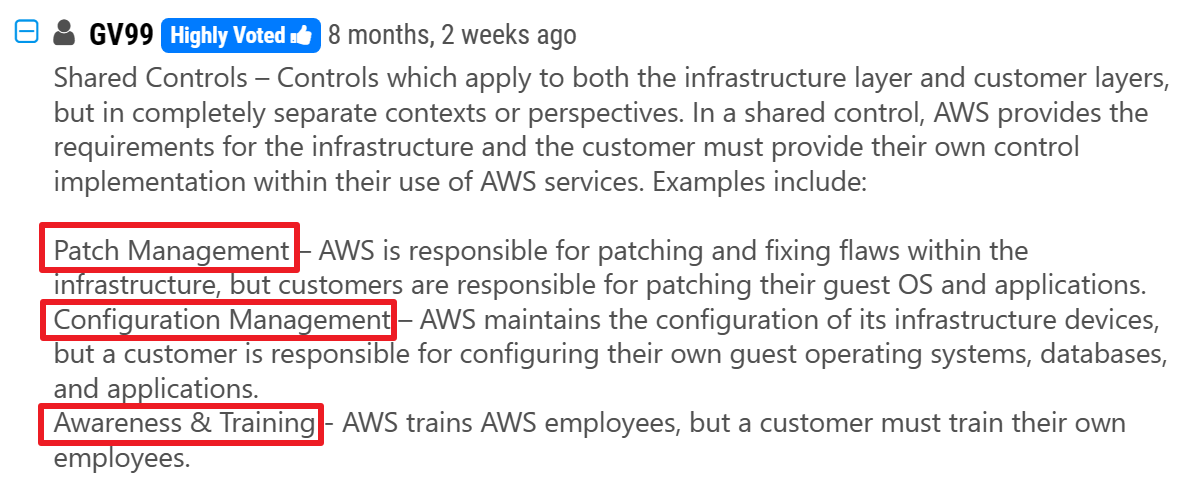
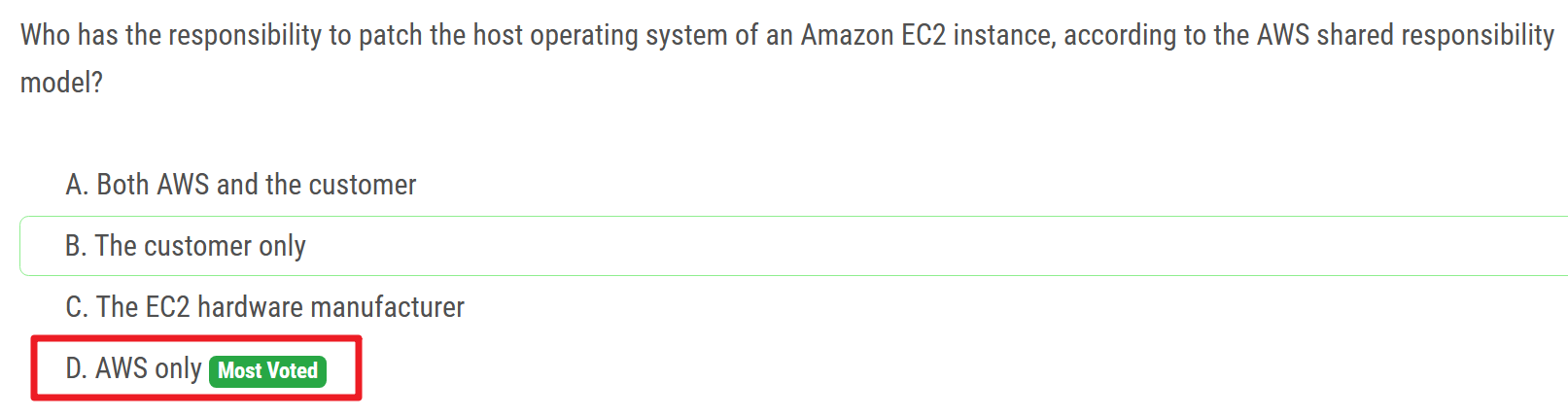
# AWS patch the host OS

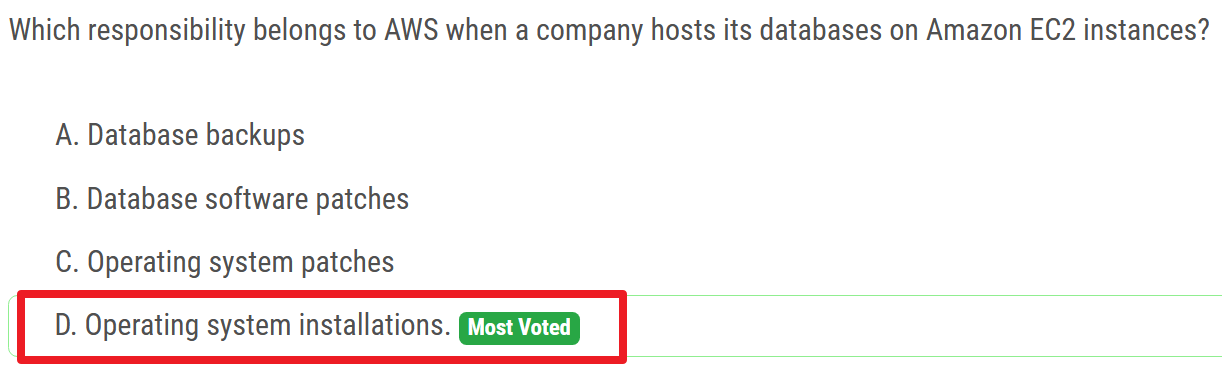
# when hosting DB on EC2
# company's direct responsibility
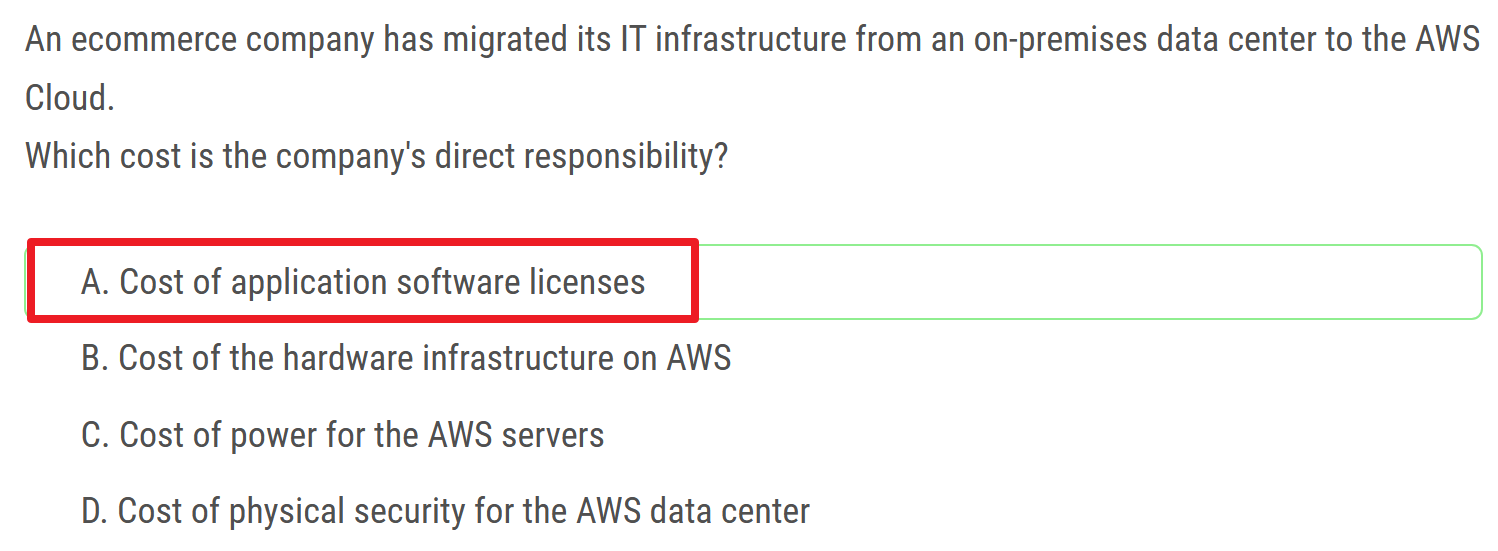
Cost of power for the AWS servers
AWS服务器的电力成本
# backup of RDS instances
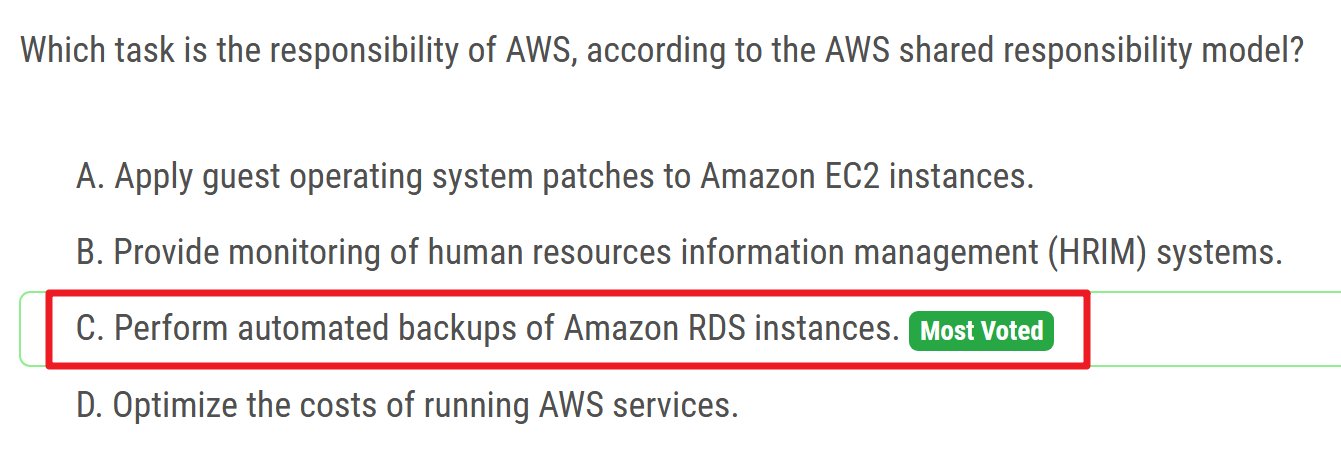
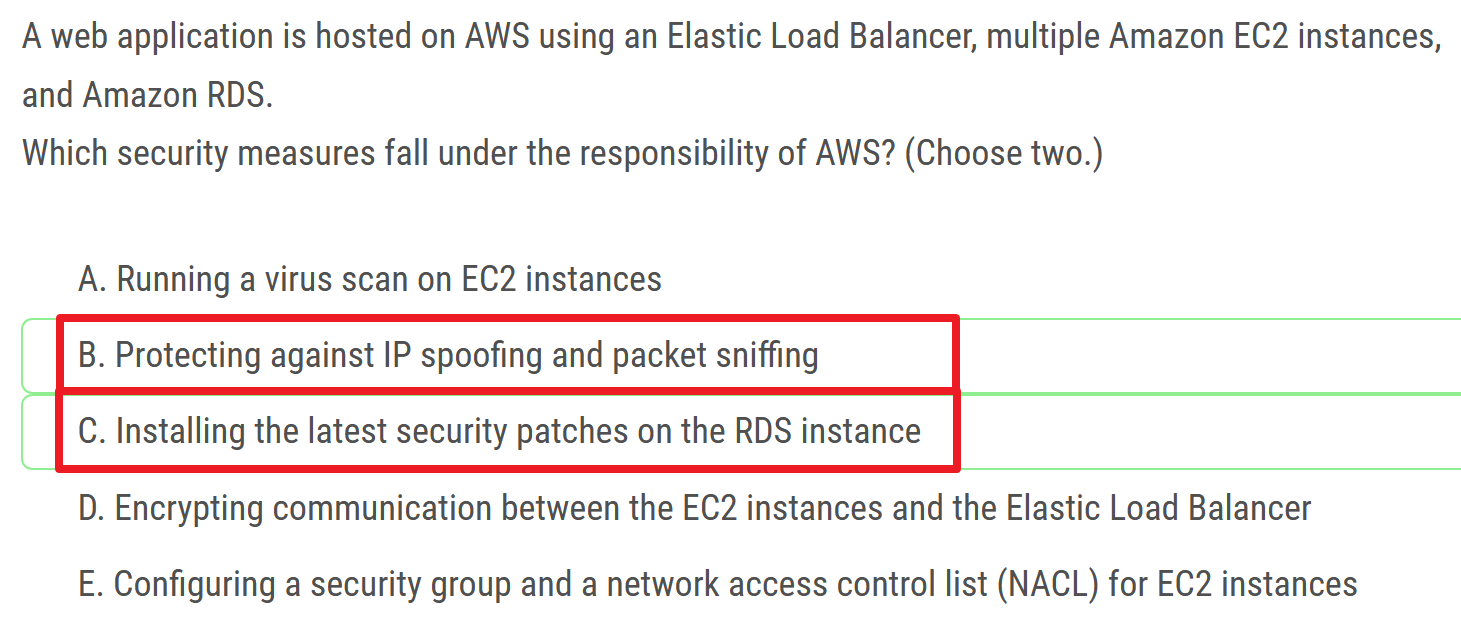
# security measures
# customer always responsible for
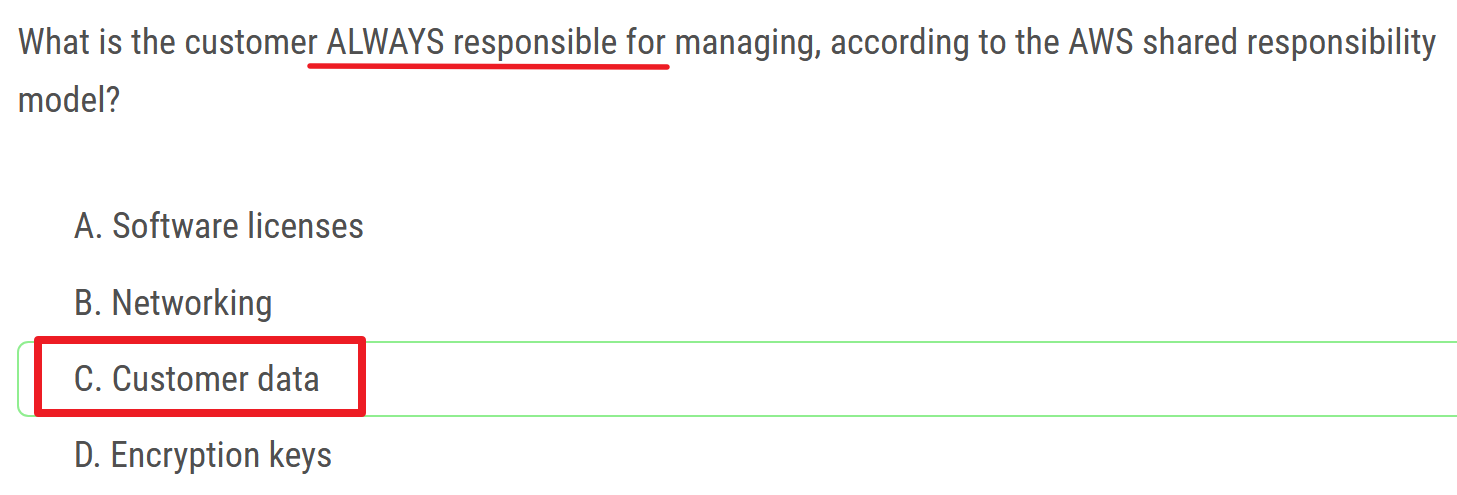
# company's responsibility
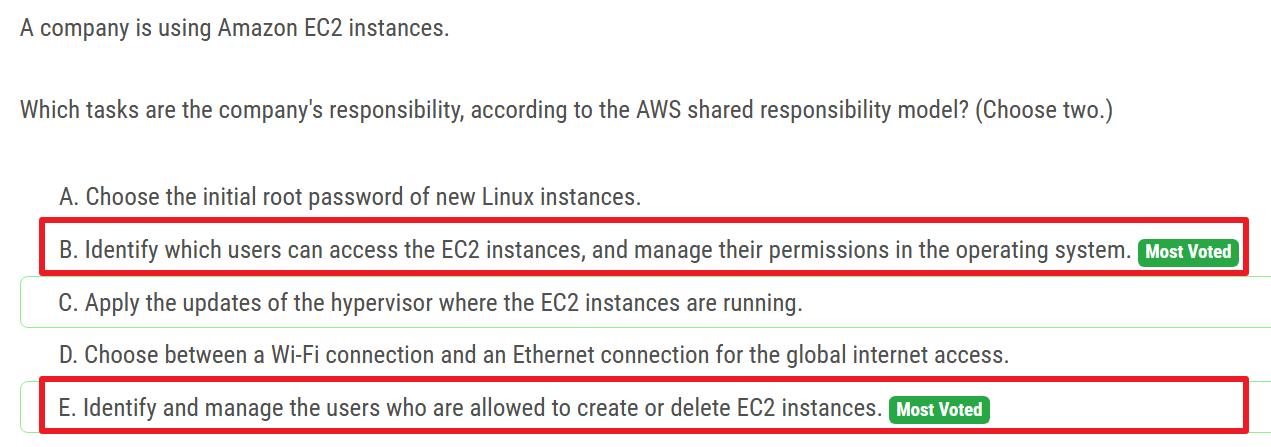
C - AWS
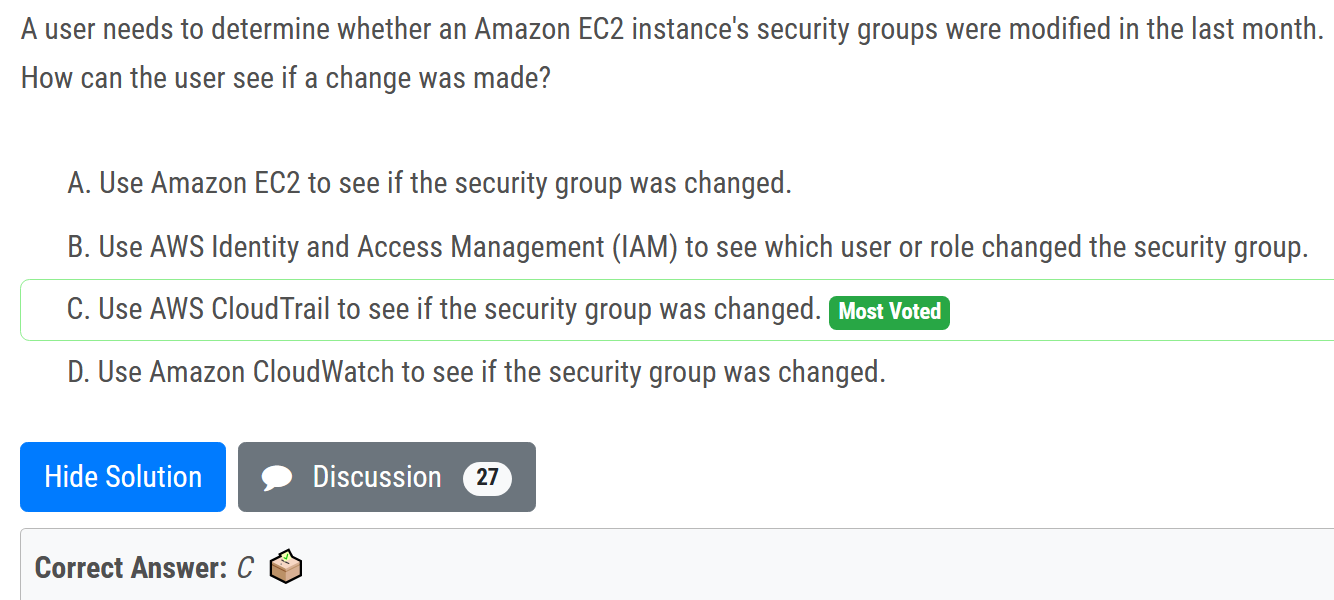
# CloudTrail
# determine modified
# audit API calls
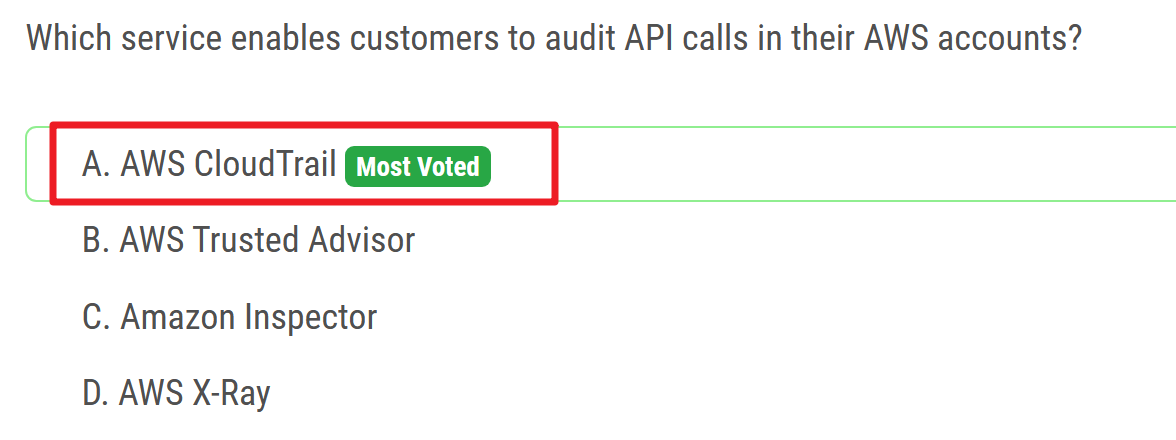
- Audit Manager is integrated with CloudTrail, a service that provides a record of actions taken by a user, role, or an AWS service in Audit Manager. CloudTrail captures all API calls for Audit Manager as events. The calls captured include calls from the Audit Manager console and code calls to the Audit Manager API operations.
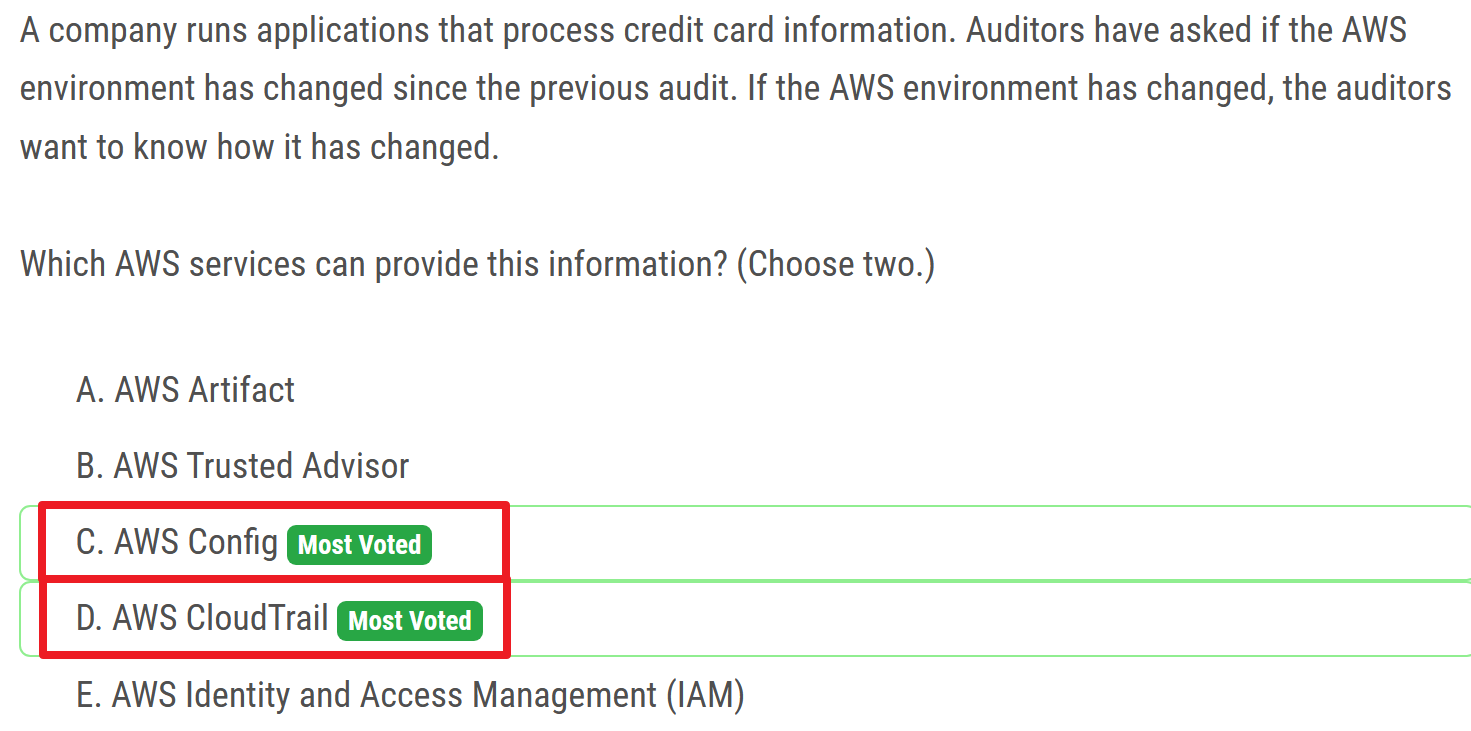
# environment changed - Config
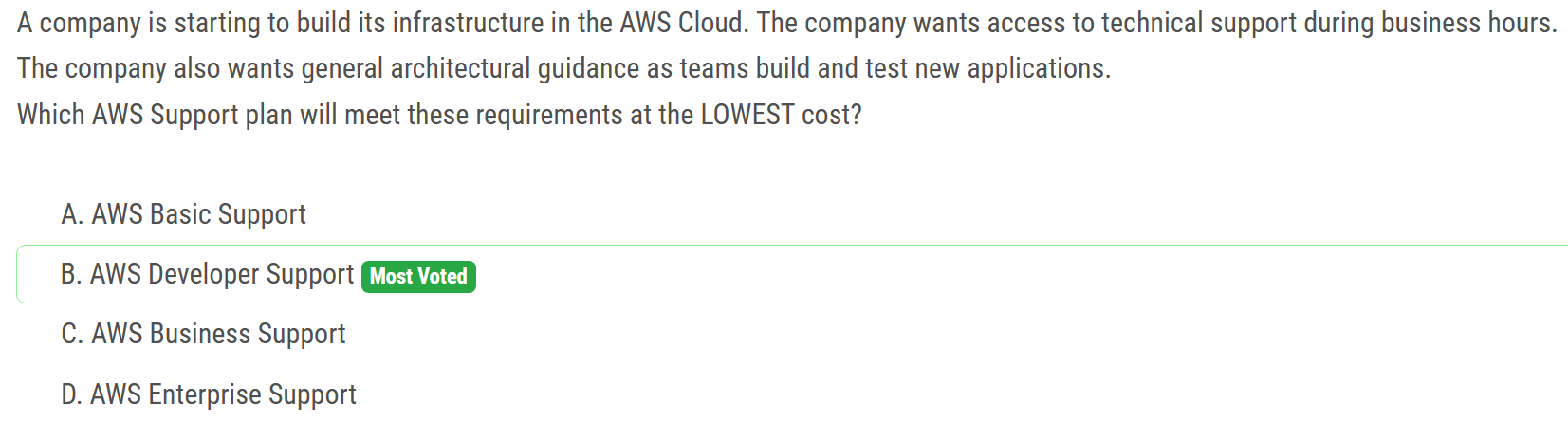
# AWS Support Plans
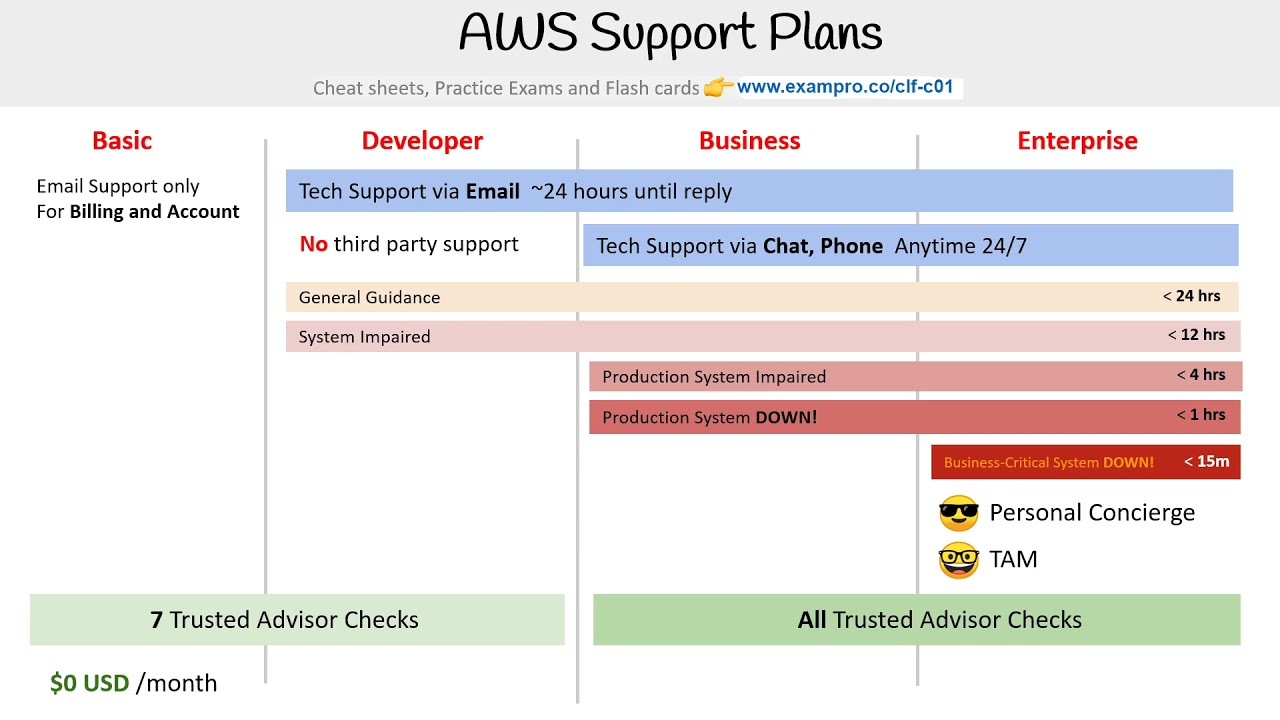
- Developer: Business hours email access to Cloud Support engineers.
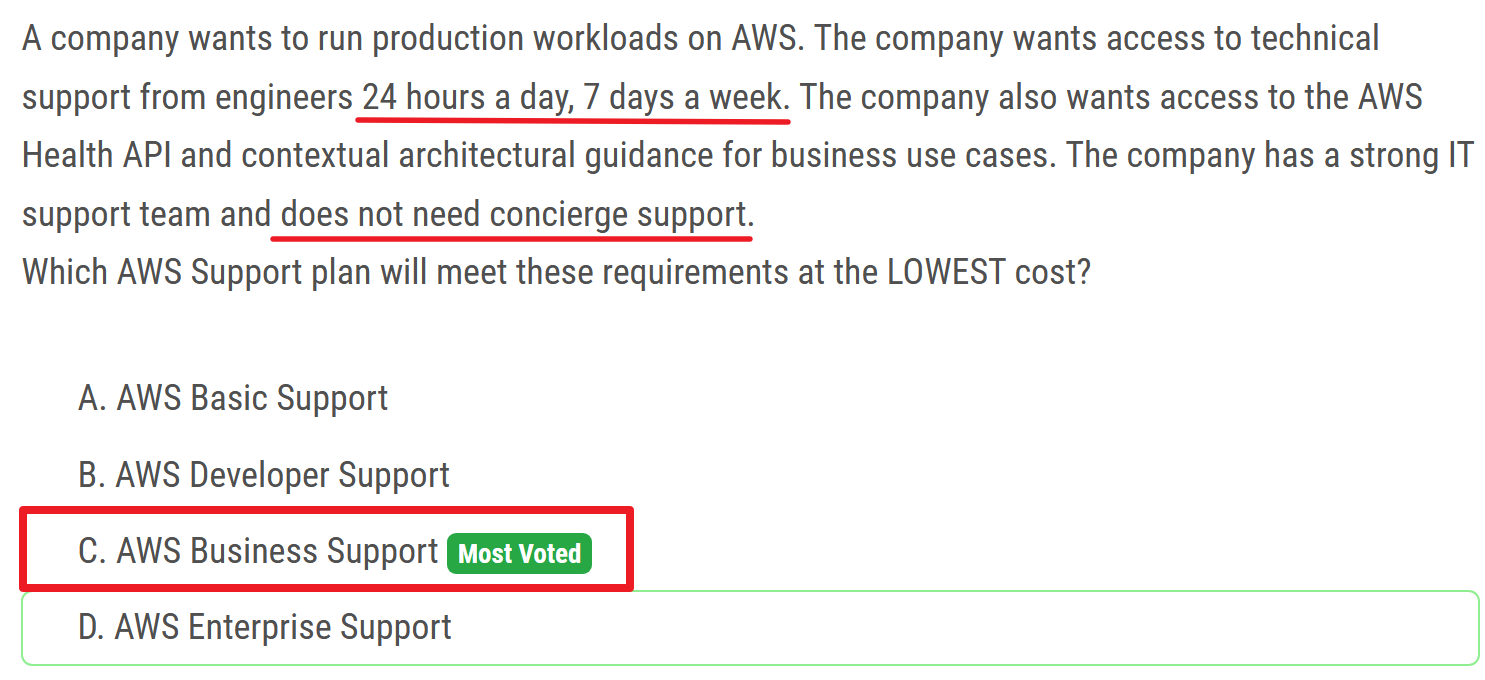
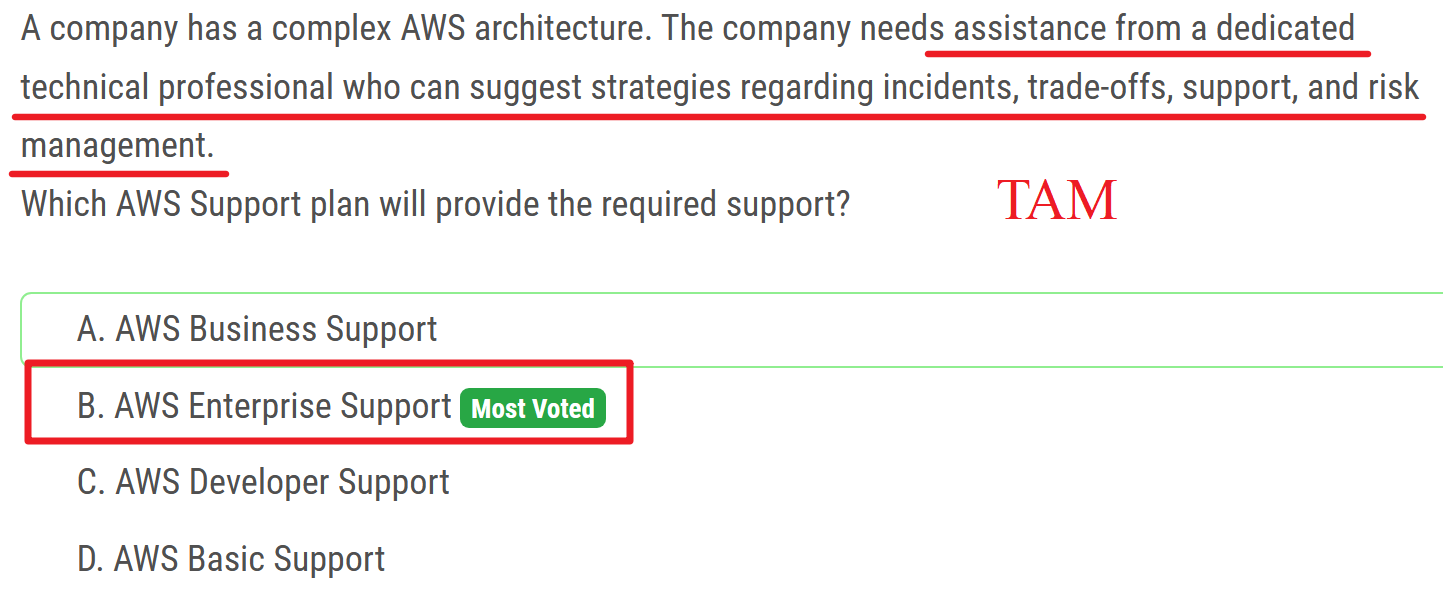
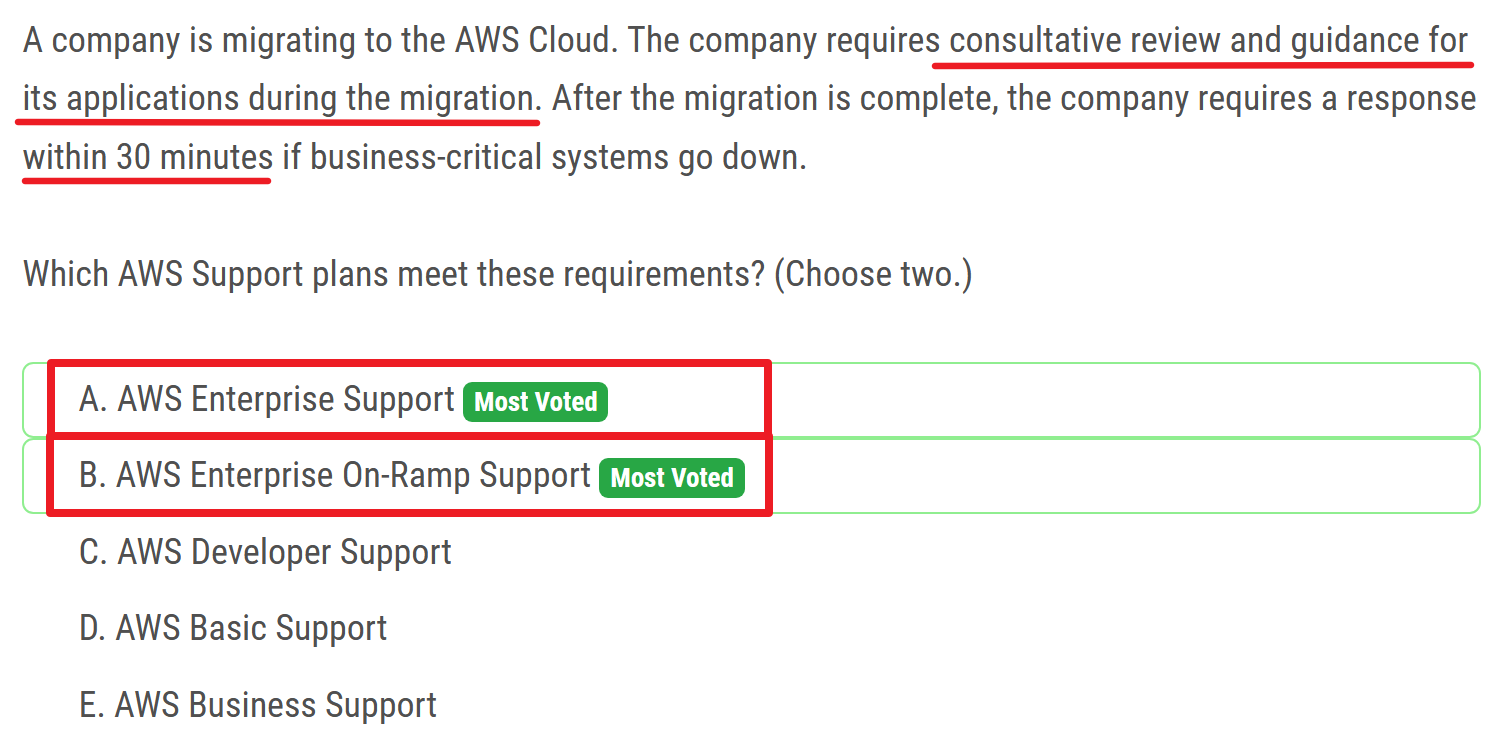
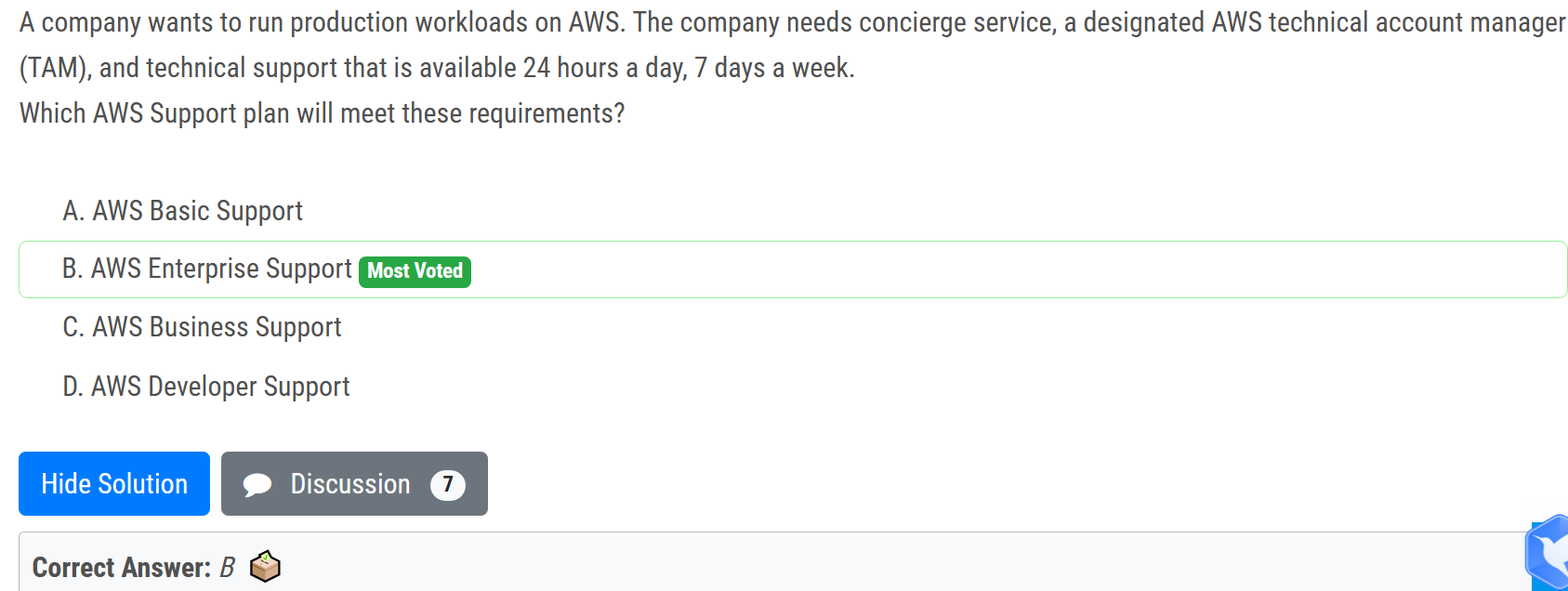
# Concierge Support team

# TAM
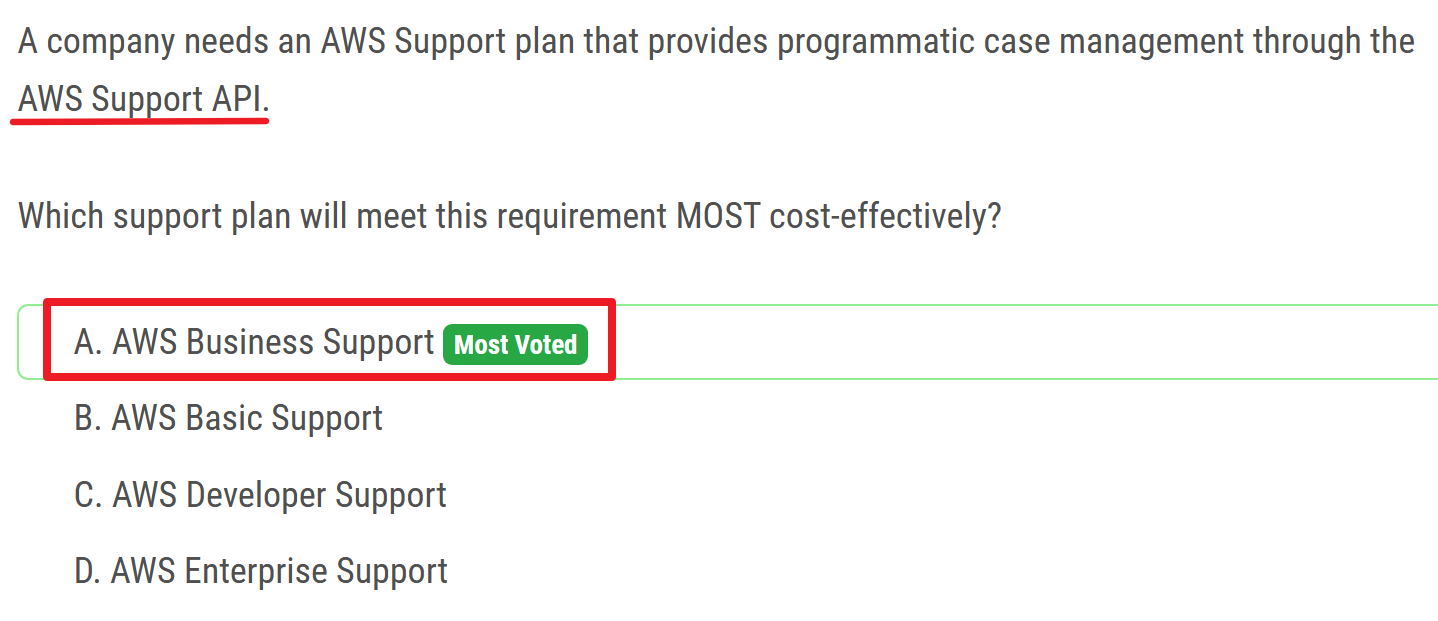
# support API
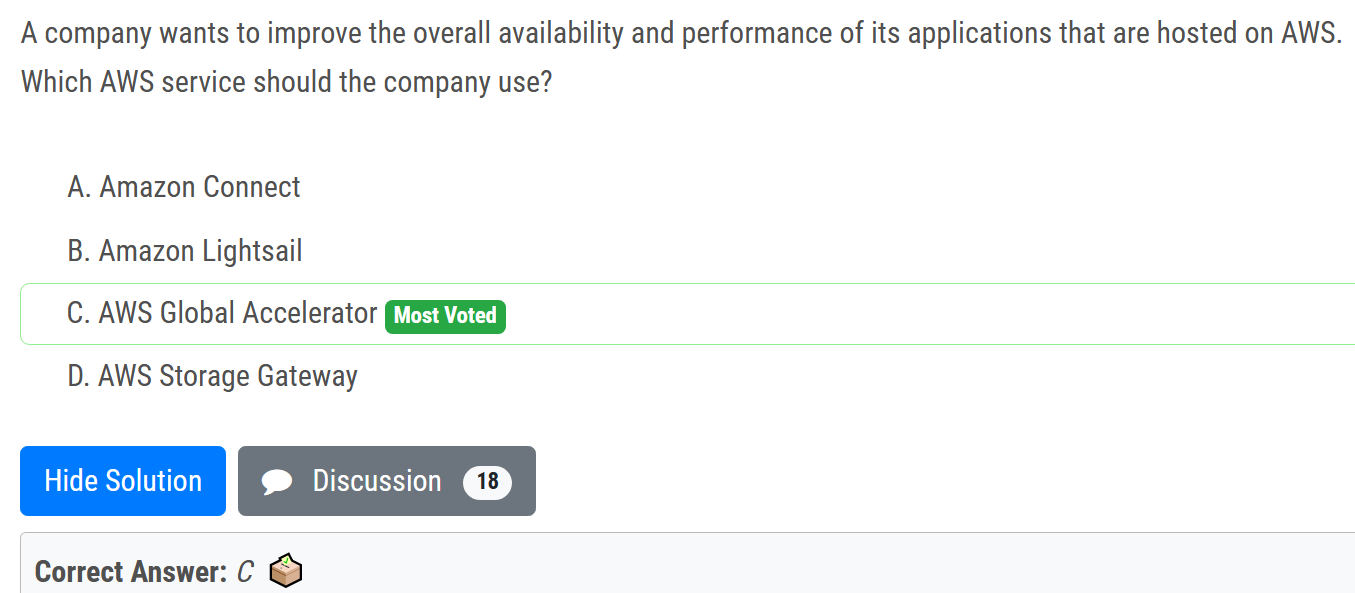
# Global accelerator
# static IP address

- AWS Global Accelerator provides you with a set of static IP addresses that can map to multiple application endpoints across AWS Regions, to improve redundancy.
# AWS infrastructure event management

AWS Infrastructure Event Management (IEM) offers architecture and scaling guidance and operational support during the preparation and execution of planned events, such as shopping holidays, product launches, and migrations.
# AWS Fargate

# IAM and Identity
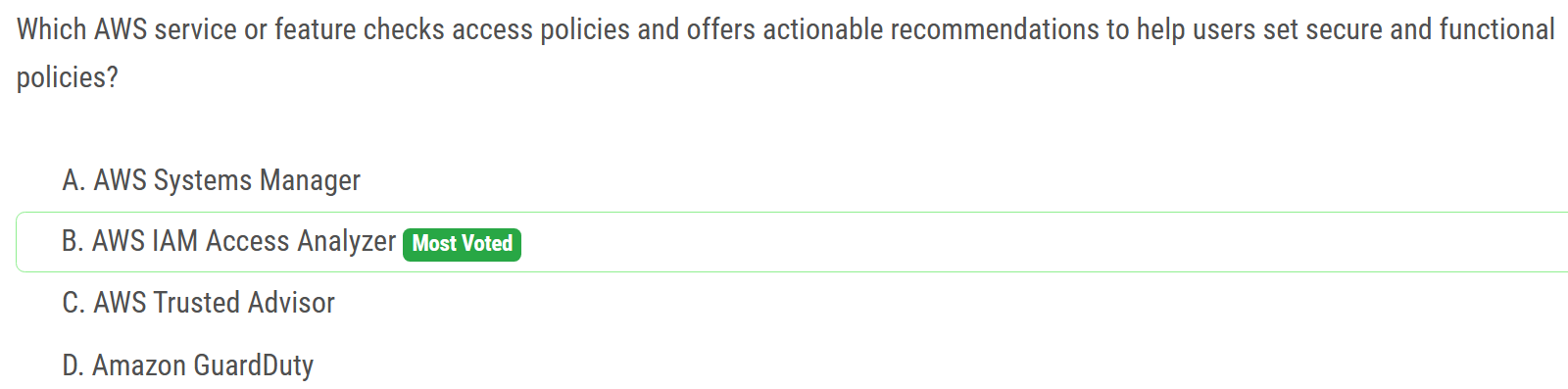
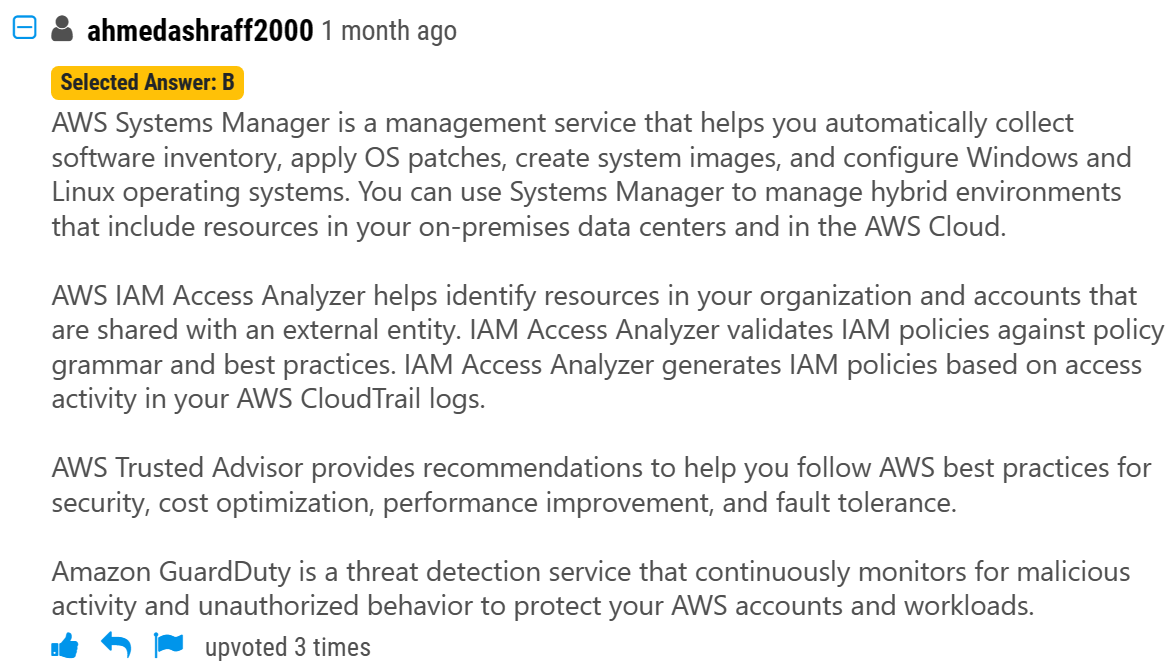
# IAM Access Analyzer
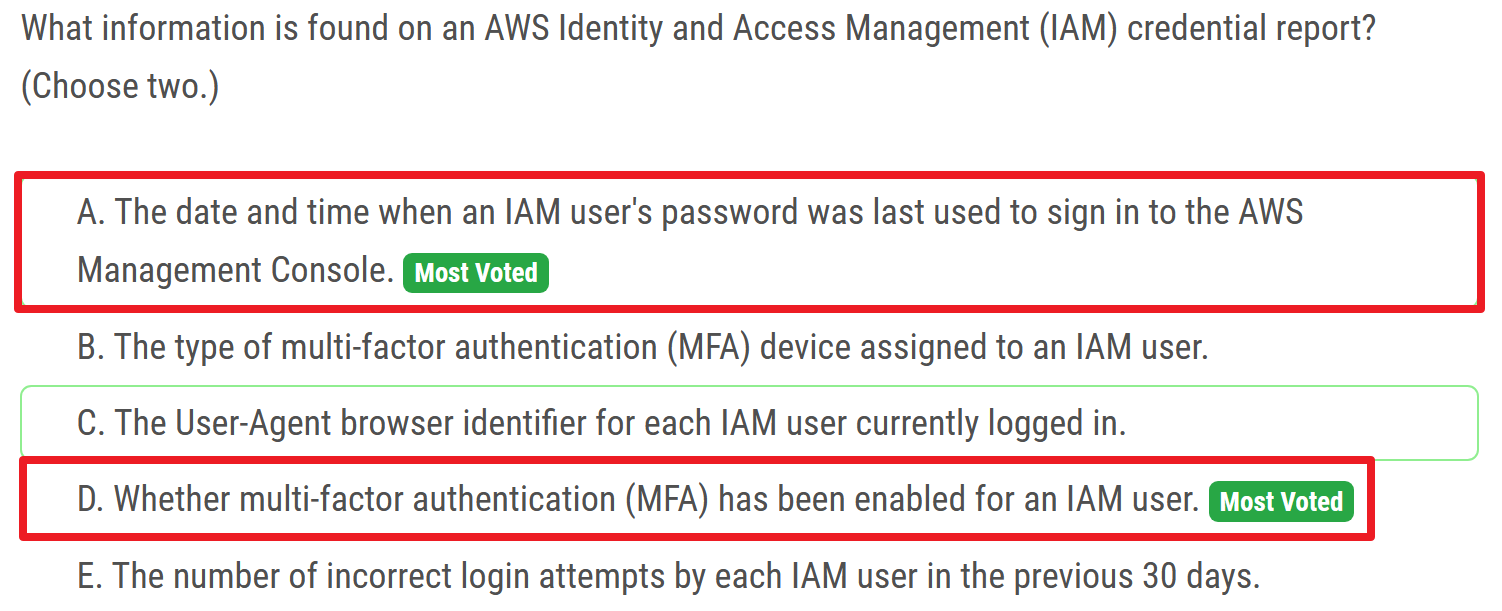
# information in IAM credential report
- password_last_used
- mfa_active
- ...
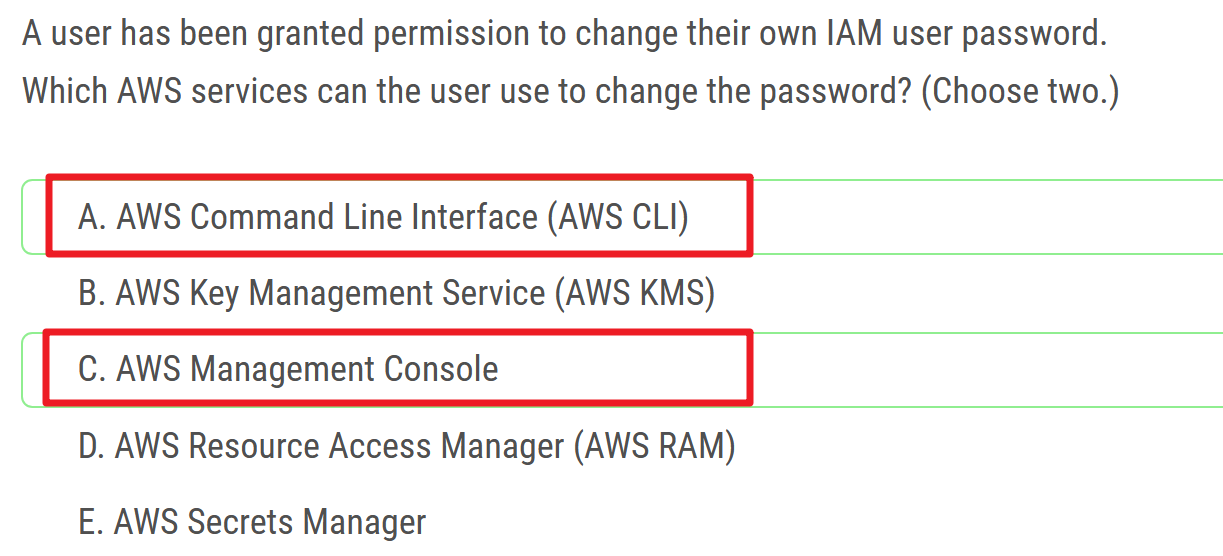
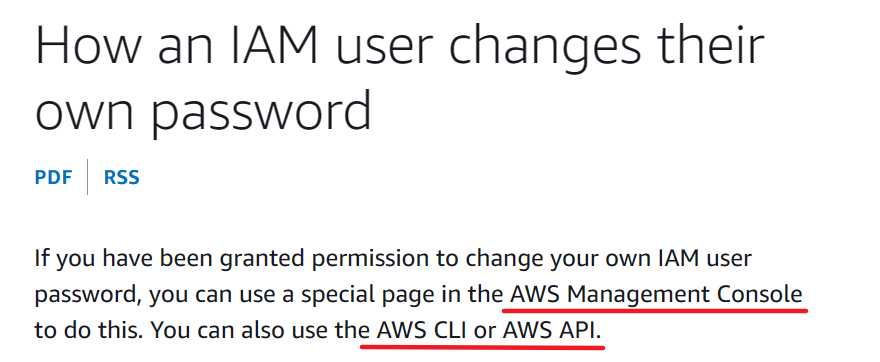
# IAM user change pwd
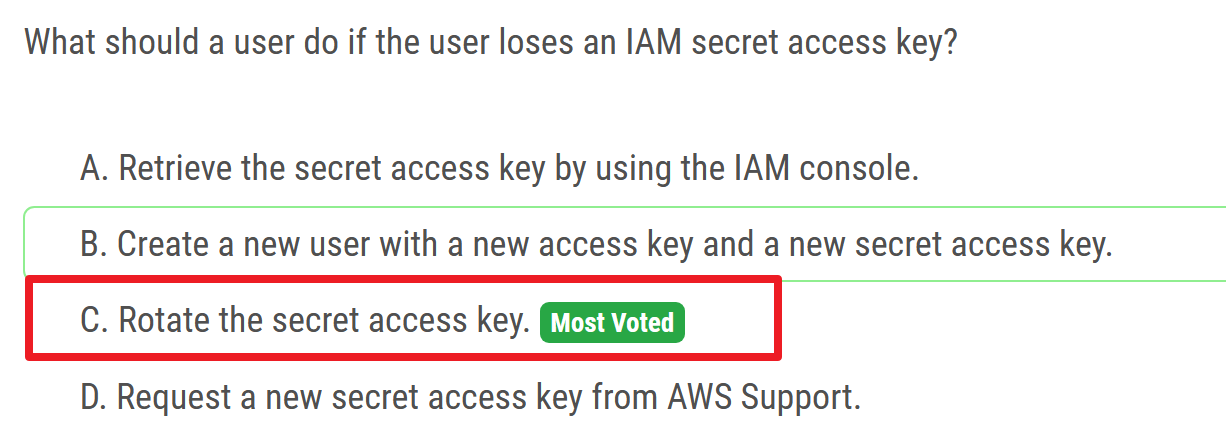
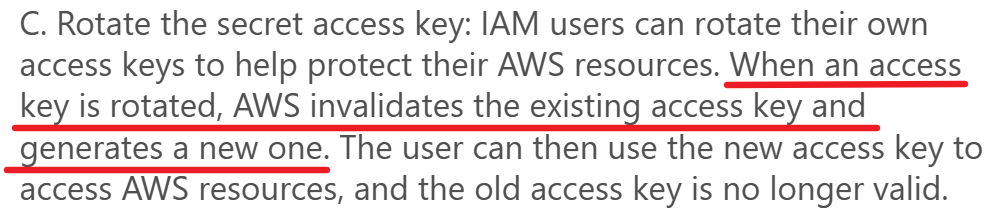
# lose secret access key
# Storage Gateway
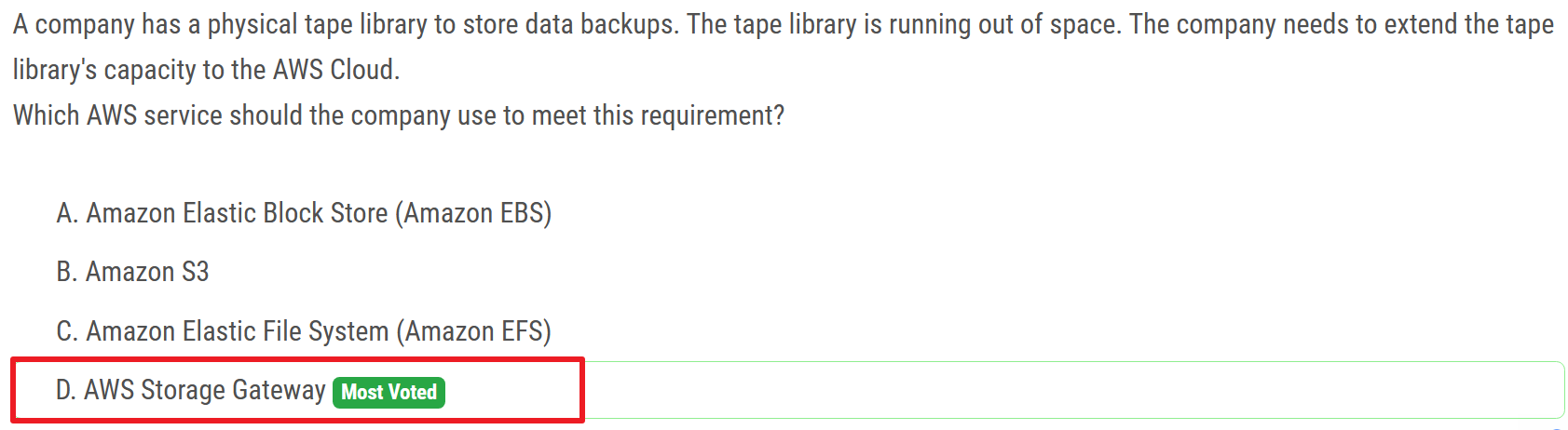
extend the tape library's capacity
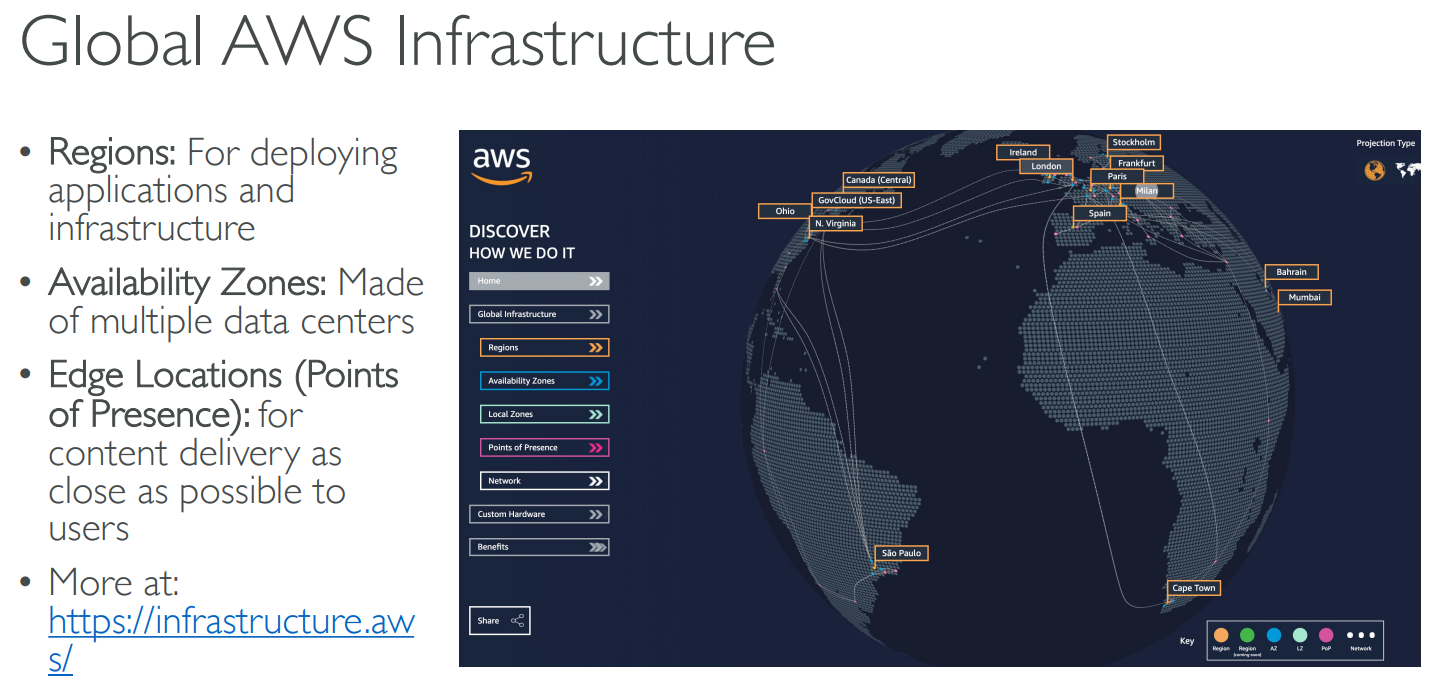
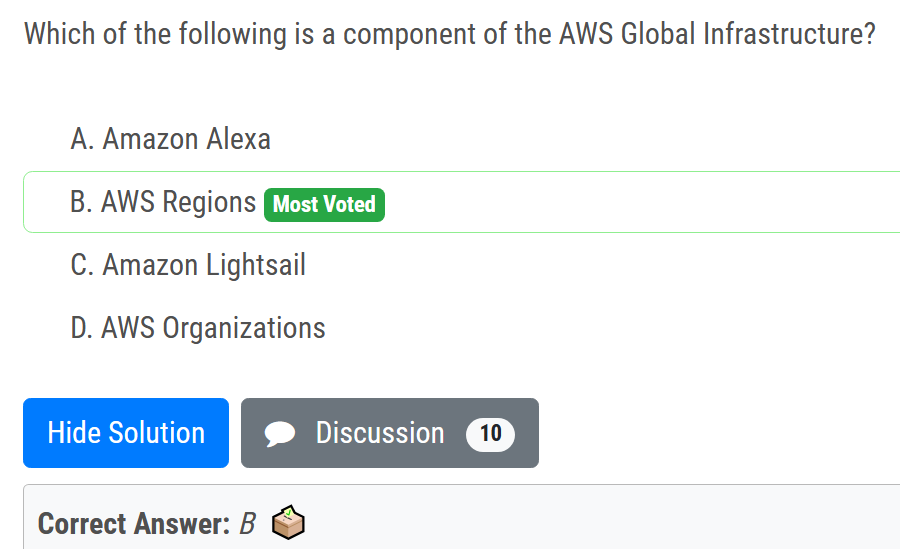
# global infrastructure
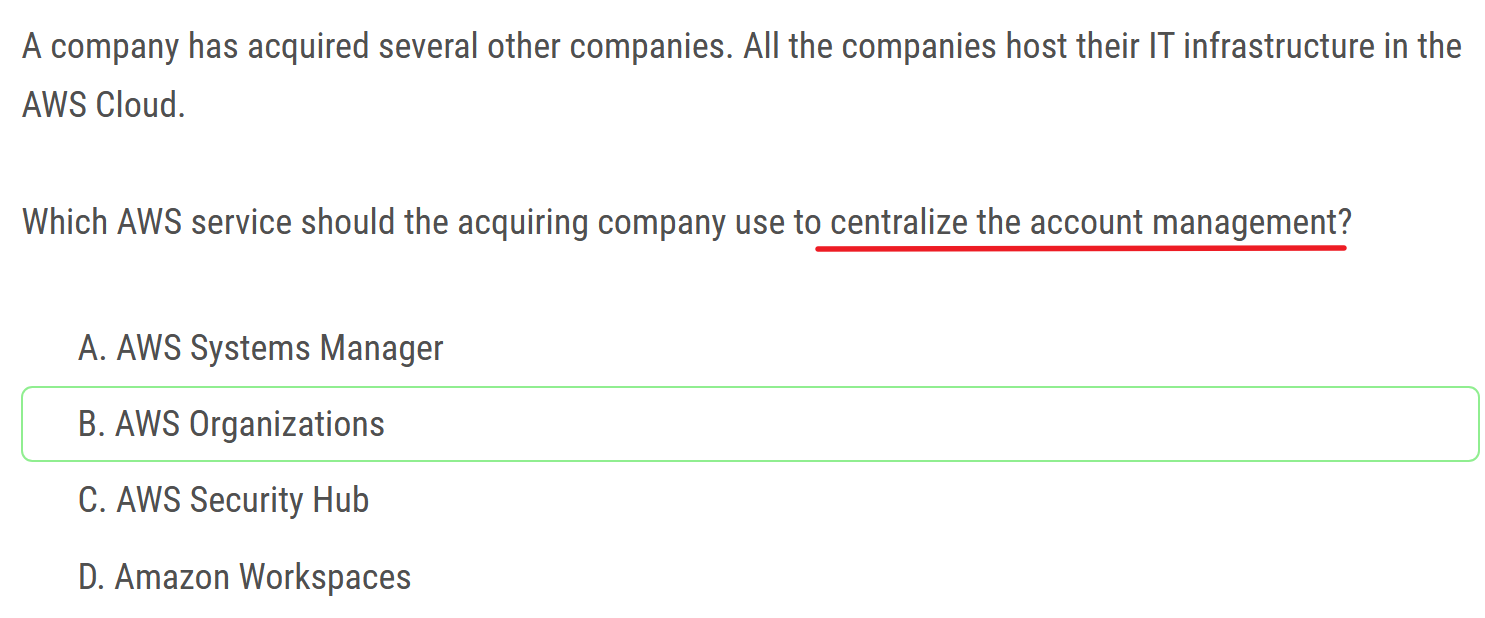
# Organizations
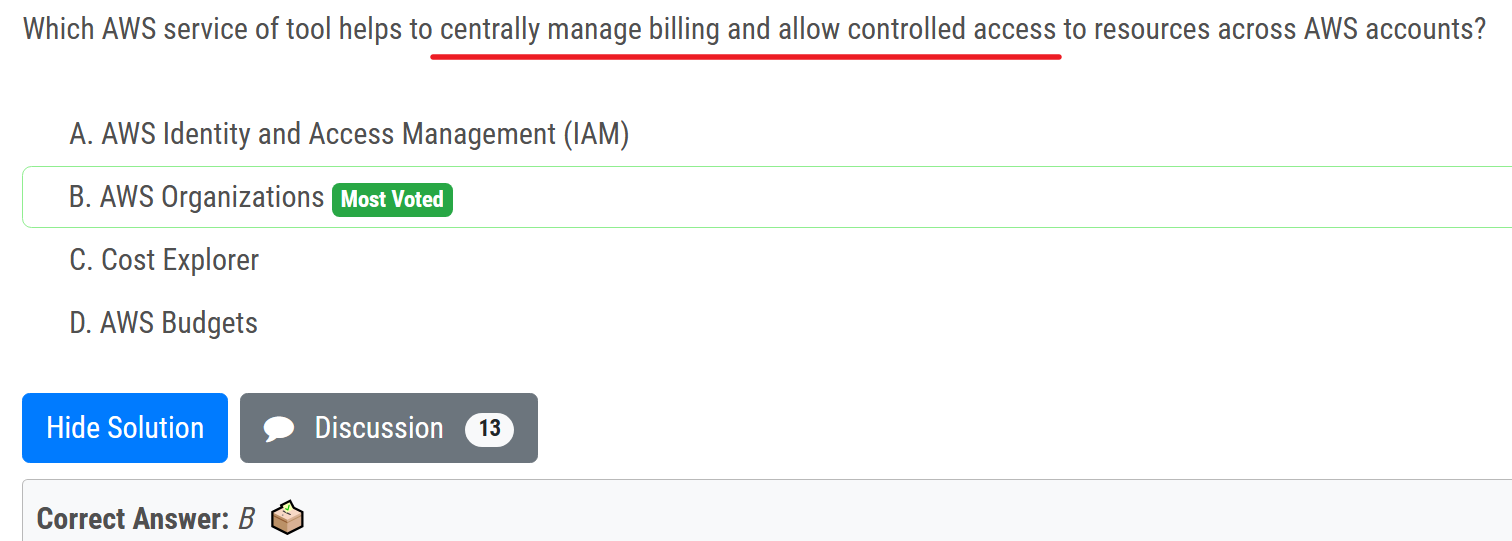
centrally manage billing and allow controlled access
# Trusted Advisor
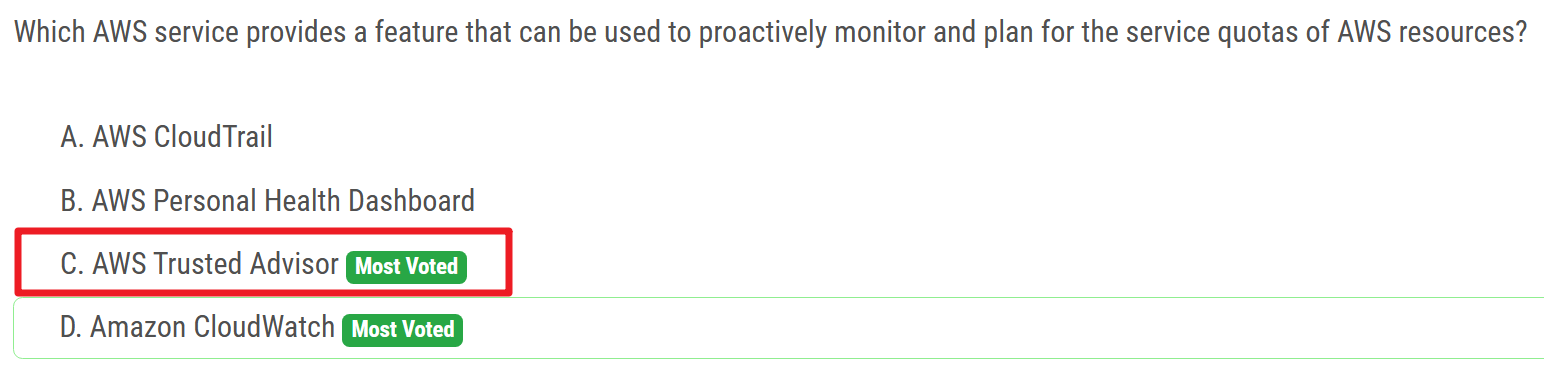
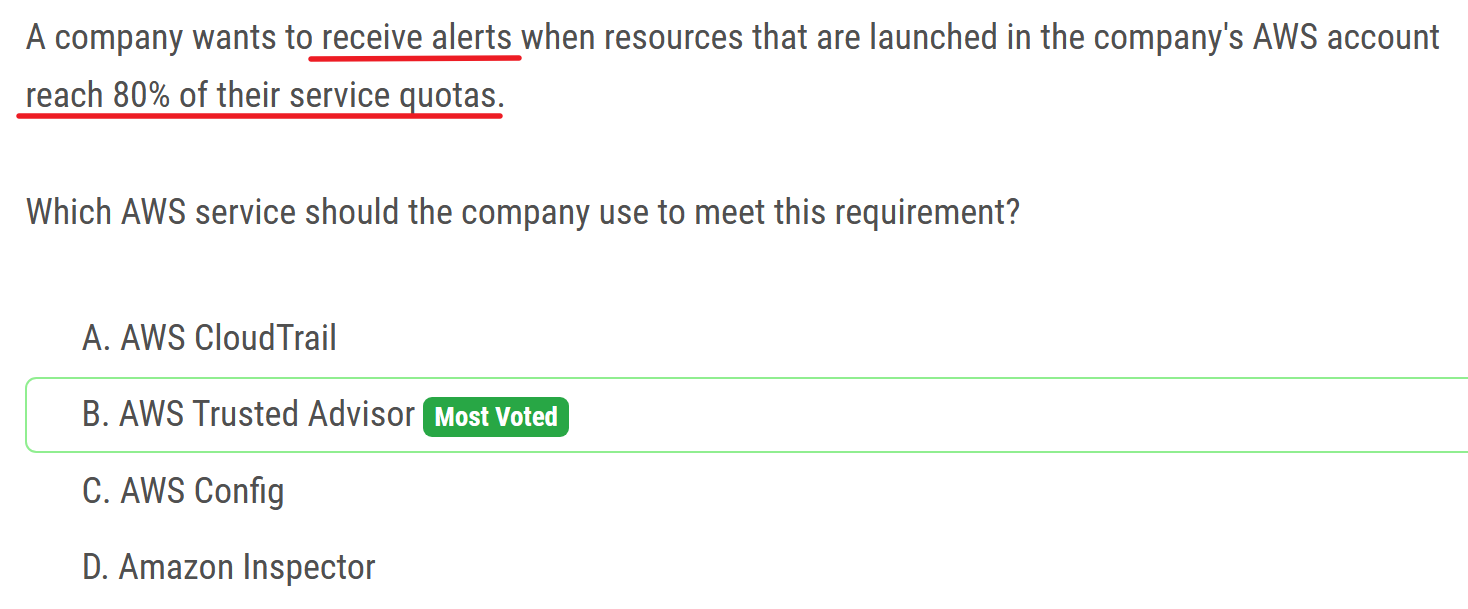
- proactively monitor and plan for service quotas
This solution helps you proactively track your resource usage and sends email or Slack notifications when you approach quotas. Tracking your usage against AWS service quotas helps you plan for requesting a quota increase before you exceed it. This solution leverages AWS Trusted Advisor and Service Quotas to monitor AWS resource usage and raise alerts. You can use this solution in any AWS Region, including AWS GovCloud (US) Regions.
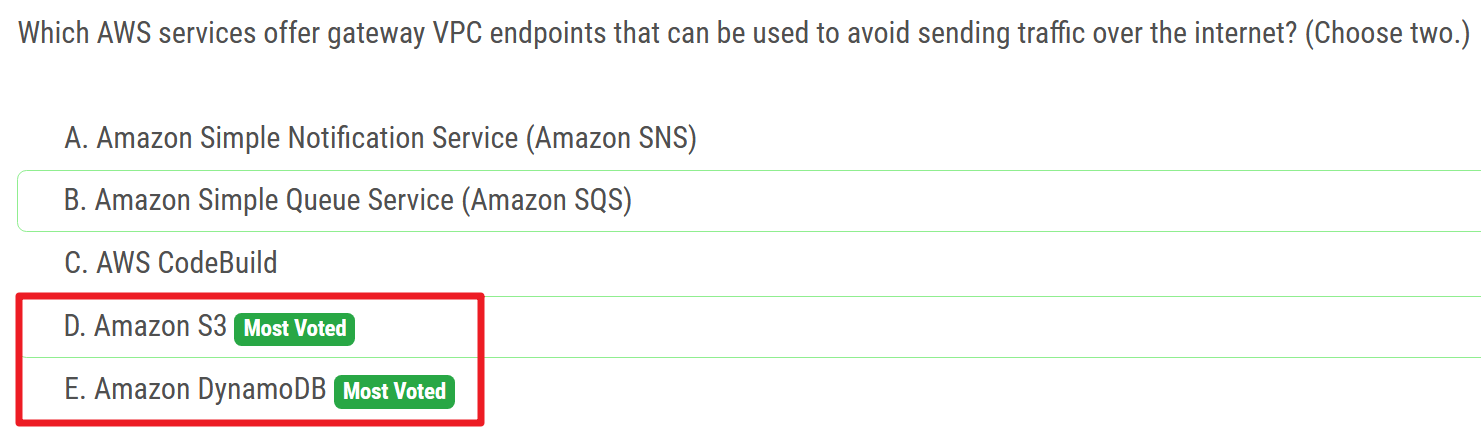
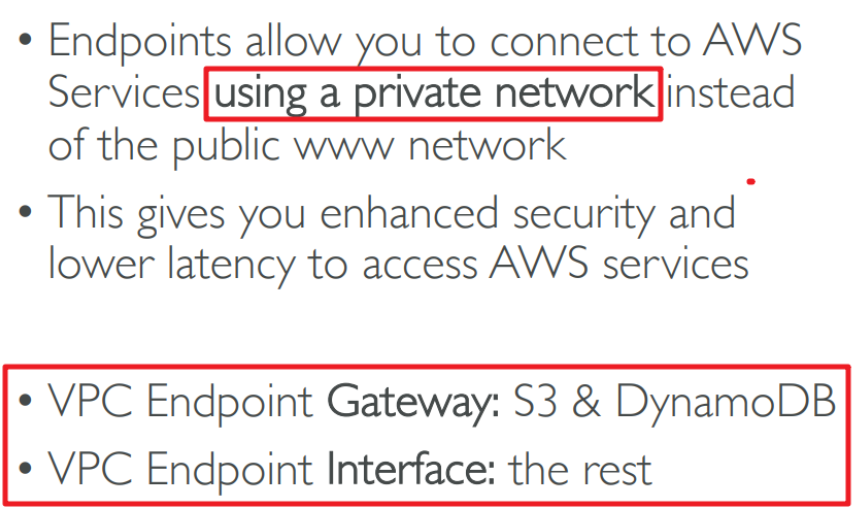
# VPC endpoints - private network
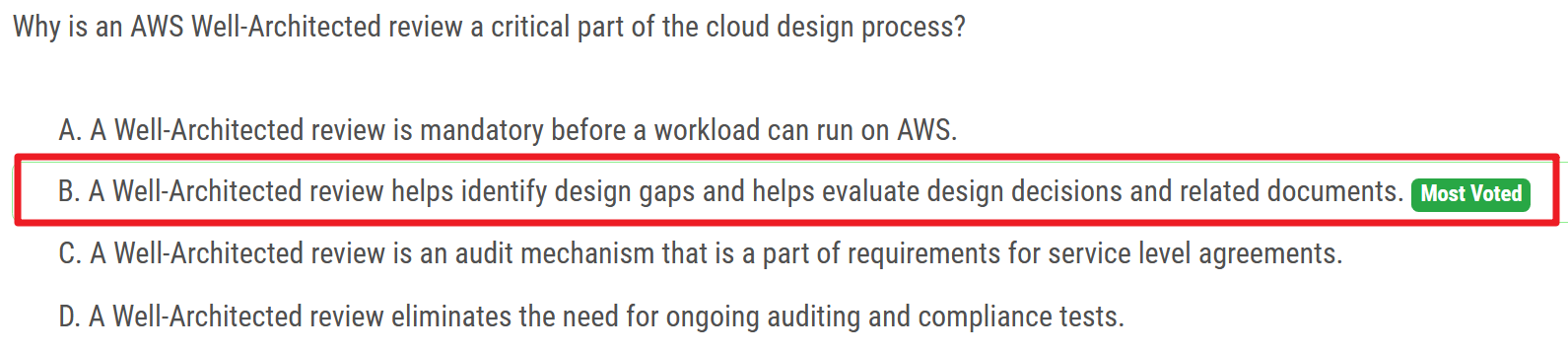
# Well-Architected
# X-Ray
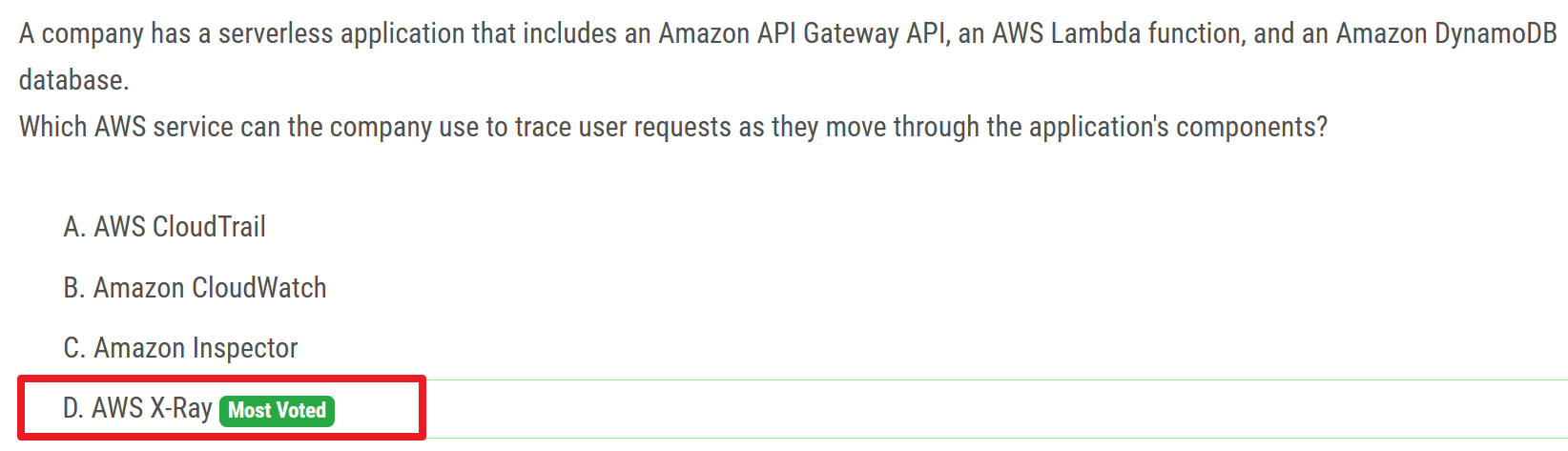
trace user requests
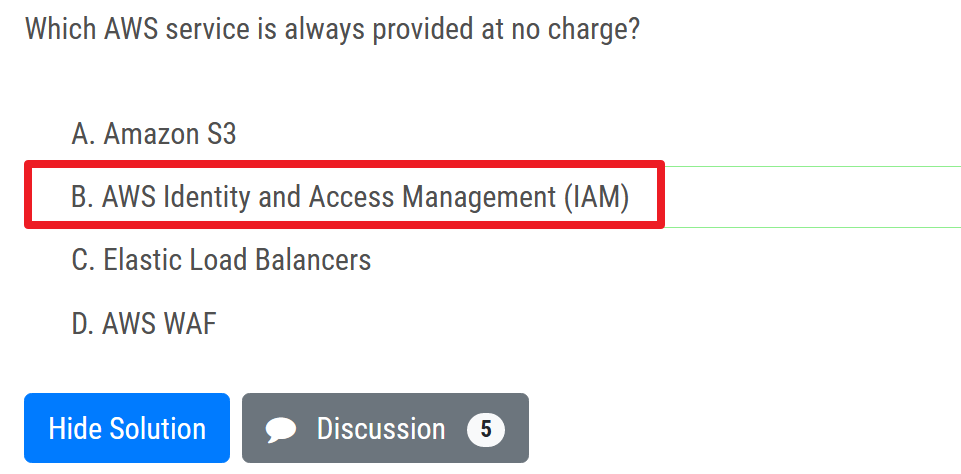
# No charge
# Inspector
# DataSync
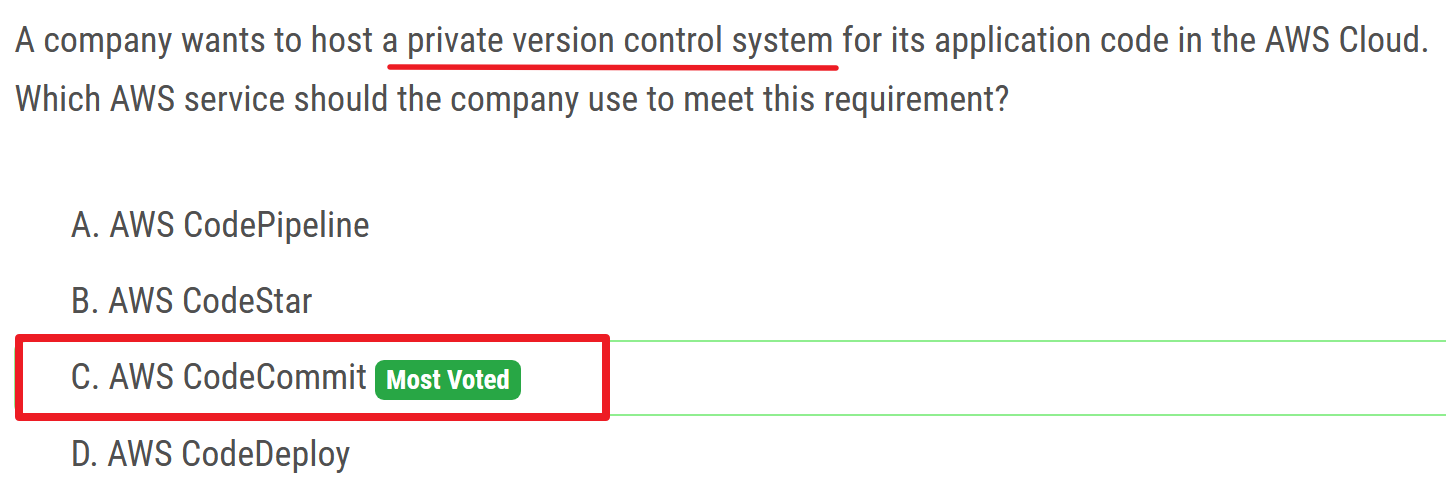
# CodeCommit
# private version control system
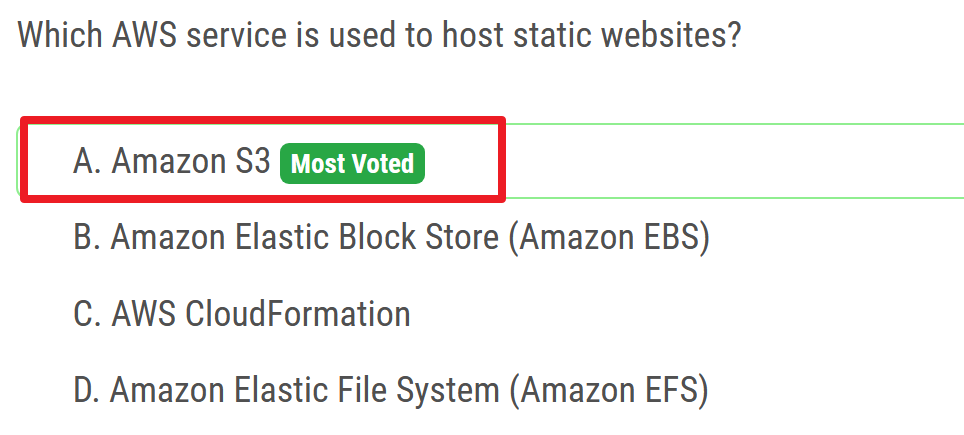
# S3
# host static websites
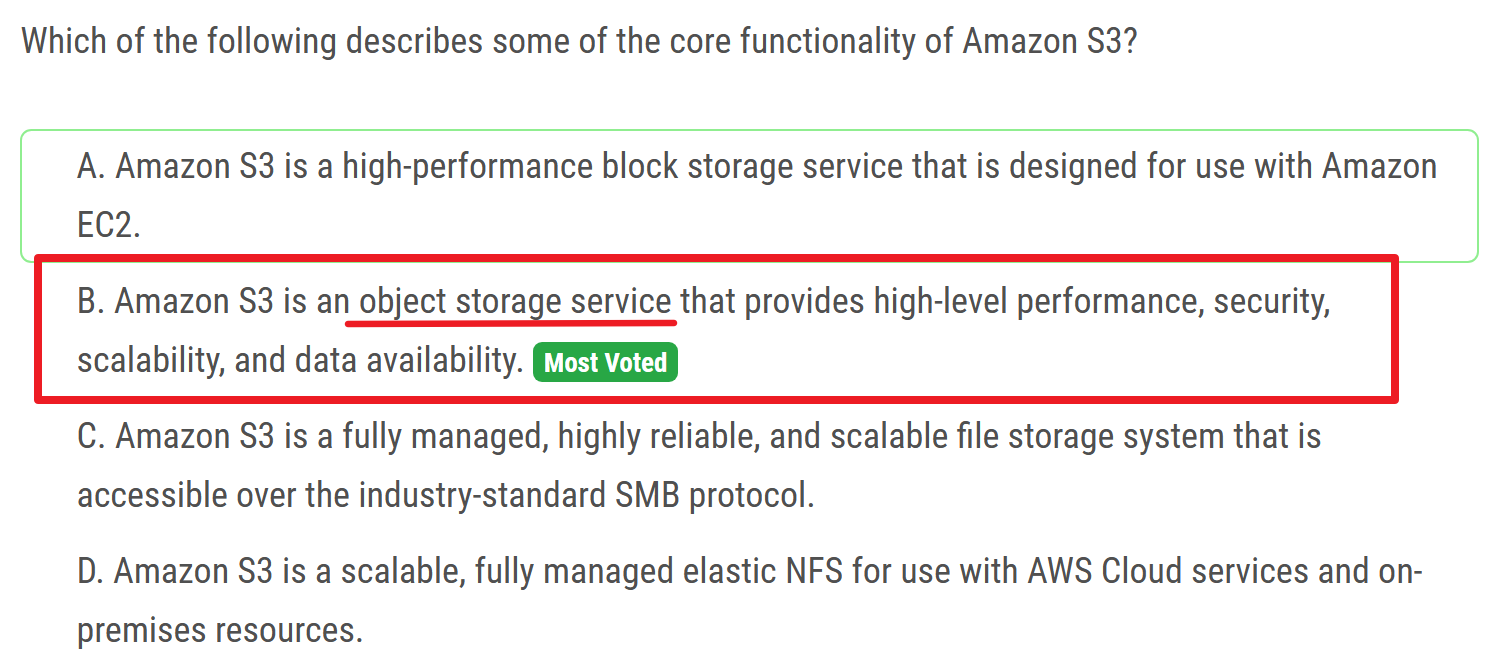
# core functionality
# WAF
# injection attacks and cross-site scripting

# which services can use WAF
# DB
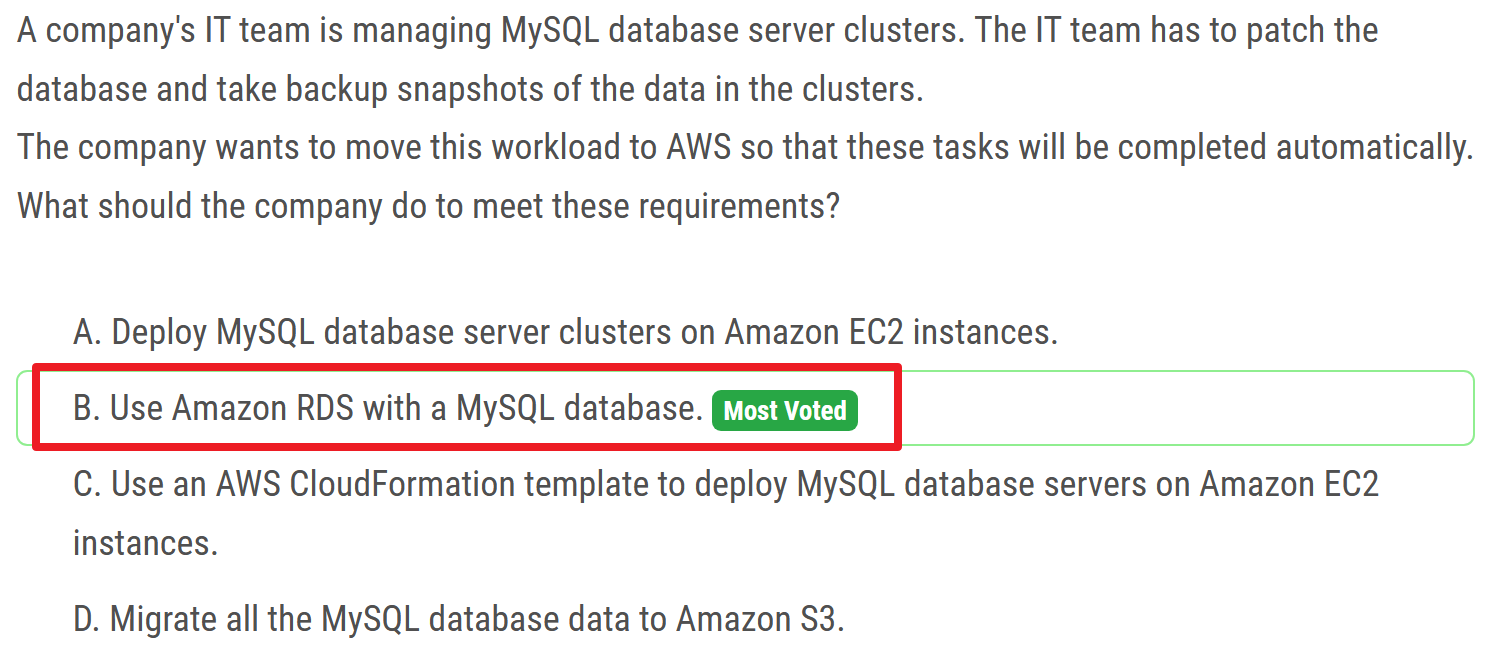
# RDS
# patch / backup
# DynamoDB
# global tables
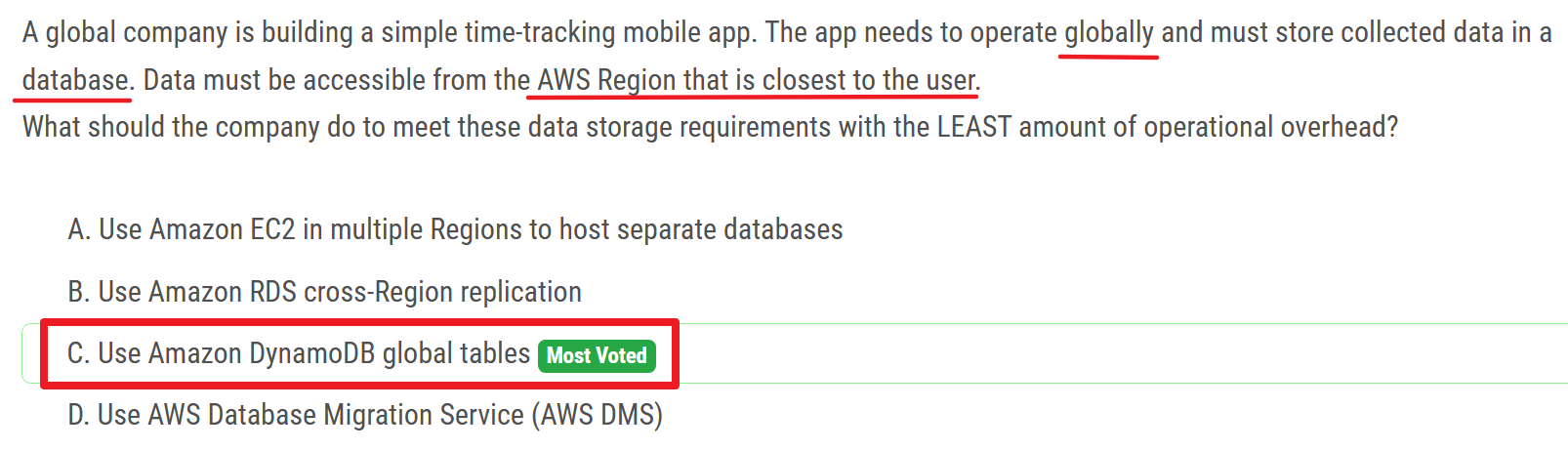
Global tables build on the global Amazon DynamoDB footprint to provide you with a fully managed, multi-Region, and multi-active database that delivers fast, local, read and write performance for massively scaled, global applications. Global tables replicate your DynamoDB tables automatically across your choice of AWS Regions.
# single-digit milliseconds
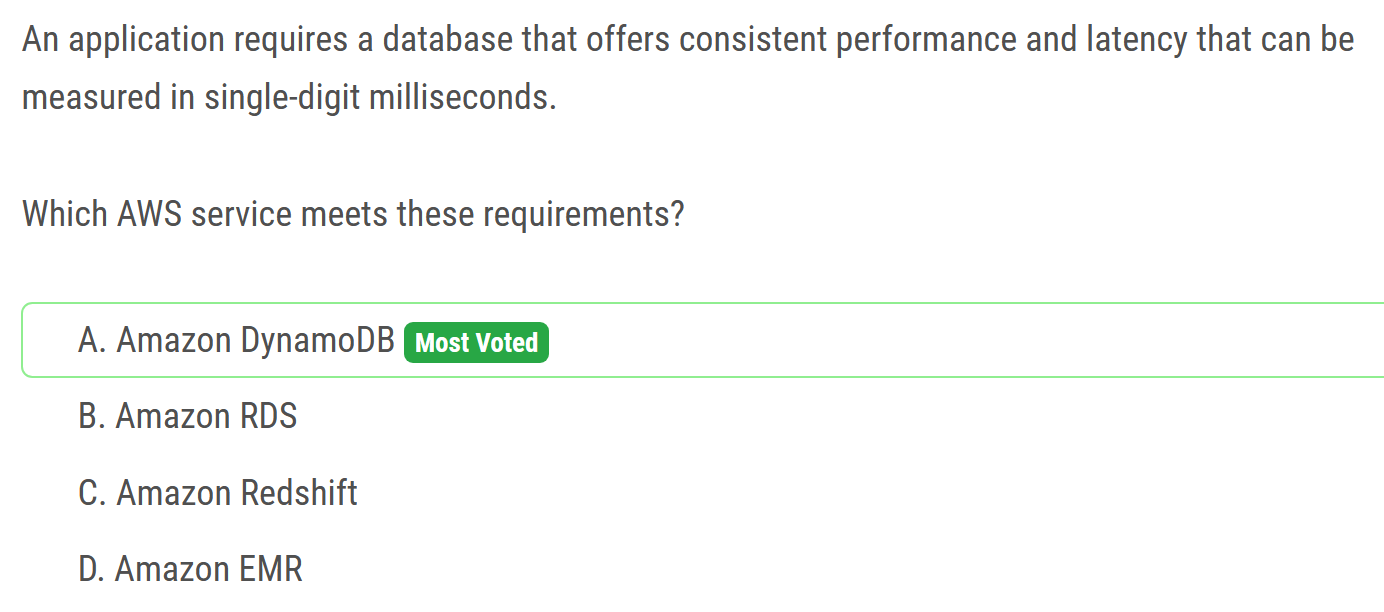
- Amazon DynamoDB is a key-value and document database that delivers single-digit millisecond performance at any scale.
# Doesn't change the queries
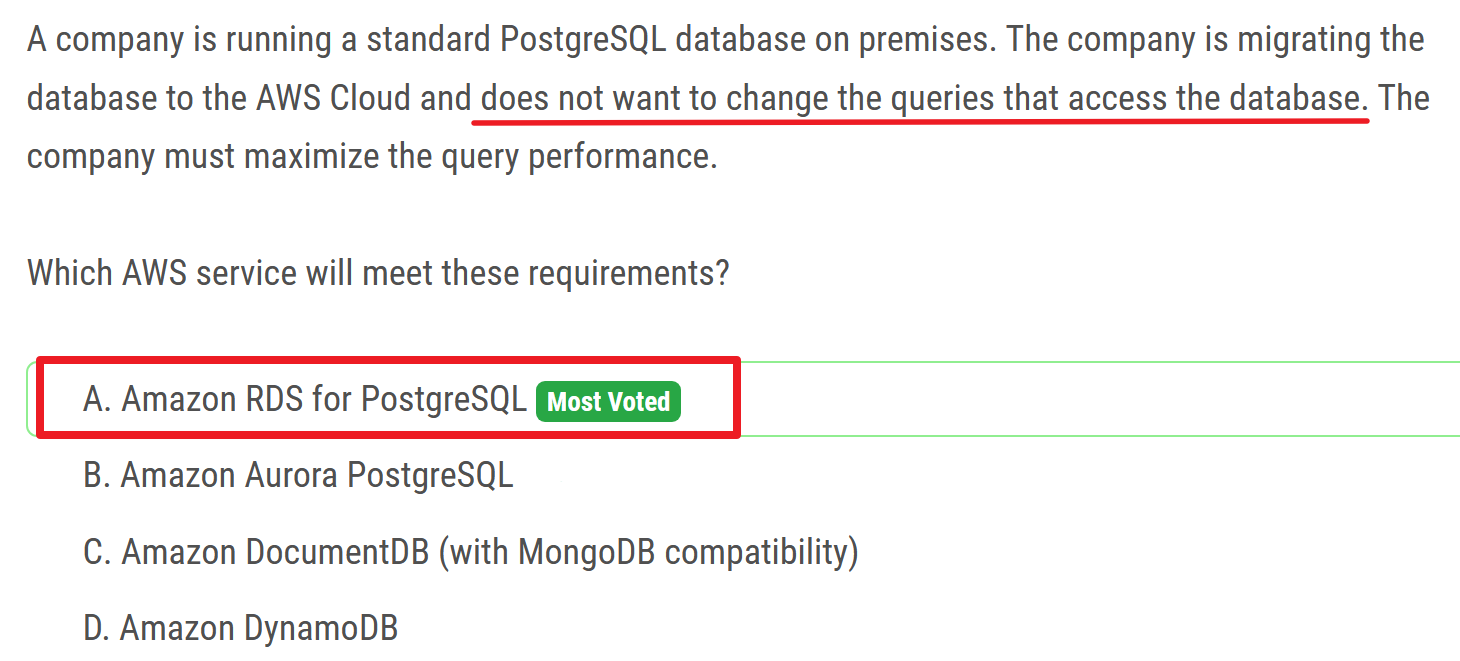
- Aurora - user has to change queries referring Aurora Database Endpoint for each query.
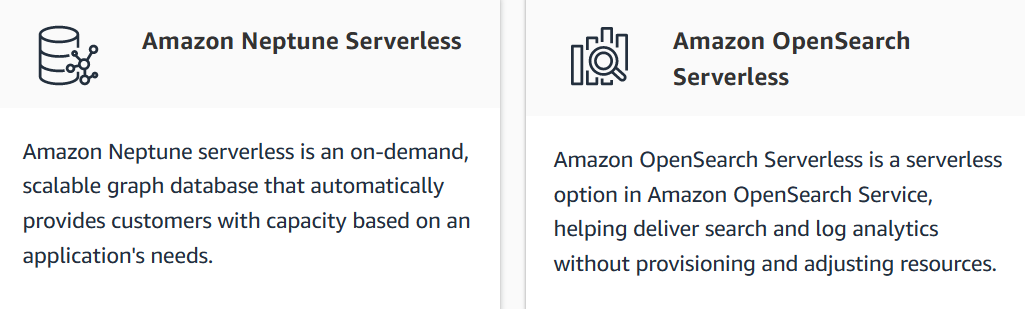
# Serverless services on AWS
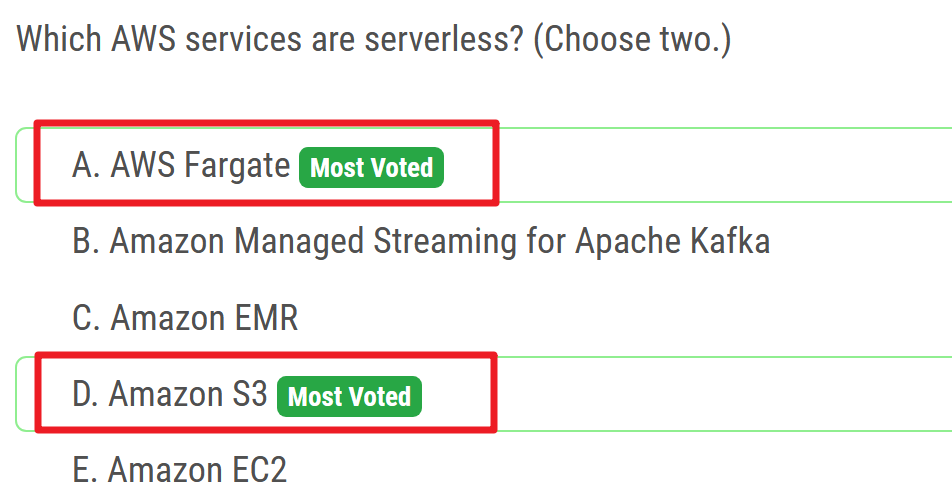
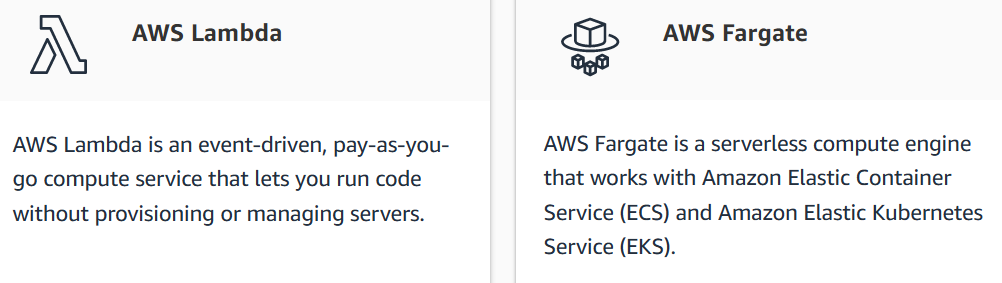
# compute
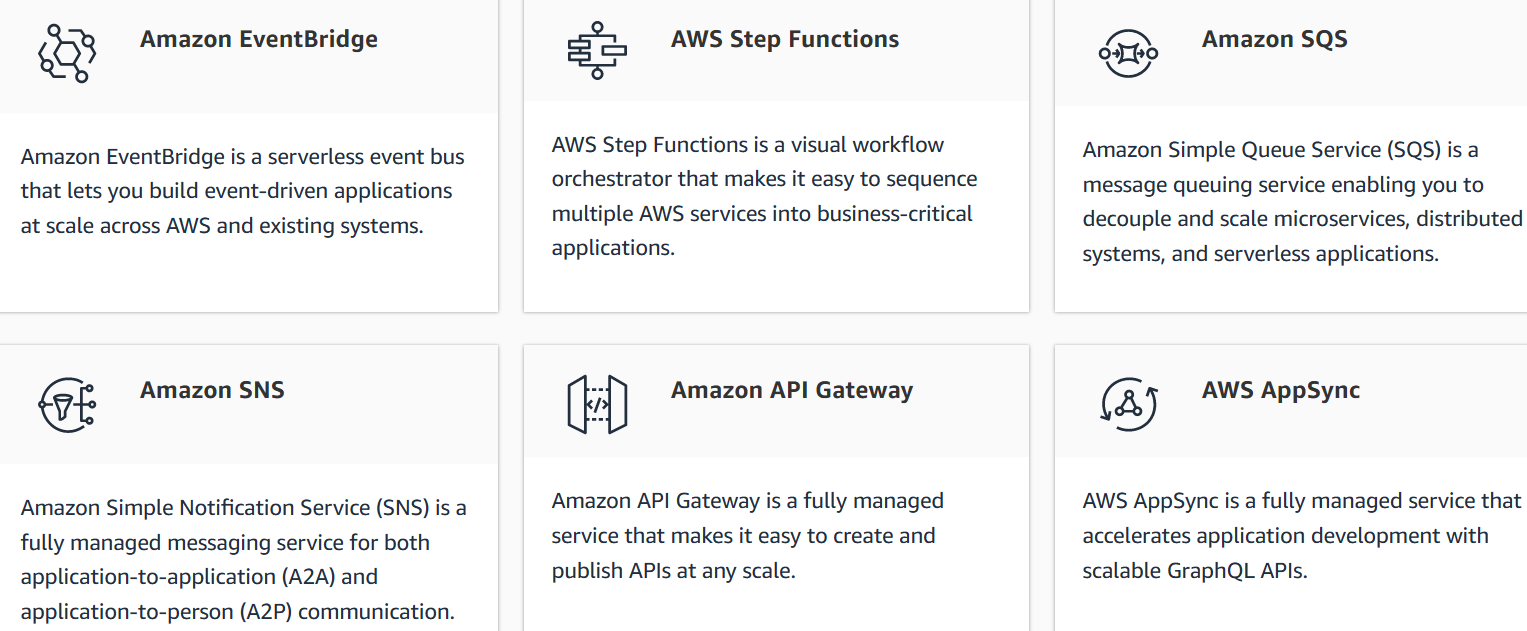
# Application integration
# Data store

# Local Zones / Region
# local zones
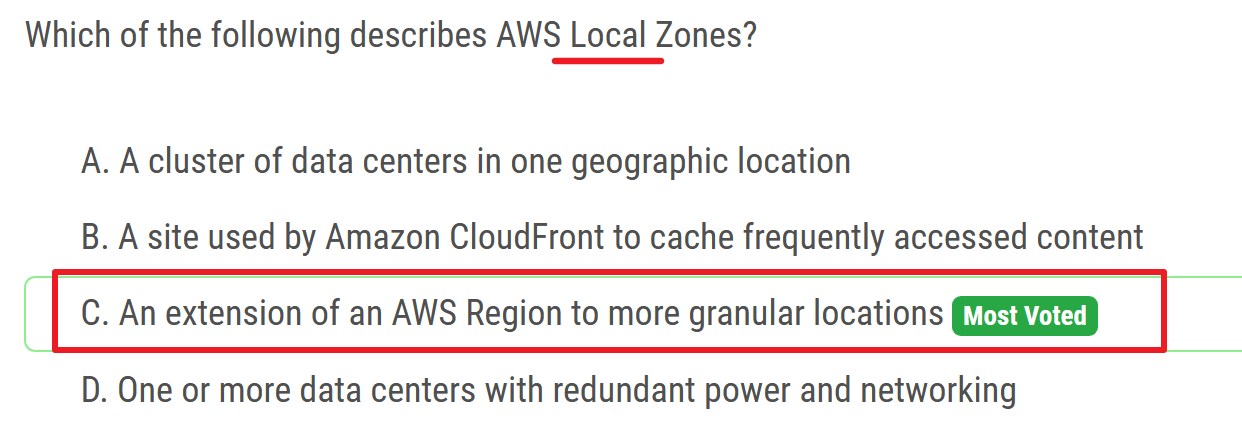
granular 颗粒的
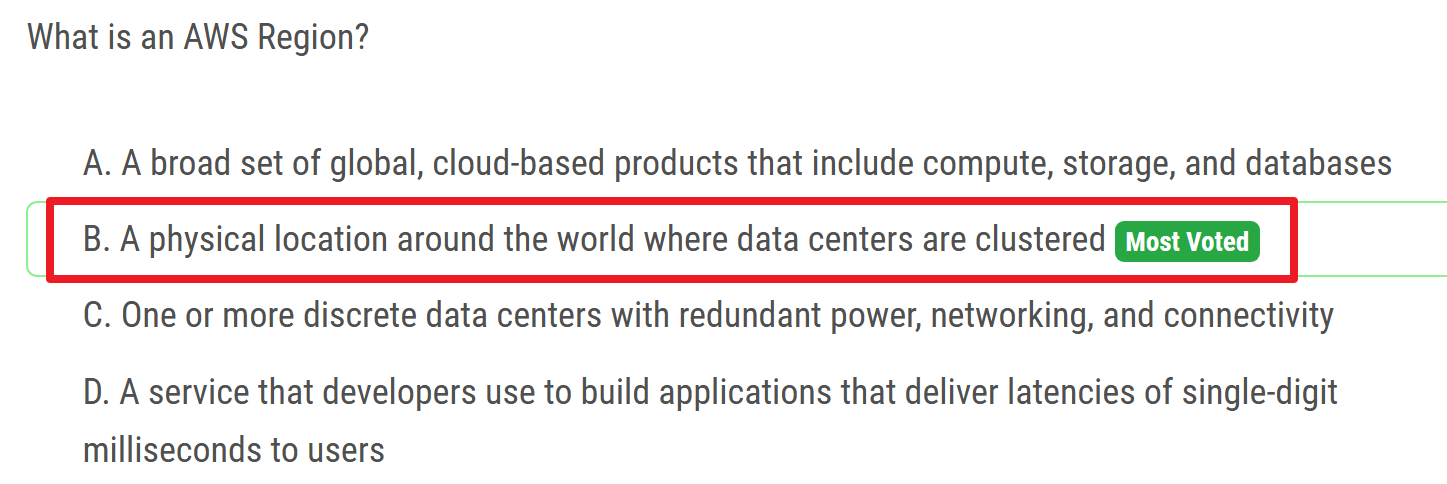
# region
# AWS services
# compute services
Compute Services - Overview of Amazon Web Services (opens new window)

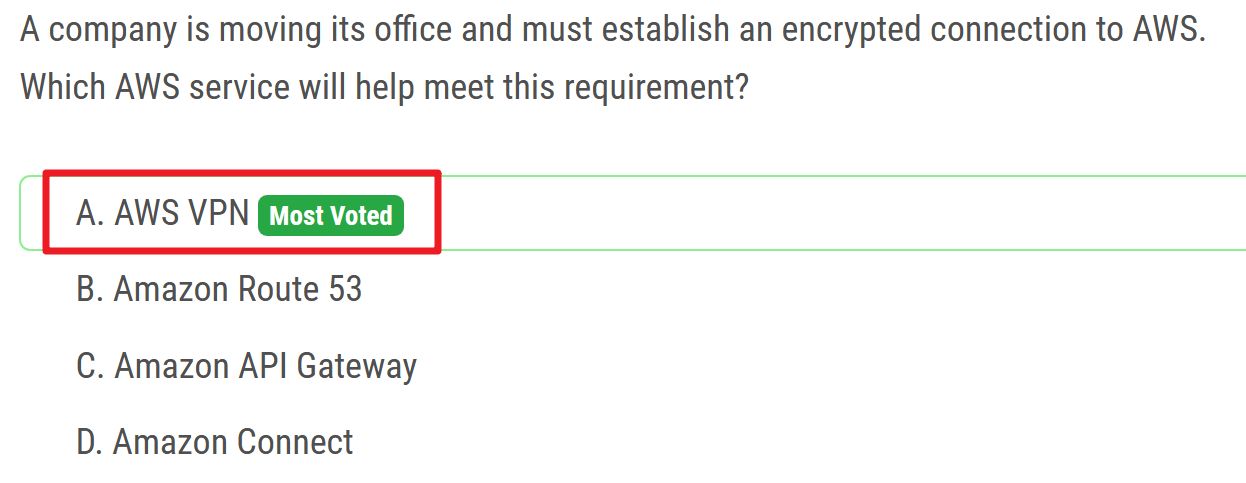
# VPN
# Price
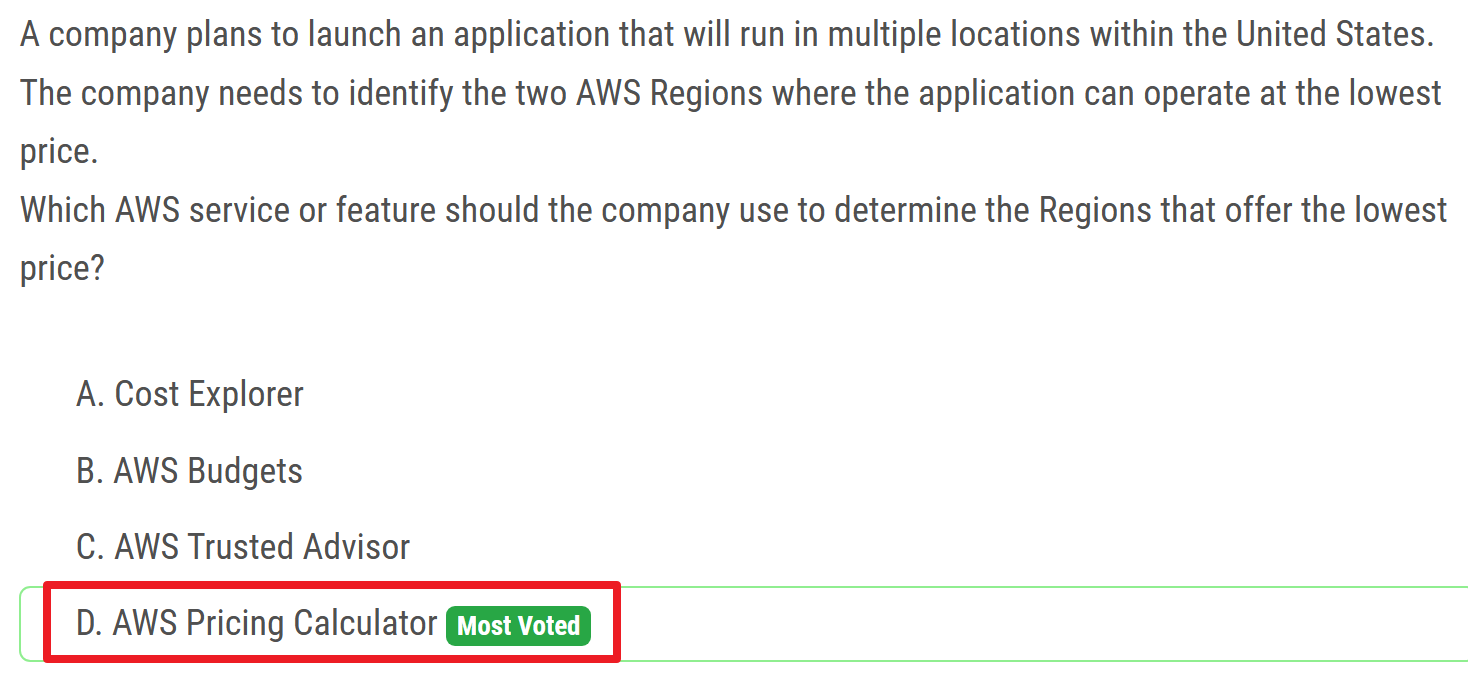
# pricing calculator
# FSx
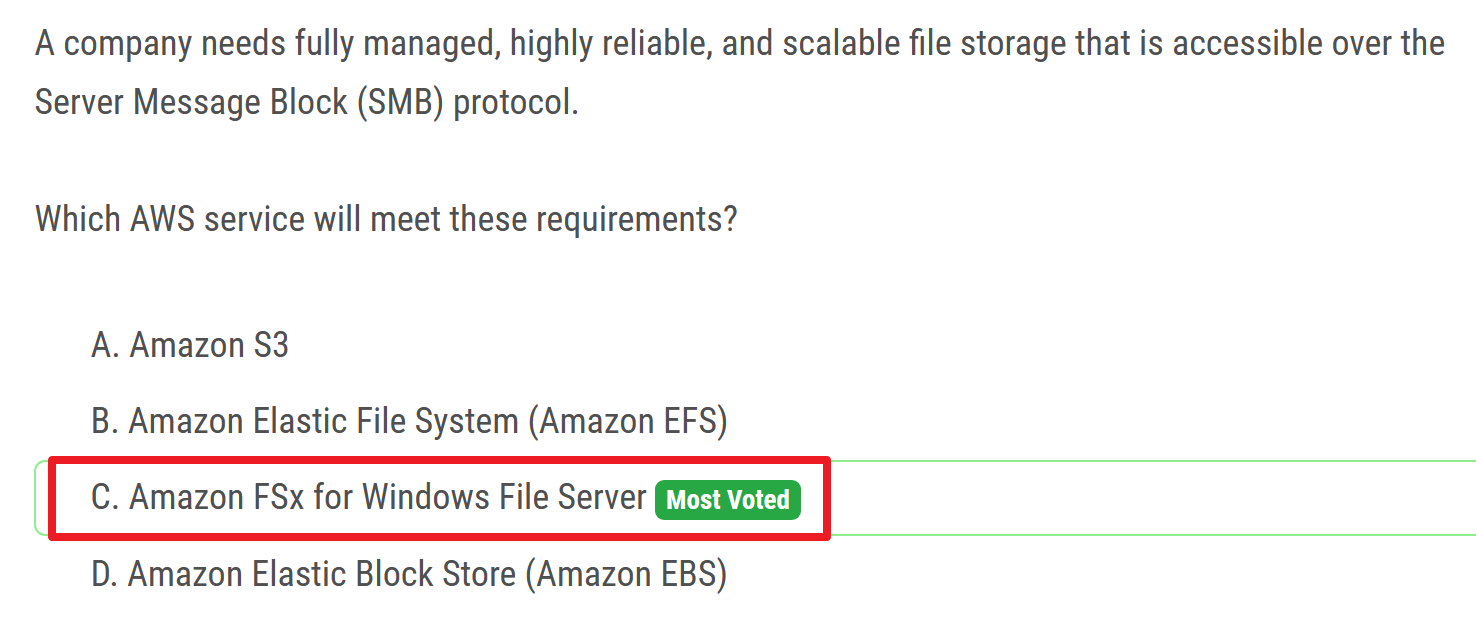
- Amazon FSx for Windows File Server provides fully managed, highly reliable, and scalable file storage that is accessible over the industry-standard Server Message Block (SMB) protocol.
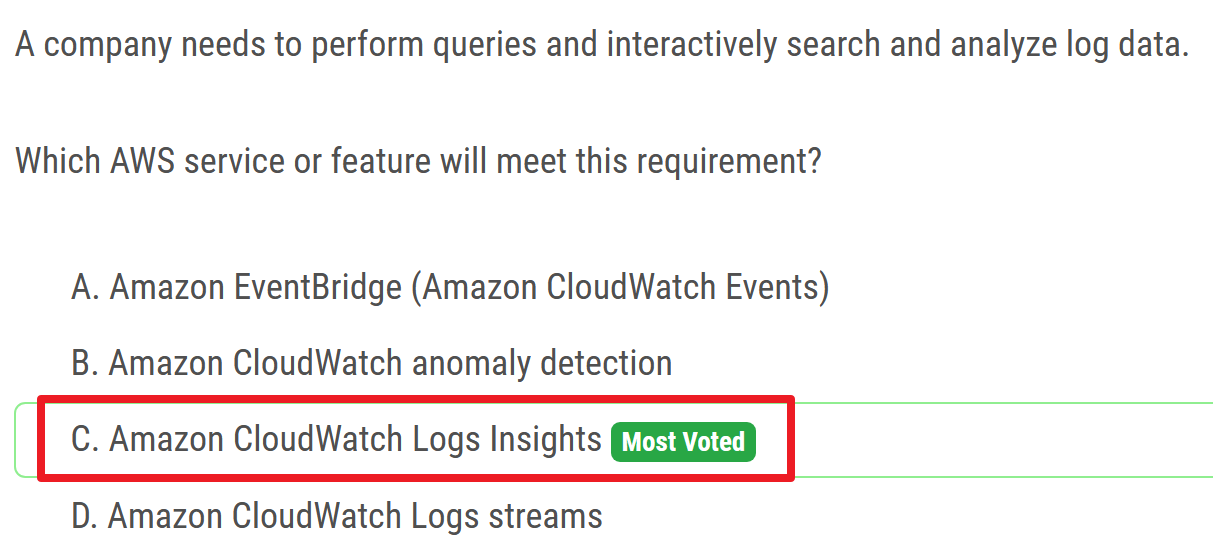
# CloudWatch
# Automatically / By default
backup
RDS
Aurora
Amazon Aurora is fully managed by Amazon Relational Database Service (Amazon RDS), which automates time-consuming administration tasks such as hardware provisioning, database setup, patching, and backups.
data encryption
- S3 Glacier
- Storage Gateway
high availability (across multiple AZ)
- EFS
- S3
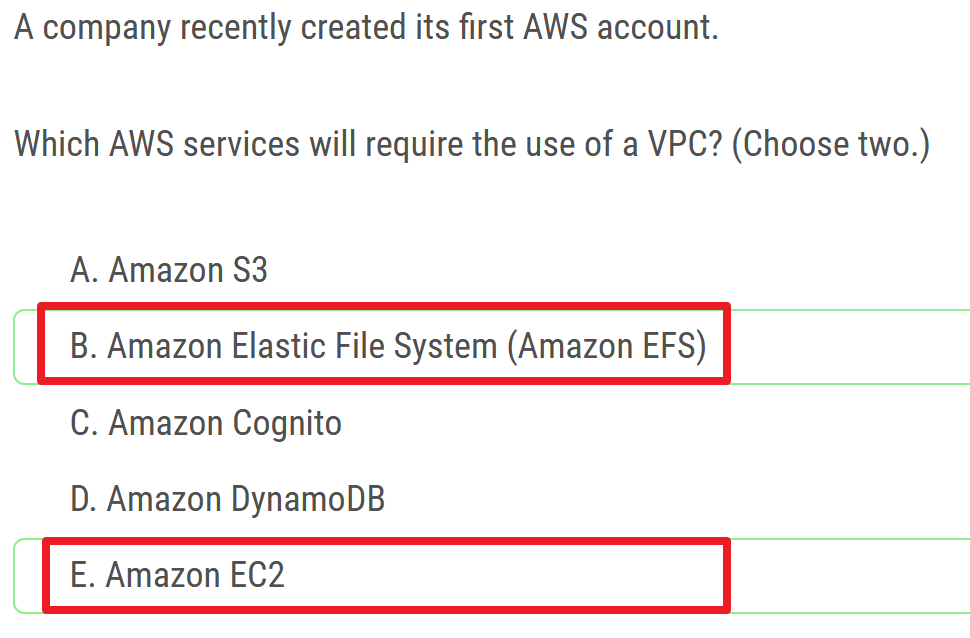
# Require the use of VPC
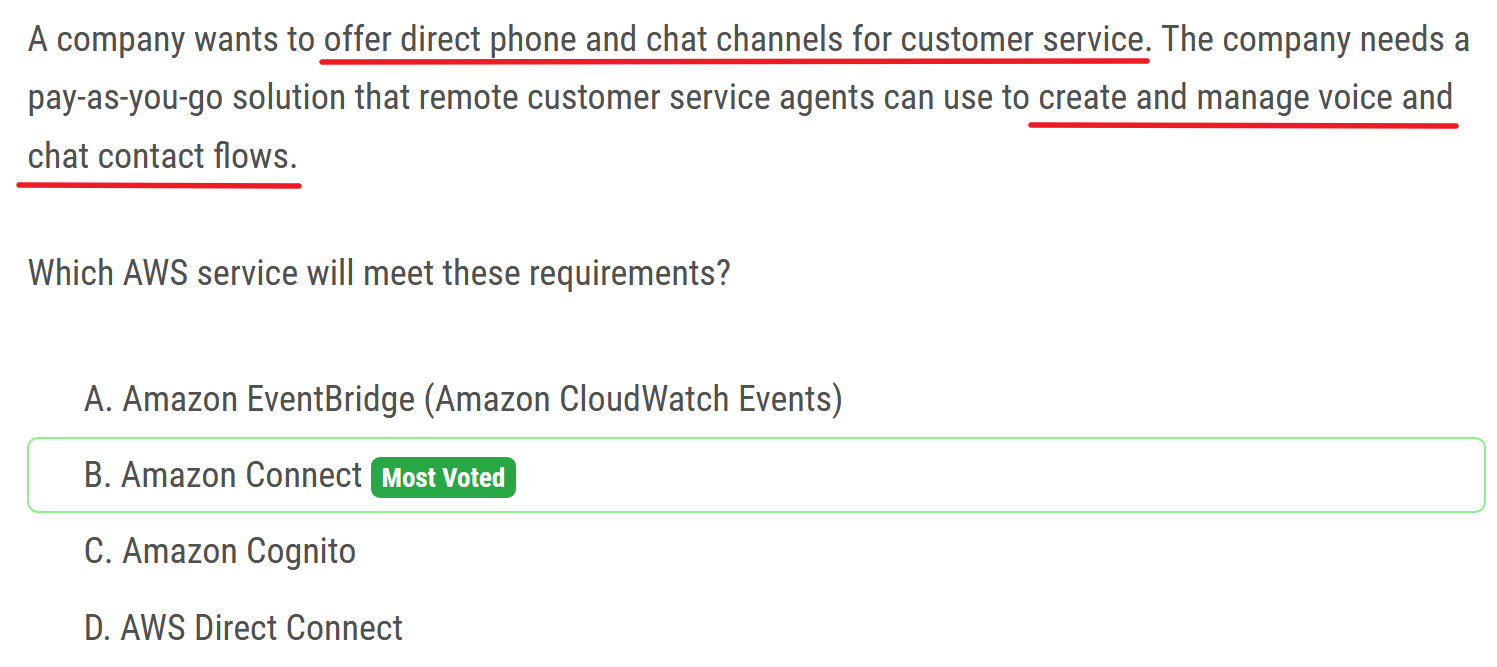
# AWS Connect
# provide contact center
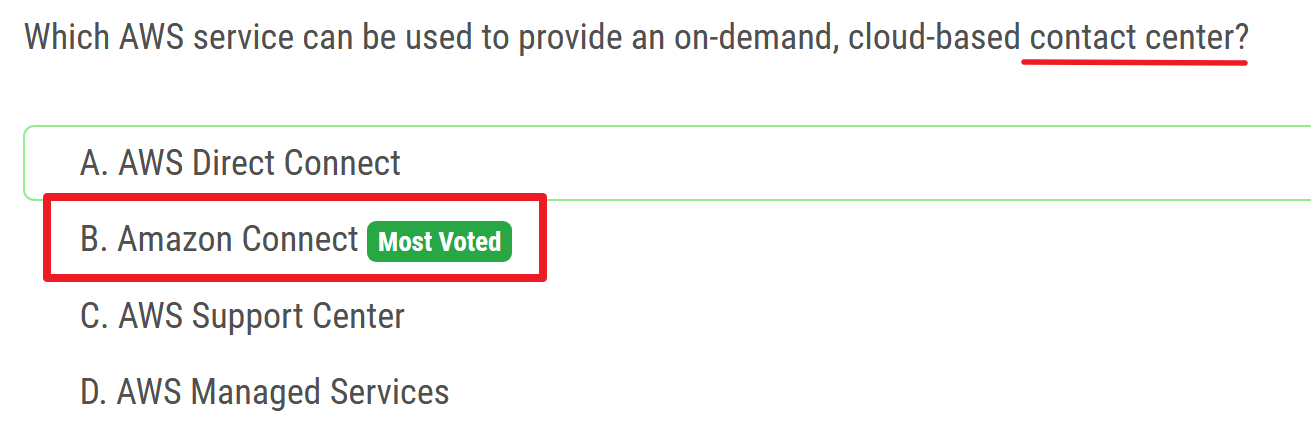
- Amazon Connect is an omnichannel cloud contact center. You can set up a contact center in a few steps, add agents who are located anywhere, and start engaging with your customers.
# contact flows
# root user
# access key
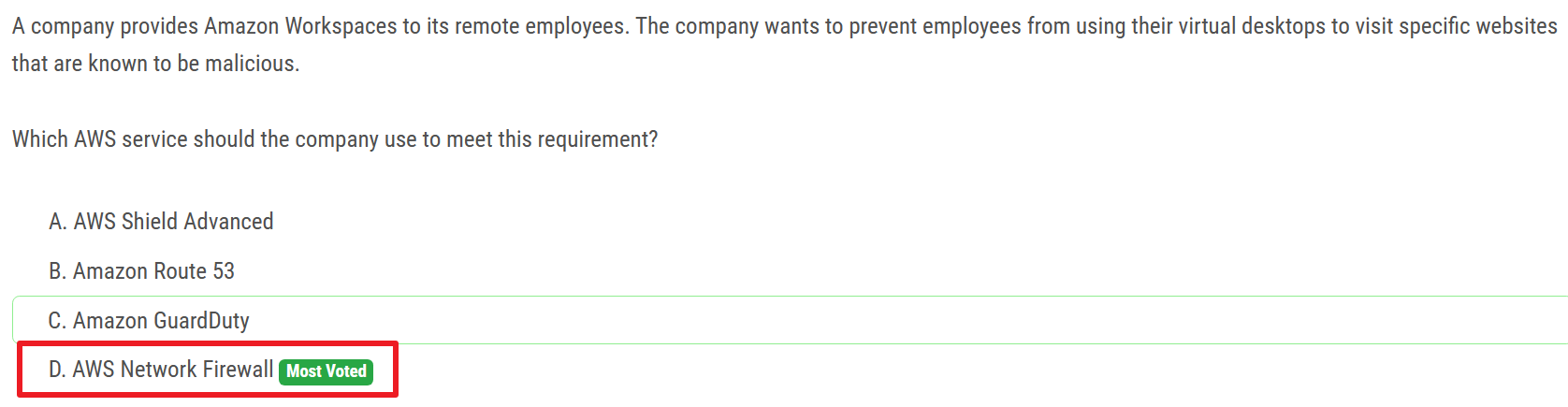
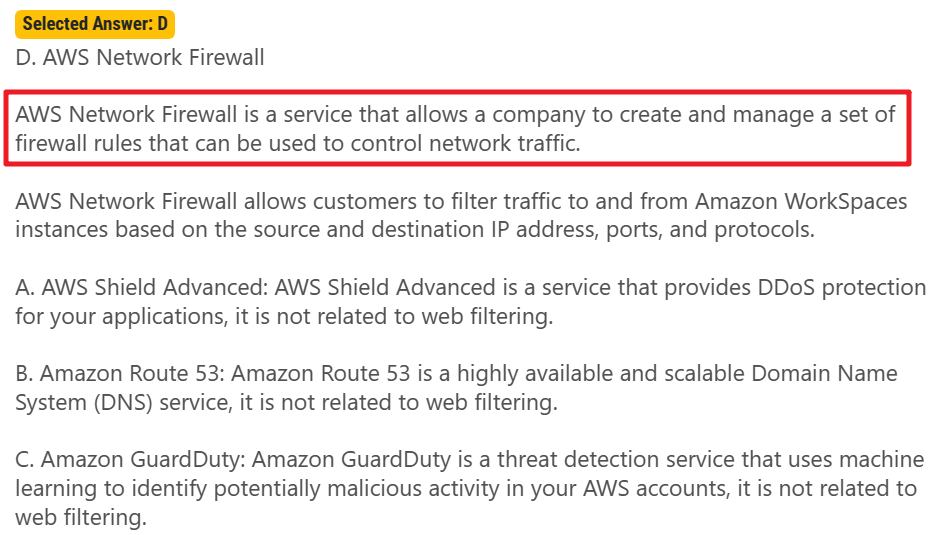
# AWS Network Firewall
web filtering
# Udemy Practice Exam
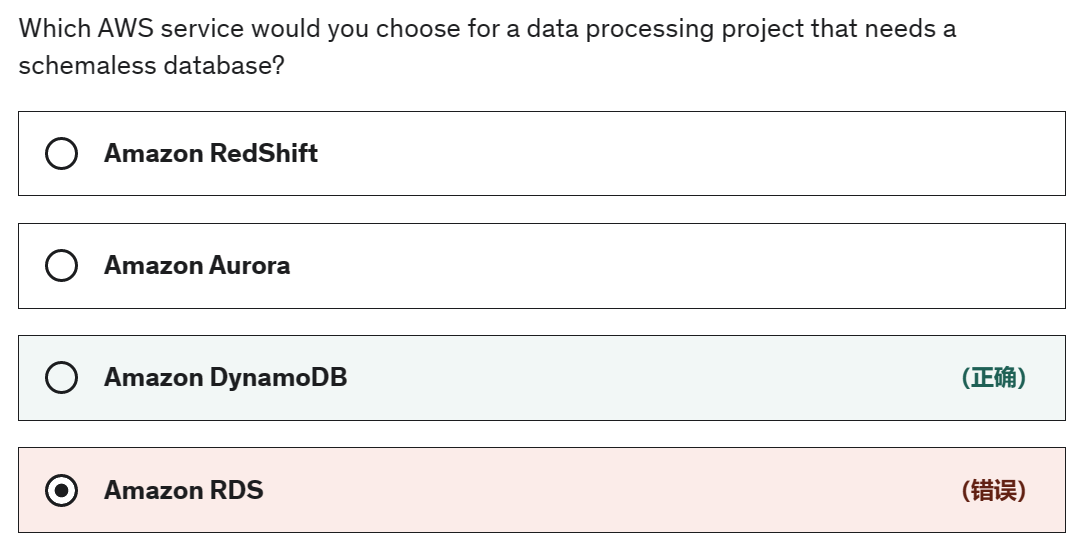
- relational database - schema
- NoSQL database - schemaless
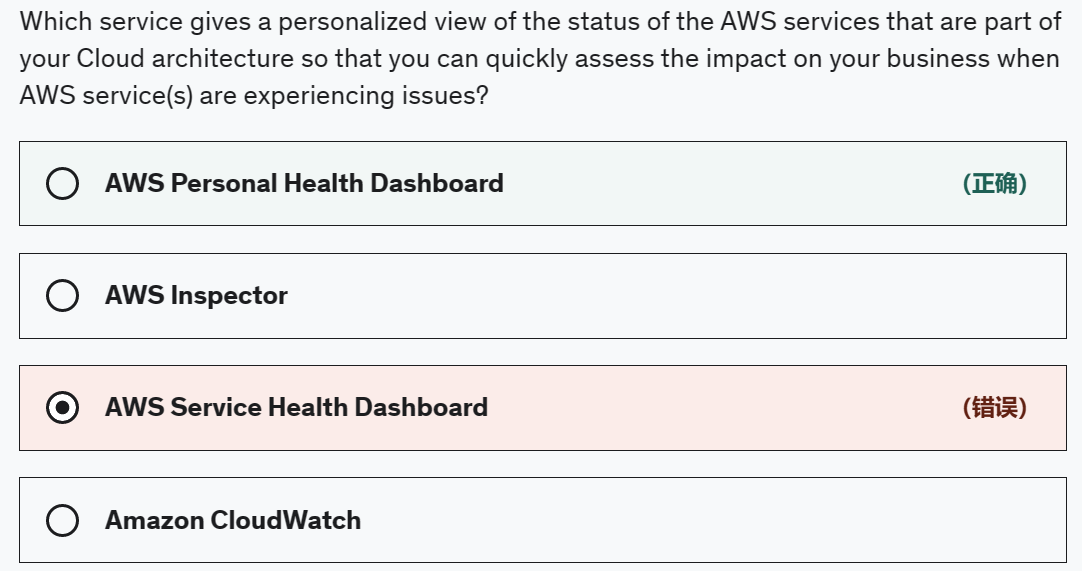
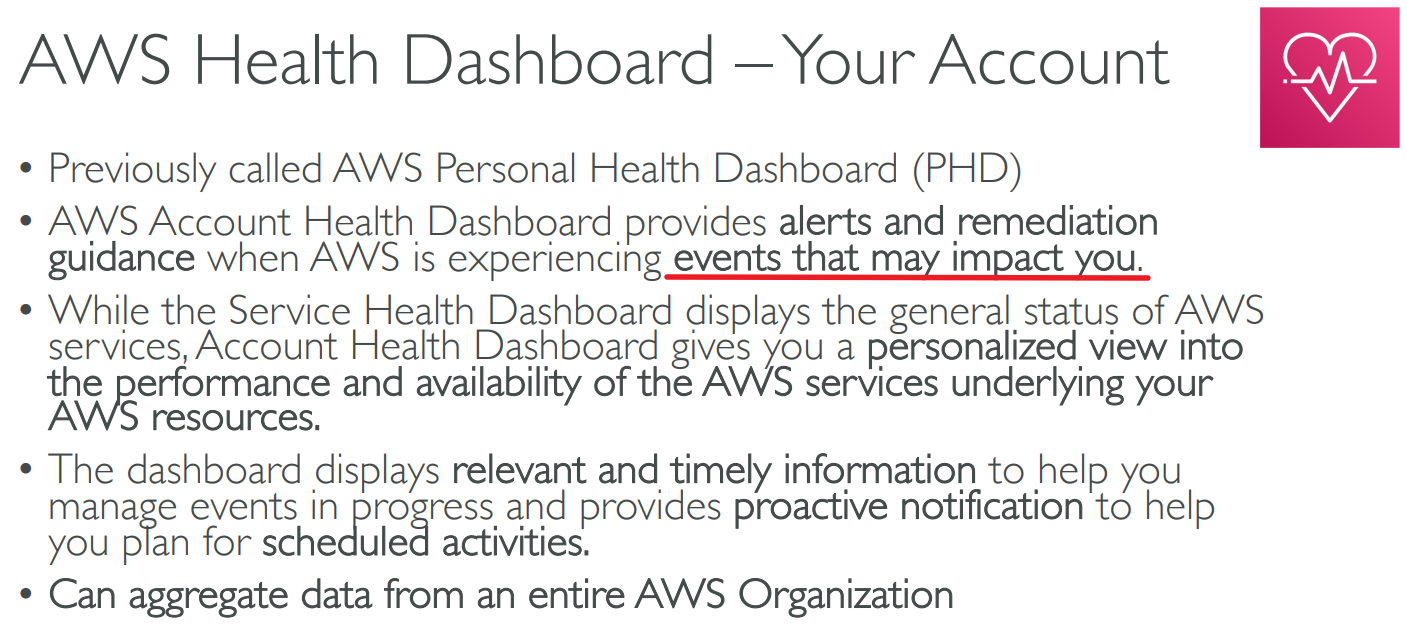
- AWS Personal Health Dashboard provides alerts and remediation guidance when AWS is experiencing events that may impact you. With Personal Health Dashboard, alerts are triggered by changes in the health of your AWS resources, giving you event visibility, and guidance to help quickly diagnose and resolve issues.
- CloudWatch cannot provide the status of your AWS resources.
Exam Alert:
While the Service Health Dashboard displays the general status of AWS services, Personal Health Dashboard gives you a personalized view of the performance and availability of the AWS services underlying your AWS resources.
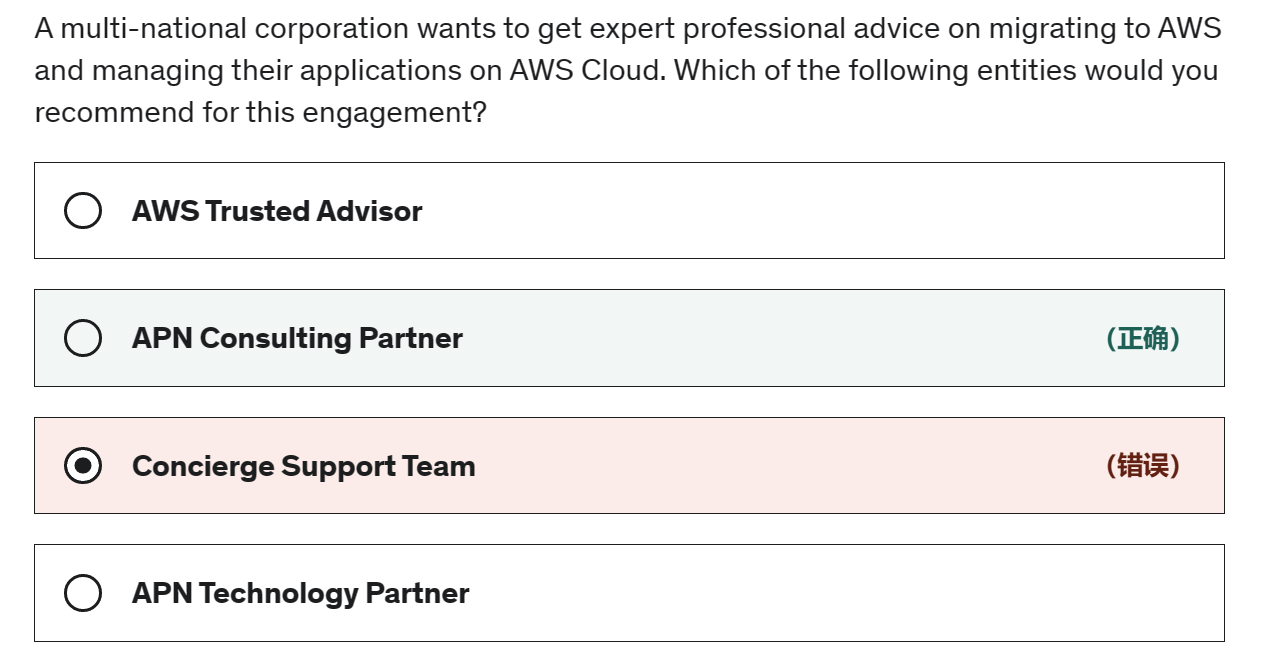
- APN Consulting Partner - APN Consulting Partners are professional services firms that help customers of all types and sizes design, architect, build, migrate, and manage their workloads and applications on AWS, accelerating their migration to AWS cloud.
- APN Technology Partner - APN Technology Partners provide hardware, connectivity services, or software solutions that are either hosted on or integrated with, the AWS Cloud. APN Technology Partners cannot help in migrating to AWS and managing applications on AWS Cloud.
- Concierge Support Team - The Concierge Support Team are AWS billing and account experts that specialize in working with enterprise accounts. They will quickly and efficiently assist you with your billing and account inquiries. The Concierge Support Team is only available for the Enterprise Support plan. Concierge Support Team cannot help in migrating to AWS and managing applications on AWS Cloud.
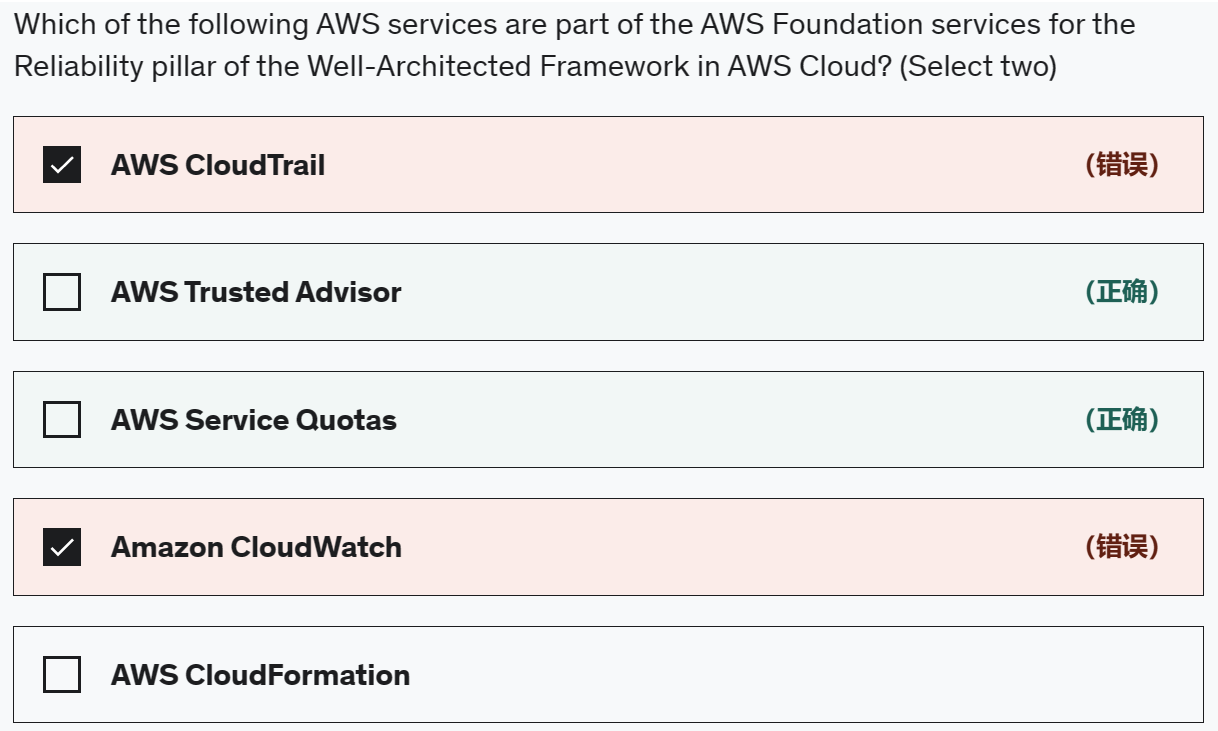
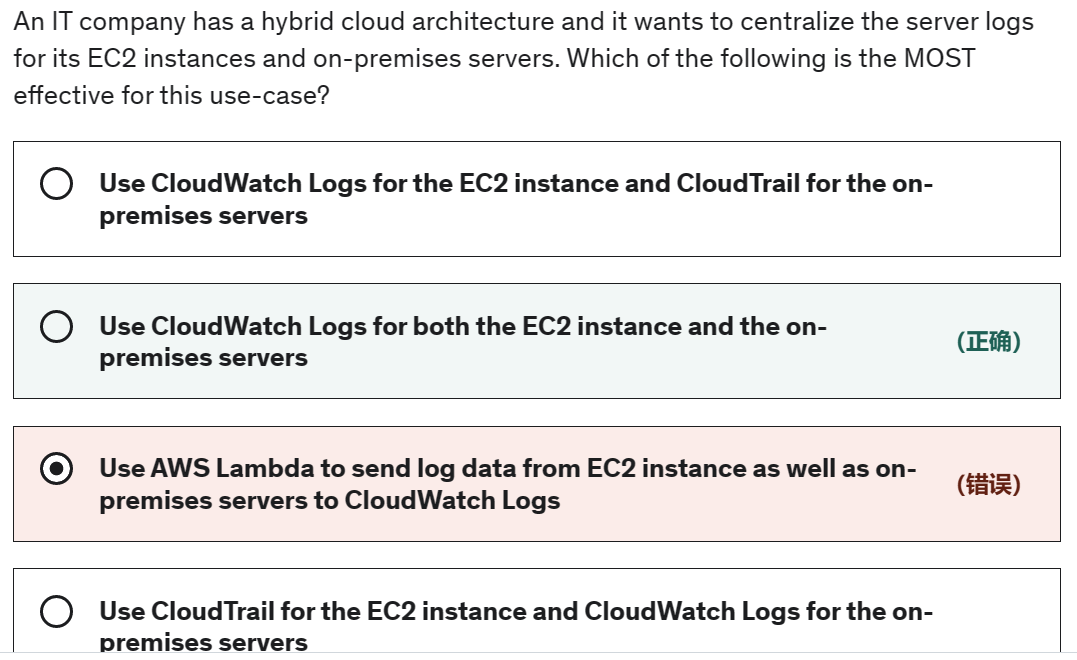

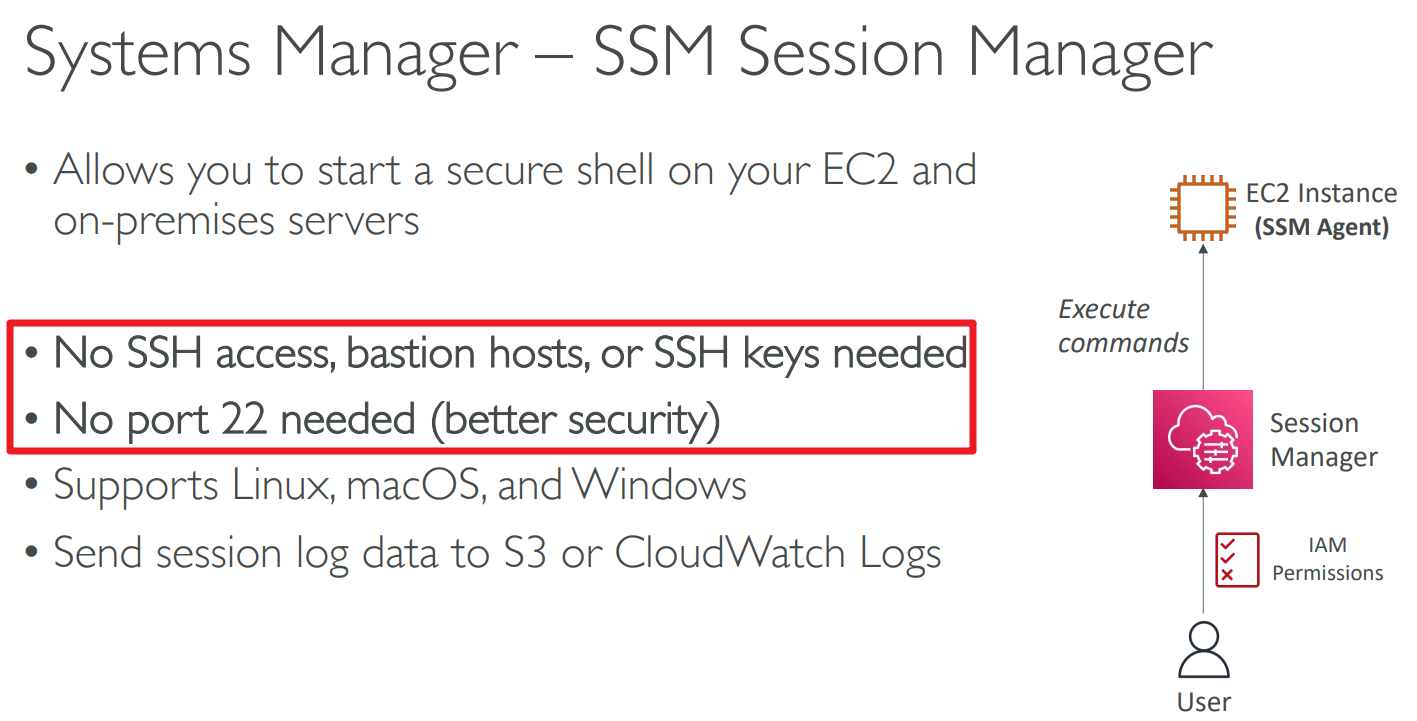
AWS Systems Manager Session Manager
AWS SSM Session Manager is a fully-managed service that provides you with an interactive browser-based shell and CLI experience. It helps provide secure and auditable instance management without the need to open inbound ports, maintain bastion hosts, and manage SSH keys. Session Manager helps to enable compliance with corporate policies that require controlled access to instances, increase security and auditability of access to the instances while providing simplicity and cross-platform instance access to end-users.
Amazon EC2 Instance Connect - Instance Connect will need port 22 to be open for traffic.
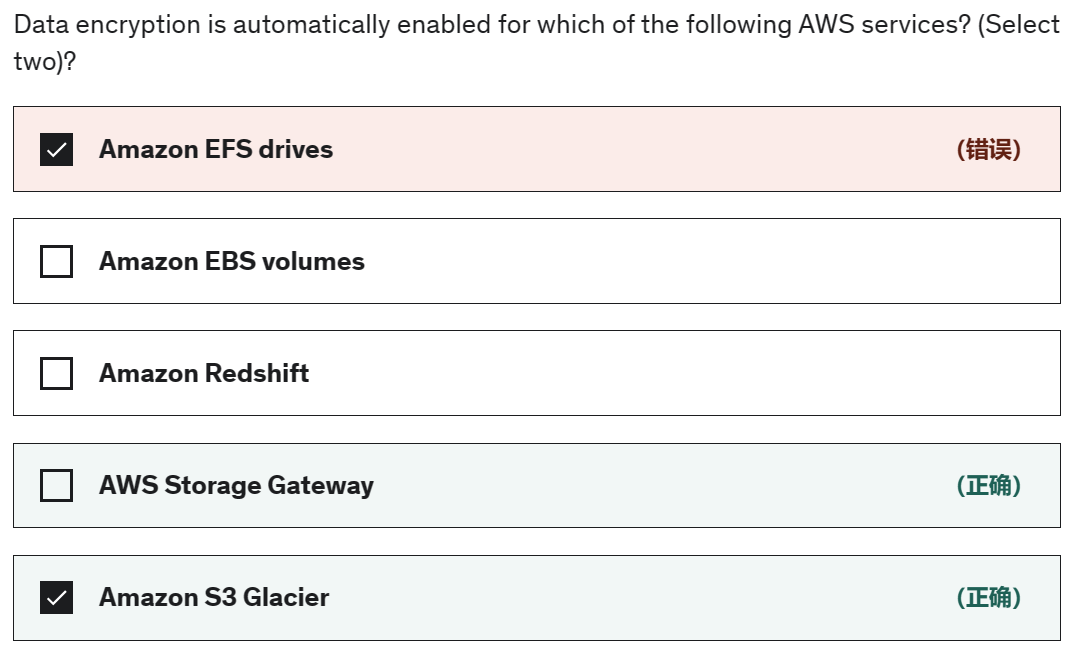
Amazon S3 Glacier - Amazon S3 Glacier (S3 Glacier), is a storage service optimized for infrequently used data, or "cold data. Data at rest stored in S3 Glacier is automatically server-side encrypted using 256-bit Advanced Encryption Standard (AES-256) with keys maintained by AWS.
AWS Storage Gateway - AWS Storage Gateway is a hybrid cloud storage service that gives you on-premises access to virtually unlimited cloud storage. All data transferred between the gateway and AWS storage is encrypted using SSL (for all three types of gateways - File, Volume and Tape Gateways).
Incorrect options:
Amazon EBS volumes - Amazon EBS volumes are not encrypted, by default. You can configure your AWS account to enforce the encryption of the new EBS volumes and snapshot copies that you create.
Amazon Redshift - Encryption is an optional setting in Amazon Redshift. When you enable encryption for a cluster, the data-blocks and system metadata are encrypted for the cluster and its snapshots.
Amazon EFS drives - Encryption is not a default setting, but an optional configuration for EFS drives. Amazon EFS supports two forms of encryption for file systems, encryption of data in transit and encryption at rest.
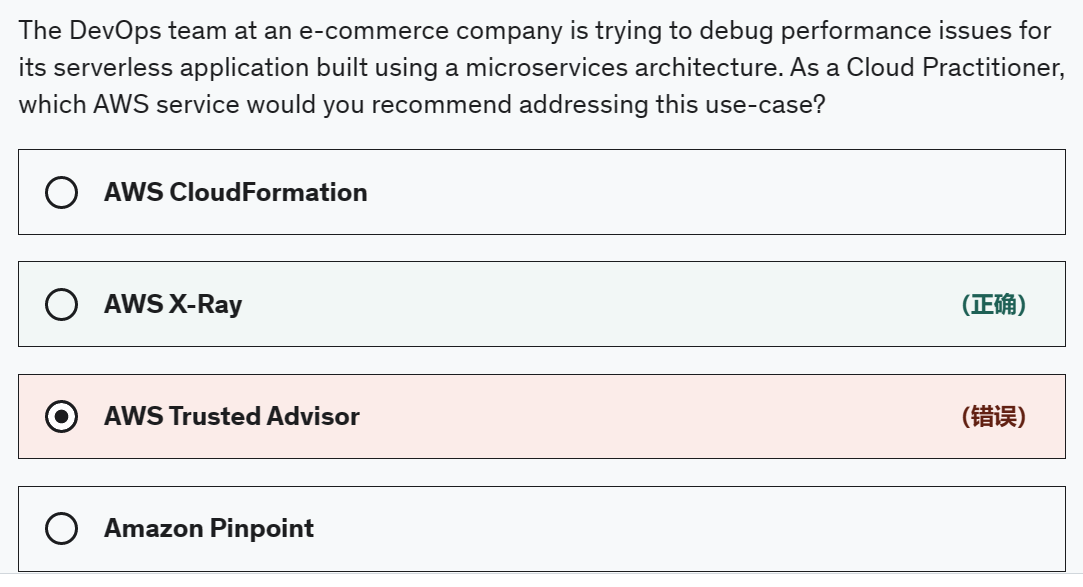
AWS X-Ray - You can use AWS X-Ray to analyze and debug serverless and distributed applications such as those built using a microservices architecture. With X-Ray, you can understand how your application and its underlying services are performing to identify and troubleshoot the root cause of performance issues and errors.
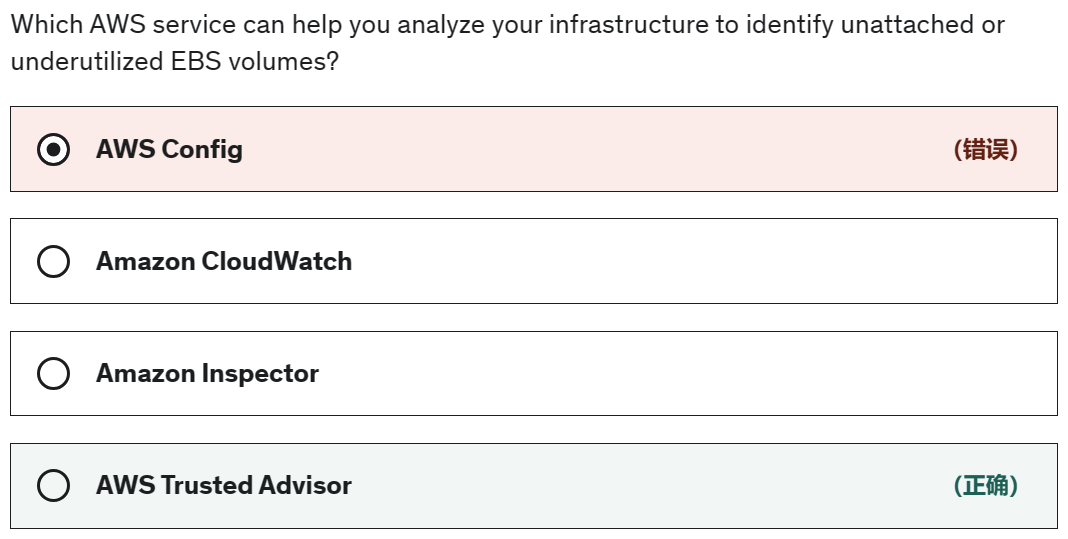
AWS Trusted Advisor - AWS Trusted Advisor is an online tool that provides you real-time guidance to help you provision your resources following AWS best practices on cost optimization, security, fault tolerance, service limits and performance improvement. Whether establishing new workflows, developing applications, or as part of ongoing improvement, recommendations provided by Trusted Advisor regularly help keep your solutions provisioned optimally. Trusted Advisor cannot be used to debug performance issues for this serverless application built using a microservices architecture.

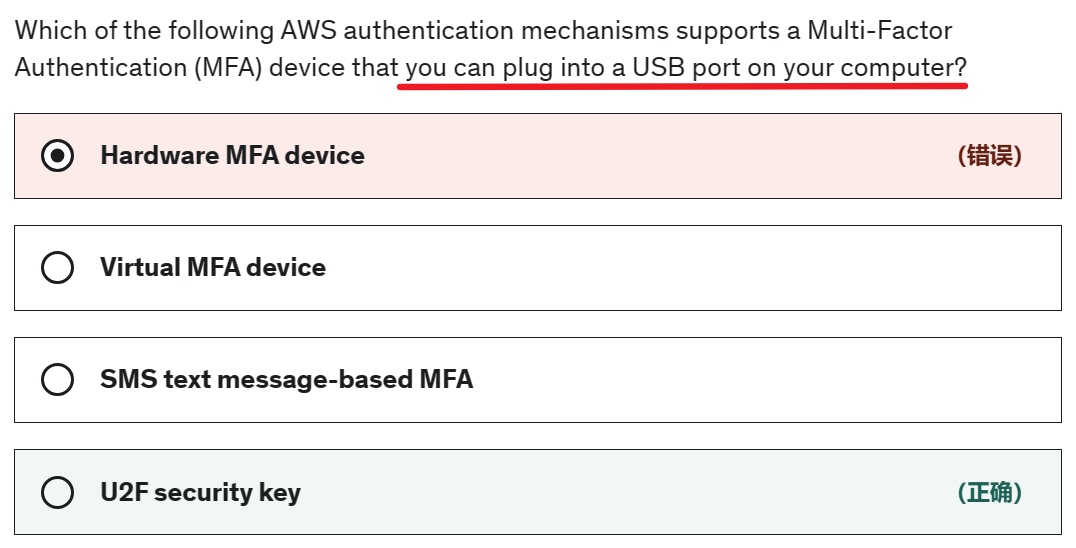
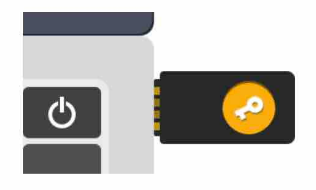
- U2F security key - Universal 2nd Factor (U2F) Security Key is a device that you can plug into a USB port on your computer.
Virtual MFA device - software app generates a six-digit numeric code.
Hardware MFA device - hardware device generates a six-digit numeric code
SMS text message-based MFA - When the user signs in, AWS sends a six-digit numeric code by SMS text message to the user's mobile device.
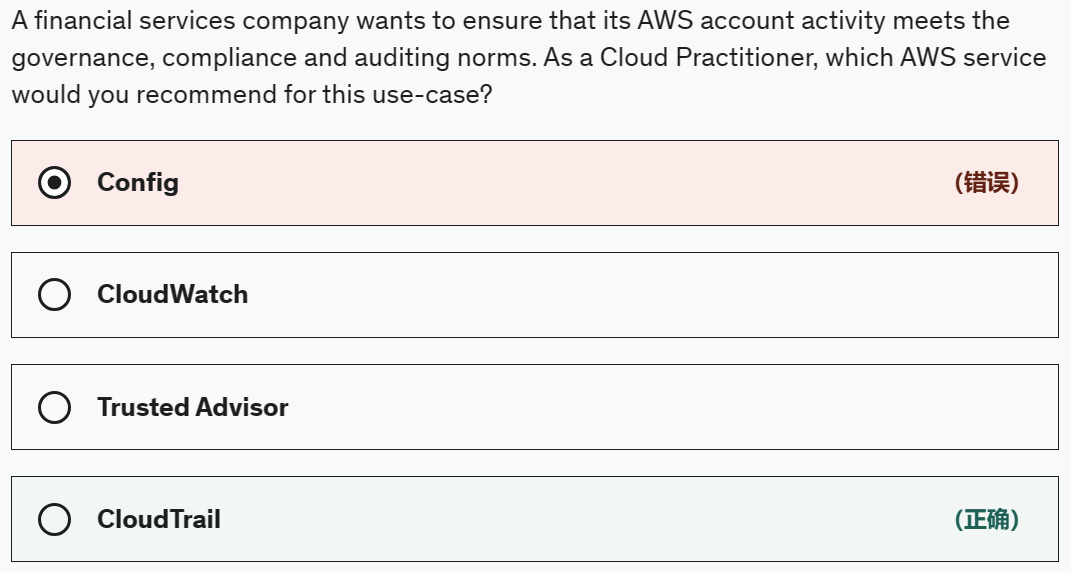
Exam Alert:
You may see use-cases asking you to select one of CloudWatch vs CloudTrail vs Config.
Just remember this thumb rule ------
Think resource performance monitoring, events, and alerts; think CloudWatch.
Think account-specific activity and audit; think CloudTrail.
Think resource-specific change history, audit, and compliance; think Config.

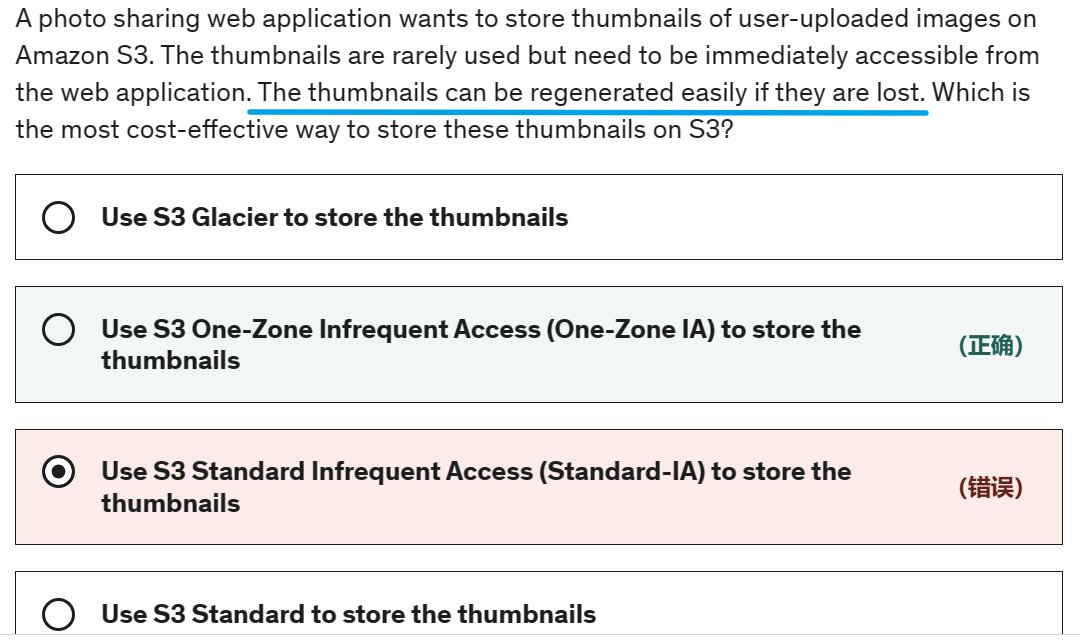
It means versioning, not availability.
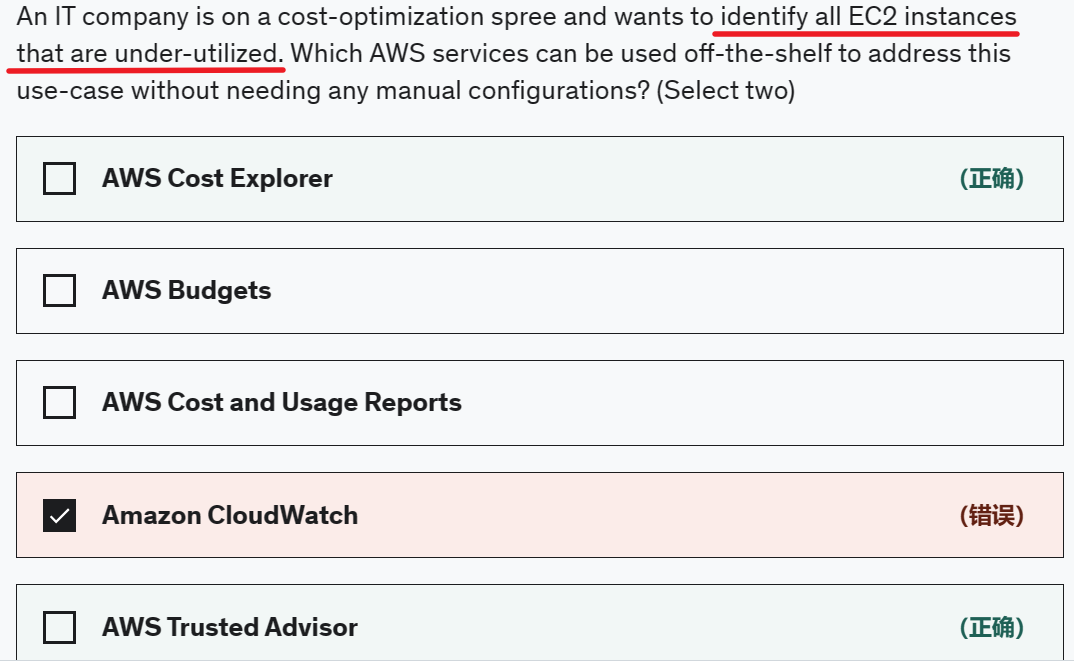
off-the-shelf 现成的
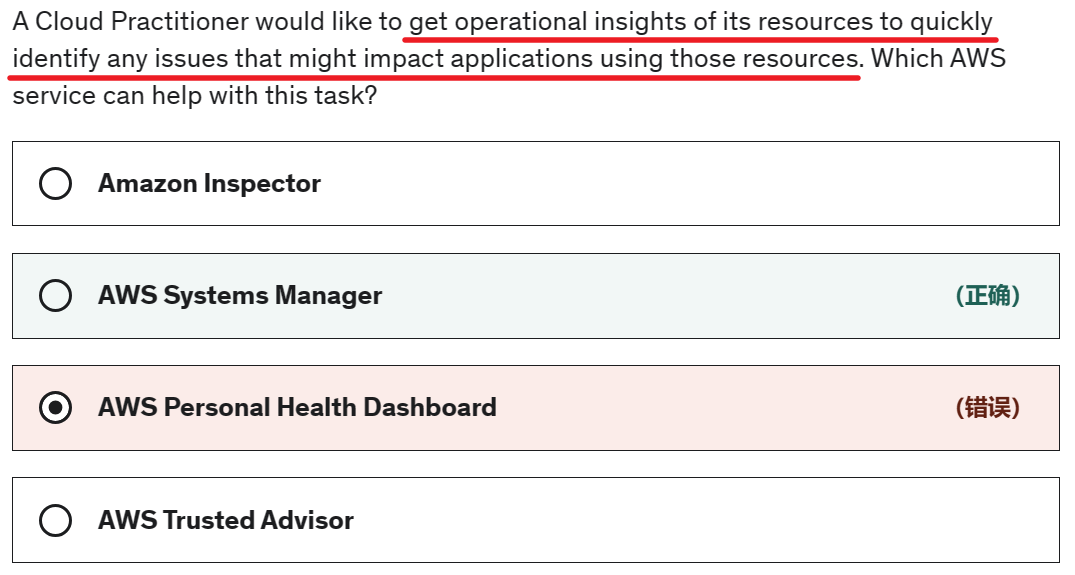
AWS Systems Manager - AWS Systems Manager allows you to centralize operational data from multiple AWS services and automate tasks across your AWS resources. Systems Manager provides a central place to view and manage your AWS resources, so you can have complete visibility and control over your operations.
AWS Personal Health Dashboard - AWS Personal Health Dashboard provides alerts and remediation guidance when AWS is experiencing events that might affect you. It is not used to get operational insights of AWS resources.
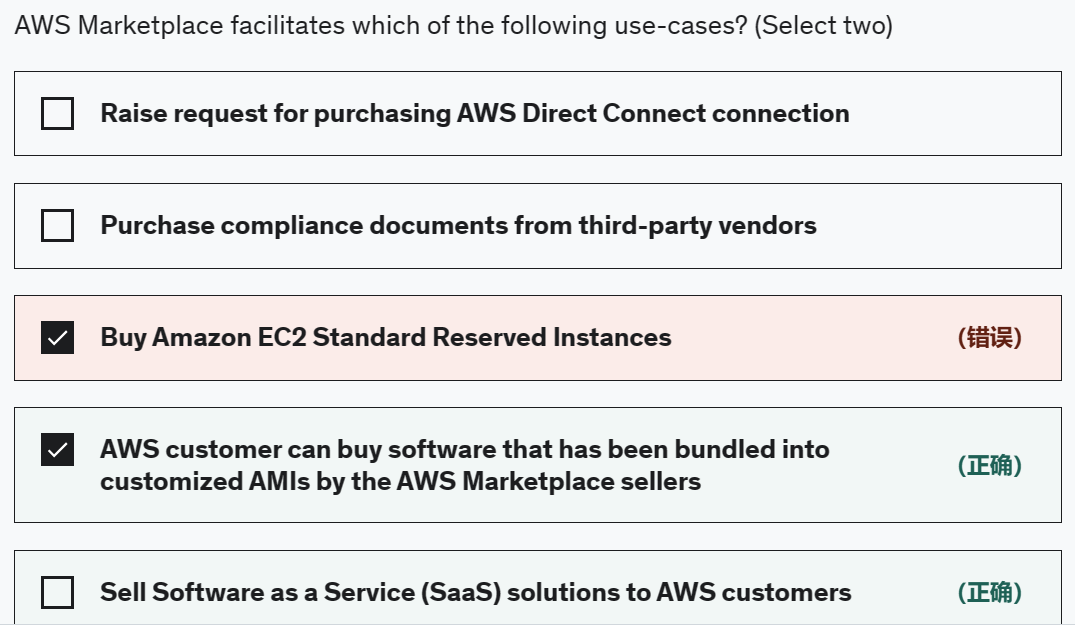
AWS Marketplace offers two ways for sellers to deliver software to customers: Amazon Machine Image (AMI) and Software as a Service (SaaS).
Amazon Machine Image (AMI): Offering an AMI is the preferred option for listing products in AWS Marketplace. Partners have the option for free or paid products. Partners can offer paid products charged by the hour or month. Bring Your Own License (BYOL) is also available and enables customers with existing software licenses to easily migrate to AWS.
Software as a Service (SaaS): If you offer a SaaS solution running on AWS (and are unable to build your product into an AMI) the SaaS listing offers our partners a way to market their software to customers.
Buy Amazon EC2 Standard Reserved Instances - Amazon EC2 Standard Reserved Instances can be bought from the Amazon EC2 console at https://console.aws.amazon.com/ec2/
Raise request for purchasing AWS Direct Connect connection - AWS Direct Connect connection can be raised from the AWS management console at https://console.aws.amazon.com/directconnect/v2/home
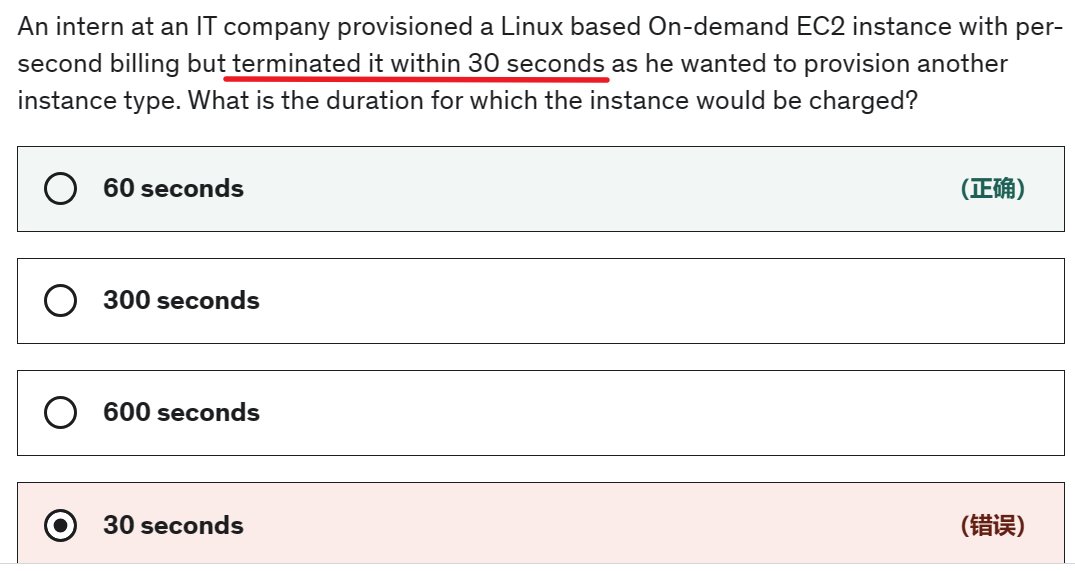
- 60 seconds - There is a one-minute minimum charge for Linux based EC2 instances, so this is the correct option.
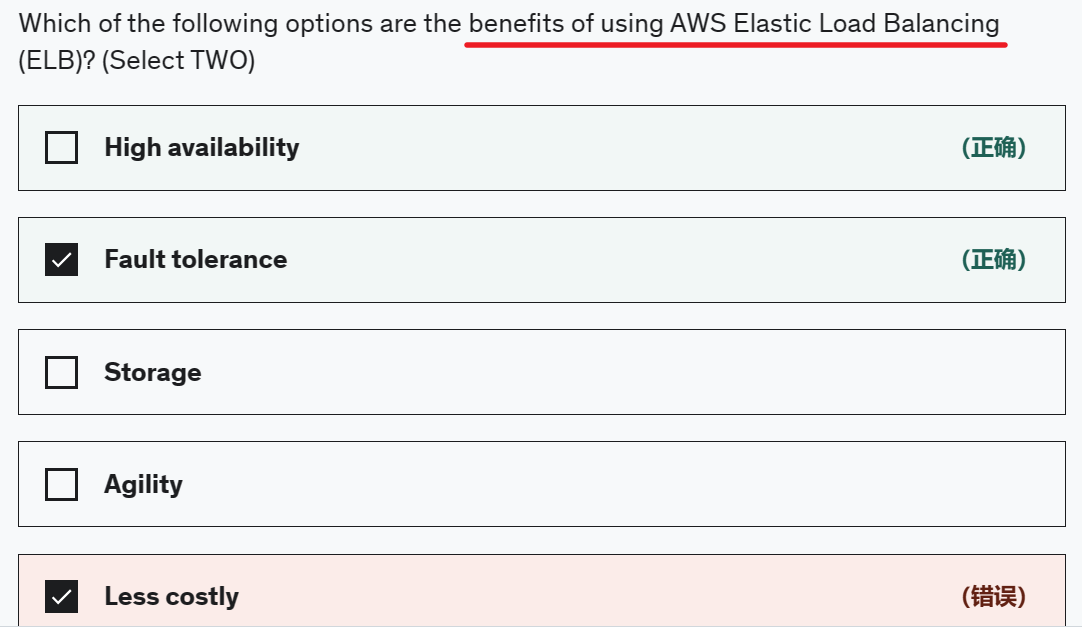
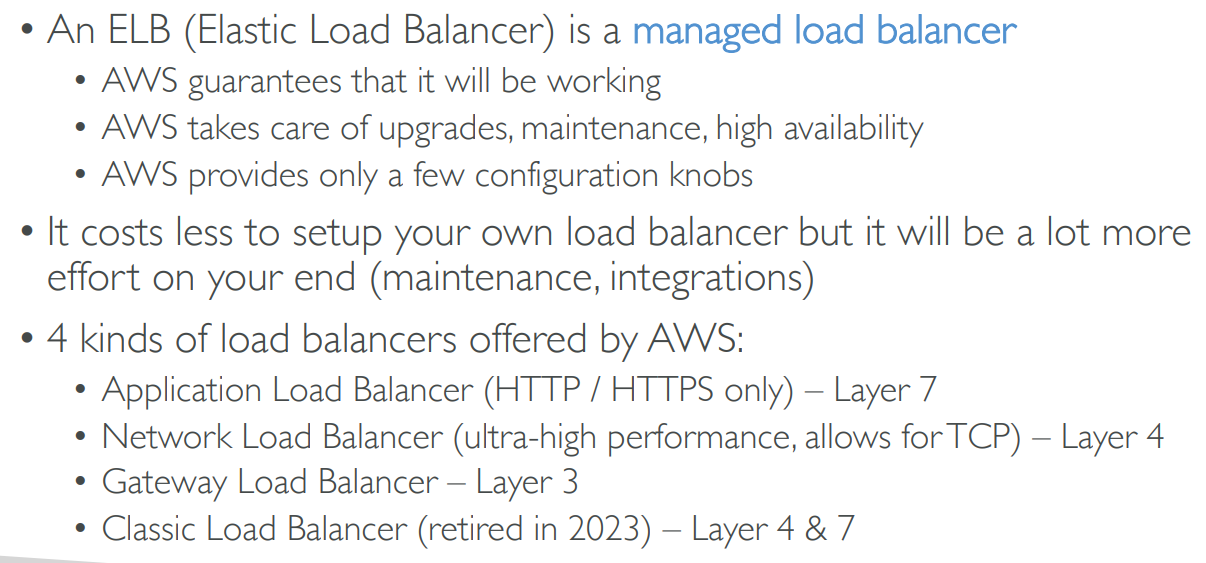
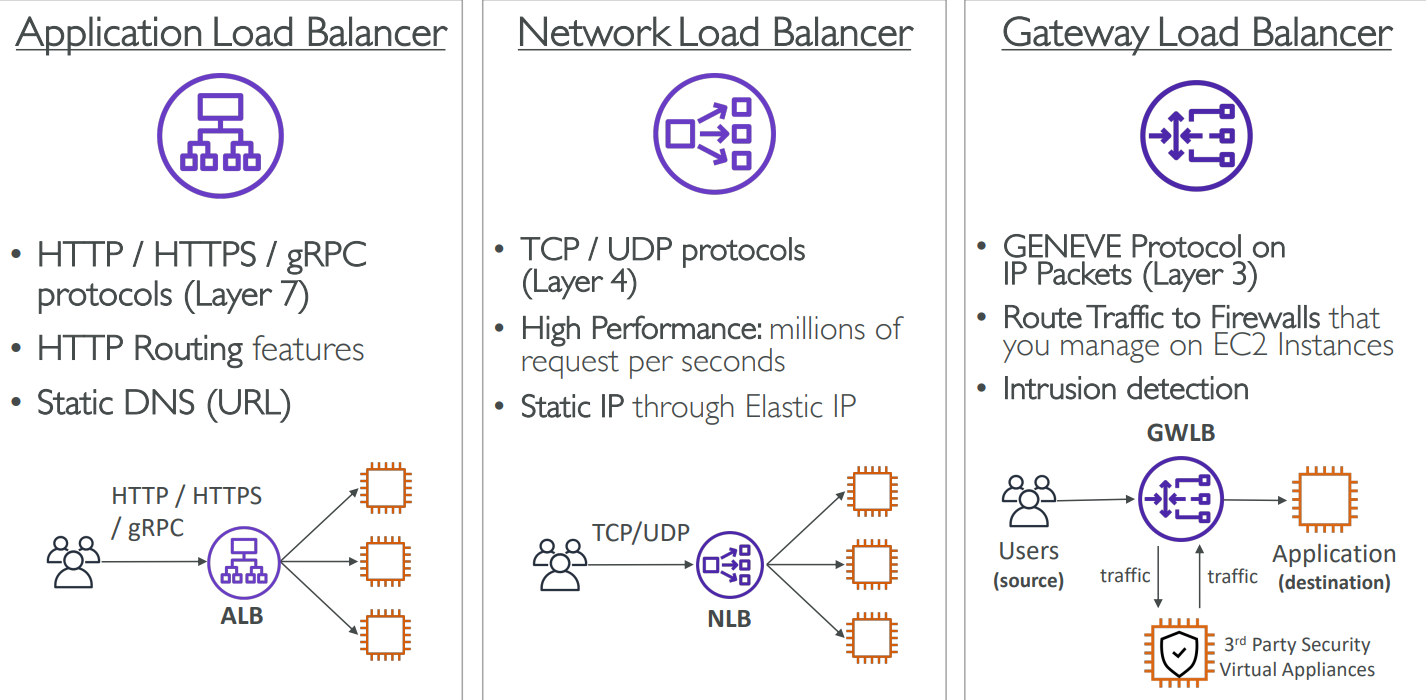
Elastic Load Balancing offers three types of load balancers that all feature the high availability, automatic scaling, and robust security necessary to make your applications fault-tolerant.
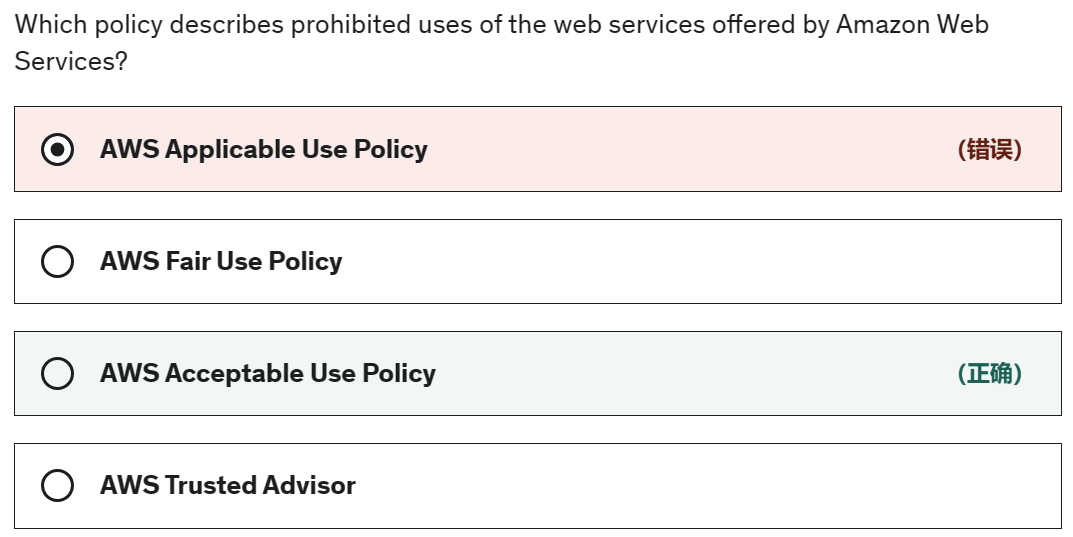
AWS Acceptable Use Policy - The Acceptable Use Policy describes prohibited uses of the web services offered by Amazon Web Services, Inc. and its affiliates (the “Services”) and the website located at http://aws.amazon.com (the “AWS Site”). This policy is present at https://aws.amazon.com/aup/ and is updated on a need basis by AWS.
AWS Fair Use Policy - This is a made-up option and has been added as a distractor.
AWS Applicable Use Policy - This is a made-up option and has been added as a distractor.
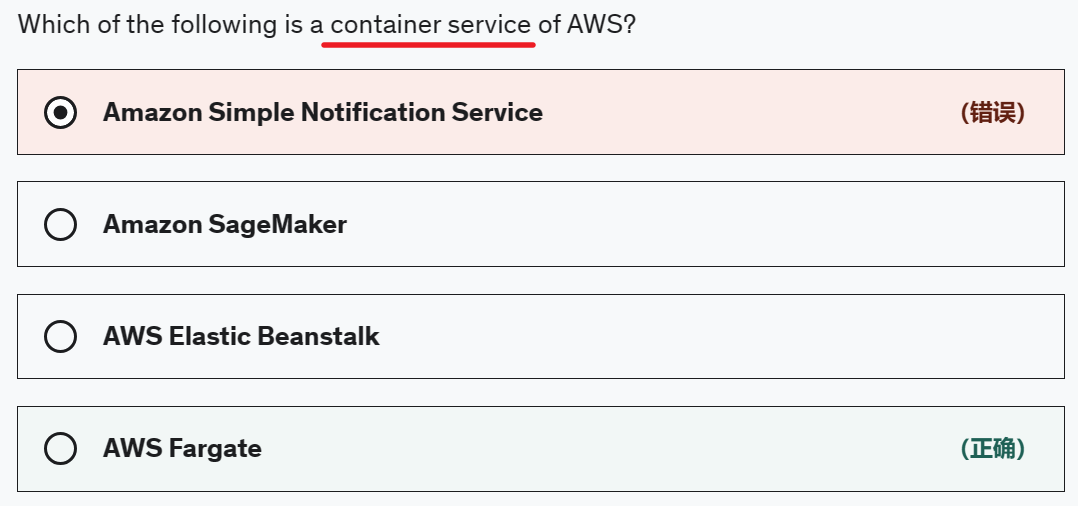
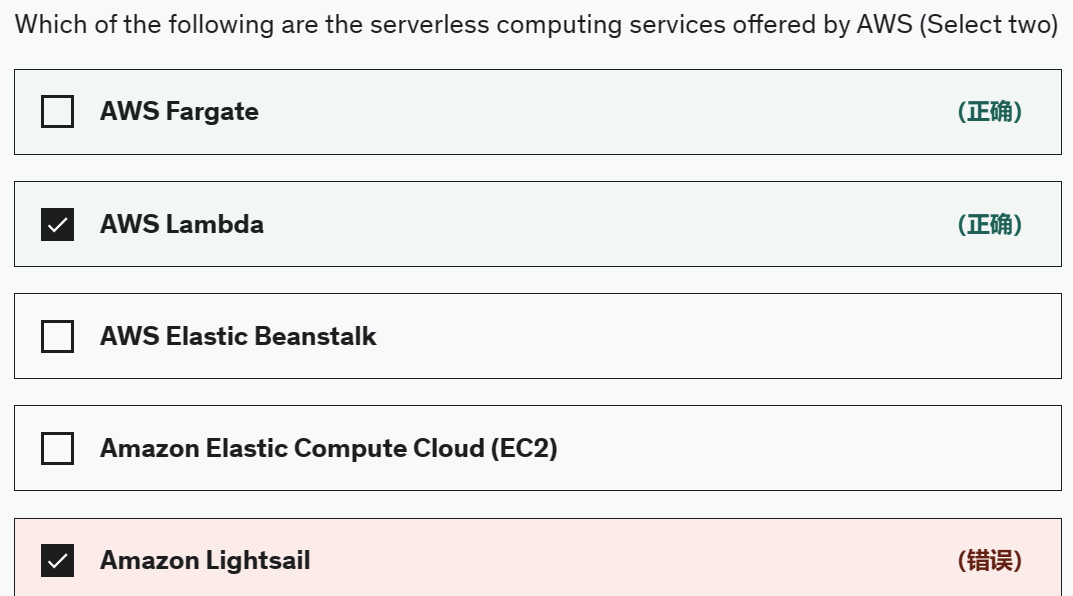
- AWS Fargate - AWS Fargate is a serverless compute engine for containers.
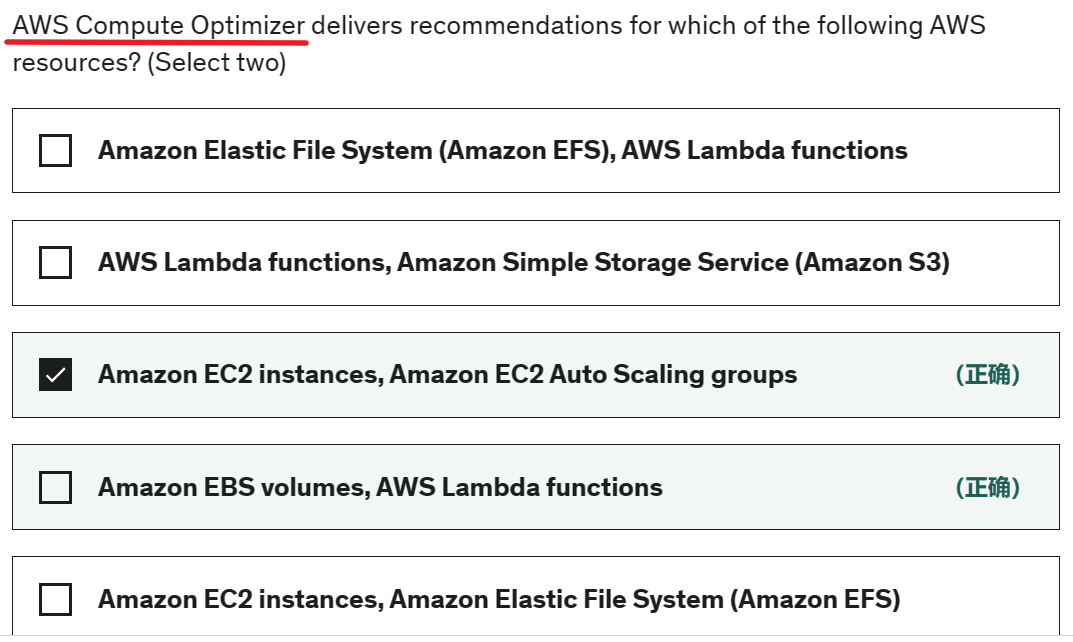
AWS Compute Optimizer delivers recommendations for selected types of EC2 instances, EC2 Auto Scaling groups, EBS volumes, and Lambda functions.
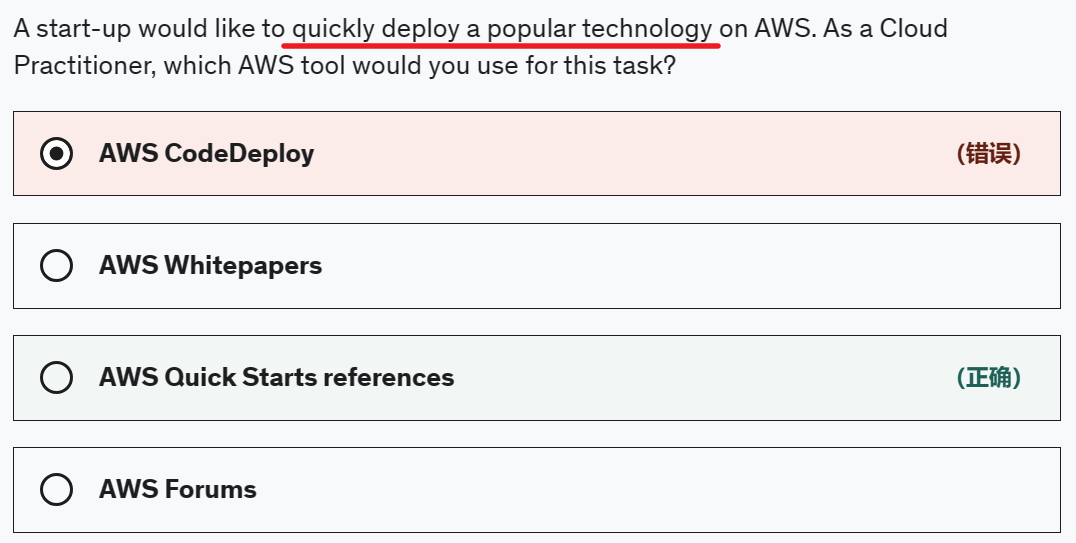
AWS Quick Starts references
Quick Starts are built by AWS solutions architects and partners to help you deploy popular technologies on AWS, based on AWS best practices for security and high availability. These accelerators reduce hundreds of manual procedures into just a few steps, so you can build your production environment quickly and start using it immediately.
AWS CodeDeploy
AWS CodeDeploy is a service that automates code deployments to any instance, including EC2 instances and instances running on-premises. It is not suited to rapidly deploy popular technologies on AWS ready to used immediately.
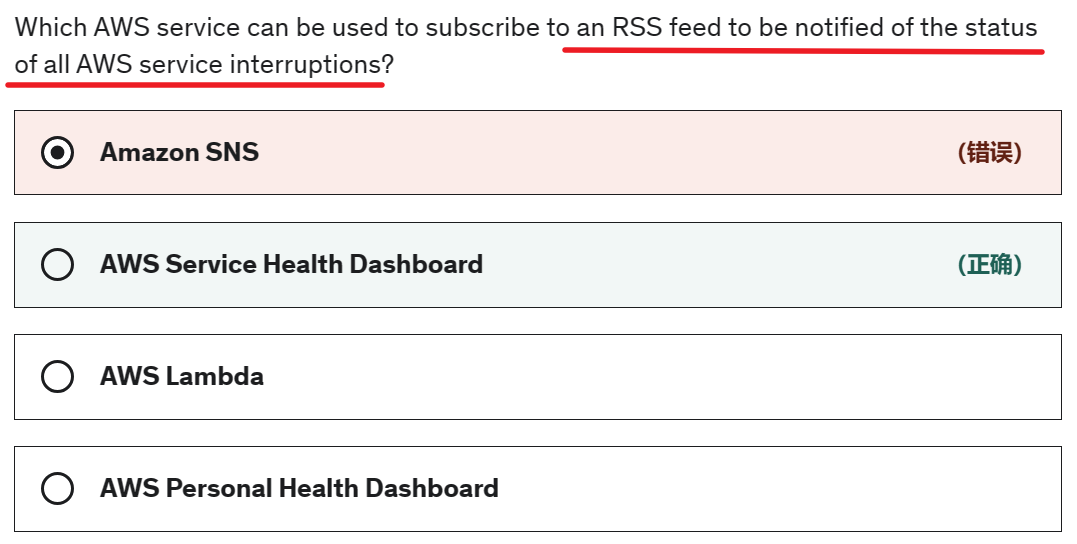
AWS Service Health Dashboard
AWS Service Health Dashboard offers the possibility to subscribe to an RSS feed to be notified of interruptions to each service.
AWS Personal Health Dashboard
AWS Personal Health Dashboard provides alerts and remediation guidance when AWS is experiencing events that may impact you. It does not provide updates about the general status for all AWS services.
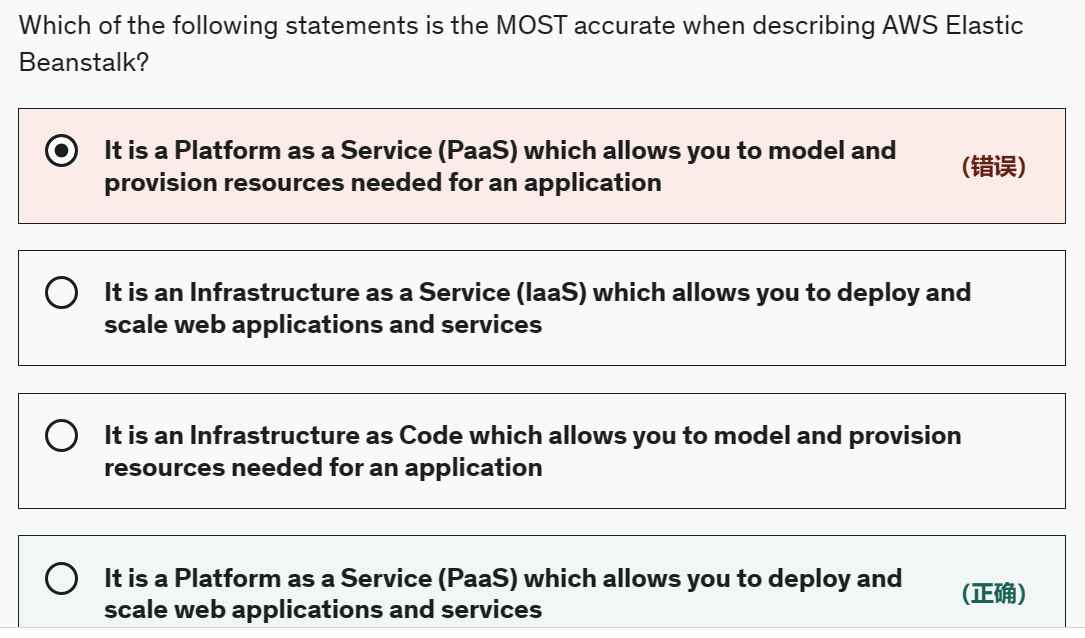
AWS Elastic Beanstalk is a Platform as a Service (PaaS) which allows you to deploy and scale web applications and services.
AWS CloudFormation allows you to model and provision resources needed for an application.
# AWS official questions

Which Amazon EC2 pricing model adjusts based on supply and demand of EC2 instances?
- spot instances
Which Amazon EC2 pricing model adjusts based on supply and demand of EC2 instances?
- Volume pricing qualification
